AddonsBedrock
WHITA | What is That?
Minecraft constantly gains more items, blocks, and mobs, especially when adding various mods. Therefore, the WHITA | What is That? addon will be useful to…
⬇ Download
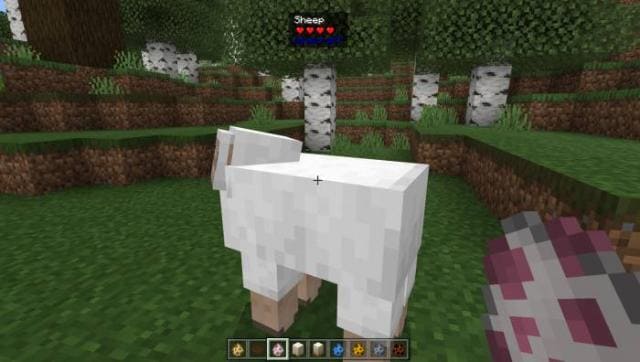
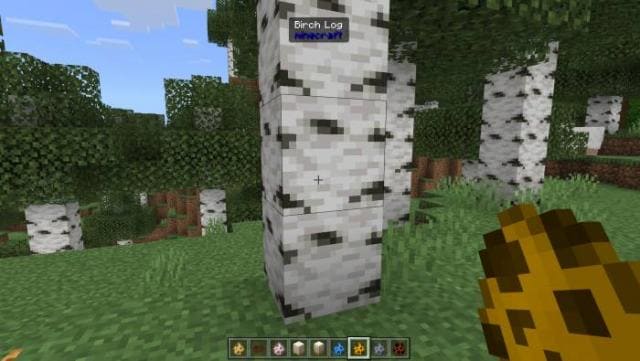
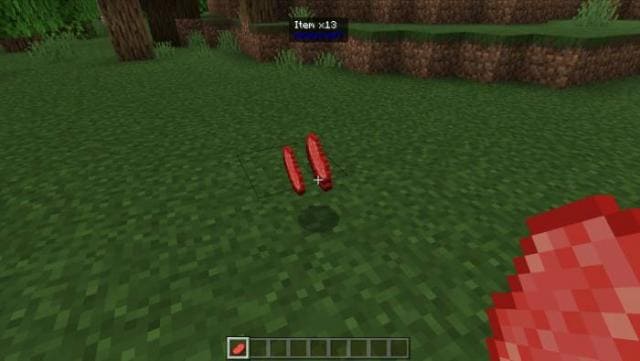
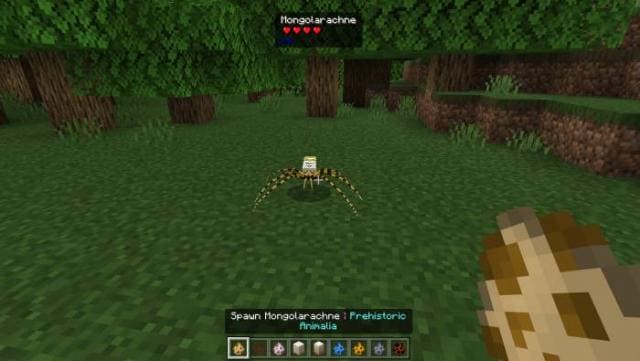
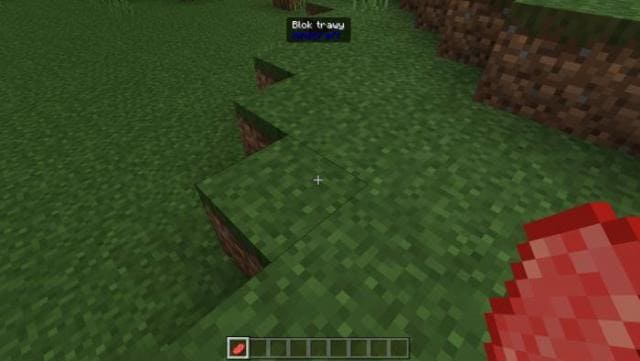

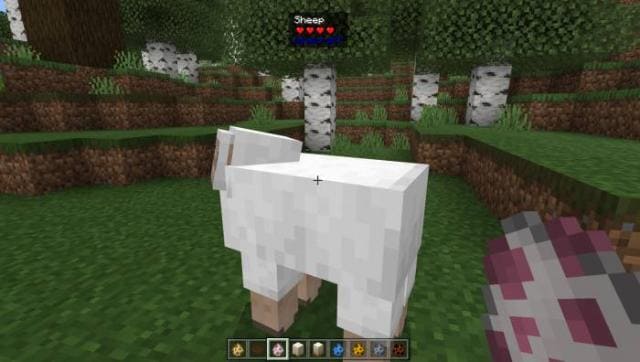
WHITA displays information when hovering over game elements. For mobs, it shows name, mod ID, health, and whether it's a baby. For blocks, it shows the name and mod ID. For items, it displays quantity and mod ID. Works with all other addons. Requires Experimental Options to be enabled.
Quick facts
- Edition: Minecraft Bedrock
- File type: .mcpack or .mcaddon
- How to install: Download the .mcpack or .mcaddon file. → Open it — Minecraft imports it. → In your world: Behavior Packs → Available → Activate, then the same under Resource Packs.
- Where to get it: In MCModsHub, or directly above on this page.
Install steps are the general flow for this file type — see the MCModsHub guides for the full walkthrough.
Verified by MCModsHub
- Pack type: .mcpack — a single pack
- Manifest requires Minecraft 1.20.0 or newer
- Needs Beta APIs switched on in the world settings
- Ships one half — this pack asks for another pack that is not included
- Download link checked 18 Jun 2026 — working
- Mirrored on our own servers — the download does not depend on the original host
These come from our own check of the pack file, not from the source page.