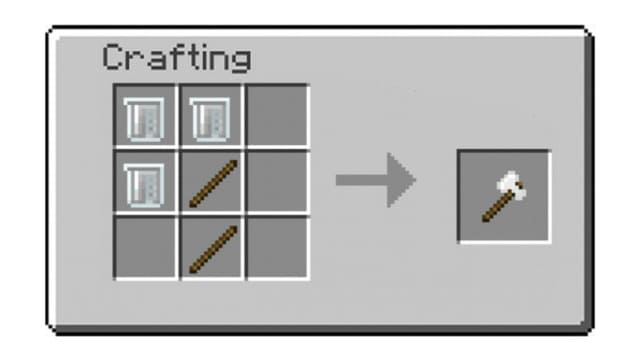
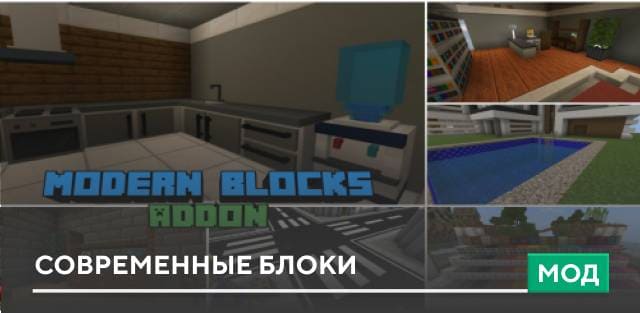
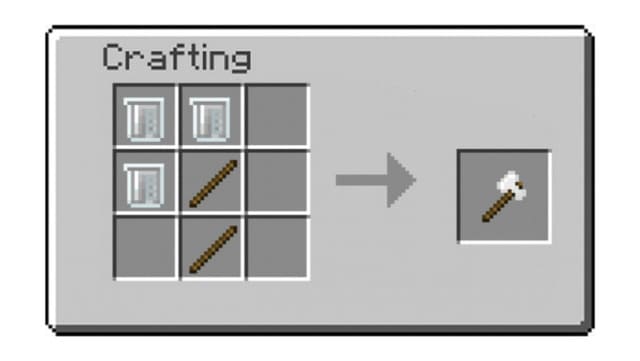
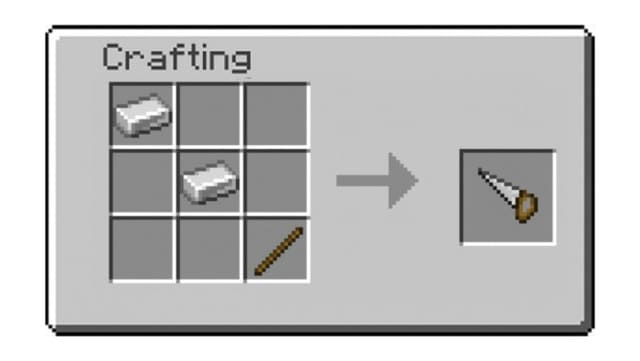
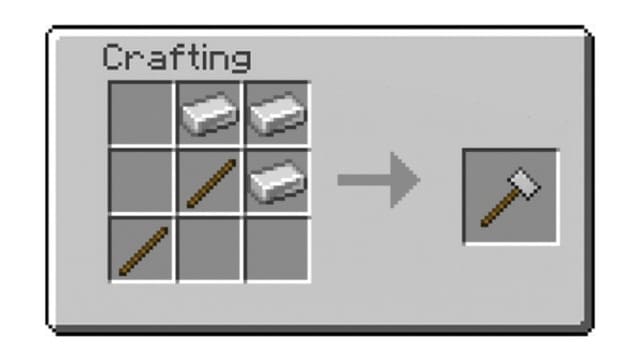
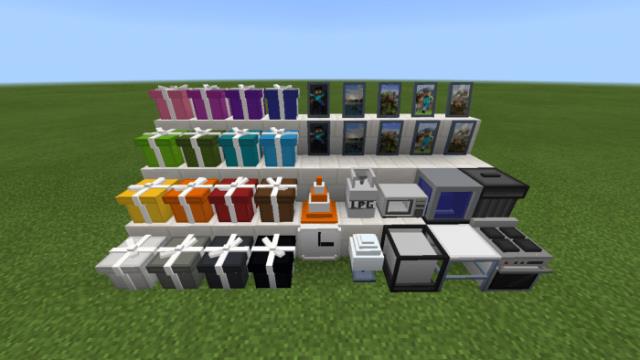
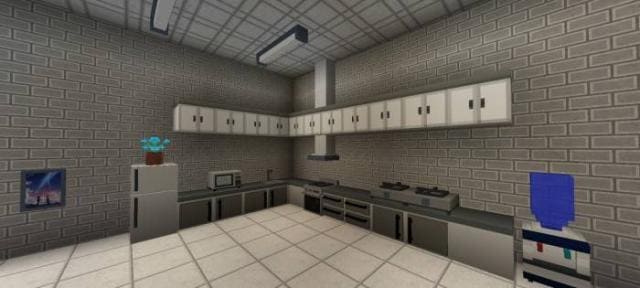
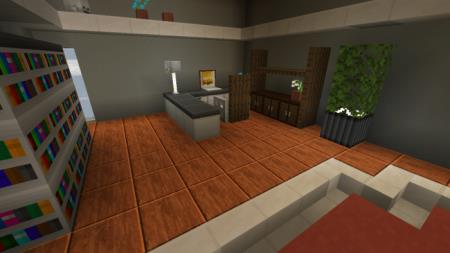
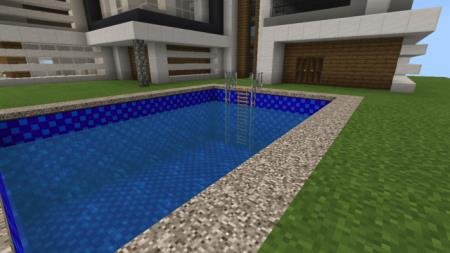
If you're always lacking the desired blocks for building a house, decorating a yard, or designing an interior, try the Modern Blocks mod, which provides many new blocks for Minecraft PE. With new decorative elements, you can arrange your structures as you see fit. The addon allows you to construct not only houses and mansions, but also offices, shops, and other non-residential buildings. Where to find recipes? All addon recipes are available in-game: open your inventory and click the bookshelf icon. Tools: Plastic Axe allows faster plastic mining. Plastic Saw allows faster wood block mining. Plastic Hammer allows faster tile and stone mining. 3D Blocks: The author added custom blocks with the new update: tables, chairs, various types of lighting, and more. Use the command /function get_3d_blocks to obtain them. Tiles: Used for house floor decoration. Over 260 types of tiles: each block type has 16 colors and 5 patterns. Plastic: A popular material without which we can't imagine life. But plastic doesn't exist in nature—you must craft it yourself. You need to mine oil. Since oil is a chemical element, players must activate educational mode to obtain it.
Quick facts
- Edition: Minecraft Bedrock
- File type: .mcpack or .mcaddon
- How to install: Download the .mcpack or .mcaddon file. → Open it — Minecraft imports it. → In your world: Behavior Packs → Available → Activate, then the same under Resource Packs.
- Where to get it: In MCModsHub, or directly above on this page.
Install steps are the general flow for this file type — How to install Minecraft Bedrock addons & mods walks through it step by step.
Verified by MCModsHub
- Pack type: .mcpack — a single pack
- Manifest requires Minecraft 1.20.10 or newer
- Complete pack — everything it depends on is inside the file
- Download size: 1.4 MB
- Download link checked 18 Jun 2026 — working
- Mirrored on our own servers — the download does not depend on the original host
These come from our own check of the pack file, not from the source page.