AddonsBedrock
Debug Screen 2
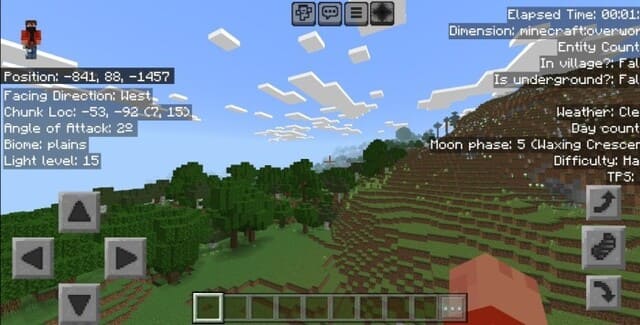
Display debug information like Java Edition. Shows coordinates, direction, chunk, biome, light level, weather, and more on screen.
⬇ Download
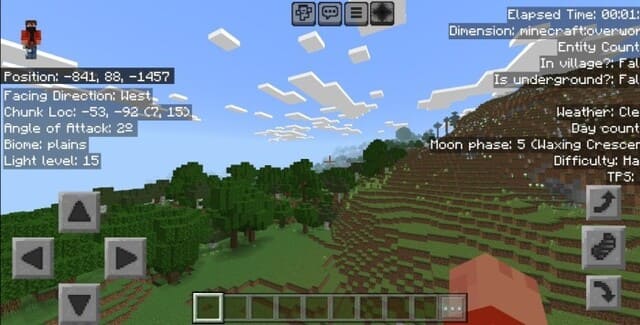

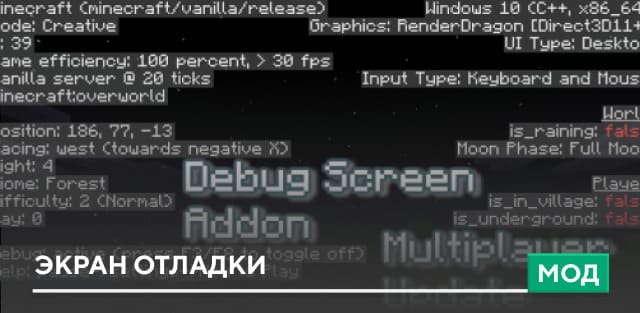
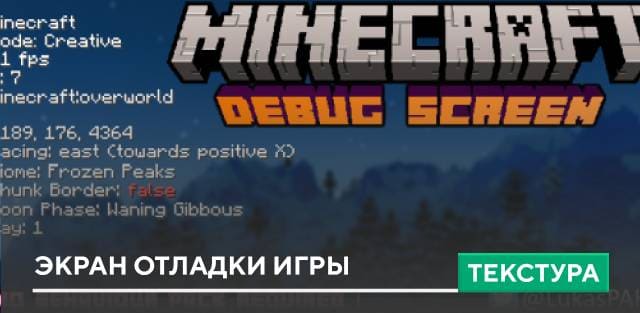


Adds Java Edition-style debug screen to Bedrock with left panel (direction, chunk coords, angle, biome, light level), top-right panel (playtime, dimension, entity count, village status), and middle-right panel (weather, day counter, moon phase, difficulty, TPS). Requires Experimental Options and supports language selection.
Quick facts
- Edition: Minecraft Bedrock
- File type: .mcpack or .mcaddon
- Minecraft versions listed: 1.20.50, 1.20.40
- How to install: Download the .mcpack or .mcaddon file. → Open it — Minecraft imports it. → In your world: Behavior Packs → Available → Activate, then the same under Resource Packs.
- Where to get it: In MCModsHub, or directly above on this page.
Install steps are the general flow for this file type — How to install Minecraft Bedrock addons & mods walks through it step by step.
Verified by MCModsHub
- Pack type: .mcaddon — behaviour and resource pack in one file
- Manifest requires Minecraft 1.20.50 or newer
- Needs Beta APIs switched on in the world settings
- Complete pack — everything it depends on is inside the file
- Download size: 1.7 MB
- Download link checked 18 Jun 2026 — working
- Mirrored on our own servers — the download does not depend on the original host
These come from our own check of the pack file, not from the source page.