AddonsBedrock
Laptop Addons with Custom UI Screen
Bedrock add-on listed for Minecraft 1.13–1.20 (behavior + resource pack). File opened and checked on 20 Oct 2026; installs from the MC Bedrock Mods app on Android.
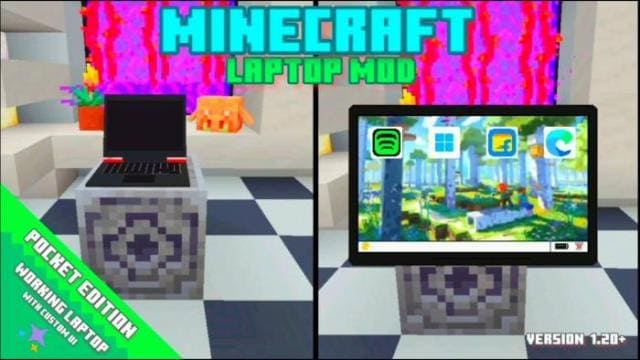
A real laptop has appeared in Minecraft: install the Laptop Addons with Custom UI Screen mod. The device has a full-featured user interface, not just…
⬇ Download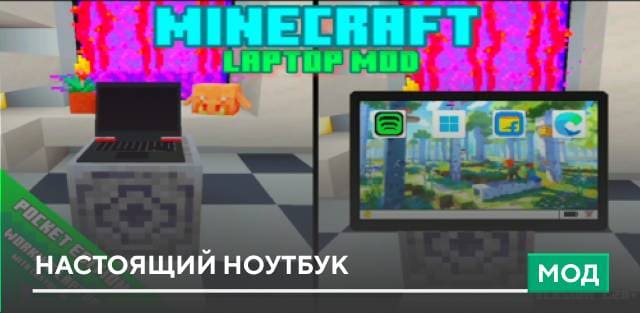
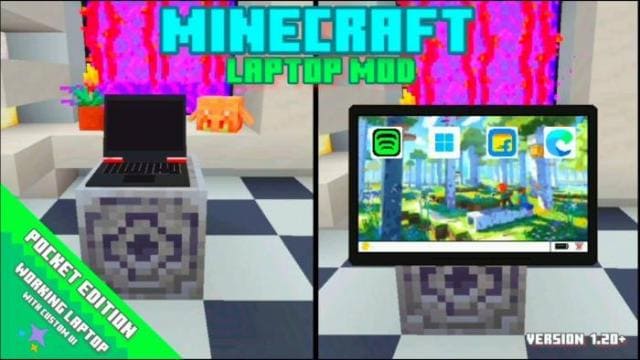

This mod adds a fully functional laptop with custom UI. Features include a music application with 3 music types (Love, Cool Theme, Favorites), Windows 11 app with game, settings, and shutdown options, a shopping app where you can buy items for free or with emeralds, and a browser (currently not working). Enable Experimental Options in your map settings.
Quick facts
- Edition: Minecraft Bedrock
- File type: .mcpack or .mcaddon
- Minecraft versions listed: 1.20.0, 1.19.80, 1.19.70
- How to install: Download the .mcpack or .mcaddon file. → Open it — Minecraft imports it. → In your world: Behavior Packs → Available → Activate, then the same under Resource Packs.
- Where to get it: In MCModsHub, or directly above on this page.
Install steps are the general flow for this file type — How to install Minecraft Bedrock addons & mods walks through it step by step.
File checked by MCModsHub
- Pack type: .mcaddon — behaviour and resource pack in one file
- Manifest requires Minecraft 1.13.0 or newer
- Complete pack — everything it depends on is inside the file
- Download size: 10.0 MB
- Download link checked 18 Jun 2026 — working
- Mirrored on our own servers — the download does not depend on the original host
These come from our own check of the pack file, not from the source page.