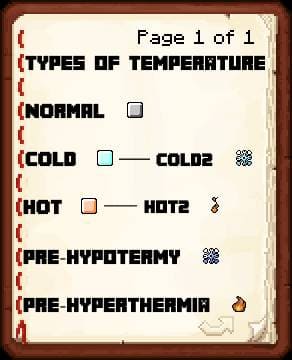

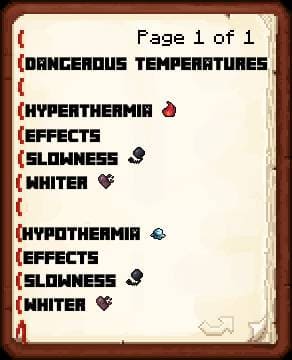
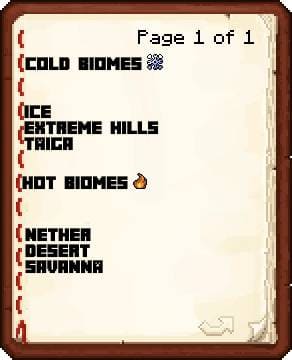
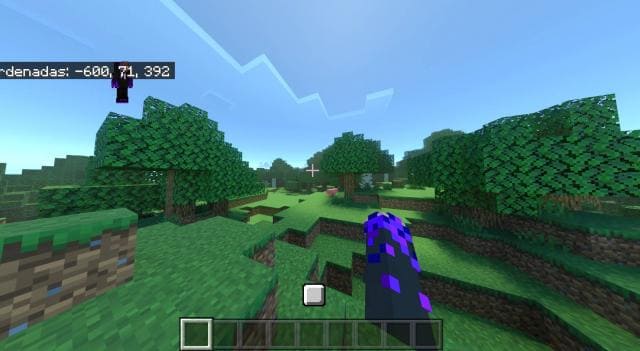
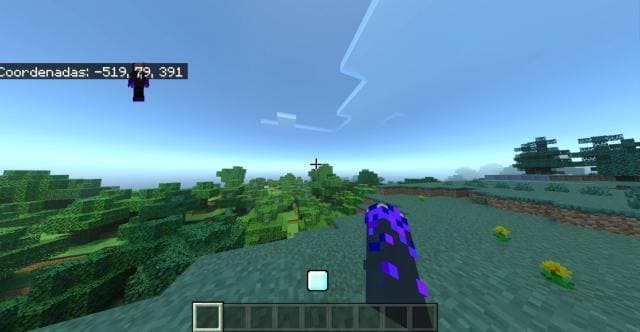
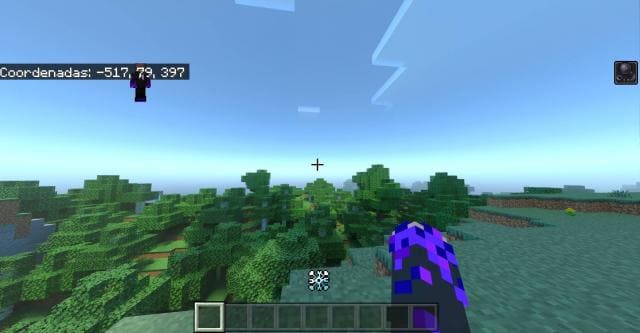
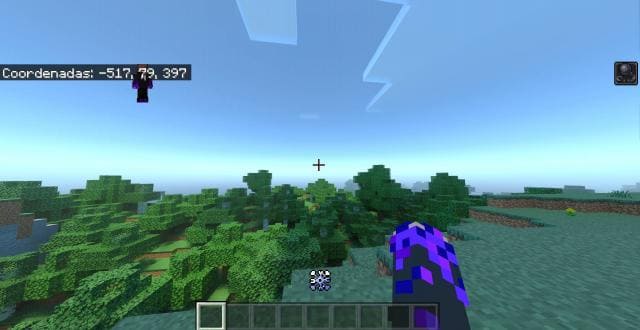
Surviving even on difficult levels is a fairly simple task for experienced Minecraft PE users. Therefore, the TemperaturesBedrock mod adds a small complication when surviving in the blocky world. Now each biome has its own temperature. If you stay in low or elevated temperature for long enough, you can easily die. Below the quick access panel, the player will always see a status indicator that measures the biome's temperature. Depending on the icon, you need to decide whether to stay in the biome or find a better place. Temperature types include Normal, Cold, Warm, Freezing, and Extreme variants, each with different effects and biome associations.
Quick facts
- Edition: Minecraft Bedrock
- File type: .mcpack or .mcaddon
- How to install: Download the .mcpack or .mcaddon file. → Open it — Minecraft imports it. → In your world: Behavior Packs → Available → Activate, then the same under Resource Packs.
- Where to get it: In MCModsHub, or directly above on this page.
Install steps are the general flow for this file type — How to install Minecraft Bedrock addons & mods walks through it step by step.
Verified by MCModsHub
- Pack type: .mcpack — a single pack
- Manifest requires Minecraft 1.13.0 or newer
- Ships one half — this pack asks for another pack that is not included
- Download size: 284 KB
- Download link checked 18 Jun 2026 — working
- Mirrored on our own servers — the download does not depend on the original host
These come from our own check of the pack file, not from the source page.