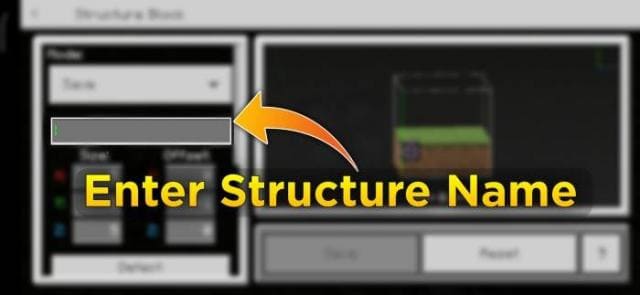

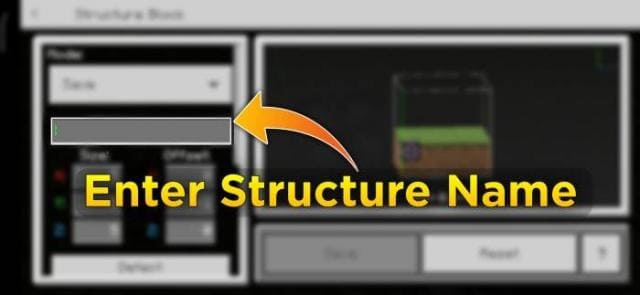
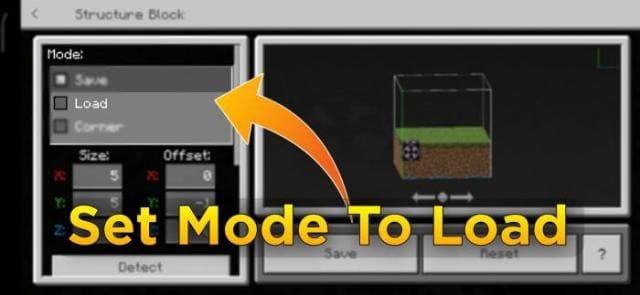
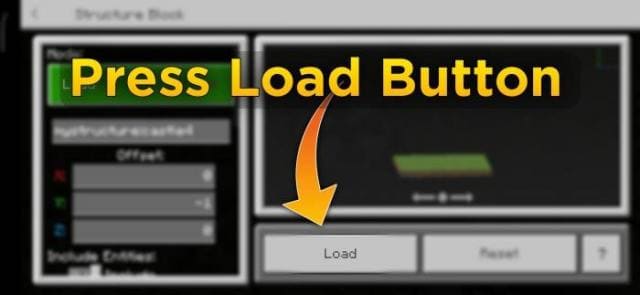
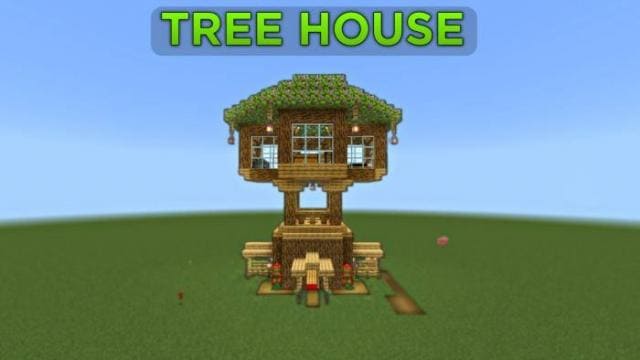
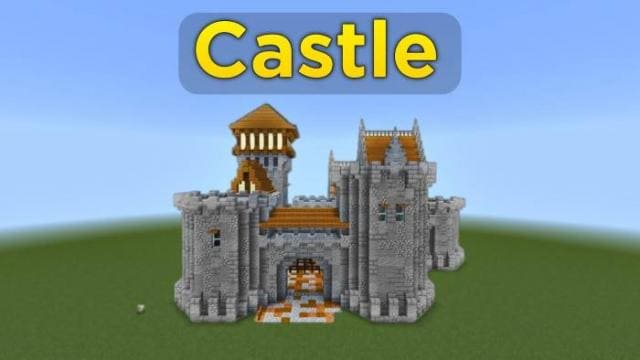
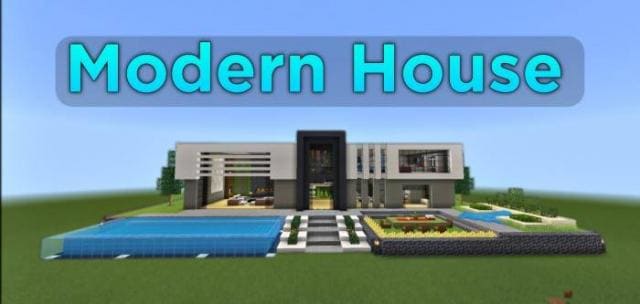

Save your time and don't waste it building different structures in Minecraft. Use the Quick Craft mod to speed up any construction process. There are 164 template structures, including tree houses, underwater houses, lobbies, farms, and much more. To get a list of structures, you need to enter one of the commands: /function list1, /function list2, /function extra. Then select a structure and write down its coordinates. Next, enter the command /give @p structure_block. The received Structure Block should be placed according to the selected coordinates: -1 means placing the block by digging one block of earth, +1 means placing on the placed earth block, 0 means simply placing on the ground. Enter the structure name, set loading, load the structure.
Quick facts
- Edition: Minecraft Bedrock
- File type: .mcpack or .mcaddon
- How to install: Download the .mcpack or .mcaddon file. → Open it — Minecraft imports it. → In your world: Behavior Packs → Available → Activate, then the same under Resource Packs.
- Where to get it: In MCModsHub, or directly above on this page.
Install steps are the general flow for this file type — How to install Minecraft Bedrock addons & mods walks through it step by step.
Verified by MCModsHub
- Pack type: .mcaddon — behaviour and resource pack in one file
- Manifest requires Minecraft 1.13.0 or newer
- Complete pack — everything it depends on is inside the file
- Download size: 779 KB
- Download link checked 30 Jun 2026 — working
- Mirrored on our own servers — the download does not depend on the original host
These come from our own check of the pack file, not from the source page.