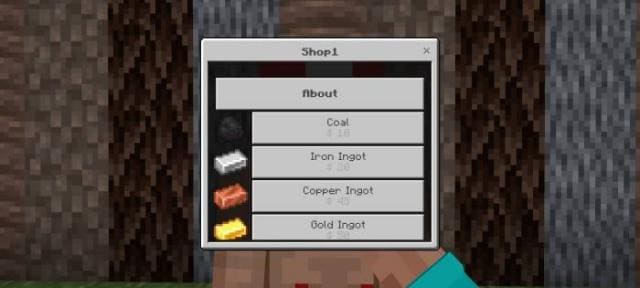
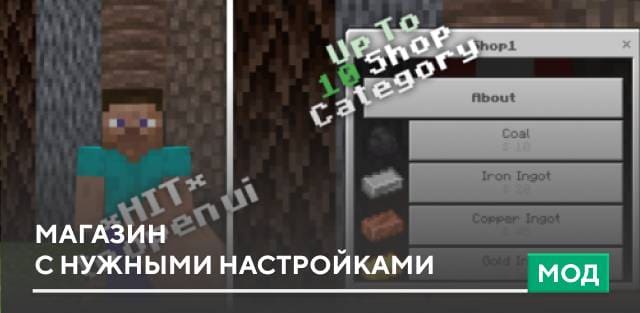
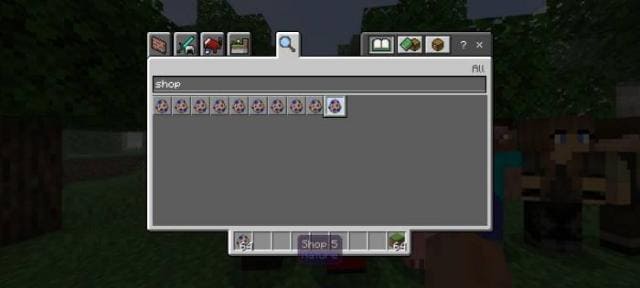
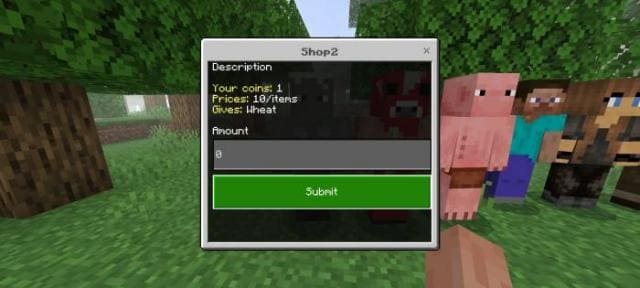

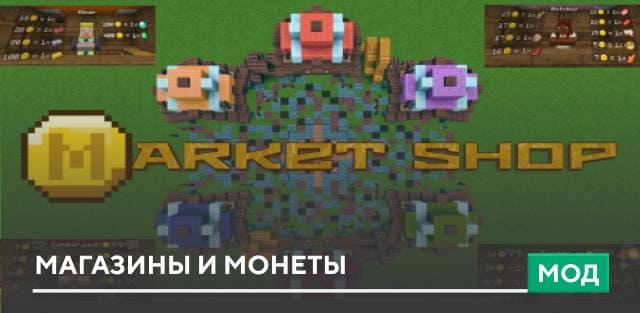
If you're a Minecraft Pocket Edition player who loves building and creating, you likely need a shop system like the one found in the myShopAPI mod. The addon introduces a trading system that can be easily added to the game. How does it work? You can independently change settings in the config.js file. Support for multiple traders. Different types of shops: fixed price, dynamic price, buying items from players and more. After starting the world, run the command /function shop-setup to activate the addon. Don't forget to enable Experimental Options in the world settings.
Quick facts
- Edition: Minecraft Bedrock
- File type: .mcpack or .mcaddon
- Minecraft version listed: 1.19.60
- How to install: Download the .mcpack or .mcaddon file. → Open it — Minecraft imports it. → In your world: Behavior Packs → Available → Activate, then the same under Resource Packs.
- Where to get it: In MCModsHub, or directly above on this page.
Install steps are the general flow for this file type — How to install Minecraft Bedrock addons & mods walks through it step by step.
Verified by MCModsHub
- Pack type: .mcaddon
- Manifest requires Minecraft 1.19.50 or newer
- Needs Beta APIs switched on in the world settings
- Ships one half — this pack asks for another pack that is not included
- Download link checked 18 Jun 2026 — working
- Mirrored on our own servers — the download does not depend on the original host
These come from our own check of the pack file, not from the source page.