
ModsJava
Paginated Advancements & Custom Frames
Java mod listed for Minecraft 26.x. File opened and checked on 18 Oct 2026; downloads from the MC Java Mods app on Android.
⬇ Download on Modrinth
Make your advancement screen not suck!
Features
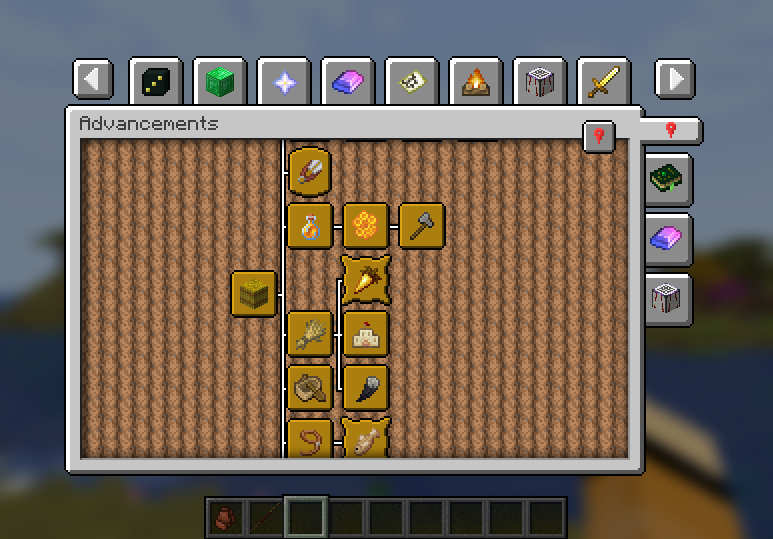
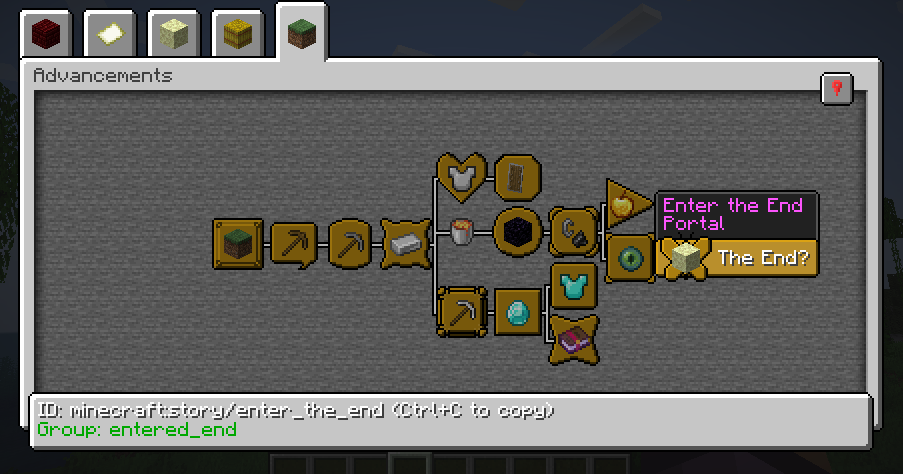
Paginated Advancements completely overhauls the advancement screen by adding a load of features:
- Makes the screen bigger, instead of vanillas fixed, tiny size
- Pagination (no "this modpack has too many tabs to display them all" anymore!)
- Pin the advancement tabs you are currently focusing on
- Remembering the last opened tab
Also adds some styling options, to make the screen exactly how you prefer it:
- Disable background fading
- Configurable Spacing between tabs. Allowing them to be condensed quite a bit, or giving them more room to breathe
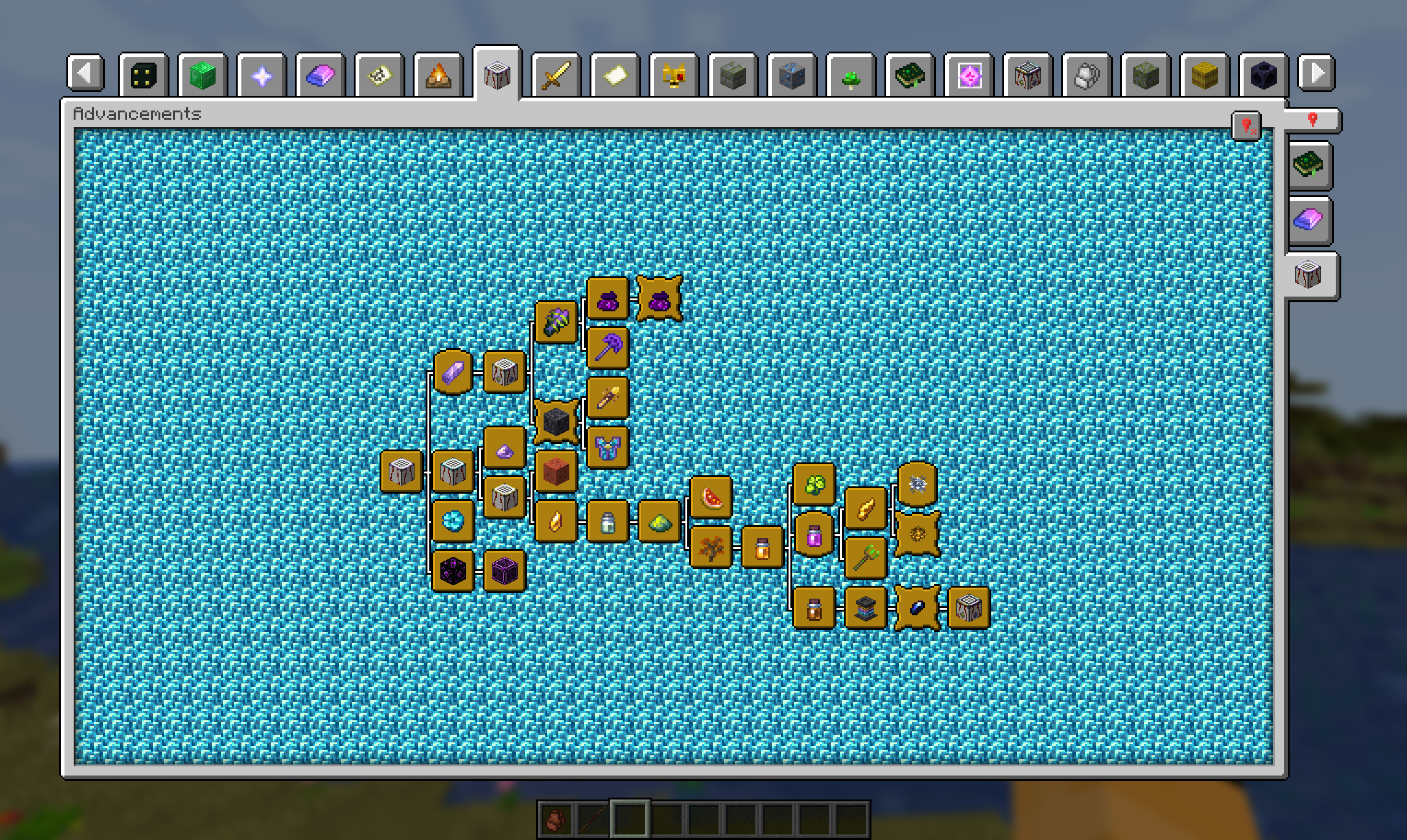
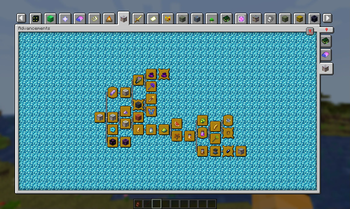
Additional Advancement Frames & Colors
With version 2.0 comes the ability to register new advancement frames, including custom colors, via data pack / mods that support it. Find out how in the Wiki
Quick facts
- Edition: Minecraft Java
- File type: .jar
- Minecraft version listed: 26.2
- How to install: Install the matching mod loader (Forge, Fabric or NeoForge) for your Minecraft version. → Download the .jar. → Put it in the .minecraft/mods folder and launch that loader profile.
- Where to get it: Opens on Modrinth — not every file is mirrored on our own servers.
Install steps are the general flow for this file type — How to install Minecraft Java mods & modpacks walks through it step by step.
File checked by MCModsHub
- Ships as PaginatedAdvancements-2.8.2+26.2-neoforge.jar — drop this file into the mods folder
- Download size: 77 KB
- Download link checked 25 Oct 2026 — working
These come from our own check of the pack file, not from the source page.

