AddonsBedrock
MagicFrames
Allows you to place custom images in picture frames on walls by entering image URLs, letting you personalize your Minecraft rooms.
⬇ Download
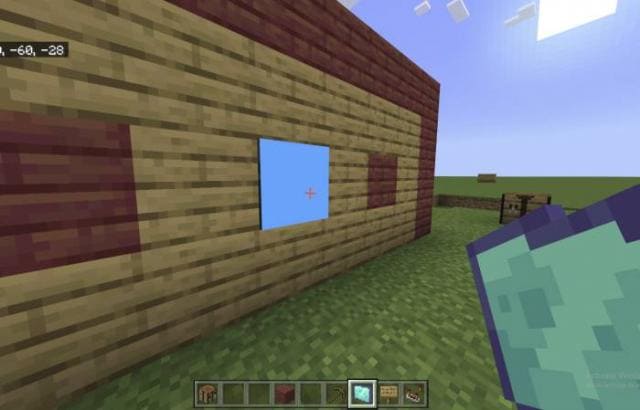
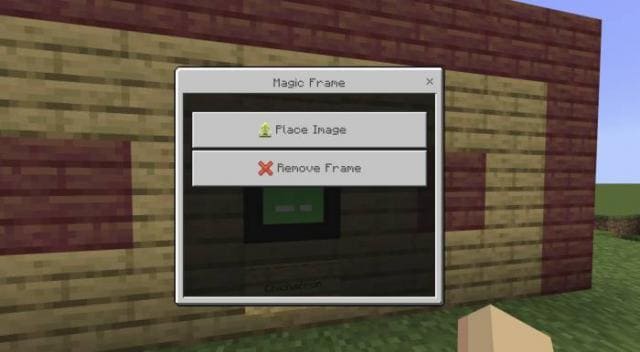
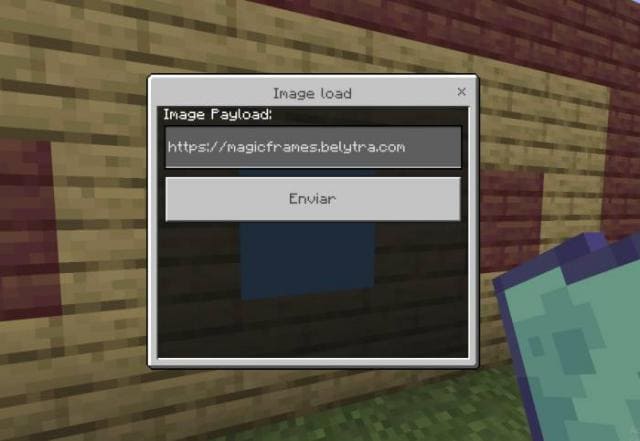
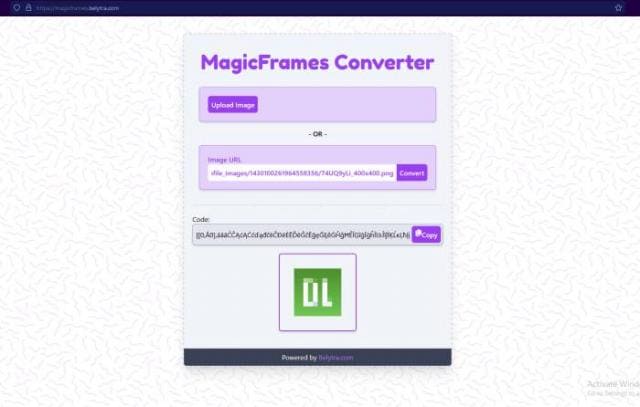
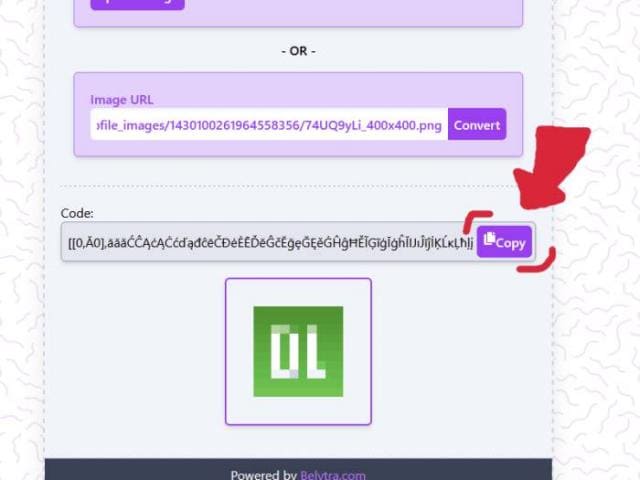
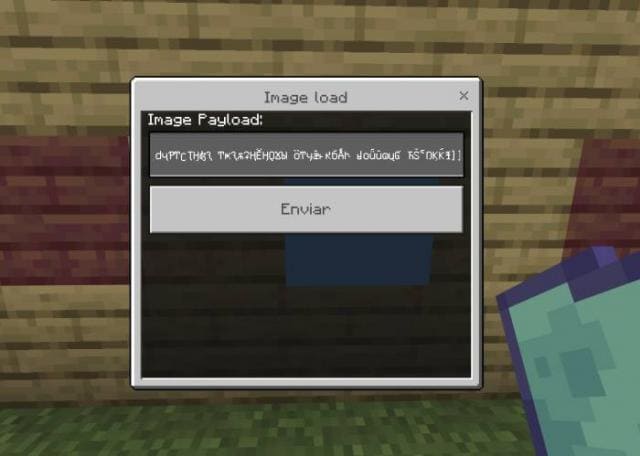
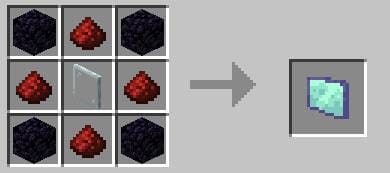
This mod lets you display any image in a frame by crafting a Magic Frame, placing it, and entering an image URL. To get an image URL, use an image converter tool online: select your image, convert it, and copy the link. Paste the link into the frame to display your custom image in-game.
Quick facts
- Edition: Minecraft Bedrock
- File type: .mcpack or .mcaddon
- How to install: Download the .mcpack or .mcaddon file. → Open it — Minecraft imports it. → In your world: Behavior Packs → Available → Activate, then the same under Resource Packs.
- Where to get it: In MCModsHub, or directly above on this page.
Install steps are the general flow for this file type — How to install Minecraft Bedrock addons & mods walks through it step by step.
Verified by MCModsHub
- Pack type: .mcaddon — behaviour and resource pack in one file
- Manifest requires Minecraft 1.16.0 or newer
- Needs Beta APIs switched on in the world settings
- Complete pack — everything it depends on is inside the file
- Download link checked 18 Jun 2026 — working
- Mirrored on our own servers — the download does not depend on the original host
These come from our own check of the pack file, not from the source page.