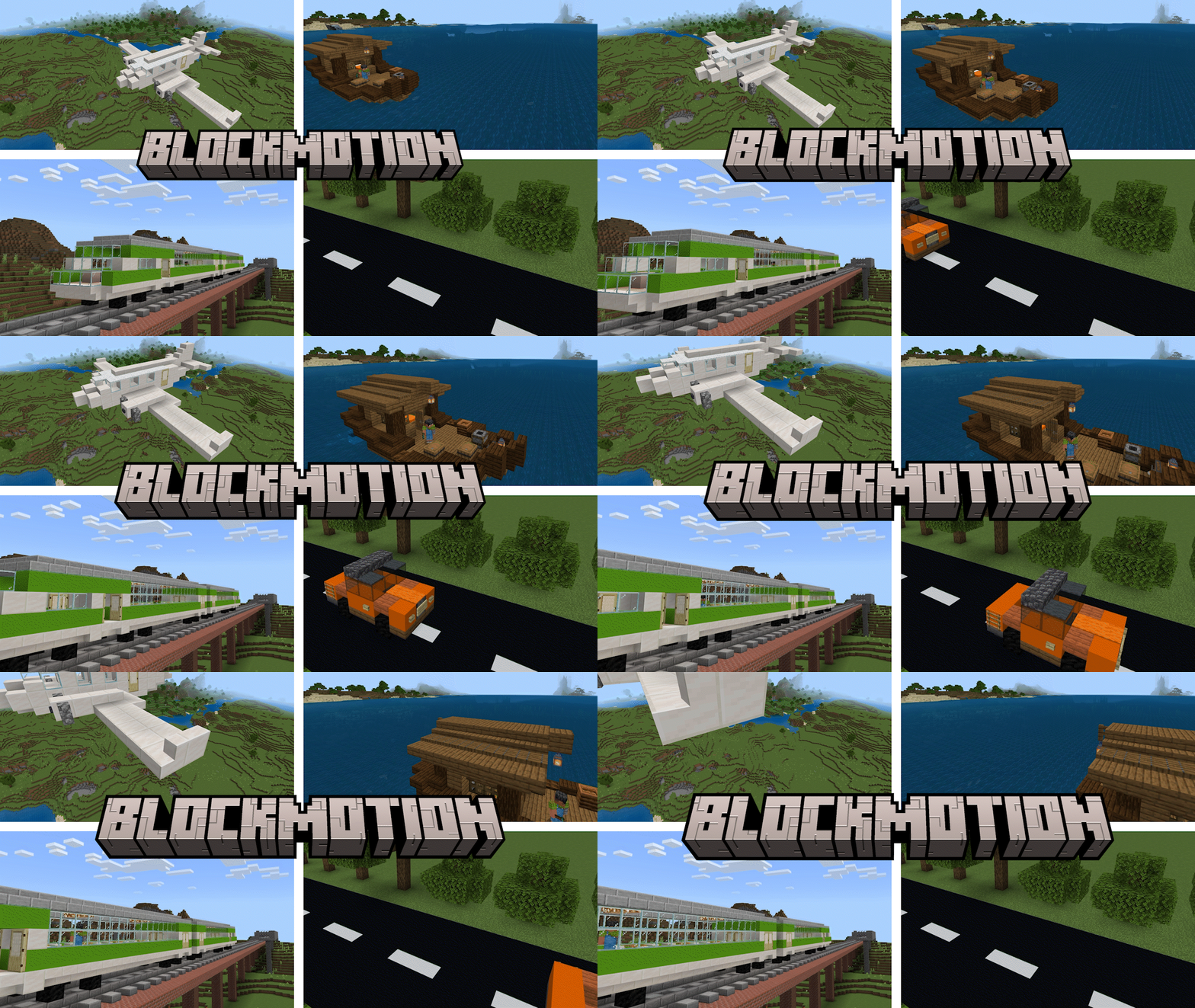
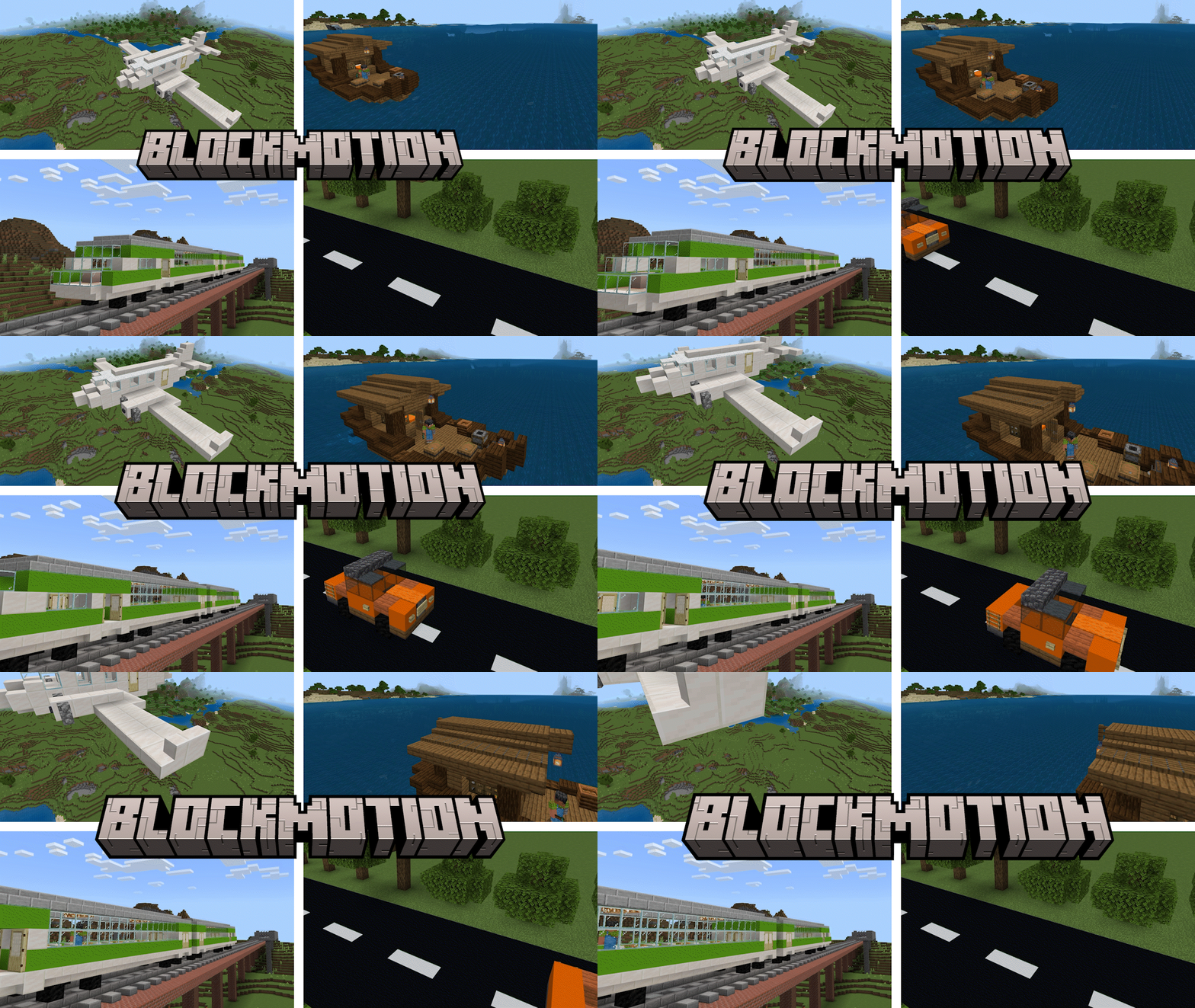
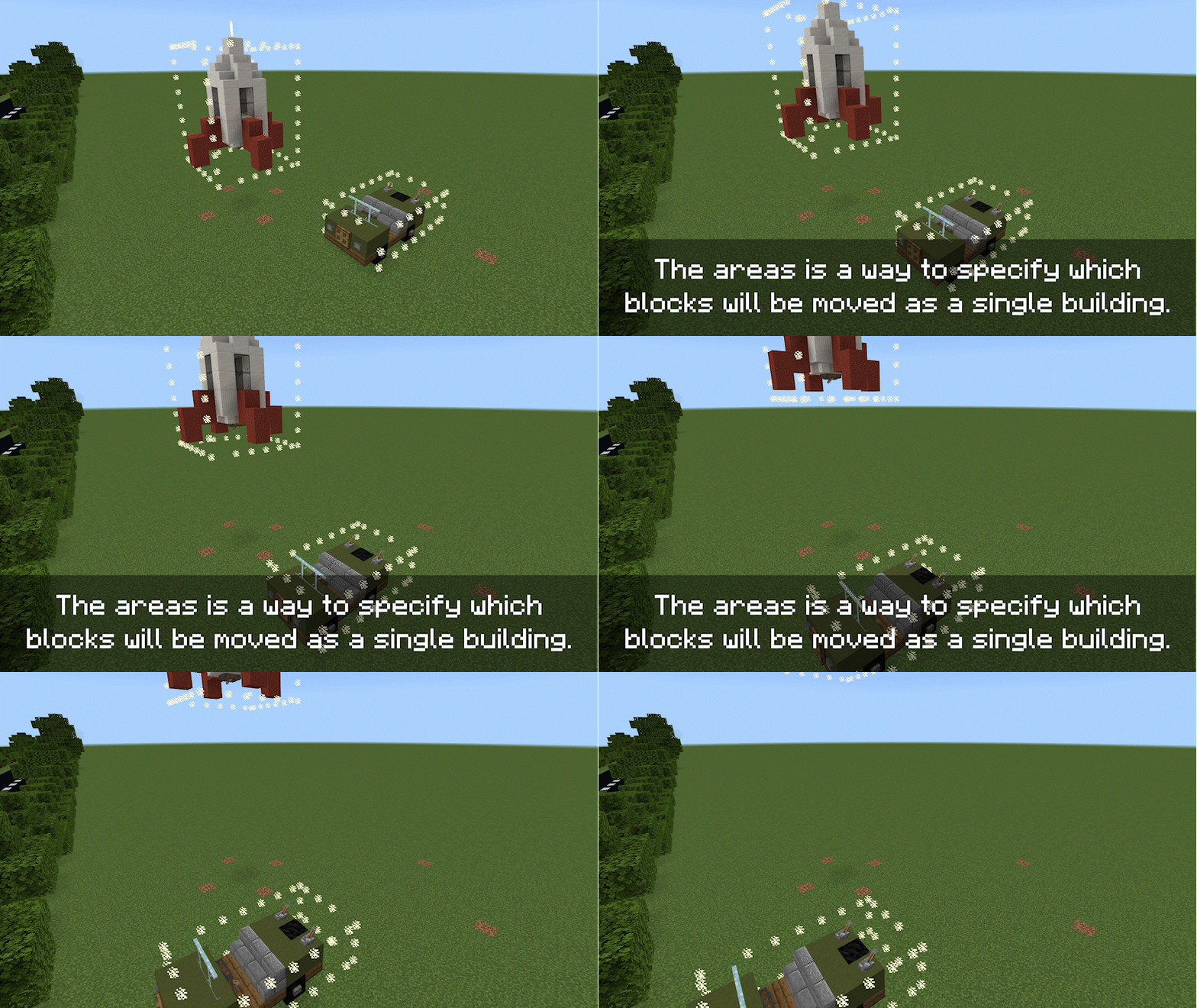
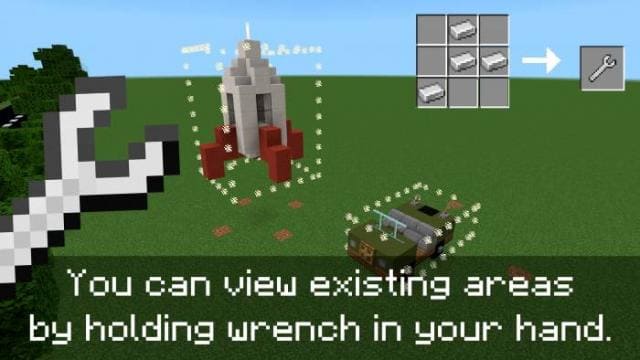
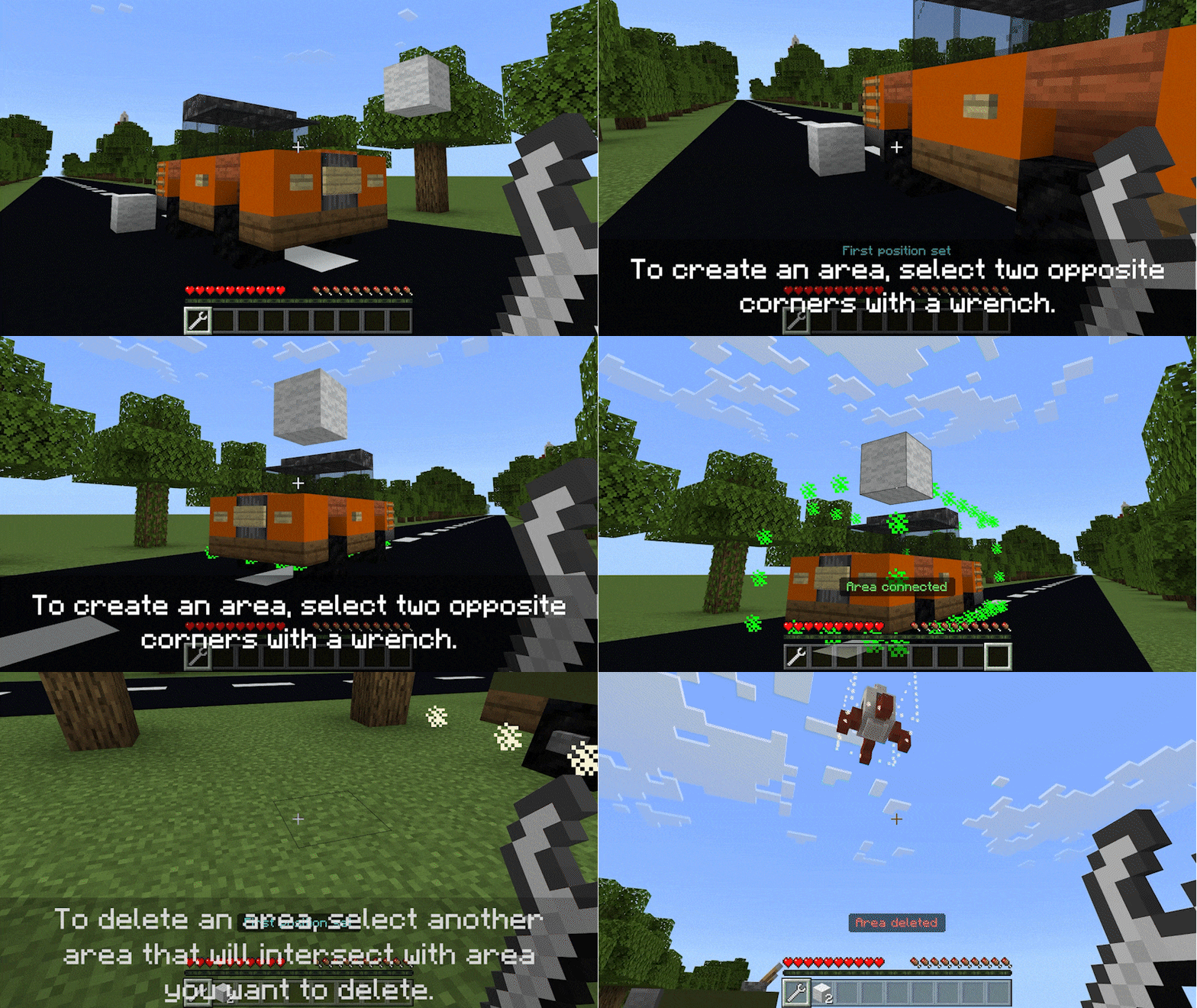
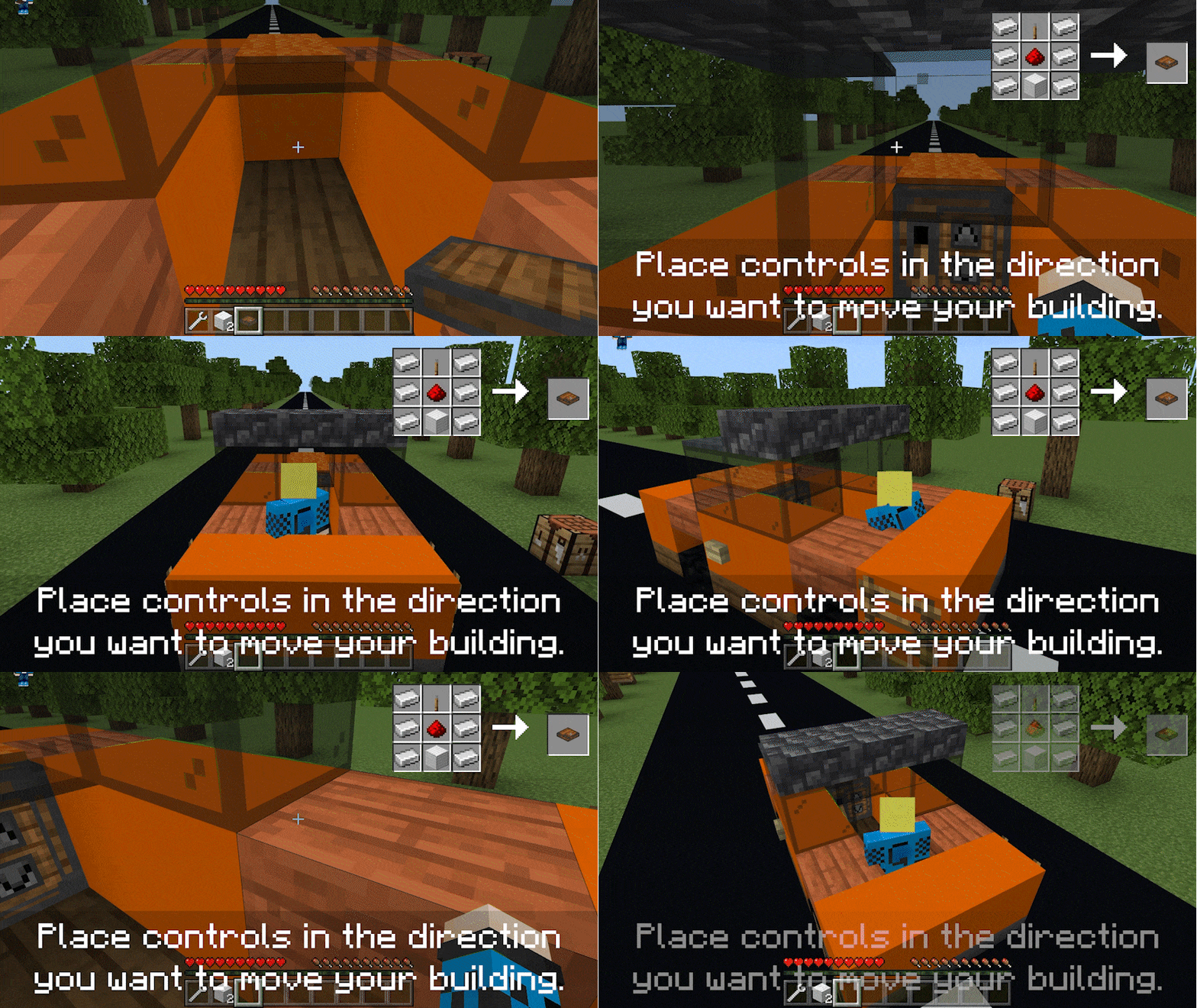
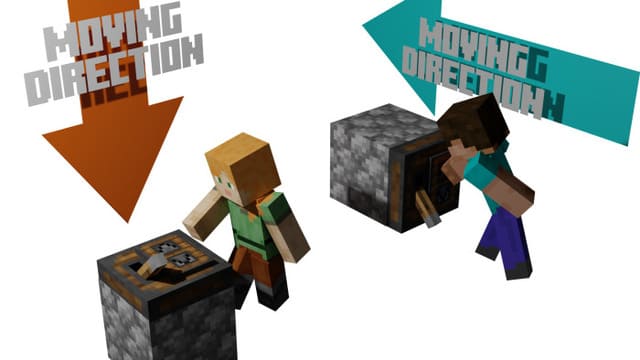
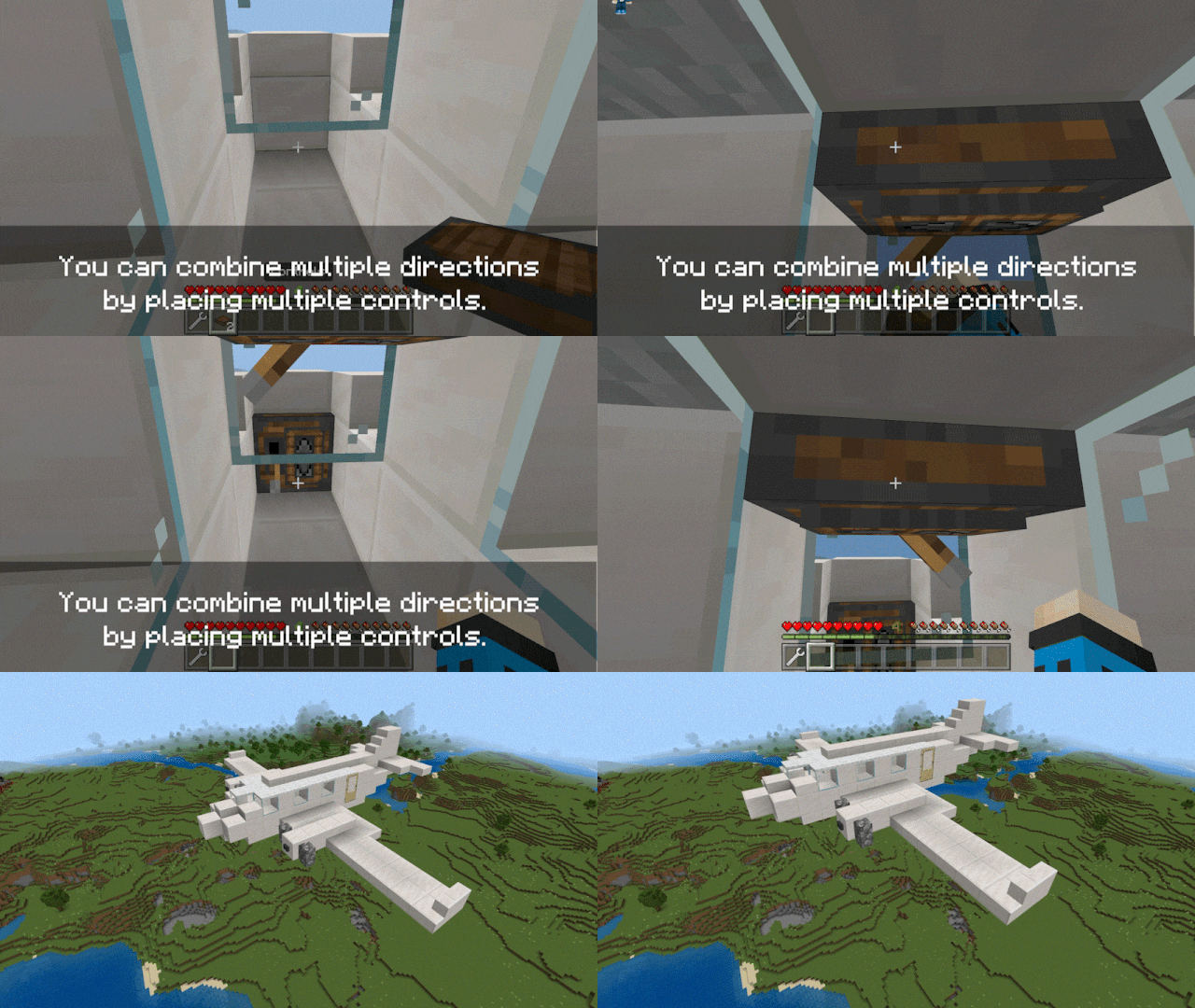
With the BlockMotion - Moving Buildings mod, you can move entire structures and buildings in Minecraft. This feature allows you to build any type of transport from blocks and control it from inside. Besides transport, you can create absolutely anything you want: elevators, portable storage, and moving decorations. First, you need to select a construction area, like in WorldEdit. This area will move when you move. A wrench will let you see the zones. The tool lets you create and delete areas. Green particle colors mean adding an area, and red means removing. Then you need to create items to control the structure. A lever is placed on this block to activate movement. Depending on the direction of the installed blocks, the transport will move in the desired direction.
Quick facts
- Edition: Minecraft Bedrock
- File type: .mcpack or .mcaddon
- How to install: Download the .mcpack or .mcaddon file. → Open it — Minecraft imports it. → In your world: Behavior Packs → Available → Activate, then the same under Resource Packs.
- Where to get it: In MCModsHub, or directly above on this page.
Install steps are the general flow for this file type — How to install Minecraft Bedrock addons & mods walks through it step by step.
Verified by MCModsHub
- Pack type: .mcaddon — behaviour and resource pack in one file
- Manifest requires Minecraft 1.19.50 or newer
- Complete pack — everything it depends on is inside the file
- Download size: 142 KB
- Download link checked 18 Jun 2026 — working
- Mirrored on our own servers — the download does not depend on the original host
These come from our own check of the pack file, not from the source page.