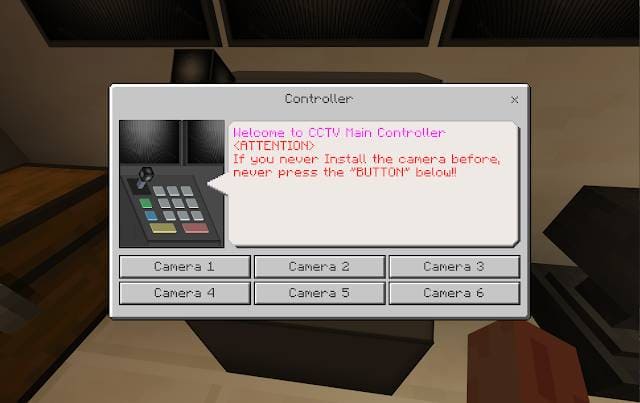
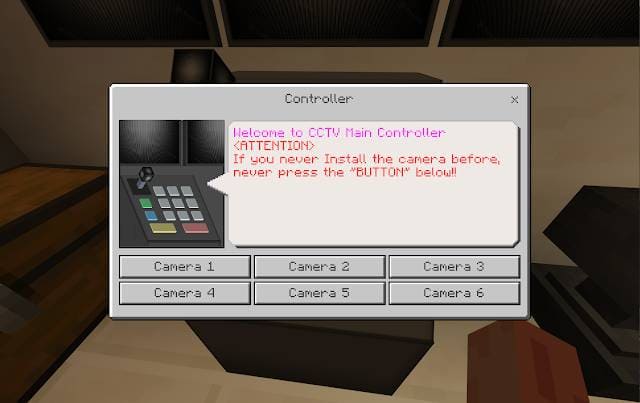
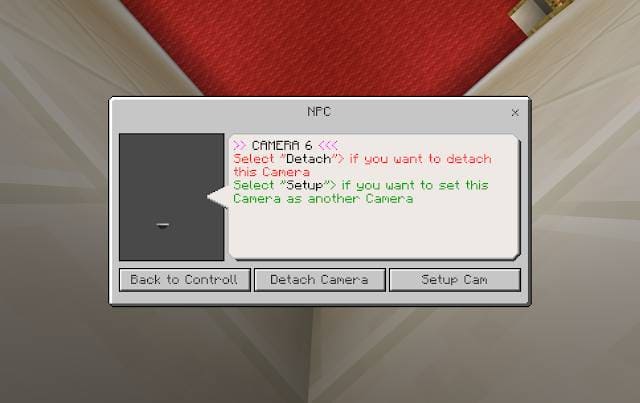
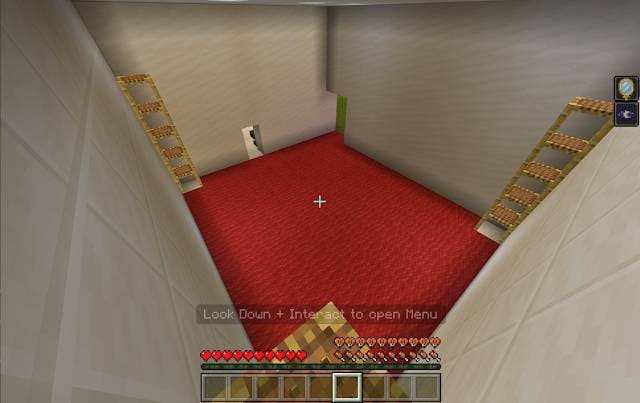
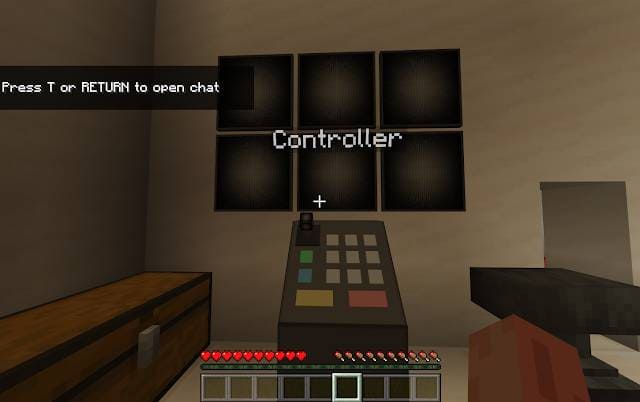
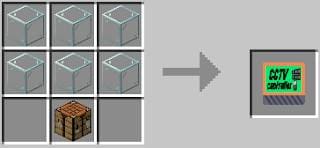
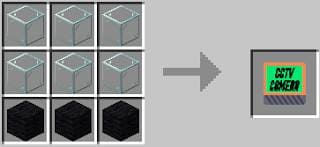

Surveillance is the basis of security, which should be in all houses, even in Minecraft. Especially if you play on realms or private servers. Advanced CCTV offers to install surveillance in any room. Craft a control panel and 6 cameras. Place the control panel in any desired location (don't place cameras first). If placed incorrectly, use the command /kill @e[type=tv:cctv_main_control]. Place cameras within 100 blocks of the control panel. After installation, interact with cameras using RIDE button, then interact again while looking down. Maximum 6 cameras. Use the control panel and click ADD CAMERA. Enable Experimental Options in world settings.
Quick facts
- Edition: Minecraft Bedrock
- File type: .mcpack or .mcaddon
- How to install: Download the .mcpack or .mcaddon file. → Open it — Minecraft imports it. → In your world: Behavior Packs → Available → Activate, then the same under Resource Packs.
- Where to get it: In MCModsHub, or directly above on this page.
Install steps are the general flow for this file type — How to install Minecraft Bedrock addons & mods walks through it step by step.
Verified by MCModsHub
- Pack type: .mcaddon — behaviour and resource pack in one file
- Complete pack — everything it depends on is inside the file
- Download size: 1.9 MB
- Download link checked 18 Jun 2026 — working
- Mirrored on our own servers — the download does not depend on the original host
These come from our own check of the pack file, not from the source page.