AddonsBedrock
Admin Menu
Admin Menu mod adds a special menu to Minecraft that allows you to easily execute administrator commands without typing them. A convenient interface lets…
⬇ Download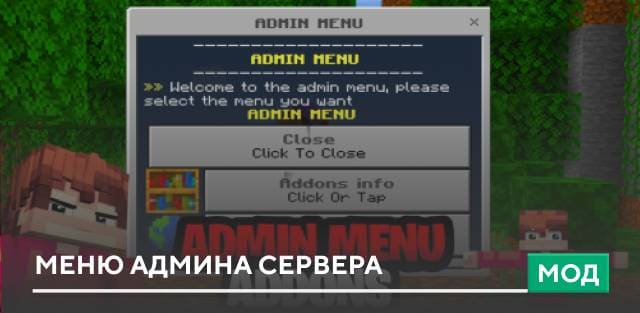
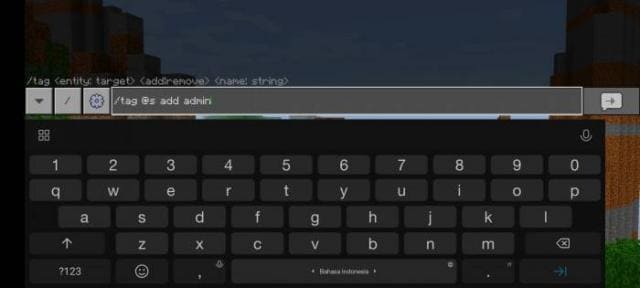
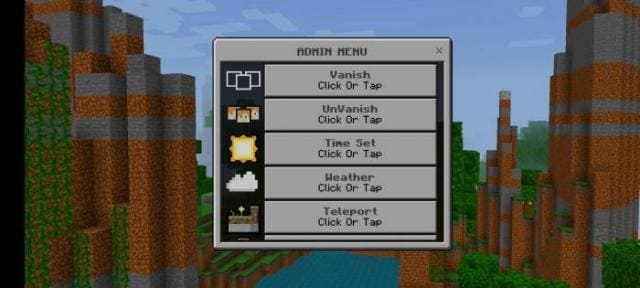
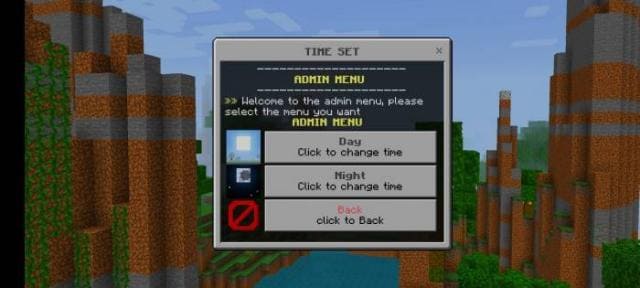
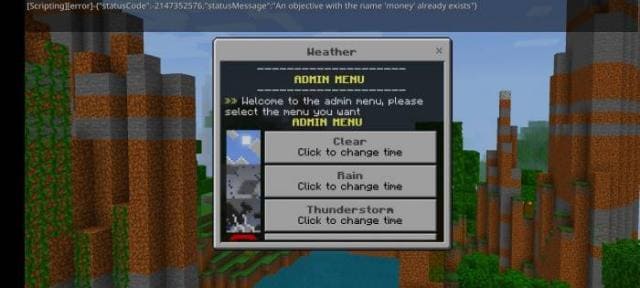
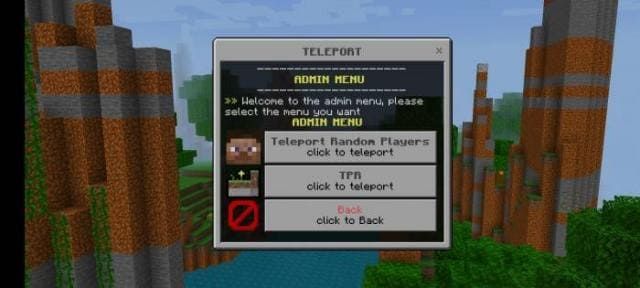
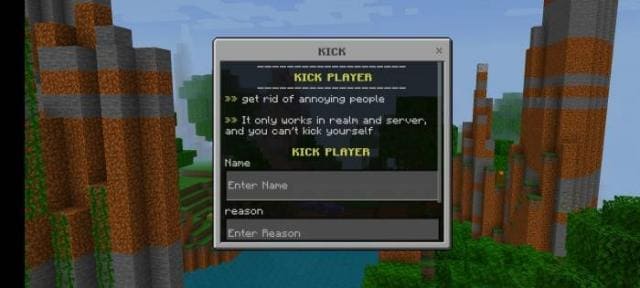
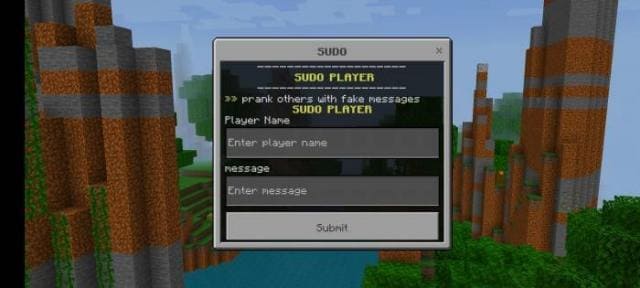
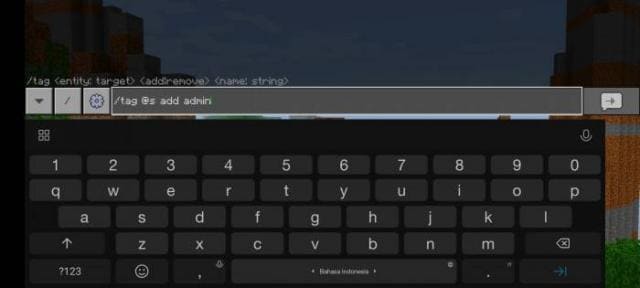
Admin Menu mod adds a special menu to Minecraft that lets you easily execute administrator commands without typing them. A convenient interface allows you to toggle time of day, change weather, apply effects, and prank your friends. To open the menu, take the Admin Menu item. Features include: Invisibility toggle, Time of day toggle, Weather toggle, Teleportation menu, Player kick, Fake messages, Server-wide messages, Game mode toggle, Chat settings, Effects menu, and Admin tools.
Quick facts
- Edition: Minecraft Bedrock
- File type: .mcpack or .mcaddon
- Minecraft version listed: 1.19
- How to install: Download the .mcpack or .mcaddon file. → Open it — Minecraft imports it. → In your world: Behavior Packs → Available → Activate, then the same under Resource Packs.
- Where to get it: In MCModsHub, or directly above on this page.
Install steps are the general flow for this file type — How to install Minecraft Bedrock addons & mods walks through it step by step.
Verified by MCModsHub
- Pack type: .mcaddon — behaviour and resource pack in one file
- Complete pack — everything it depends on is inside the file
- Download size: 769 KB
- Download link checked 18 Jun 2026 — working
- Mirrored on our own servers — the download does not depend on the original host
These come from our own check of the pack file, not from the source page.