ModsJava
BBL Colors Mod (26.1.2, 1.21.1) – Instantly Recolor Blocks Without Breaking Them
Java mod listed for Minecraft 1.21. Downloads from the MC Java Mods app on Android.
⬇ Download
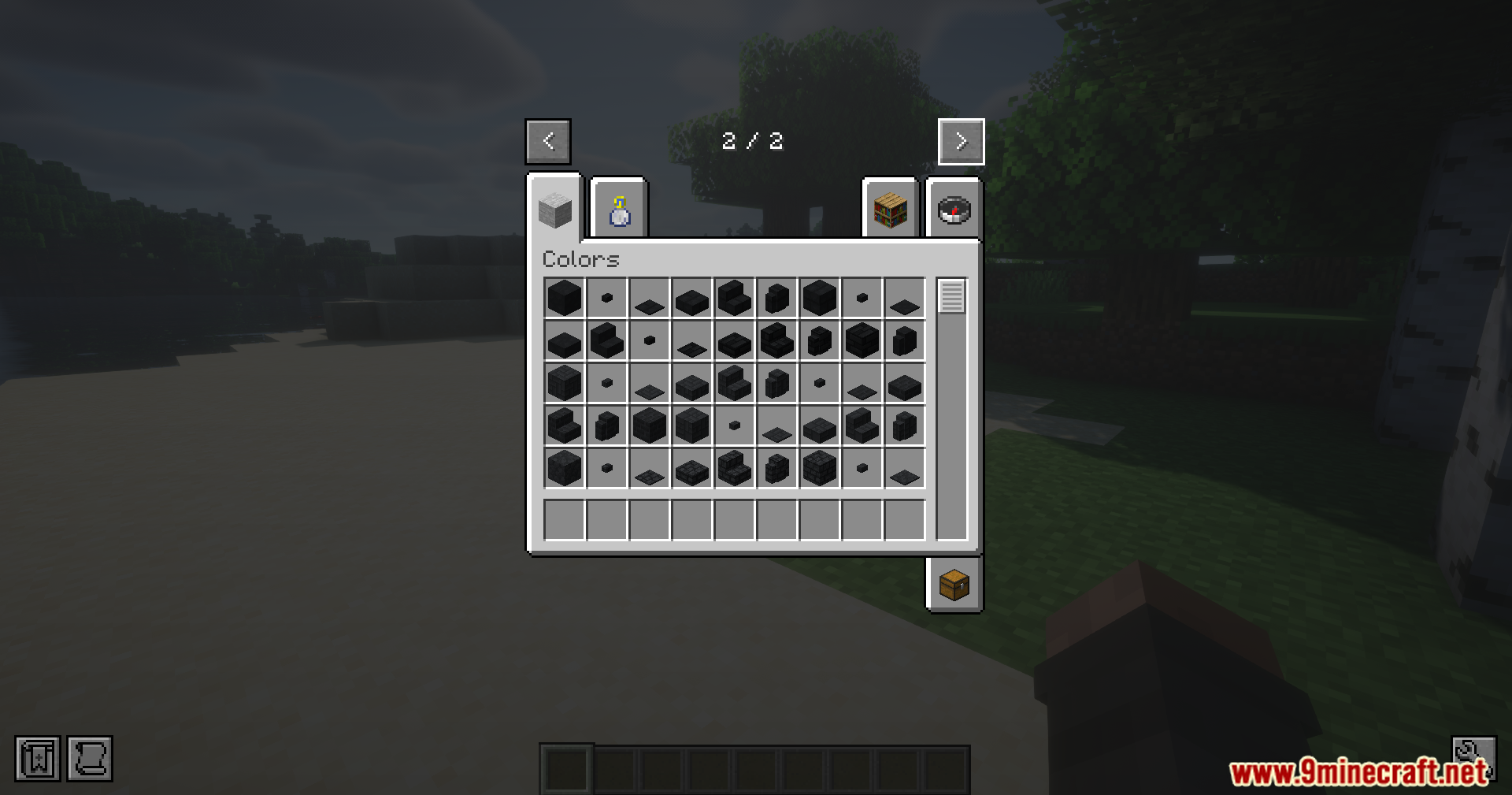
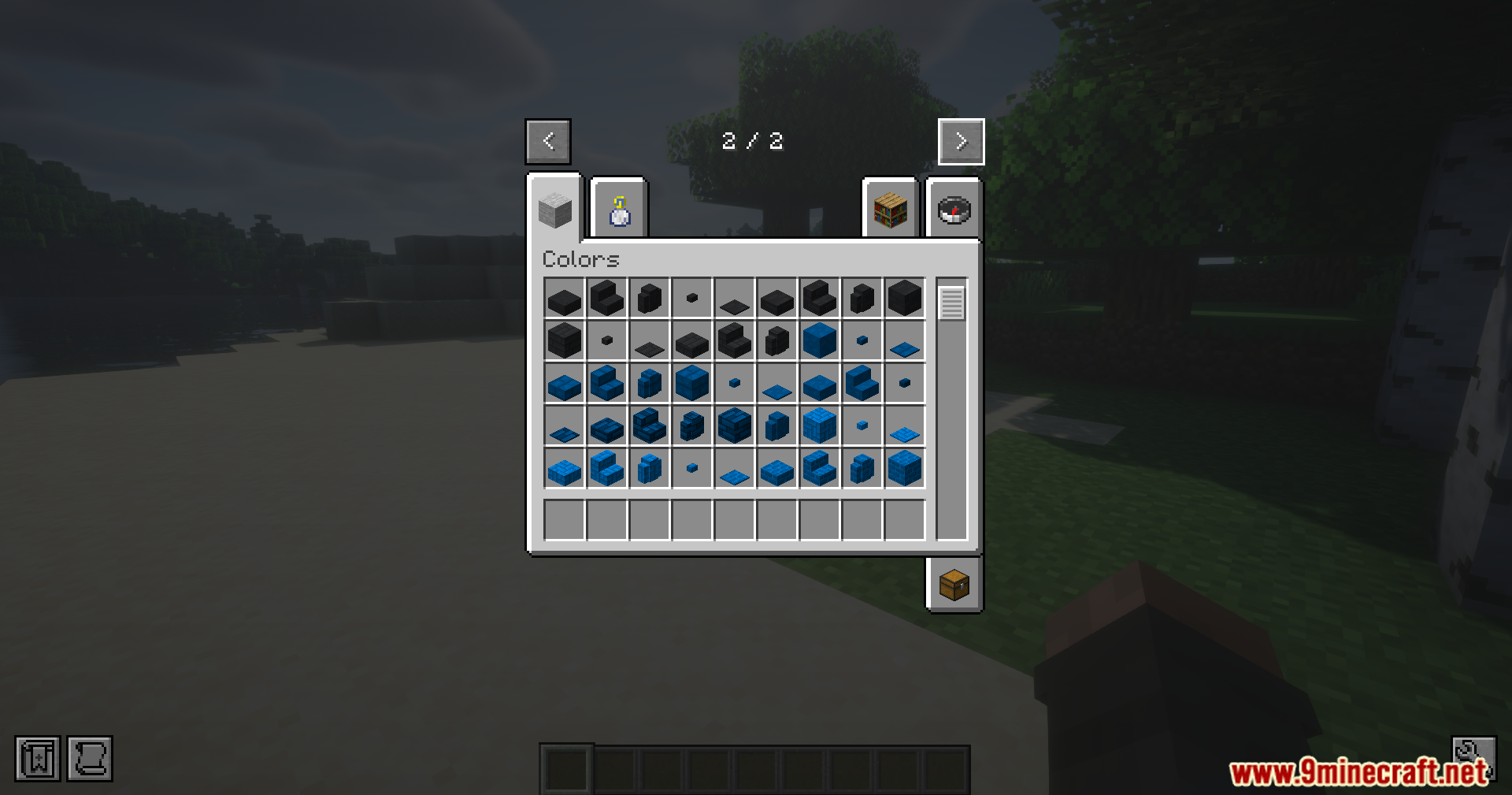
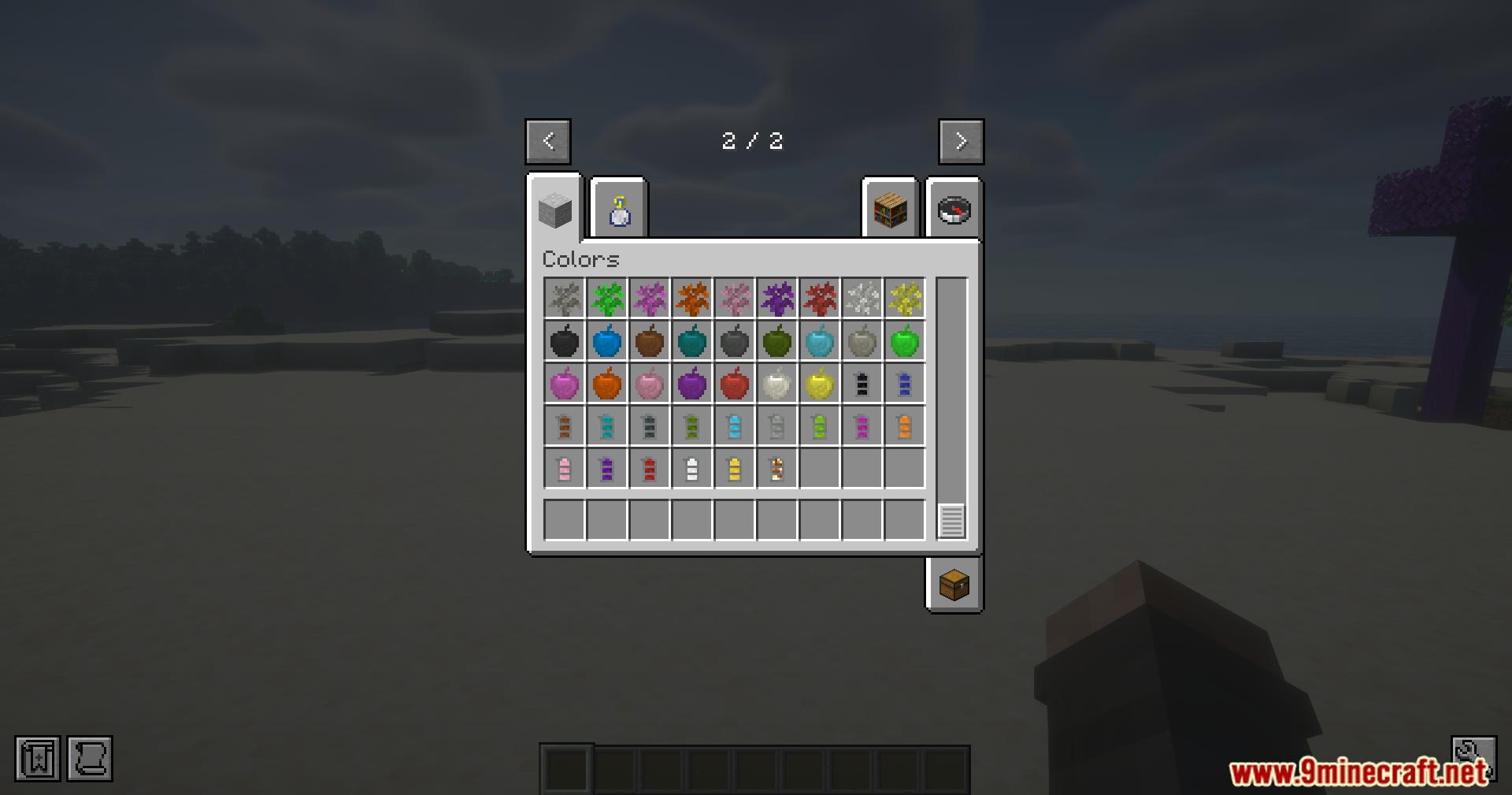
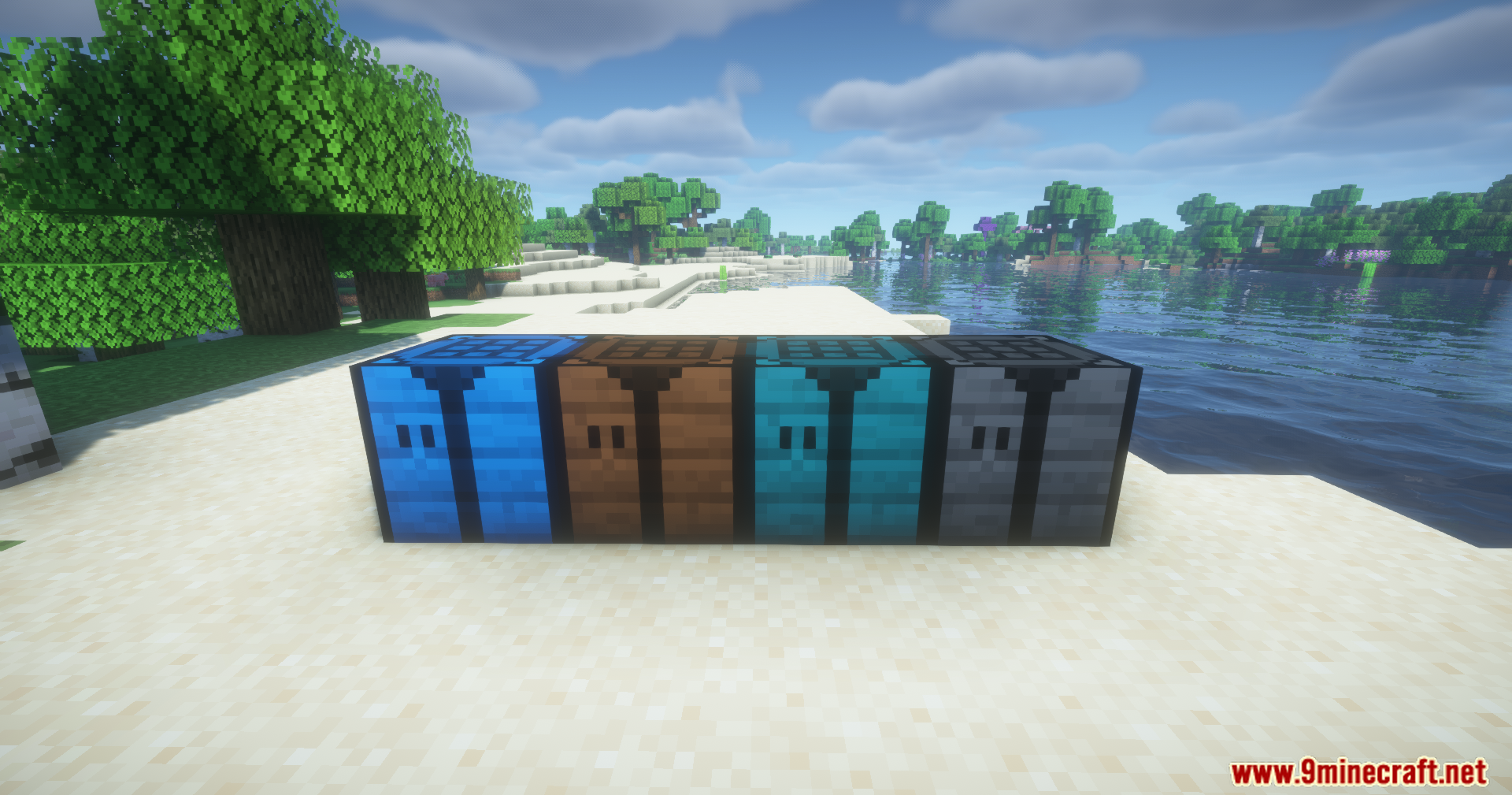
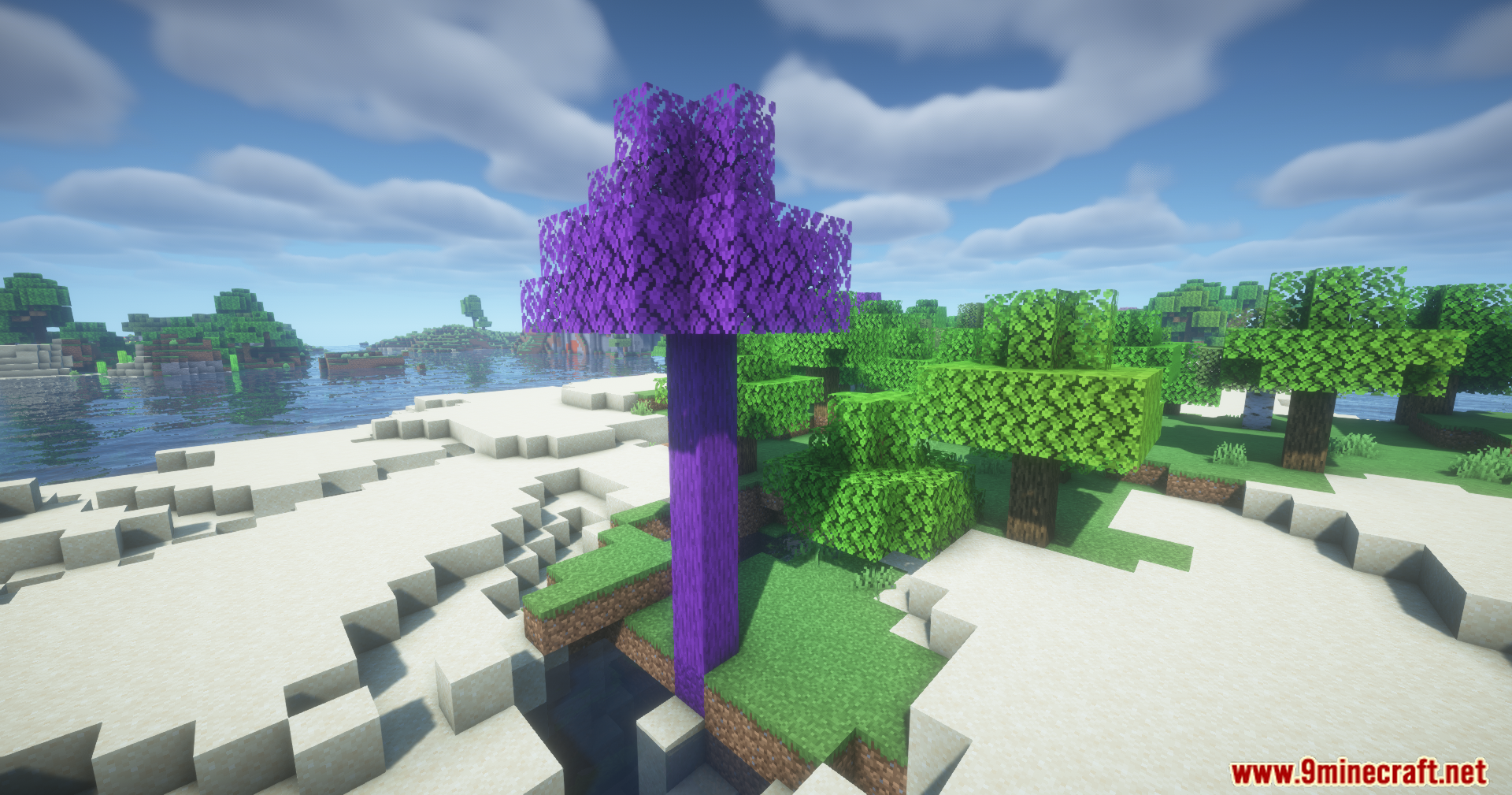
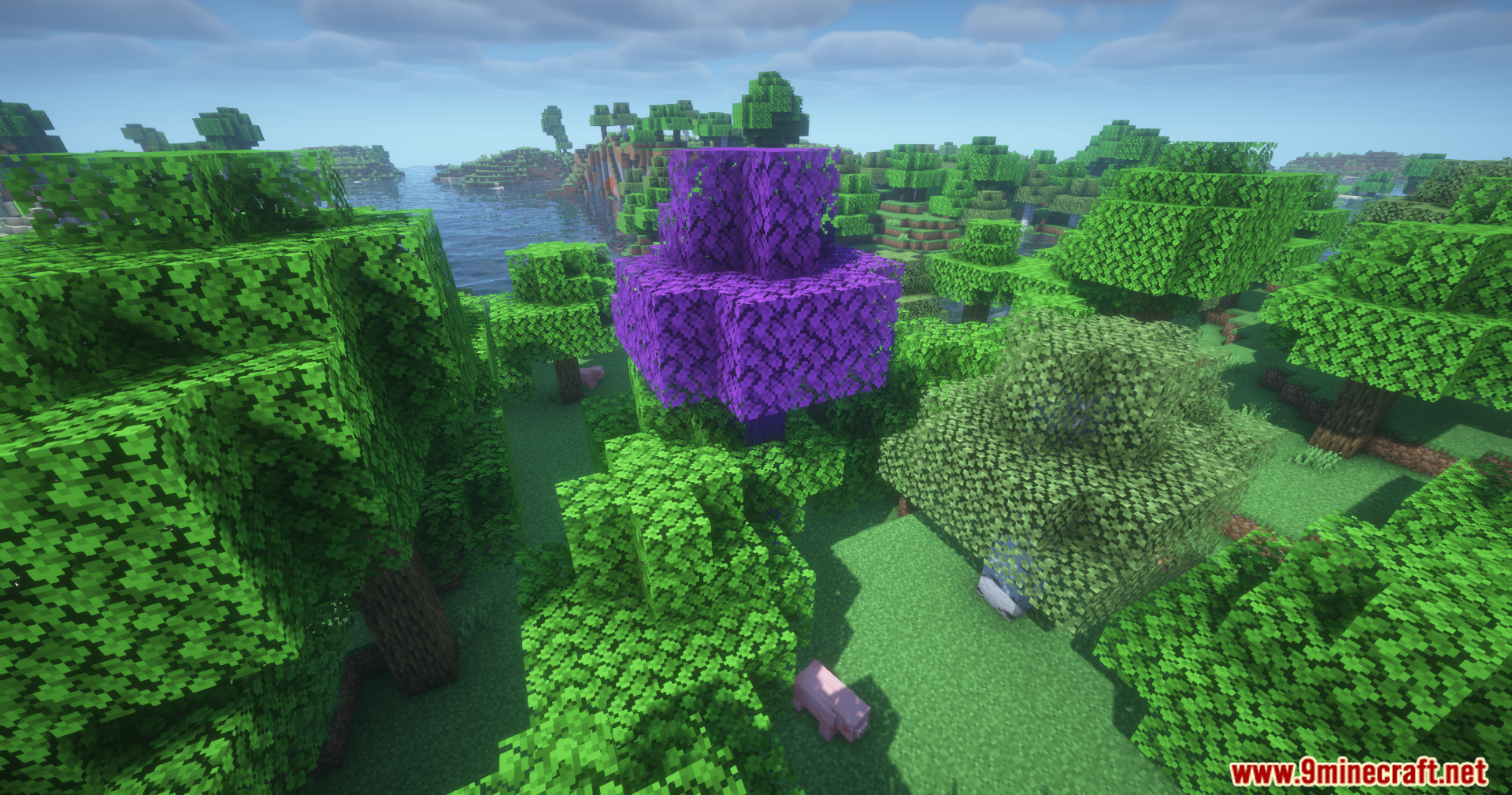
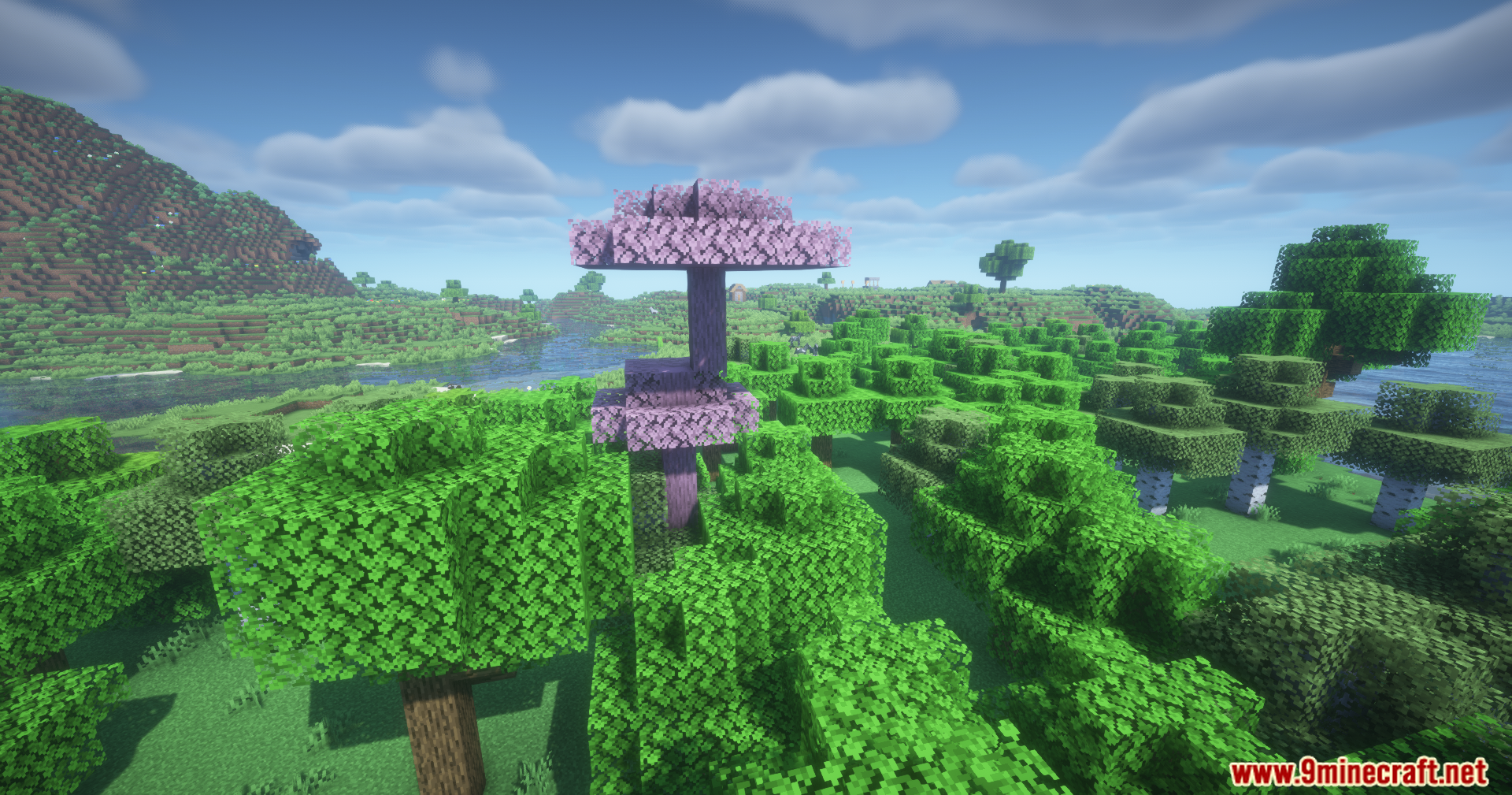
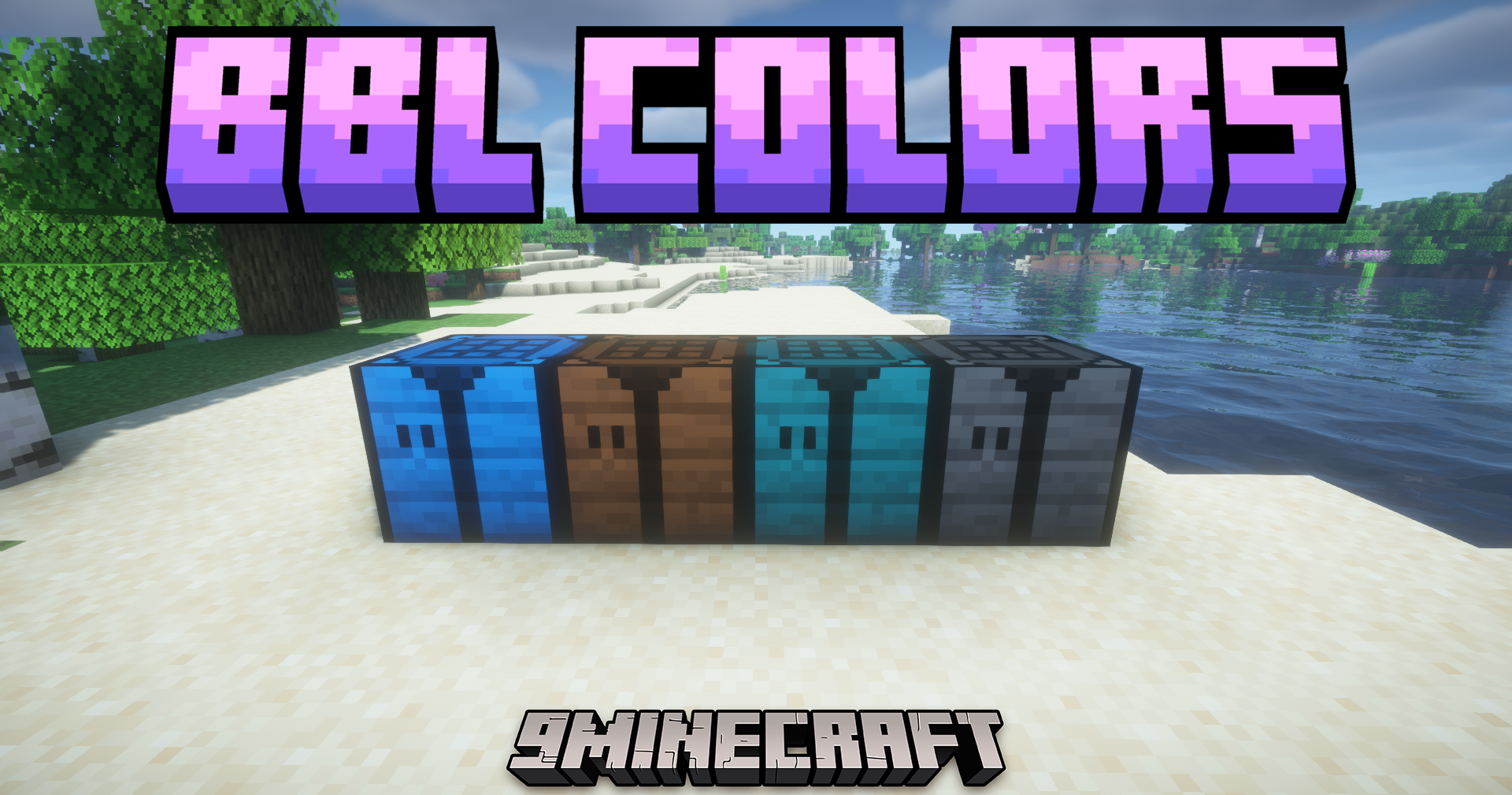
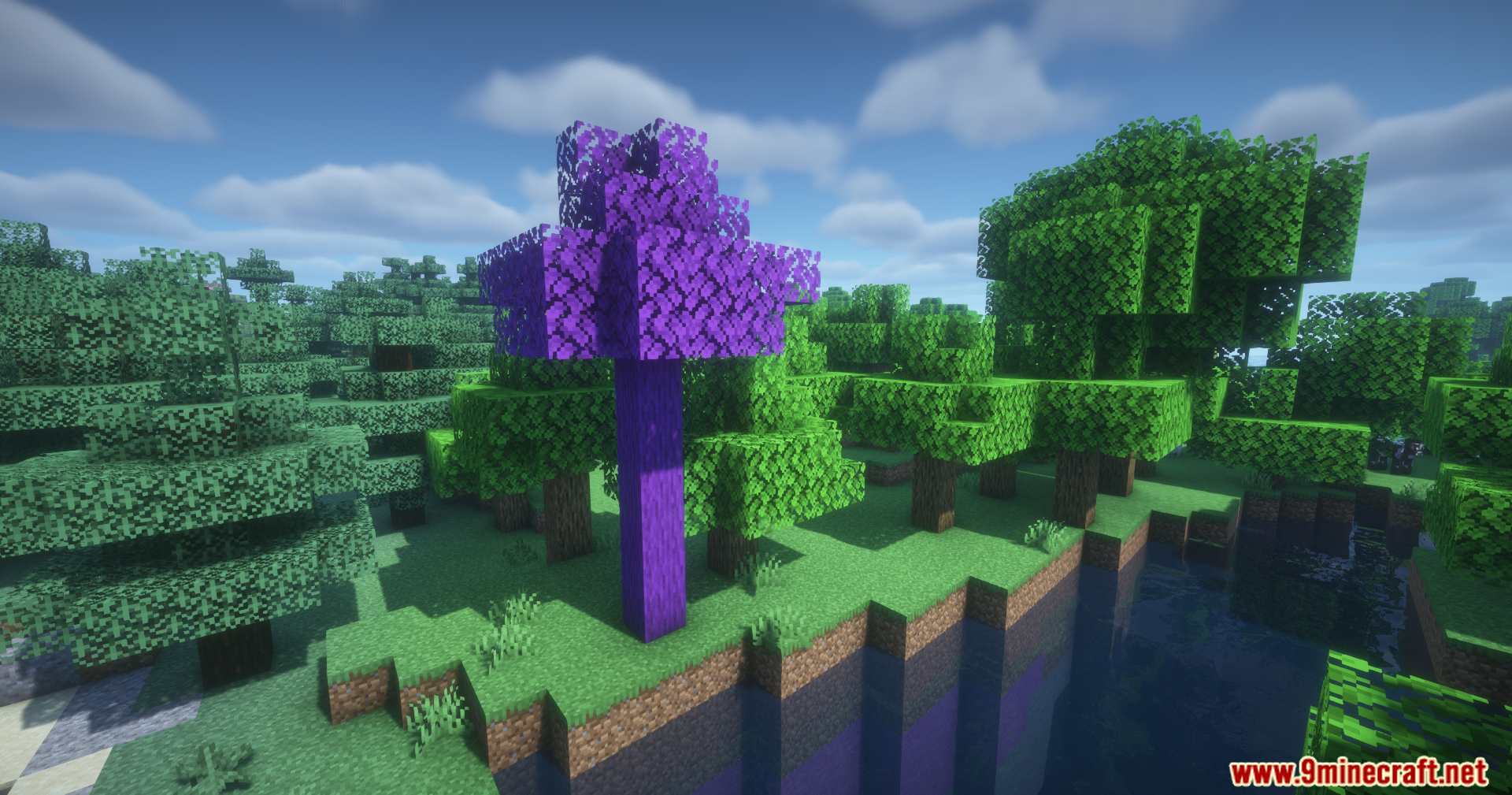
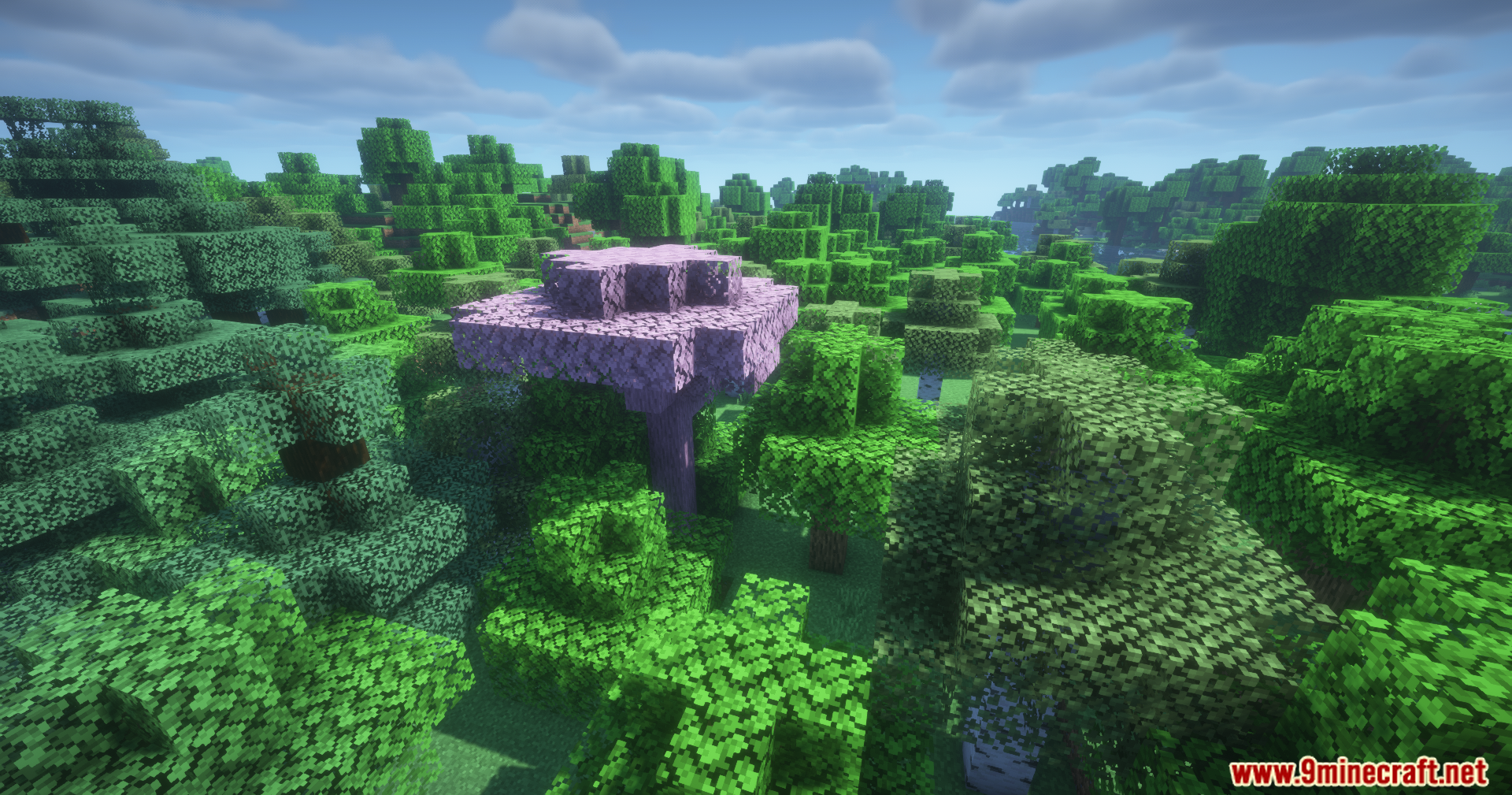
BBL Colors Mod adds many new colorful blocks and special spray cans to your game. It helps you build better houses, paths, and nature spots with fresh colors. You get new types of wood, stone, and dirt to match any building style you want. The spray cans let you change the color of blocks right where they sit, so you save time while building.
Features:
- Spray Cans: Lets you change the color of blocks already placed in the world without breaking them first.
- Adds bright new wooden planks to make your houses stand out.
- Brings colorful bamboo blocks for a fresh tropical look.
- Includes new stones and rocks for paths or castle walls.
- Gives you different types of dirt and tree dirt to match your gardens and forests.
- Works with an extra resource pack if you want the blocks to link together.
How to Use:
- Hold a spray can in your hand.
- Look at a block you want to change.
- Use the spray can on the block to give it a new color.
Screenshots:
BBL Colors Mod Download Links
Quick facts
- Edition: Minecraft Java
- File type: .jar
- Minecraft version listed: 1.21.1
- How to install: Install the matching mod loader (Forge, Fabric or NeoForge) for your Minecraft version. → Download the .jar. → Put it in the .minecraft/mods folder and launch that loader profile.
- Where to get it: In MC Java Mods, or directly above on this page.
Install steps are the general flow for this file type — How to install Minecraft Java mods & modpacks walks through it step by step.
File checked by MCModsHub
- Downloads as 89488.mcaddon
- Download size: 10.7 MB
- Download link checked 25 Sept 2026 — working
- Mirrored on our own servers — the download does not depend on the original host
These come from our own check of the pack file, not from the source page.