ModsJava
Elemental Maces Mod (26.2, 1.21.1) – Crush Enemies From Above with Elemental
Java mod listed for Minecraft 1.21. Downloads from the MC Java Mods app on Android.
⬇ Download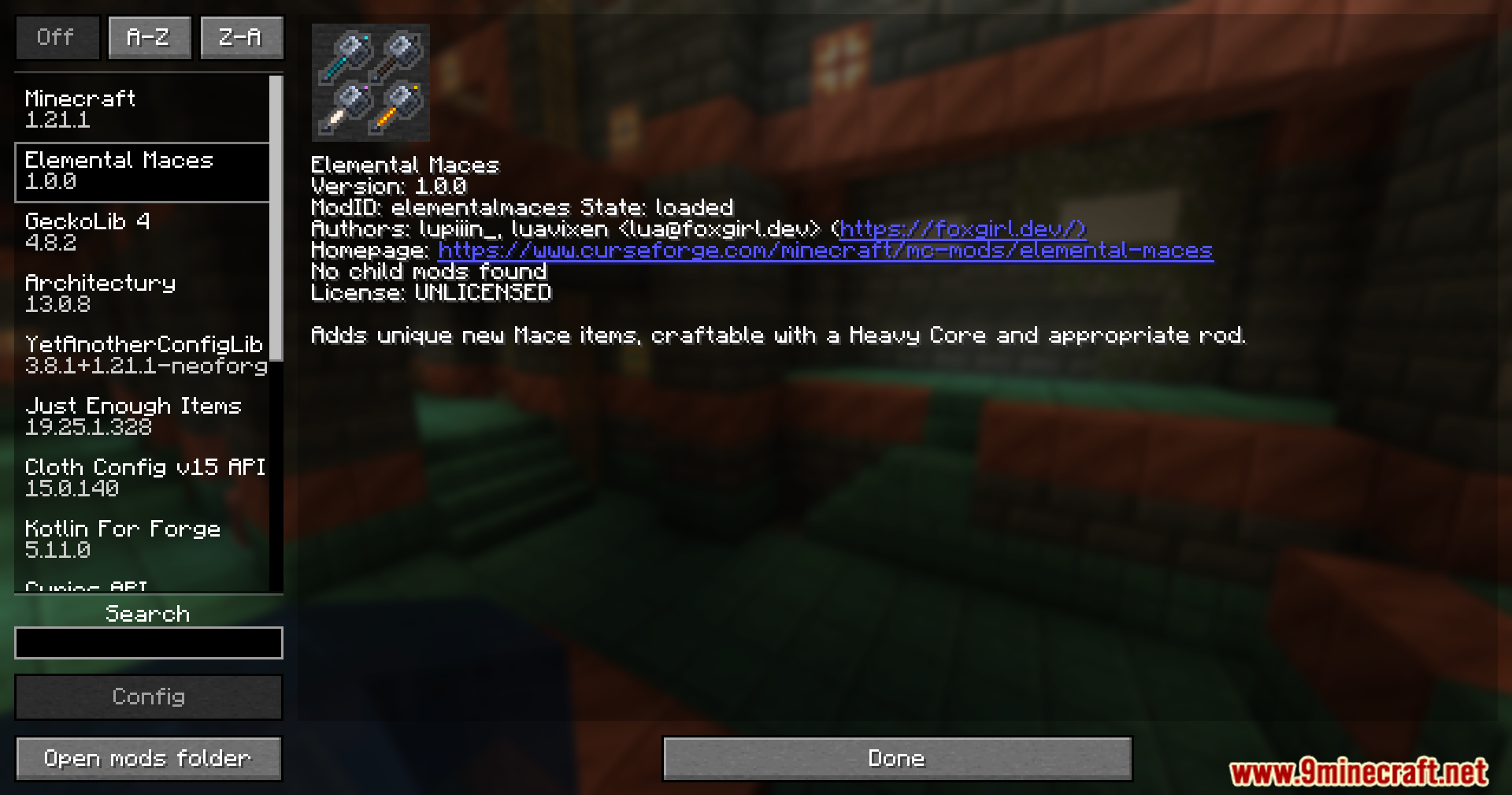
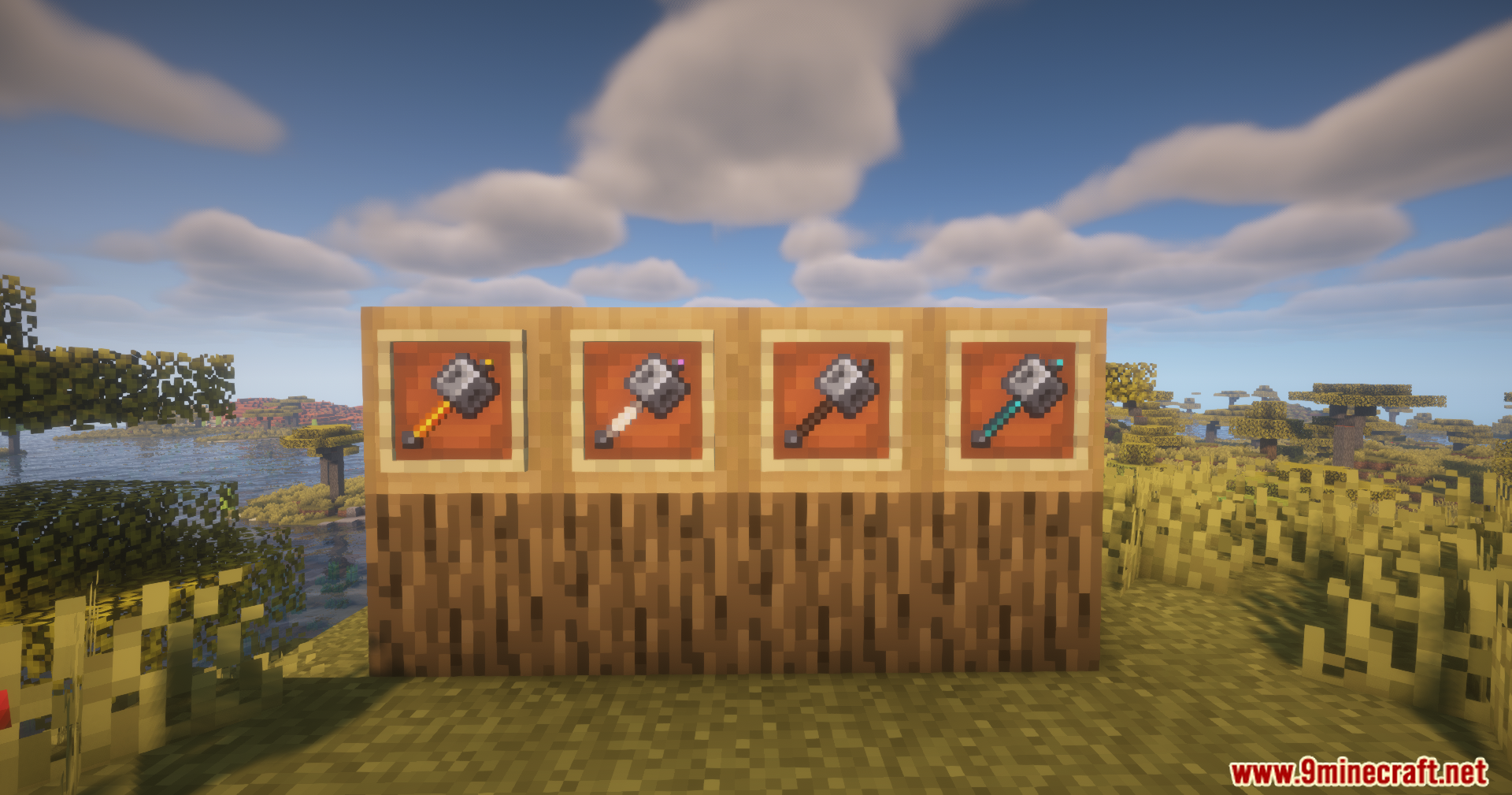
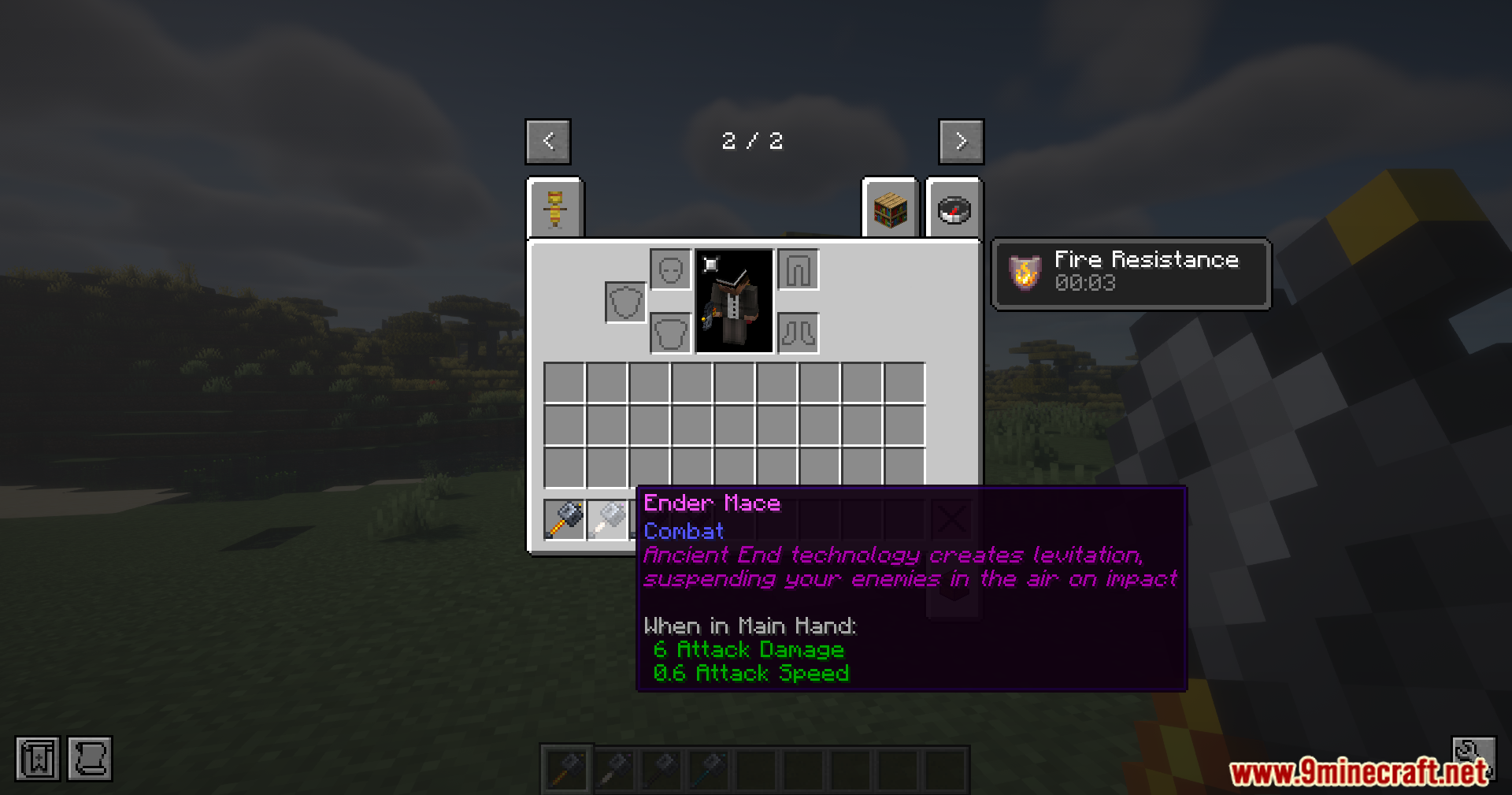
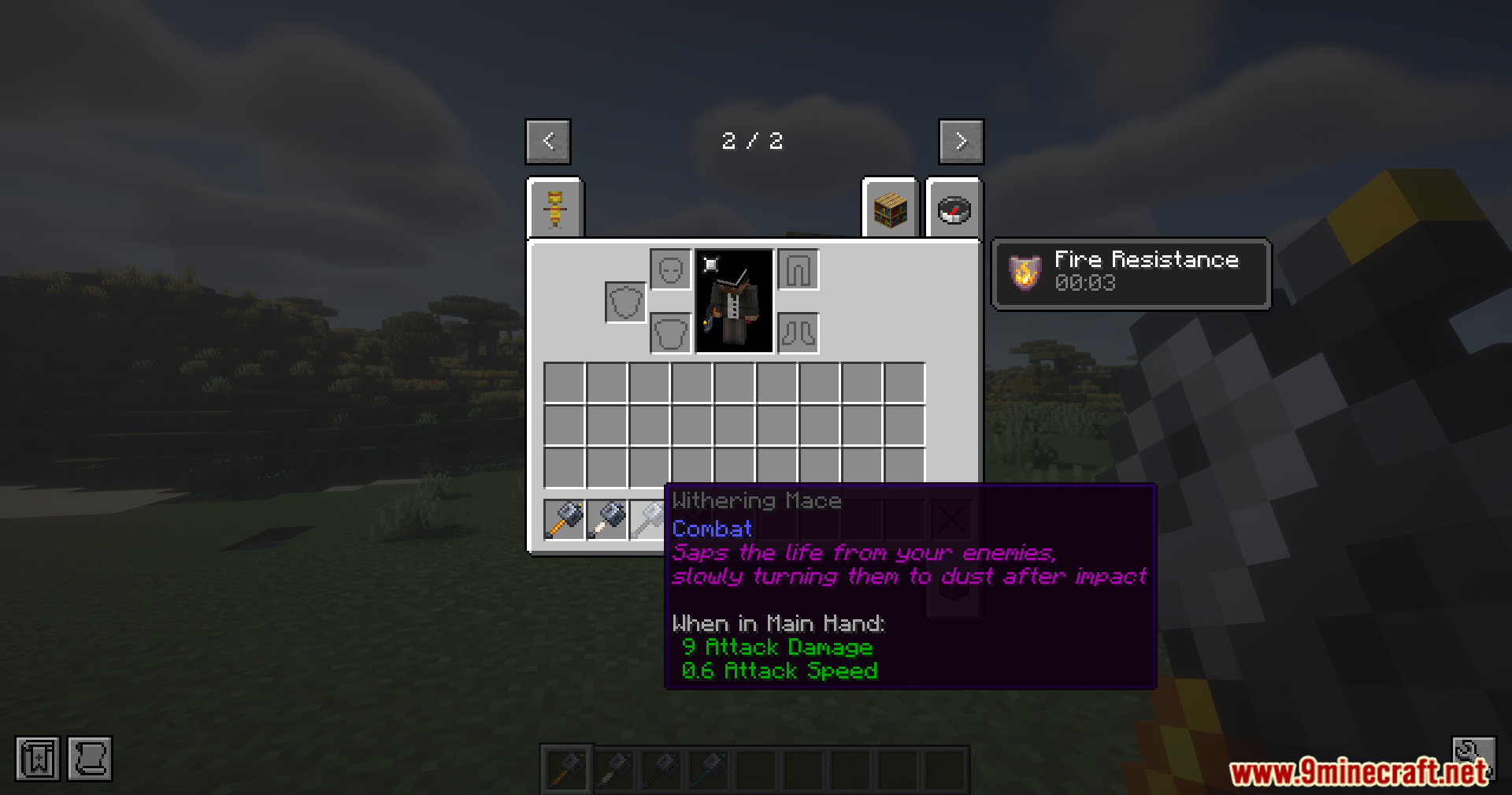
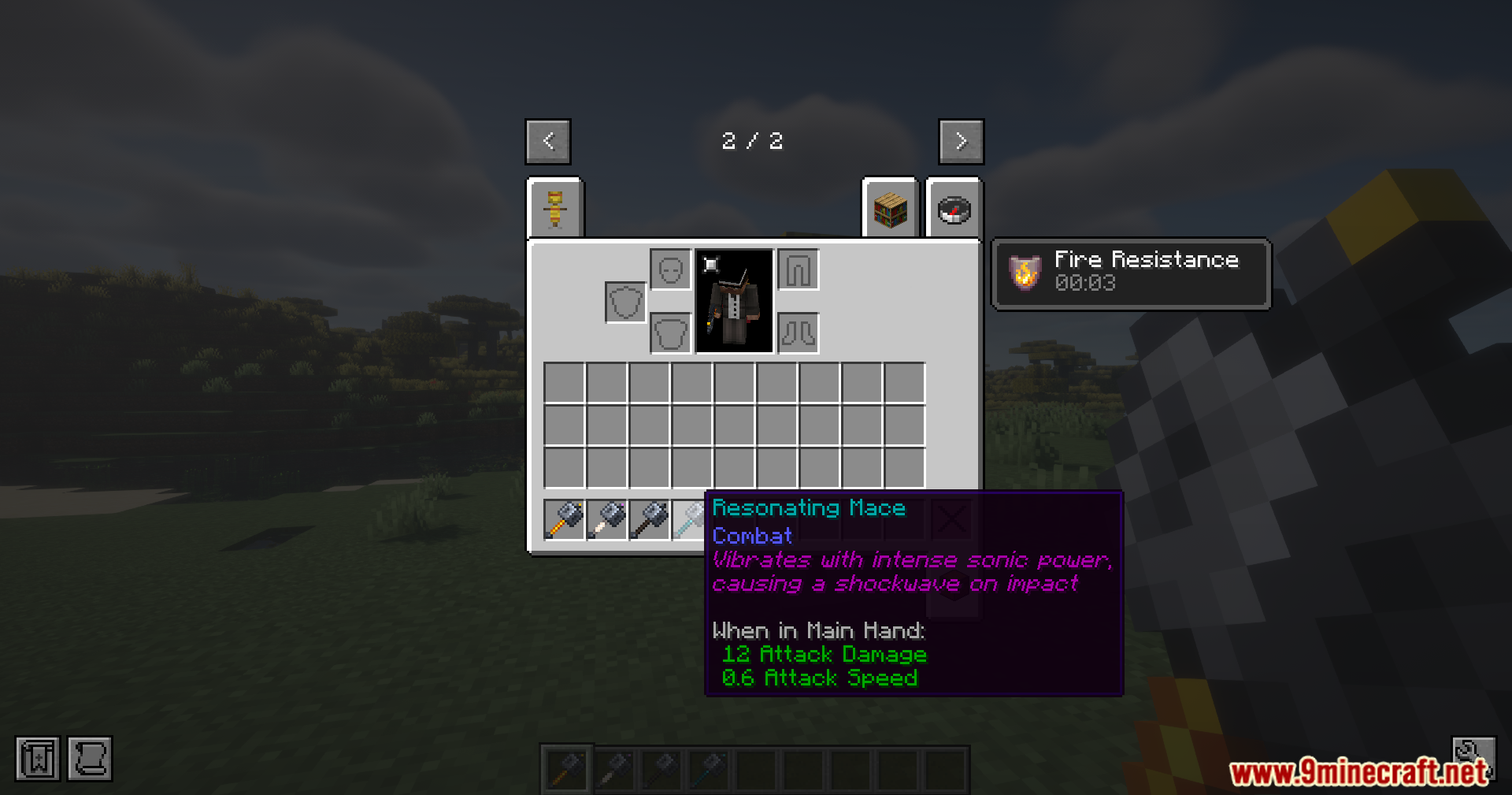
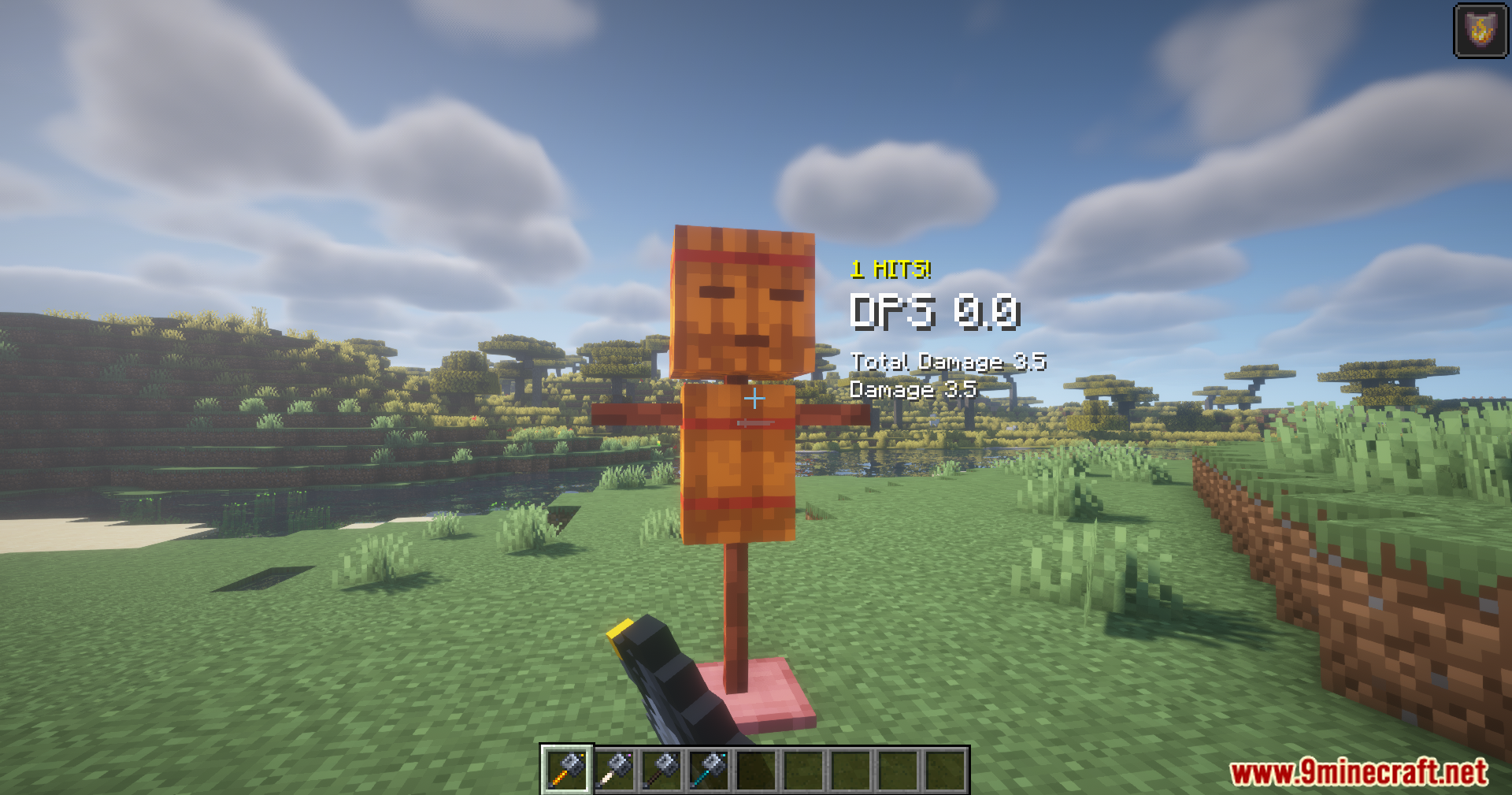
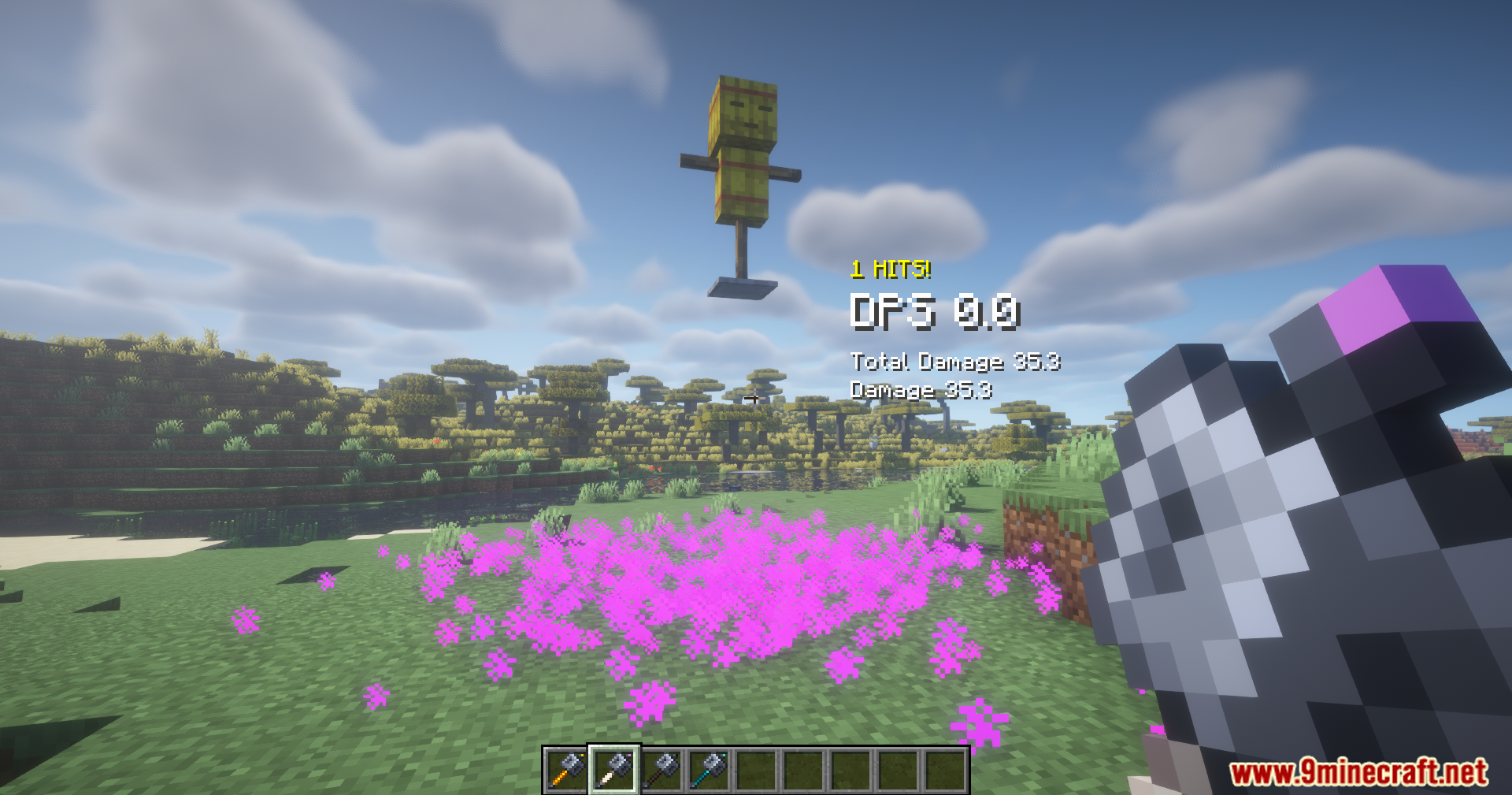
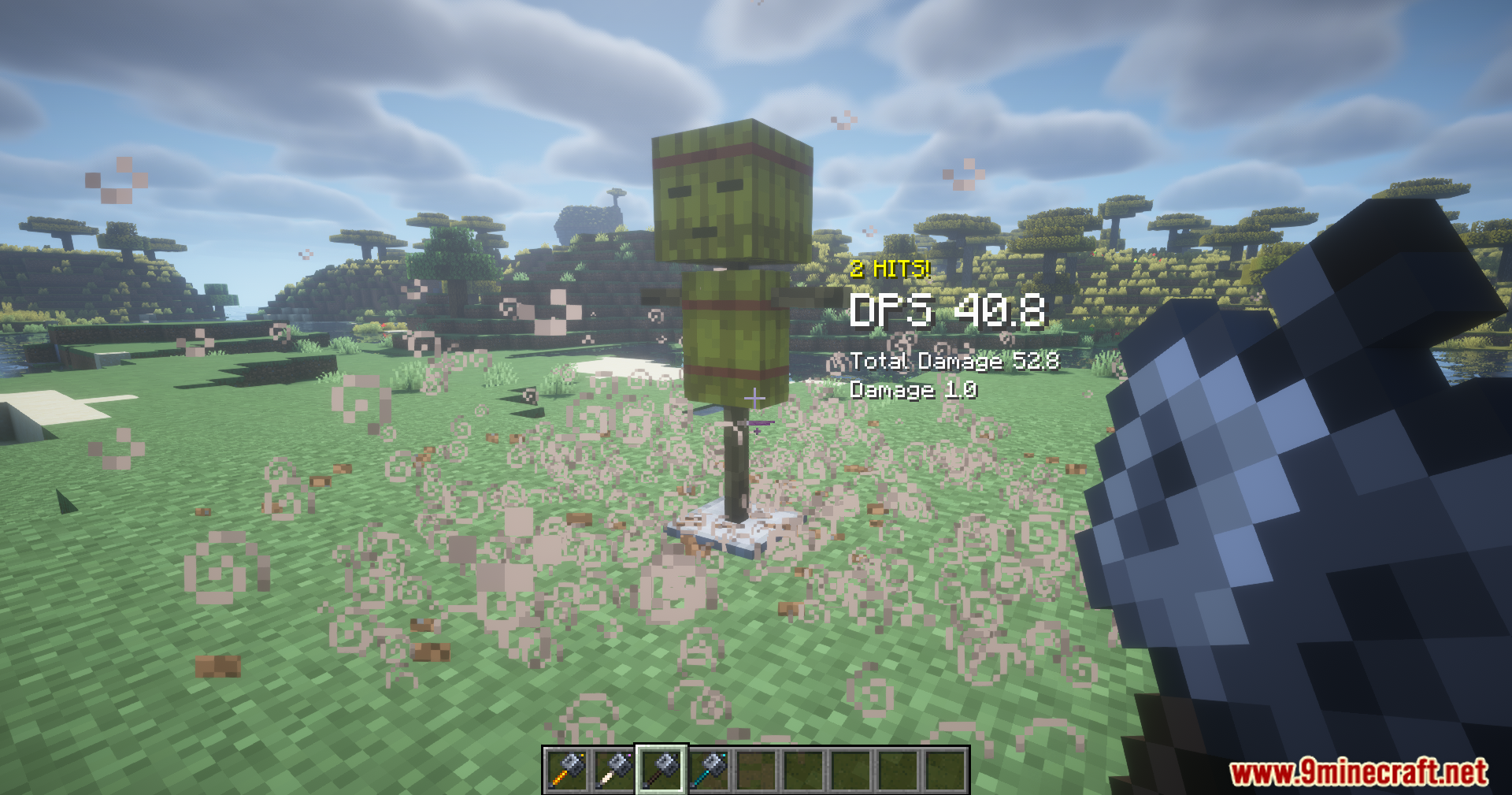
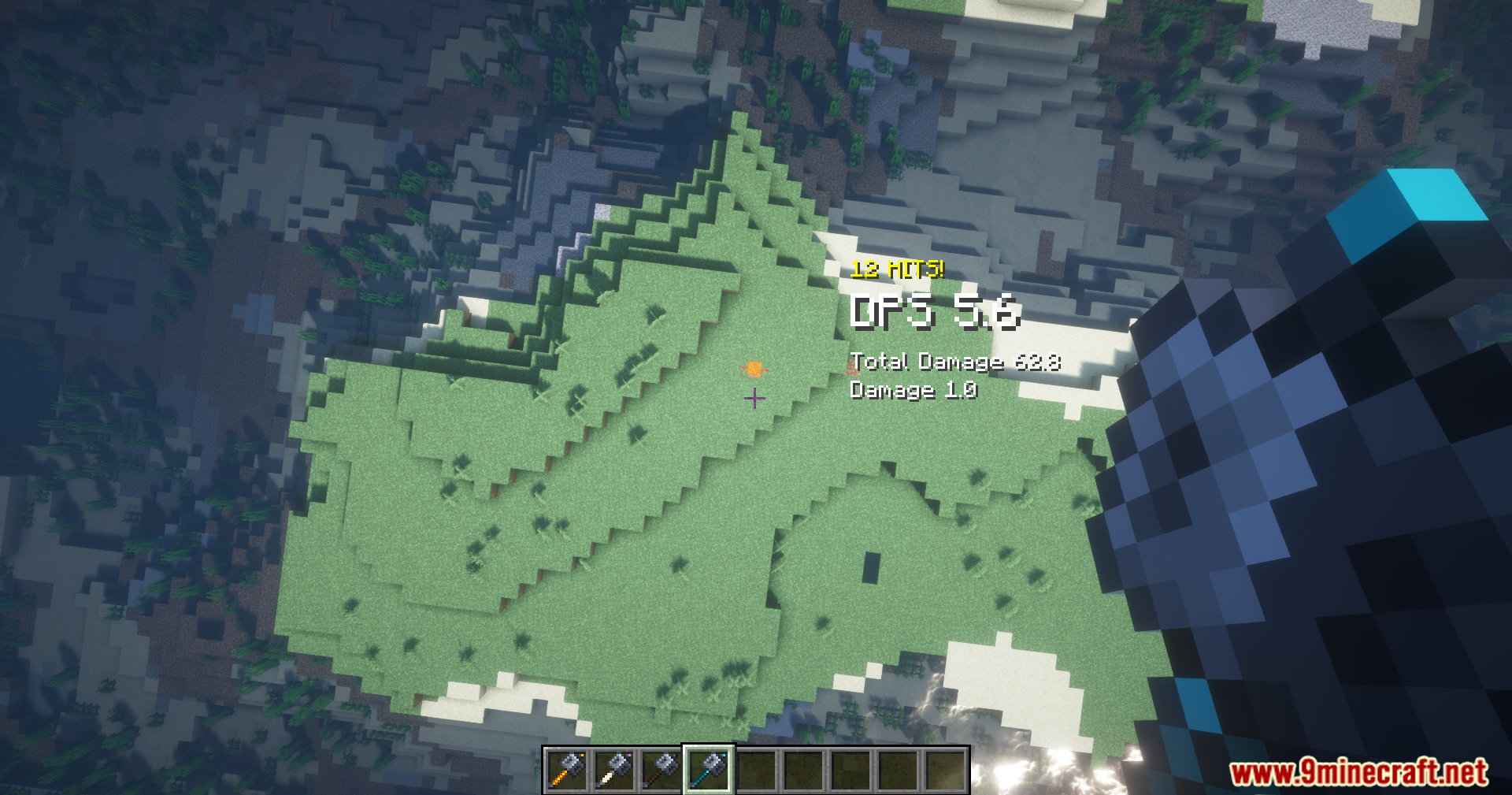
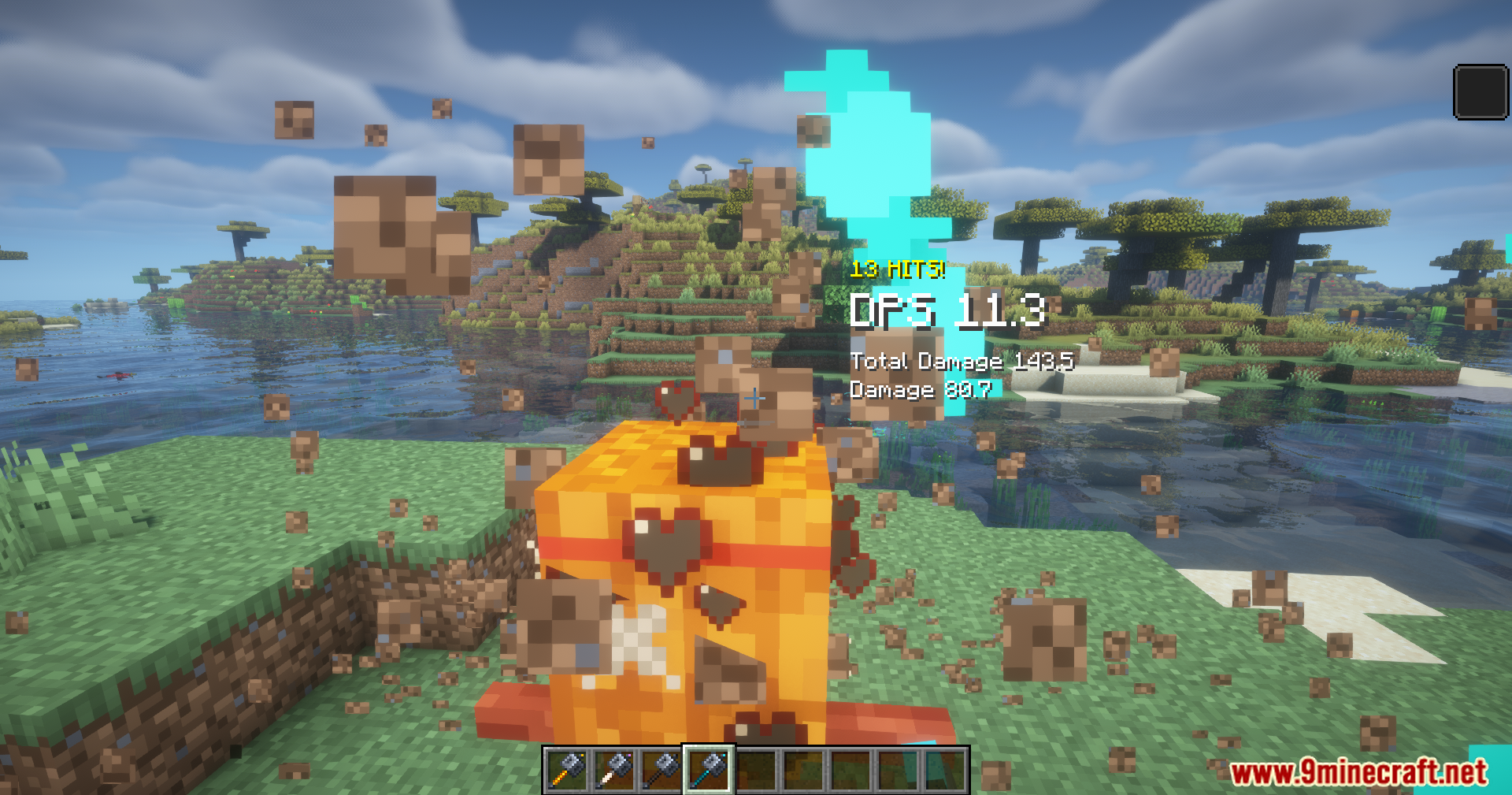
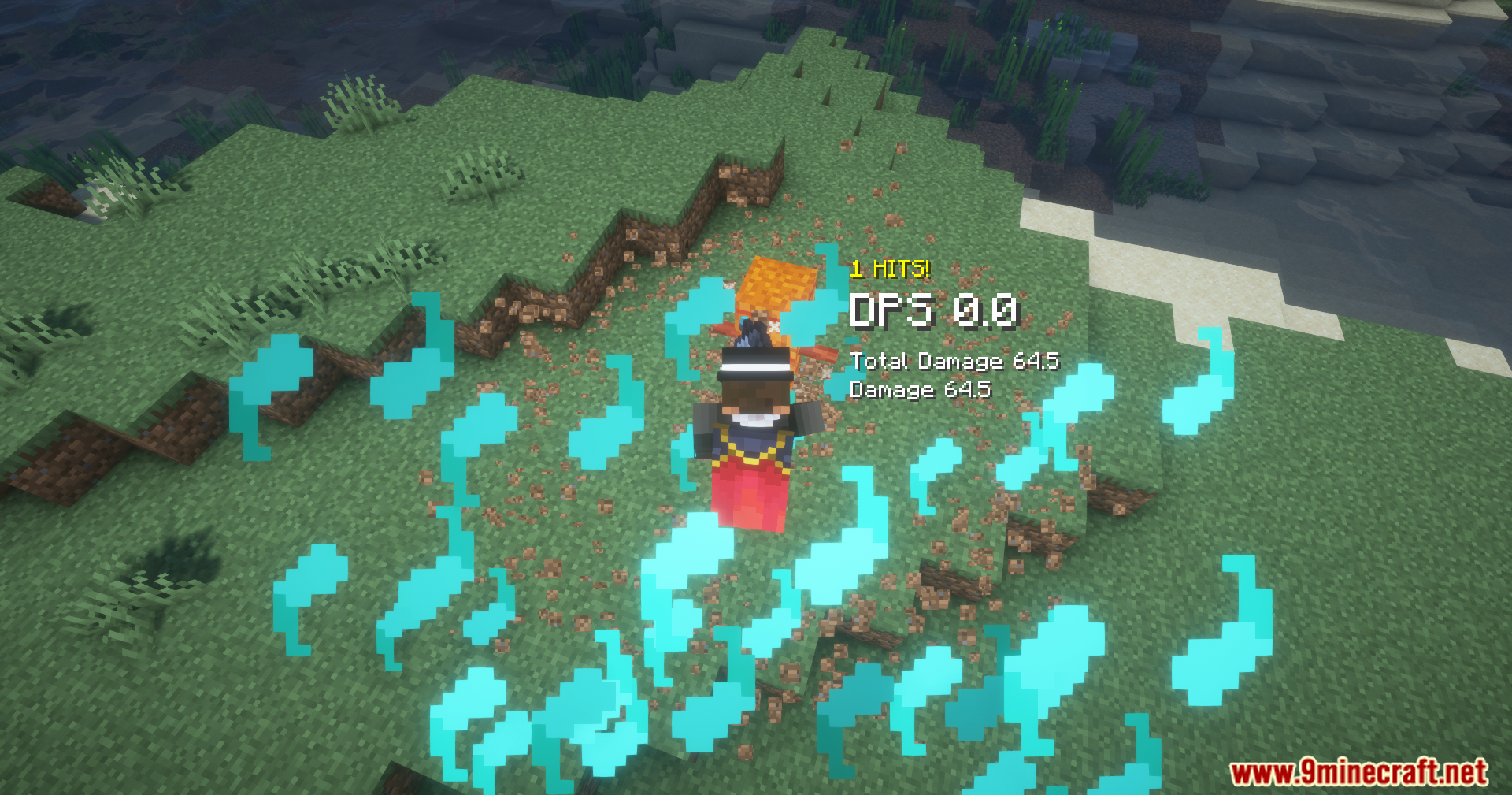
Elemental Maces Mod adds four new magical weapons to your game. Each weapon comes with its own special power based on different elements. You can use fire, magic, wither effects or sonic blasts to fight off monsters. The weapons are balanced so they are fun to use without making the game too easy. It gives you more options for close combat when exploring dangerous areas.
Features:
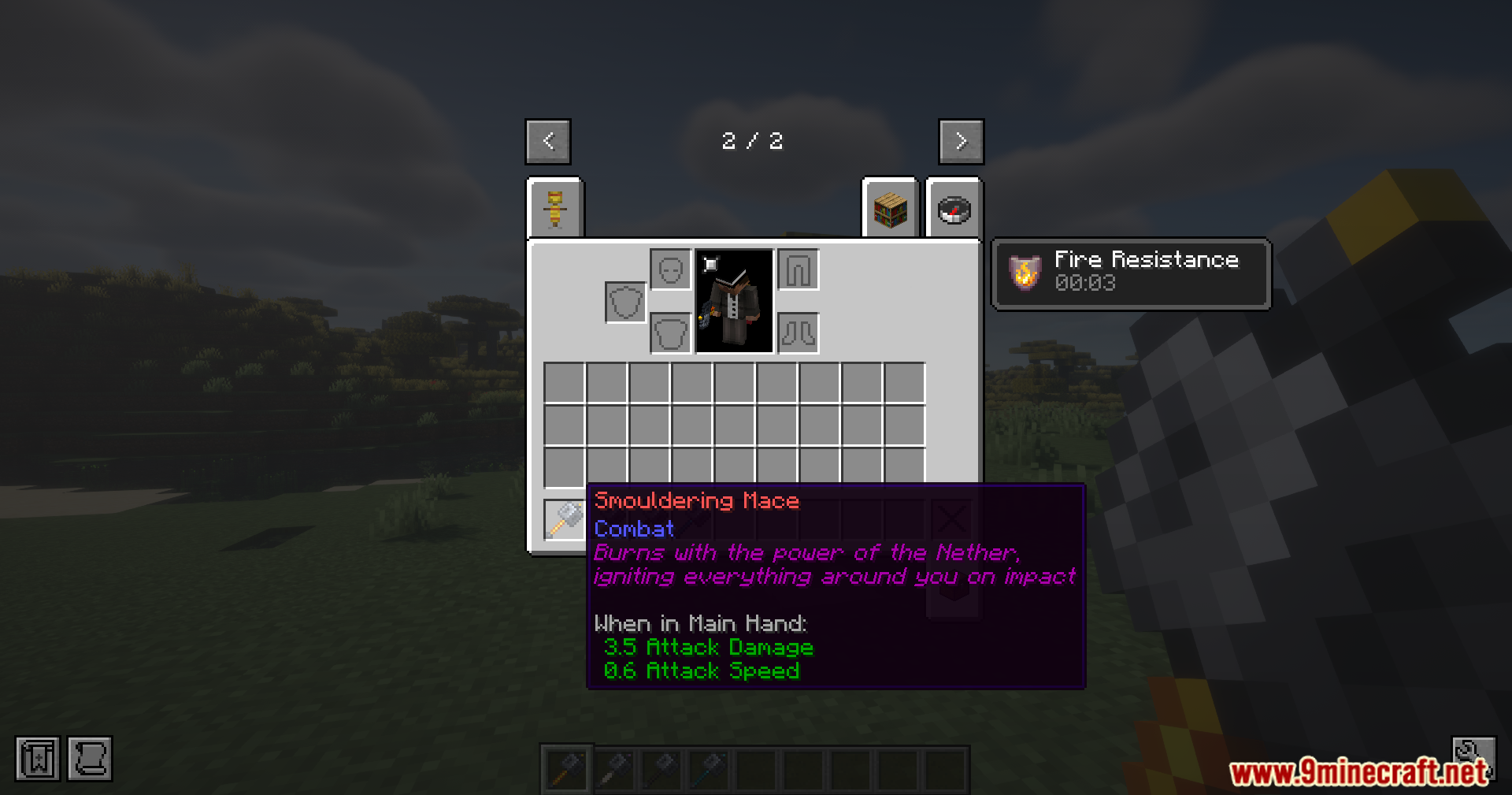
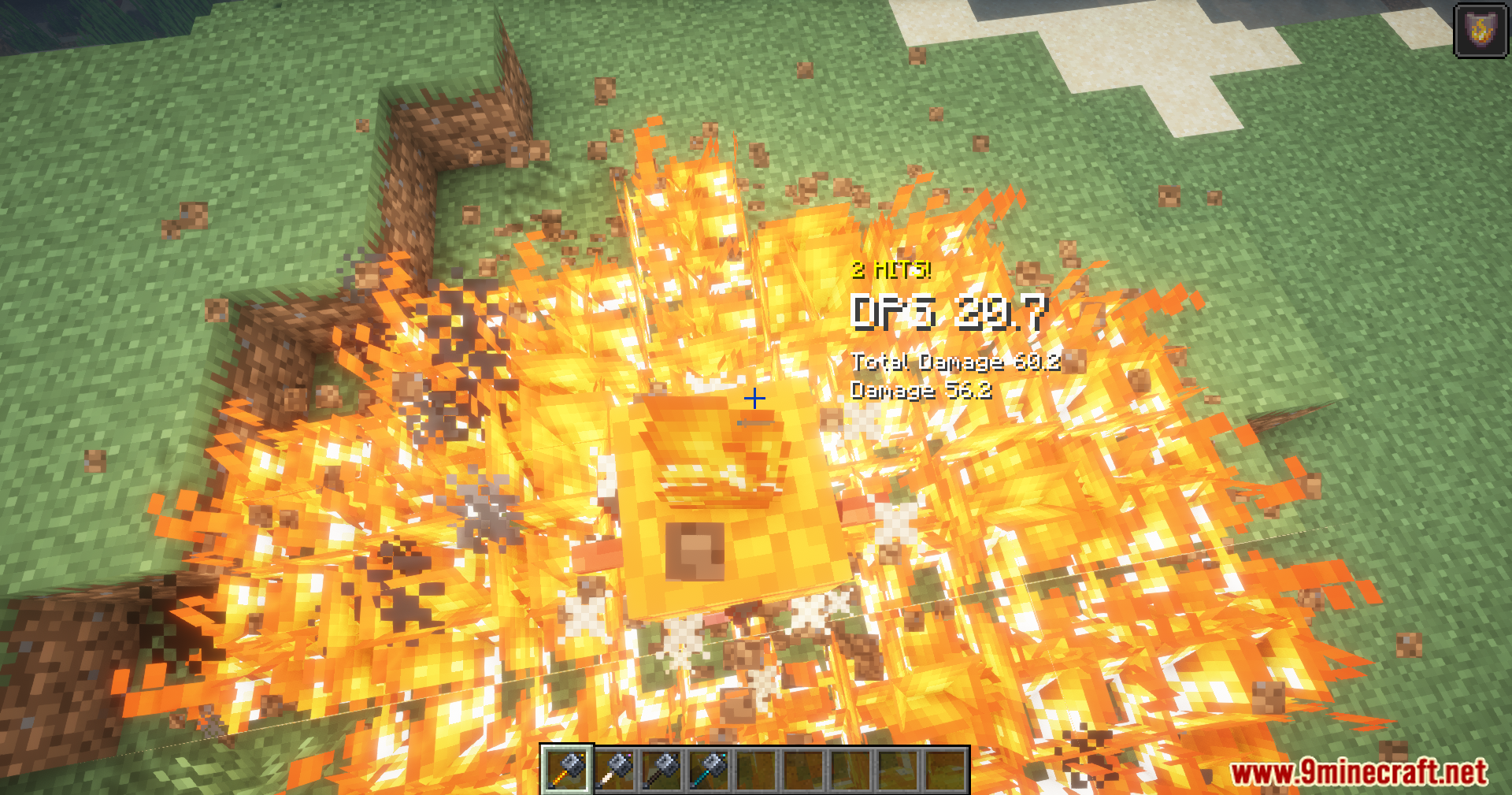
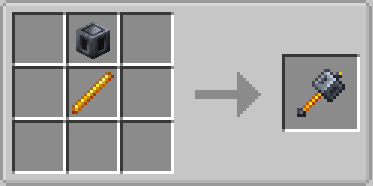
- Smouldering Mace: Creates a ring of fire around you that burns enemies over time, while keeping you safe from the flames.
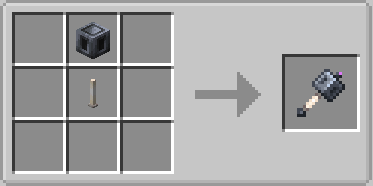
- Ender Mace: Makes any mob you hit float up into the sky for about five seconds before crashing down.
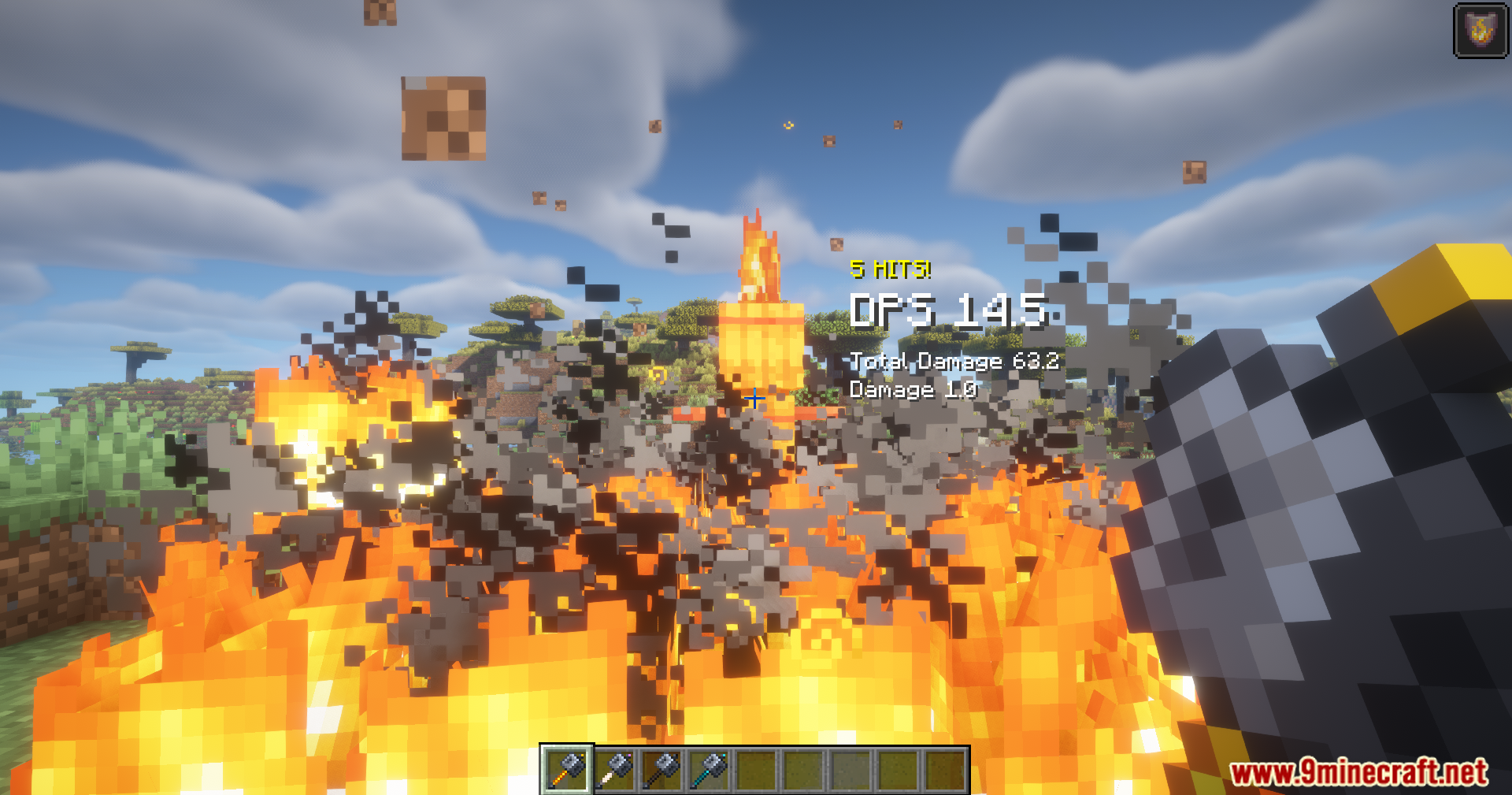
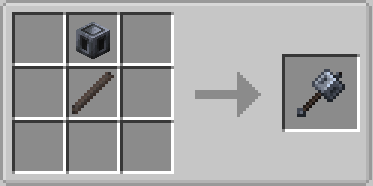
- Withering Mace: Spawns a cloud of wither magic that damages monsters, but leaves you completely unharmed.
- Adds four brand new maces with unique magical abilities.
- Protects you from fire damage when you hold the fire-based weapon.
- Sends enemies flying into the air so they take fall damage when they drop.
- Gives you complete immunity to the wither effect while holding the wither weapon.
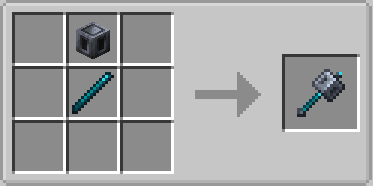
- Blinds nearby enemies using a massive sonic blast similar to the Warden.
- Balances weapon damage so fights stay challenging and fun.
How to Use:
- Craft the Smouldering Mace by replacing the standard Breeze Rod with a Blaze Rod.
- Build the Ender Mace by using an End Rod instead of a normal Breeze Rod.
- Combine a Breeze Rod with Wither Roses and a Nether Star to make the parts for the Withering Mace.
- Mix a Breeze Rod with Echo Shards and a Sculk Catalyst to build the Resonating Mace.
- Jump and attack enemies on your way down to trigger the special elemental blasts.
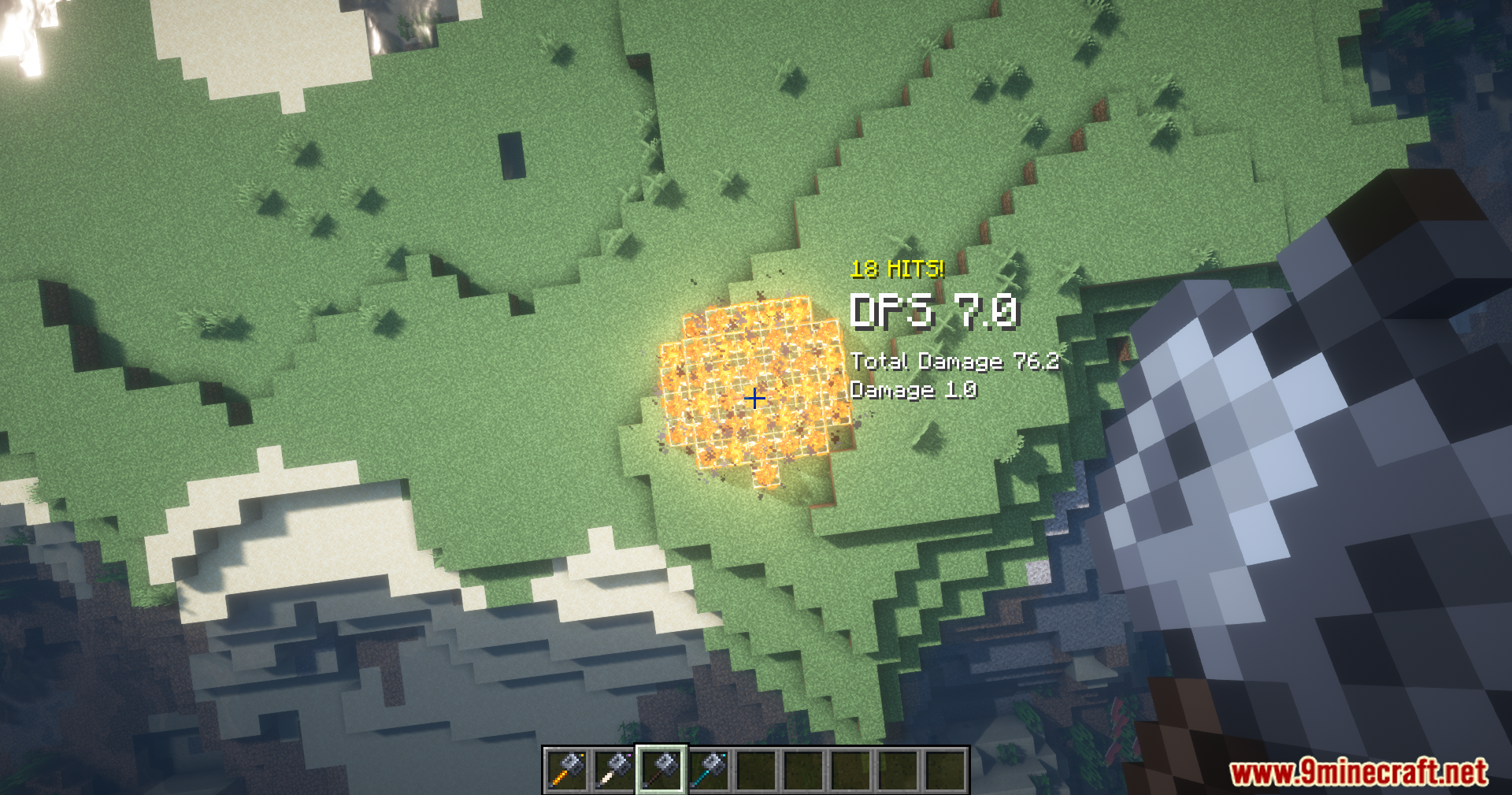
Screenshots:
Elemental Maces Mod Download Links
Quick facts
- Edition: Minecraft Java
- File type: .jar
- Minecraft version listed: 1.21.1
- How to install: Install the matching mod loader (Forge, Fabric or NeoForge) for your Minecraft version. → Download the .jar. → Put it in the .minecraft/mods folder and launch that loader profile.
- Where to get it: In MC Java Mods, or directly above on this page.
Install steps are the general flow for this file type — How to install Minecraft Java mods & modpacks walks through it step by step.
File checked by MCModsHub
- Downloads as 89491.mcaddon
- Download size: 48 KB
- Download link checked 25 Sept 2026 — working
- Mirrored on our own servers — the download does not depend on the original host
These come from our own check of the pack file, not from the source page.