Home›Bedrock›Addons›Random Enchant On Attack Addon (26.x, 1.21) – Get Random Enchantments From Attacking Mobs
AddonsBedrock
Random Enchant On Attack Addon (26.x, 1.21) – Get Random Enchantments From Attacking Mobs
Bedrock add-on listed for Minecraft 1.21 (behavior pack only). File opened and checked on 20 Sep 2026; installs from the MC Bedrock Mods app on Android.
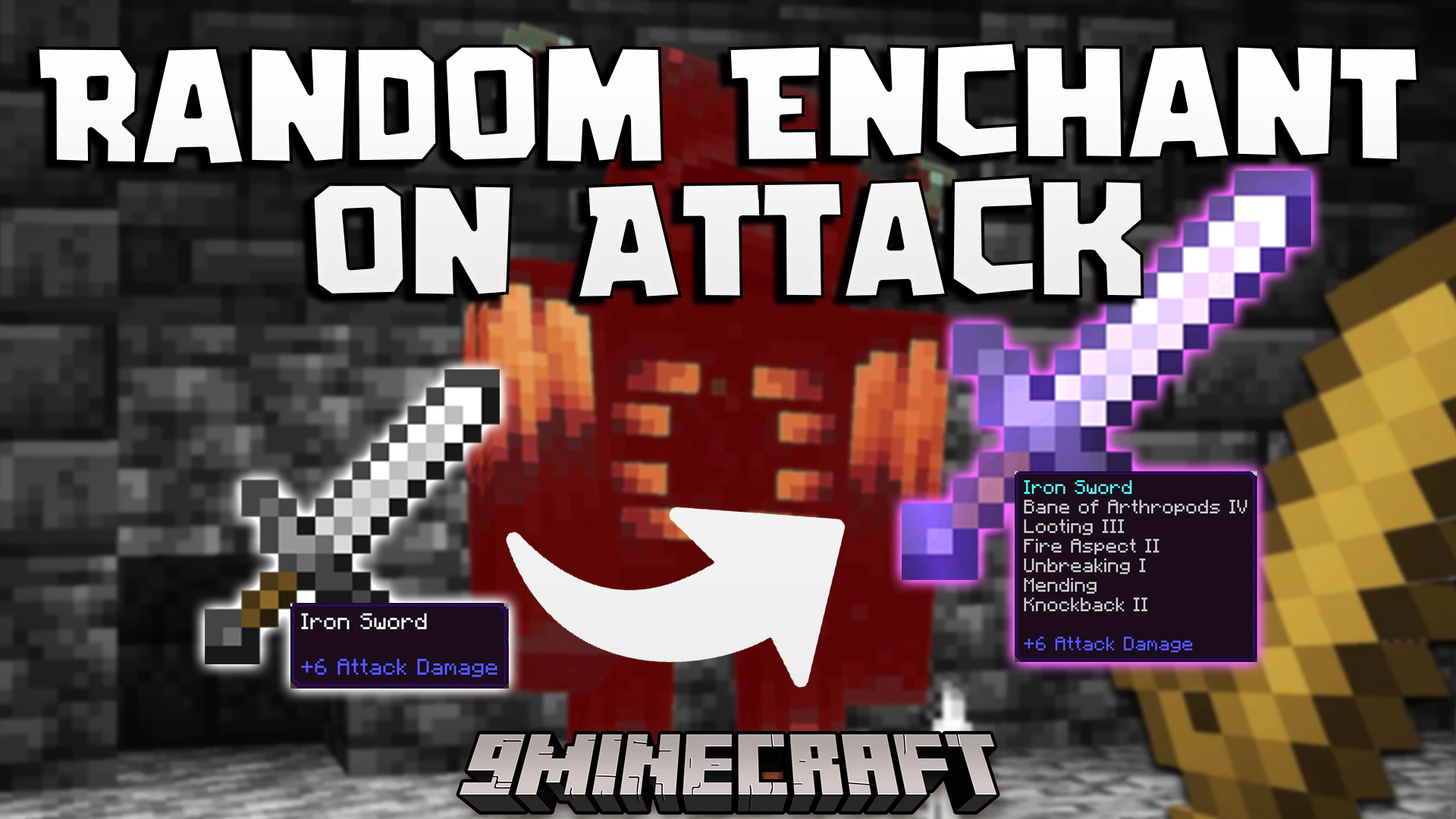
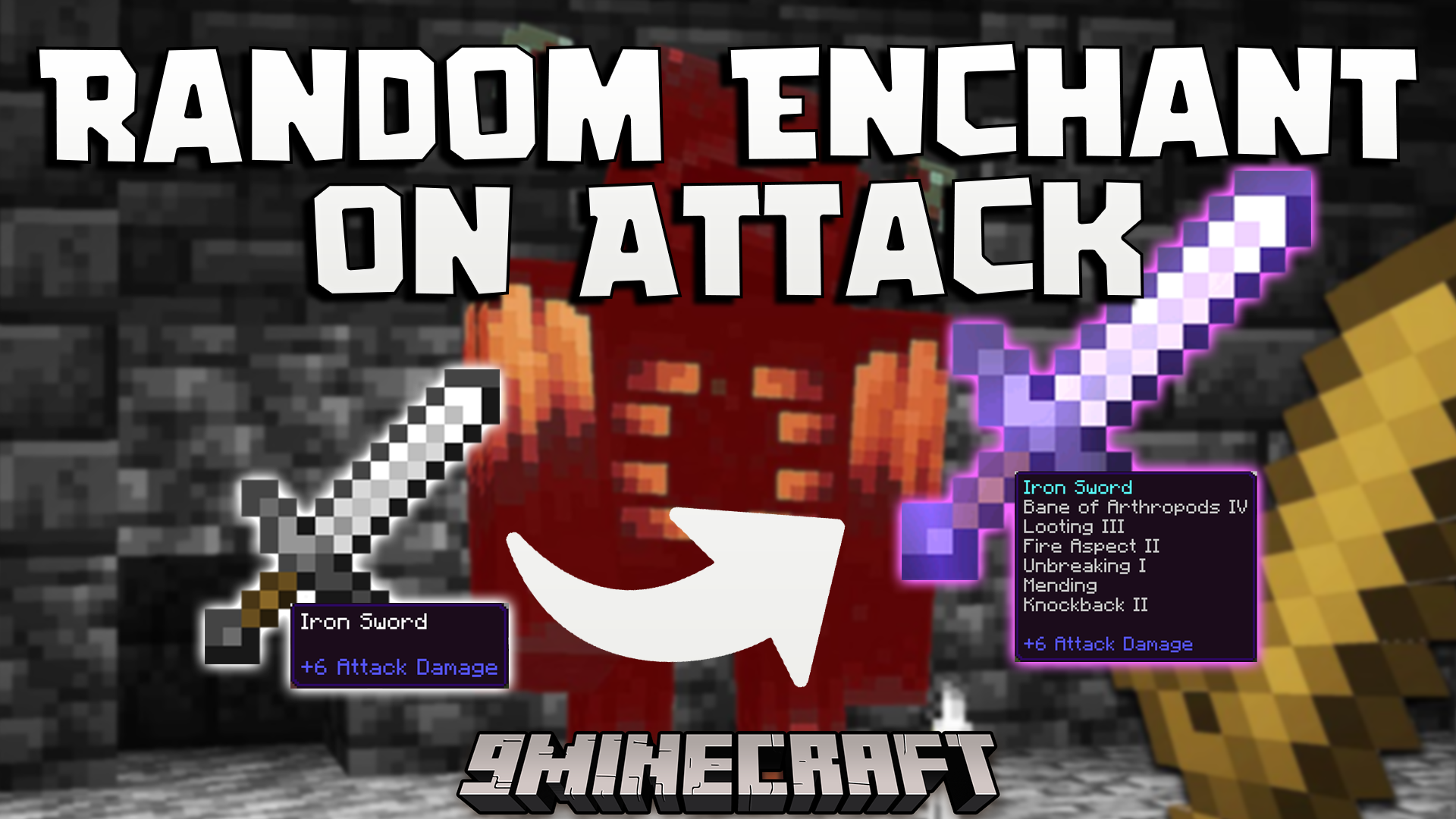
Random Enchant On Attack Addon lets you gain new magical powers during combat. It adds a fun twist to the game by giving your held item a random enchantment whenever you hit an entity. This allows you to quickly power up your weapons, tools, or even books just by fighting mobs or other players.
Features:
Enchants your held item instantly when you hit any mob.
Works perfectly with swords during close combat fights.
Lets you enchant axes and pickaxes by attacking entities.
Adds random magic to books held in your main hand.
Requires no setup to start playing with your friends.
Screenshots:
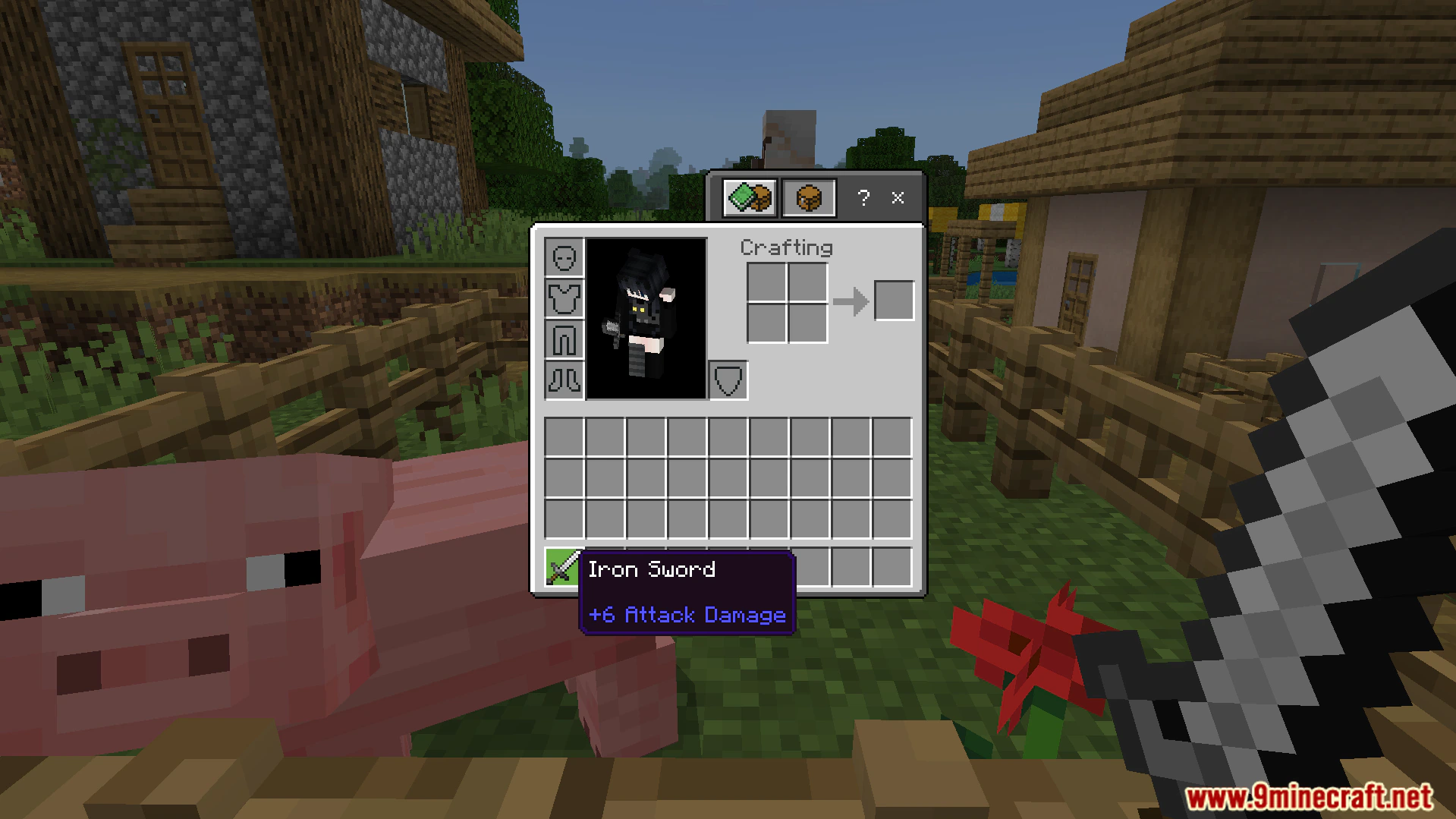
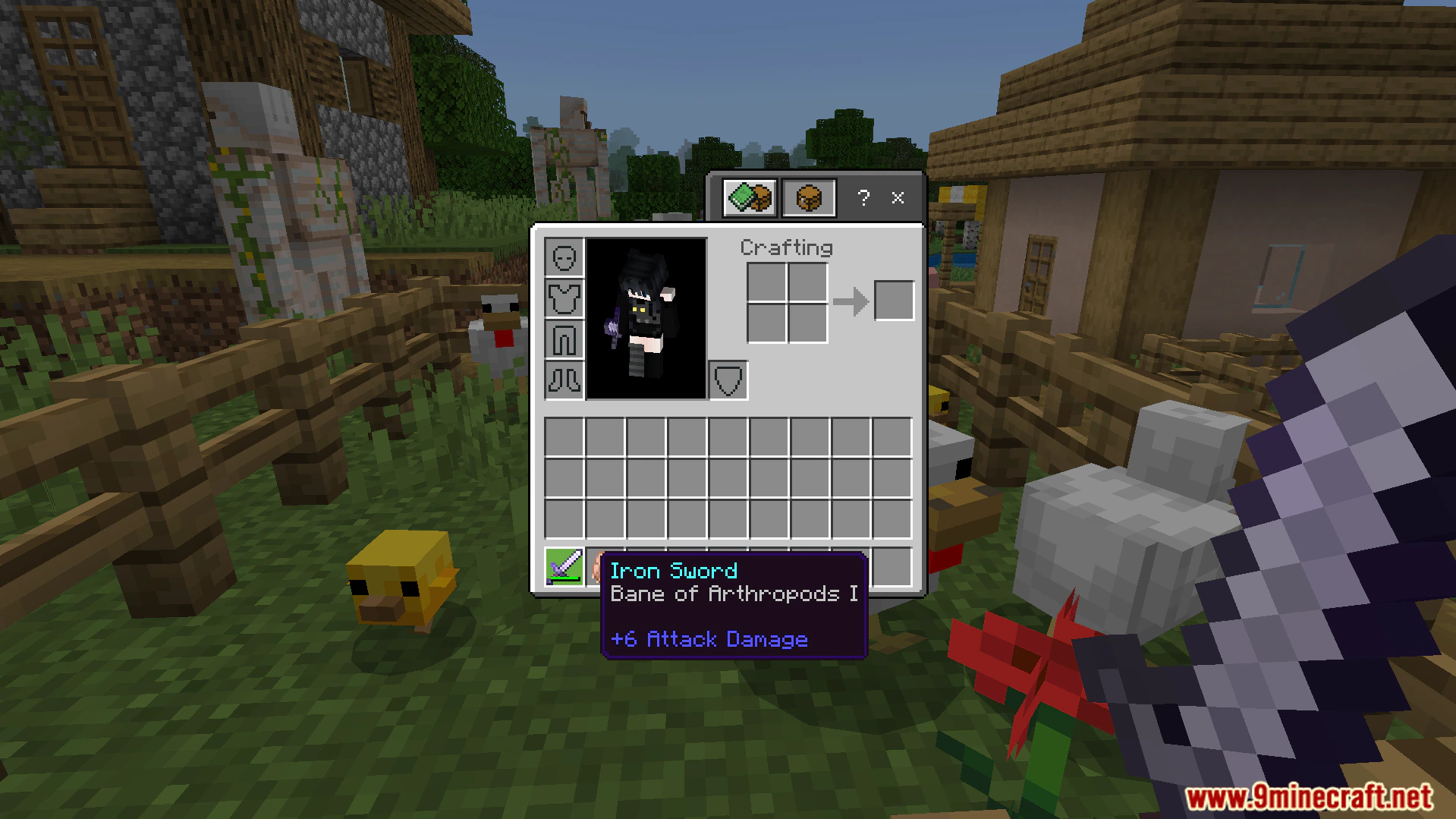
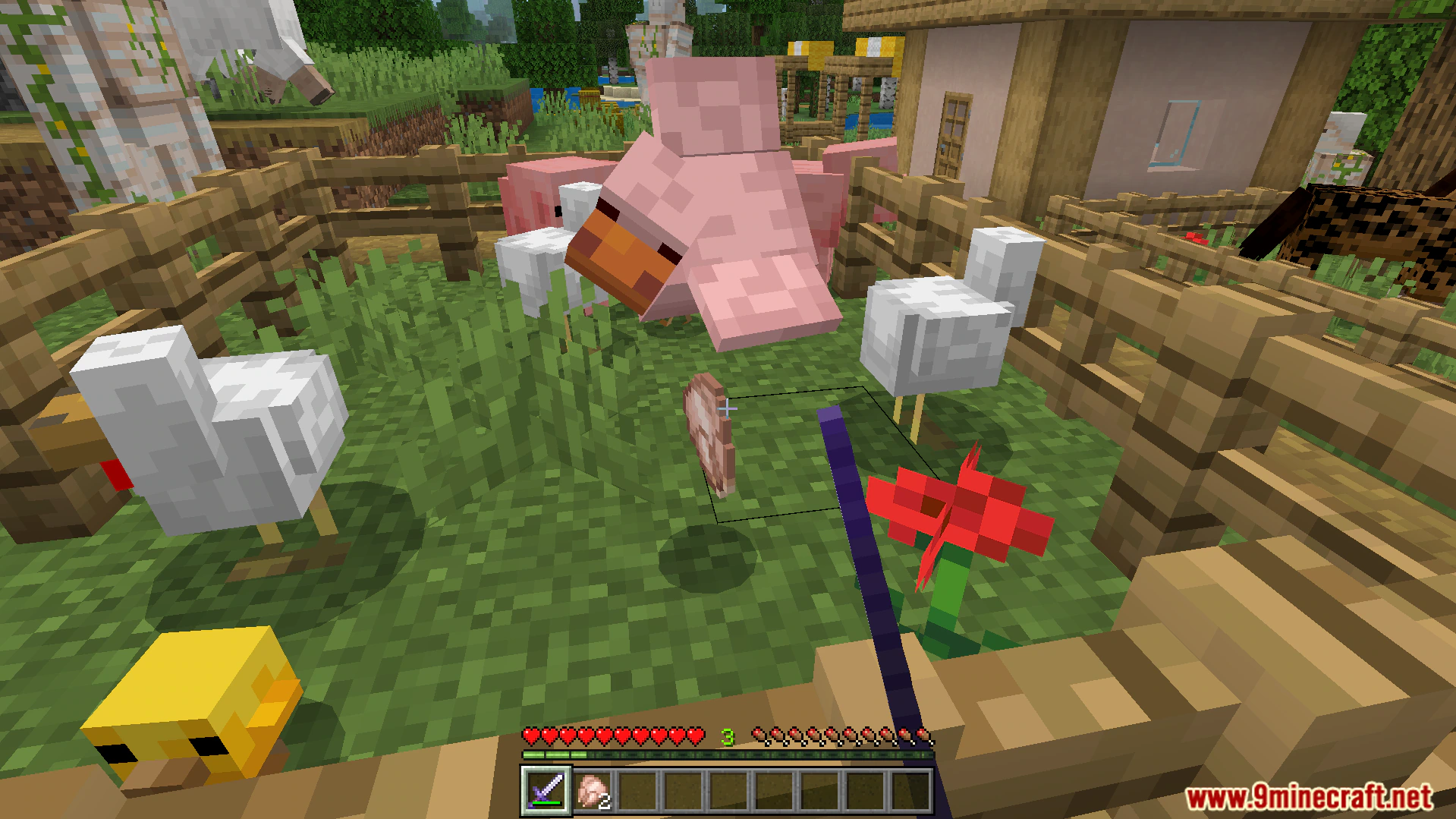
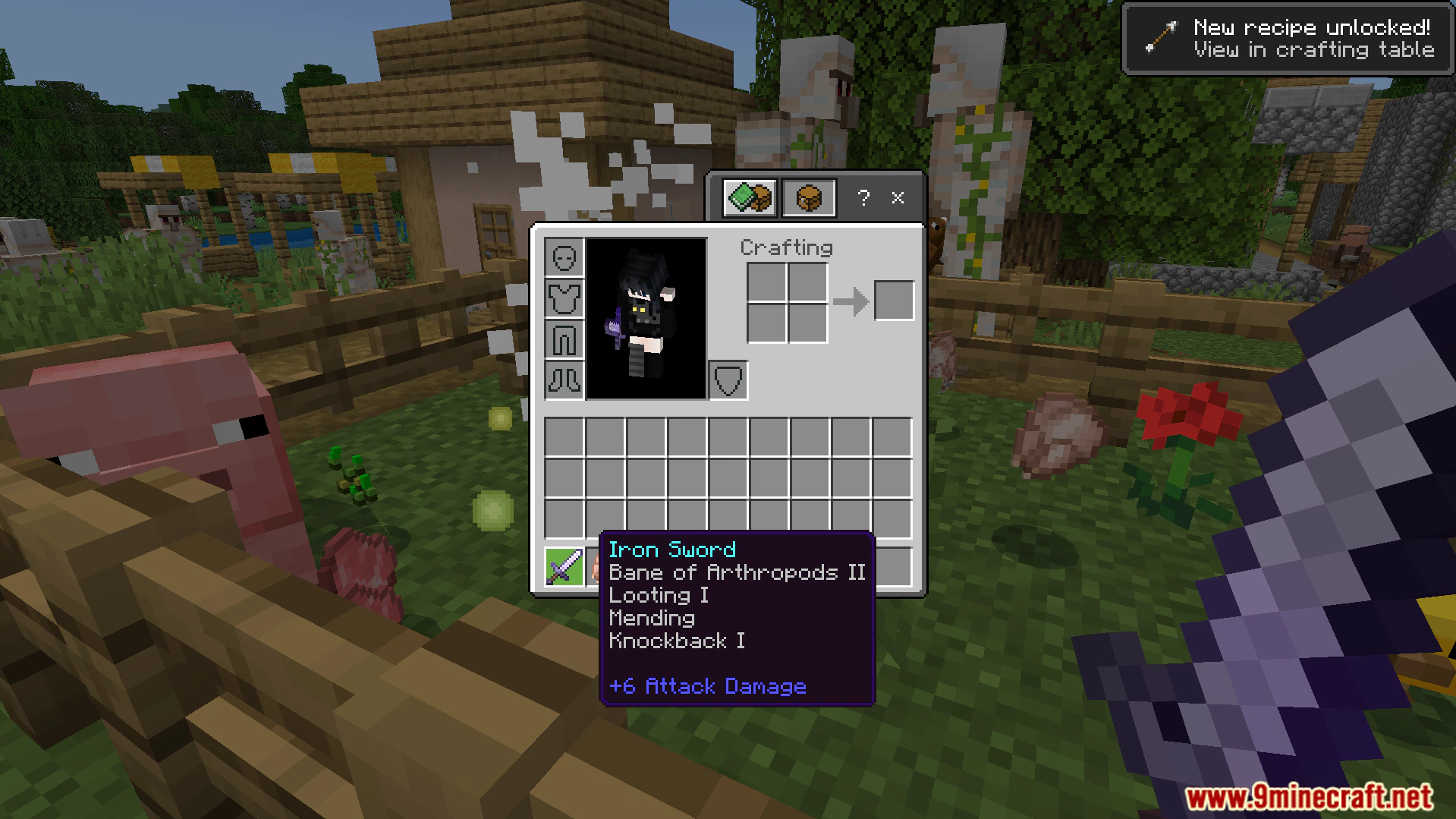
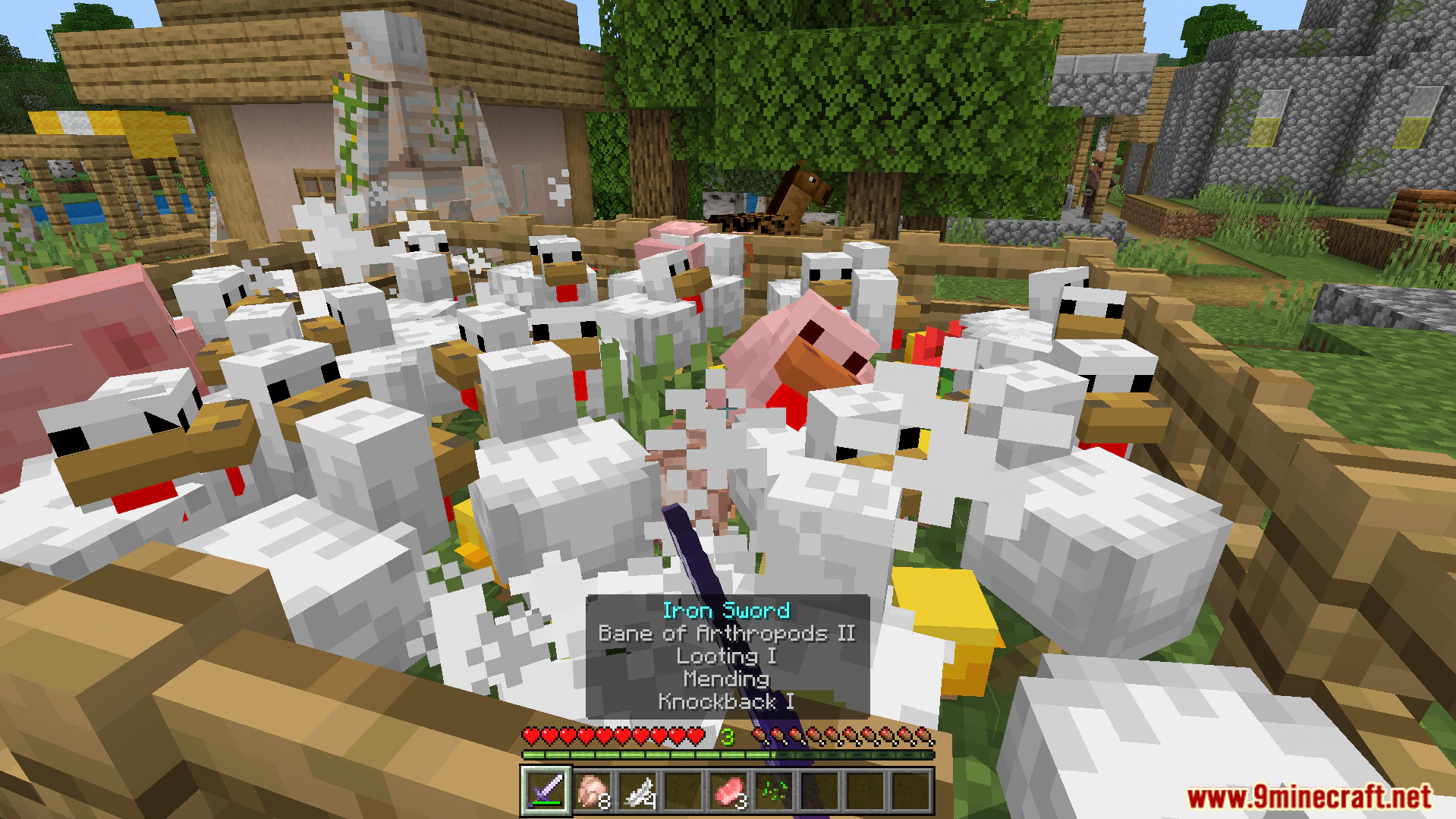
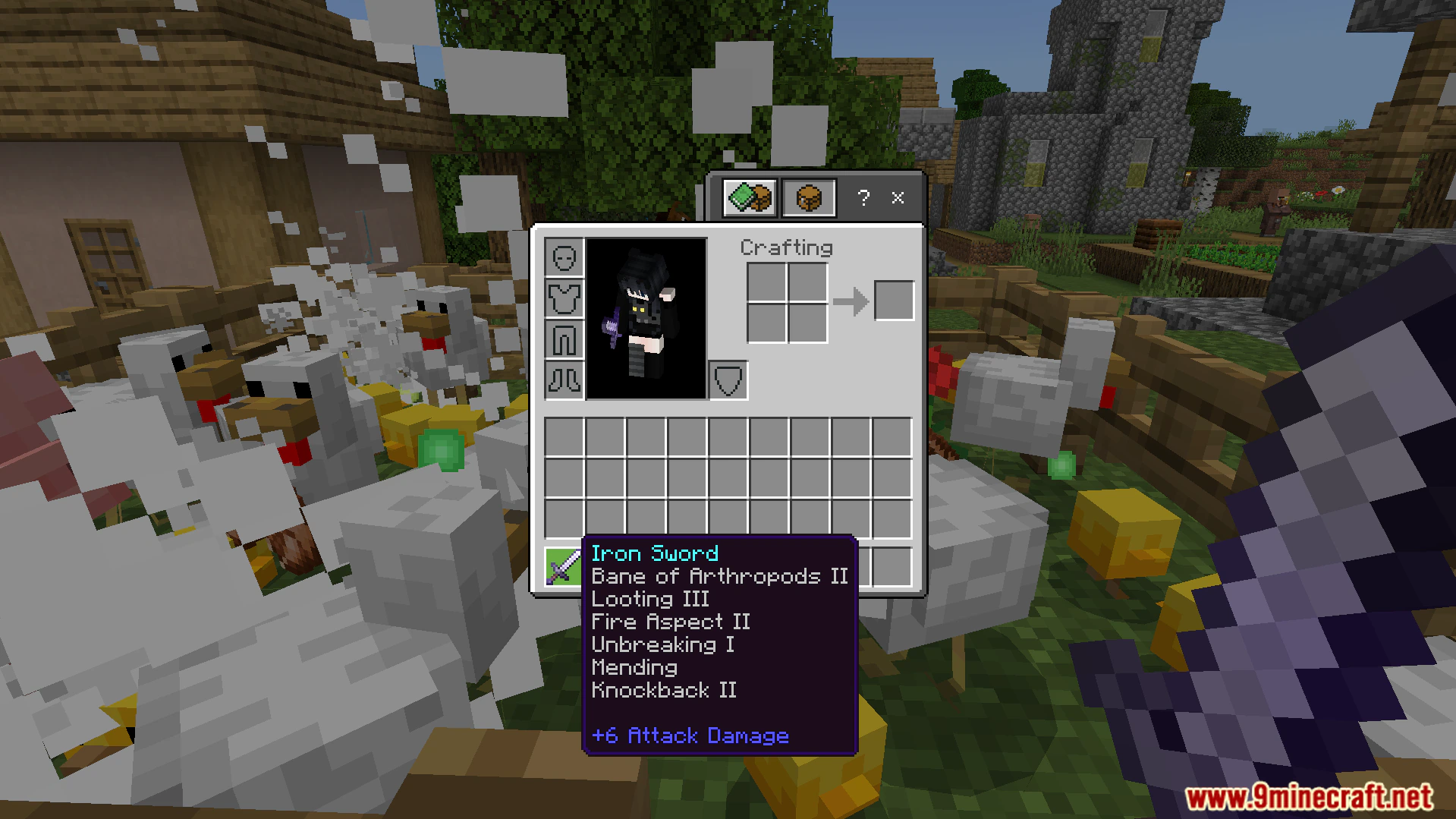
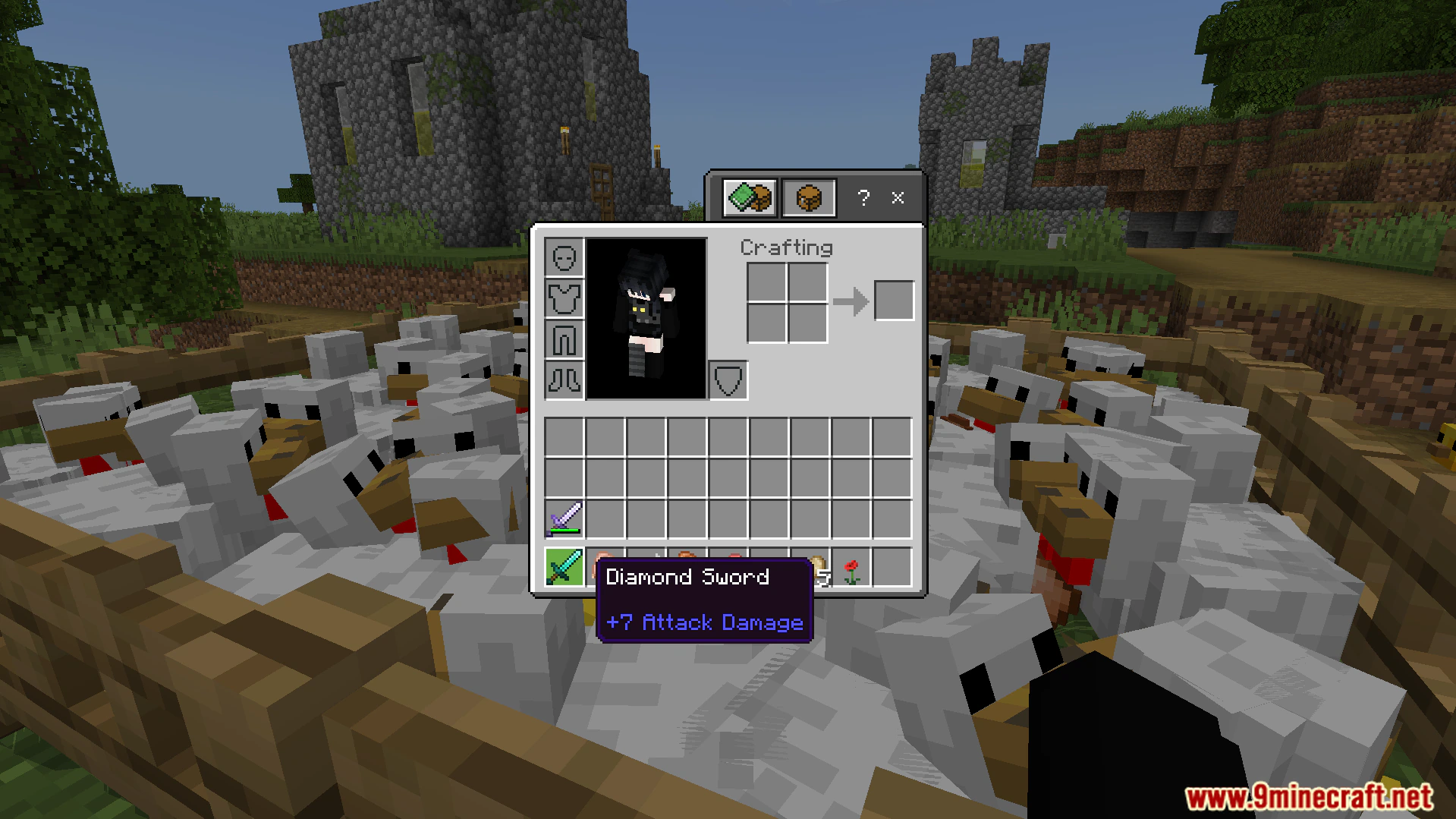
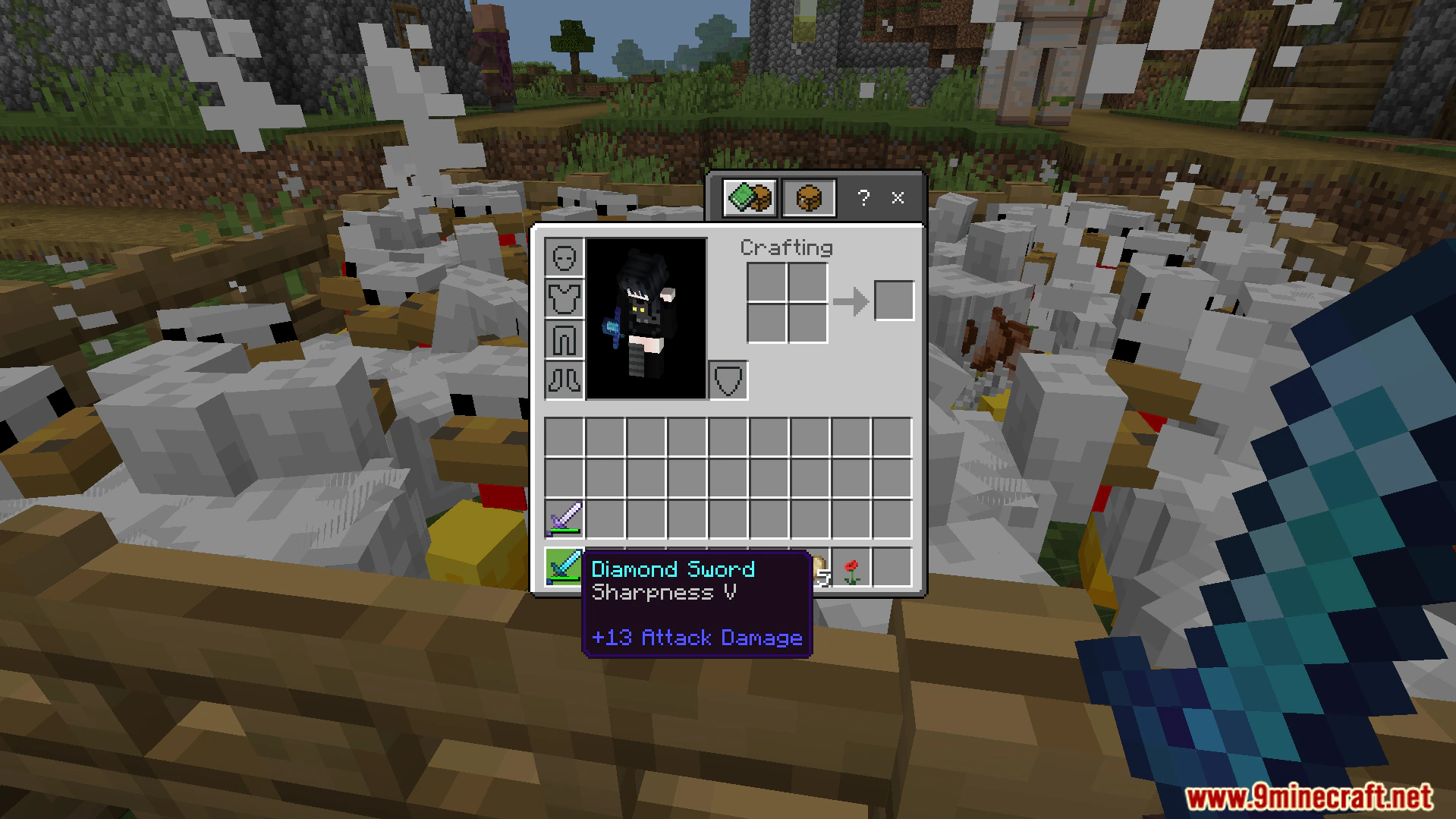
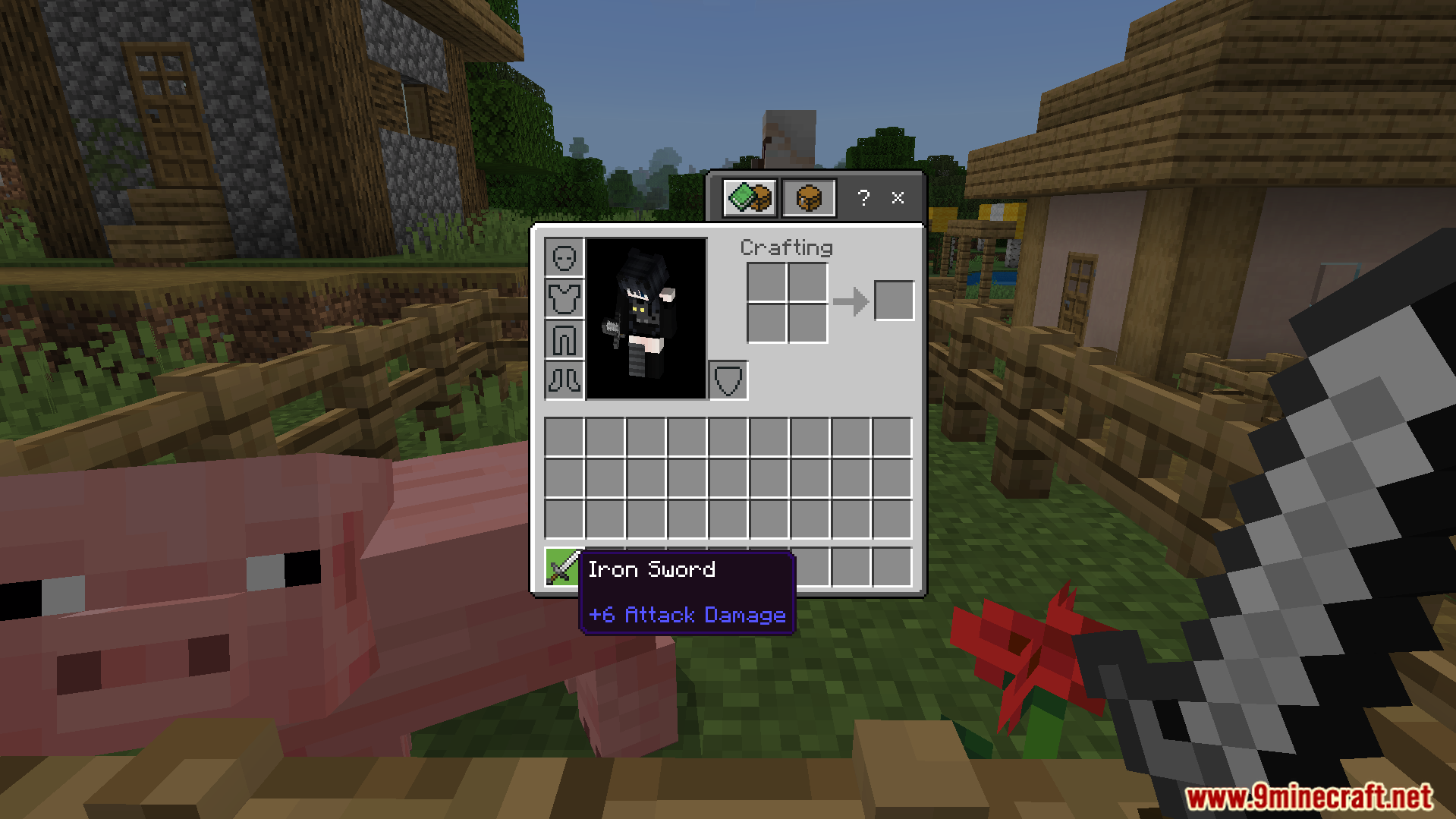
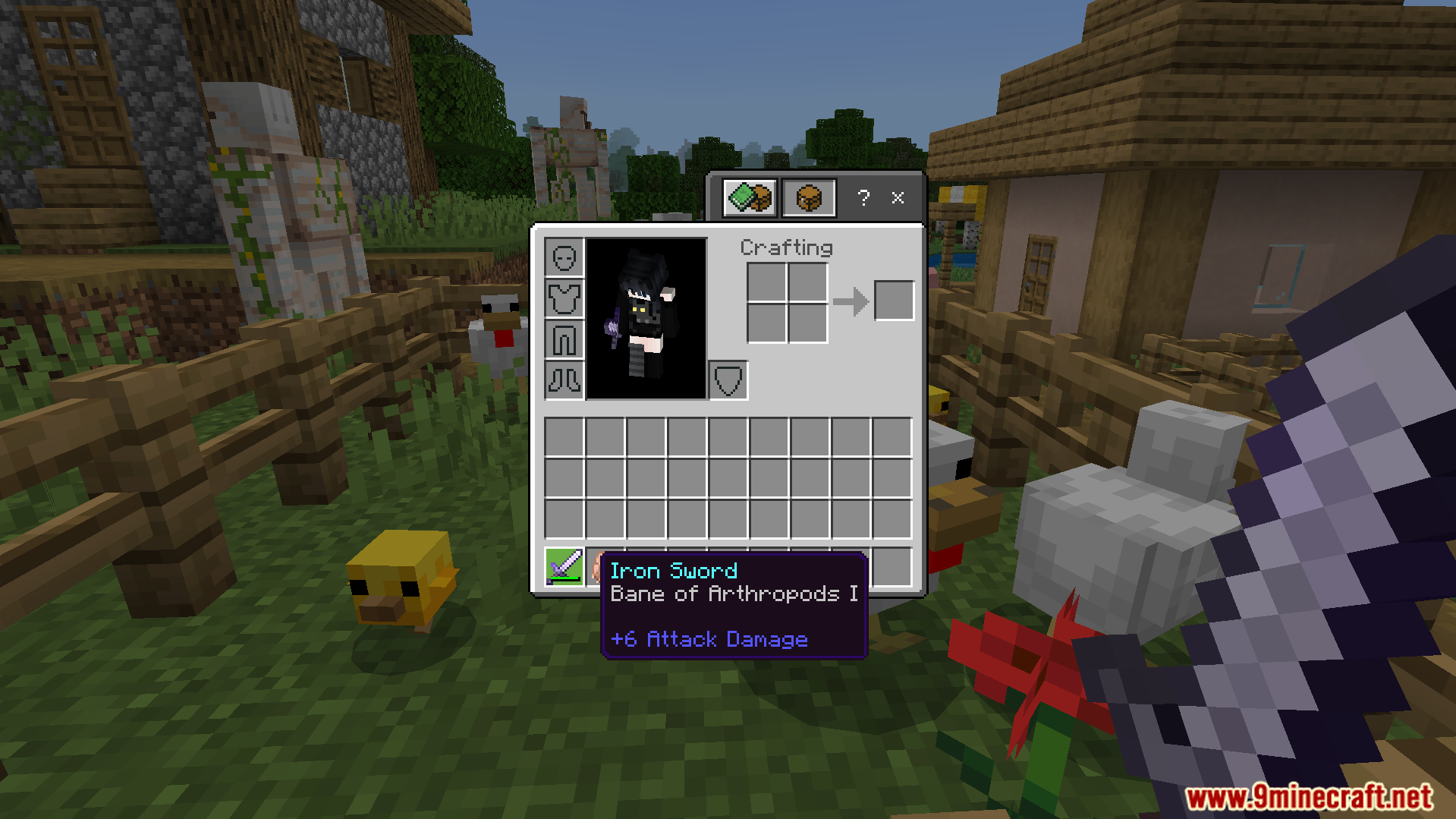
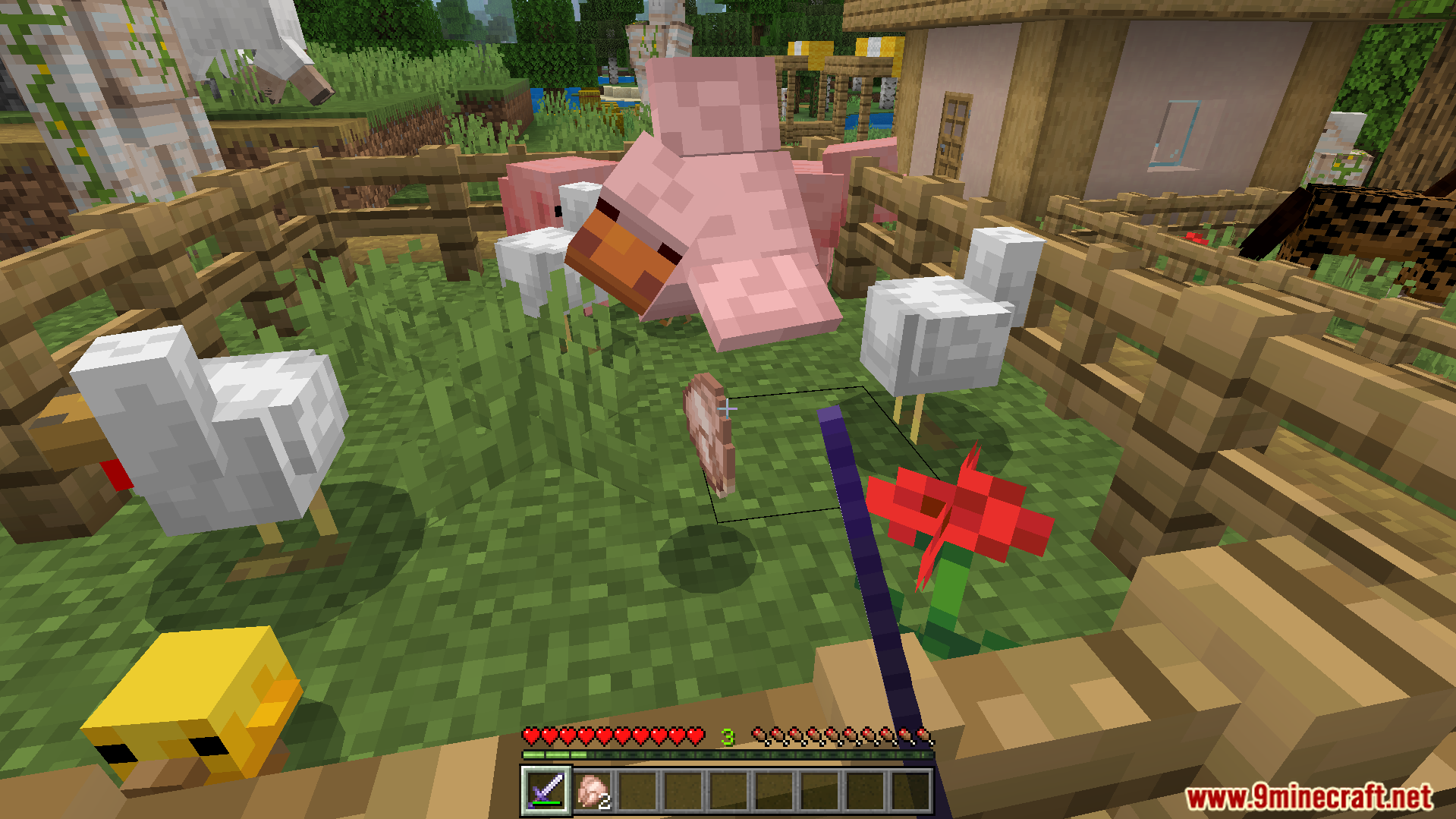
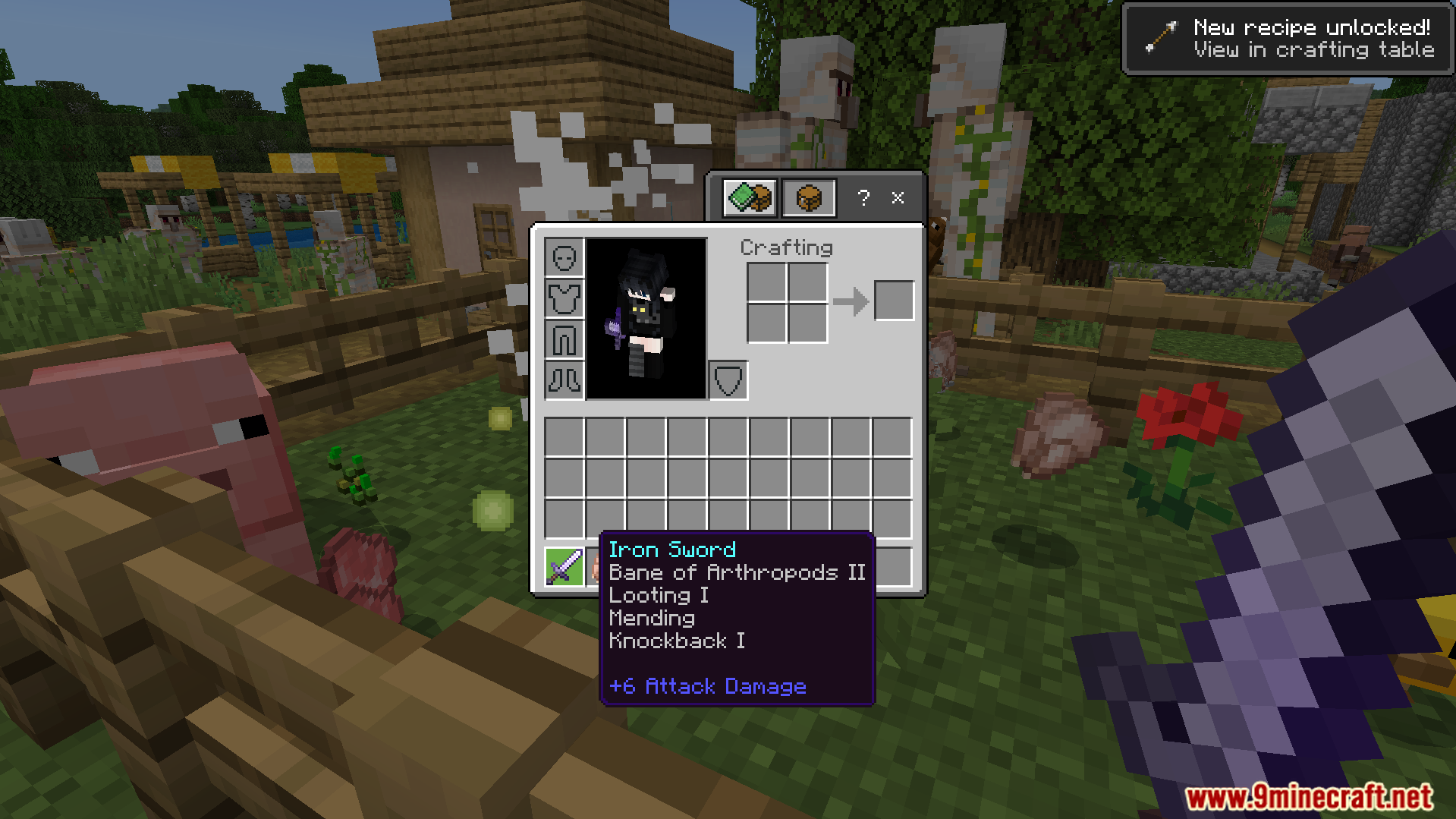
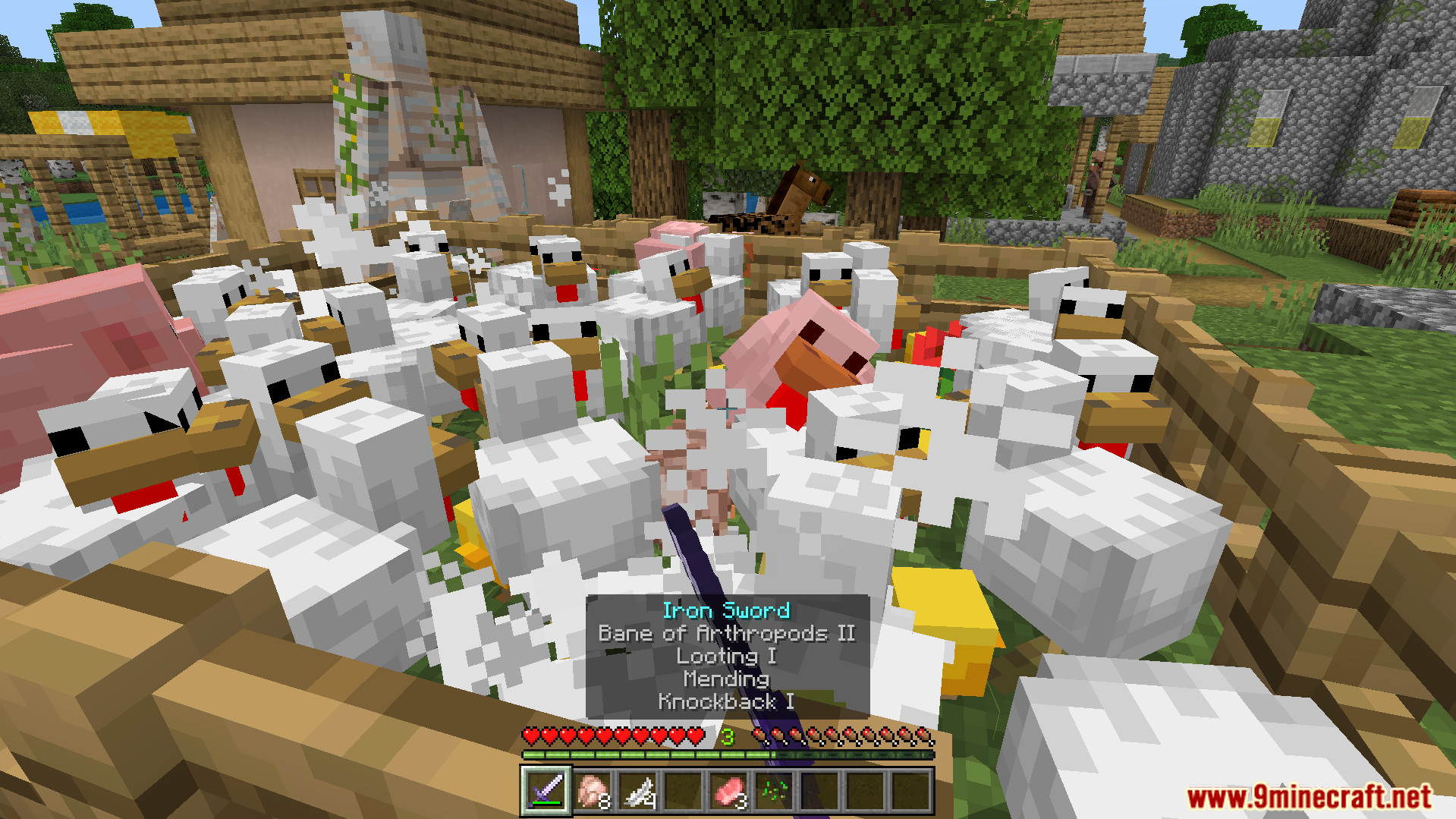
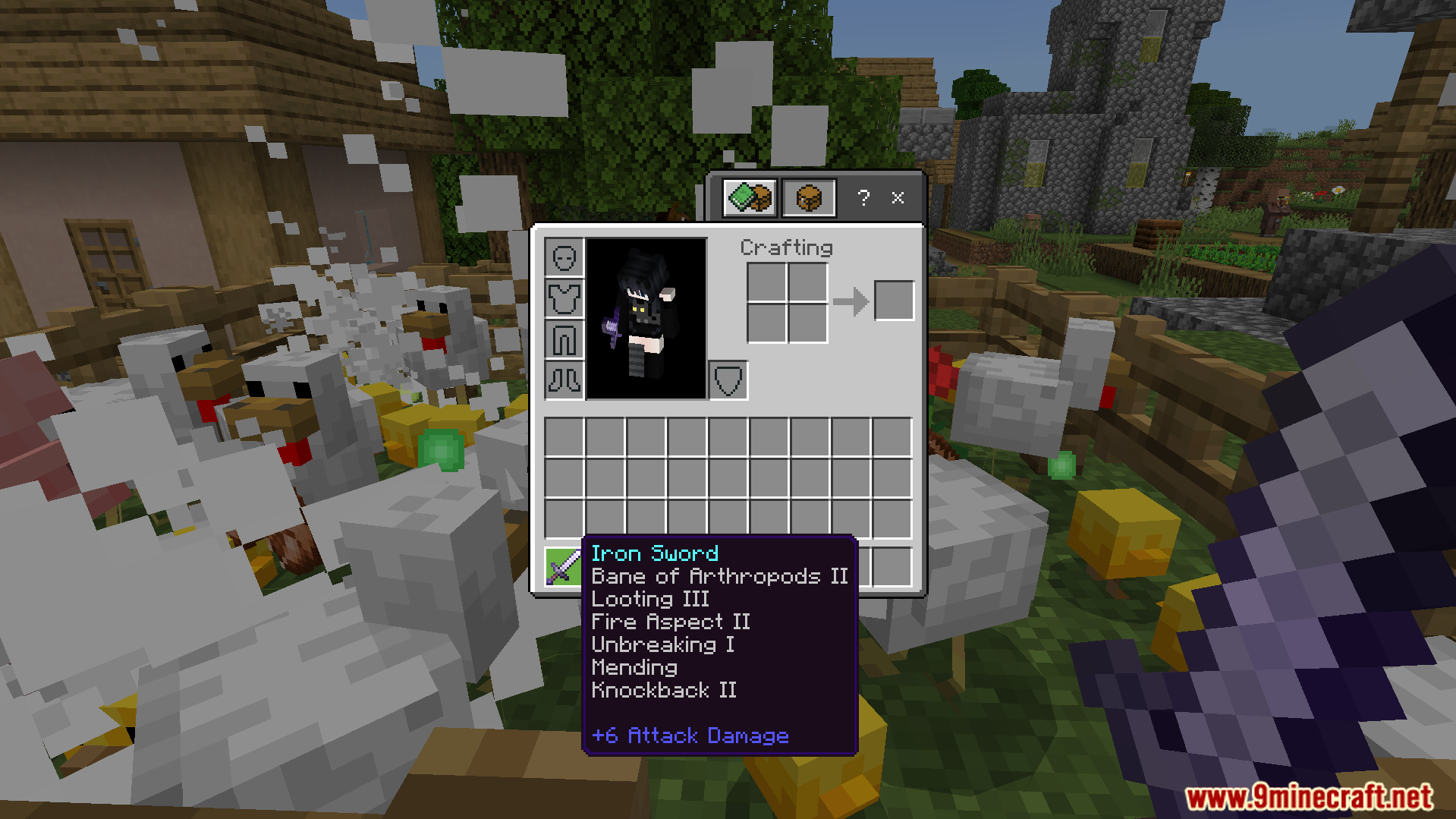
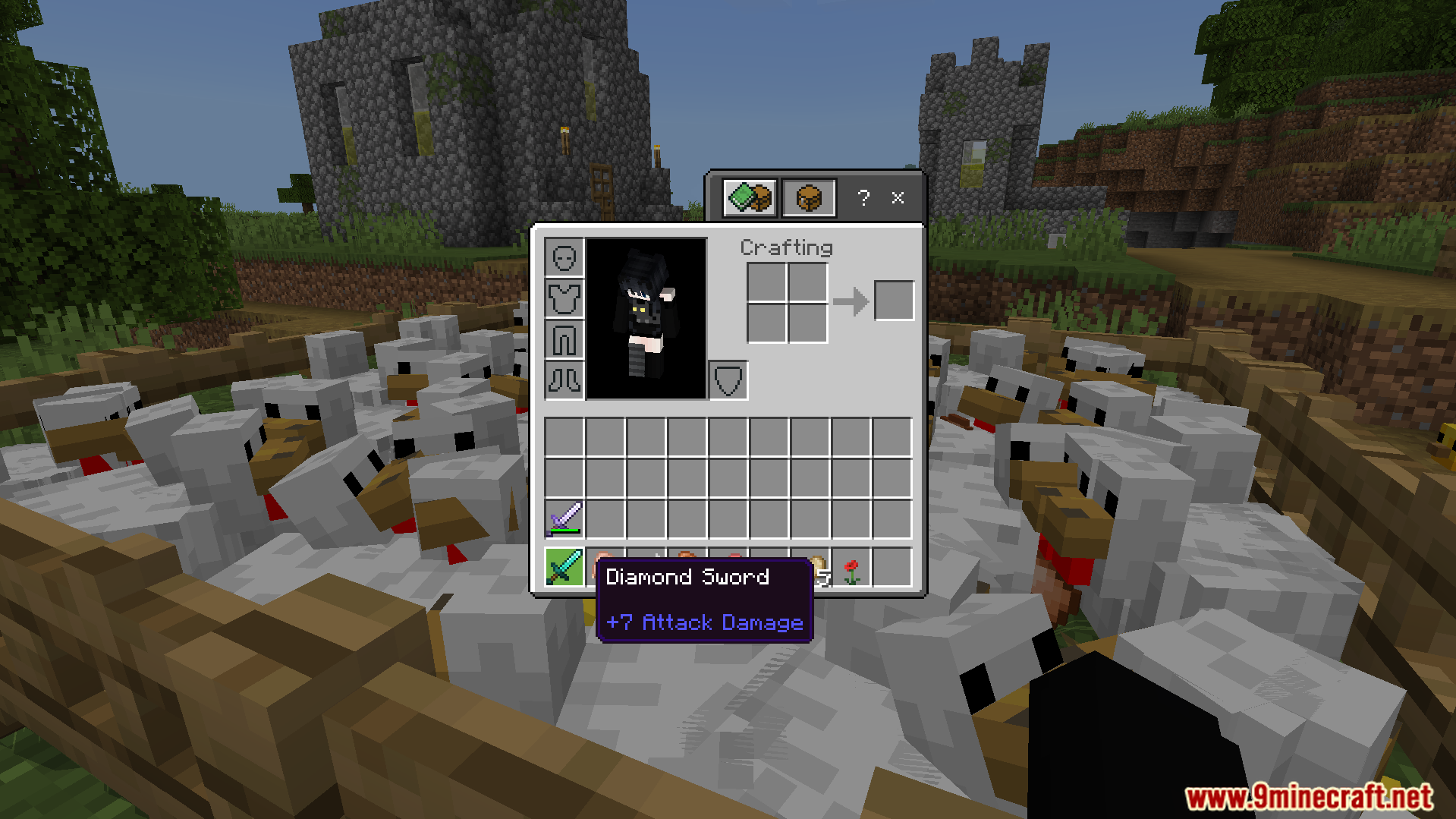
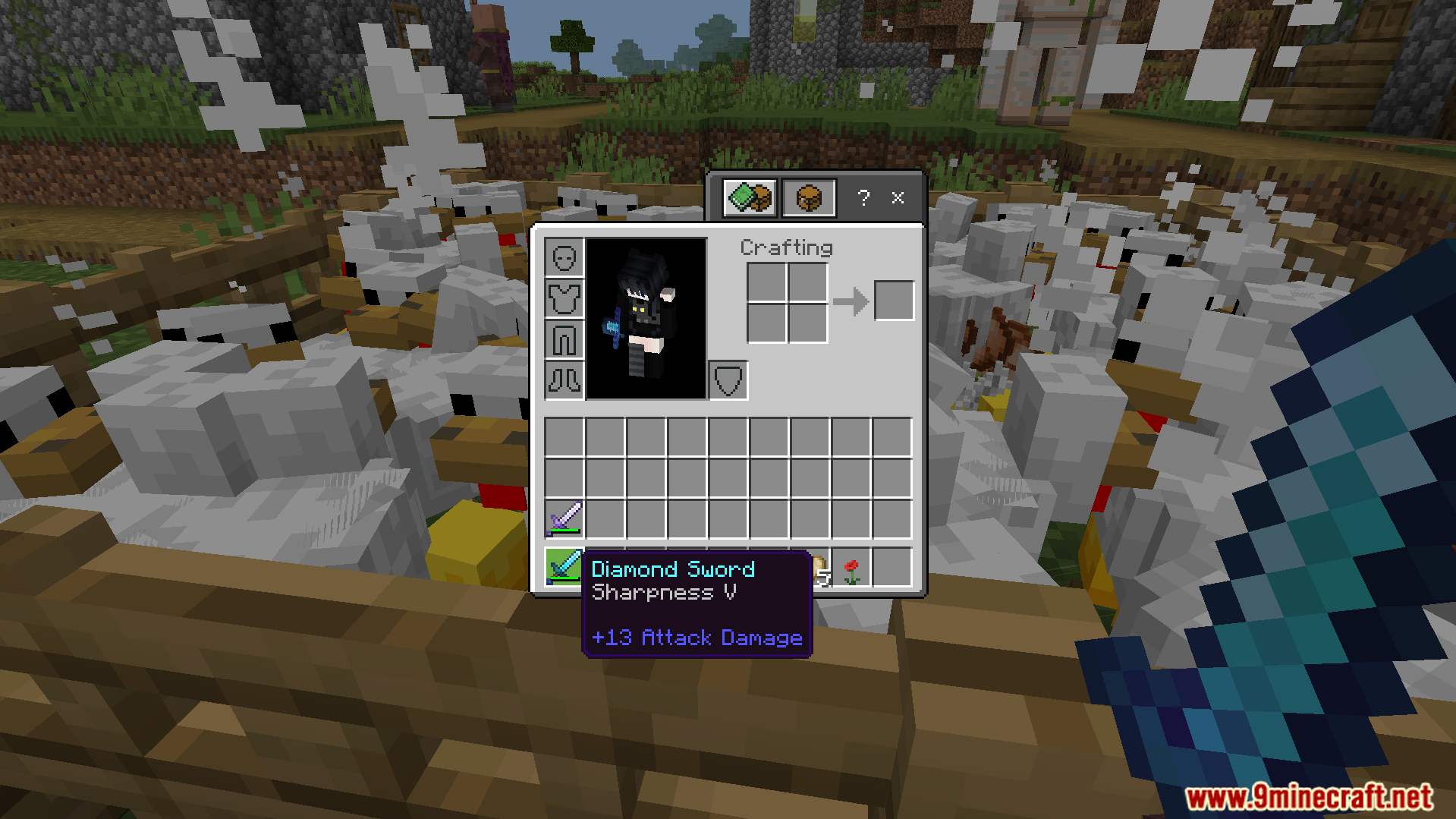
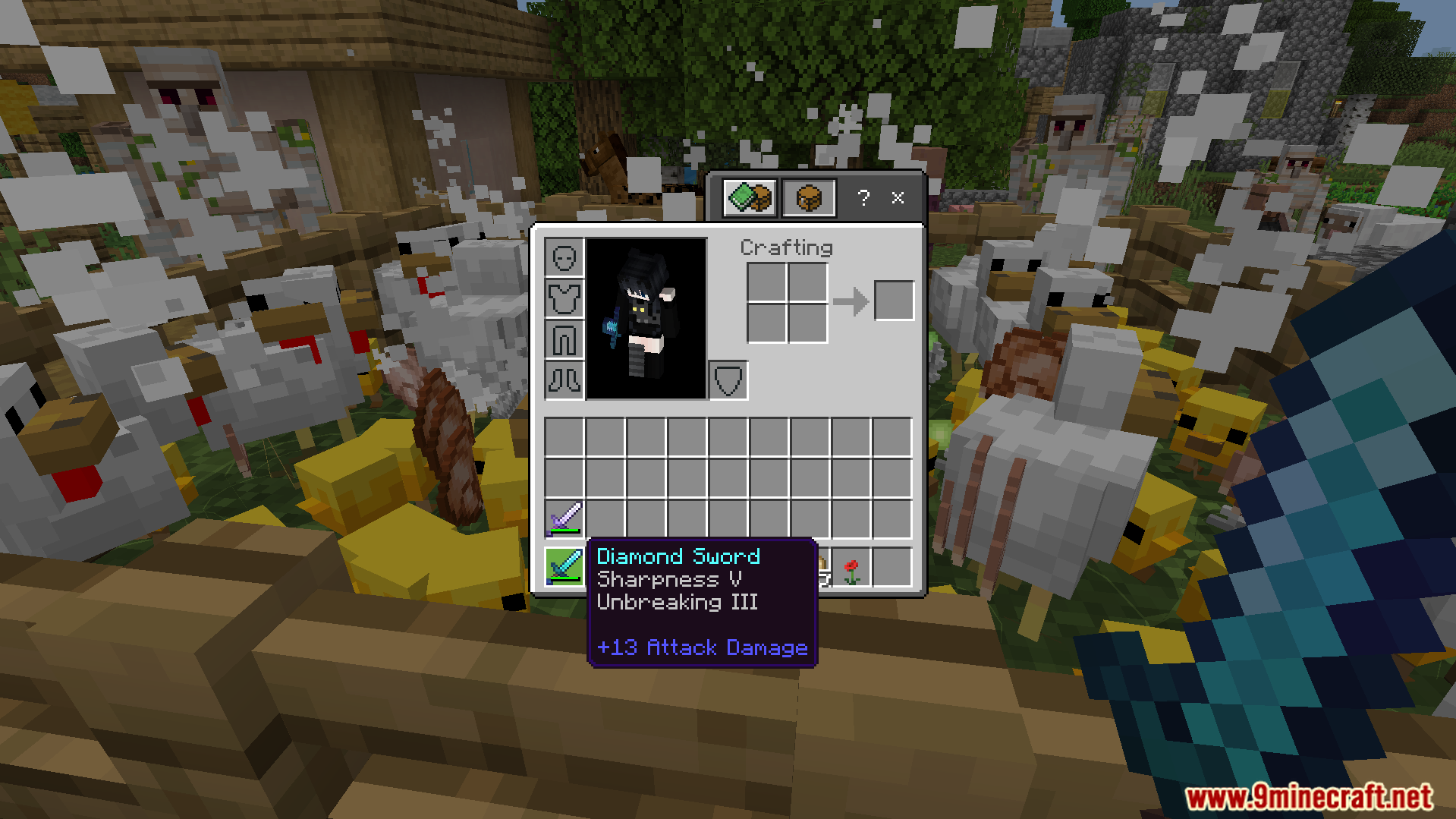
Minecraft player viewing an unenchanted iron sword in their inventory near a pigRandom Enchant On Attack Addon gives an iron sword a random enchantmentRandom Enchant On Attack Addon enchants items instantly when hitting a mobInventory screen showing an iron sword with several random enchantments from combatPlayer hits chickens to gain random enchantments with the Random Enchant On Attack AddonInventory screen showing an iron sword with several enchantments from attacking entitiesPlayer holding a basic diamond sword while standing inside a crowded chicken penHeld diamond sword receives a random Sharpness V enchantment after hitting a chickenInventory showing a diamond sword with enchantments gained from hitting nearby mobs
Random Enchant On Attack Addon Download Links
Quick facts
Edition: Minecraft Bedrock
File type: .mcpack or .mcaddon
Minecraft version listed: 1.21
How to install: Download the .mcpack or .mcaddon file. → Open it — Minecraft imports it. → In your world: Behavior Packs → Available → Activate, then the same under Resource Packs.
Where to get it: In MCModsHub, or directly above on this page.