Home›Bedrock›Addons›More Actions Addon (26.x) – Master Parkour With Grappling Hooks And Double Jumps
AddonsBedrock
More Actions Addon (26.x) – Master Parkour With Grappling Hooks And Double Jumps
Bedrock add-on listed for Minecraft 1.21 (behavior pack only). Needs Beta APIs. File opened and checked on 17 Oct 2026; installs from the MC Bedrock Mods app on Android.
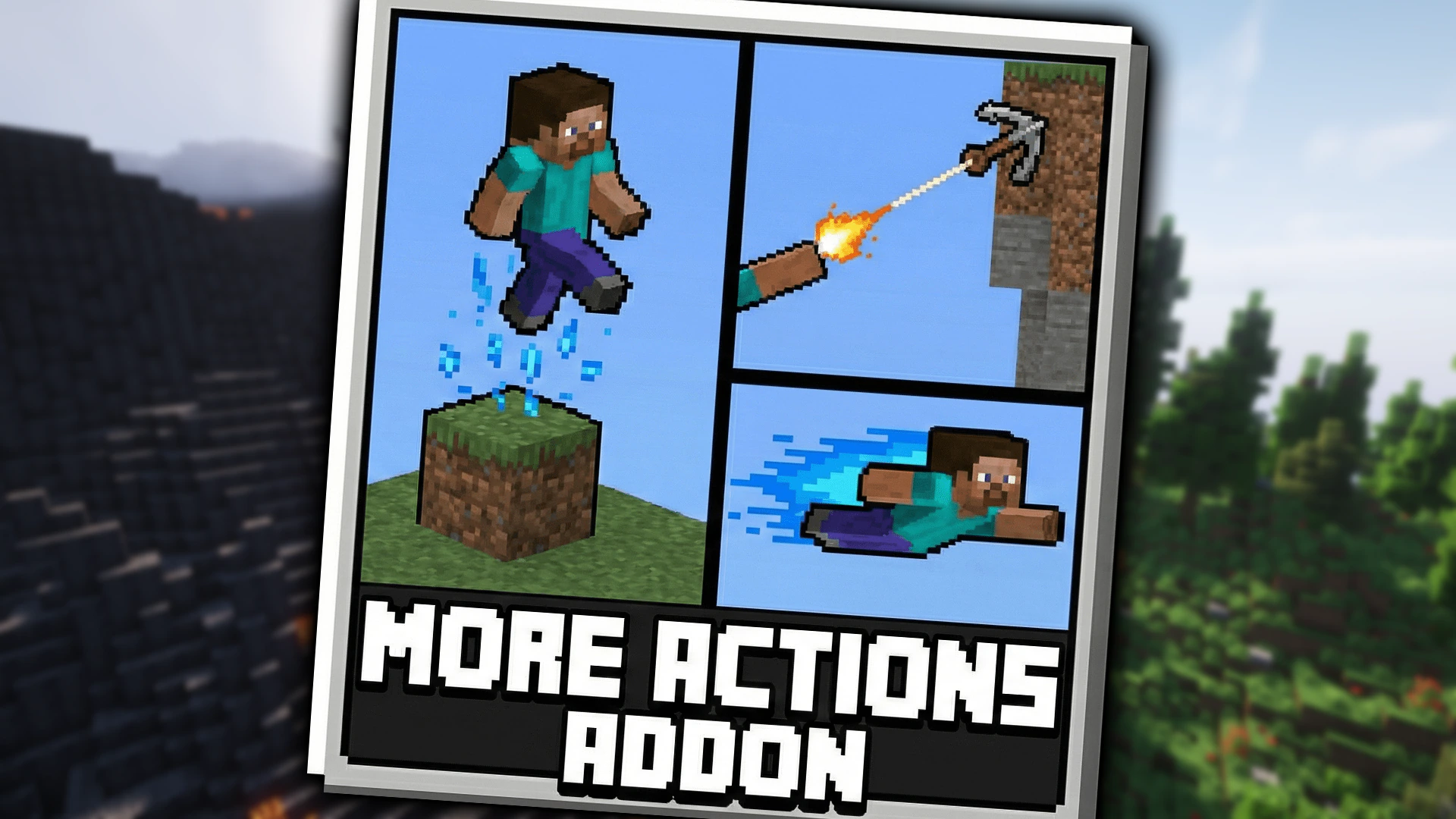
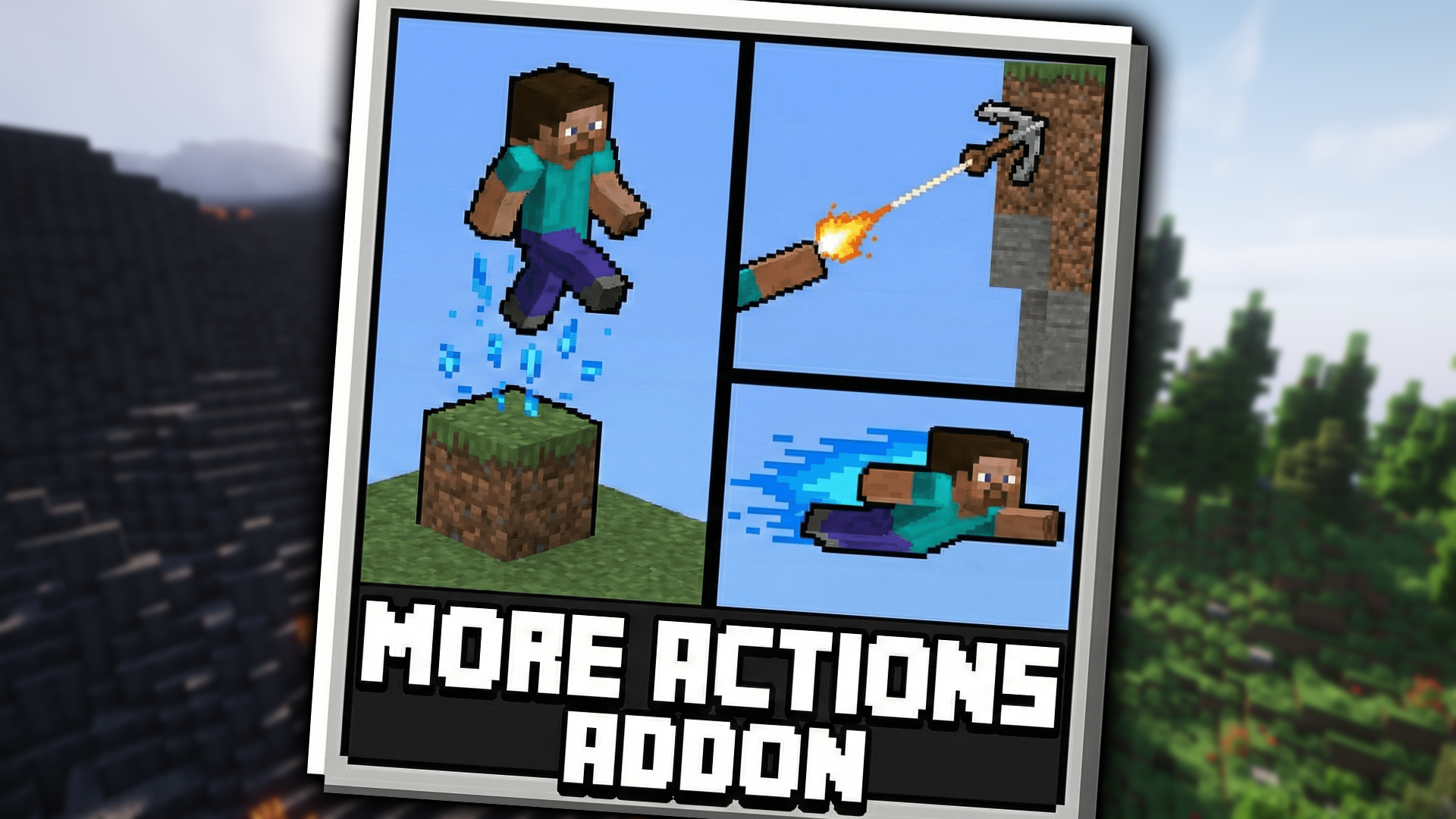
More Actions Addon adds exciting new movement abilities to your game. It lets you perform fun parkour tricks like sliding, double jumping, and wall jumping. You can easily travel across your world using grappling hooks and air dashes.
Features:
Sneak while sprinting to slide through small gaps.
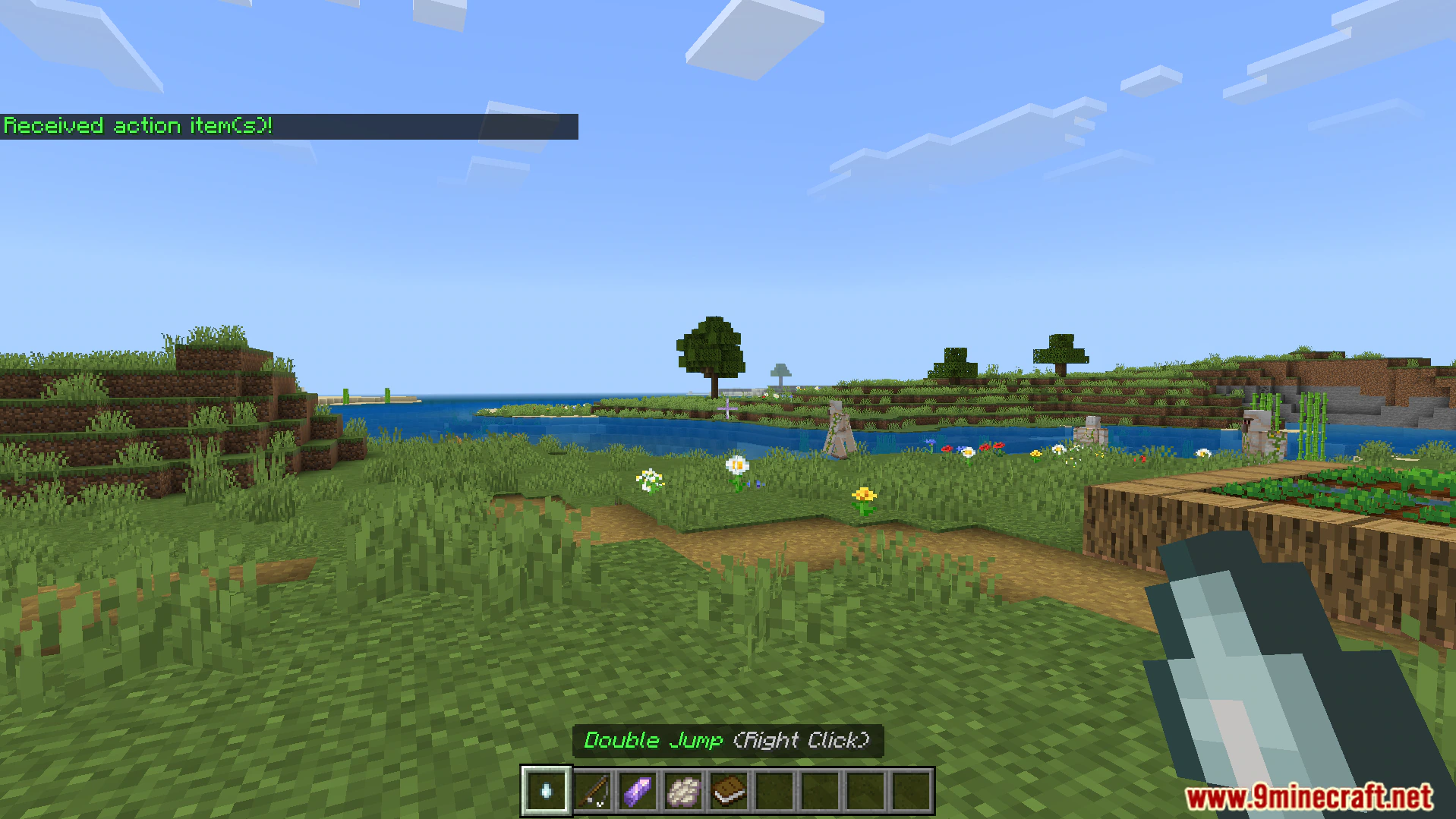
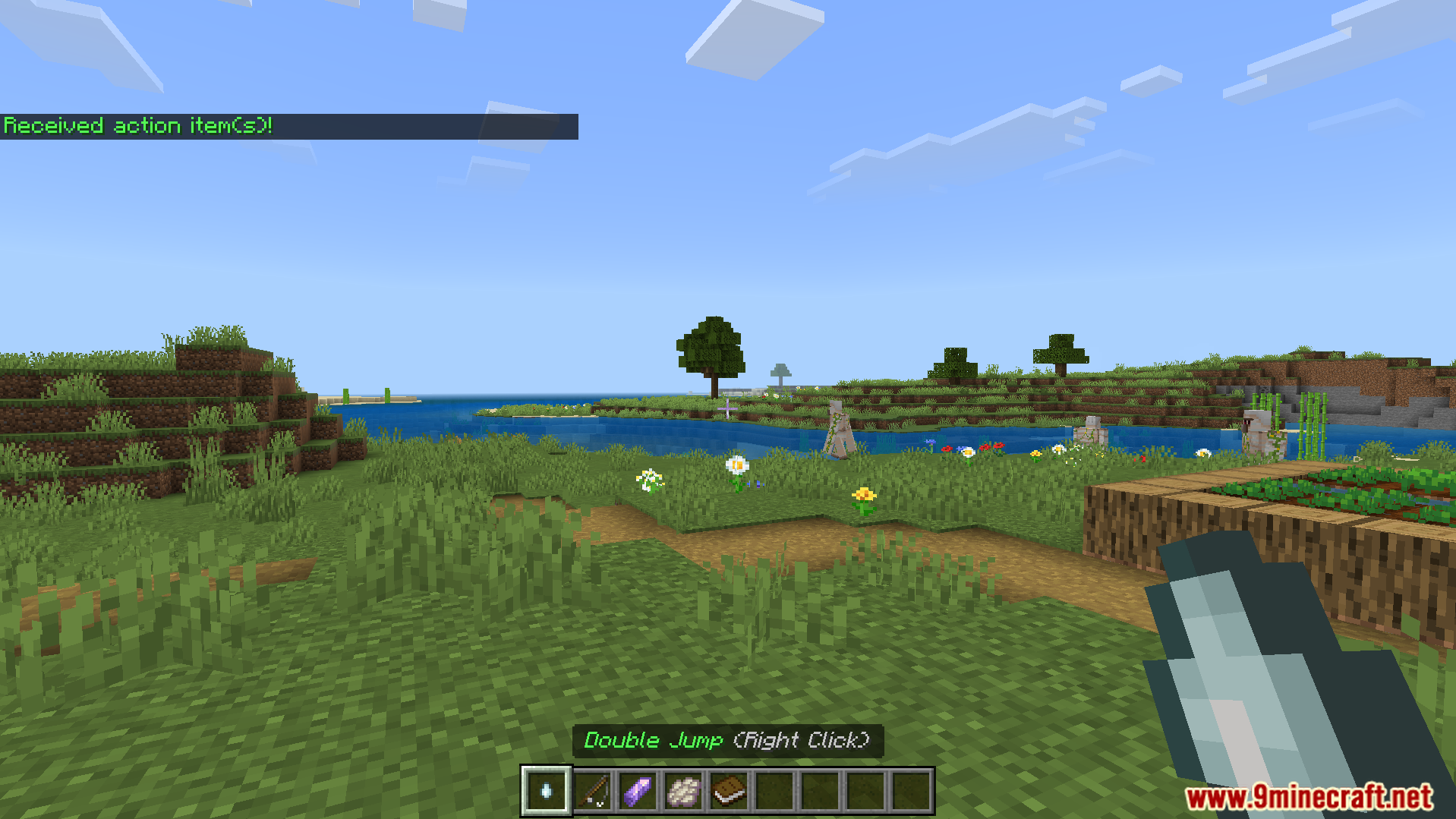
Use a ghast tear to double jump in the air.
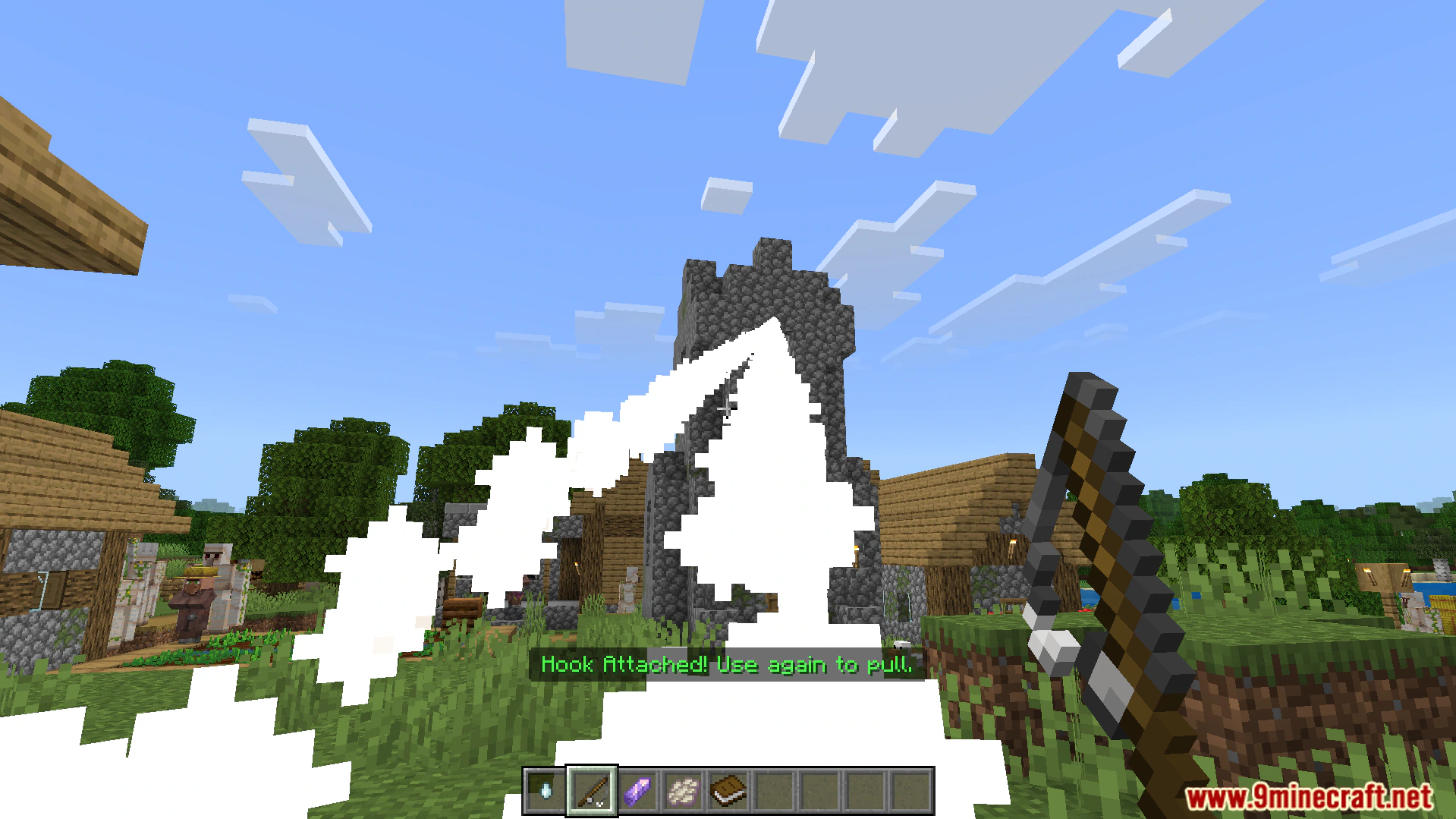
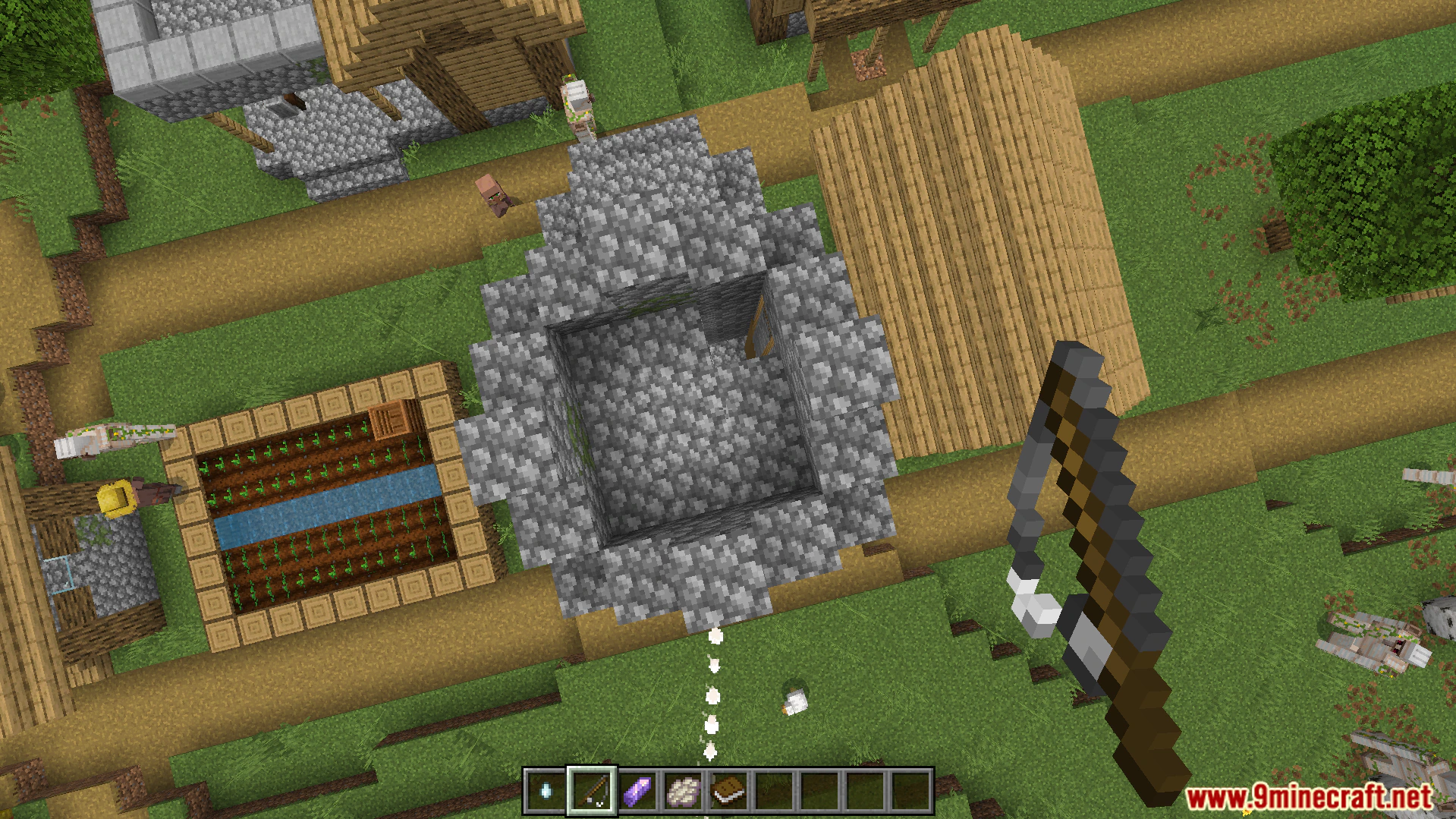
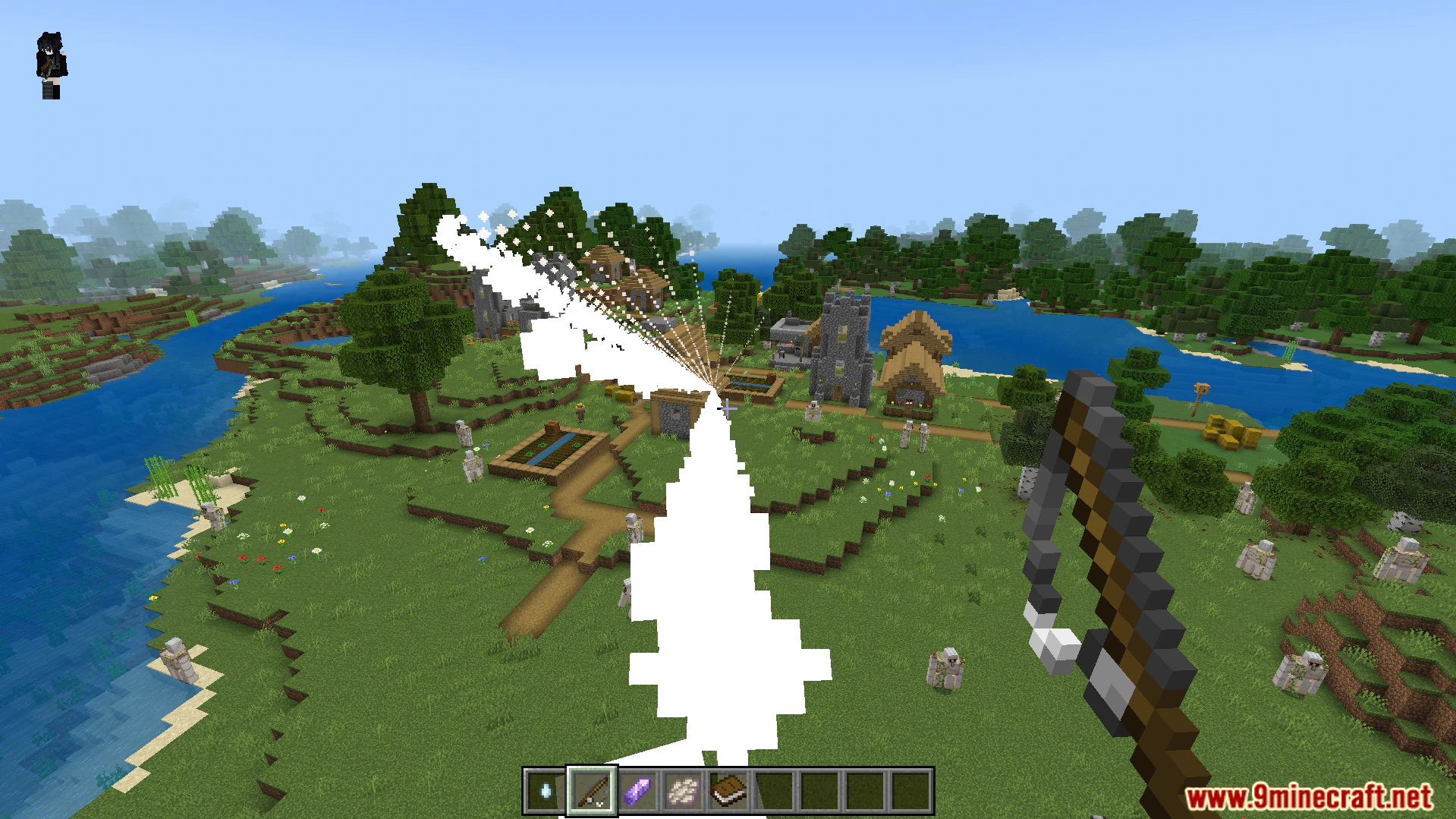
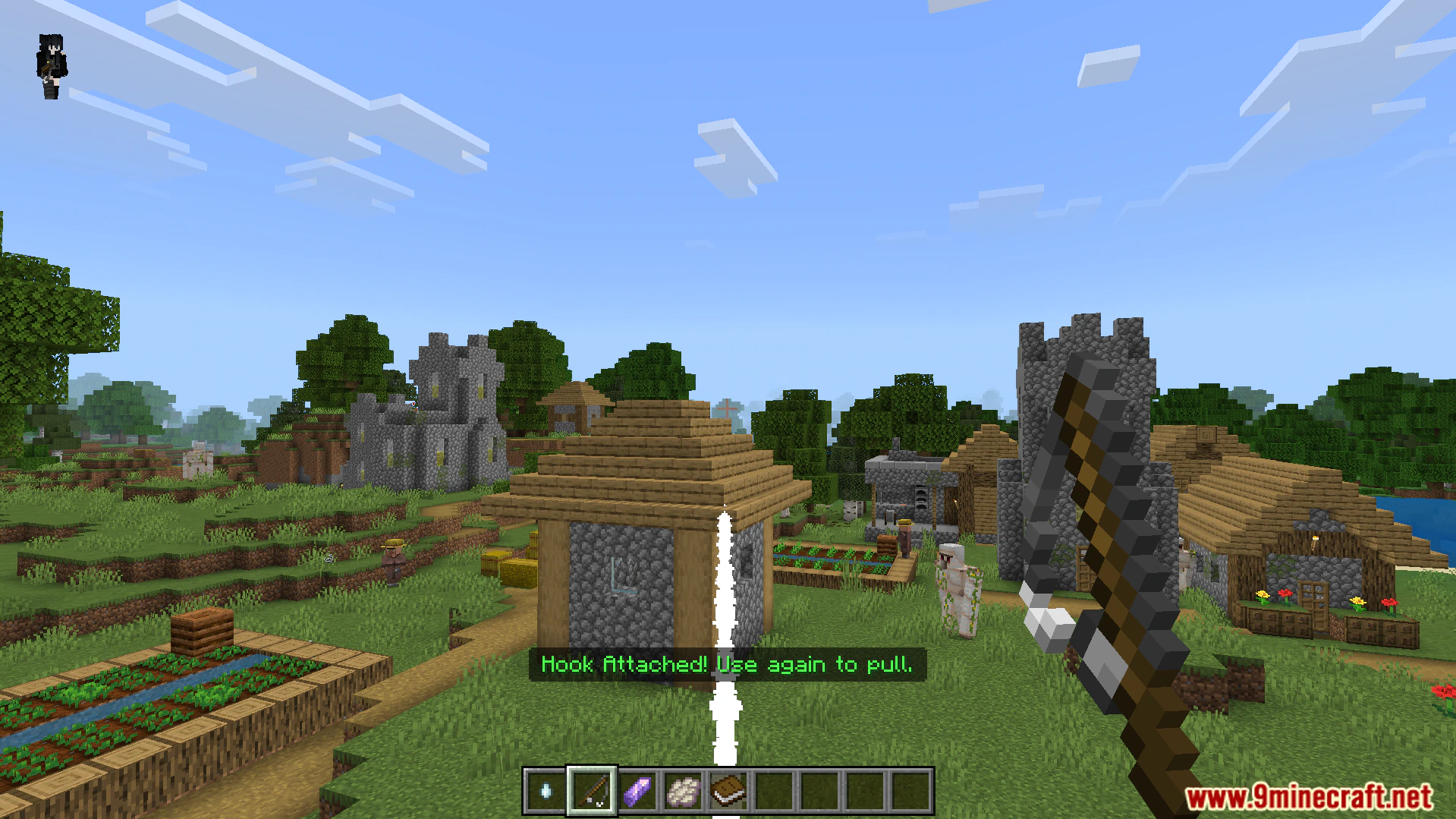
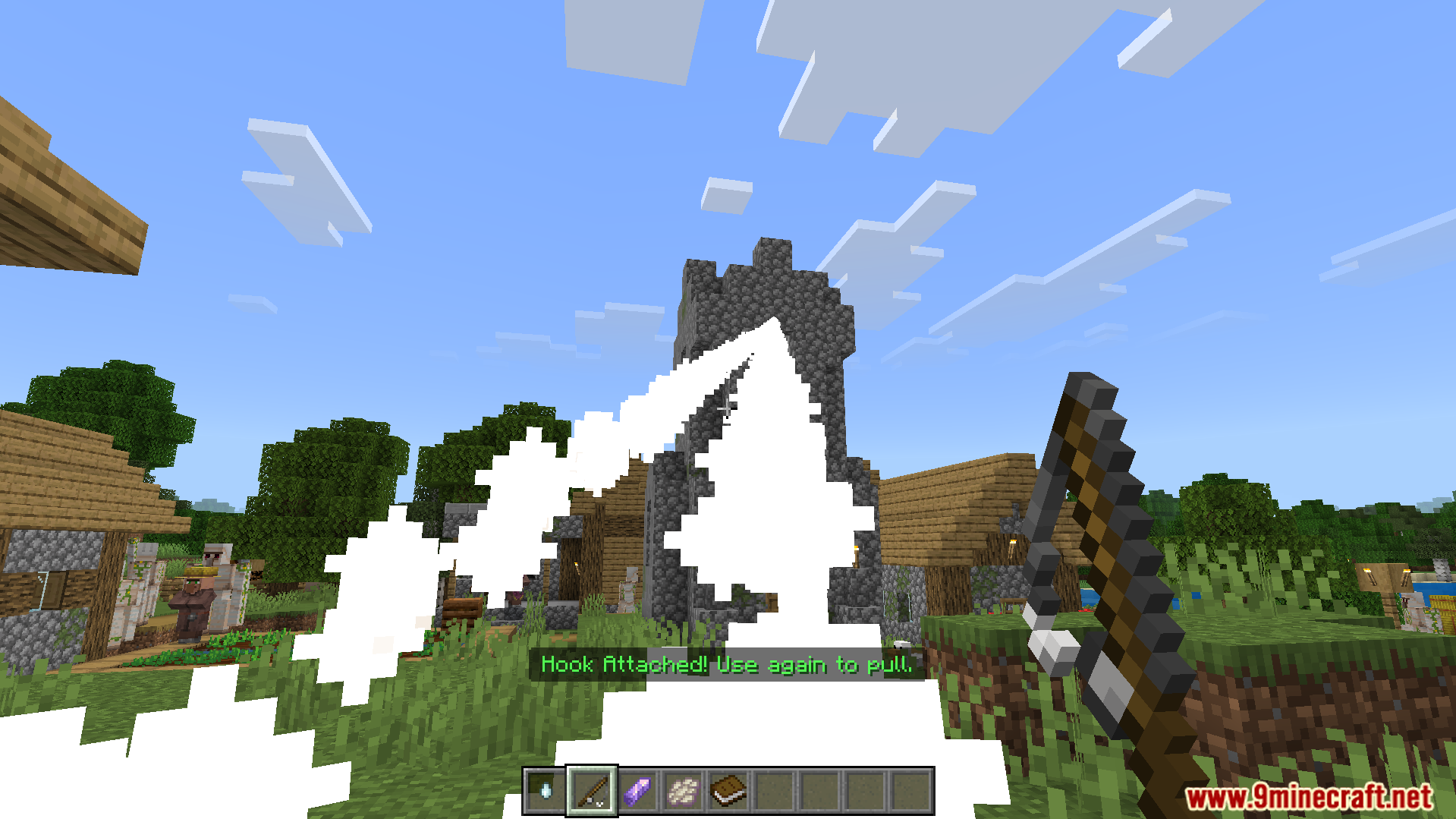
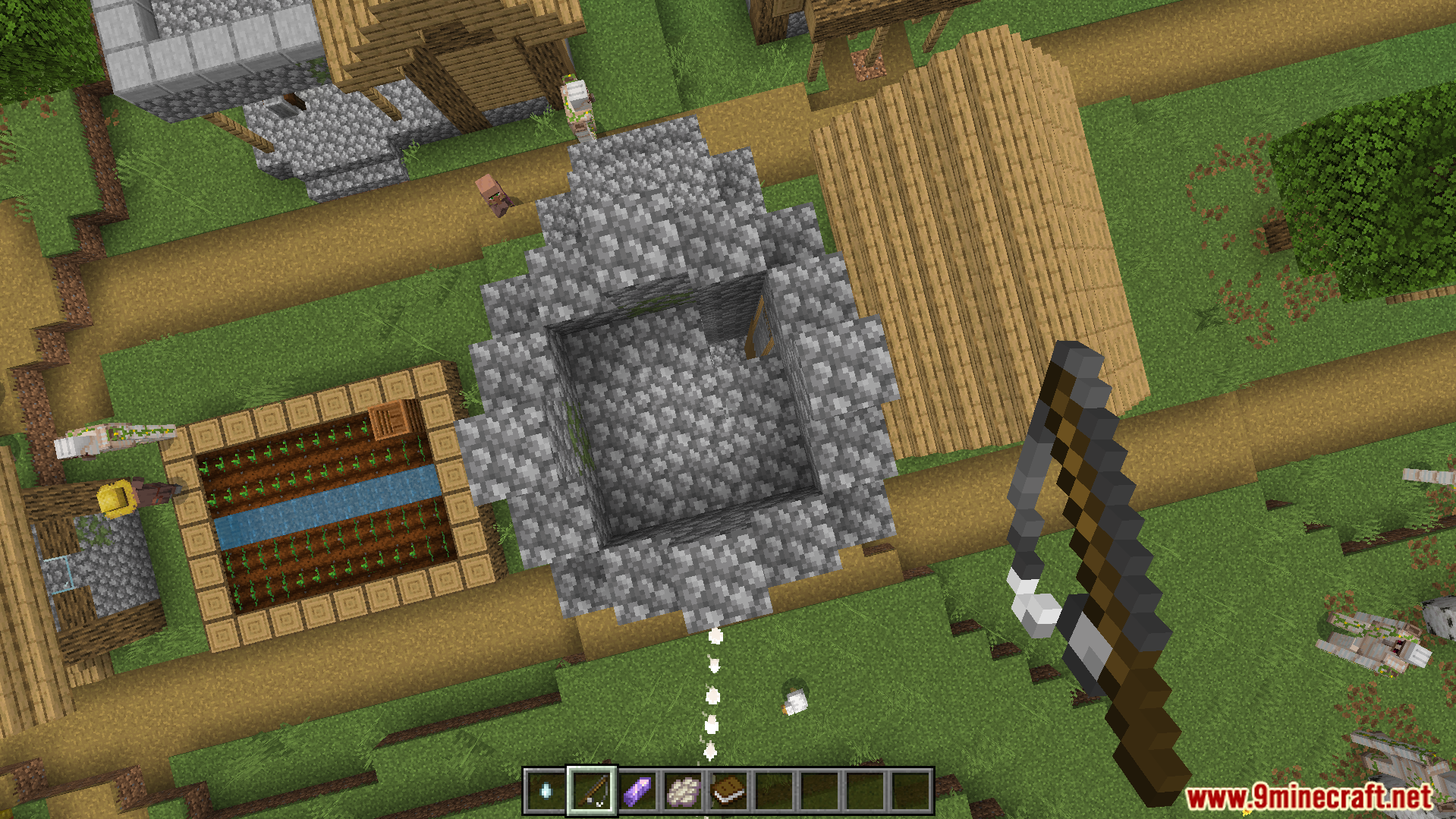
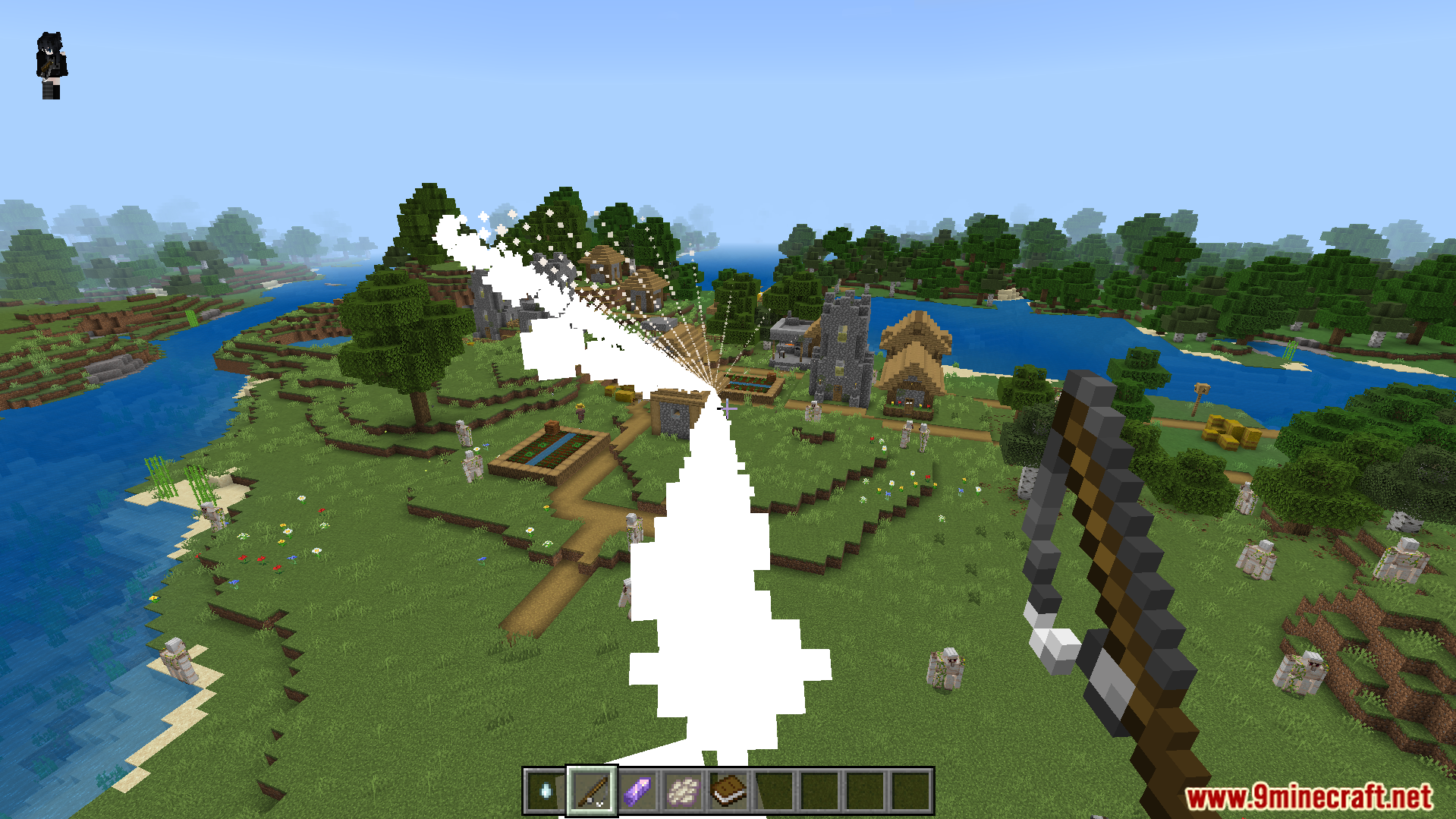
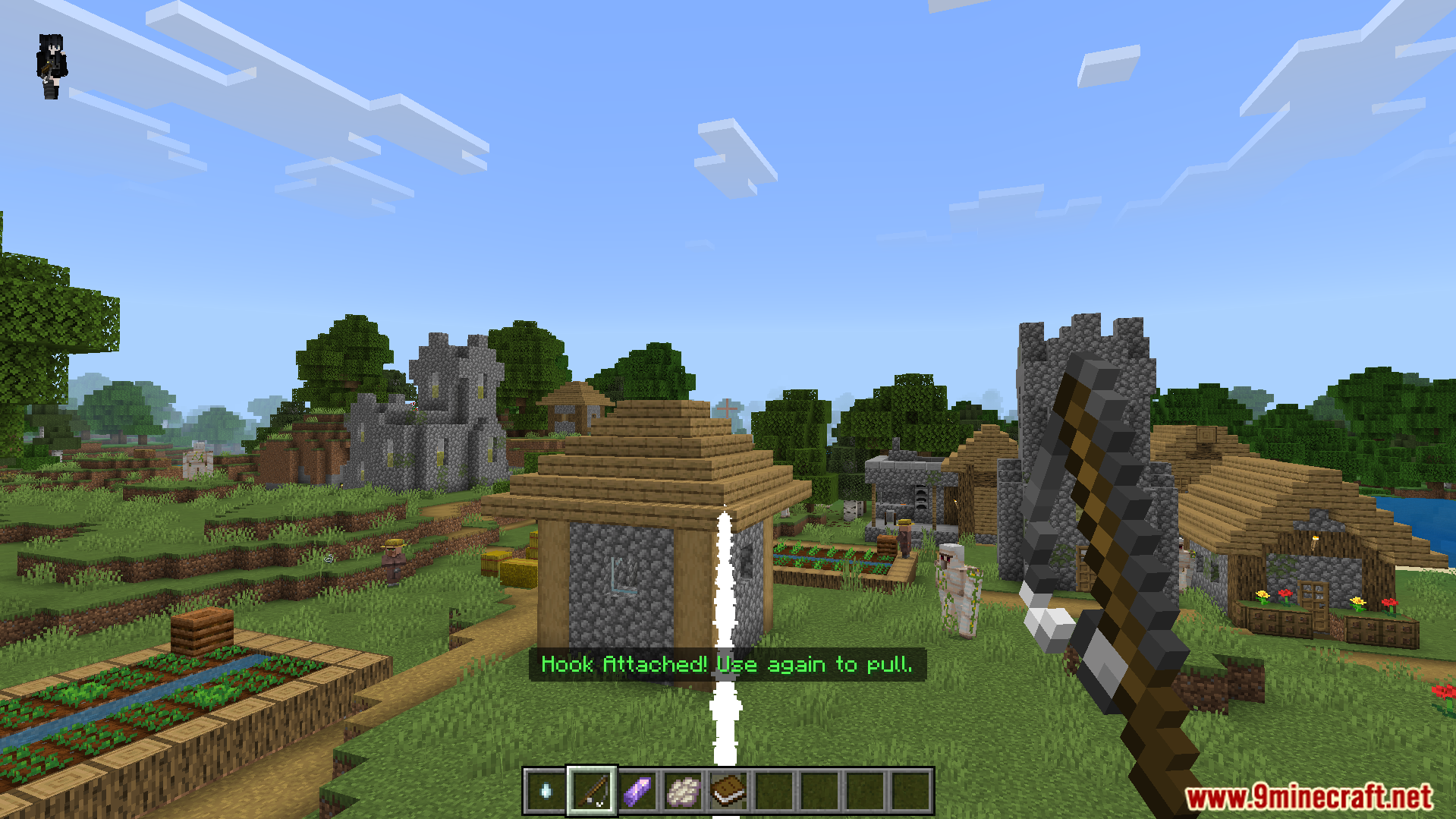
Shoot a grappling hook to pull yourself toward blocks.
Sneak near a ledge to pull yourself up quickly.
Teleport a short distance forward using an amethyst shard.
Commands:
Type /ma:get all to receive all ability items.
Type /ma:get jump for the double jump item.
Type /ma:get grapple to get the grappling hook.
Type /ma:get glide to receive the glide item.
Configuration:
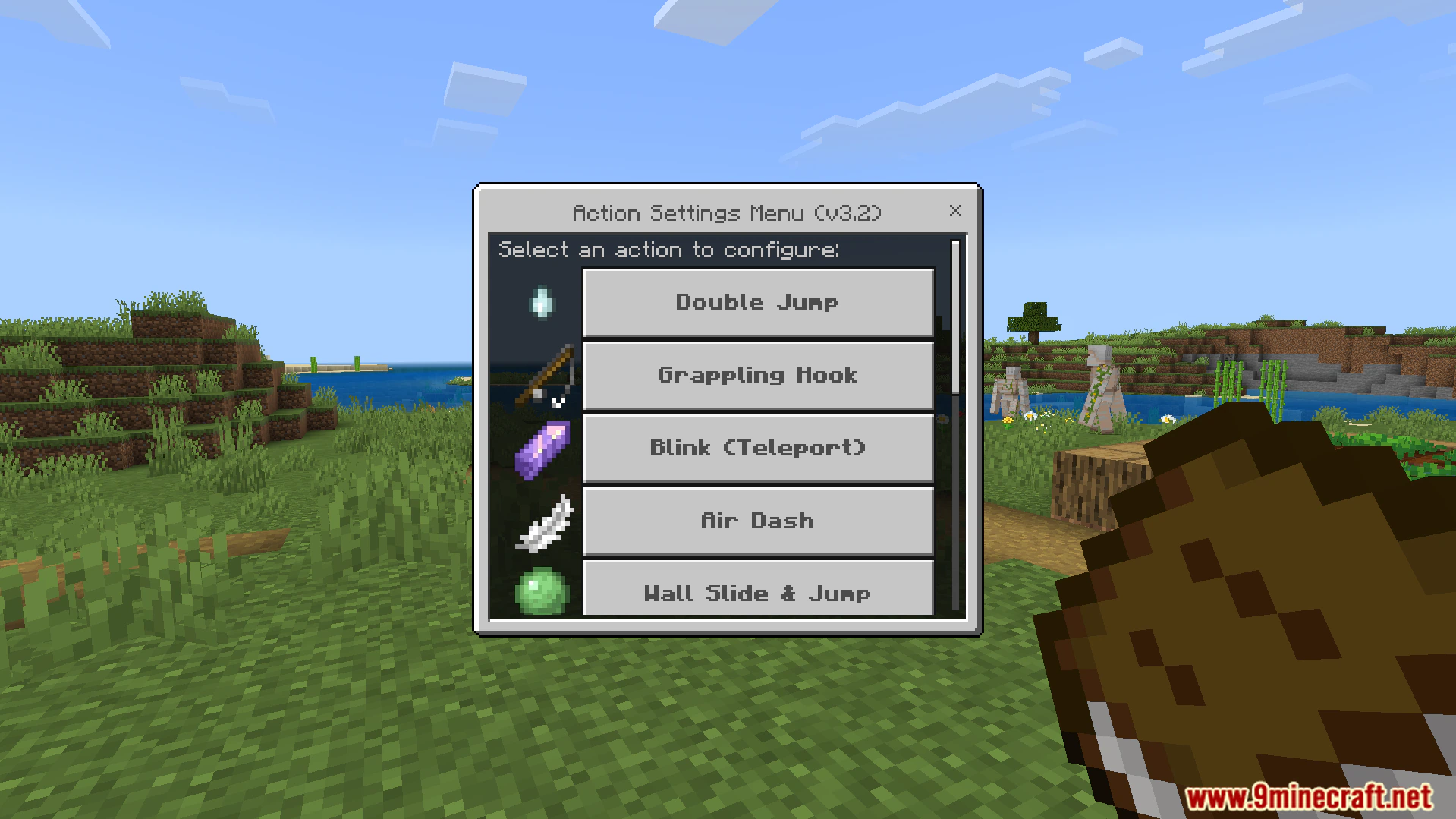
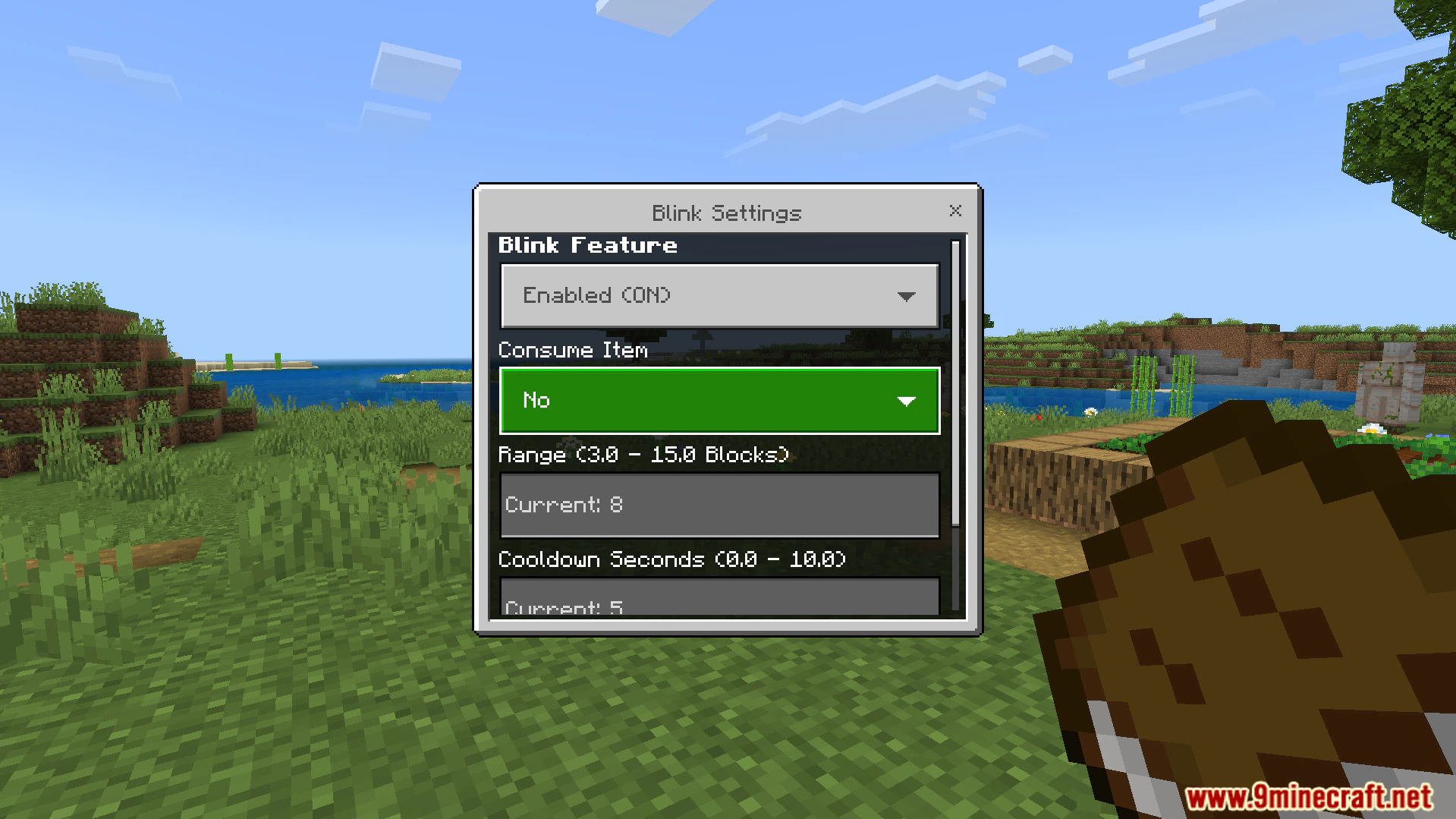
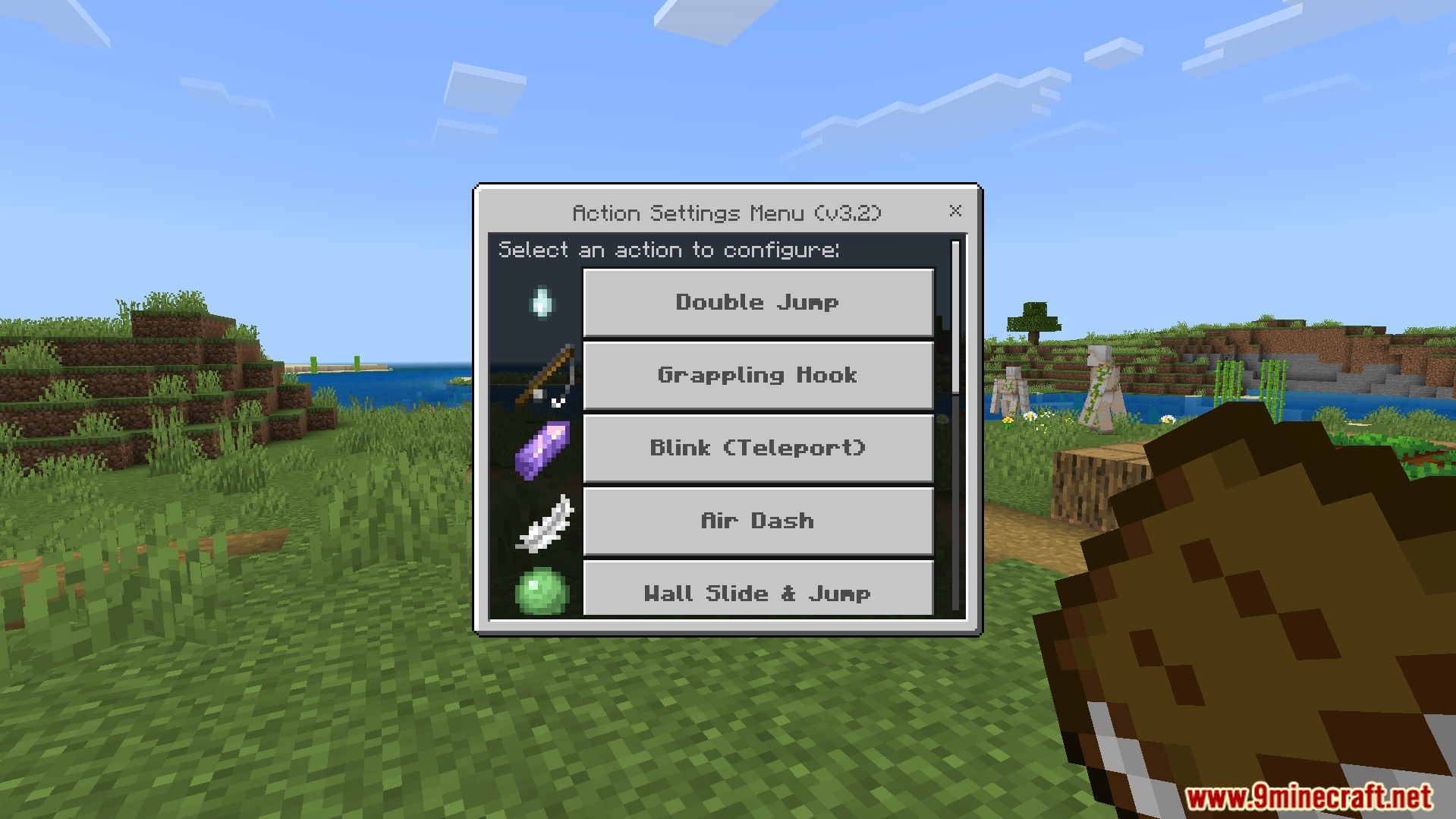
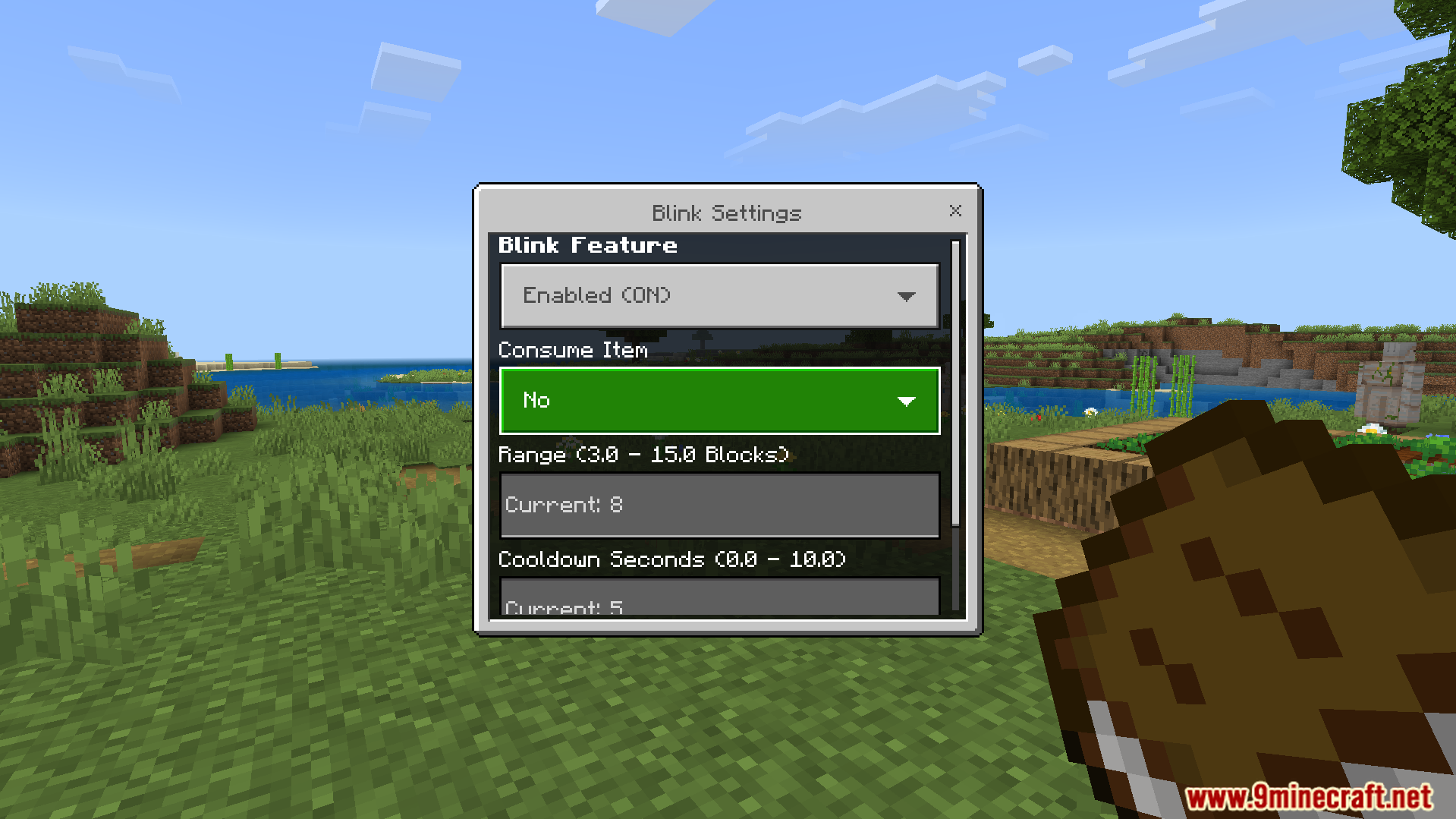
You can use the settings book to open a custom menu. This menu allows you to turn specific actions on or off. You can also adjust cooldown times and jump strength. It lets you turn off fall damage for all flying actions.
Screenshots:
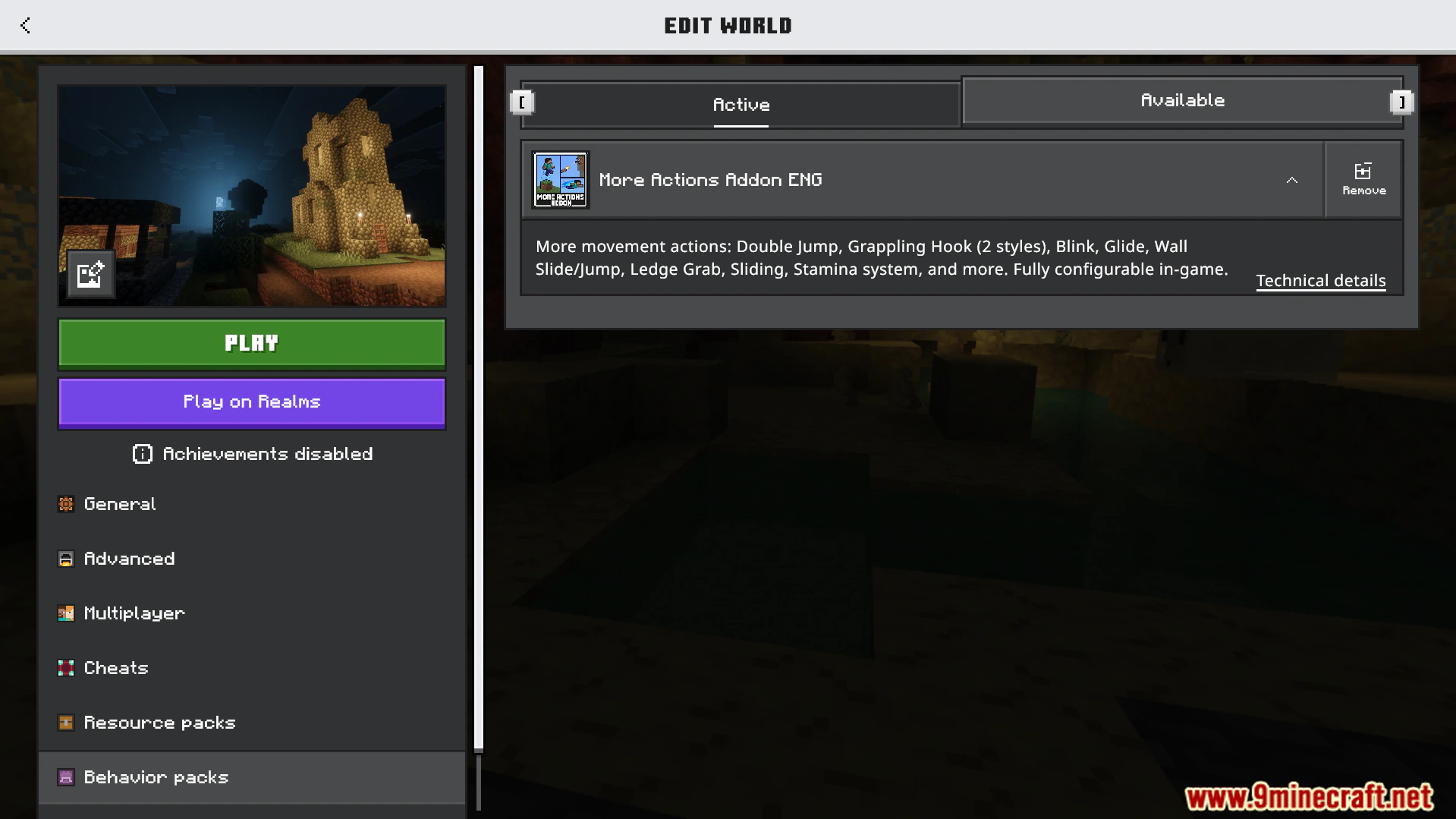
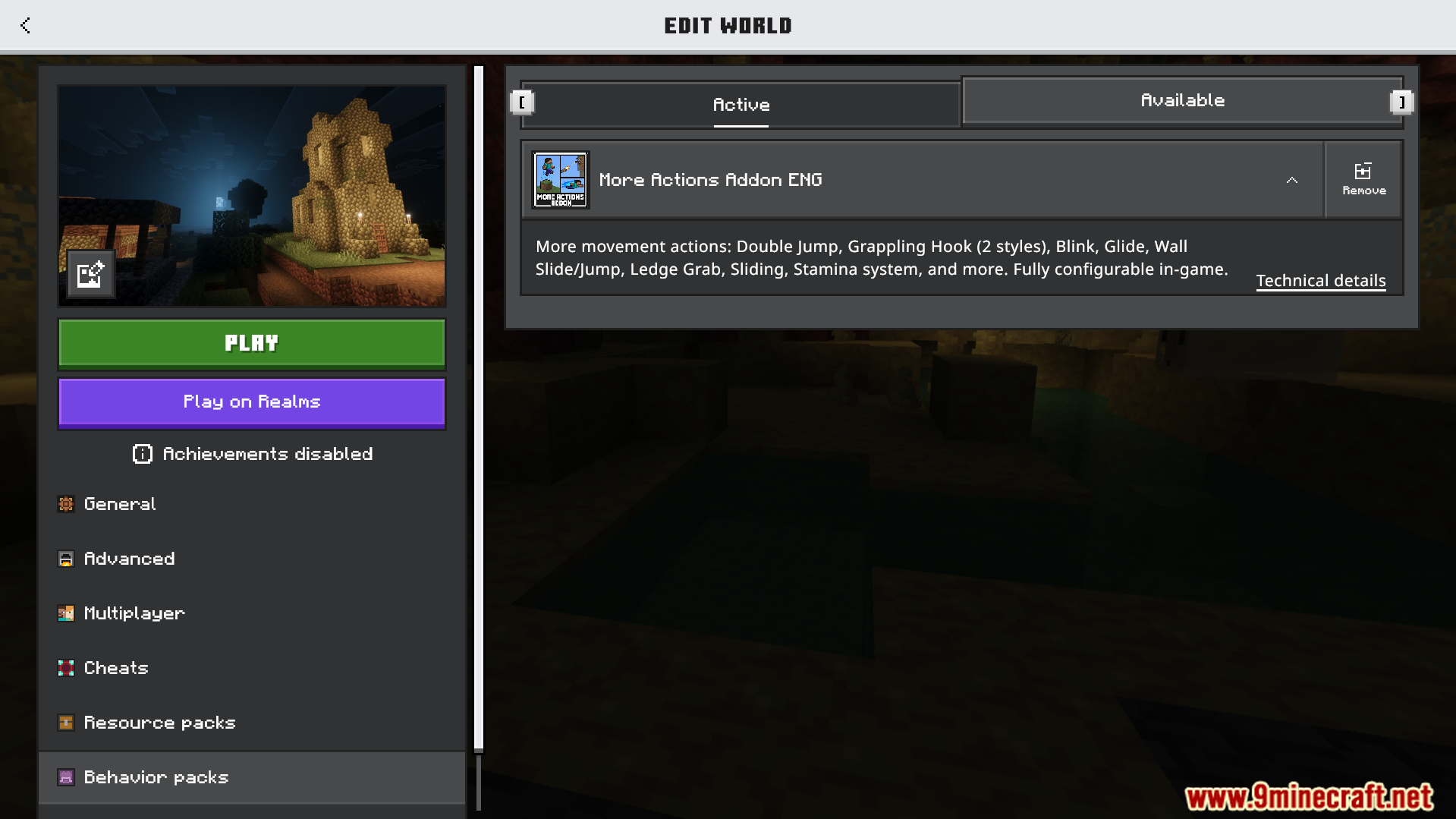
Edit world screen showing the More Actions Addon active in behavior packsCustom in game menu for configuring movement abilities like double jump and grappling hookCustom settings menu for the Blink feature in More Actions AddonPlayer holding a ghast tear item used for performing a double jumpPlayer shoots a grappling hook from More Actions Addon toward a village towerPlayer uses the grappling hook to pull themselves high above a villageMore Actions Addon features a grappling hook for traveling across a villagePlayer attaches a grappling hook to a village house to pull themselves forward
More Actions Addon Download Links
Quick facts
Edition: Minecraft Bedrock
File type: .mcpack or .mcaddon
How to install: Download the .mcpack or .mcaddon file. → Open it — Minecraft imports it. → In your world: Behavior Packs → Available → Activate, then the same under Resource Packs.
Where to get it: In MCModsHub, or directly above on this page.