
Tips
Java mod listed for Minecraft 1.20. Downloads from the MC Java Mods app on Android.
⬇ Download on Modrinth
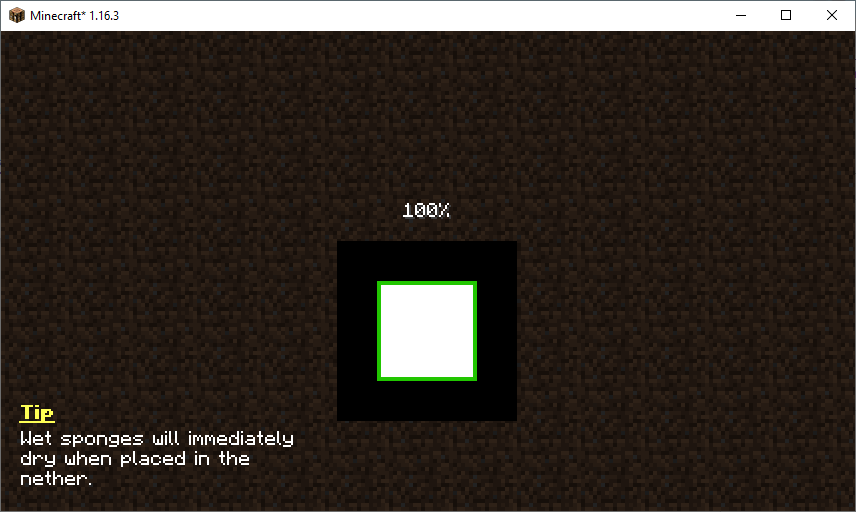
This mod will display useful tips on certain game screens such as the world loading screen. The tip shown will be cycled out every five seconds. The pool of tips can be expanded by resource packs, other mods, and even modpacks. You can learn more about configuring the tips here.
Like the mod and want to support me?
 This project is sponsored by Nodecraft. Use code DARKHAX for 30% off your first month of service!
Project logo by Delapouite on Game Icons and licensed under CC By 3.0.
- Edition: Minecraft Java
- File type: .jar
- Minecraft version listed: 1.20.1
- How to install: Install the matching mod loader (Forge, Fabric or NeoForge) for your Minecraft version. → Download the .jar. → Put it in the .minecraft/mods folder and launch that loader profile.
- Where to get it: Opens on Modrinth — not every file is mirrored on our own servers.
Install steps are the general flow for this file type — How to install Minecraft Java mods & modpacks walks through it step by step.
- Ships as Tips-Fabric-1.20.1-12.1.9.jar — drop this file into the mods folder
- Download size: 111 KB
- Download link checked 7 Oct 2026 — working
These come from our own check of the pack file, not from the source page.