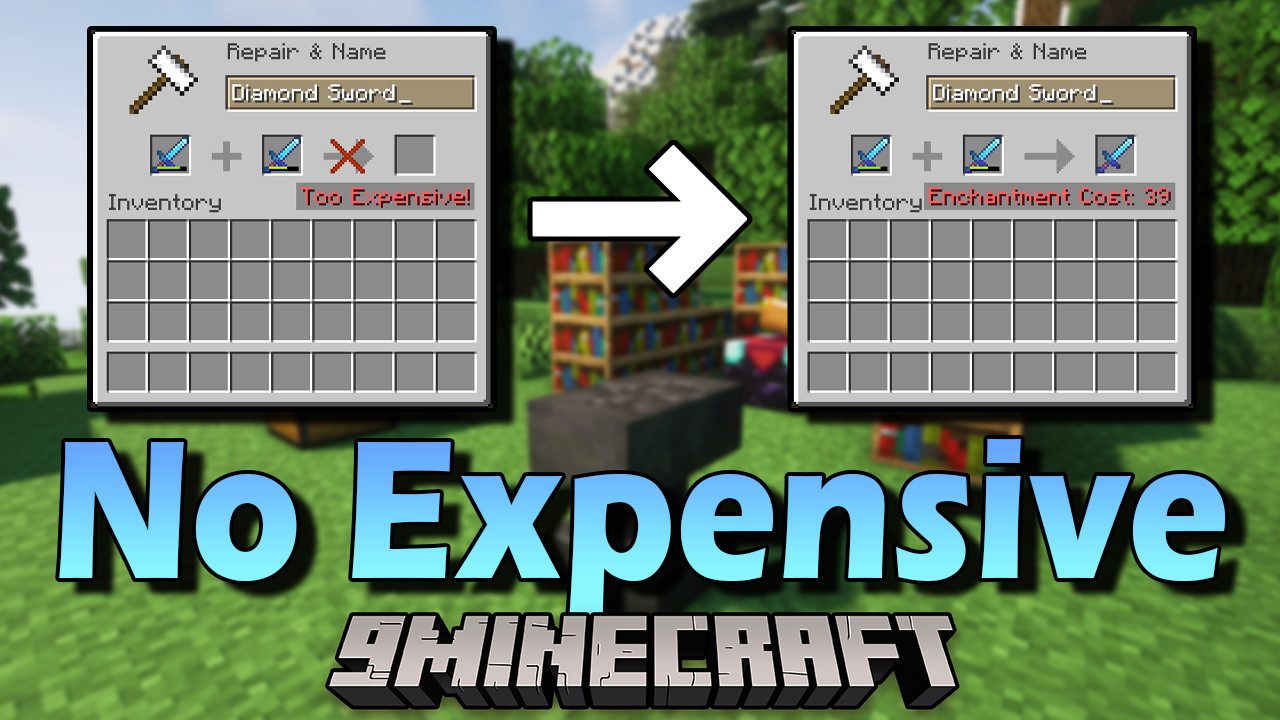
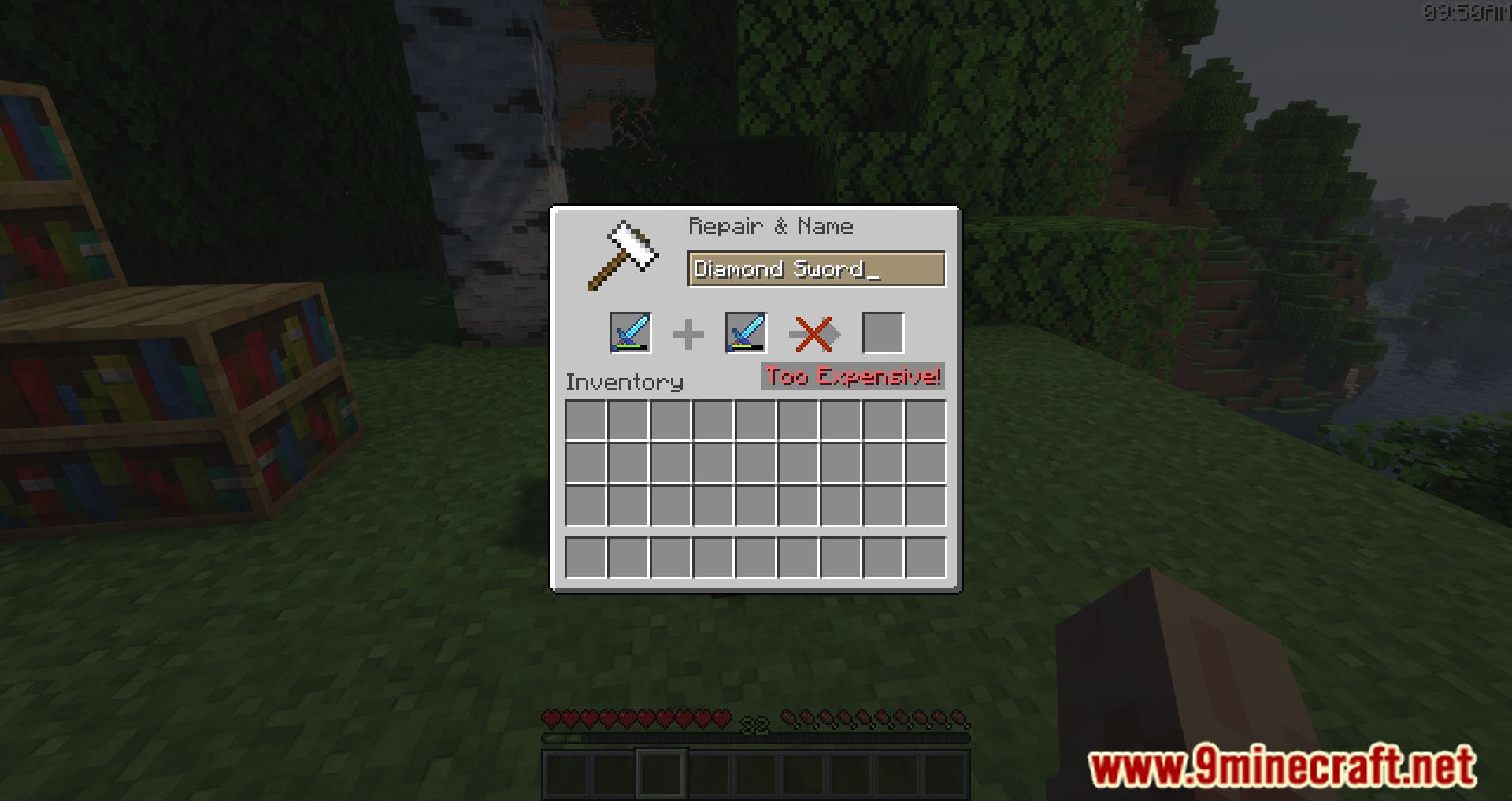
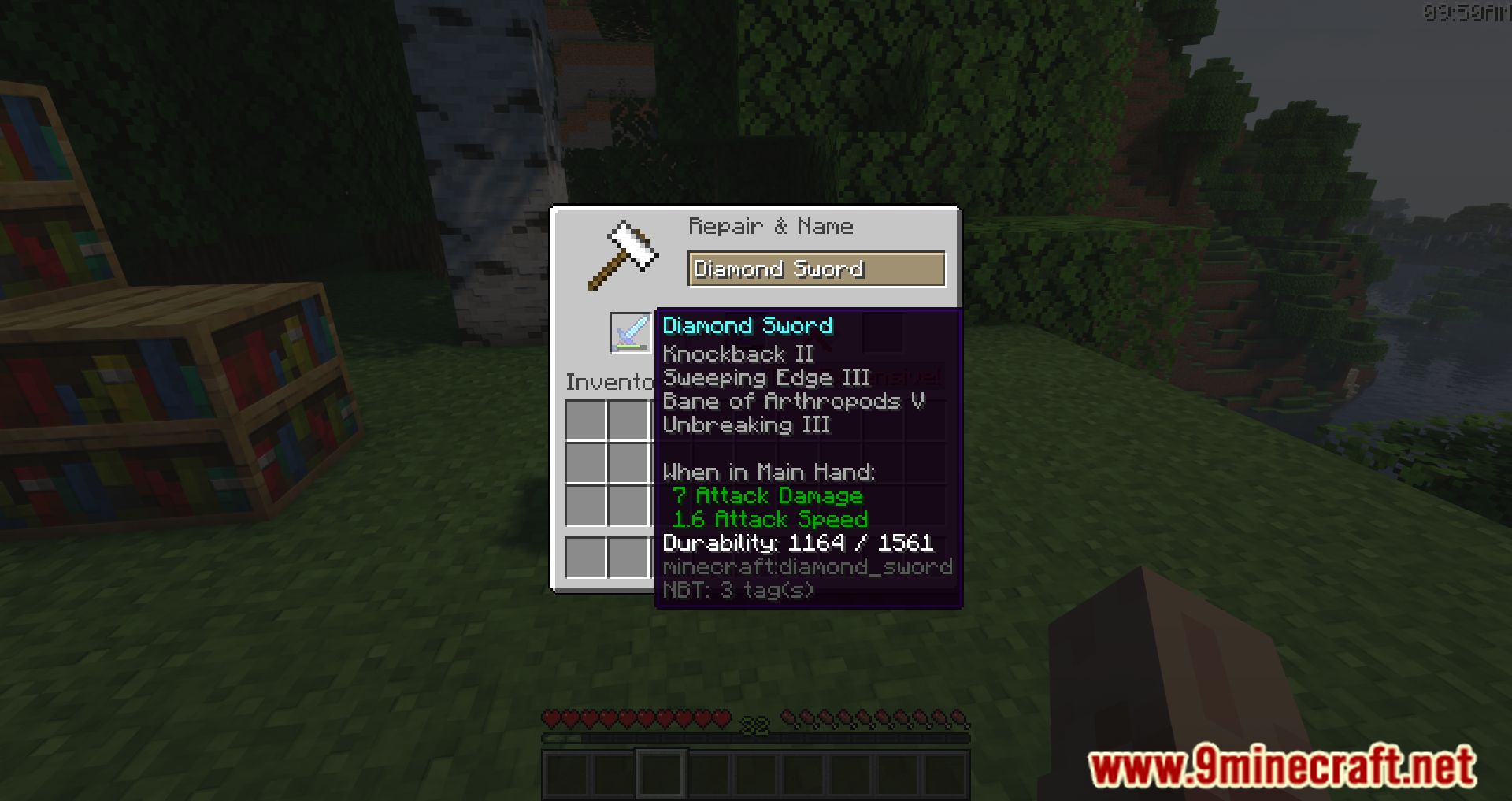
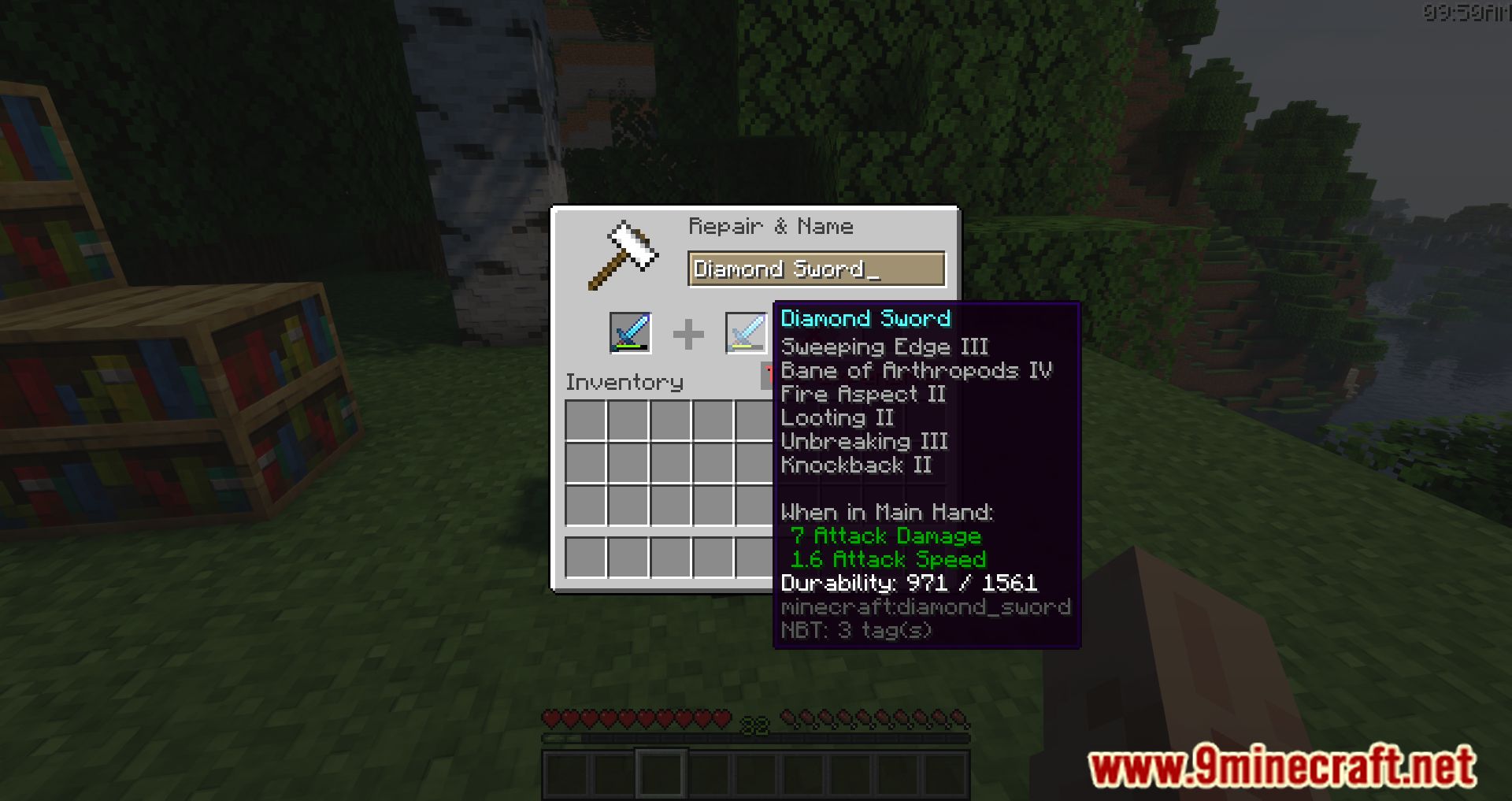
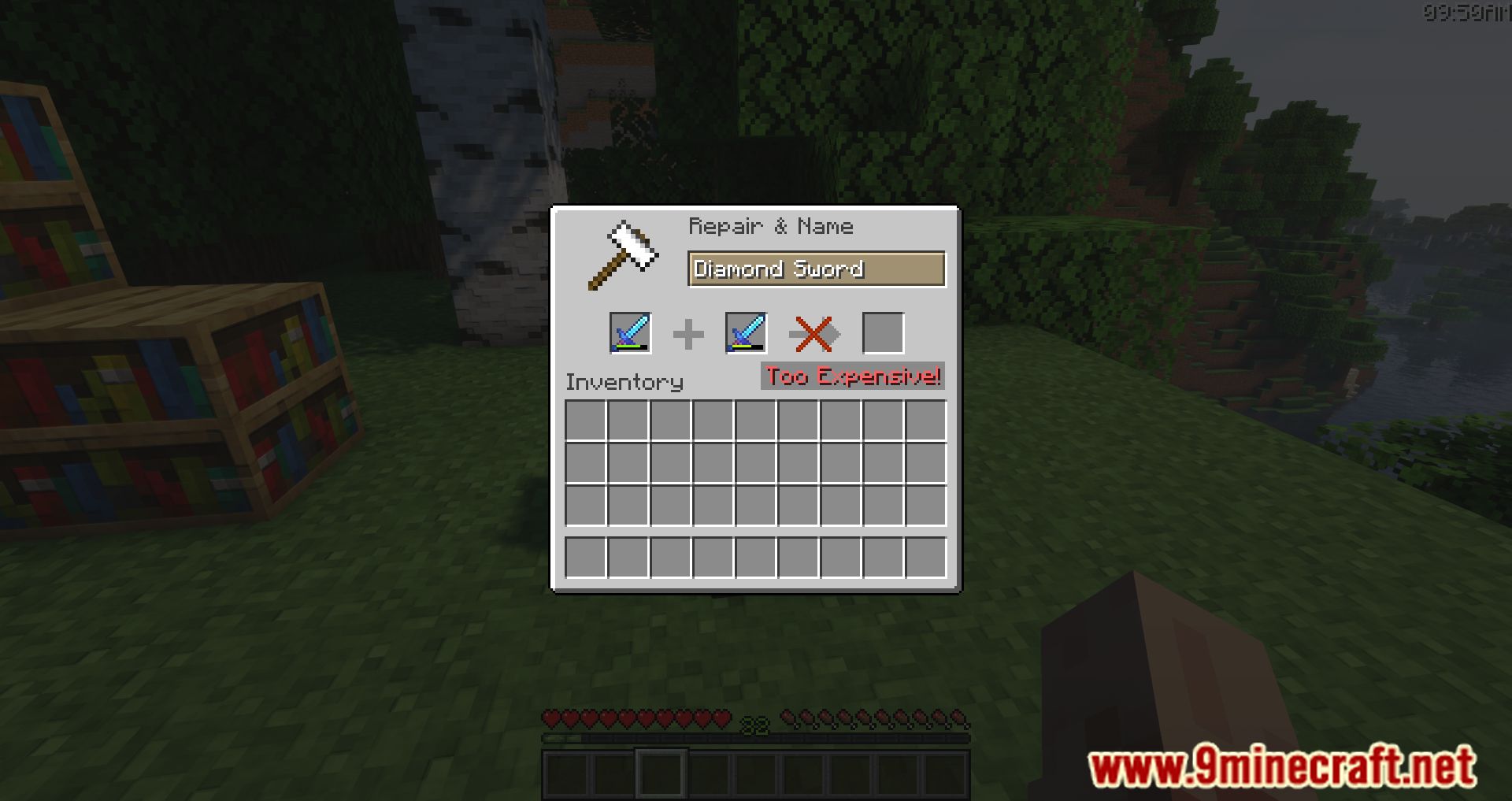
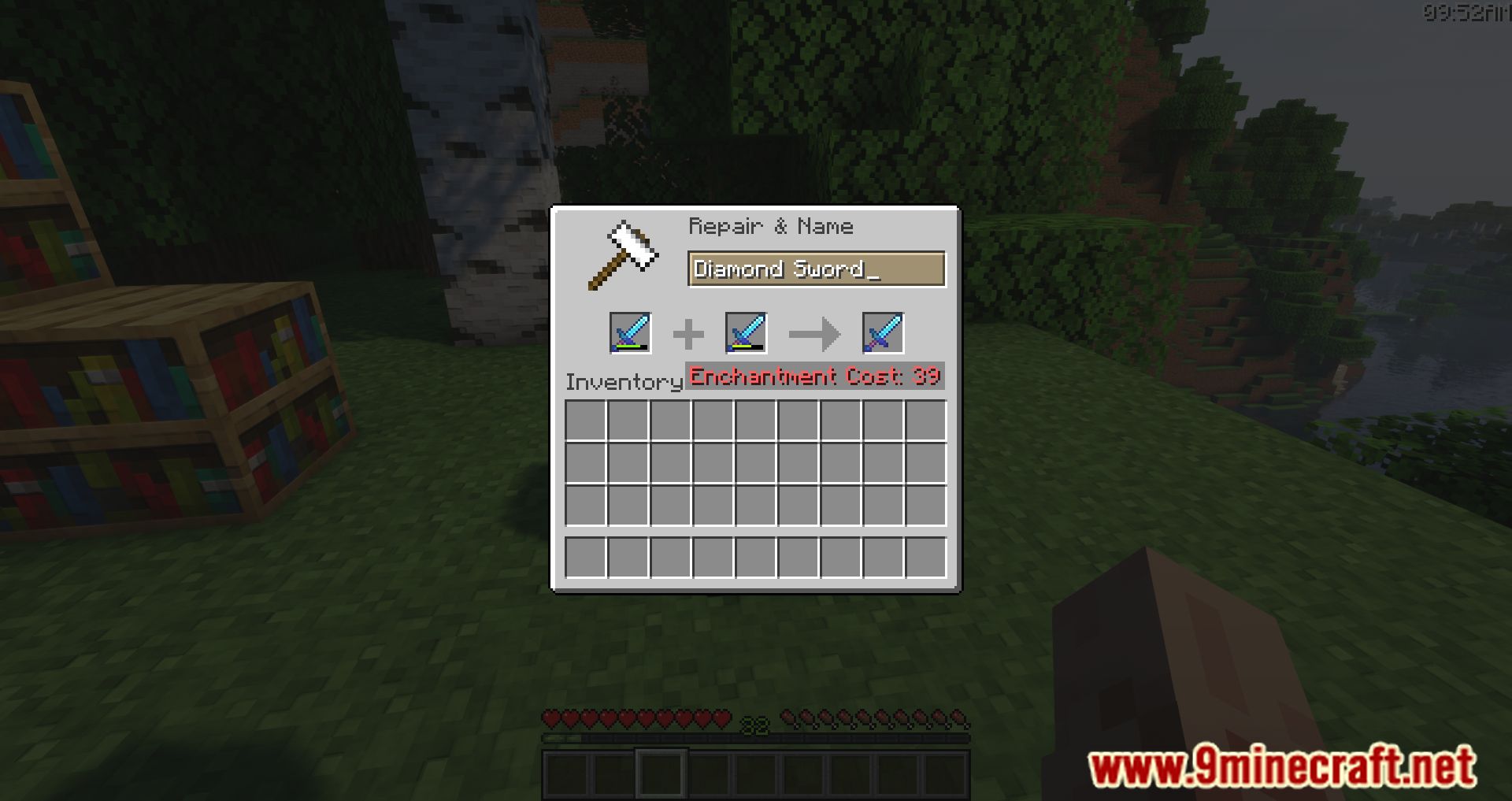
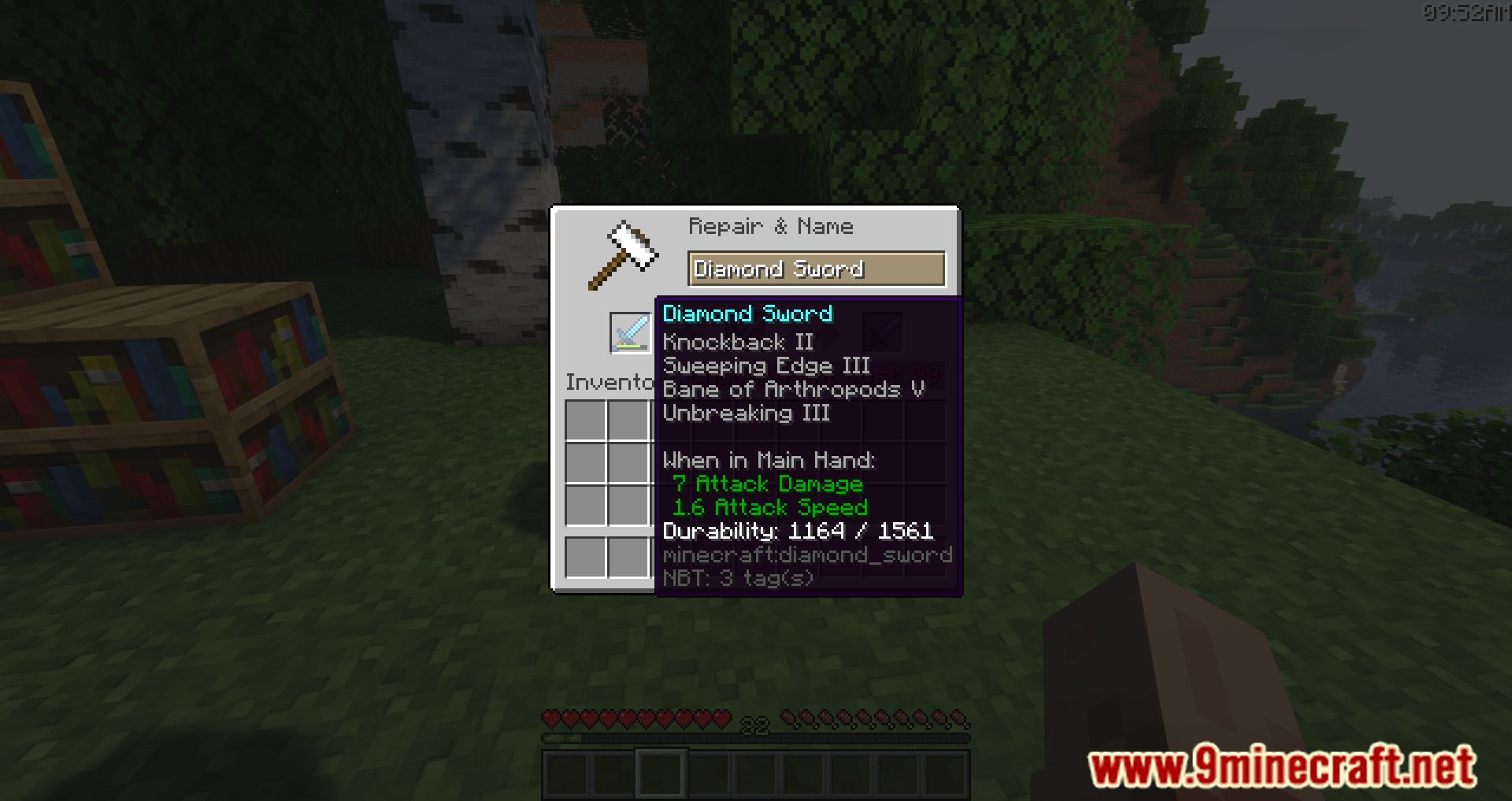
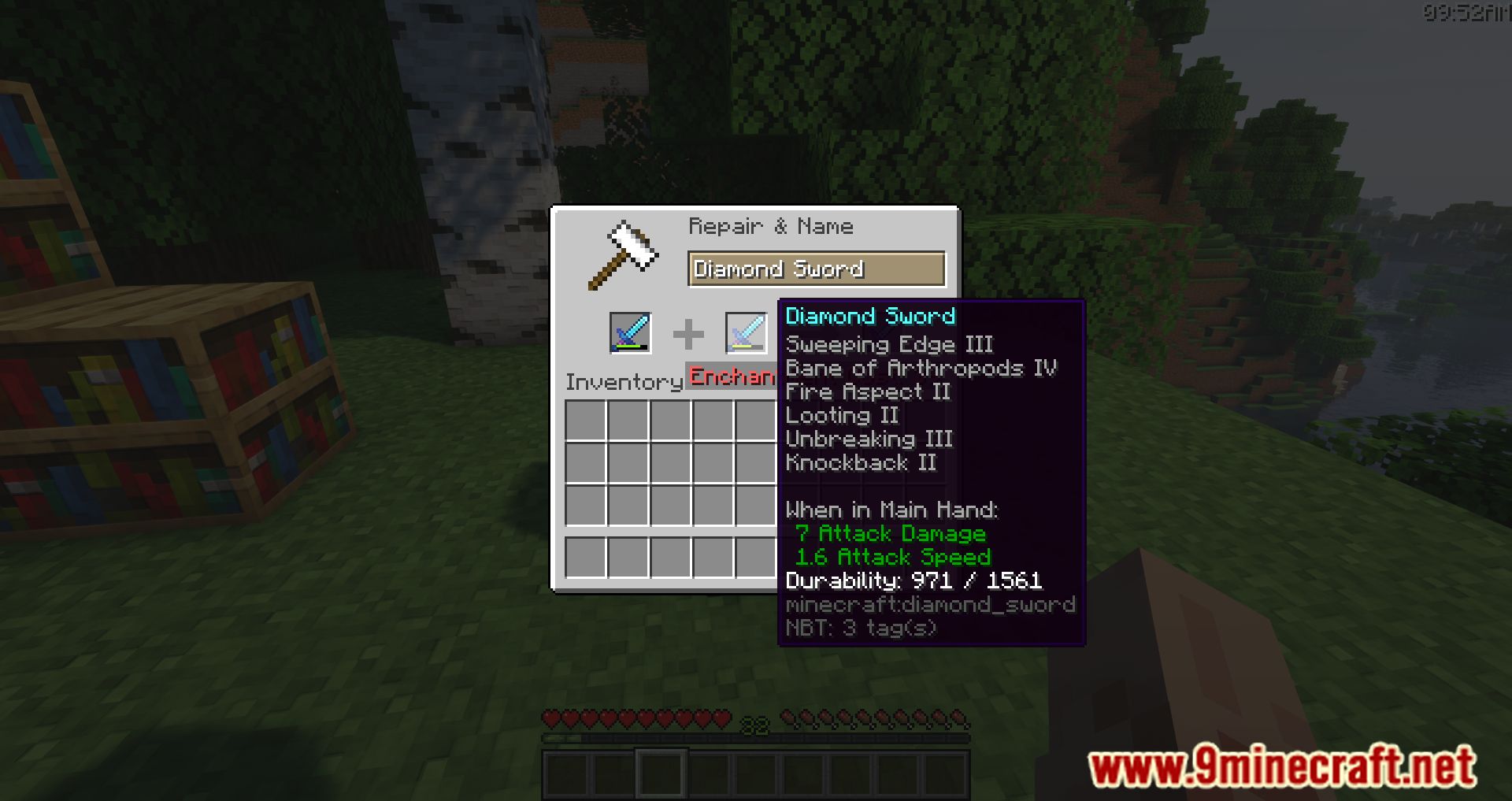
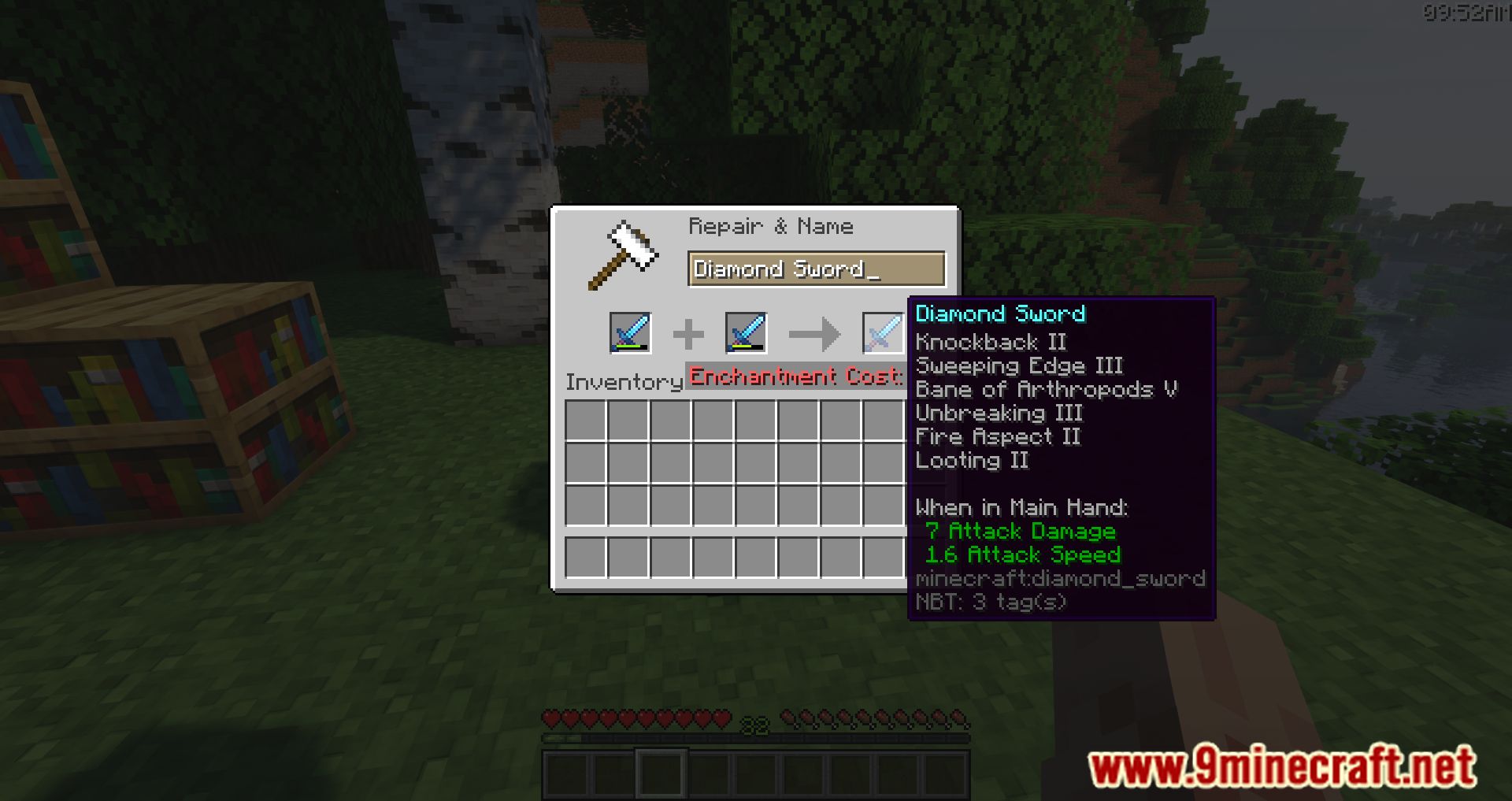
No Expensive Mod is a simple mod that removes the enchanting limitation when using an anvil-specifically the “Too Expensive” restriction. You can now apply enchantments even at higher experience costs.
Features:
- Removes the “Too Expensive!” anvil restriction.
- Allows any enchantment combinations (including normally incompatible ones).
- Configurable maximum repair cost.
- Custom enchantment compatibility rules.
Commands:
/noexpensive maxLevel
Get the current maximum repair cost level./noexpensive maxLevel <level>
Set the maximum repair cost level (default: 39). Set to0for automatic calculation./noexpensive combineHigher
Check whether combining higher-level enchantments is enabled./noexpensive combineHigher <true|false>
Enable or disable combining higher-level enchantments (default: false)./noexpensive compatibility PUT <enchantment> <enchantment>
Allow two enchantments to be compatible./noexpensive compatibility REMOVE <enchantment> <enchantment>
Remove compatibility between two enchantments./noexpensive compatibility list
List all custom enchantment compatibilities./noexpensive reload
Reload the configuration file./noexpensive reset
Reset the configuration to default values.
Configuration
- File location:
.minecraft/NoExpensive.json - The configuration can be reloaded in-game using
/noexpensive reload. - Make sure the file is valid and properly formatted JSON.
Example Configuration
{

"maxLevel": 39,

"combineHigher": false,

"compatibility": {

"minecraft:mending": ["minecraft:infinity"],

"minecraft:multishot": ["minecraft:piercing"],

"minecraft:sharpness": ["minecraft:smite", "minecraft:bane_of_arthropods"],

"minecraft:smite": ["minecraft:bane_of_arthropods", "minecraft:sharpness"],

"minecraft:bane_of_arthropods": ["minecraft:sharpness", "minecraft:smite"],

"minecraft:density": ["minecraft:breach", "minecraft:sharpness", "minecraft:smite", "minecraft:bane_of_arthropods"],

"minecraft:breach": ["minecraft:density", "minecraft:sharpness", "minecraft:smite", "minecraft:bane_of_arthropods"],

"minecraft:protection": ["minecraft:projectile_protection", "minecraft:blast_protection", "minecraft:fire_protection"],

"minecraft:projectile_protection": ["minecraft:blast_protection", "minecraft:fire_protection", "minecraft:protection"],

"minecraft:blast_protection": ["minecraft:fire_protection", "minecraft:protection", "minecraft:projectile_protection"],

"minecraft:fire_protection": ["minecraft:protection", "minecraft:projectile_protection", "minecraft:blast_protection"]

}

}
Default Compatibilities
- Mending and Infinity are compatible by default.
- Multishot and Piercing are compatible by default.
- Sharpness, Smite, and Bane of Arthropods are mutually compatible by default.
- Protection, Projectile Protection, Blast Protection, and Fire Protection are mutually compatible by default.
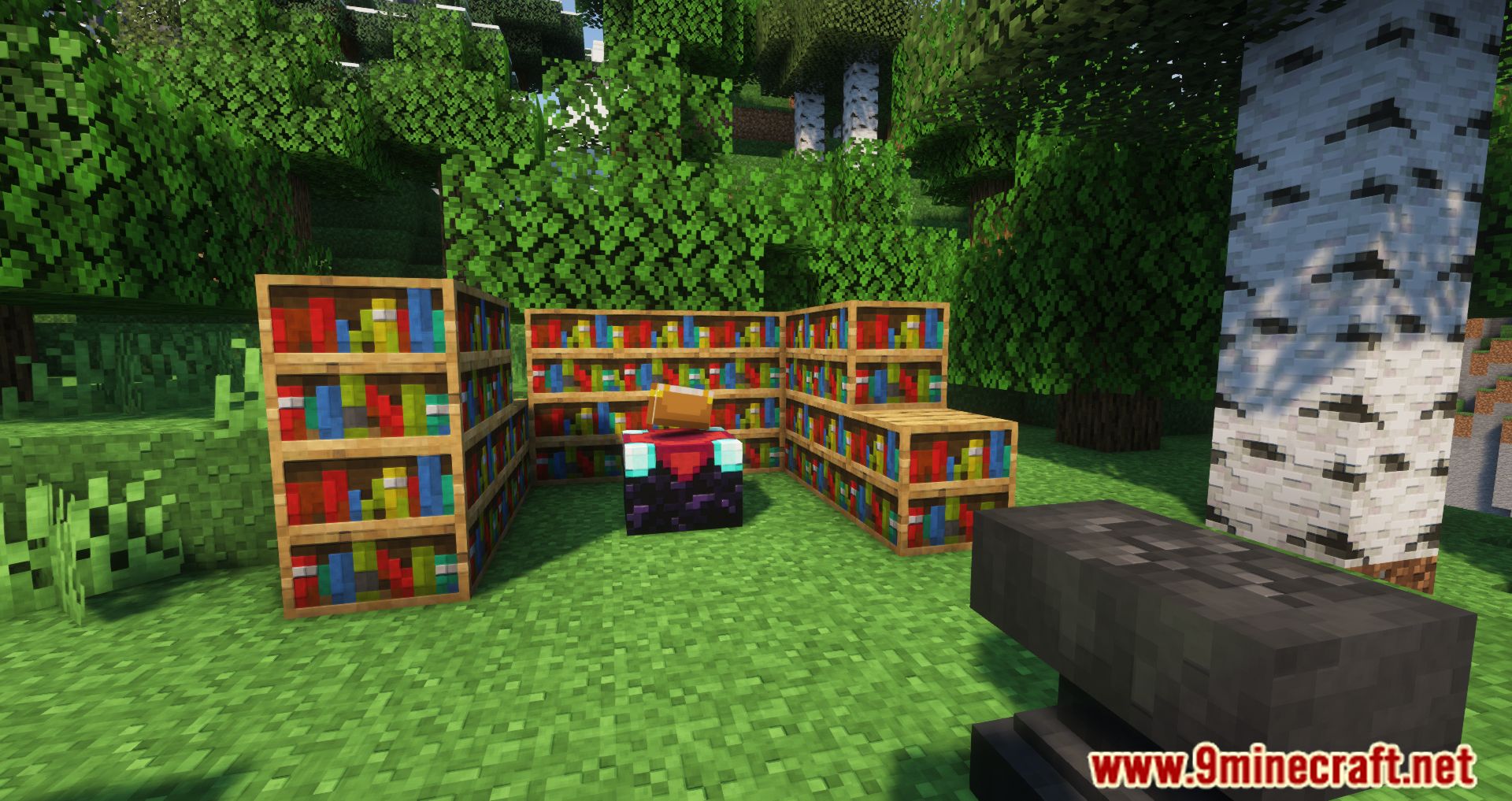
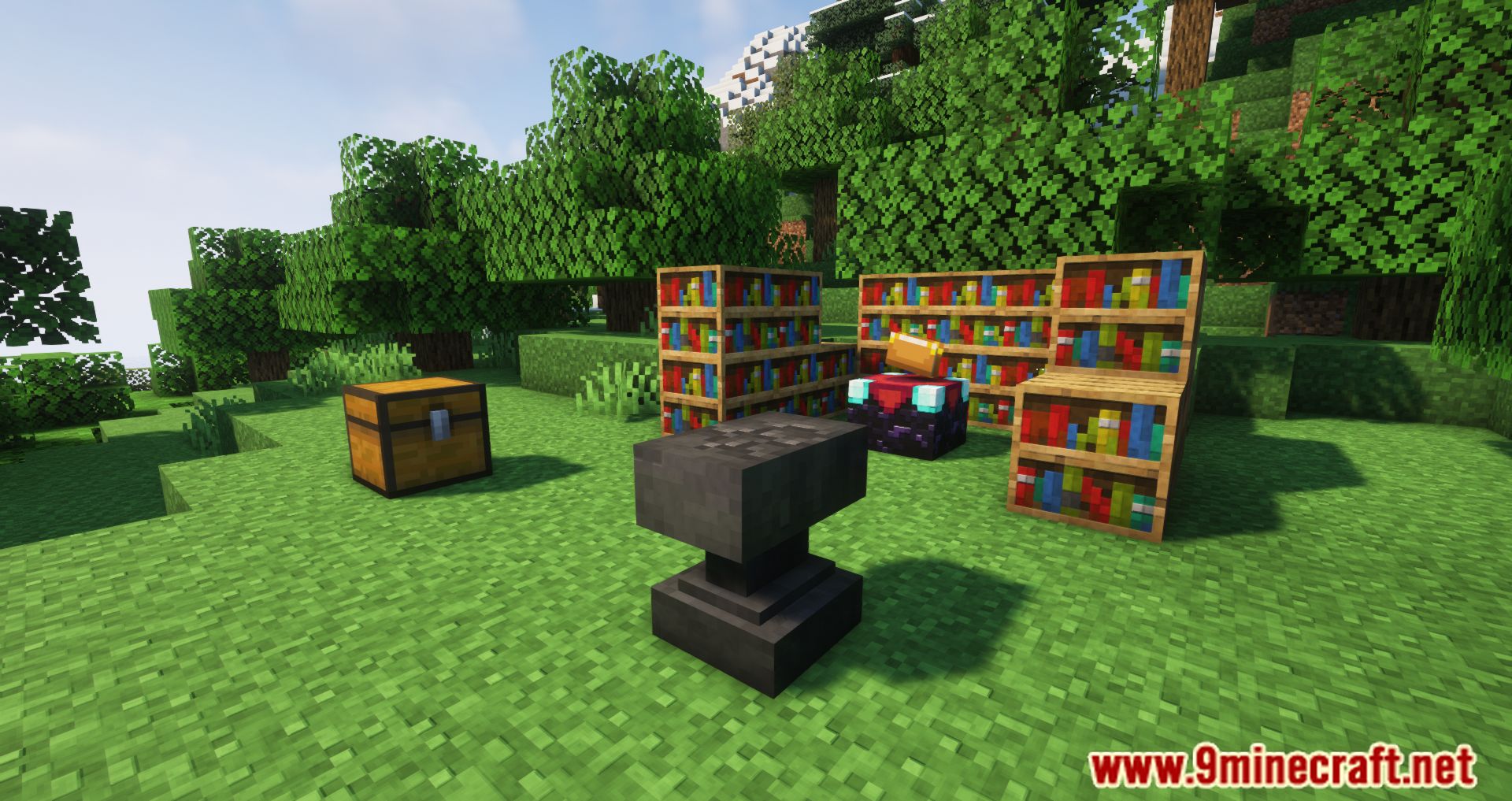
Screenshots:
No Expensive Mod Download Links
Other Version:
Show More- Edition: Minecraft Java
- File type: .jar
- Minecraft version listed: 1.20.1
- How to install: Install the matching mod loader (Forge, Fabric or NeoForge) for your Minecraft version. → Download the .jar. → Put it in the .minecraft/mods folder and launch that loader profile.
- Where to get it: In MC Java Mods, or directly above on this page.
Install steps are the general flow for this file type — How to install Minecraft Java mods & modpacks walks through it step by step.
- Downloads as 89636.mcaddon
- Download size: 44 KB
- Download link checked 22 Sept 2026 — working
- Mirrored on our own servers — the download does not depend on the original host
These come from our own check of the pack file, not from the source page.