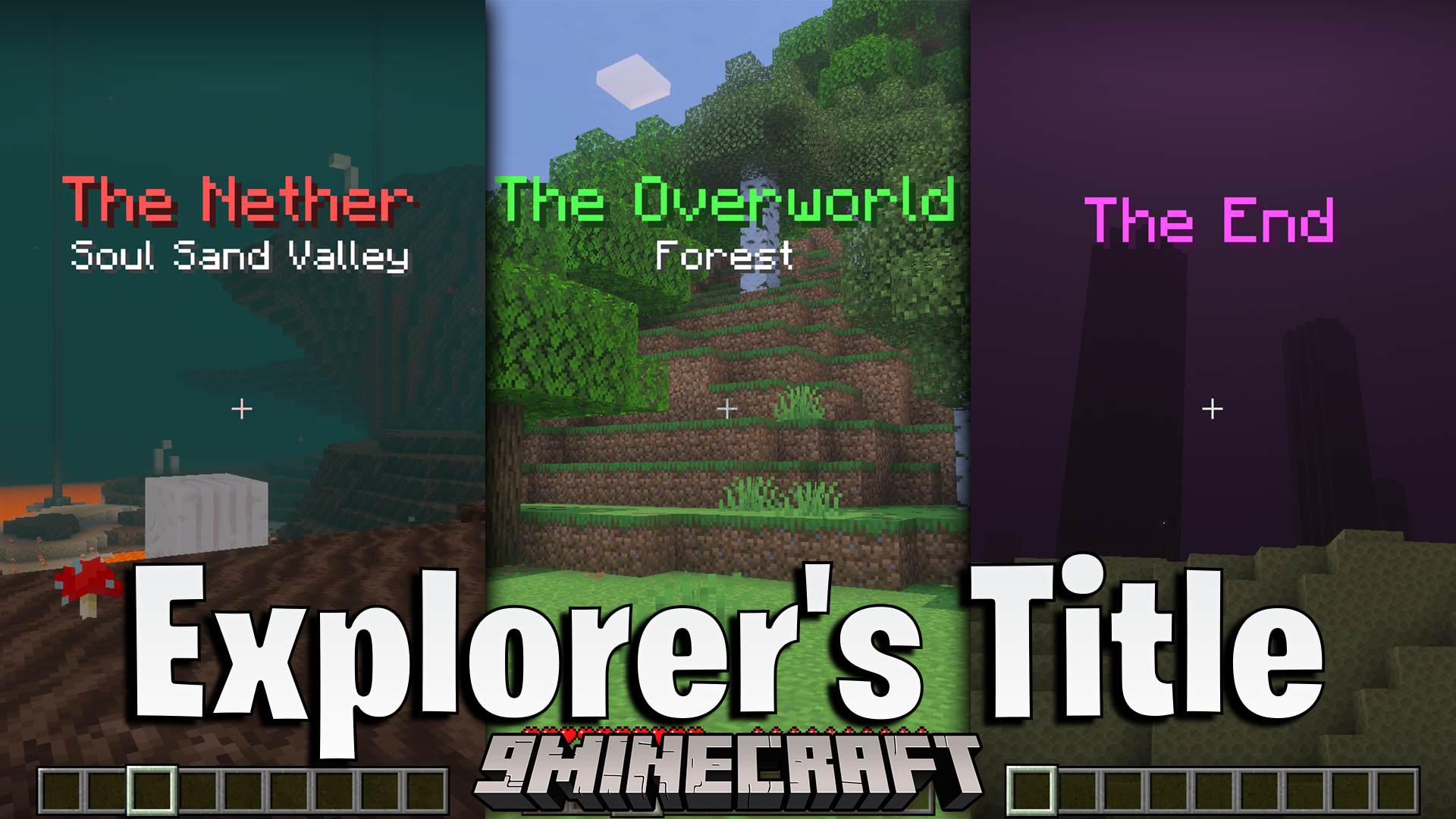
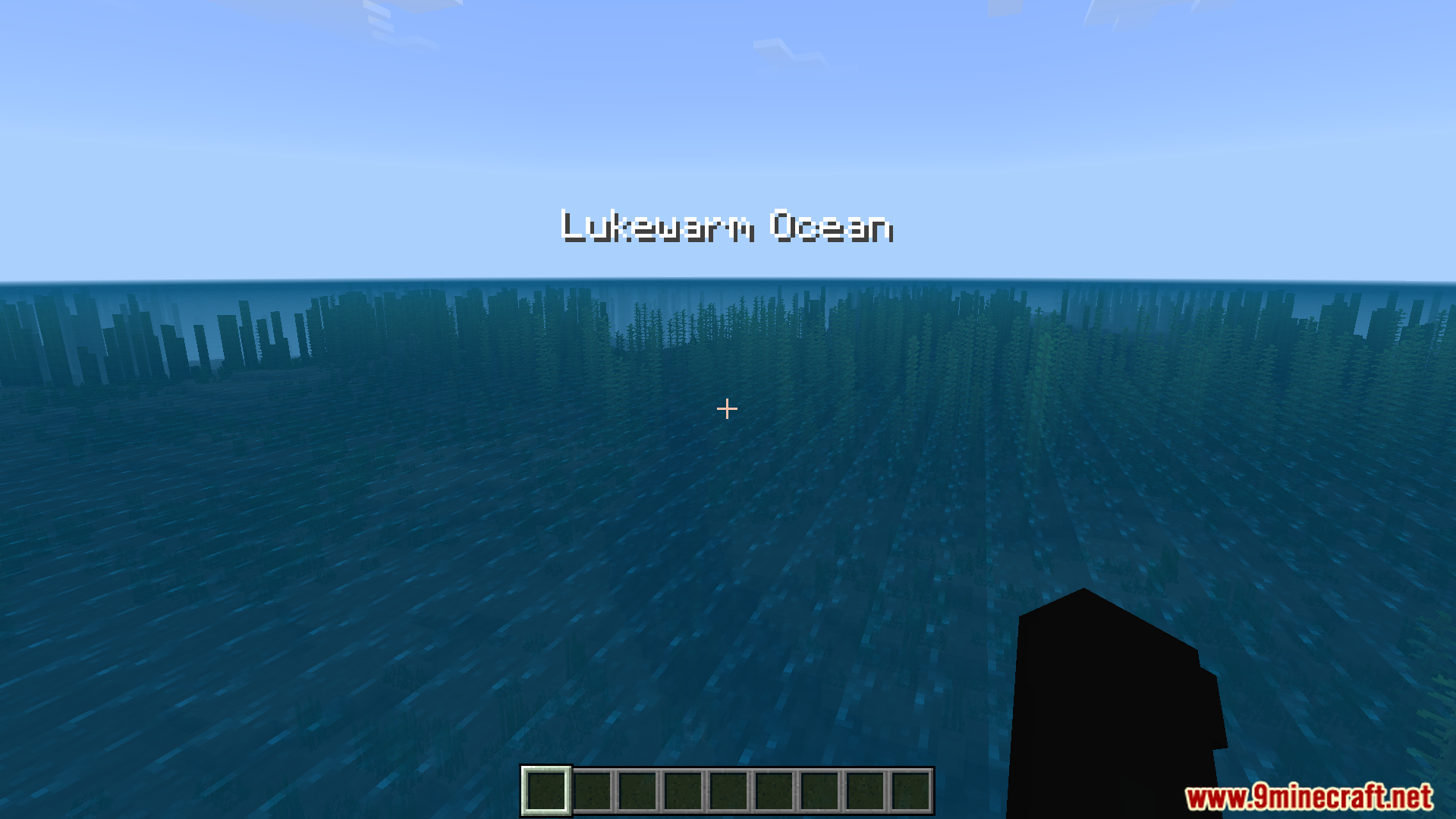
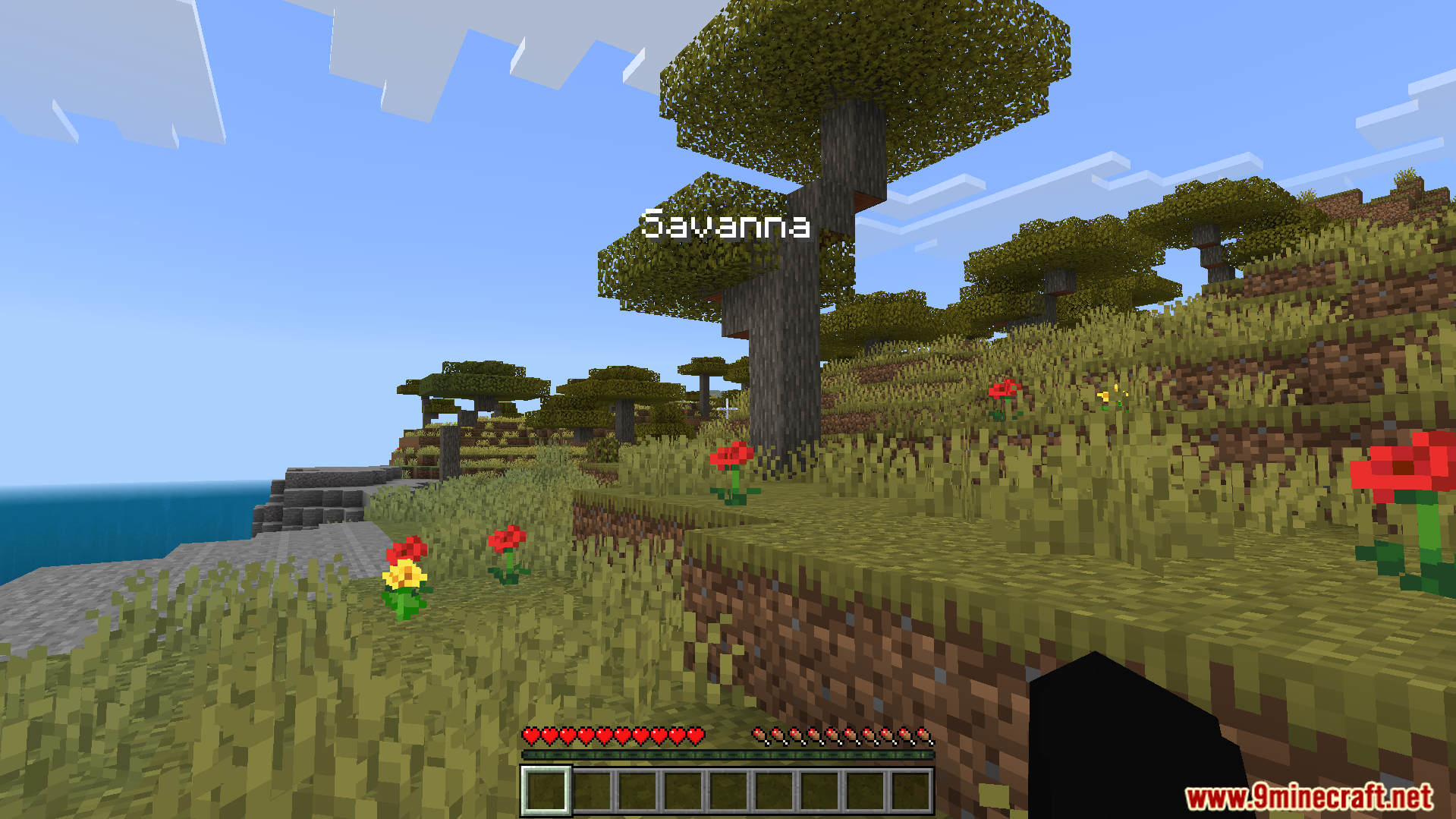
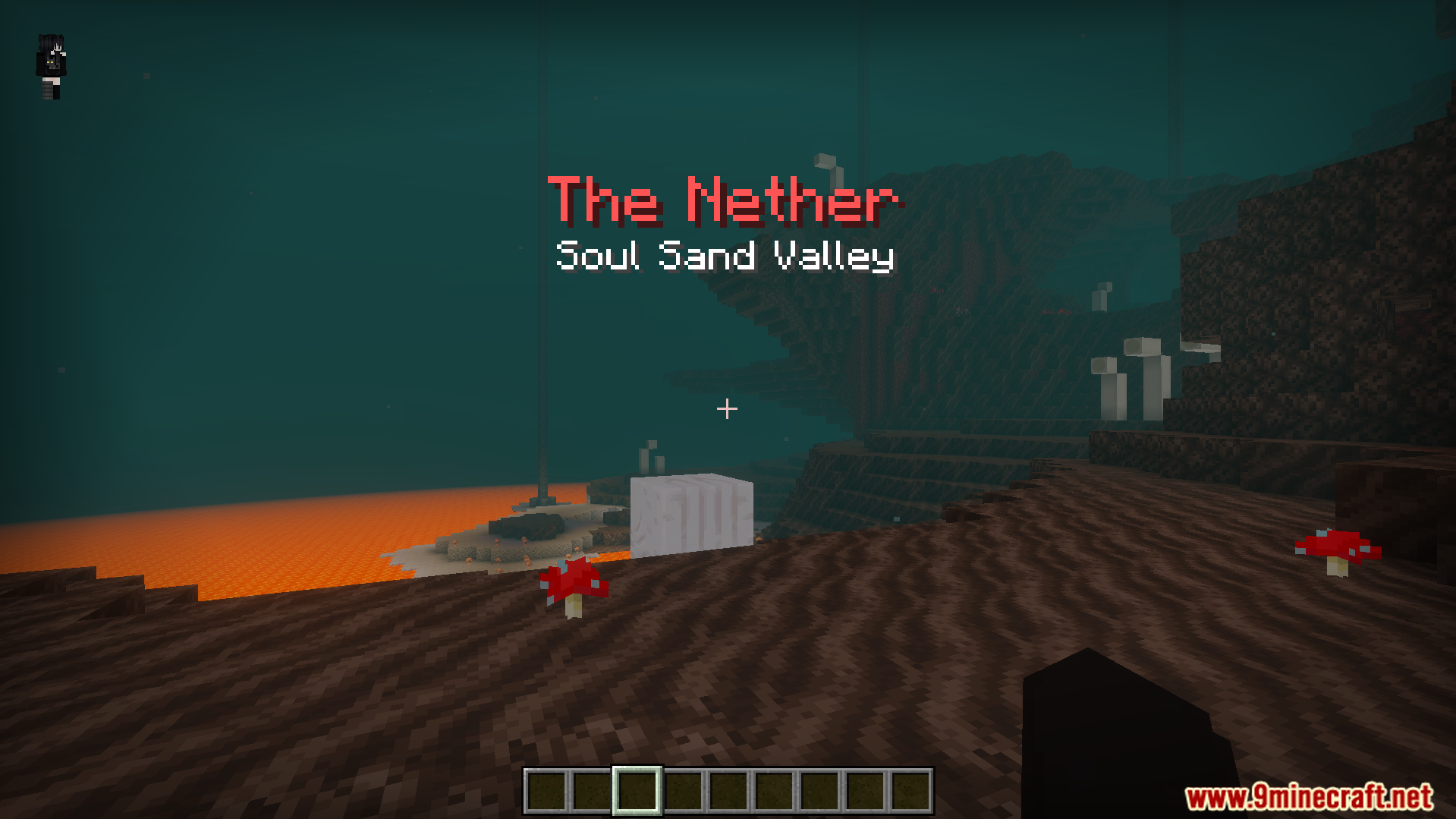
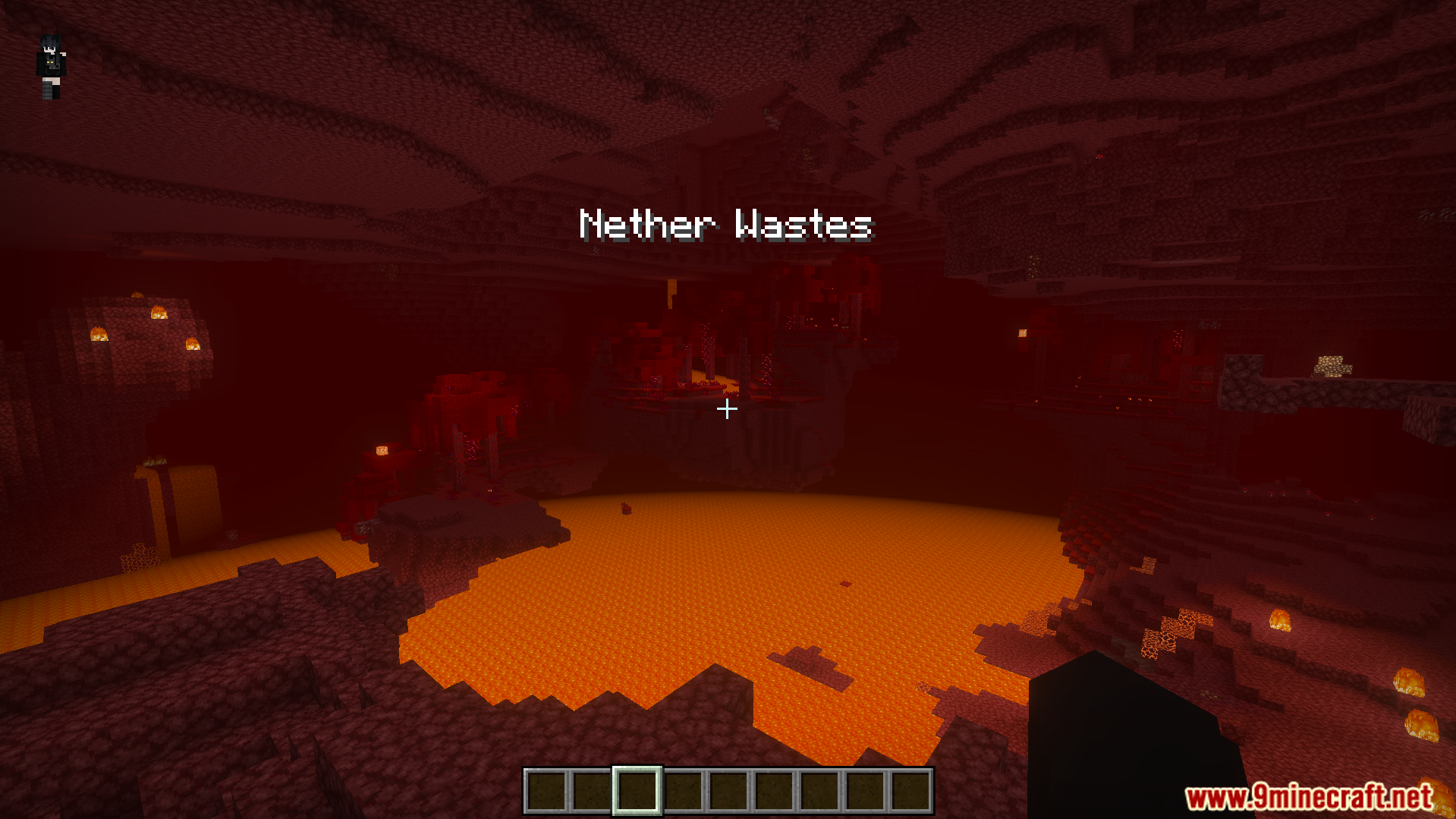
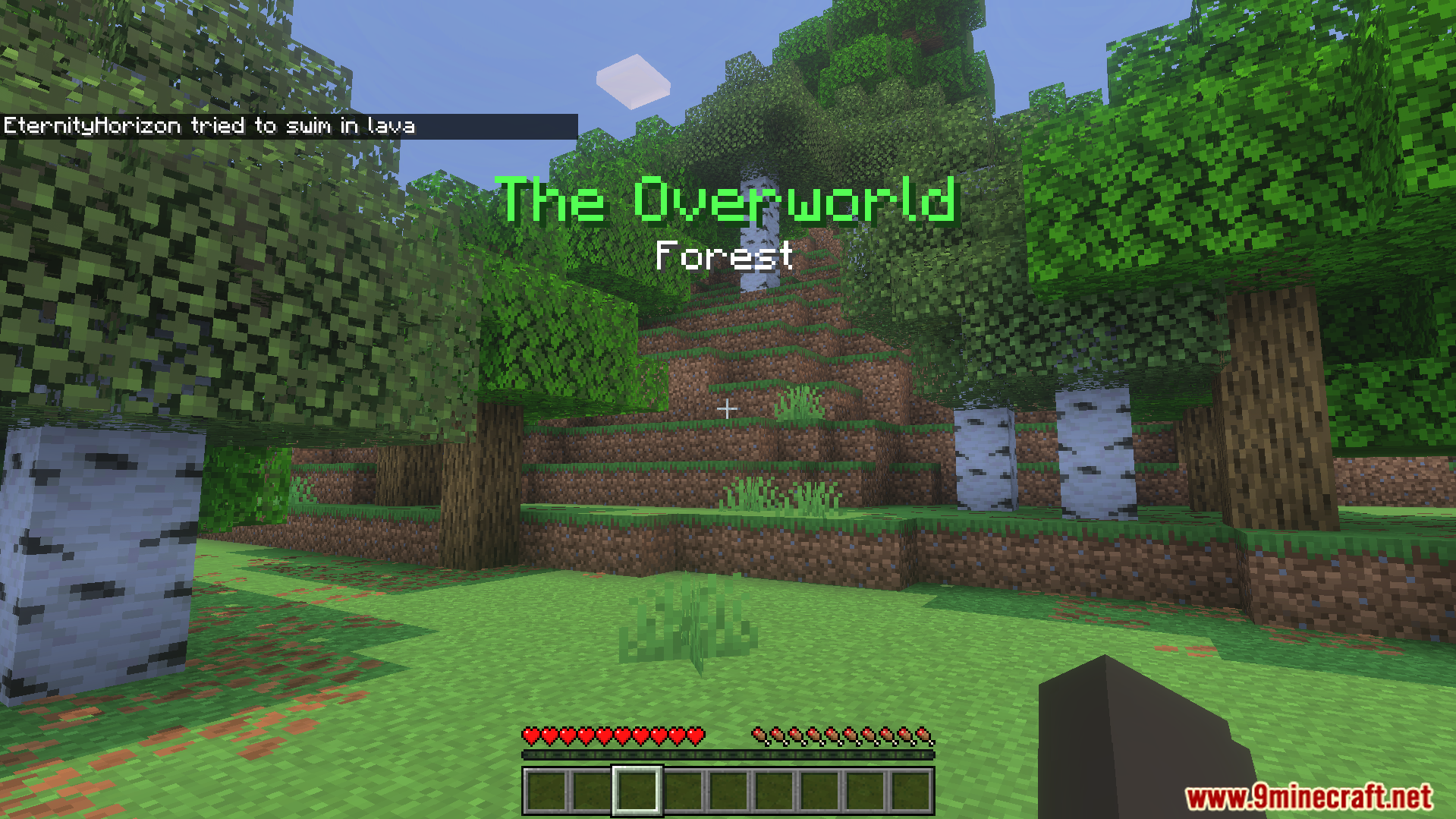
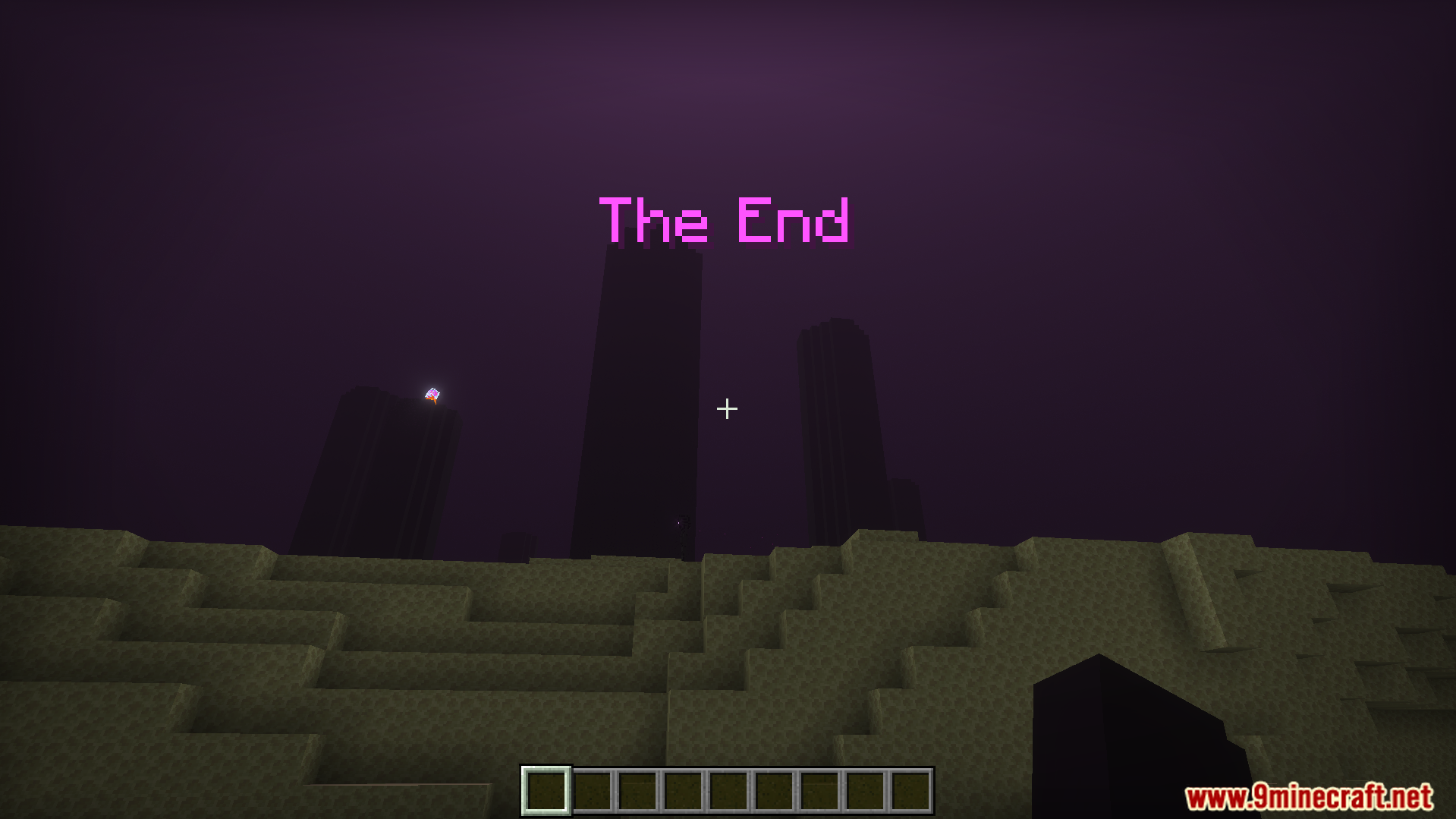
Explorers Title Addon shows the name of the biome or dimension on your screen when you travel. This gives your game a fun roleplay feel as you discover new places. It also works well with many other custom biome packs.
Features:
Displays text on your screen for new areas.
Shows the name of the current dimension.
Gives your survival world an adventure style.
Keeps your game achievements active and safe.
Supports many popular custom biome packs.
Configuration:
You can add your own custom areas by making a language file.
Type dimz-ext.biome.name=Text to add a new biome name.
Type dimz-ext.dimension.name=Text to add a new dimension name.
Screenshots:
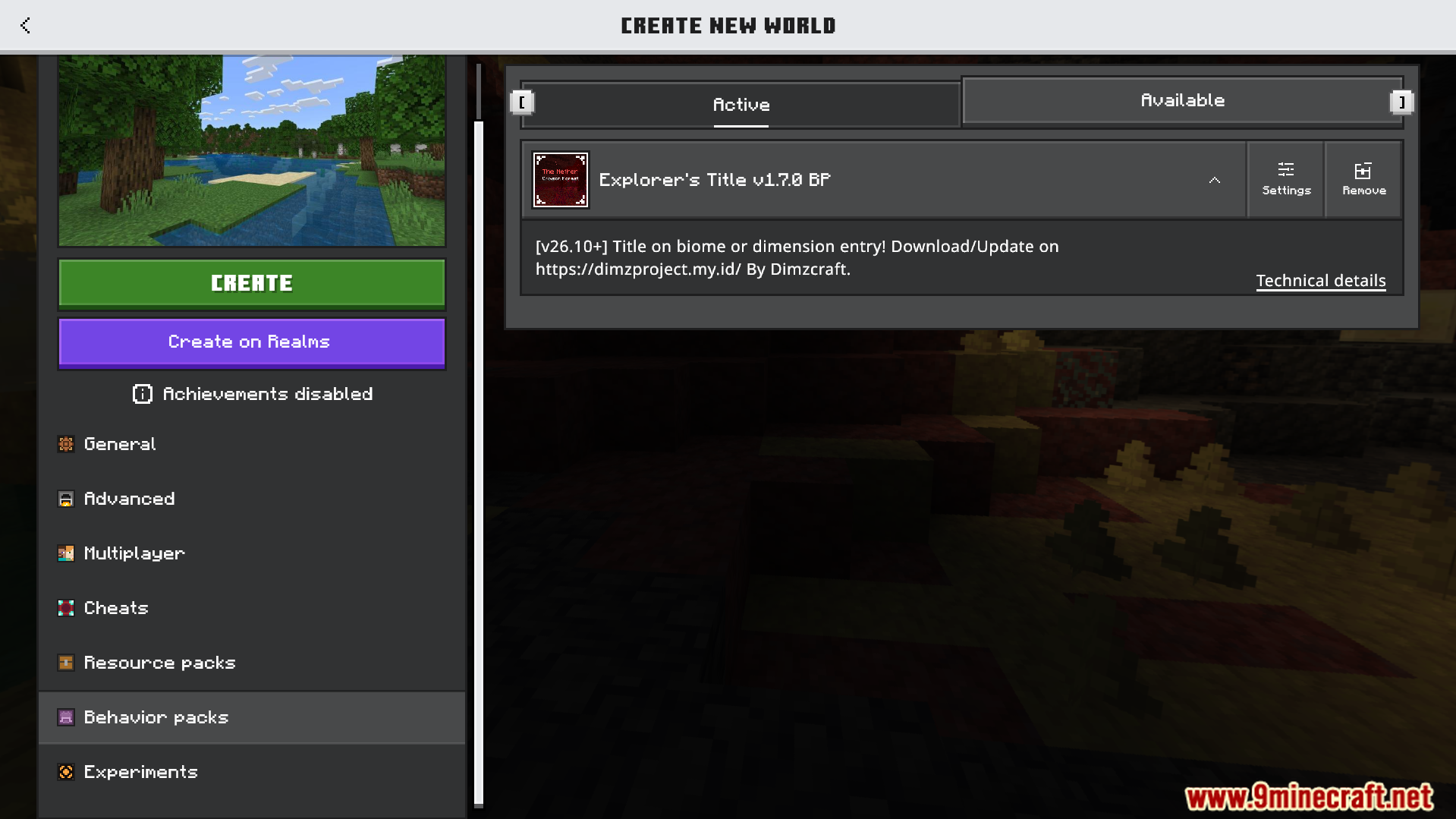
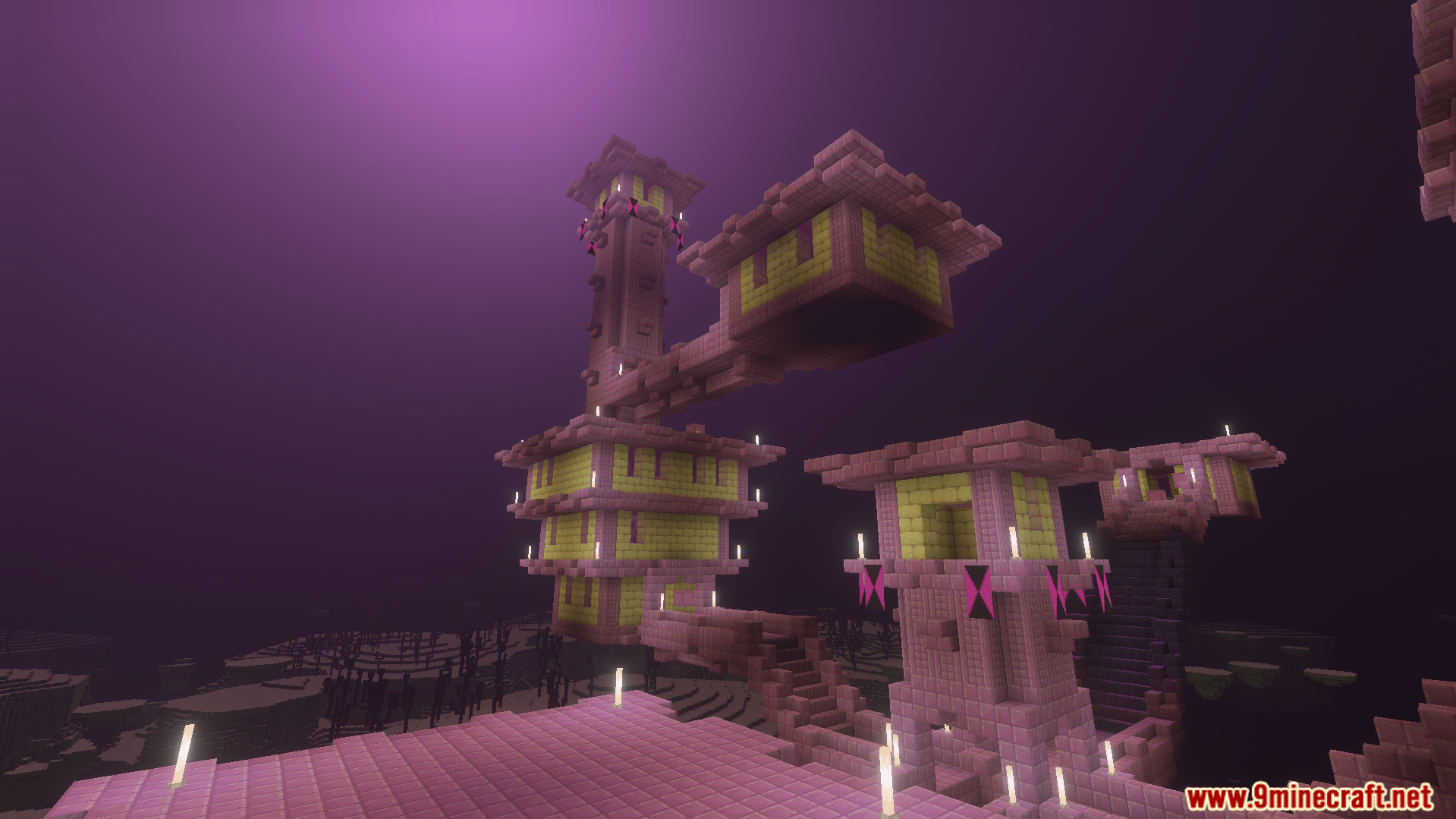
Activating the Explorers Title behavior pack in the world creation menuBiome name displayed as a title on screen when entering a new areaExplExplorers TitleExplorers Title Addon shows the name of the Nether Wastes biome on screenThe Overworld Forest title appears on screen while walking through birch treesExplorers Title Addon displays the name of The End dimension on screenA large End City structure with purpur towers under a purple sky
Explorers Title Addon Download Links
Quick facts
Edition: Minecraft Bedrock
File type: .mcpack or .mcaddon
How to install: Download the .mcpack or .mcaddon file. → Open it — Minecraft imports it. → In your world: Behavior Packs → Available → Activate, then the same under Resource Packs.
Where to get it: In MCModsHub, or directly above on this page.