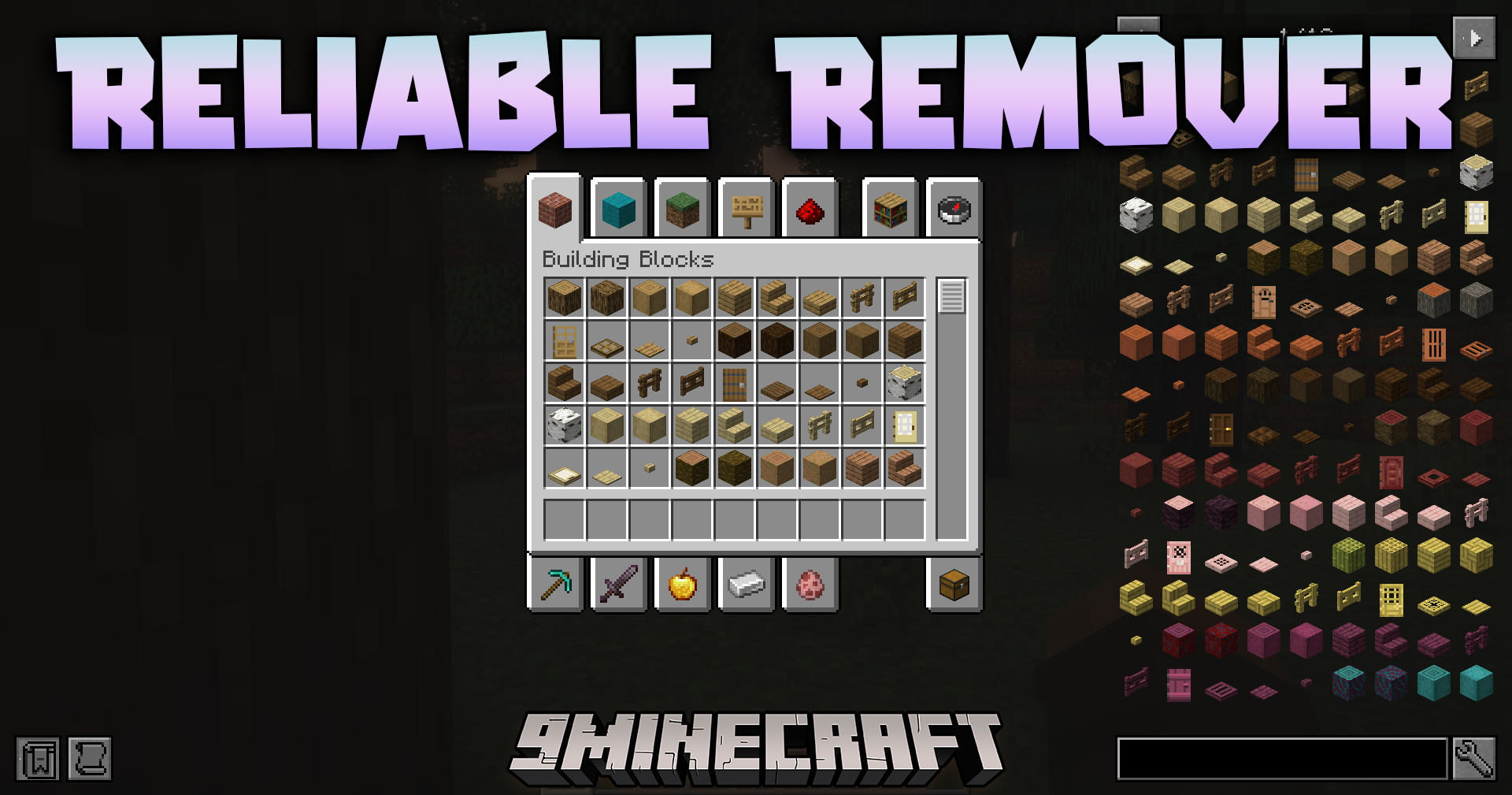
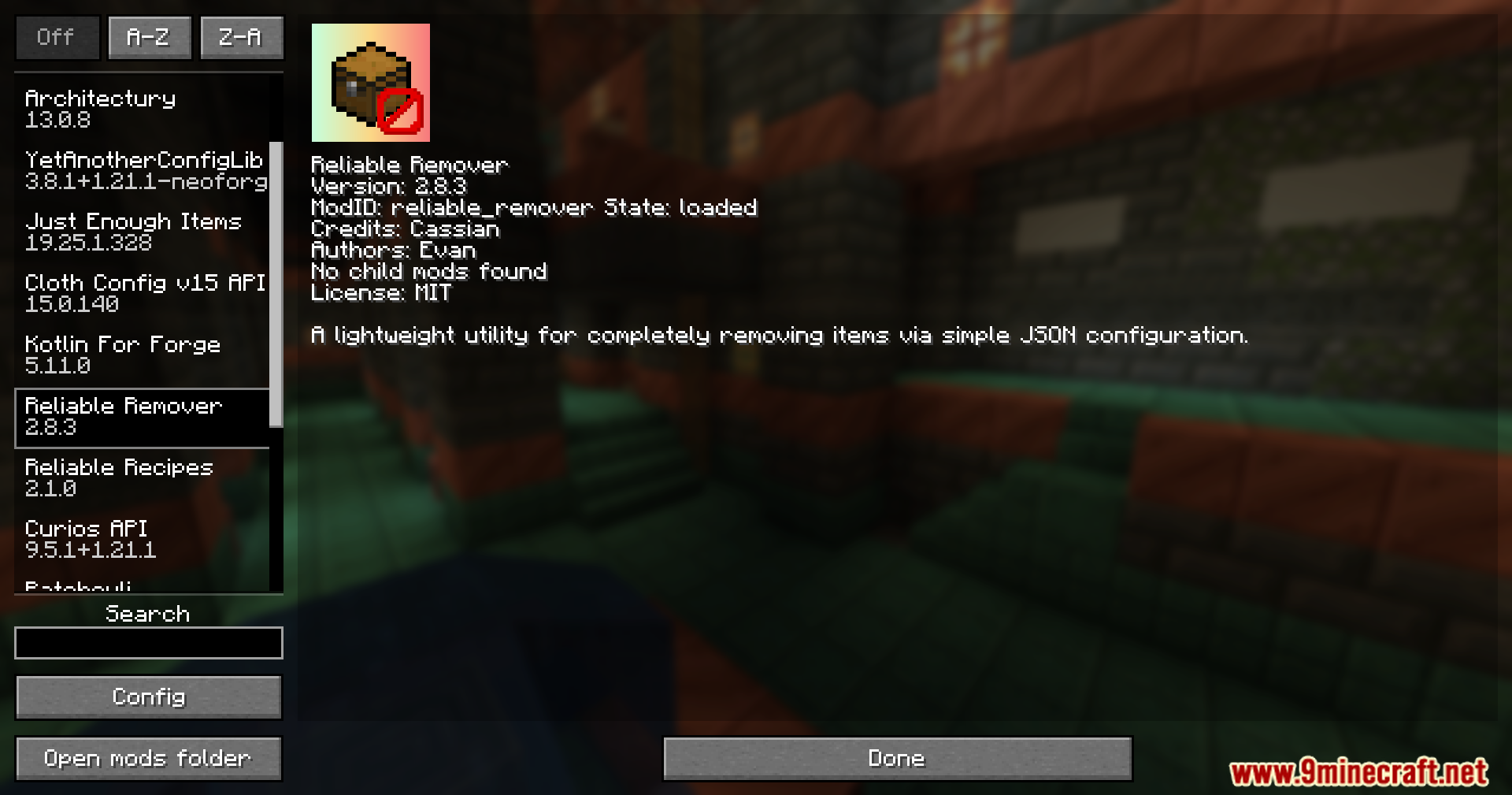

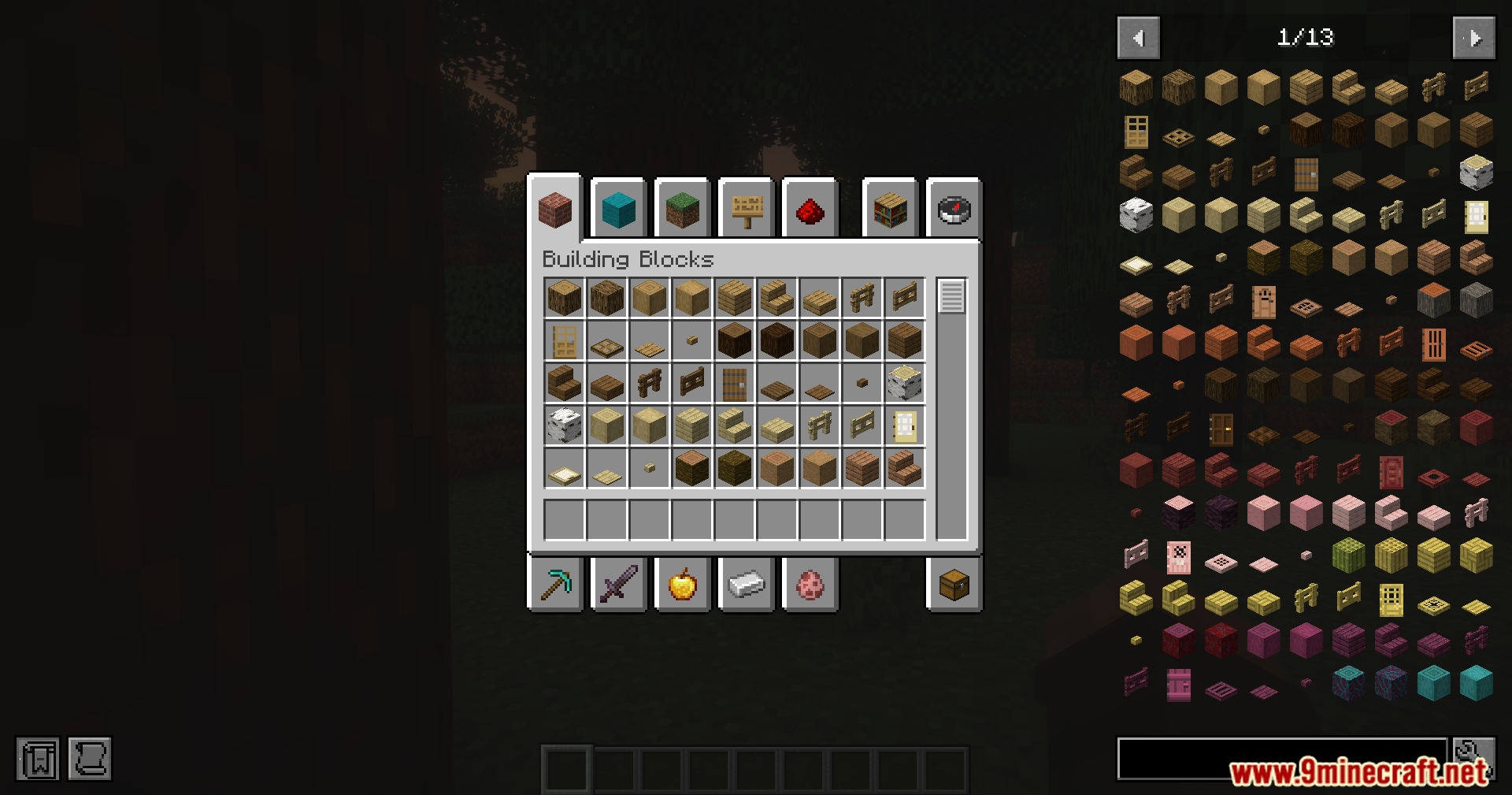
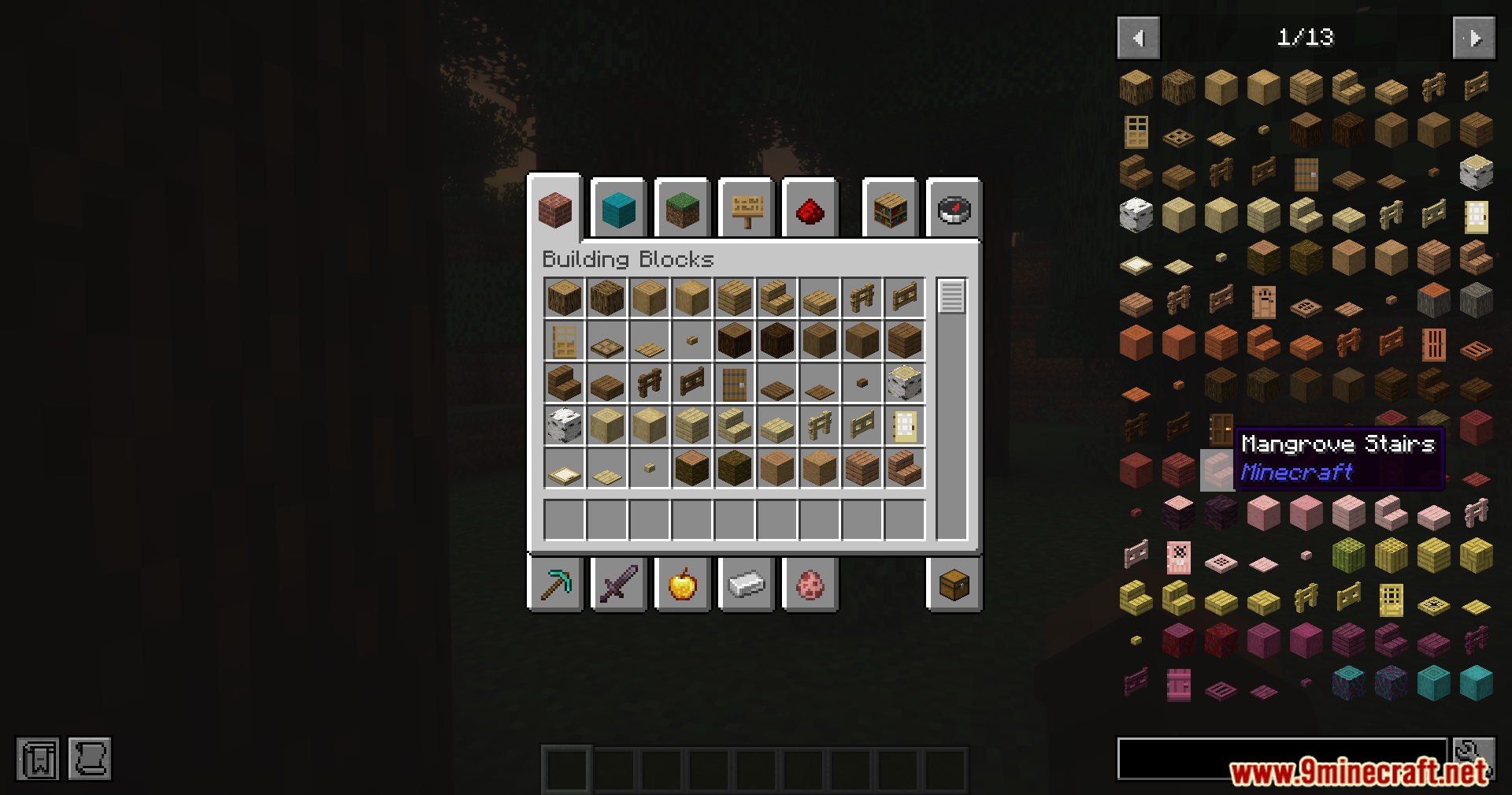
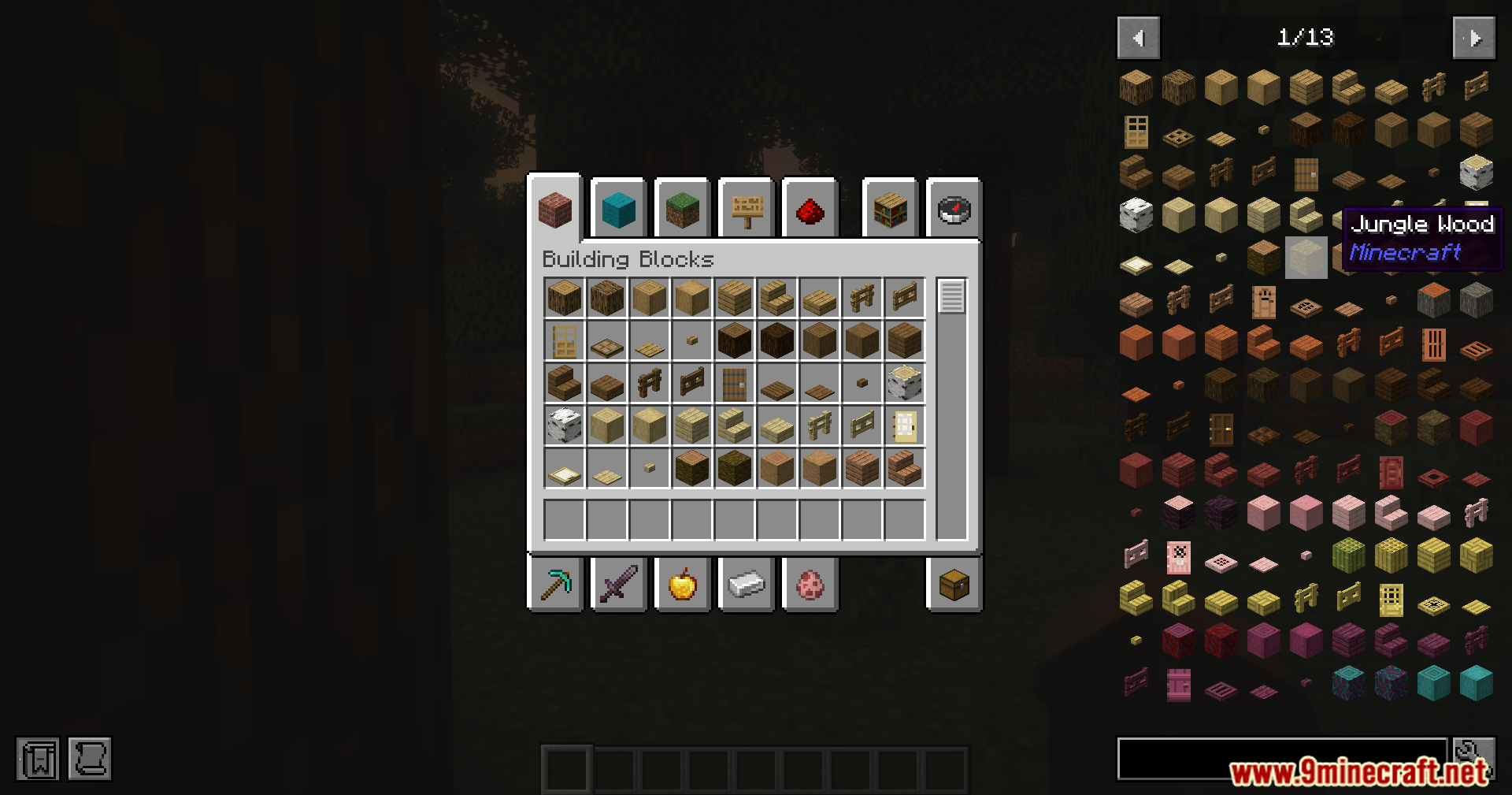
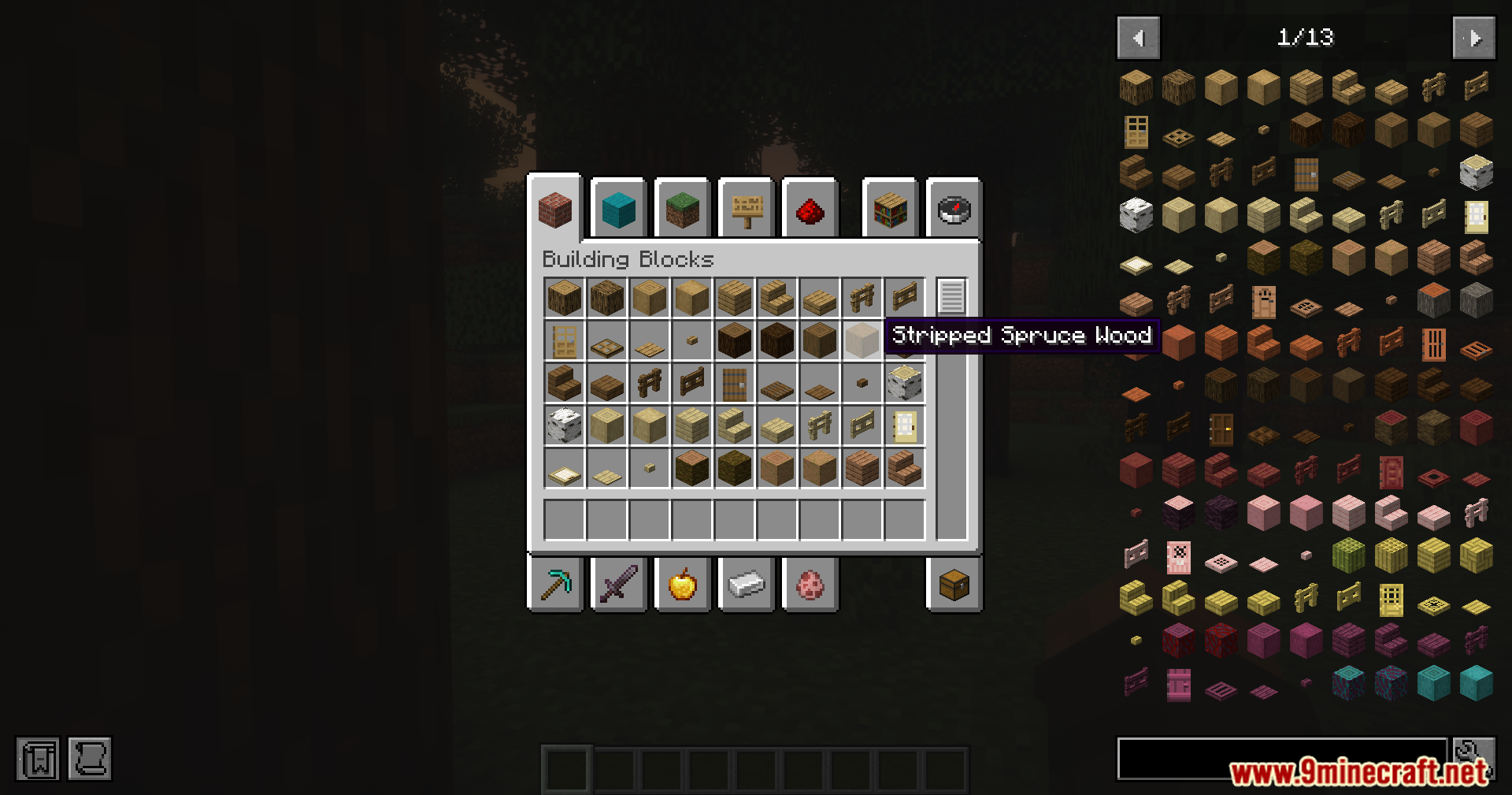
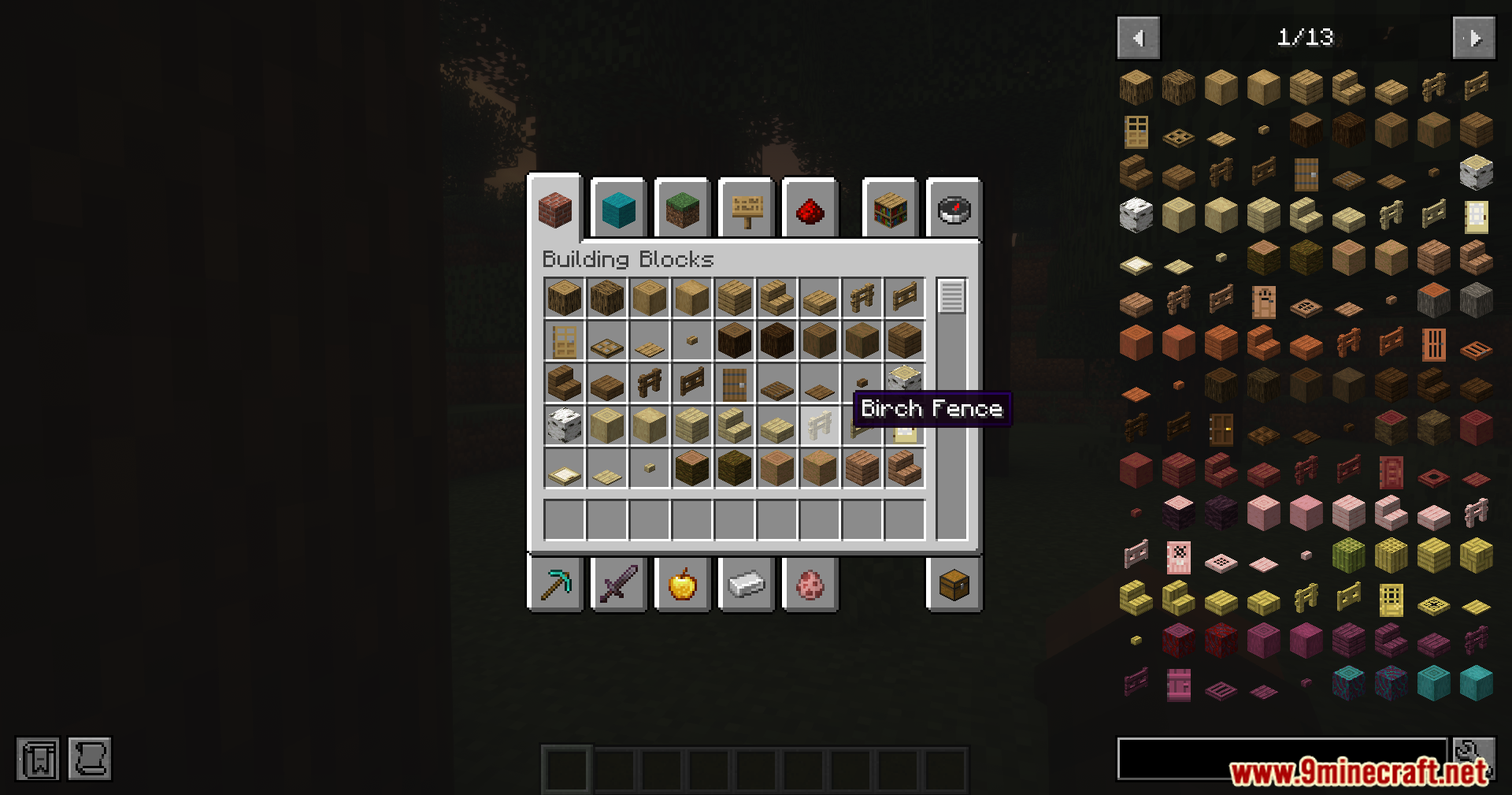

Reliable Remover Mod lets you easily delete items and block actions in your game using simple text files. This tool helps players and pack builders ban specific gear or blocks without writing complicated code. It replaces older item-blocking tools with a faster system. You can filter out unwanted loot, stop villagers from trading specific things, and hide items from recipe menus.
Features:
- Updates your changes instantly in the game when you type the /reload command, saving you from restarting Minecraft.
- Hides banned items from recipe viewer menus like EMI so players cannot see them.
- Deletes crafting recipes and block tags automatically the moment you ban an item.
- Stops villagers from offering banned items in their trading menus.
- Removes banned items from chest loot and monster drops across the game.
- Lets you ban specific items only in certain worlds, like the Nether or the End, while allowing them elsewhere.
- Allows you to sort your settings into different folders to keep your files neat and organized.
- Runs on its own without needing any extra library files to work.
Screenshots:

Reliable Remover Mod Download Links
Quick facts
- Edition: Minecraft Java
- File type: .jar
- Minecraft version listed: 1.20.1
- How to install: Install the matching mod loader (Forge, Fabric or NeoForge) for your Minecraft version. → Download the .jar. → Put it in the .minecraft/mods folder and launch that loader profile.
- Where to get it: In MC Java Mods, or directly above on this page.
Install steps are the general flow for this file type — How to install Minecraft Java mods & modpacks walks through it step by step.
Verified by MCModsHub
- Downloads as 89667.mcaddon
- Download size: 89 KB
- Download link checked 22 Sept 2026 — working
- Mirrored on our own servers — the download does not depend on the original host
These come from our own check of the pack file, not from the source page.