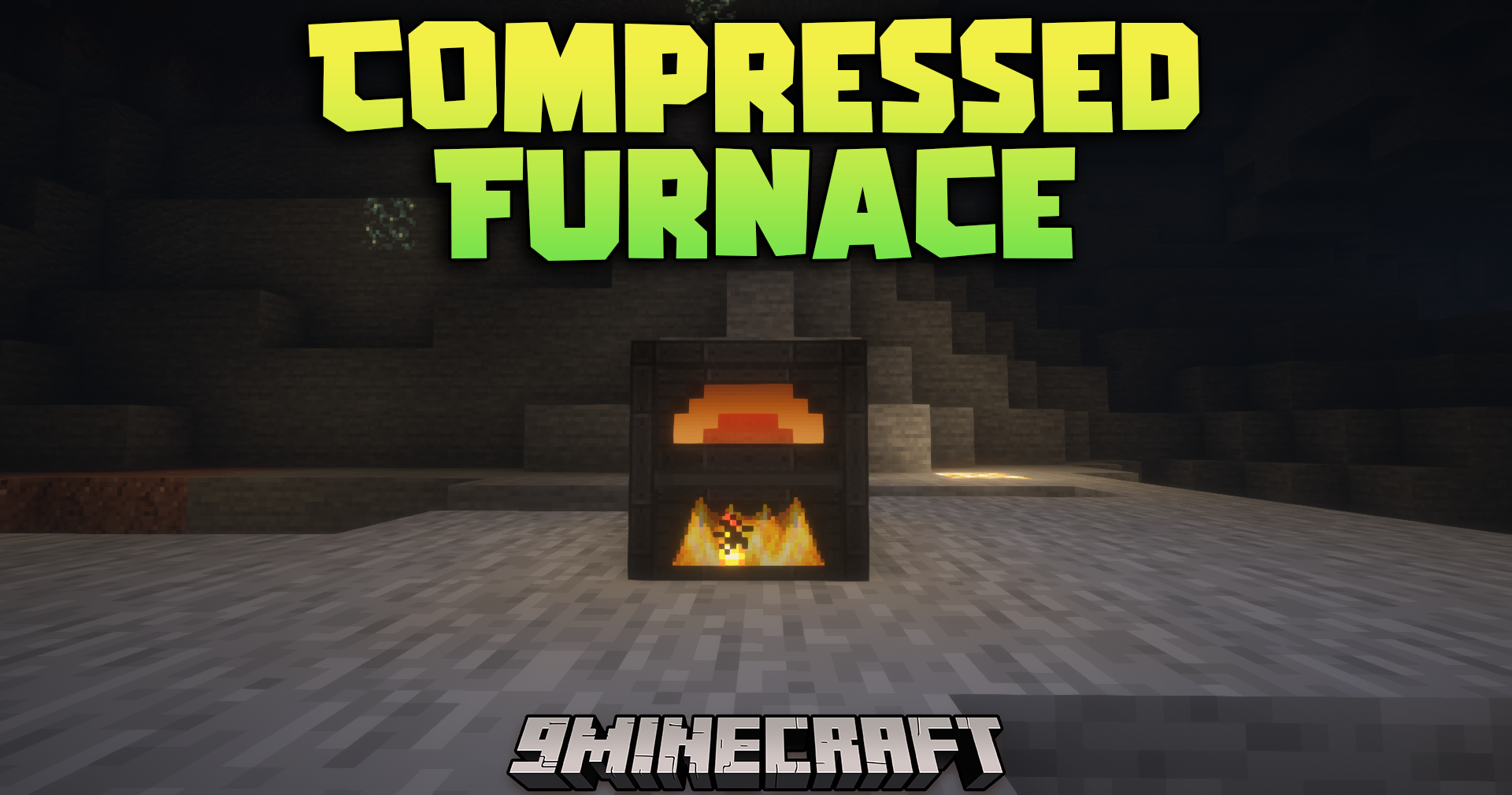
Compressed Furnace Mod (26.1.2, 1.21.1) – Replace Your Giant Furnace Wall
Java mod listed for Minecraft 1.21. Downloads from the MC Java Mods app on Android.
⬇ Download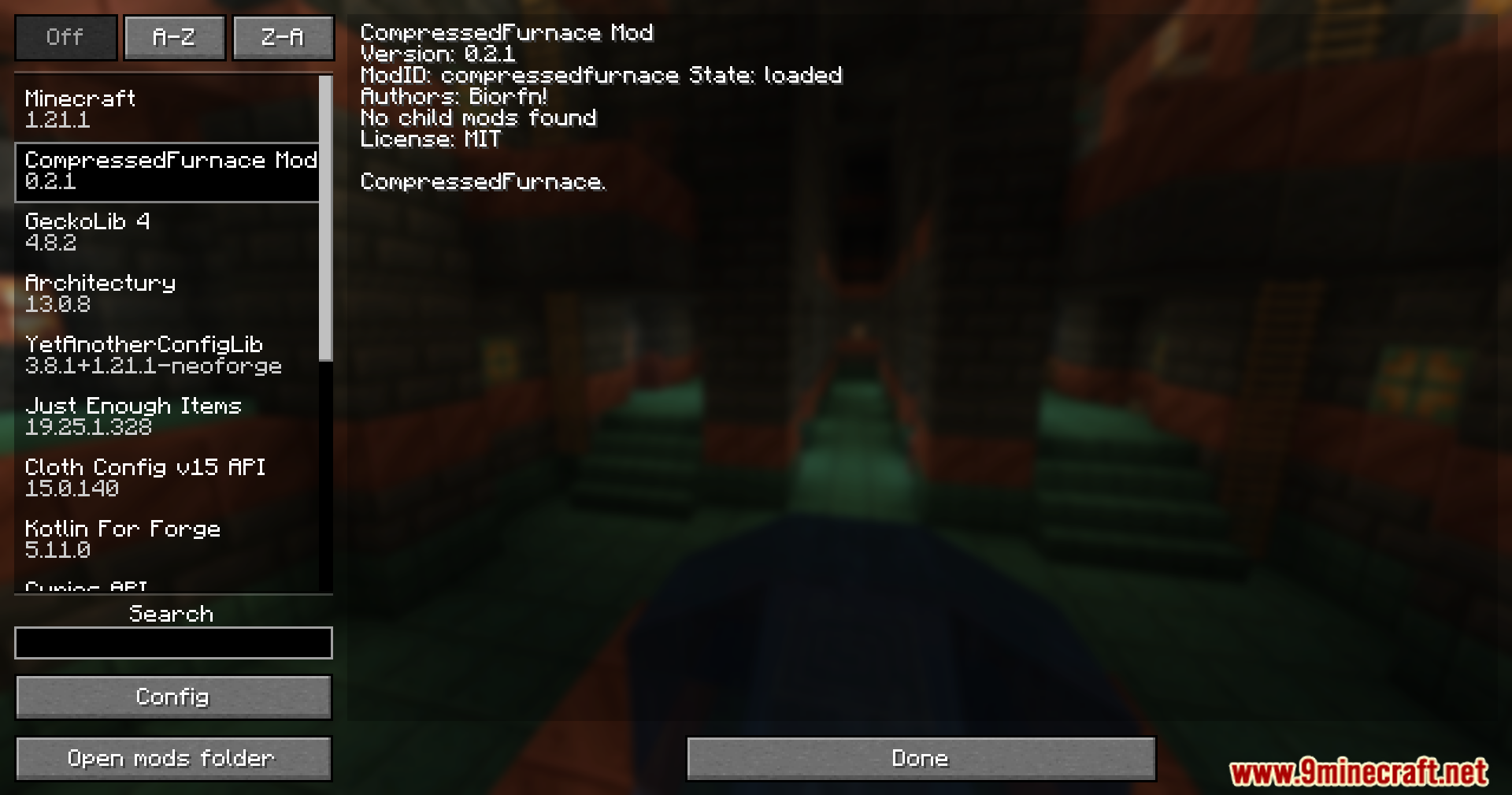
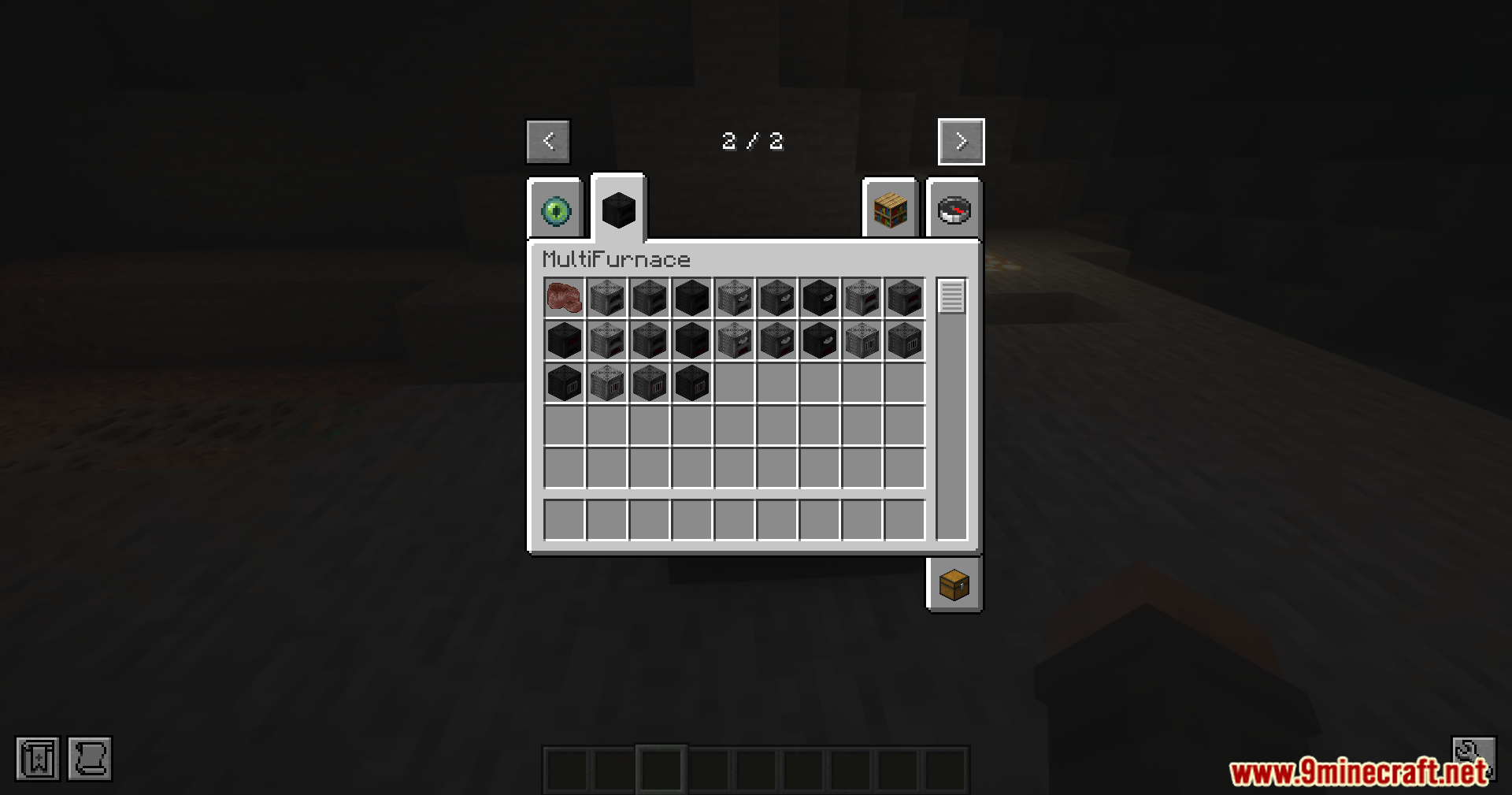
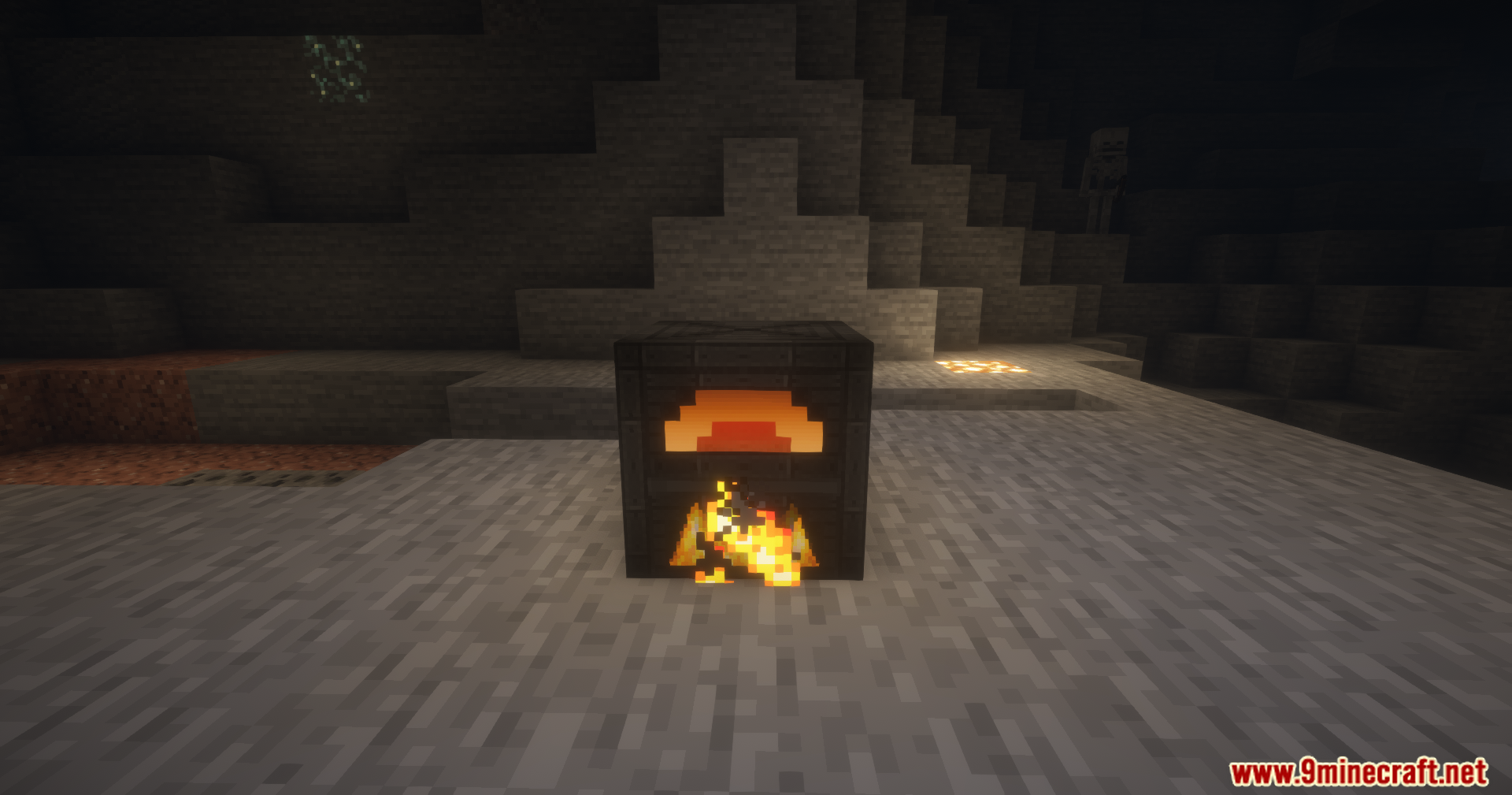
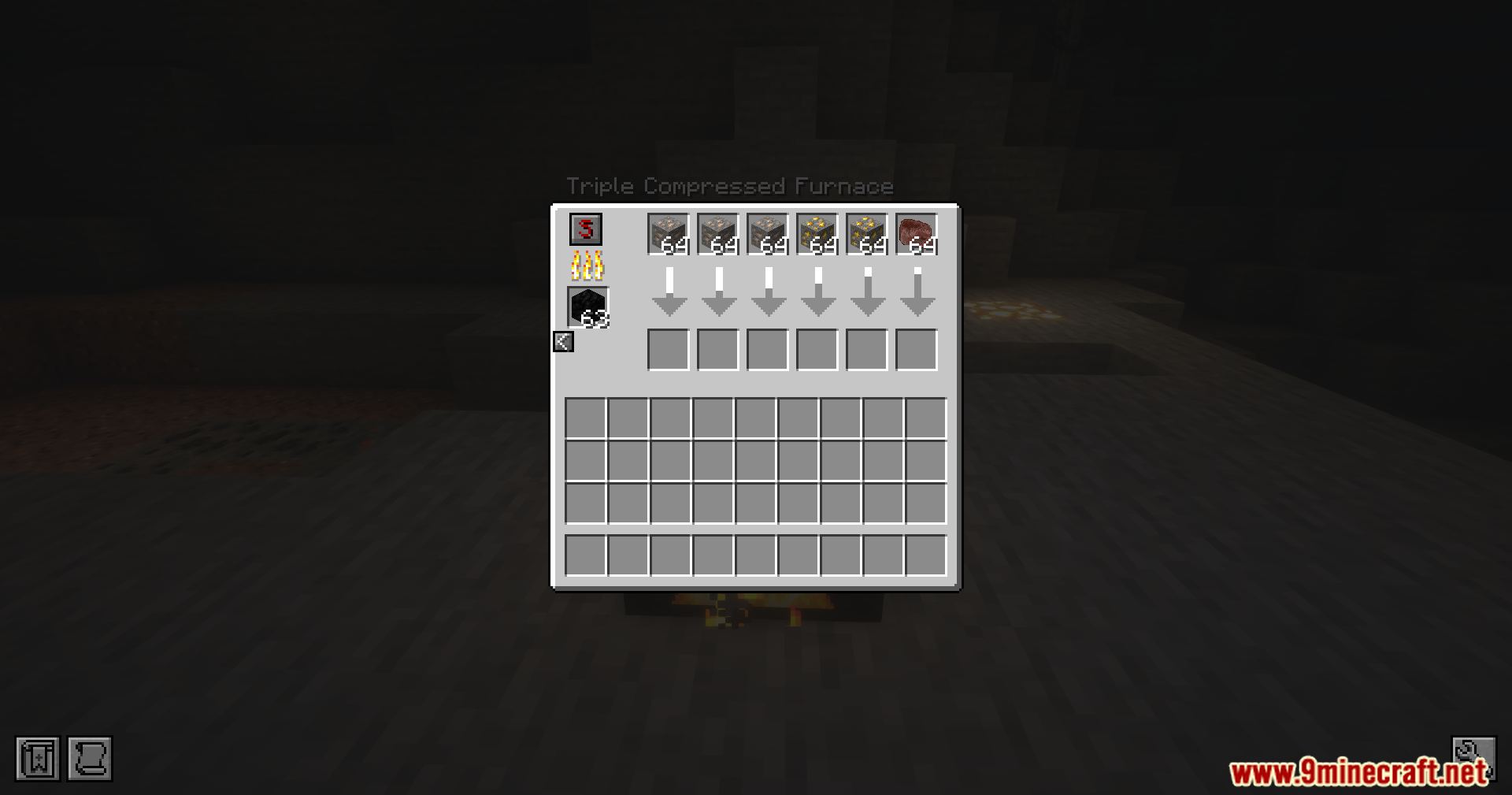
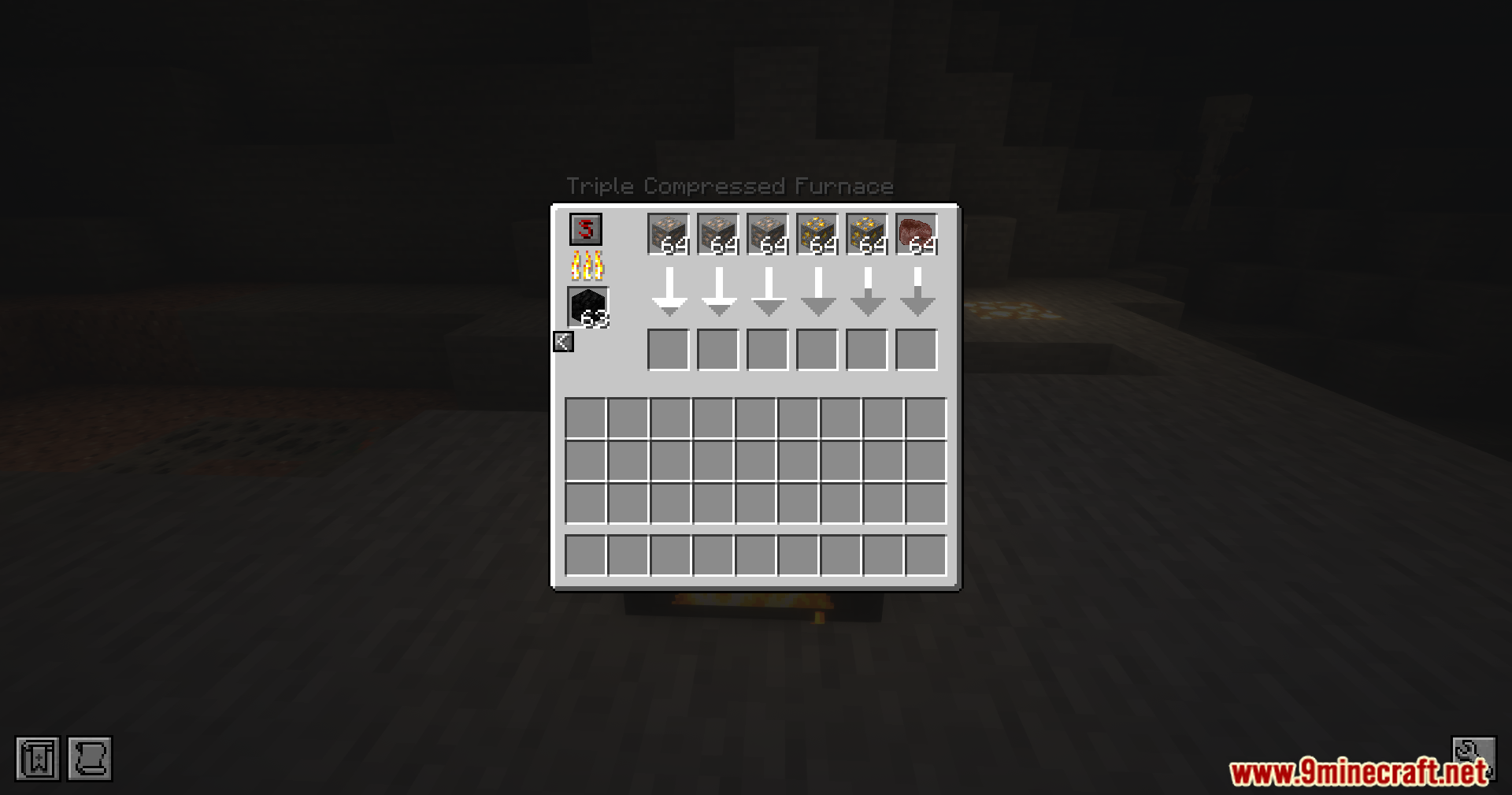
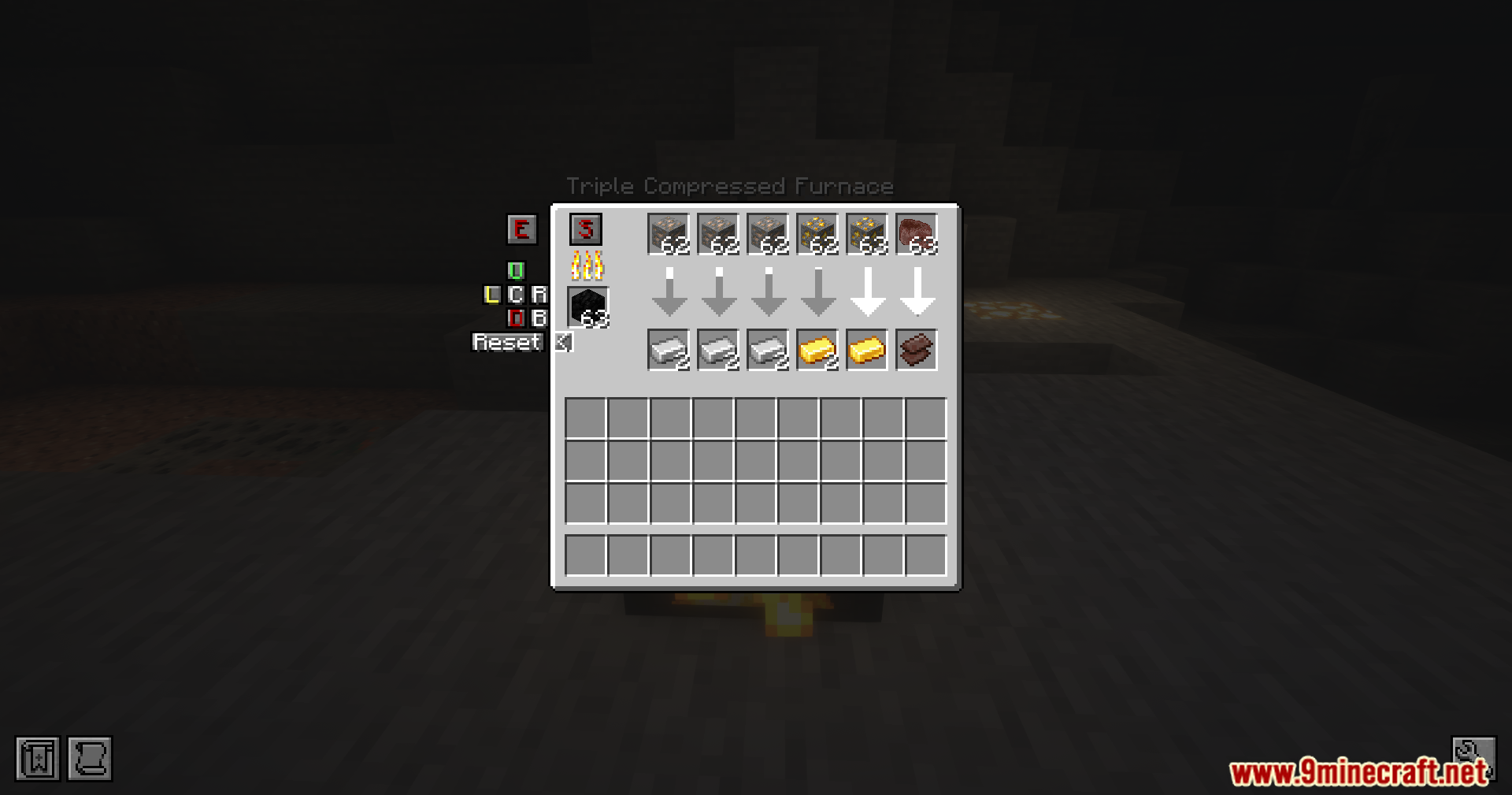
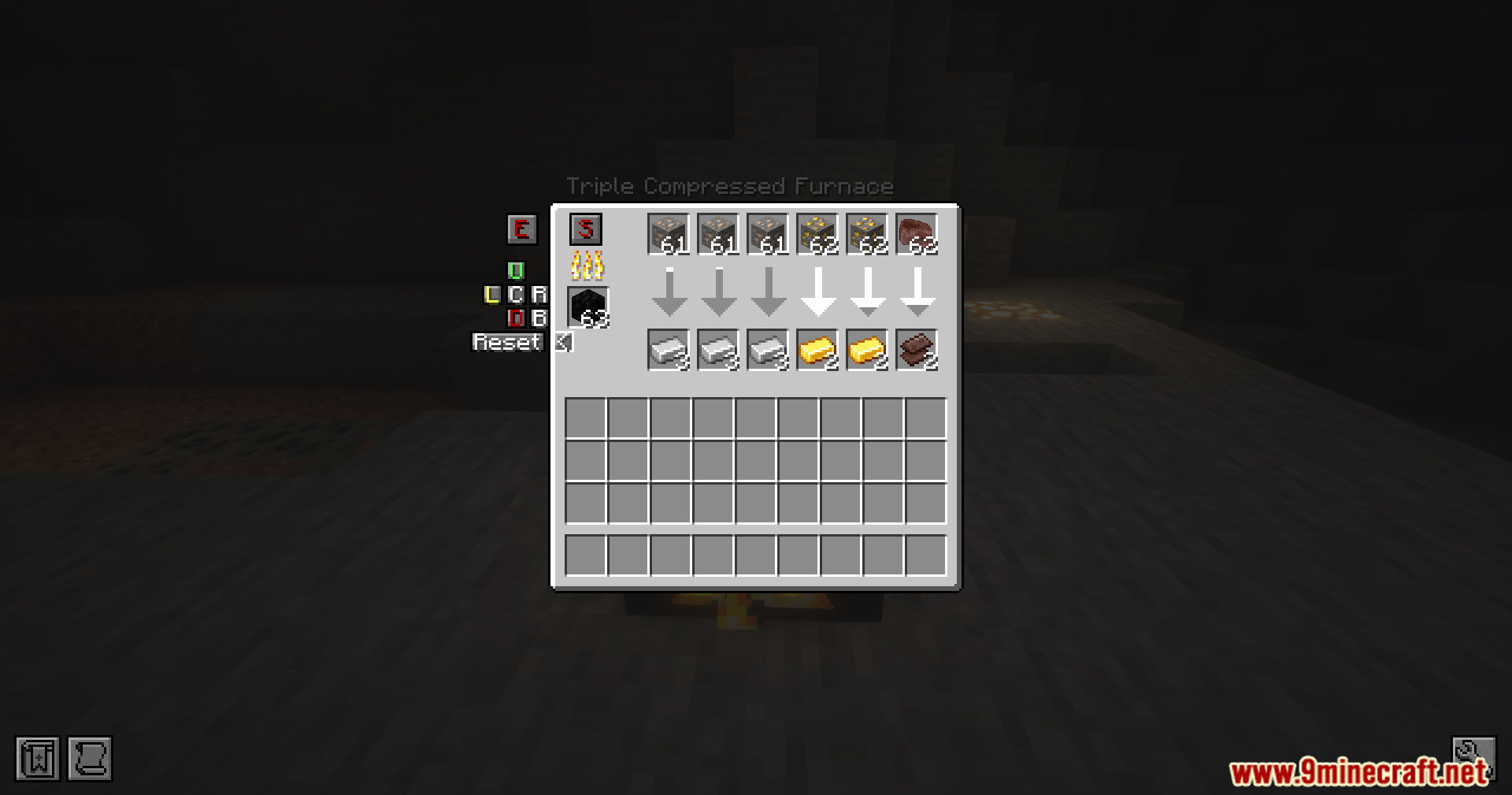
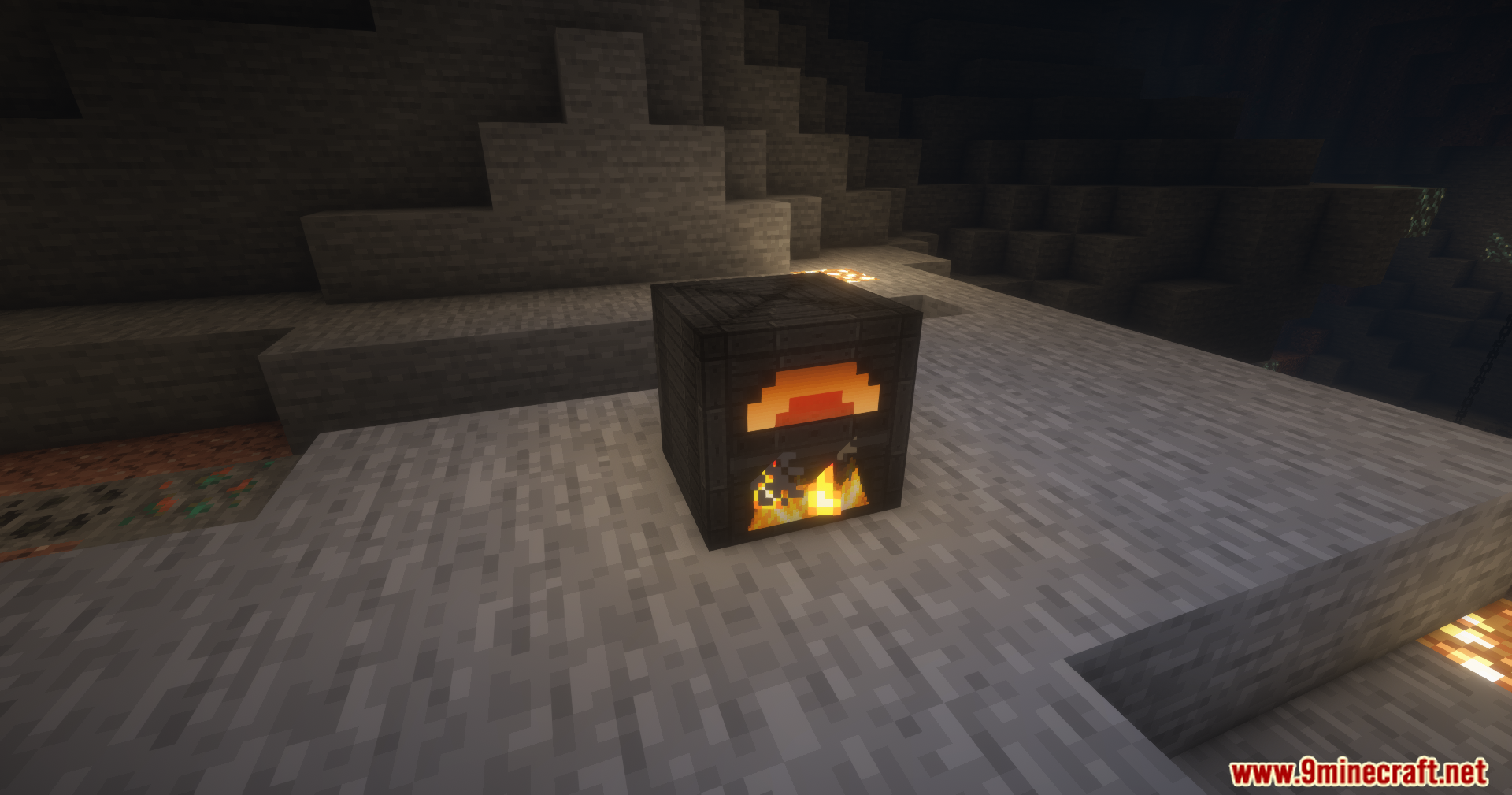
Compressed Furnace Mod upgrades your processing speed with new machines that handle multiple items at once. Instead of building a massive wall of normal furnaces, you can place down a single factory block to do all the work. The mod adds different tiers of furnaces and crushers that process items faster and hold more materials. You can choose between machines that run on standard fuel or ones that use energy. It also gives you total control over how items enter and leave the machines.
Features:
Factory Machines:
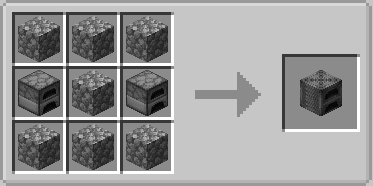
- Adds a Furnace Factory that smelts items much faster and in larger batches.
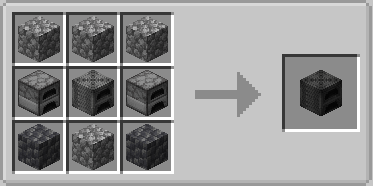
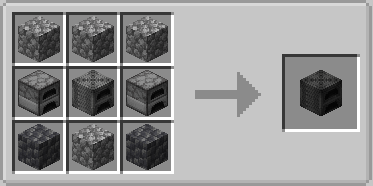
- Includes a Blast Furnace Factory built specifically for processing ores and raw metals.
- Brings a Crusher Factory that grinds your items down into dusts or raw components.
- Provides a Generator that burns fuel to create power for the energy-based machines.
Machine Tiers:
- Tier 1 machines give you two input slots for basic bulk processing.
- Tier 2 machines expand your capacity with four input slots.
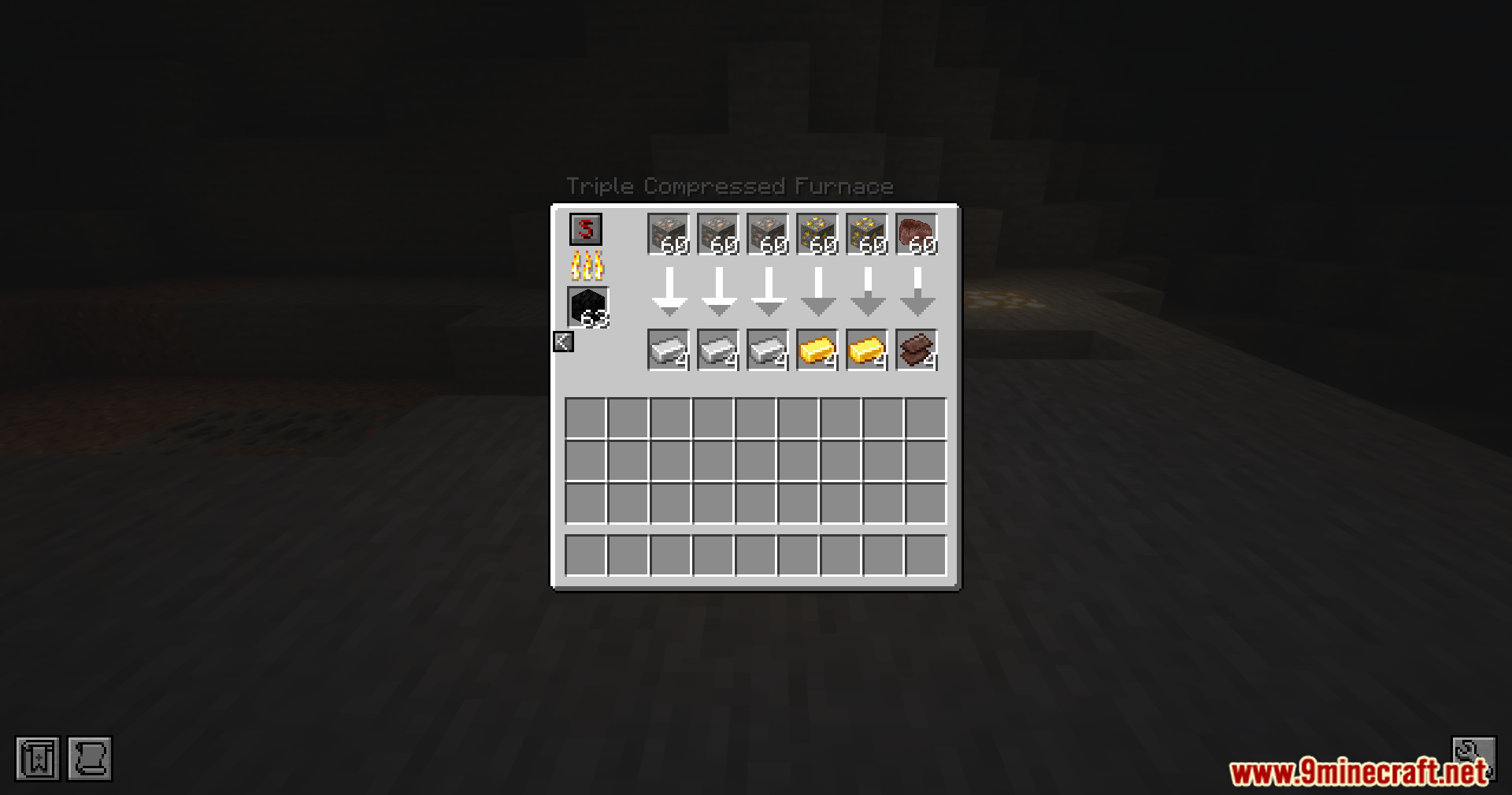
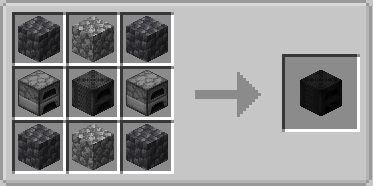
- Tier 3 machines offer six input slots for massive processing tasks.
Smart Processing:
- Lets you control which sides of the block handle inputs, outputs, and fuel using a color-coded menu.
- Pushes finished items automatically into connected chests or pipes when you turn on auto-export.
- Locks input slots to specific recipes so the wrong items cannot jam the machine.
- Saves your fuel by only burning coal or wood when the machine actively cooks an item.
- Splits your items evenly across all matching input slots to speed up the work.
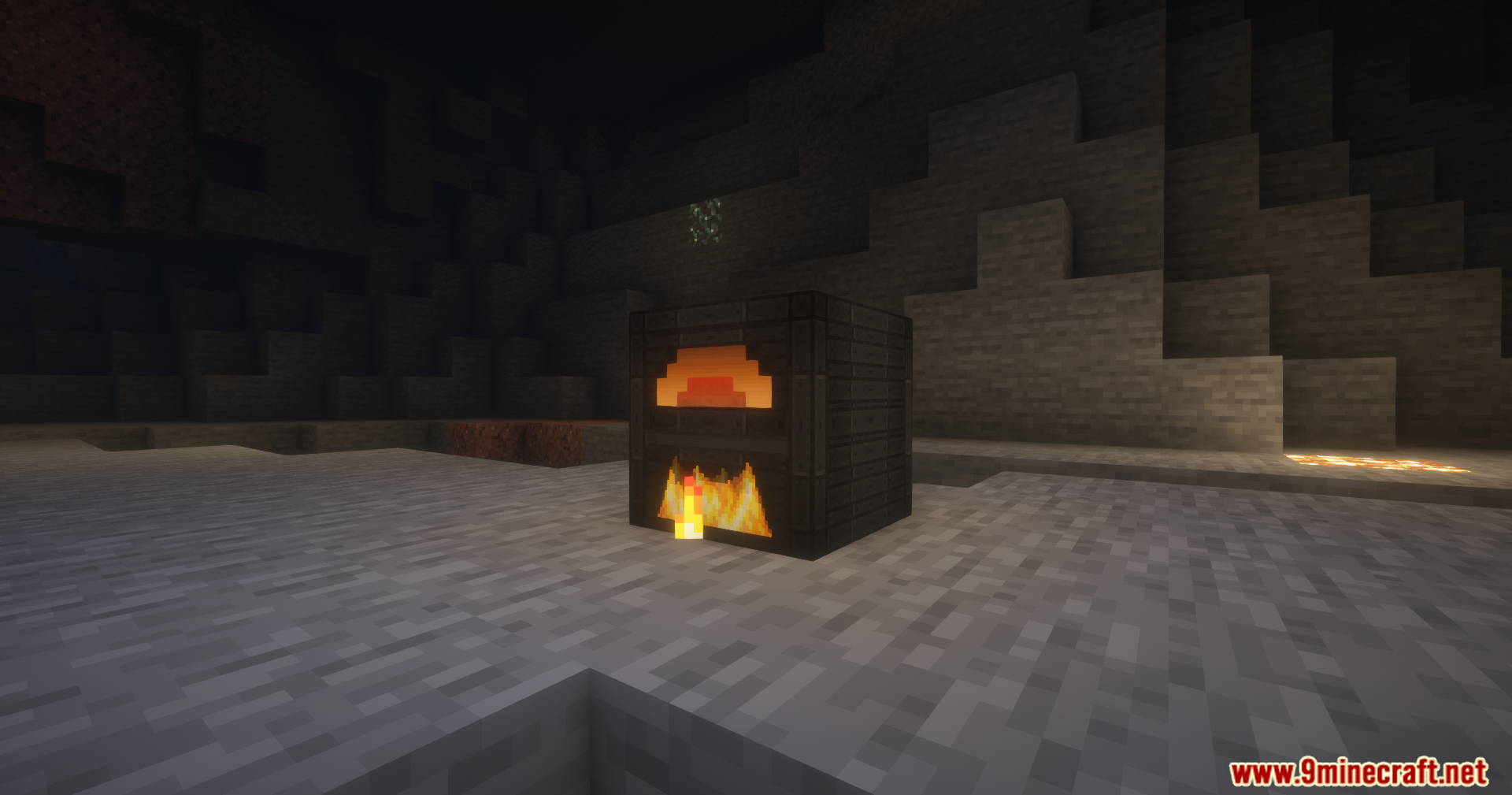
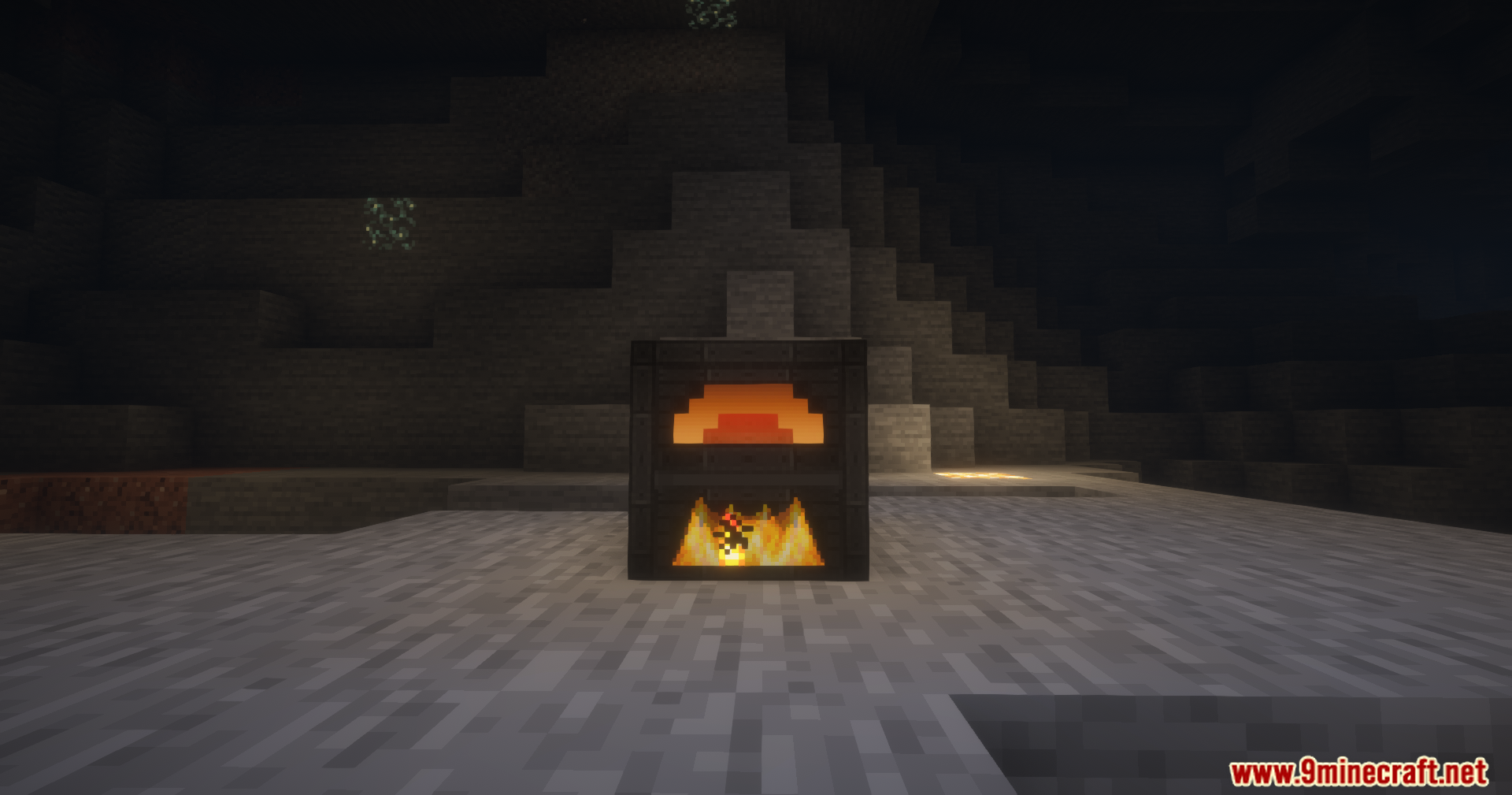
- Shows moving face animations on the front of the blocks when they are running.
How to Use:
- Place down your chosen factory machine and open its menu.
- Click the side configuration buttons in the menu to set up your input, output, and fuel sides.
- Turn on the auto-export button if you want the machine to push finished items into a chest next to it.
- Put your items into the input slots, and the machine will automatically split them to cook faster.
- Use the in-game config menu to change cooking speeds or energy limits if needed.
Screenshots:
Compressed Furnace Mod Download Links
- Edition: Minecraft Java
- File type: .jar
- Minecraft version listed: 1.21.1
- How to install: Install the matching mod loader (Forge, Fabric or NeoForge) for your Minecraft version. → Download the .jar. → Put it in the .minecraft/mods folder and launch that loader profile.
- Where to get it: In MC Java Mods, or directly above on this page.
Install steps are the general flow for this file type — How to install Minecraft Java mods & modpacks walks through it step by step.
- Downloads as 89671.mcaddon
- Download size: 768 KB
- Download link checked 22 Sept 2026 — working
- Mirrored on our own servers — the download does not depend on the original host
These come from our own check of the pack file, not from the source page.