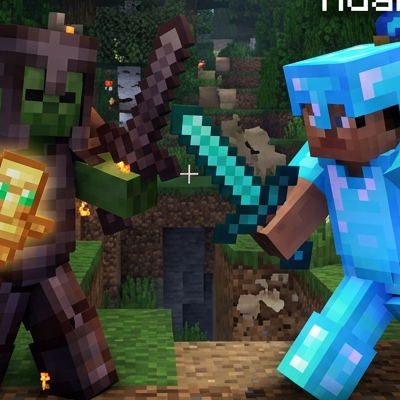
ZEY PvP PRACTICE MAP v1.0.0 🔥💀 SINGLE PLAYER PvP TRAINING EXPERIENCE
• SPECIAL KITS SYSTEM! Choose from different combat kits designed for speed, power, defense and balanced PvP styles. Every kit changes how you fight, no boring fights here.
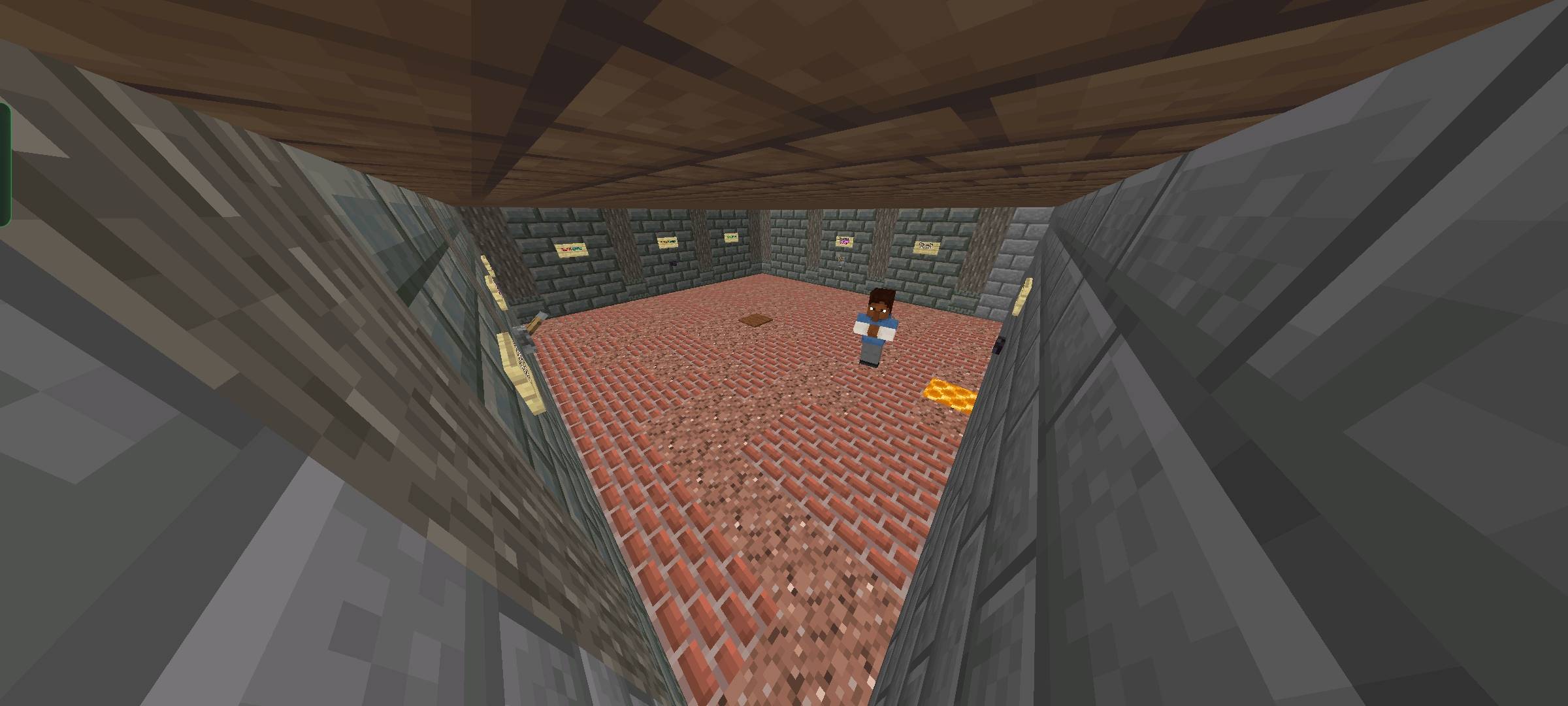
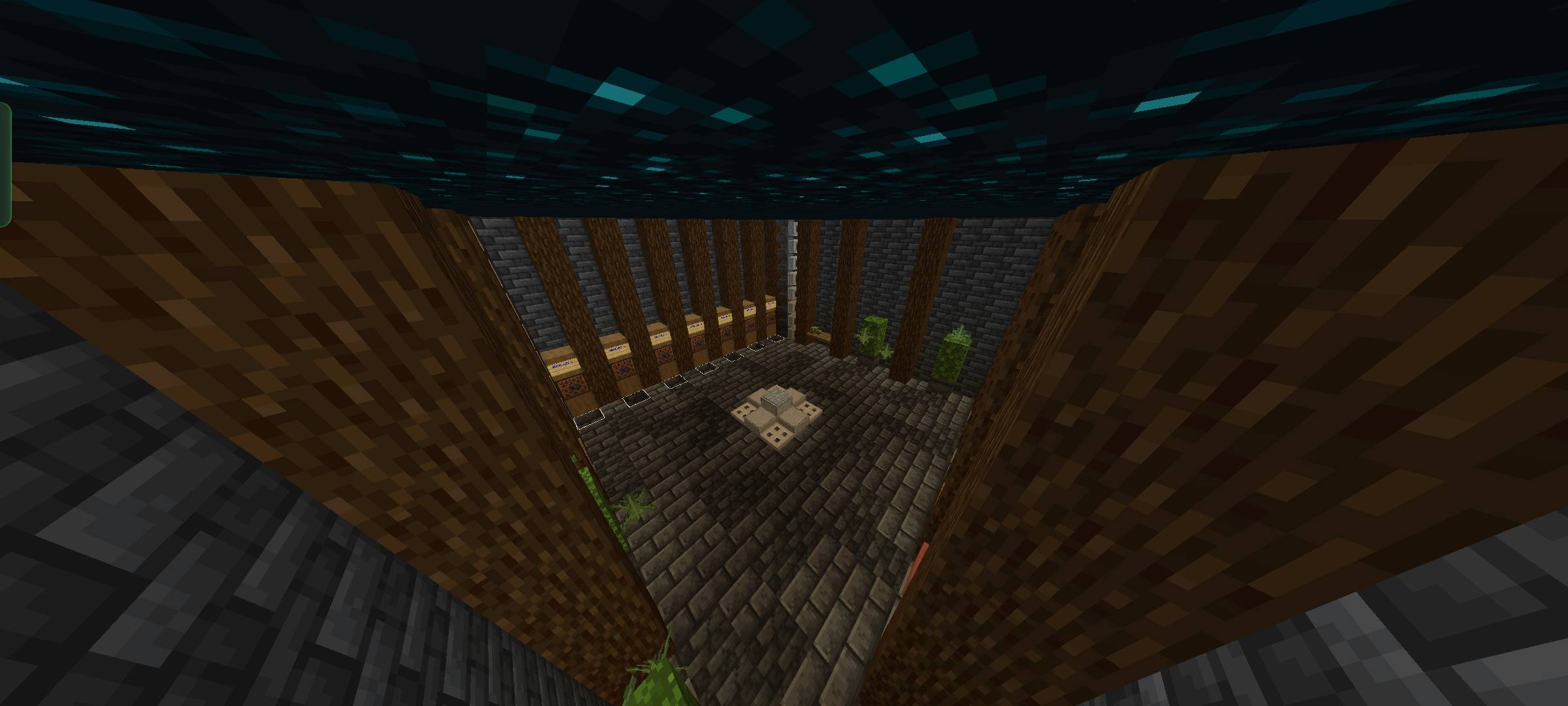
• CUSTOM KIT SELECTION HUB! A fully designed NPC spawn area where you can instantly pick your loadout before battle. Smooth, fast and clean interface for zero waiting time.
• GAME SETTINGS CONTROL PANEL! Adjust your match experience with custom settings like difficulty, rules, and practice conditions. Make the fight exactly how you want it.
• NPC SPAWN PRACTICE HUB! Interact with NPCs to manage everything. Kits, settings, and match start all controlled from spawn like a proper PvP lobby system.
• ADVANCED PvP BOT AI 🤖 Fight against a smart PvP bot that reacts, defends, counters and pressures you like a real player. Perfect for improving reaction time and mechanics.
• SKILL PROGRESSION SYSTEM! The more you fight, the more you improve. Designed to push your aim, movement, combos and timing to the next level.
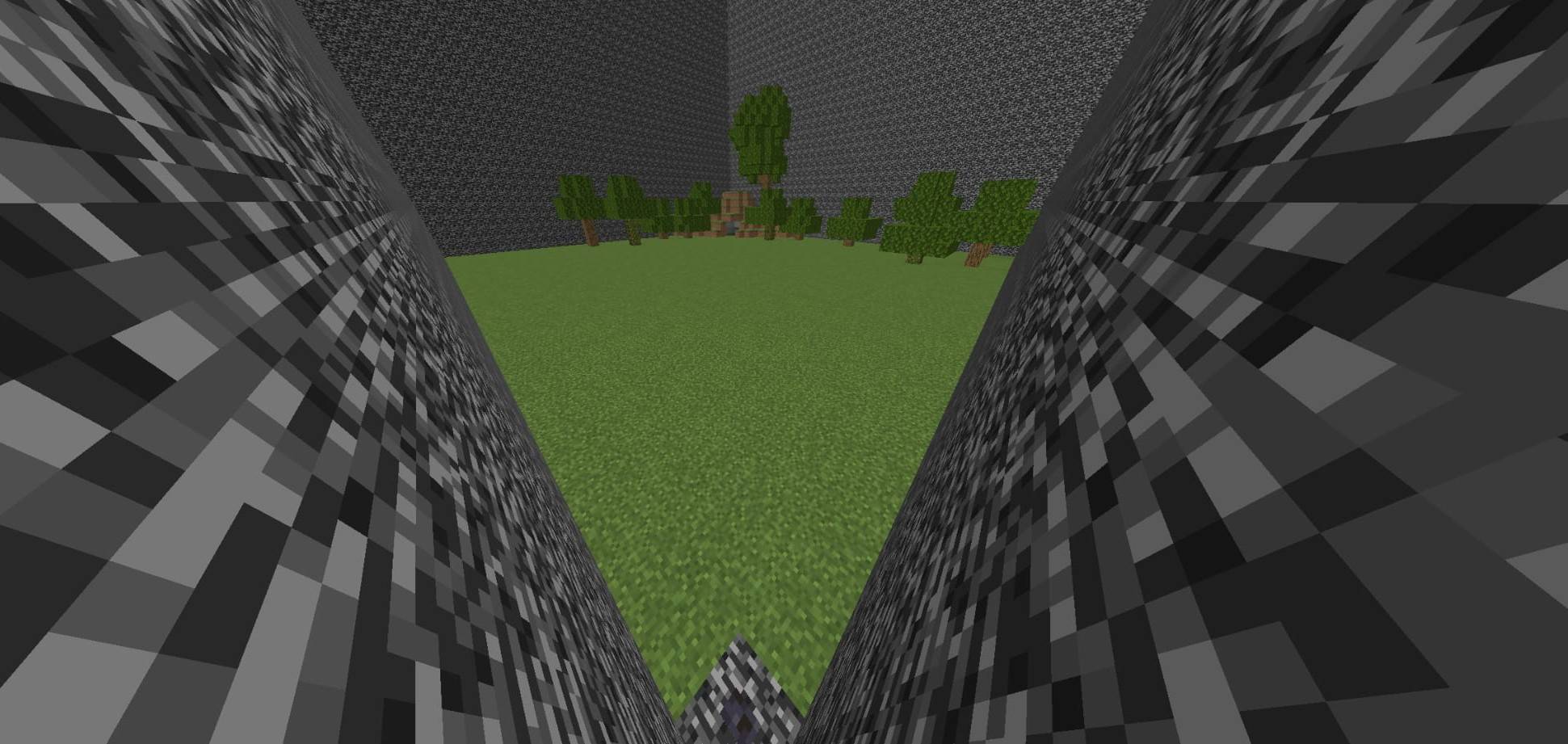
• TRAINING-BASED COMBAT ARENA! Not just fighting, this is structured practice. Every match is built to sharpen your PvP instincts and decision making.
• INSTANT MATCH START SYSTEM! No long waits, no confusion. Set up everything at spawn and jump directly into action instantly.
• CLEAN & SMOOTH UI FLOW! Simple spawn design, easy navigation and fast interactions so you stay focused on fighting, not menus.
• SOLO PRACTICE ONLY MODE! This map is NOT multiplayer. It is designed purely for single player training and PvP skill improvement.
• REALISTIC FIGHT SIMULATION FEEL! Every battle feels like a real PvP duel, pushing you to adapt like you’re in a competitive server match.
• MAP BUILT FOR IMPROVEMENT GRIND! Whether beginner or experienced, this map helps you level up your PvP skills step by step.
BEST SOLO PvP PRACTICE EXPERIENCE EVER BUILT 💀🔥
NO PLAYERS. ONLY YOU VS THE BOT. BECOME BETTER EVERY ROUND.
- Edition: Minecraft Bedrock
- File type: .mcworld
- Minecraft versions listed: 26.20, 26.30
- How to install: Download the .mcworld file. → Open it — Minecraft imports it as a new world. → Find it in your Worlds list and play.
- Where to get it: Opens on CurseForge — not every file is mirrored on our own servers.
Install steps are the general flow for this file type — see the MCModsHub guides for the full walkthrough.
- Pack type: .mcworld — a ready-made world
- Download size: 568 KB
- Download link checked 26 Aug 2026 — working
These come from our own check of the pack file, not from the source page.