Transfer Labels
Java mod listed for Minecraft 1.21. Downloads from the MC Java Mods app on Android.
⬇ Download on CurseForgeThe author built this one for Minecraft 1.21.1 on NeoForge. On other versions it may install and then do nothing.

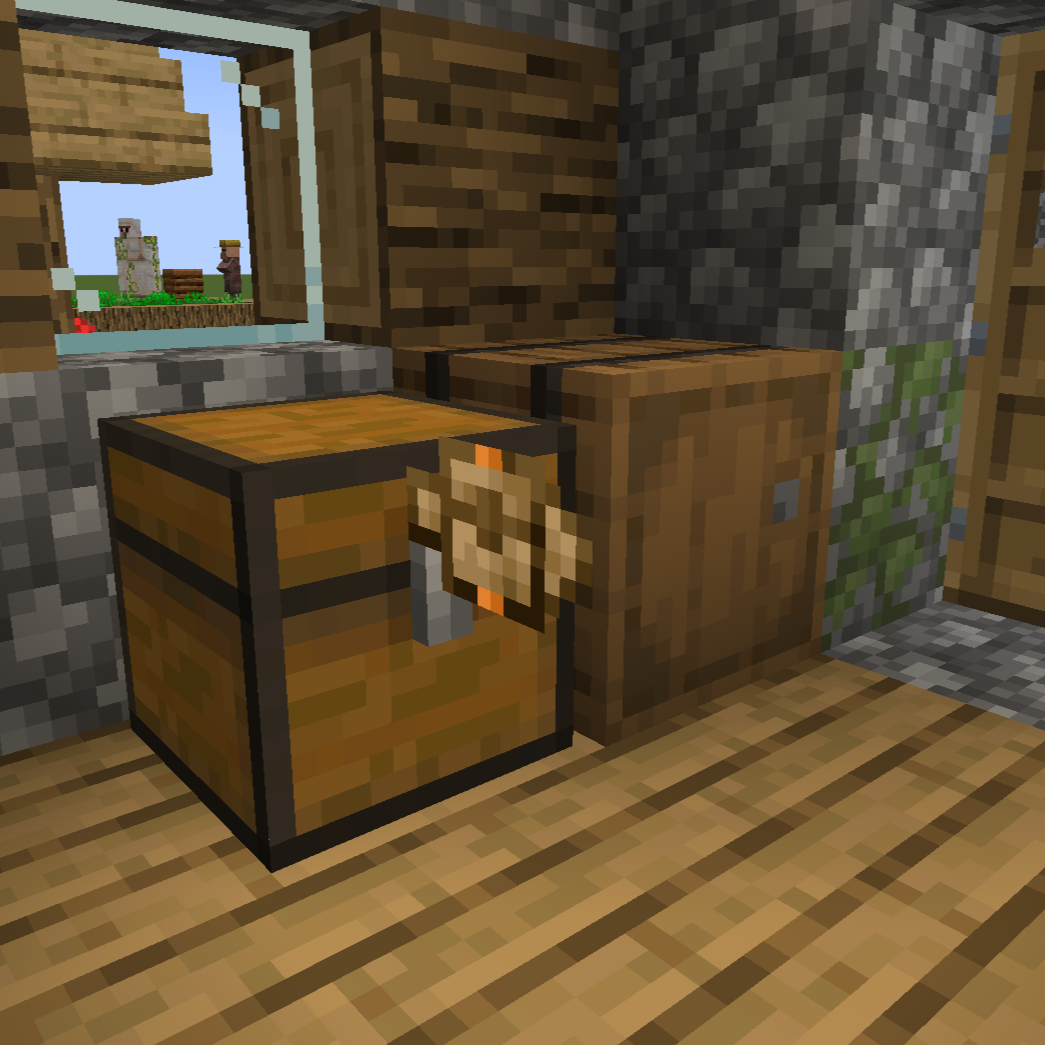
Transfer Labels is a mod that allows you to transfer items/fluids between blocks that are right next to each other.
How it works:
- You can place labels on blocks by sneak right clicking into blocks
- You can interact with the label by holding a label and right-clicking the placed label
- You can remove the placed label by left-clicking the label while holding a label
You can access labels through blocks using the label accessor
Filtering:
When opening the label GUI you can filter with different filter types like regulating, exact count, mod and tag.
For the filter that have an amount, you can change how much while scrolling while holding Shift/Alt/Ctrl and any combination of those keys
Acceleration:
You can accelerate the labels by adding the same item label in the amount or speed slots.
- Edition: Minecraft Java
- File type: .jar
- Minecraft version listed: 1.21.1
- How to install: Install the matching mod loader (Forge, Fabric or NeoForge) for your Minecraft version. → Download the .jar. → Put it in the .minecraft/mods folder and launch that loader profile.
- Where to get it: Opens on CurseForge — not every file is mirrored on our own servers.
Install steps are the general flow for this file type — How to install Minecraft Java mods & modpacks walks through it step by step.
- Ships as transfer_labels-0.1.8.jar — drop this file into the mods folder
- Download size: 151 KB
- Download link checked 7 Oct 2026 — working
These come from our own check of the pack file, not from the source page.