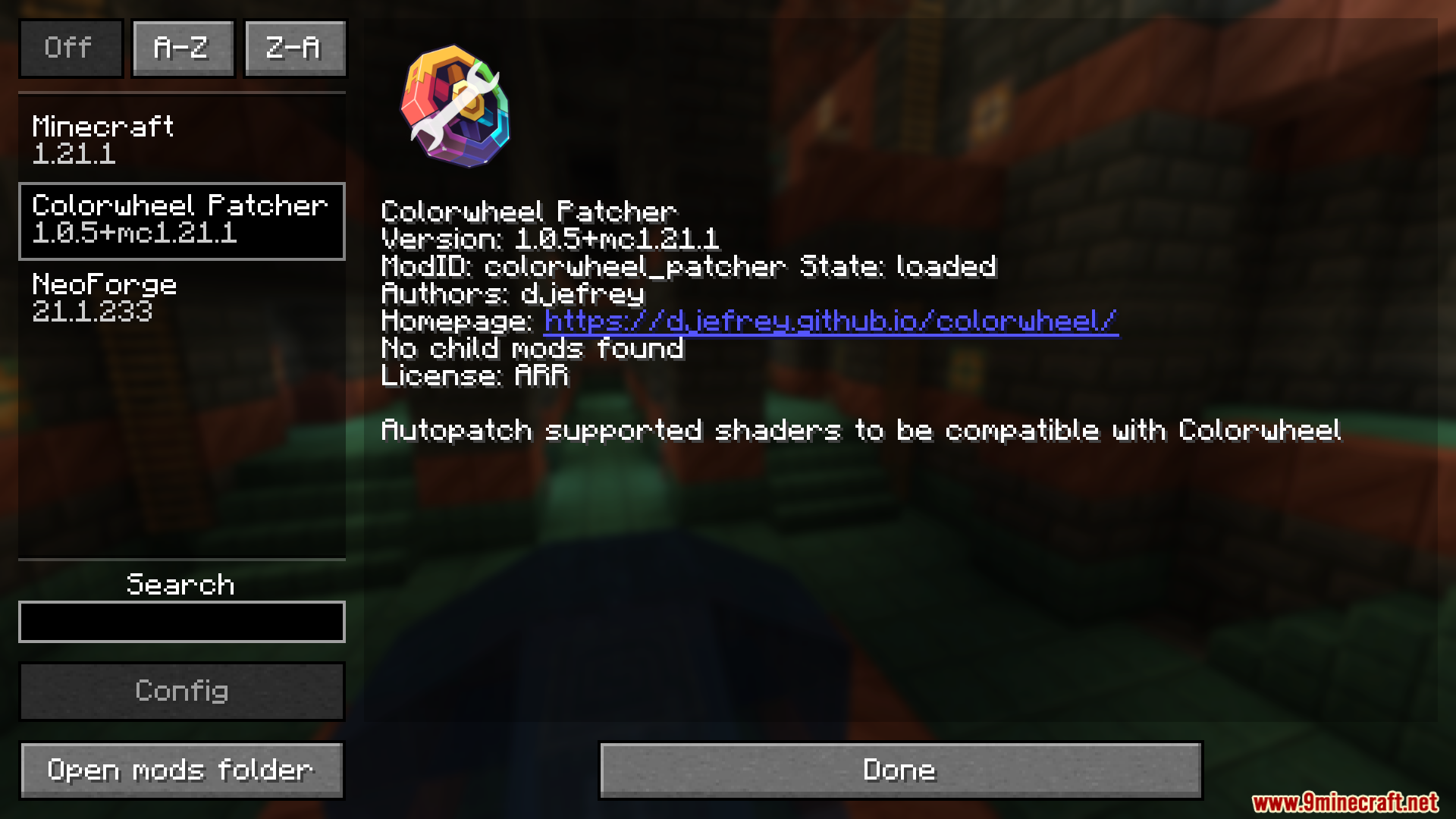
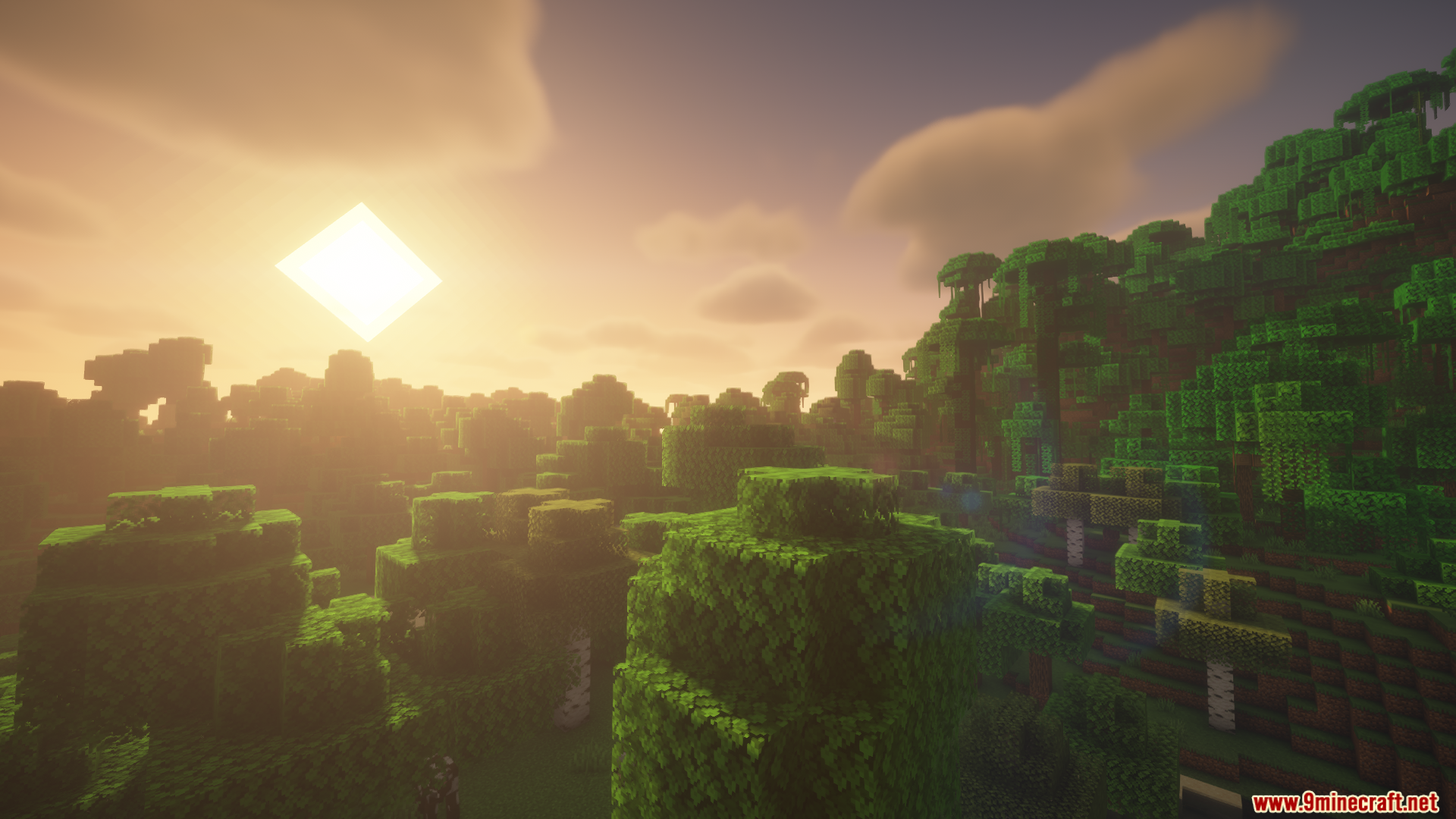
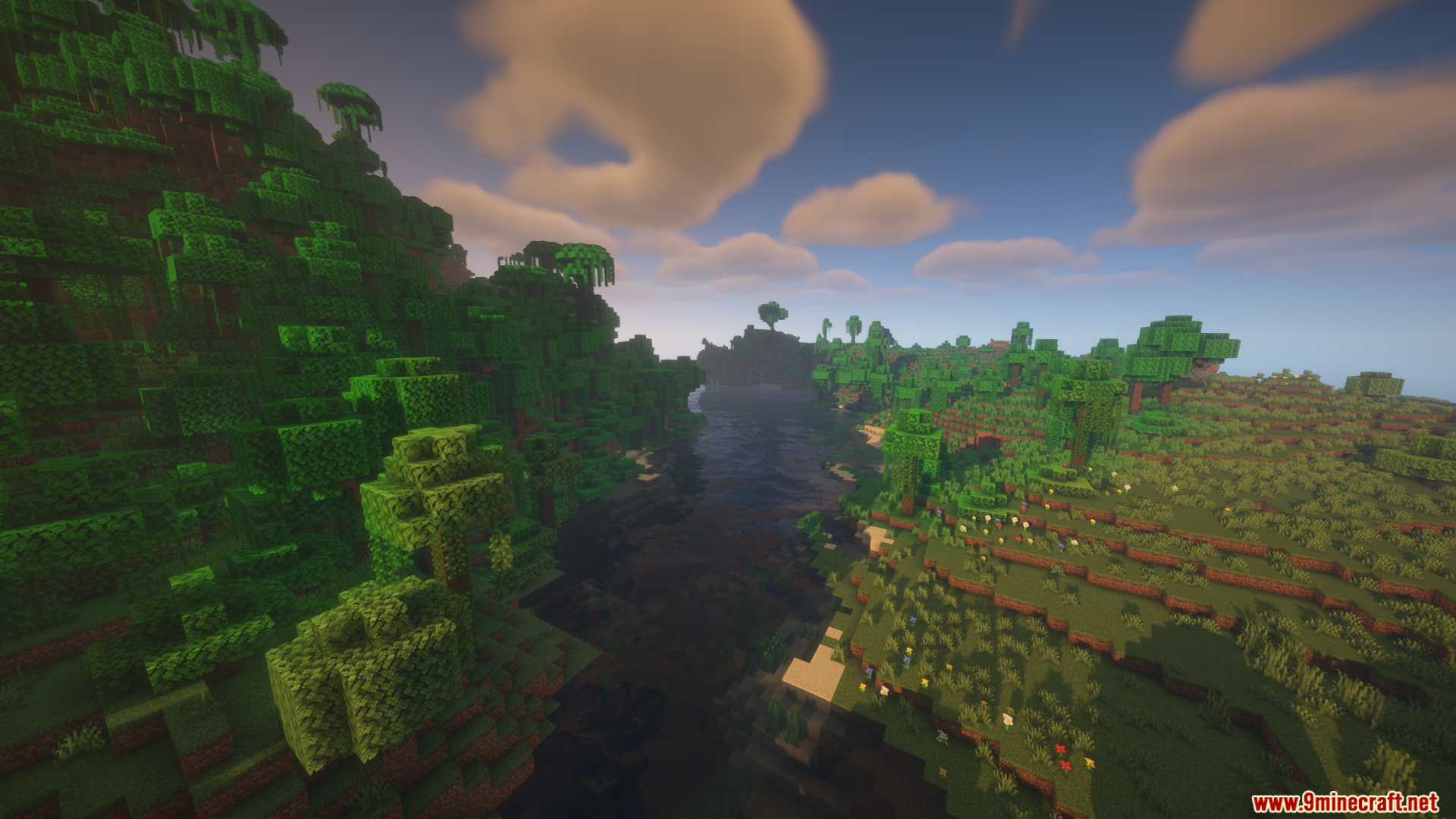
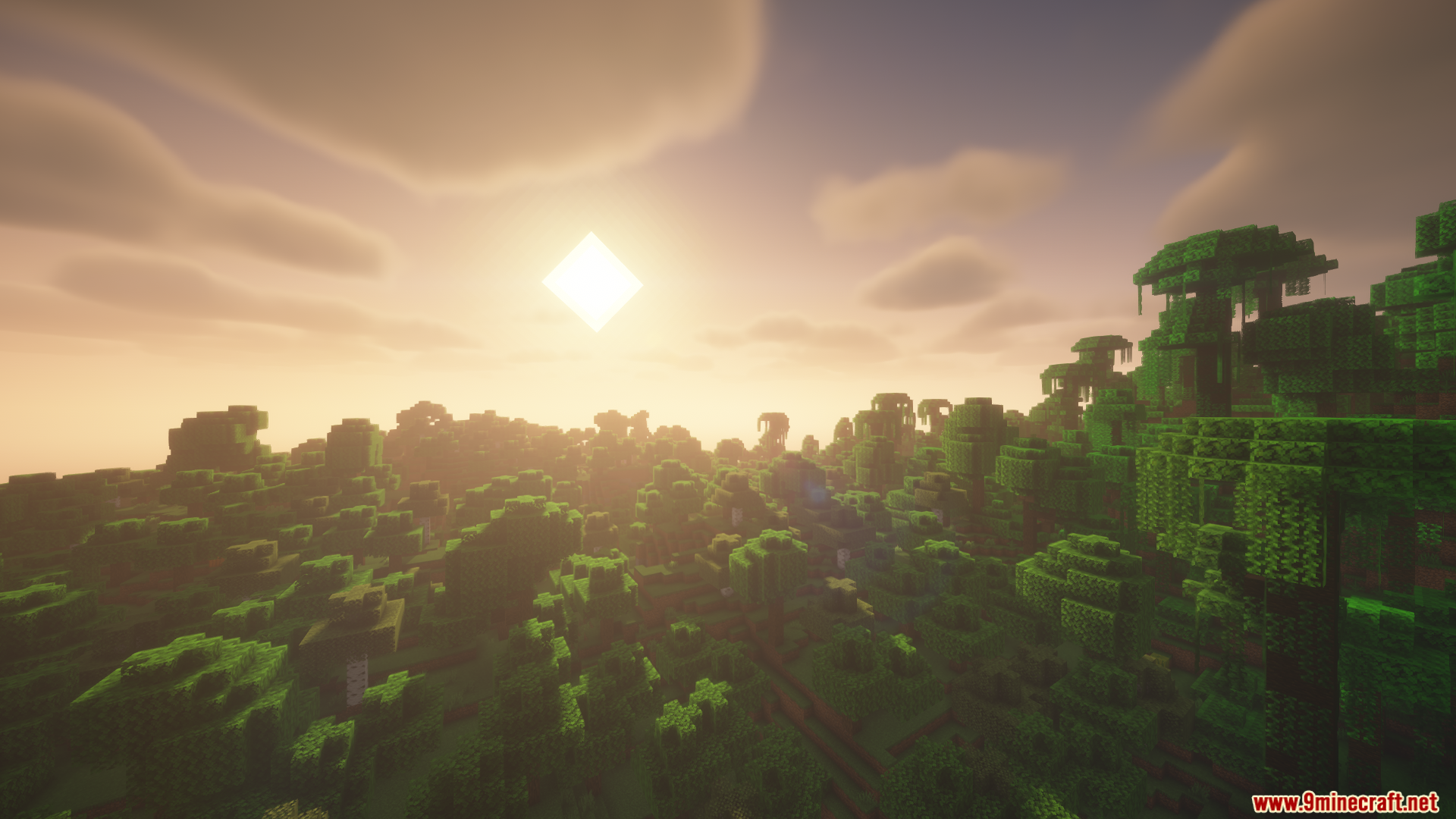
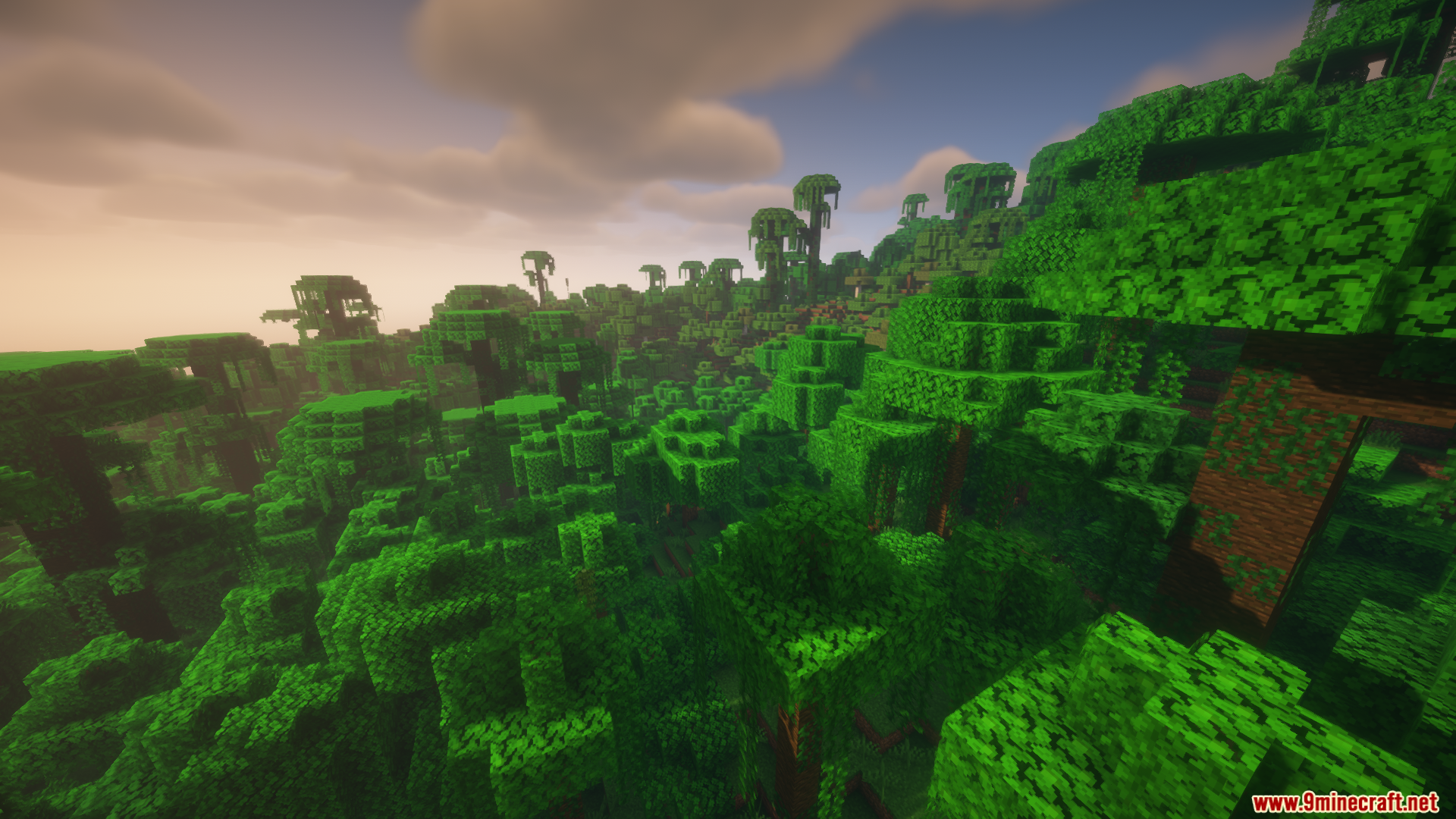
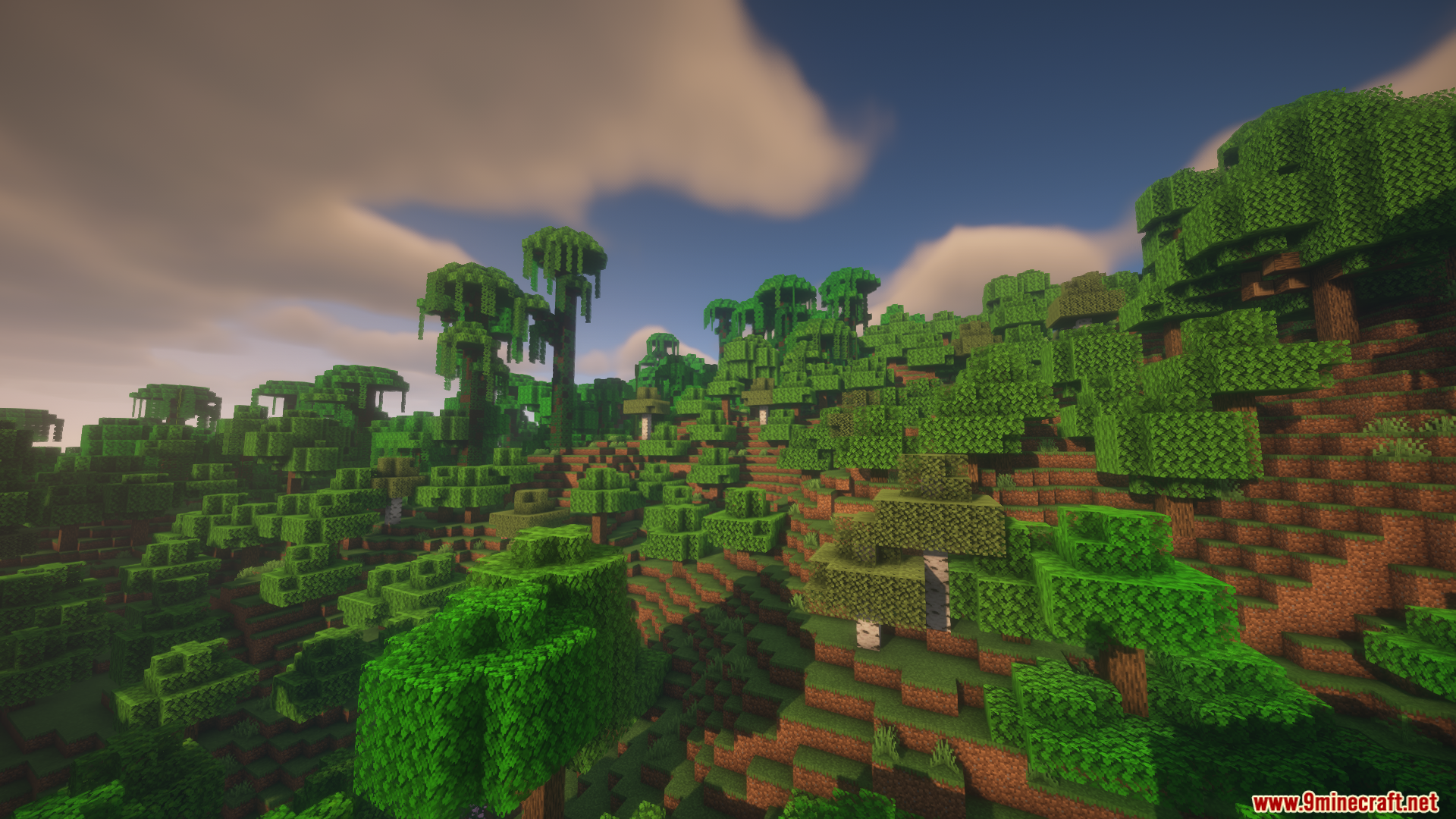
Colorwheel Patcher Mod adds automatic shader compatibility for Colorwheel. It does the hard work for you by changing shader files right when you start the game. This saves you from having to edit the files yourself just to get colored lighting working. It makes setting up your game much easier and gets you playing faster.
Features:
- Updates your shader files automatically the moment you load up the game.
- Removes the need to edit code by hand to get colored lights working.
- Supports popular packs like BSL, Bliss, Complementary, Euphoria Patches, Photon, and Rethinking Voxels.
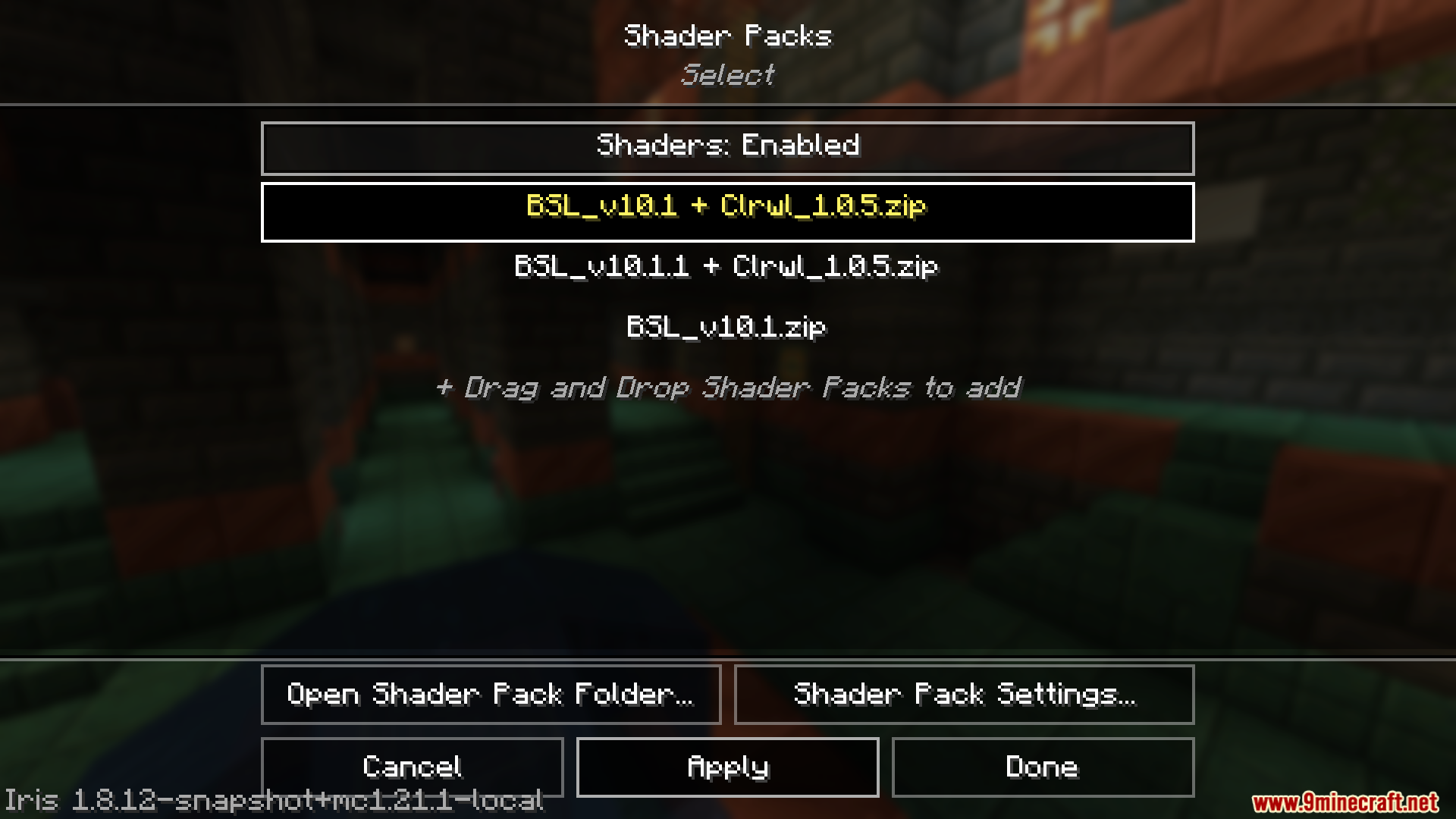
- Adds a clear label ending with “+ Clrwl” to the fixed files in your video settings menu.
- Works perfectly with moving machines if you turn on entity shadows in your settings.
How to Use:
- Install this mod alongside the main Colorwheel mod.
- Add a supported shader pack to your game.
- Start the game normally so the files can update.
- Open your video settings and select the shader pack ending with “+ Clrwl”.
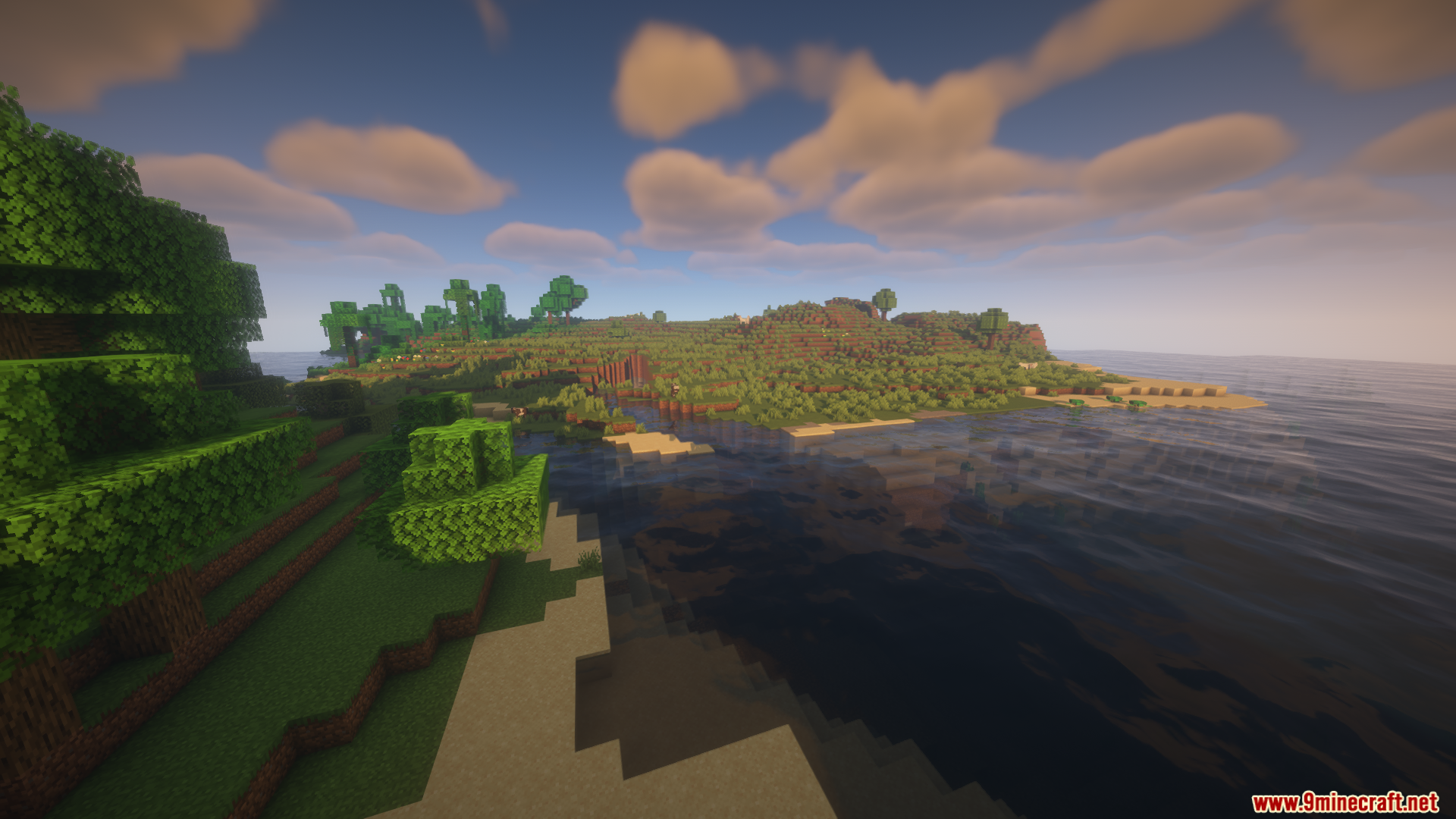
Screenshots:
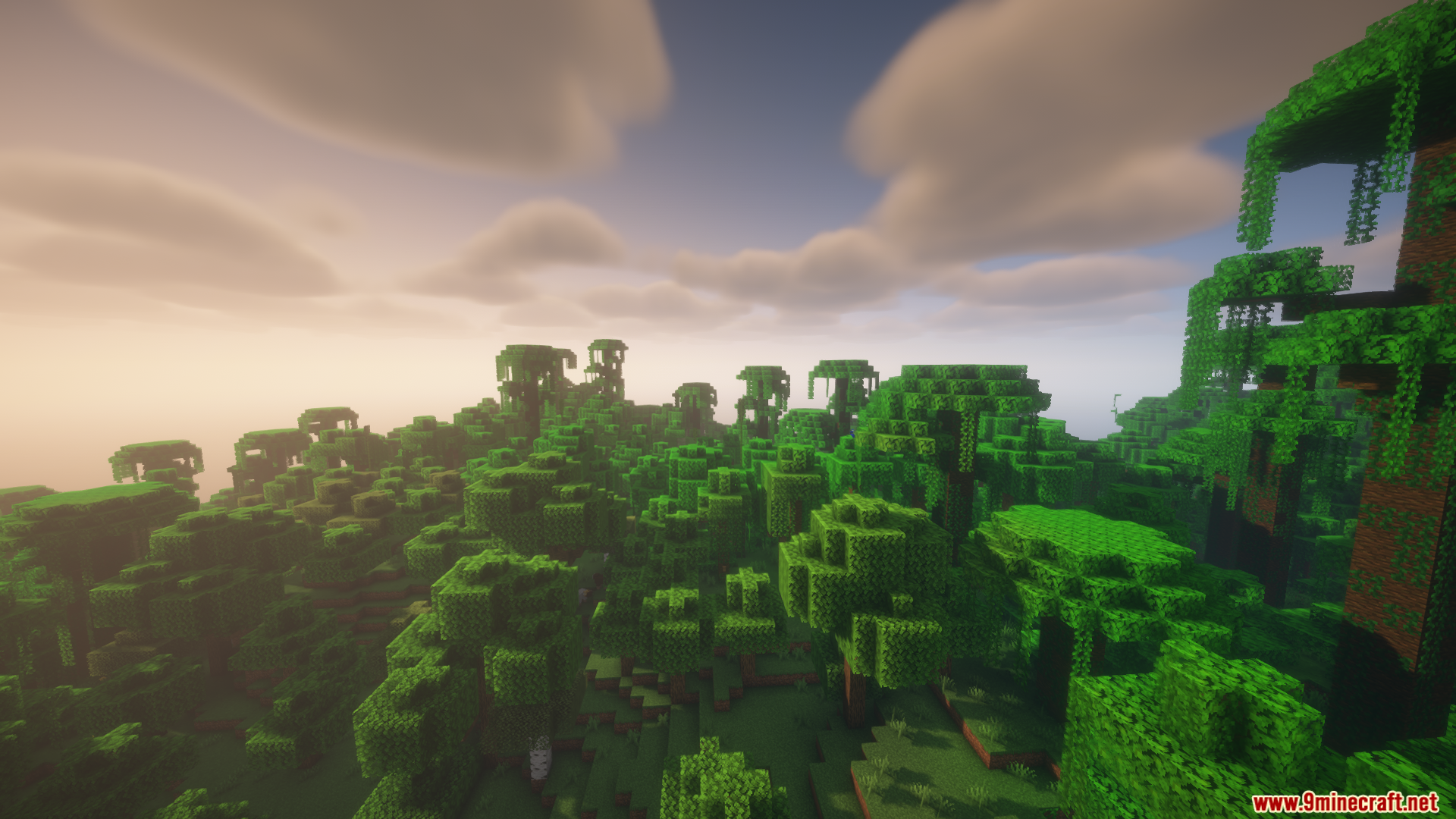
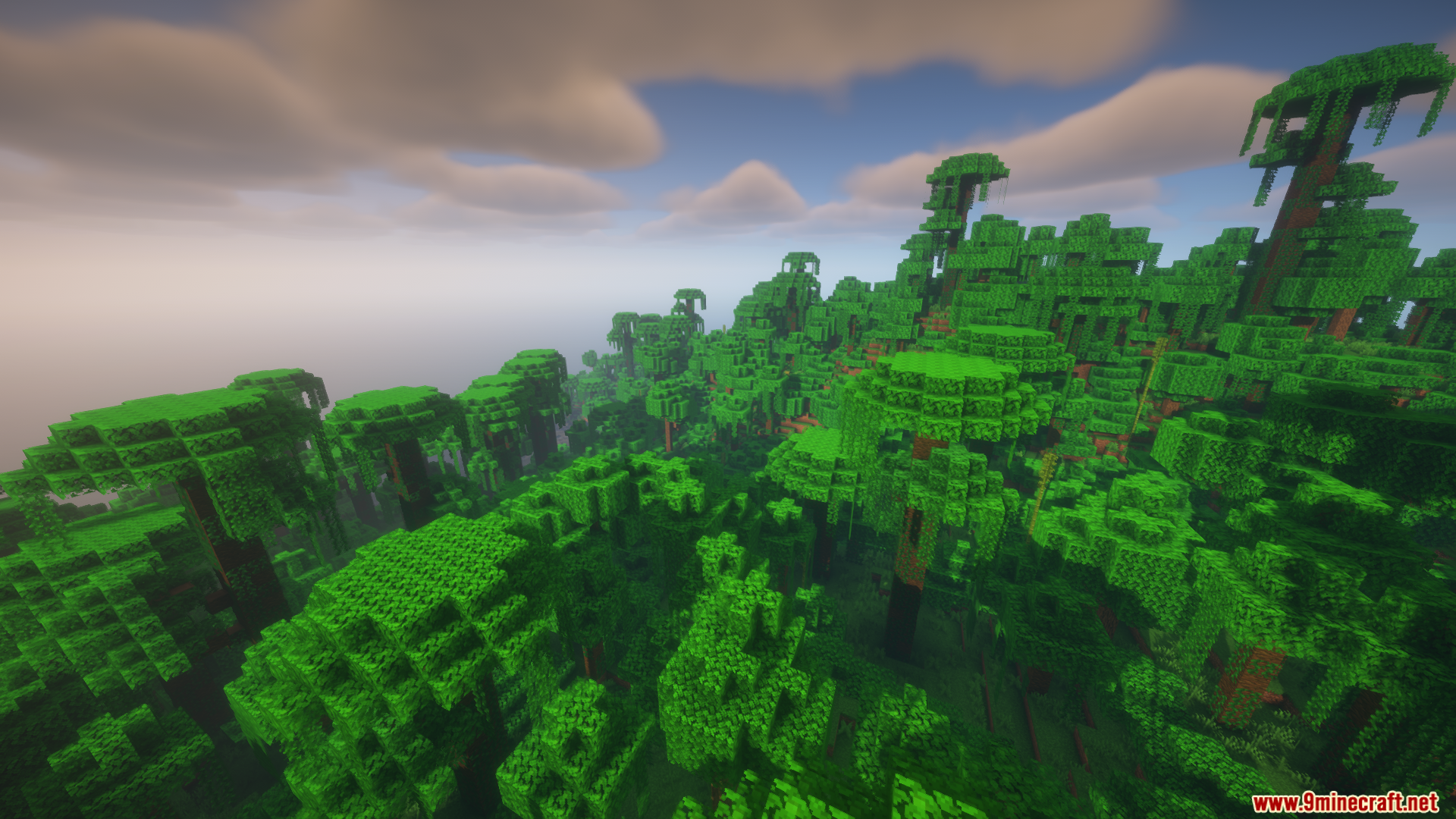
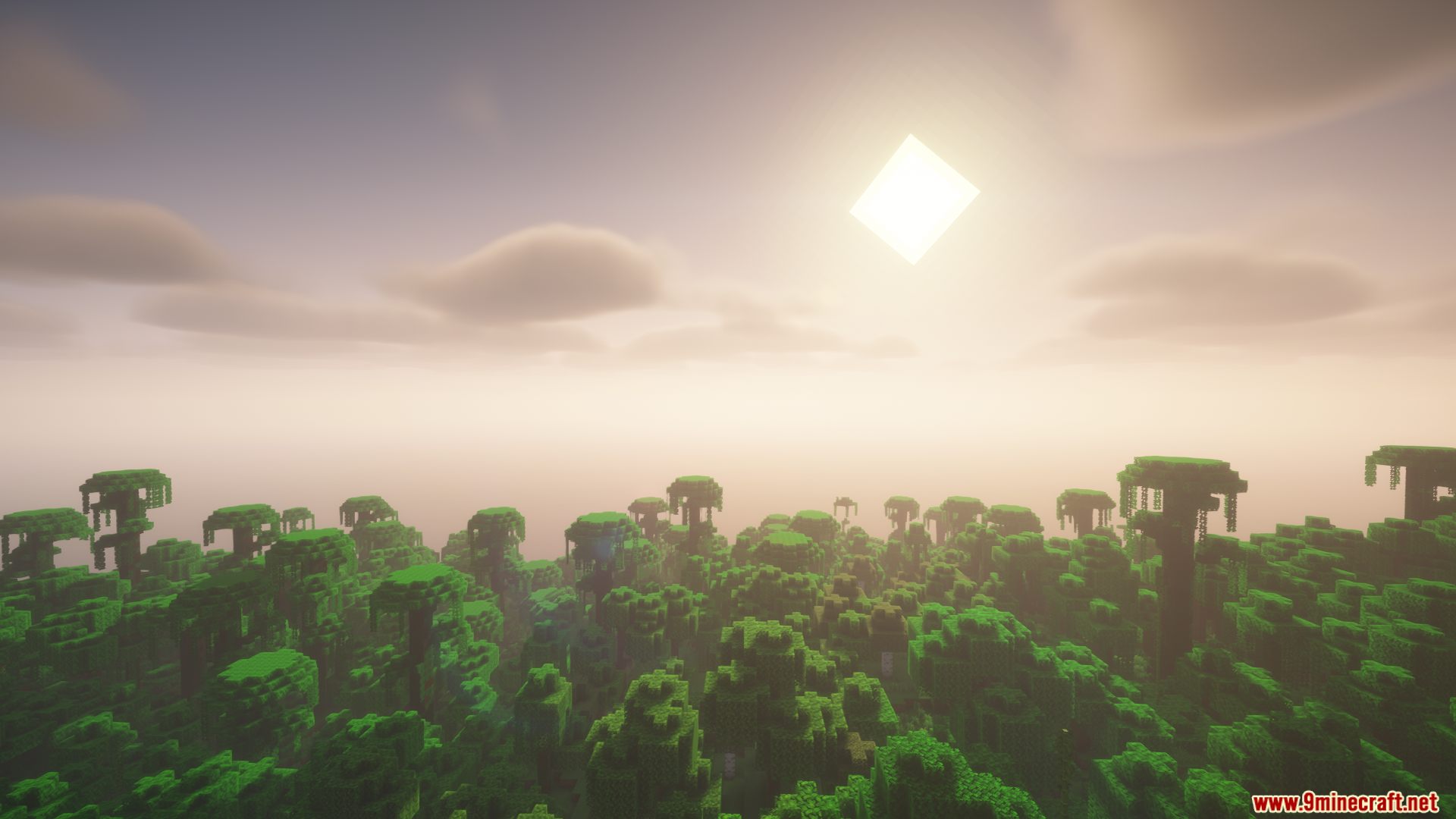
Colorwheel Patcher Mod Download Links
Quick facts
- Edition: Minecraft Java
- File type: .jar
- Minecraft versions listed: 1.21.1, 1.20.1
- How to install: Install the matching mod loader (Forge, Fabric or NeoForge) for your Minecraft version. → Download the .jar. → Put it in the .minecraft/mods folder and launch that loader profile.
- Where to get it: In MC Java Mods, or directly above on this page.
Install steps are the general flow for this file type — How to install Minecraft Java mods & modpacks walks through it step by step.
Verified by MCModsHub
- Downloads as 89776.mcaddon
- Download size: 206 KB
- Download link checked 25 Sept 2026 — working
- Mirrored on our own servers — the download does not depend on the original host
These come from our own check of the pack file, not from the source page.