
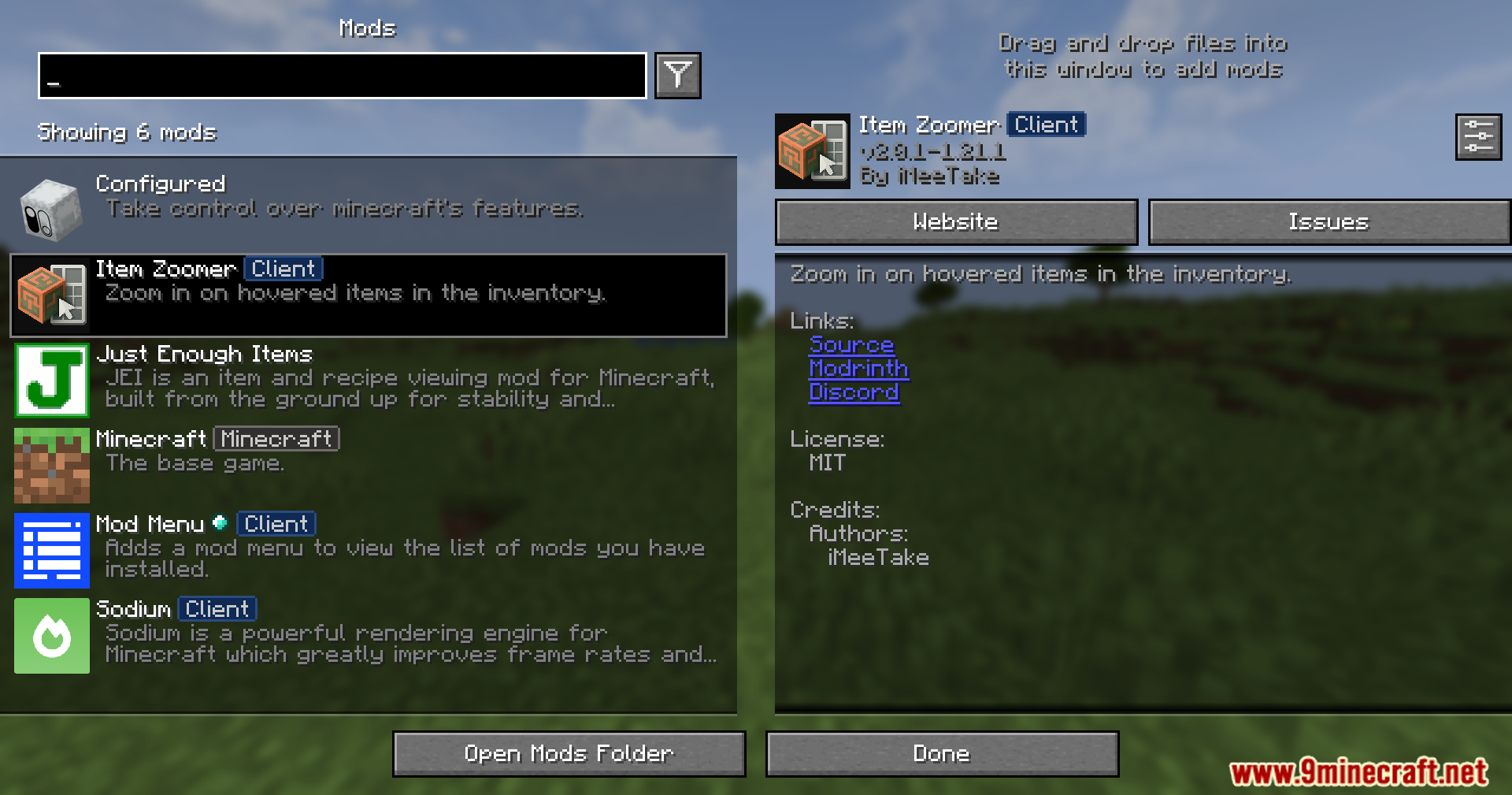
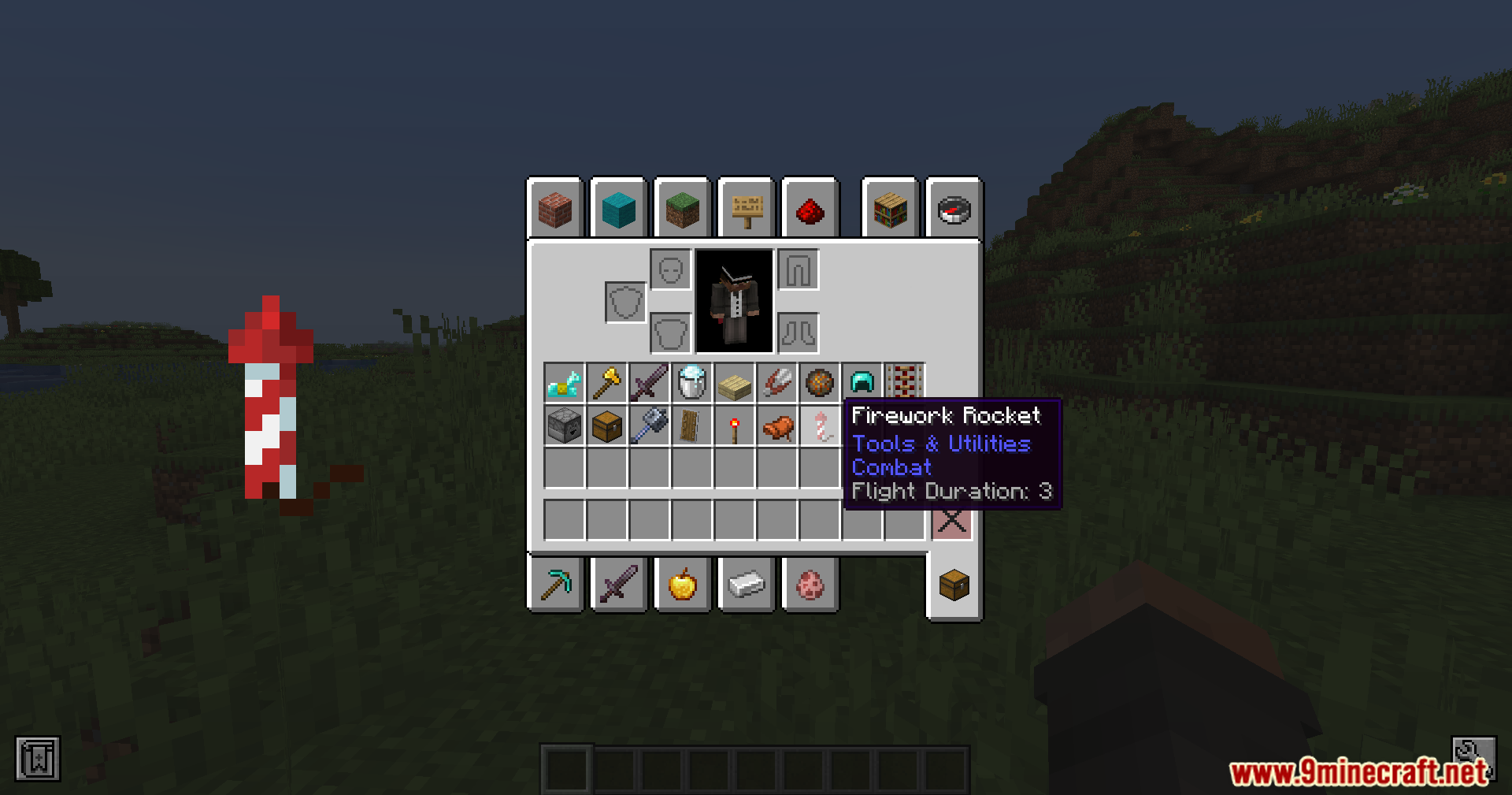


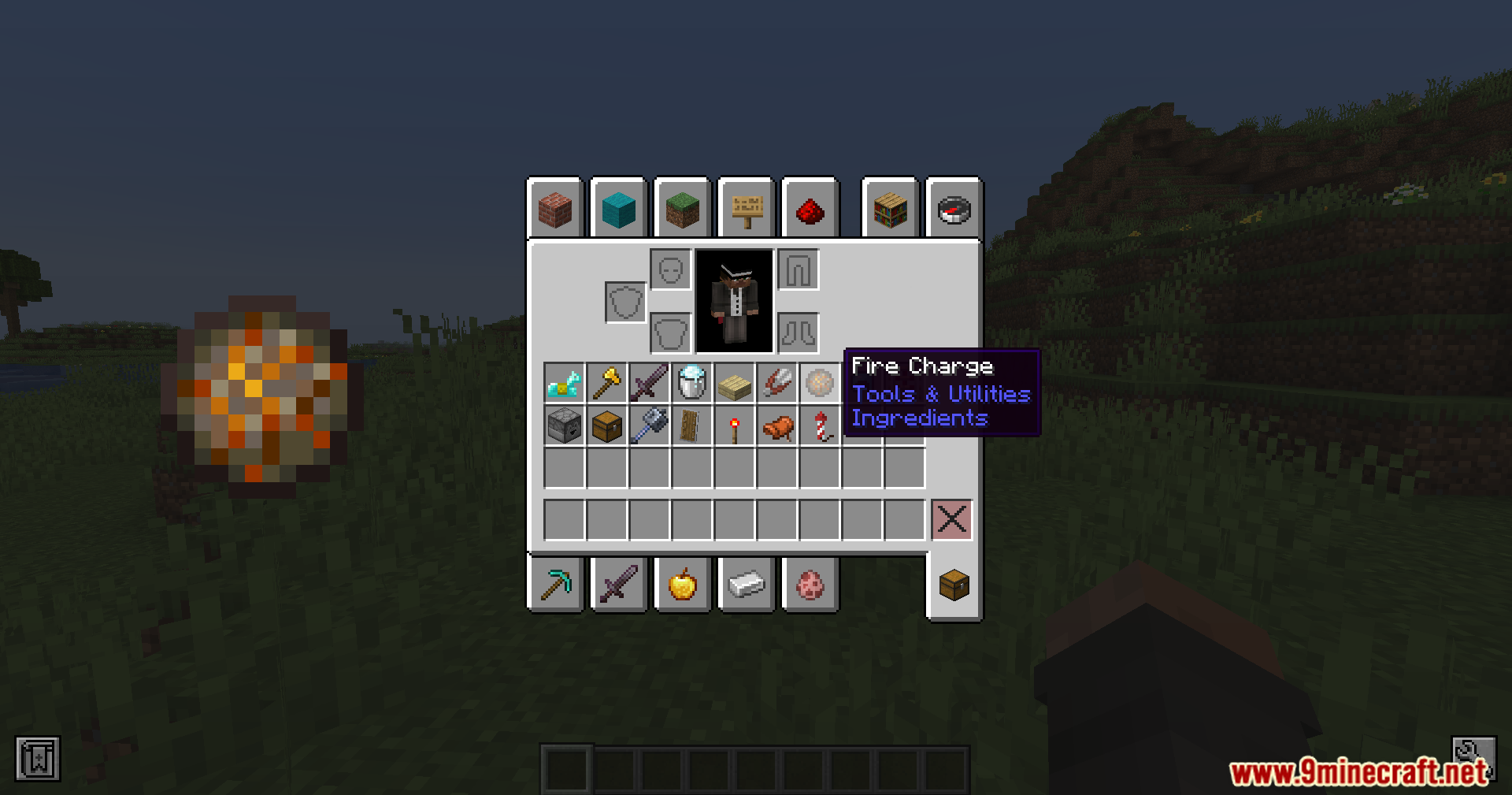
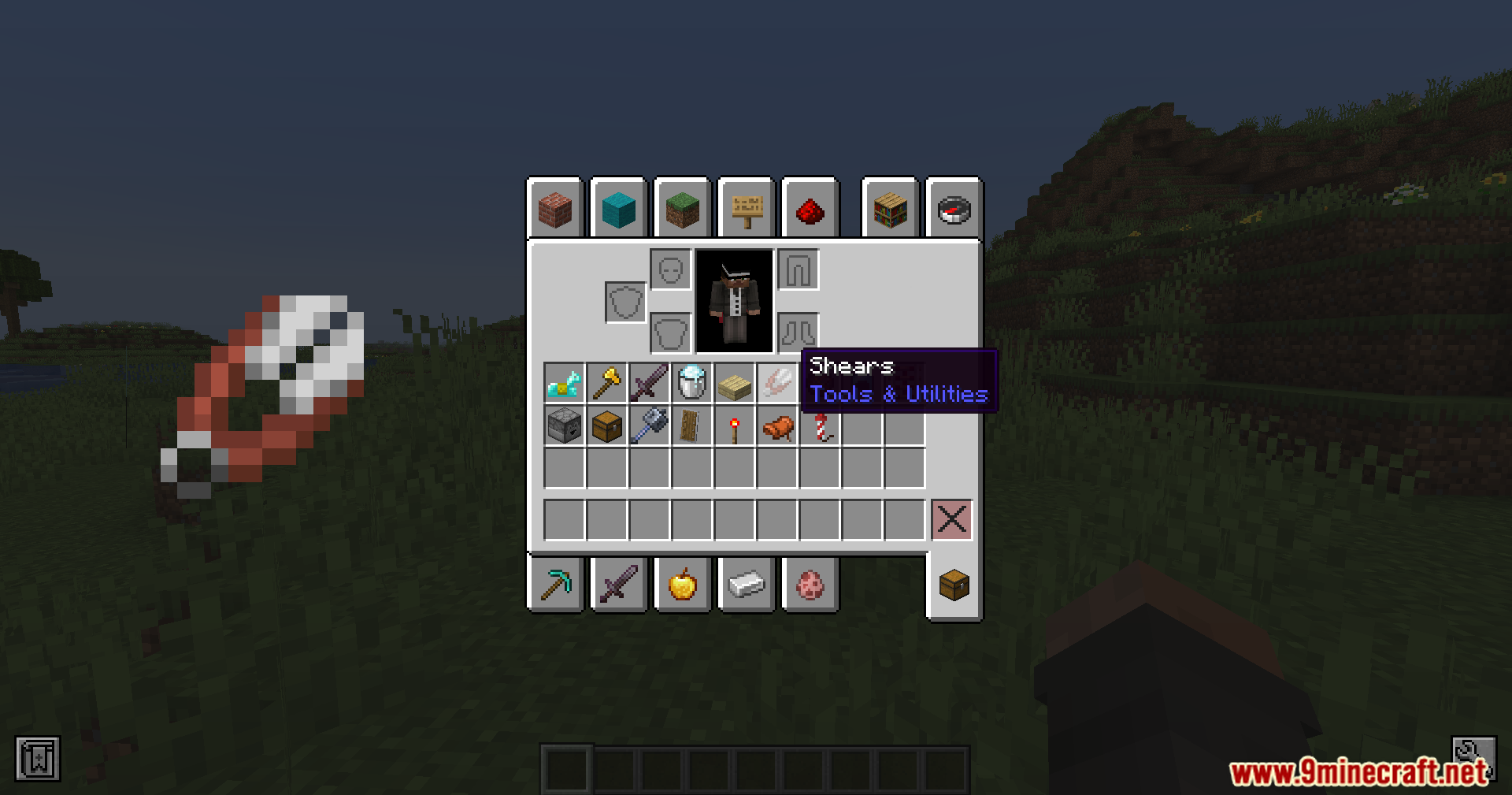
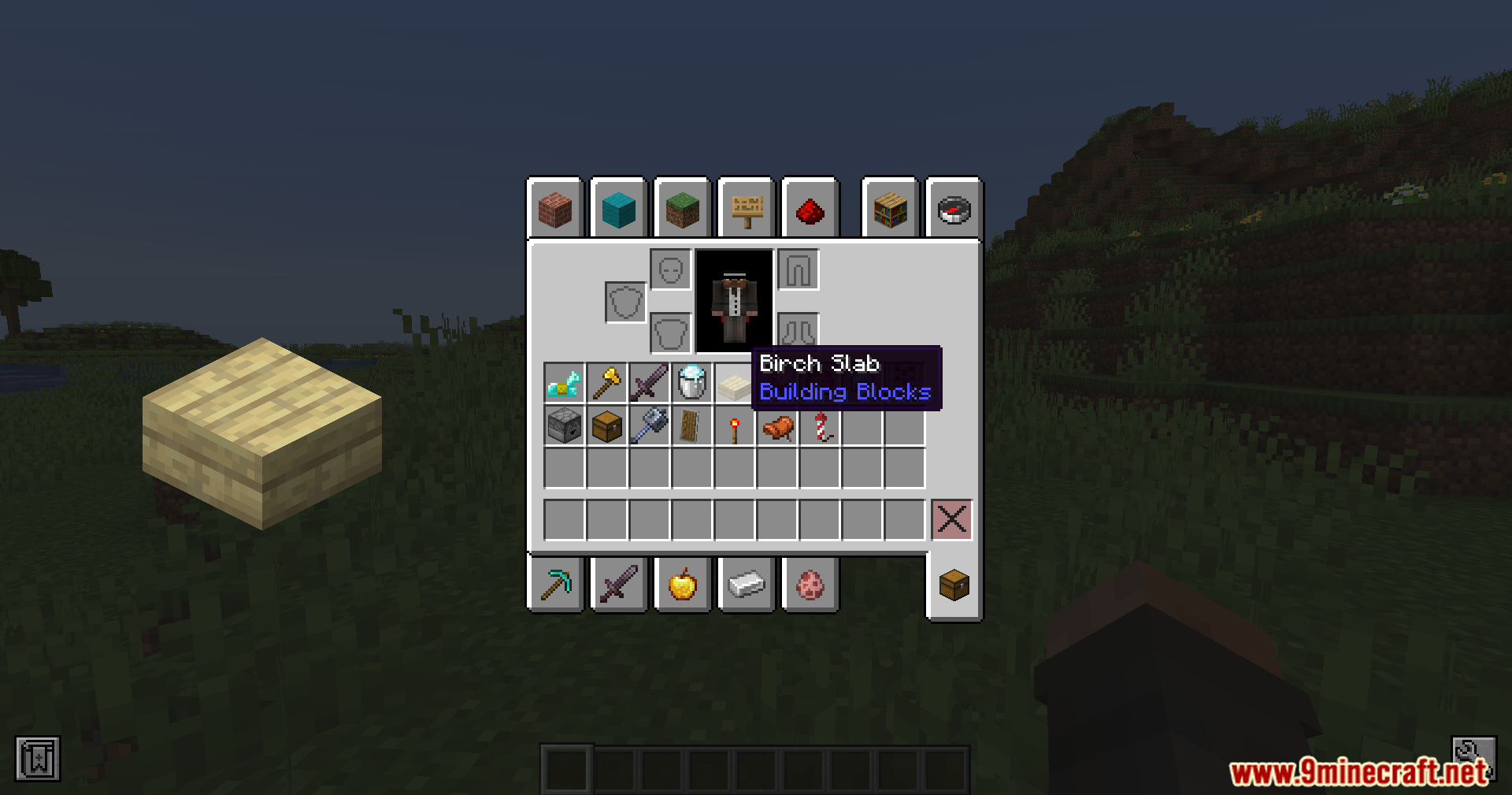
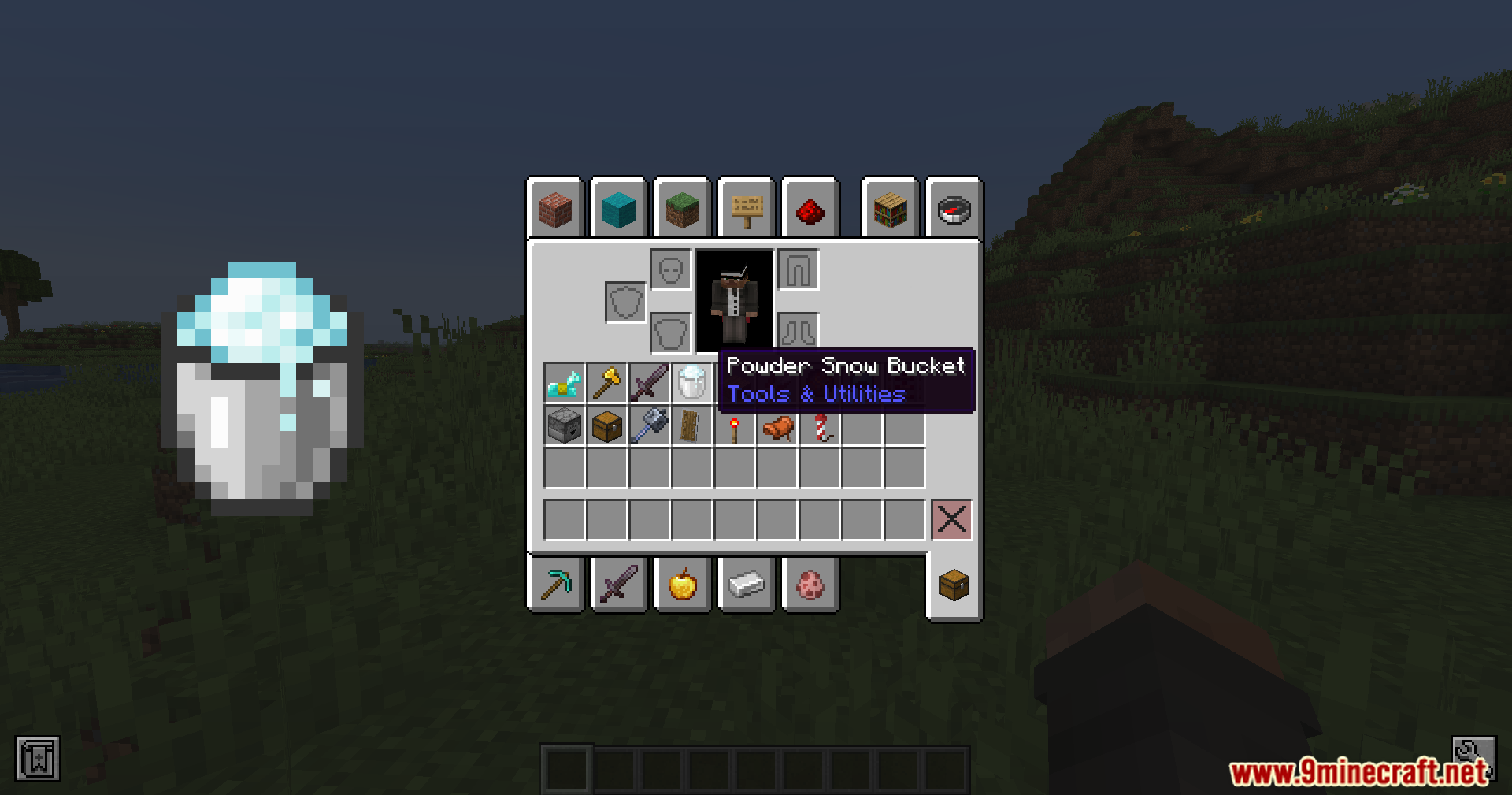
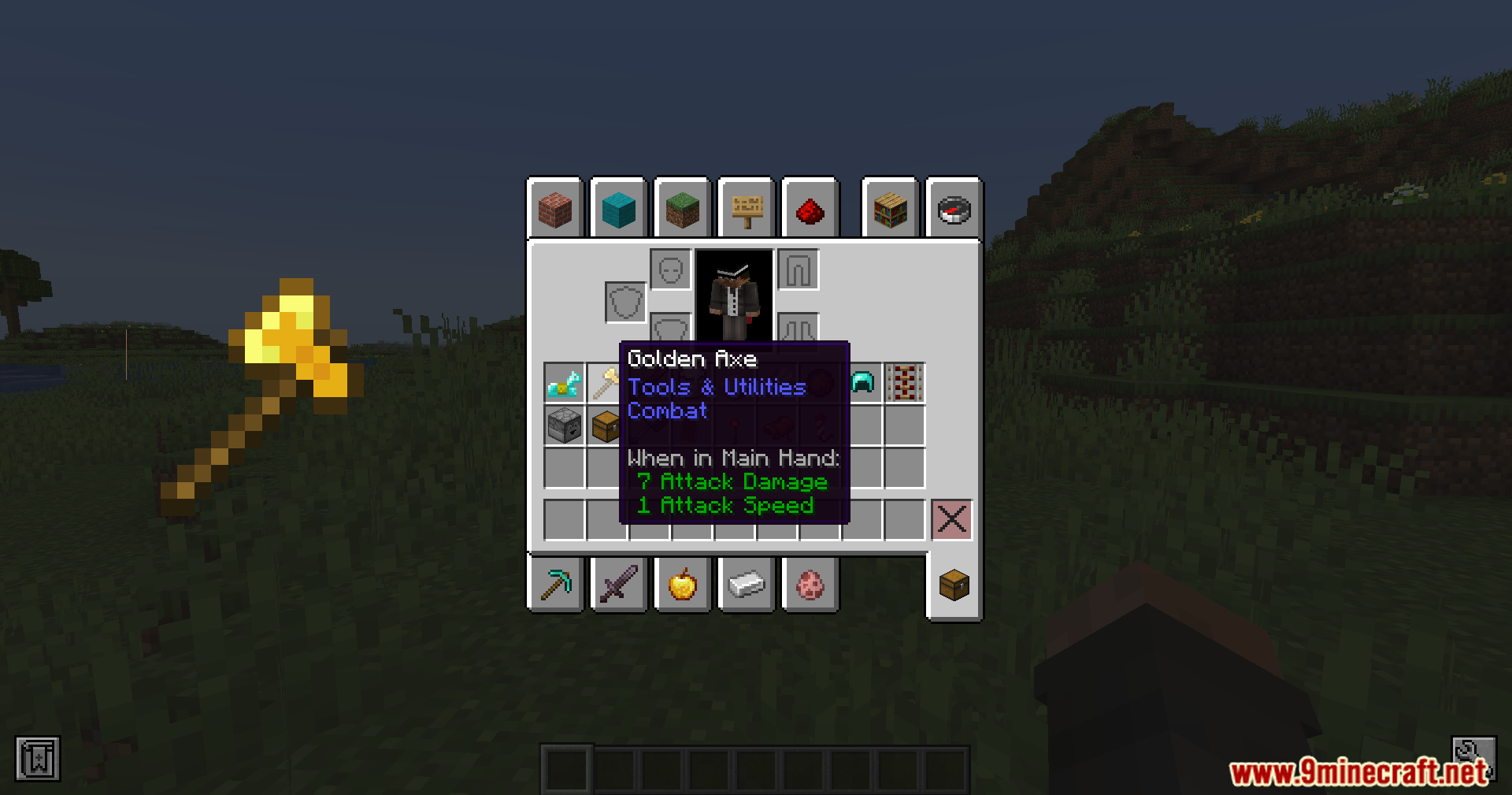
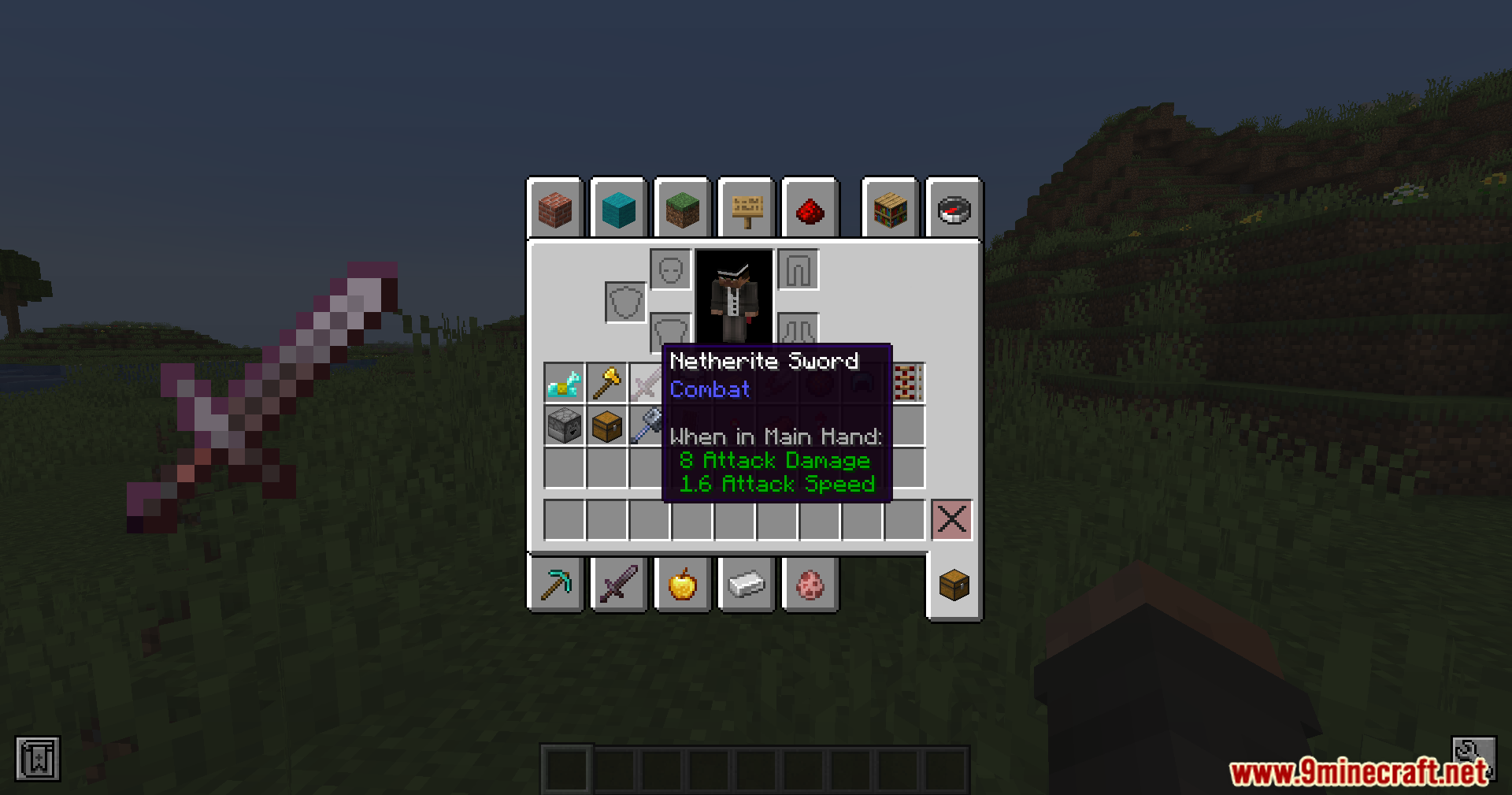
Item Zoomer Mod gives you a large, close-up look at items inside your inventory. When you point your mouse at things like swords, helmets, or blocks, a big picture of that item pops up on your screen. The mod includes short animations so the items move a little bit while you look at them. This makes it easy to see tiny details on your gear without moving it around. It works well in creative mode and helps you look through big piles of modded items.
Features:
- Shows a large picture of any item your mouse points at in the inventory.
- Adds fun animations when the picture pops up and while it stays on your screen.
- Lets you look closely at tiny details on things like swords, helmets, and blocks.
- Works great in creative mode and with long item lists from other mods.
- The Item Zoomer Mod only changes your screen, so it does not change how the game plays.
- Requires Architectury API and Cloth Config API to run.
- Clashes with VulkanMod, so you cannot use both at the same time.
Screenshots:
Item Zoomer Mod Download Links
Quick facts
- Edition: Minecraft Java
- File type: .jar
- Minecraft version listed: 1.20.1
- How to install: Install the matching mod loader (Forge, Fabric or NeoForge) for your Minecraft version. → Download the .jar. → Put it in the .minecraft/mods folder and launch that loader profile.
- Where to get it: In MC Java Mods, or directly above on this page.
Install steps are the general flow for this file type — How to install Minecraft Java mods & modpacks walks through it step by step.
Verified by MCModsHub
- Downloads as 89781.mcaddon
- Download size: 258 KB
- Download link checked 25 Sept 2026 — working
- Mirrored on our own servers — the download does not depend on the original host
These come from our own check of the pack file, not from the source page.