
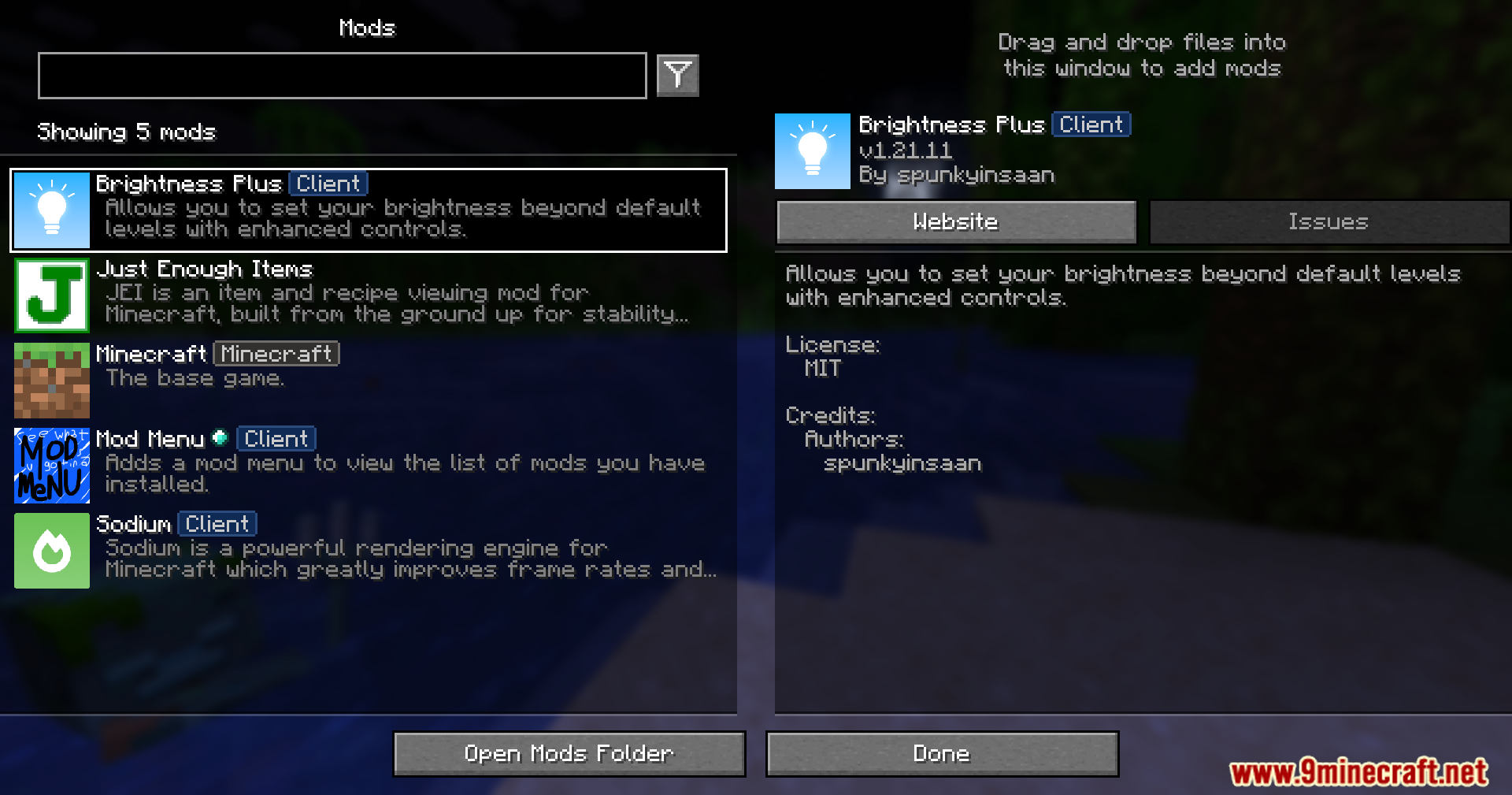
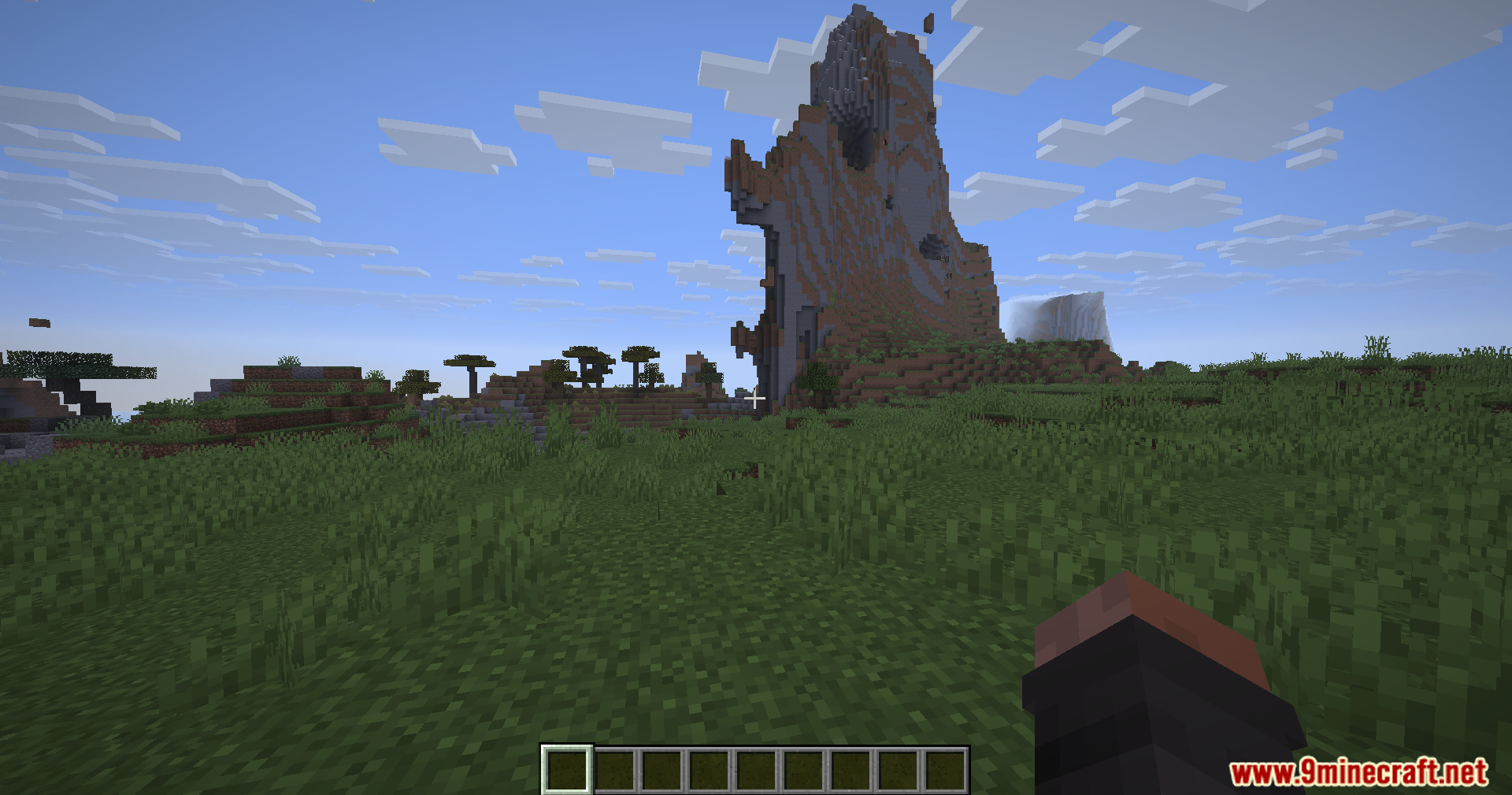
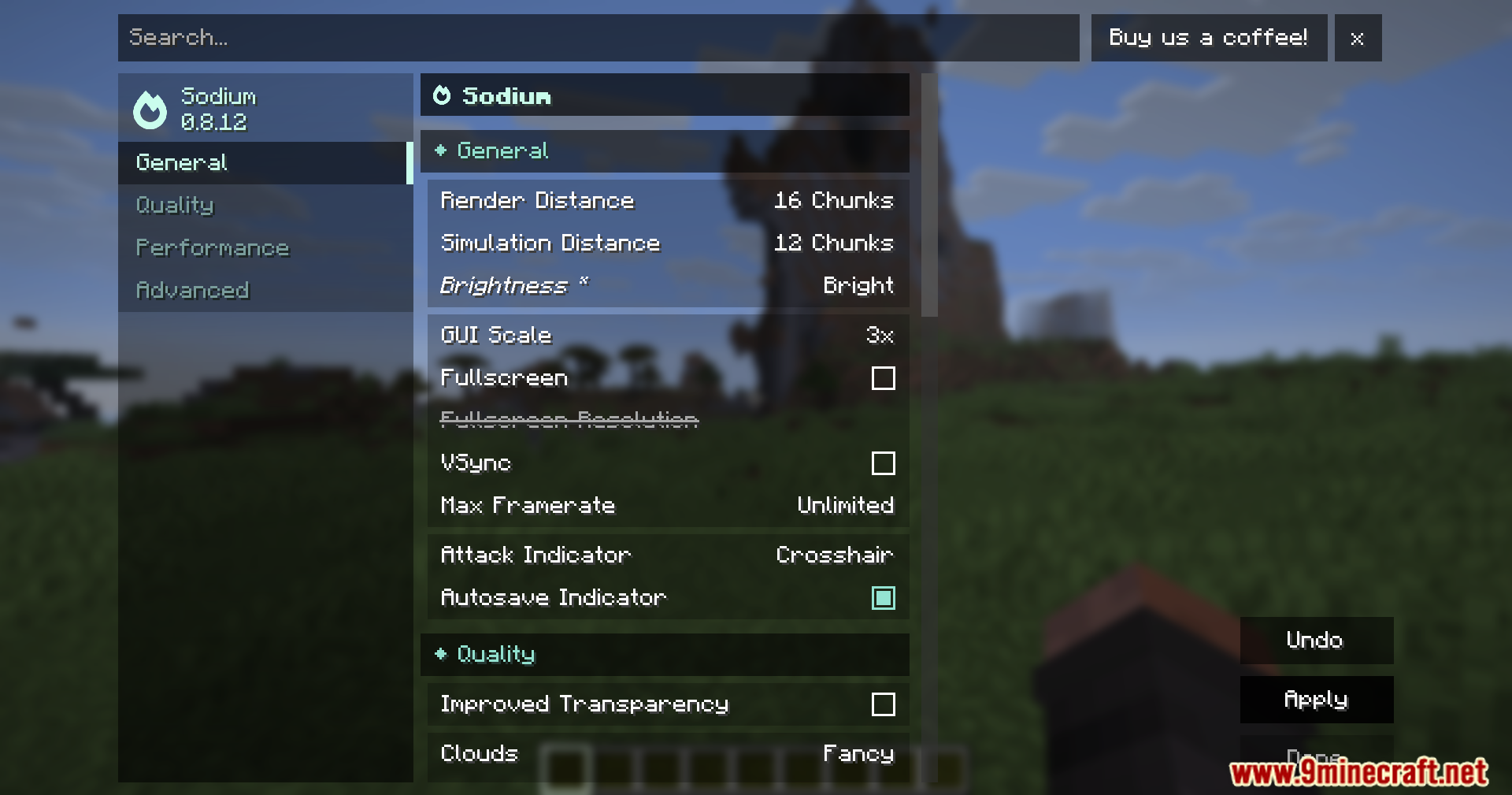
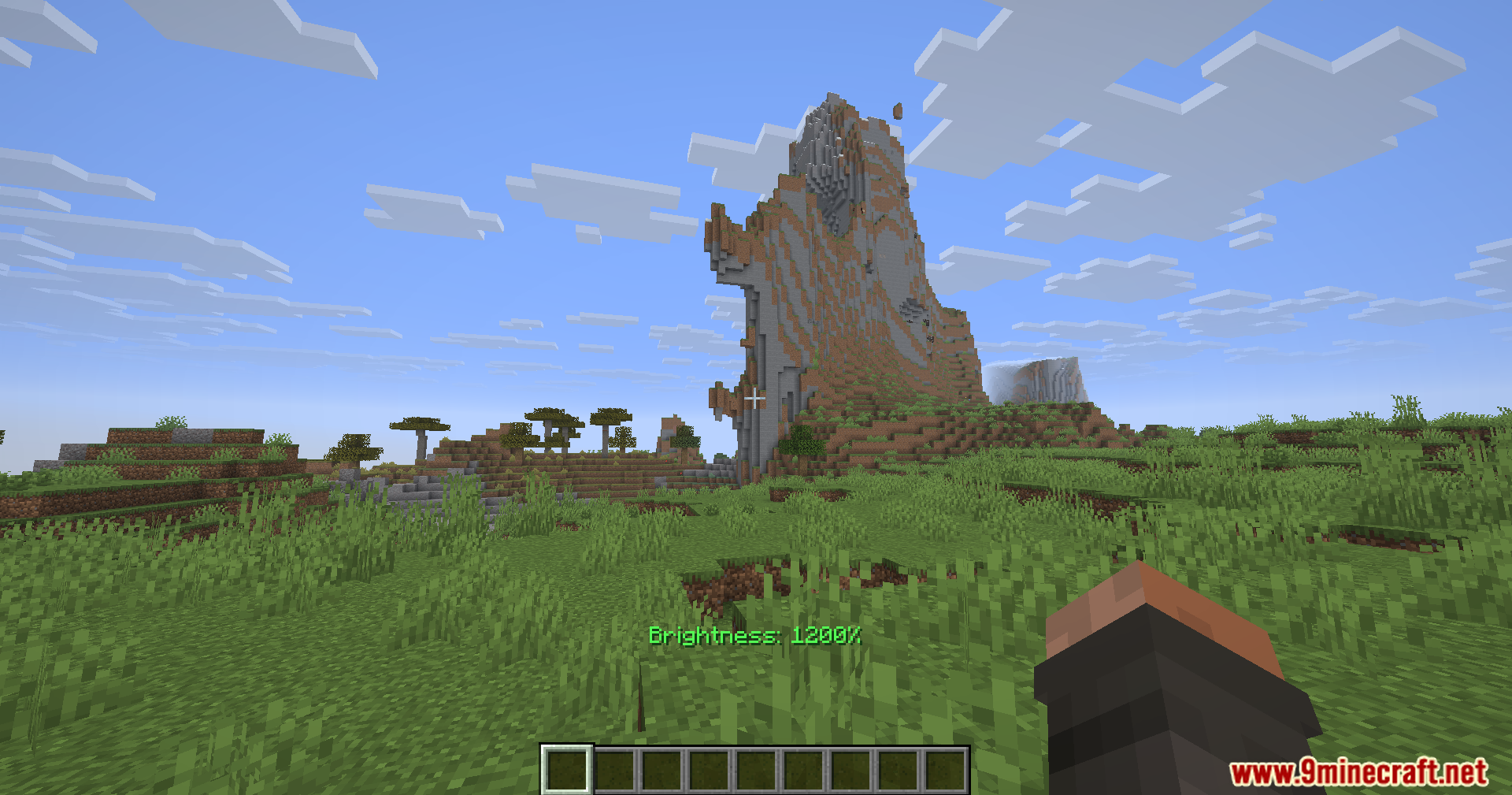
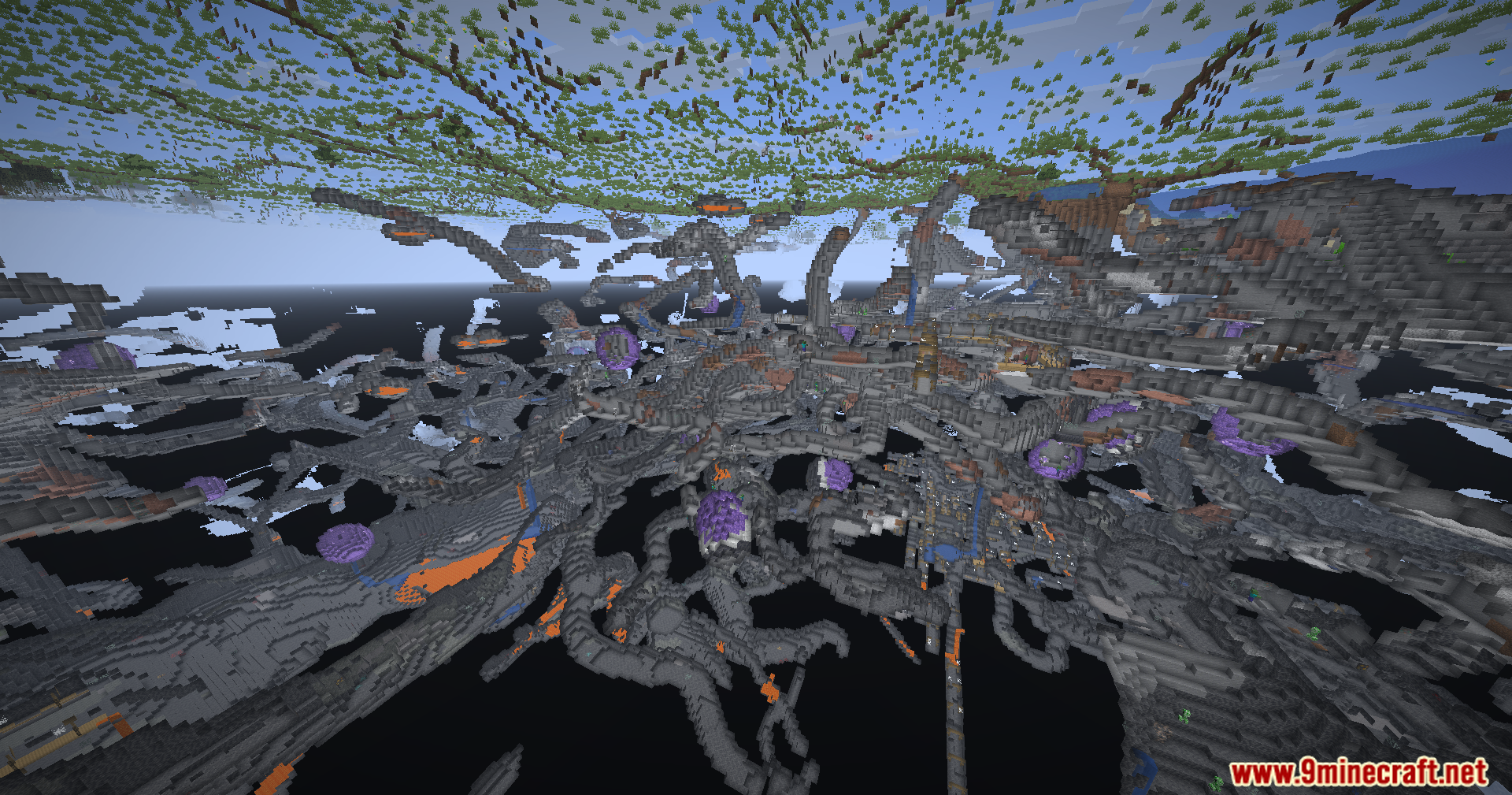
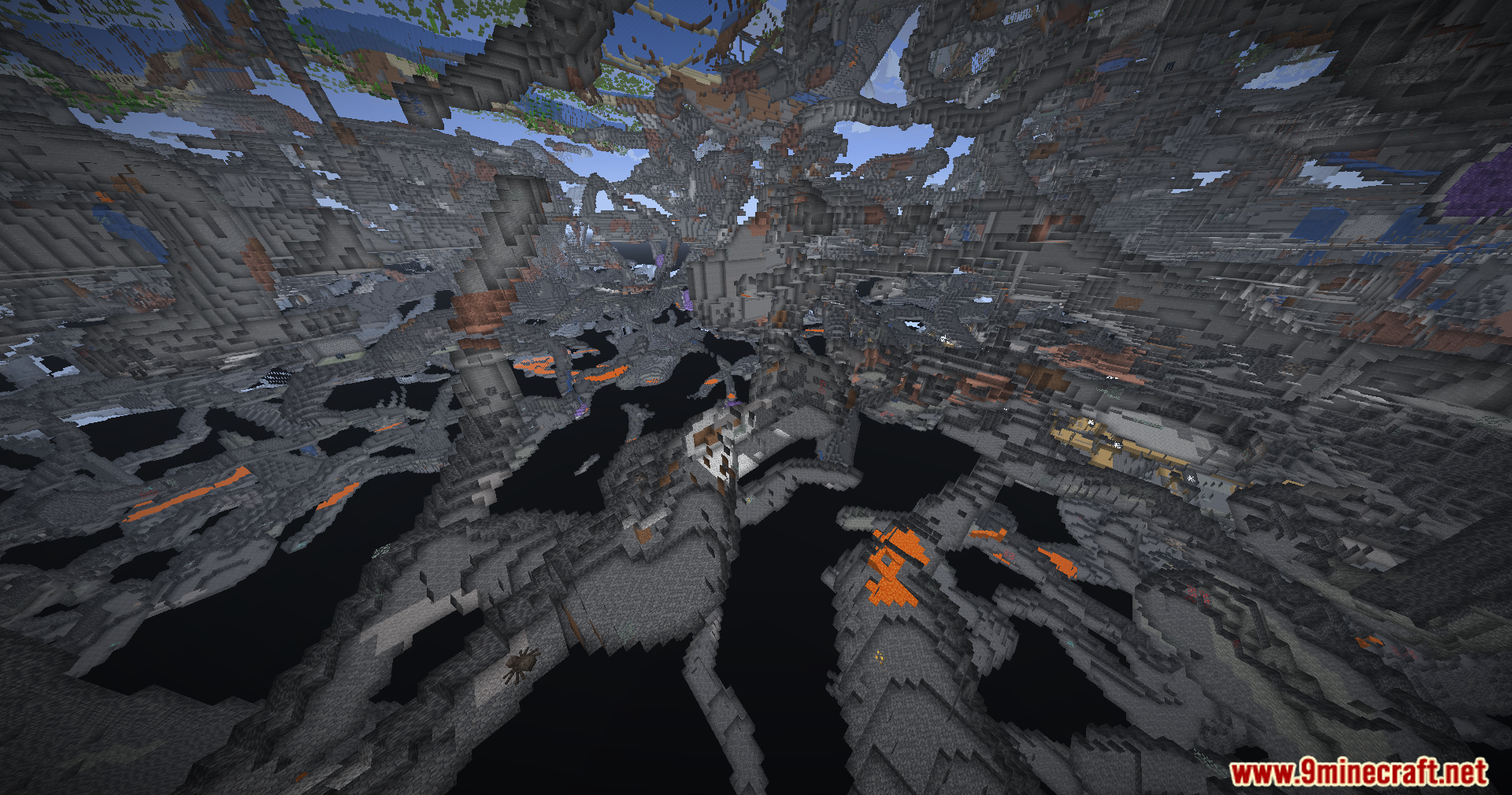
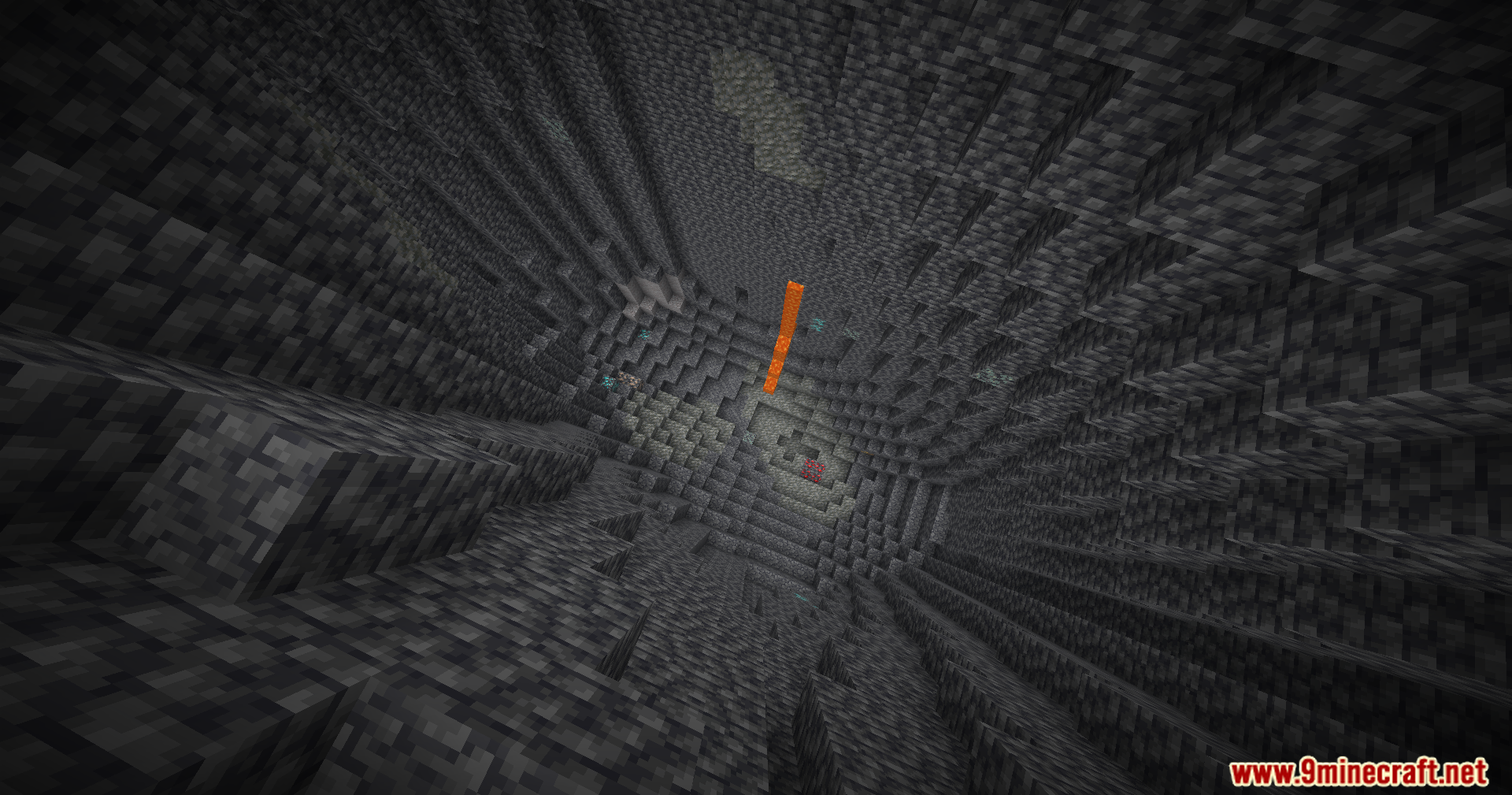
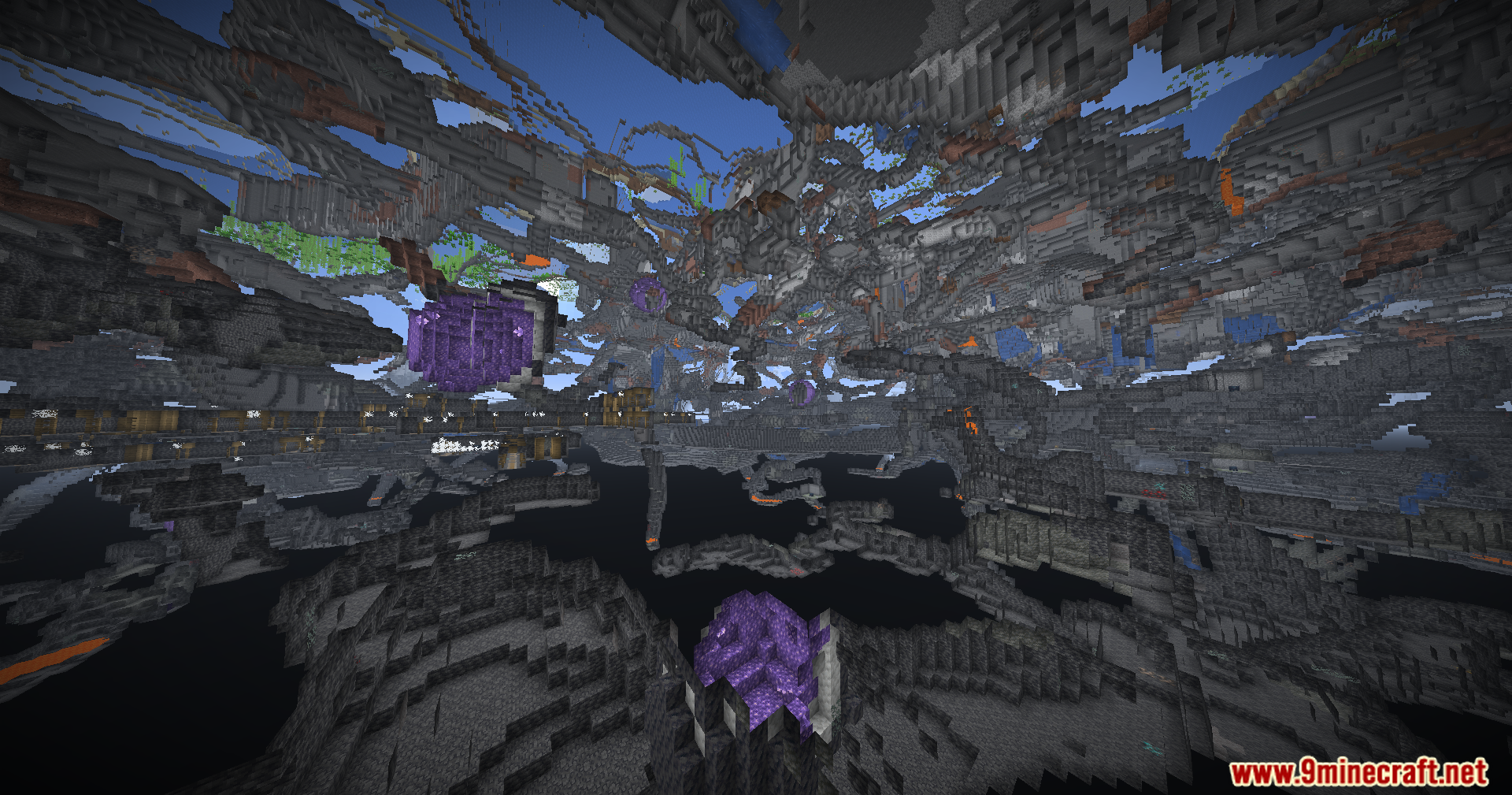
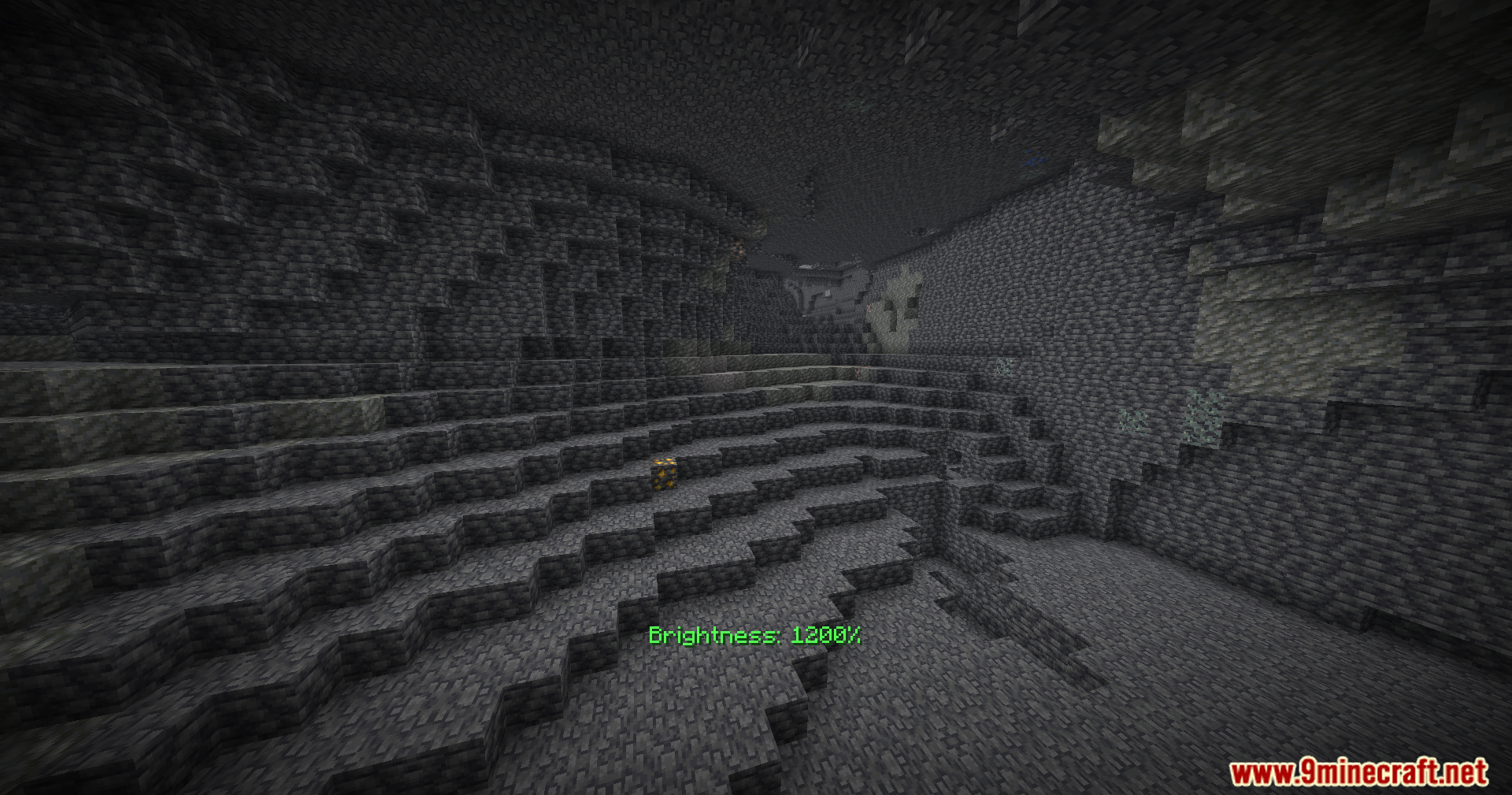
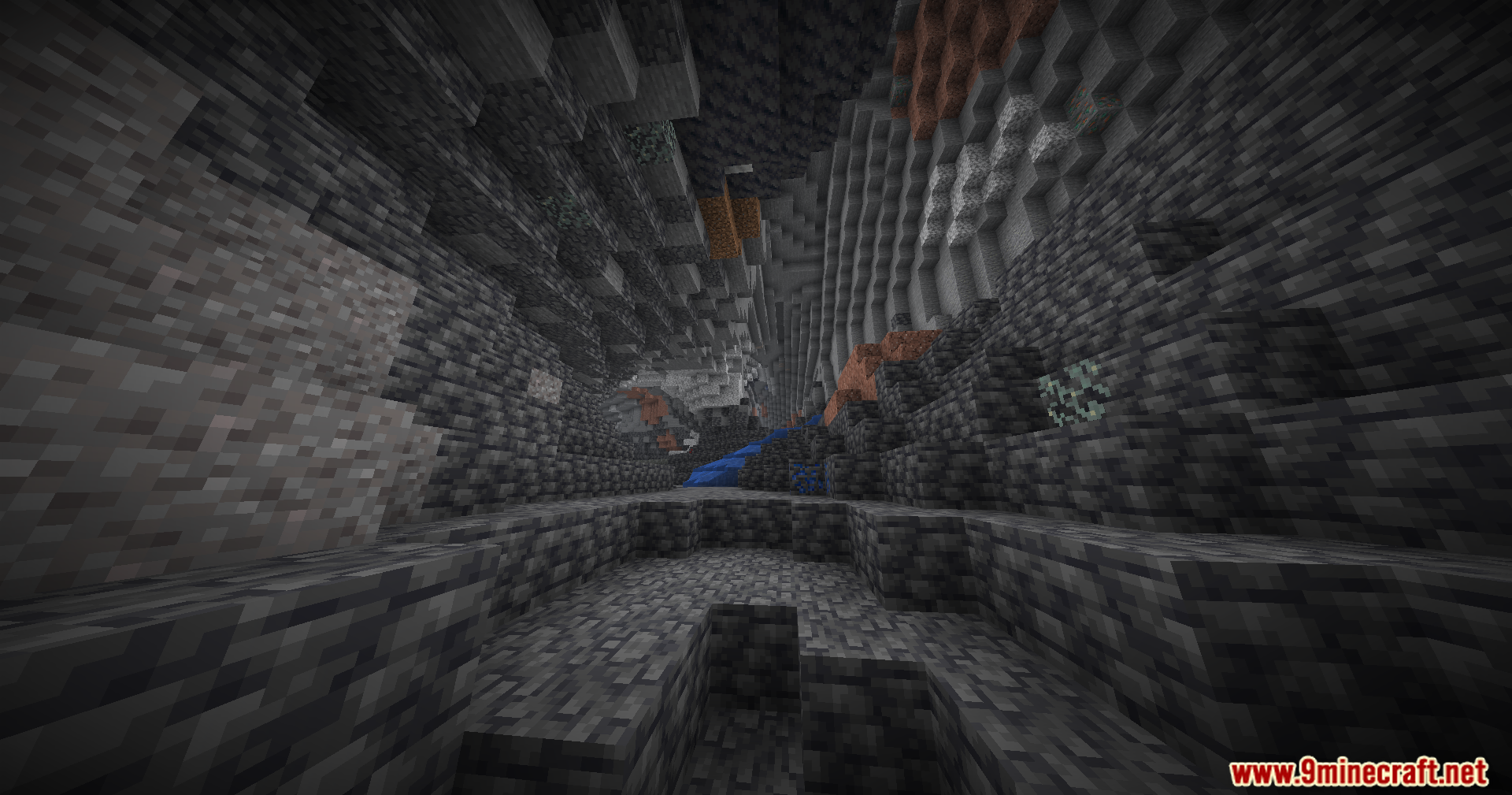
Brightness Plus Mod gives you full control over how bright your game looks. It lets you turn up the light far past the normal limits. You can explore deep underground areas without placing torches everywhere. The mod keeps your screen bright so you never miss hidden ores in the dark.
Features:
- Lets you change the brightness level from zero all the way up to 1200 percent.
- Adds a custom keybind you can press to turn the extra brightness on or off right away.
- Works well alongside popular graphics tools like Sodium, Optifine, and Vulkan.
- Saves you time since you do not need to craft torches while mining.
How to Use:
- Open your game controls menu.
- Find the new keybind option for this mod.
- Set a key that you want to press.
- Press that key while playing to switch the bright light on or off.
Screenshots:
Brightness Plus Mod Download Links
Quick facts
- Edition: Minecraft Java
- File type: .jar
- Minecraft version listed: 1.20.1
- How to install: Install the matching mod loader (Forge, Fabric or NeoForge) for your Minecraft version. → Download the .jar. → Put it in the .minecraft/mods folder and launch that loader profile.
- Where to get it: In MC Java Mods, or directly above on this page.
Install steps are the general flow for this file type — How to install Minecraft Java mods & modpacks walks through it step by step.
Verified by MCModsHub
- Downloads as 89866.mcaddon
- Download size: 25 KB
- Download link checked 23 Sept 2026 — working
- Mirrored on our own servers — the download does not depend on the original host
These come from our own check of the pack file, not from the source page.