Thread Tweak Reforged Mod brings the helpful CPU scheduling tweaks from the original Fabric version over to Forge and NeoForge players. It gives you direct control over how your computer’s processor handles the game. By letting you change thread priorities, this mod helps Minecraft run better on many different computer systems. Even though newer game updates fixed some old loading issues, adjusting these settings still gives your PC a nice speed boost.
Features:
- CPU Control: Lets you change how much of your computer’s brain power goes into running the game.
- Brings the helpful features of the older Smooth Boot mod to players using Forge or NeoForge.
- Helps older or struggling computers run the game better by managing background tasks.
- Allows you to adjust thread priorities right from the in-game menus without closing your world.
Screenshots:
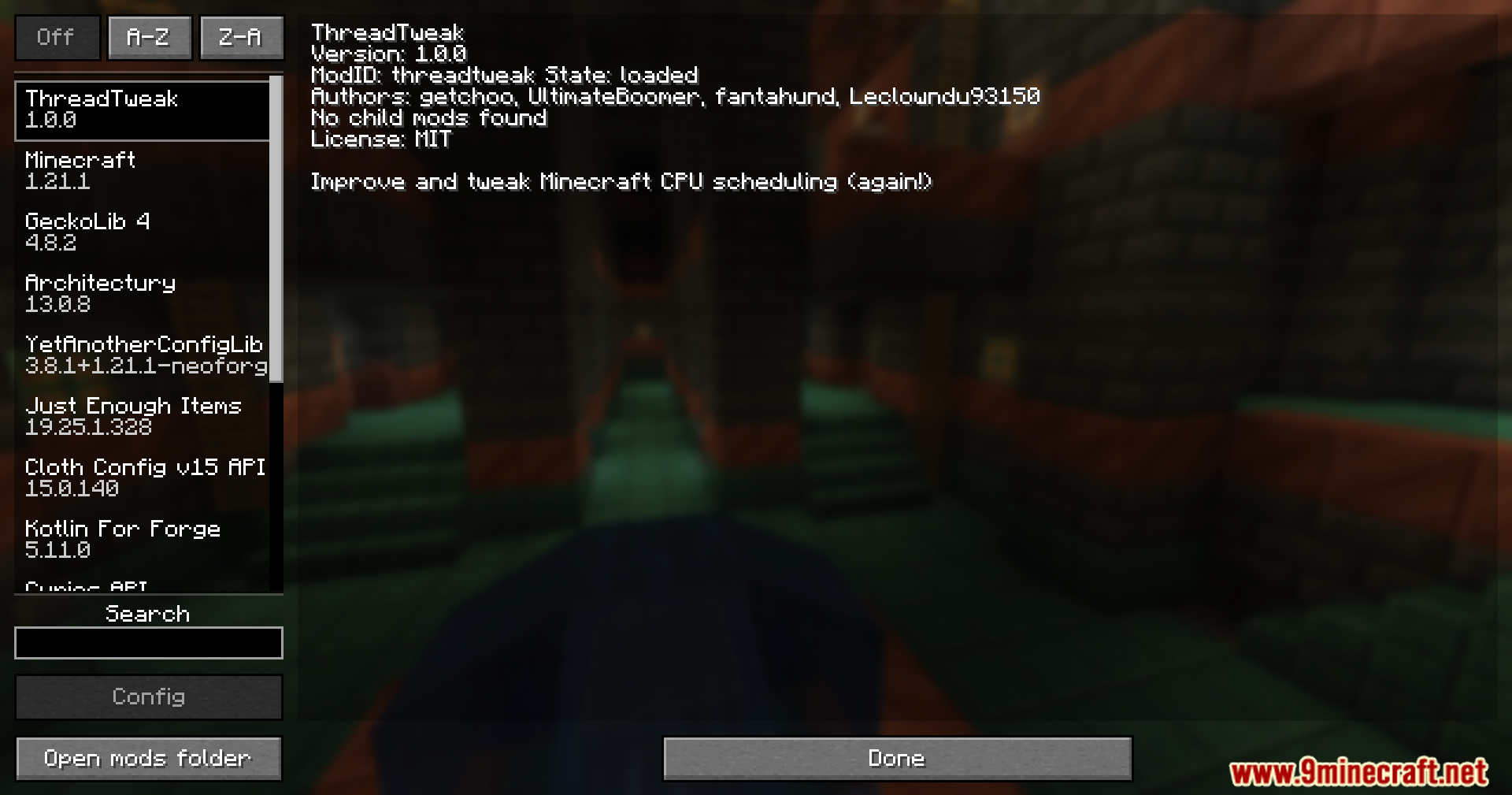
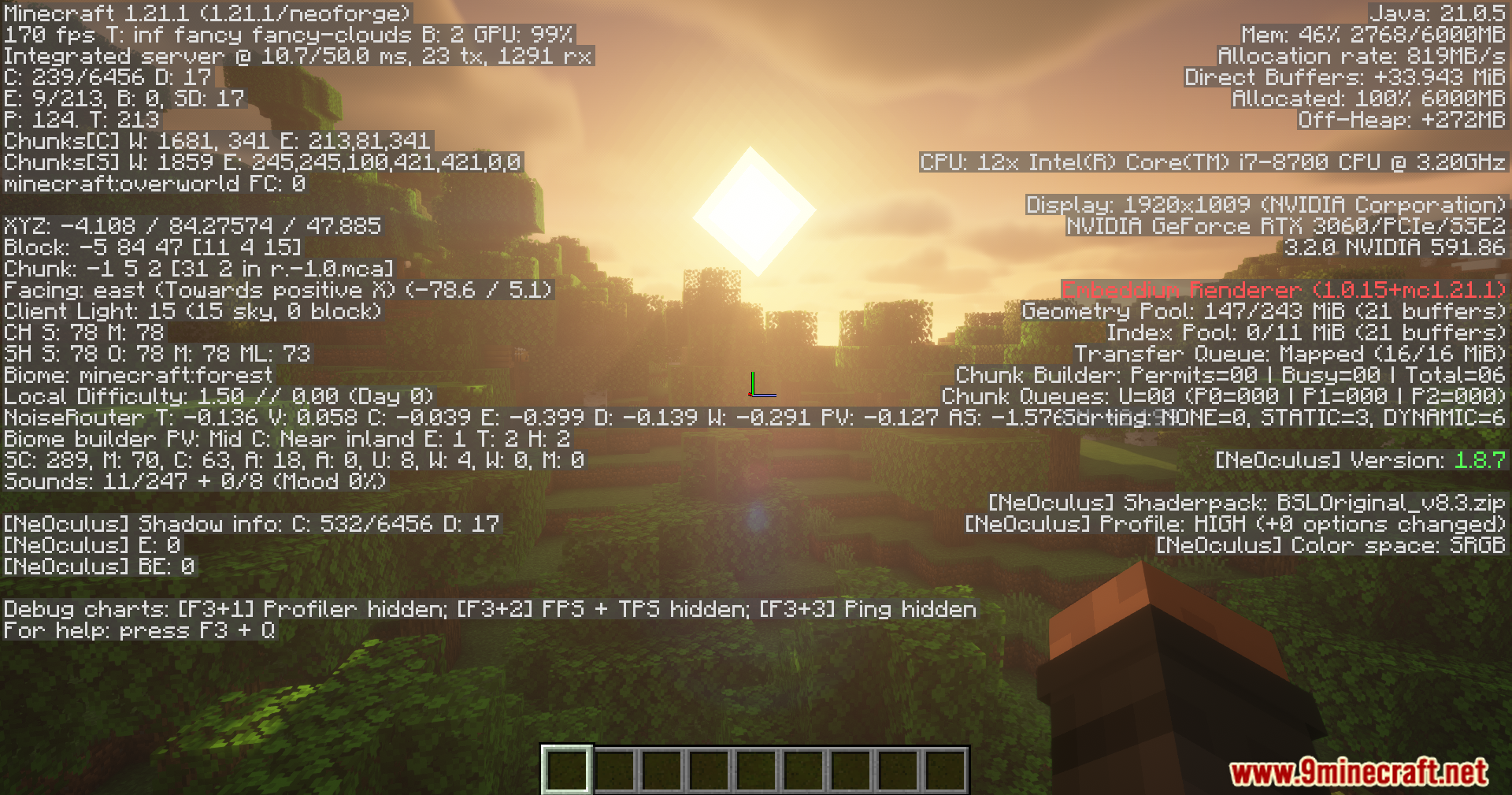
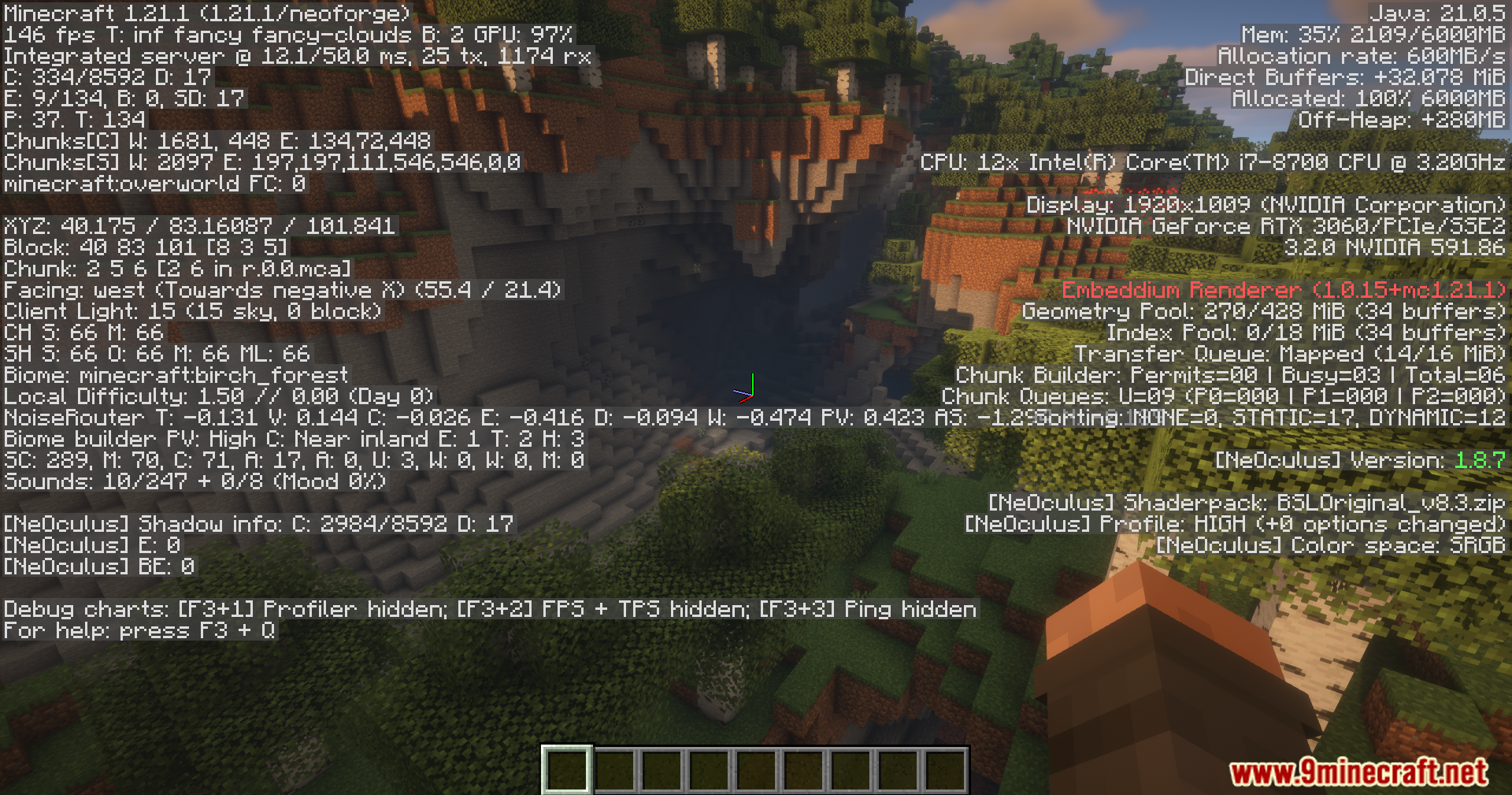




Thread Tweak Reforged Mod Download Links
Quick facts
- Edition: Minecraft Java
- File type: .jar
- Minecraft version listed: 1.20.1
- How to install: Install the matching mod loader (Forge, Fabric or NeoForge) for your Minecraft version. → Download the .jar. → Put it in the .minecraft/mods folder and launch that loader profile.
- Where to get it: In MC Java Mods, or directly above on this page.
Install steps are the general flow for this file type — How to install Minecraft Java mods & modpacks walks through it step by step.
Verified by MCModsHub
- Downloads as 89868.mcaddon
- Download size: 20 KB
- Download link checked 23 Sept 2026 — working
- Mirrored on our own servers — the download does not depend on the original host
These come from our own check of the pack file, not from the source page.