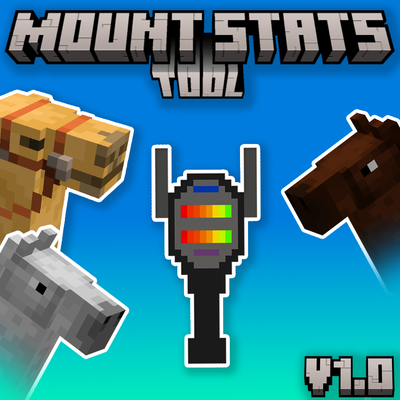
Mount Stats Tool (Achievement Friendly)
Bedrock add-on listed for Minecraft 26.x (behavior + resource pack). File opened and checked on 18 Oct 2026; installs from the MC Bedrock Mods app on Android.
View the stats for Horses, Donkeys, Mules, and more with this light-weight addon. Achievement Friendly, No experimental Features needed.
⬇ Download on CurseForge
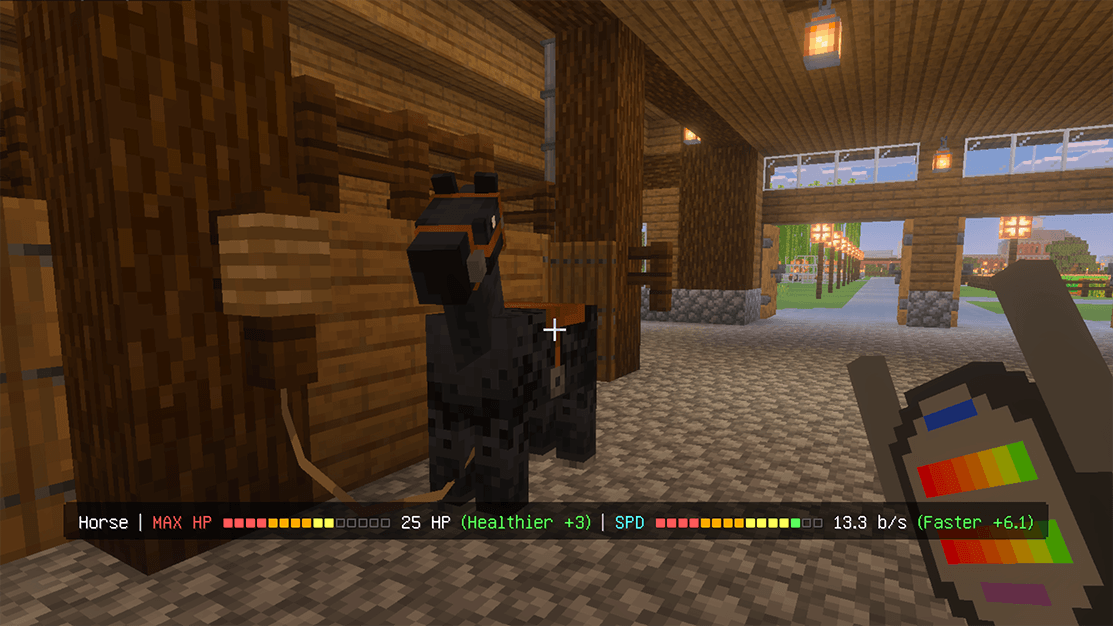
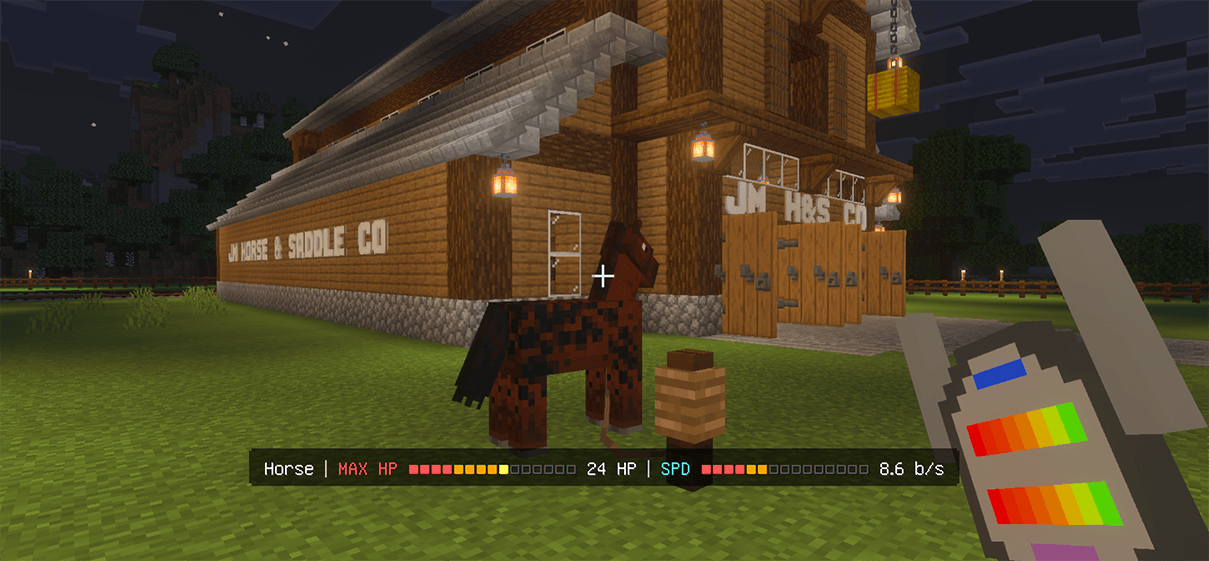
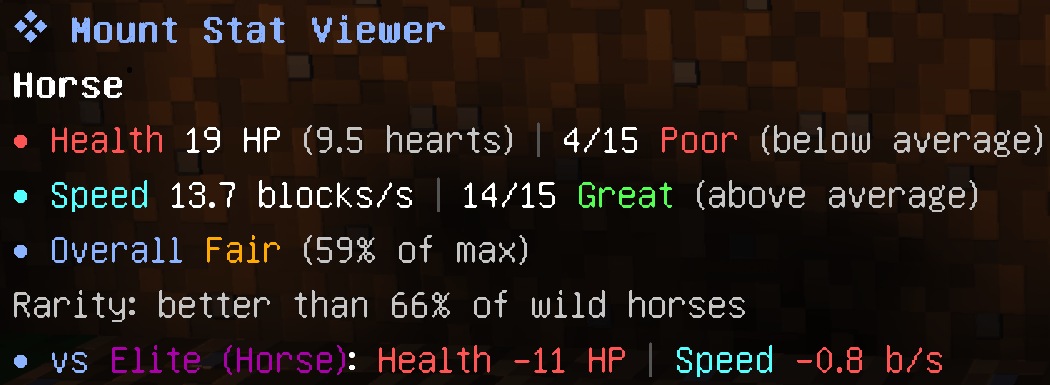
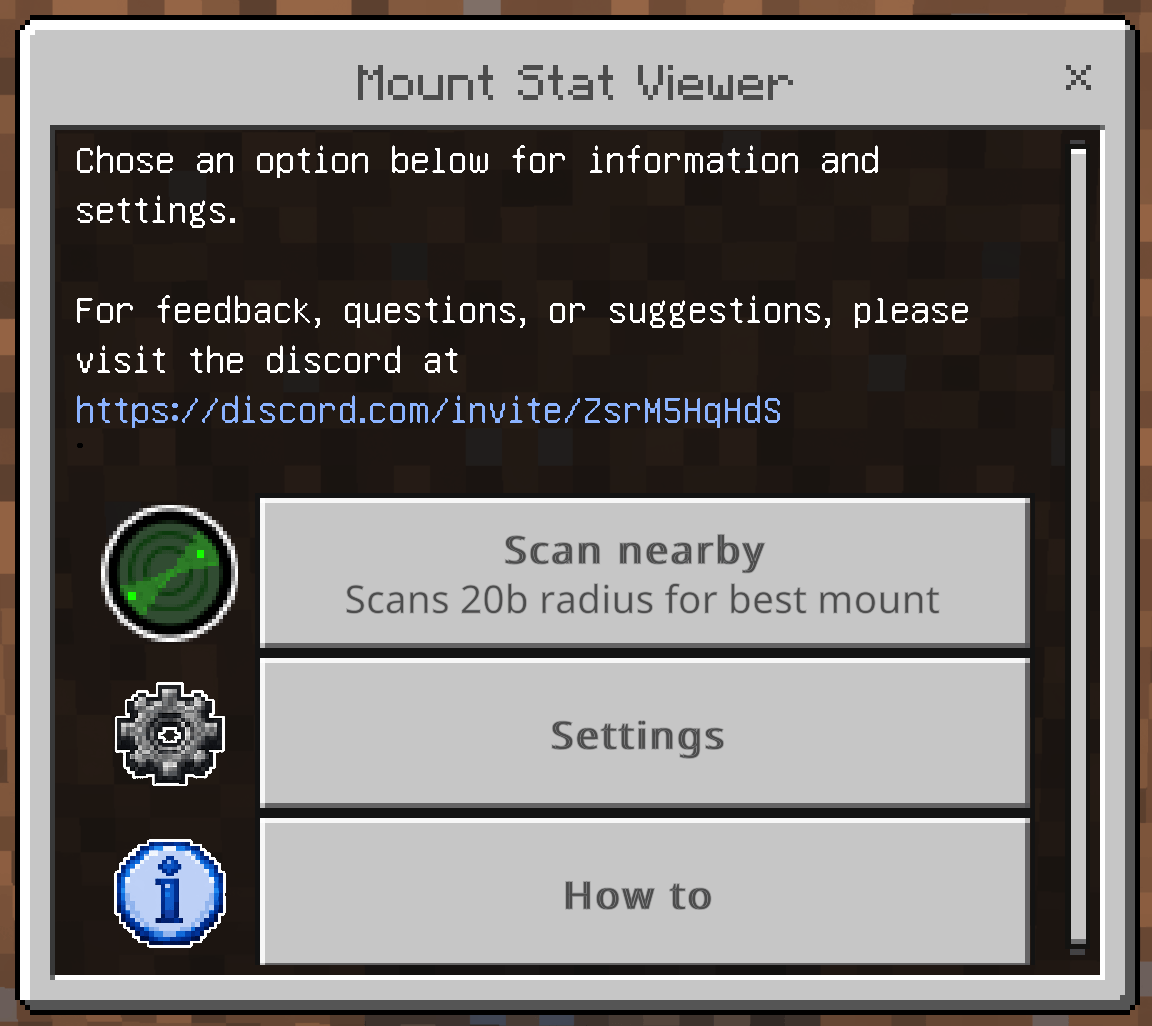
Mount Stat Viewer
Find out how good a horse actually is without having to tame and test it. This addon adds one craftable tool that reads the hidden stats of horses, camels, llamas, and other mounts, then shows them in plain numbers and clear quality ratings. Compare two mounts, see how rare a roll is, and scan a herd to find the best one.
No commands needed. Hold the tool and look at a mount. Or turn on stable mode and read a horse's stats just by sneaking.
Achievement Friendly! No Experimental Features needed!
What does it do?
- Reads Health, Speed, and llama Storage in real units (HP and hearts, blocks per second, storage slots).
- Rates each stat against the best possible roll: Poor, Fair, Good, Great, Elite, Perfect.
- Shows an overall score as a percentage of a perfect roll.
- Tells you how rare a roll is, ranked against others of its kind, with a ✦ on the very best. (Calibrated with actual bedrock stats using ~5000 of each mount type)
- Live readout on your HUD while you look at a mount, plus a full stat card in chat when you inspect.
Getting the tool
Craft the Mount Stat Viewer at a crafting table in a vertical line:
- 1 copper ingot (top middle)
- 1 redstone (center)
- 1 stick (bottom middle)
Controls
- Look at a mount — live stats on your HUD
- Use on a mount — inspect it, full card printed in chat
- Sneak + use on a mount — pin it as a baseline to compare against
- Sneak + use aiming at nothing — unpin the baseline
- Use in the air — open the menu (scan, settings, and how-to)
Compare
Comparison is on by default. Pin one mount as a baseline (sneak + use), then view another to see the differences at a glance: healthier, faster, stronger, and so on. Unpin with sneak + use aiming at nothing, or from the menu.
Scan nearby
Open the menu and pick Scan nearby to rank the mounts around you. It lists the best few within your scan radius and tags the top one with particles so you can spot it in a crowd. Pick what it ranks by in settings: Best overall, Fastest, Healthiest, or Best storage.
Settings
Open the menu to adjust:
- Chat inspect, comparison, rarity line, and sounds on or off
- Live HUD readout on or off
- Health shown as HP, hearts, or both
- Scan radius and scan mode
- Stable mode: sneak and look at a mount to read its stats without holding the tool
Supported mounts
Horses, donkeys, mules, skeleton horses, zombie horses, camels, camel husks, llamas, and trader llamas.
Good to know
- While the tool is held, using it on a mount will not ride it or open its inventory. Switch to another item to ride or pack.
- Held in your off-hand, the tool still shows the live HUD, but the menu, inspect, and pin need your main hand.
- The game does not expose jump strength, so it cannot be shown. Readable stats are Health, Speed, and llama Storage.
- Speed in blocks per second is a close approximation.
Need more help? Visit the discord! https://discord.com/invite/ZsrM5HqHdS
- Edition: Minecraft Bedrock
- File type: .mcpack or .mcaddon
- Minecraft version listed: 26.30
- How to install: Download the .mcpack or .mcaddon file. → Open it — Minecraft imports it. → In your world: Behavior Packs → Available → Activate, then the same under Resource Packs.
- Where to get it: Opens on CurseForge — not every file is mirrored on our own servers.
Install steps are the general flow for this file type — How to install Minecraft Bedrock addons & mods walks through it step by step.
- Pack type: .mcaddon — behaviour and resource pack in one file
- Manifest requires Minecraft 1.26.30 or newer
- Complete pack — everything it depends on is inside the file
- Download size: 446 KB
- Download link checked 7 Oct 2026 — working
These come from our own check of the pack file, not from the source page.