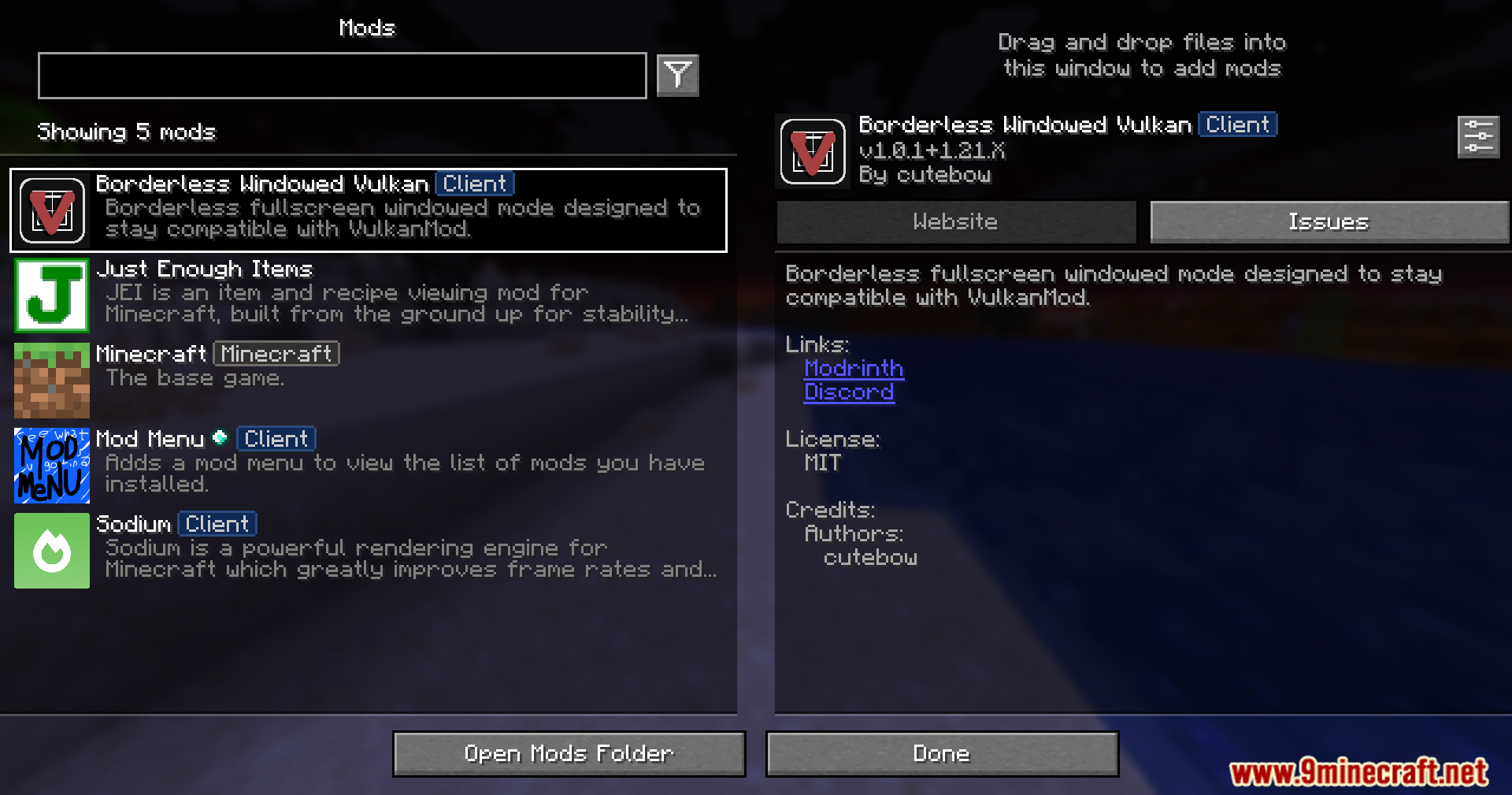
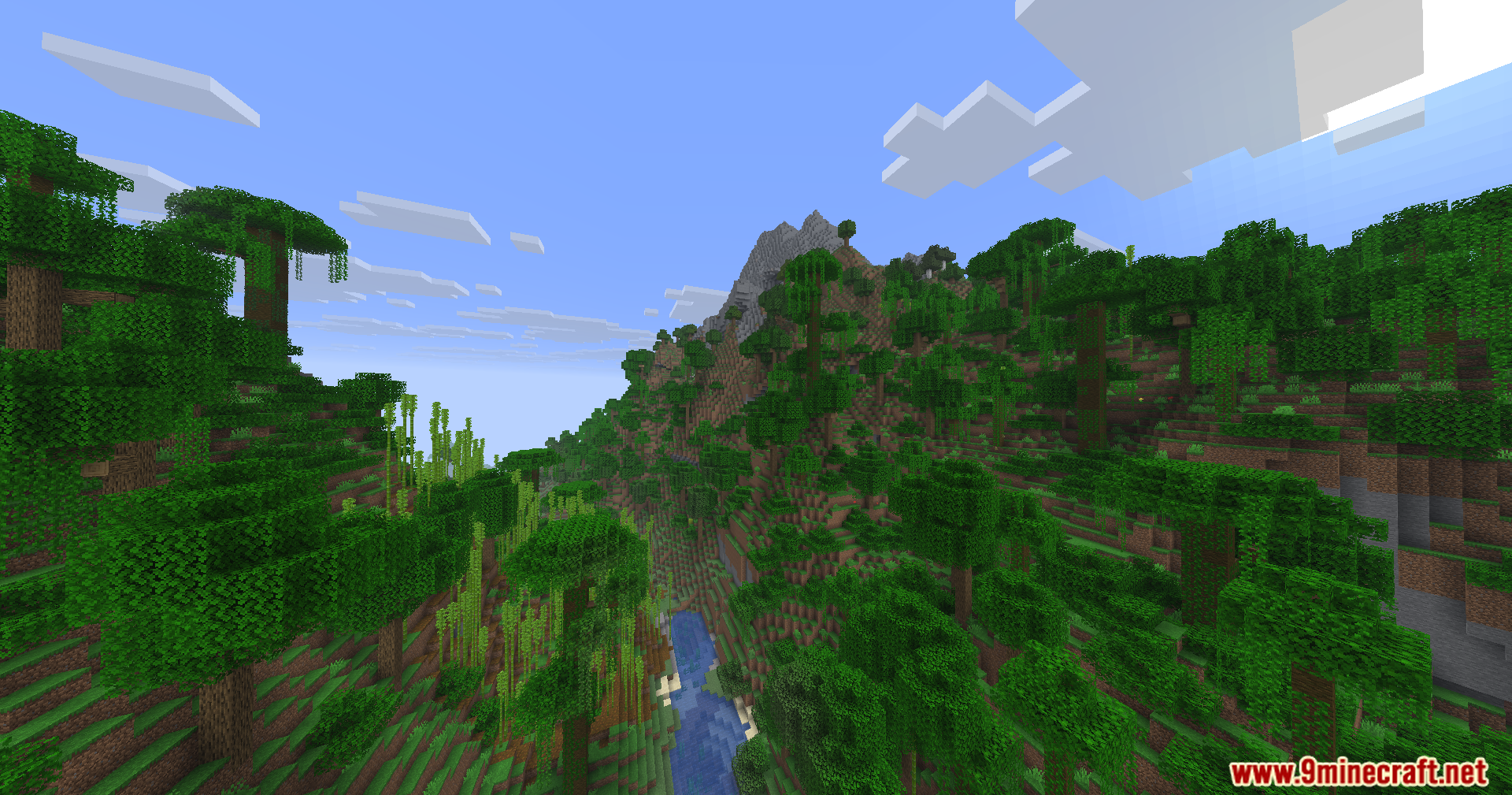
Borderless Windowed Vulkan Mod lets you run your game in a borderless fullscreen window so it never minimizes when you click away. It works perfectly with the Vulkan mod, but you can also use it completely on its own. This makes it super easy to chat on another monitor or use other apps without interrupting your gameplay.
Features:
- Borderless Fullscreen: Lets you play your game in a window that fills the whole screen without annoying borders.
- Keeps the game open and visible even when you click on other apps or use a second monitor.
- Fixes a bug that makes Discord screen sharing look choppy and slow.
- Stops the game from crashing or breaking if you press the F11 key too fast.
- Works alongside the Vulkan mod to stop the game from minimizing when you lose focus.
How to Use:
- Press F11 to switch your game into borderless fullscreen mode.
- Press Win + Tab or move your mouse to another monitor to open different apps.
- Click on other windows or programs; your game stays open in the background instead of hiding.
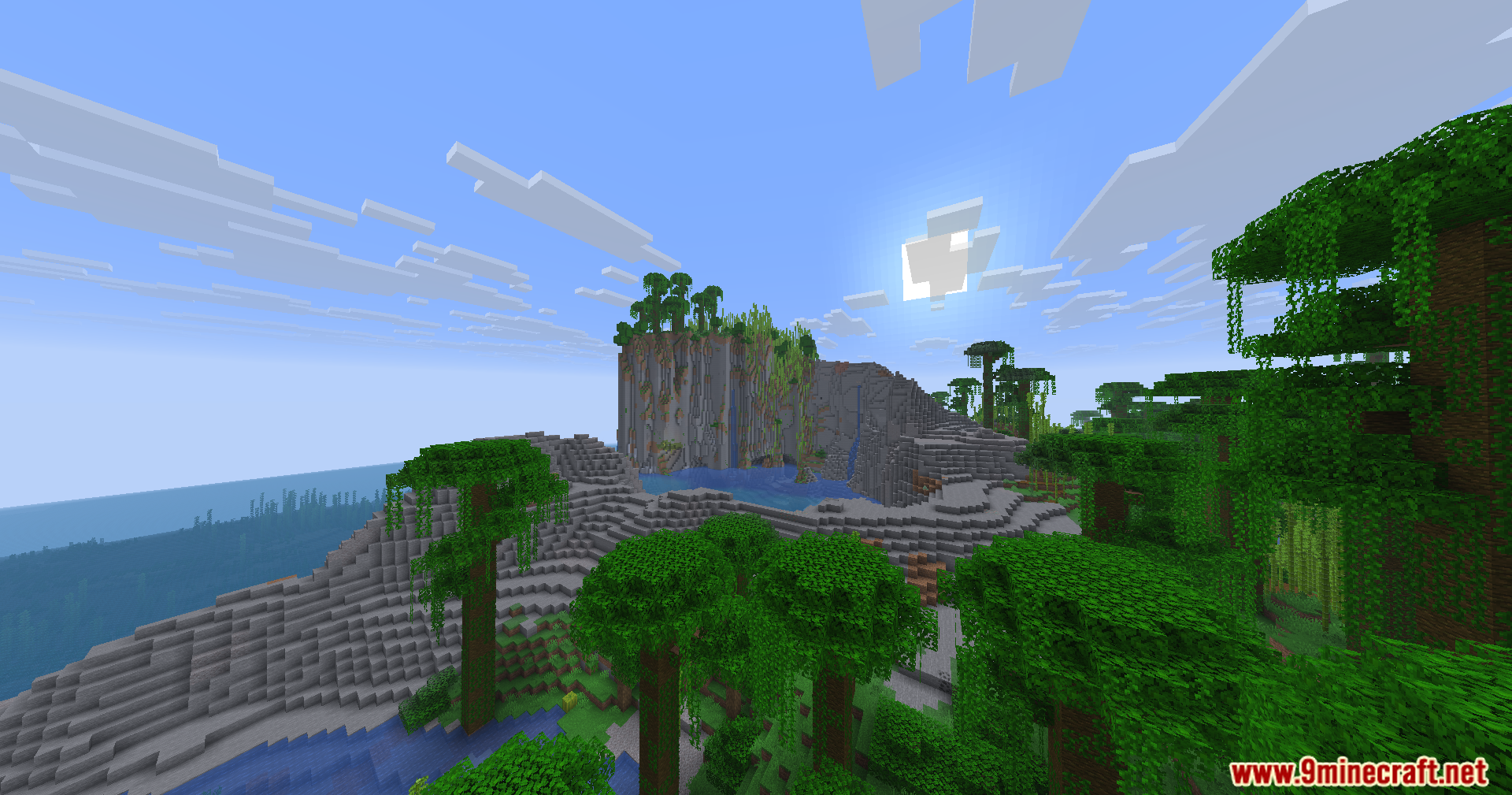
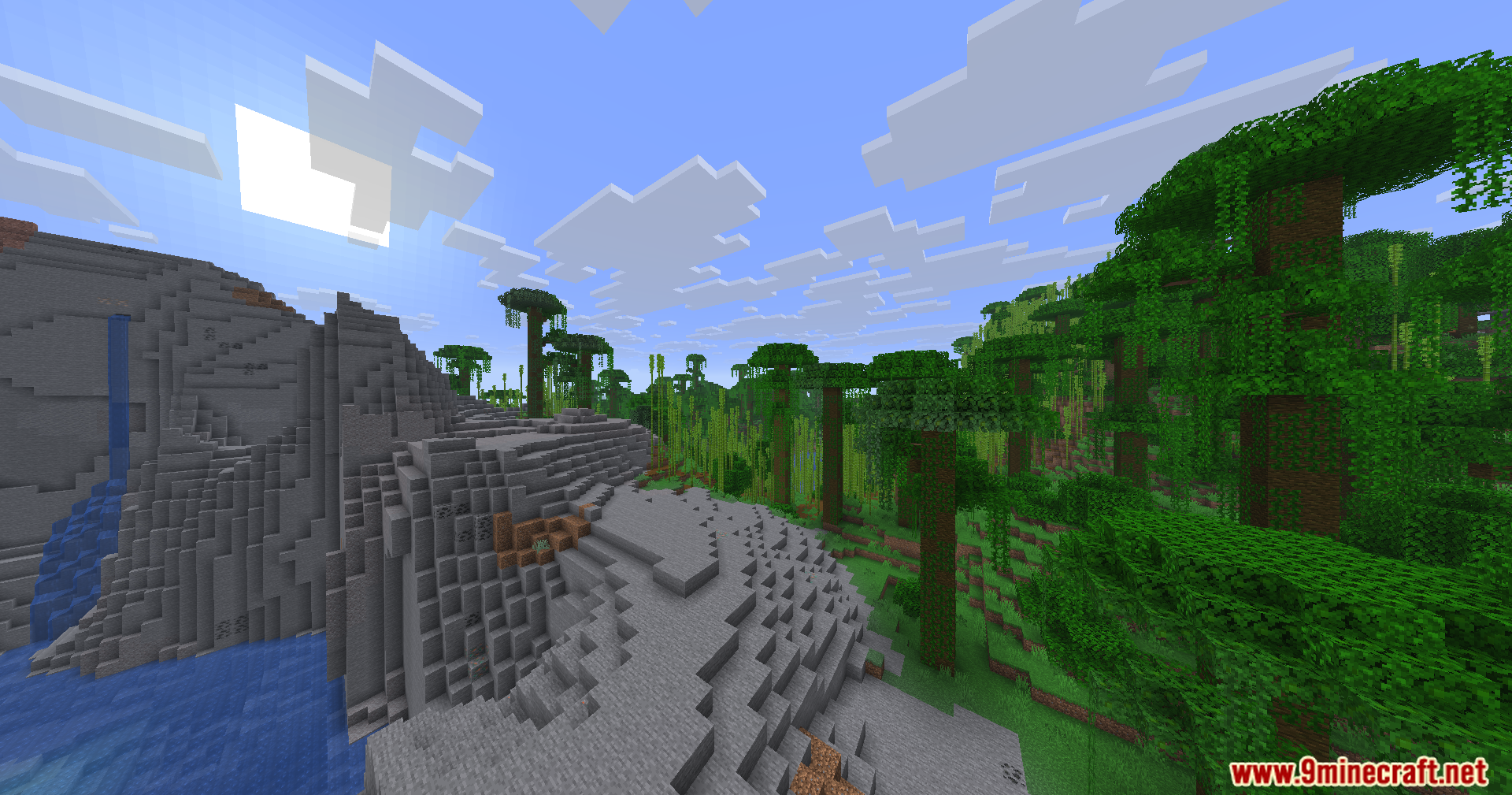
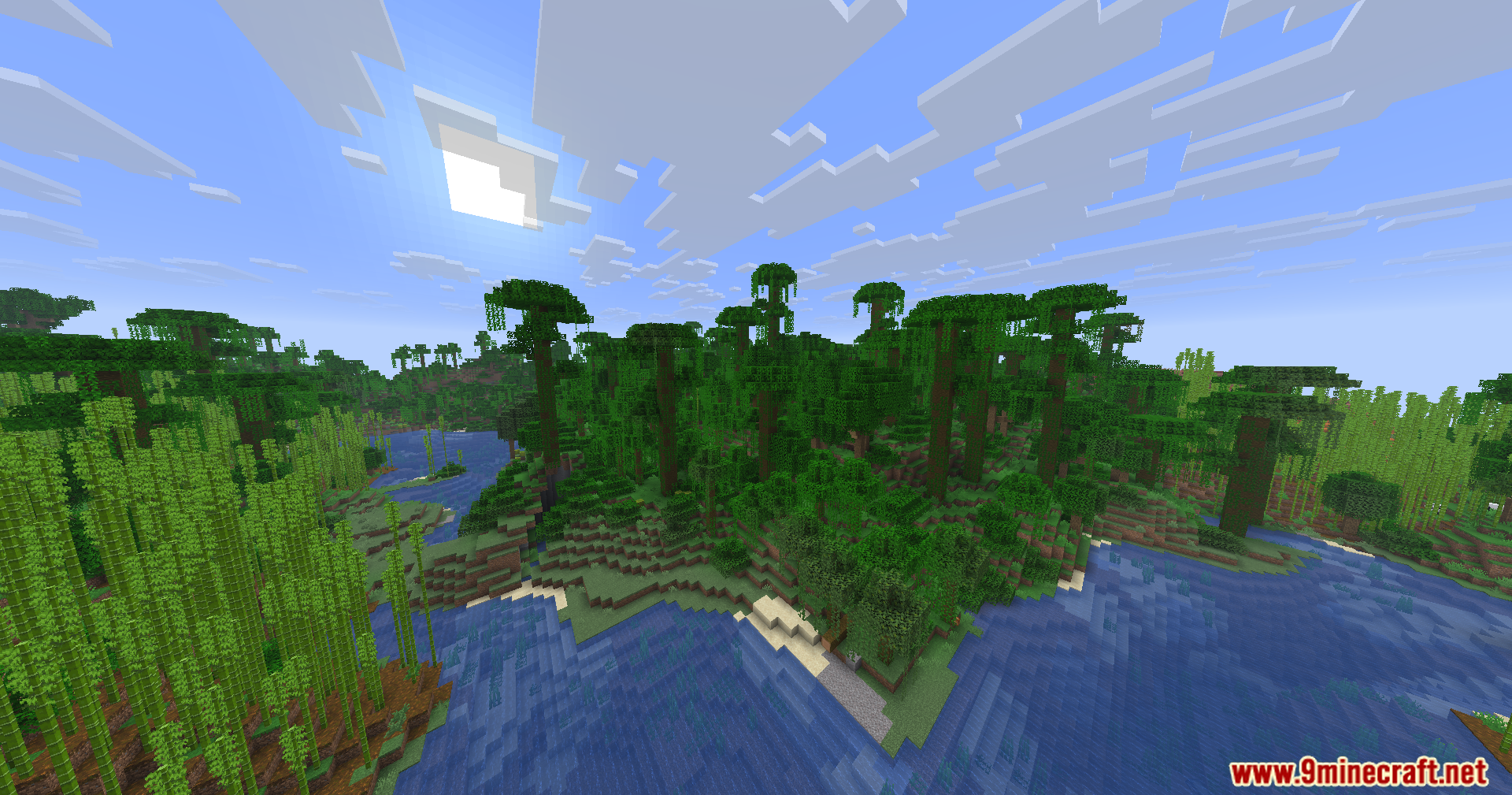
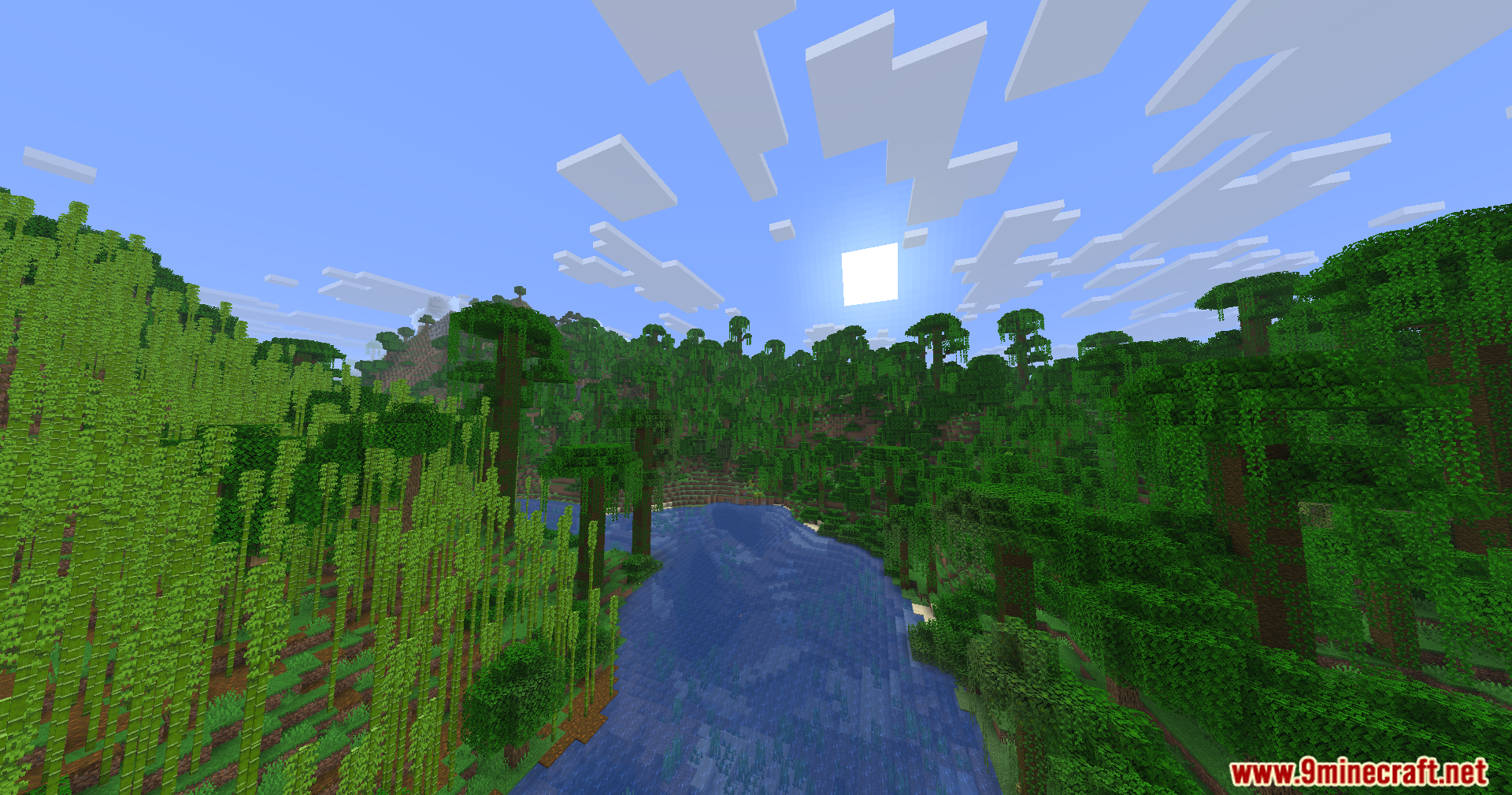
Screenshots:
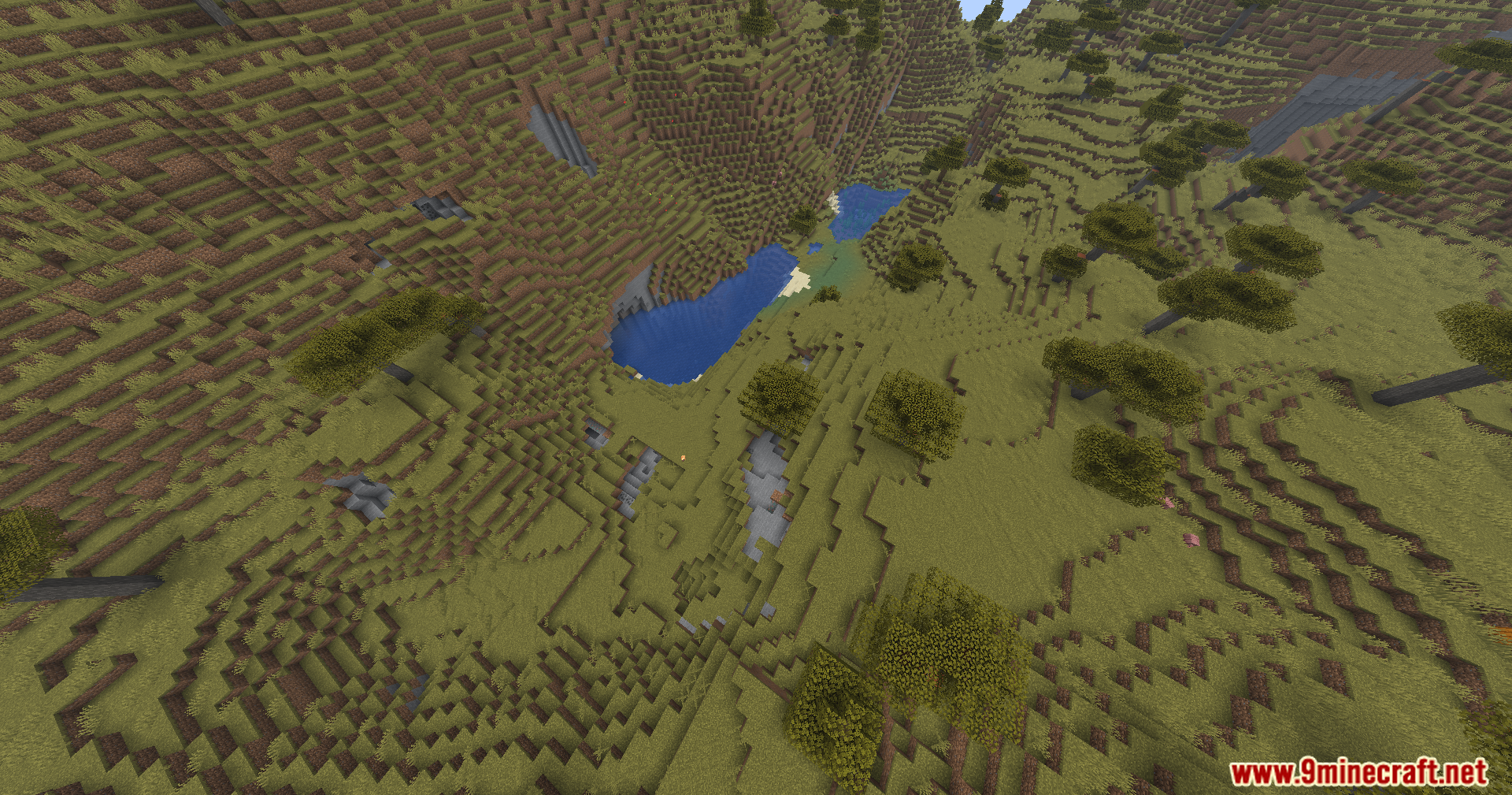
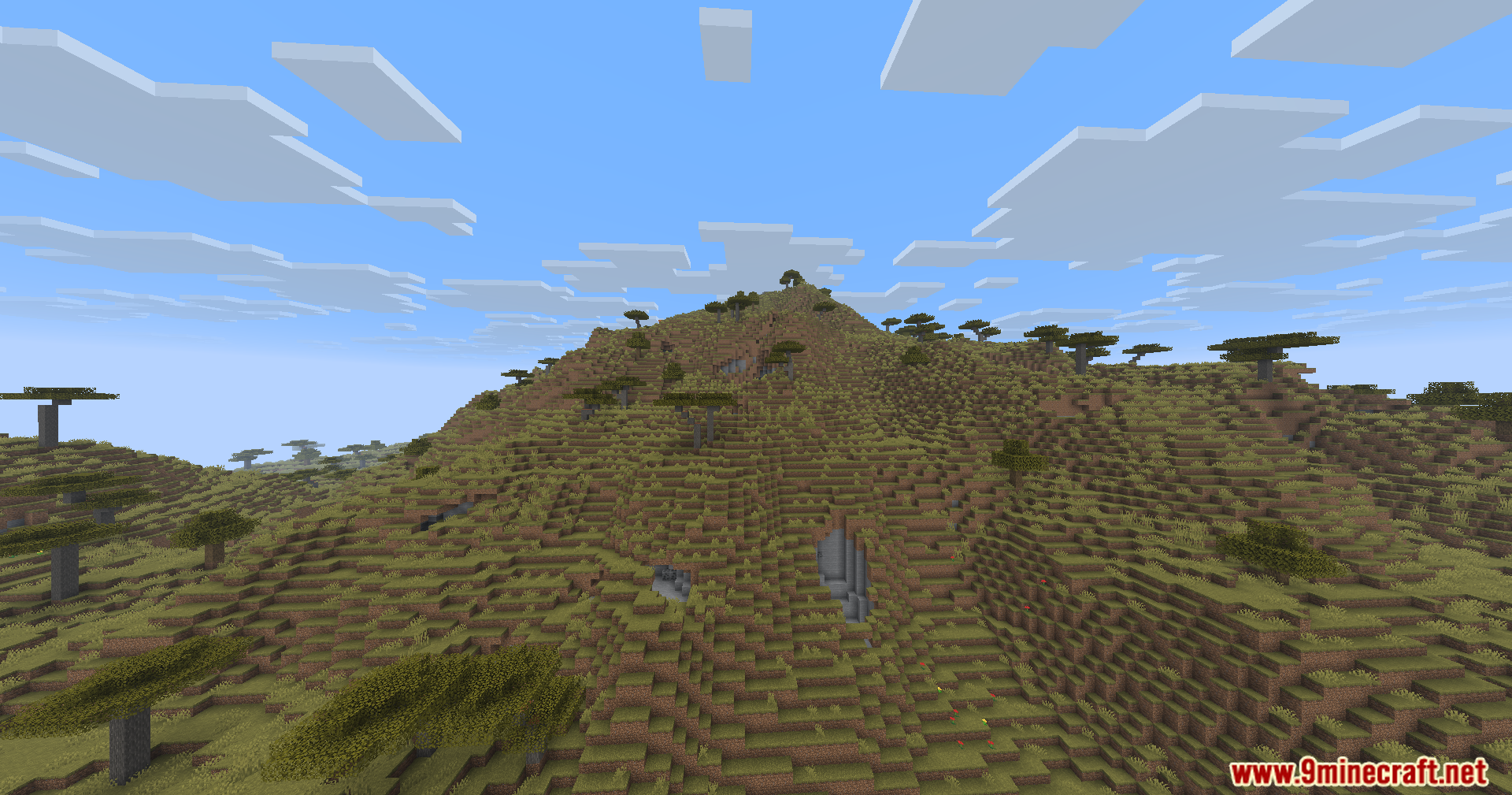
Borderless Windowed Vulkan Mod Download Links
Quick facts
- Edition: Minecraft Java
- File type: .jar
- Minecraft version listed: 1.21.1
- How to install: Install the matching mod loader (Forge, Fabric or NeoForge) for your Minecraft version. → Download the .jar. → Put it in the .minecraft/mods folder and launch that loader profile.
- Where to get it: In MC Java Mods, or directly above on this page.
Install steps are the general flow for this file type — How to install Minecraft Java mods & modpacks walks through it step by step.
Verified by MCModsHub
- Downloads as 89984.mcaddon
- Download size: 53 KB
- Download link checked 25 Sept 2026 — working
- Mirrored on our own servers — the download does not depend on the original host
These come from our own check of the pack file, not from the source page.