
ModsJava
Countered's Smooth F5 Mod (26.1.2, 1.20.1) – Give Your Third Person View a
Countered's Smooth F5 Mod smooths out the camera when you play in third-person view. This mod makes the camera follow your character naturally, giving…
⬇ Download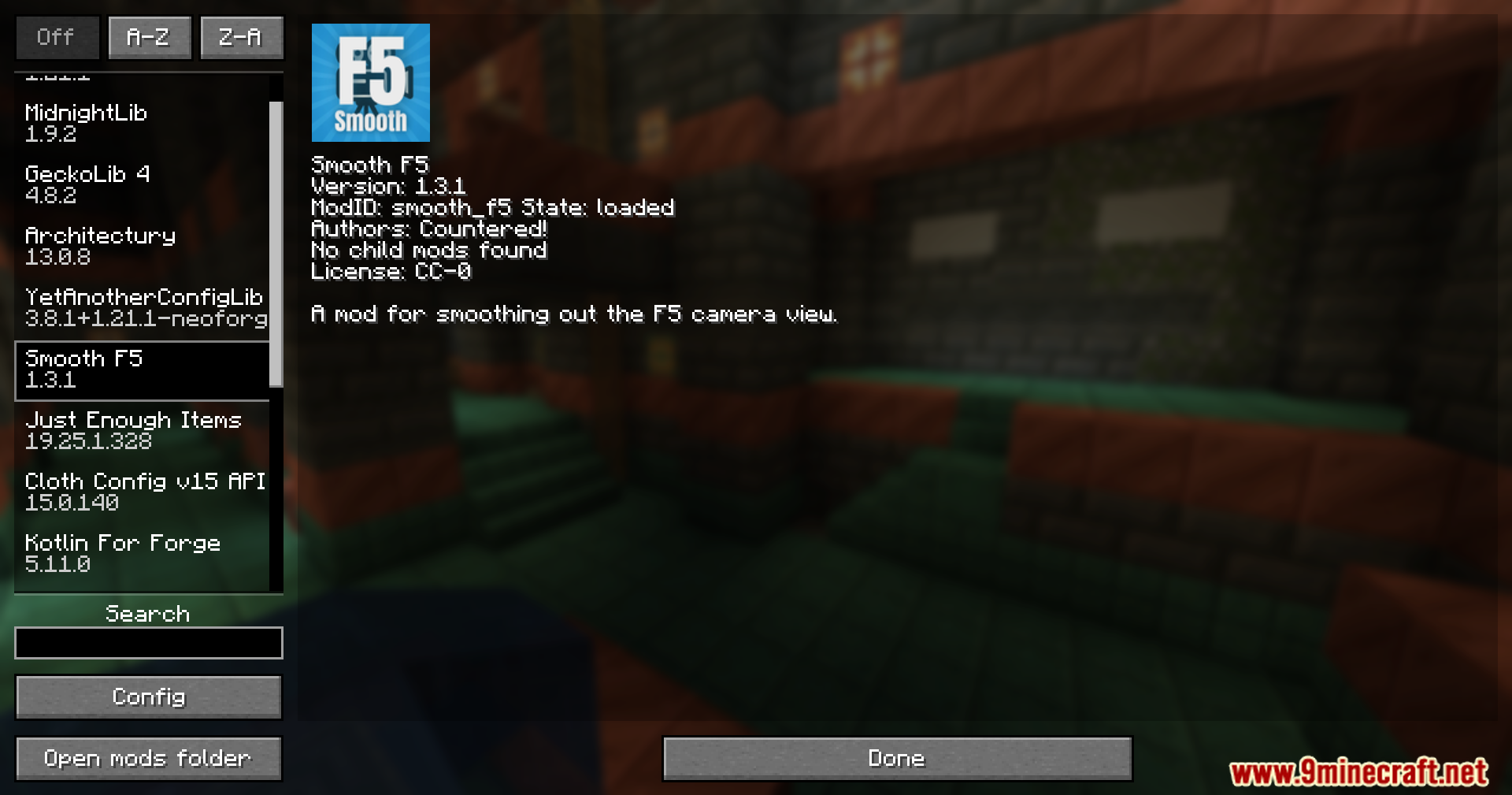
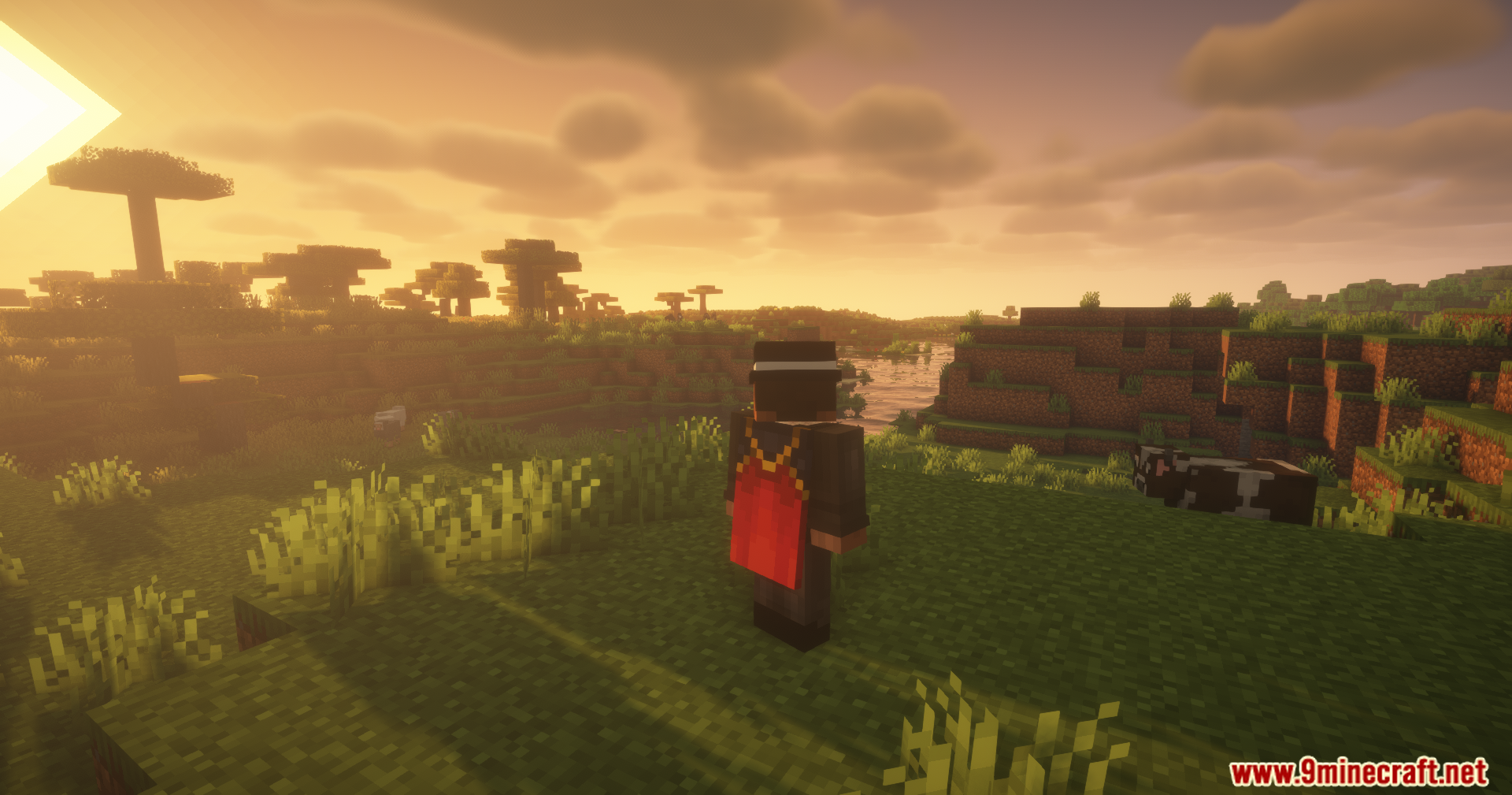
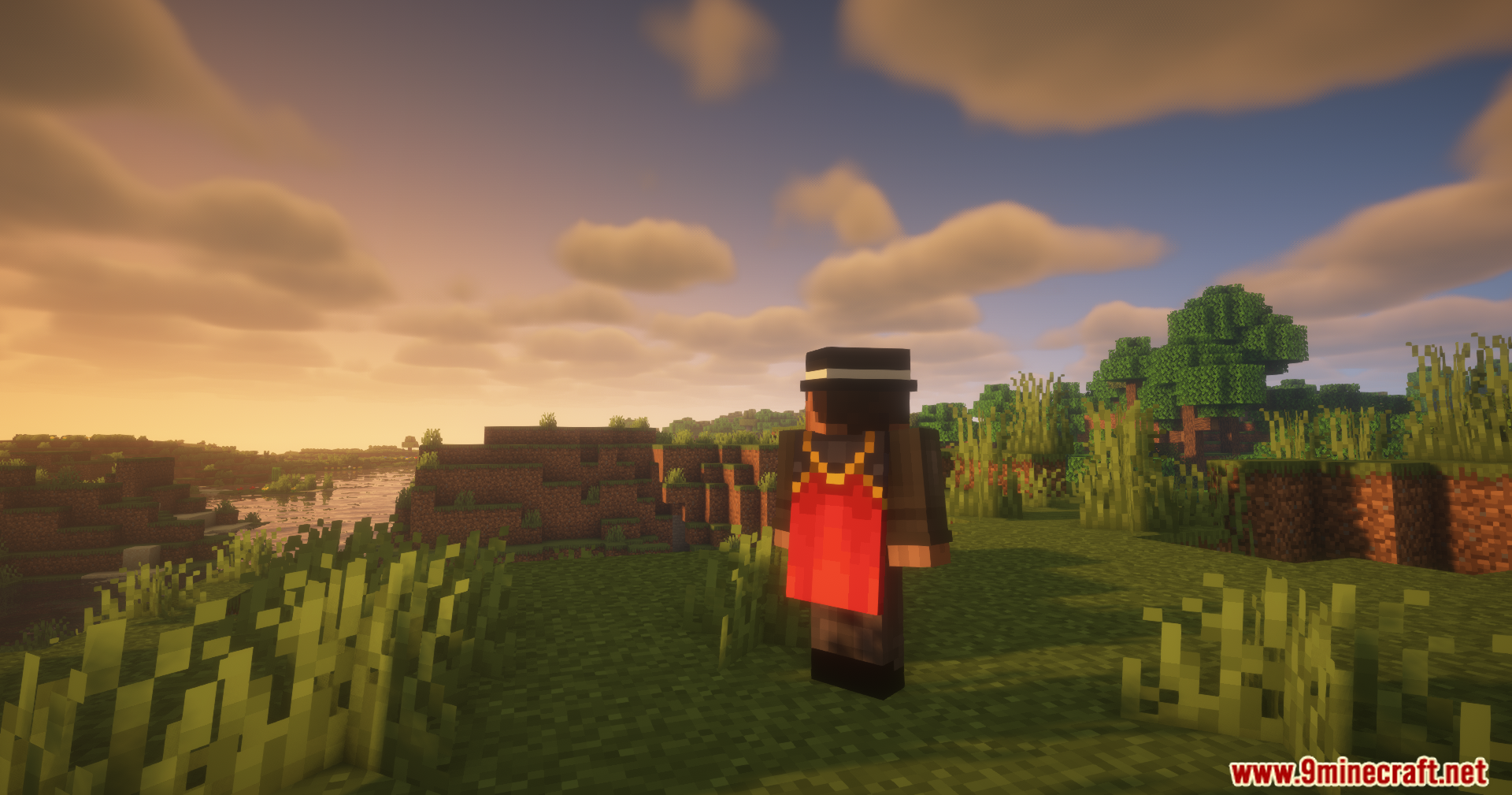
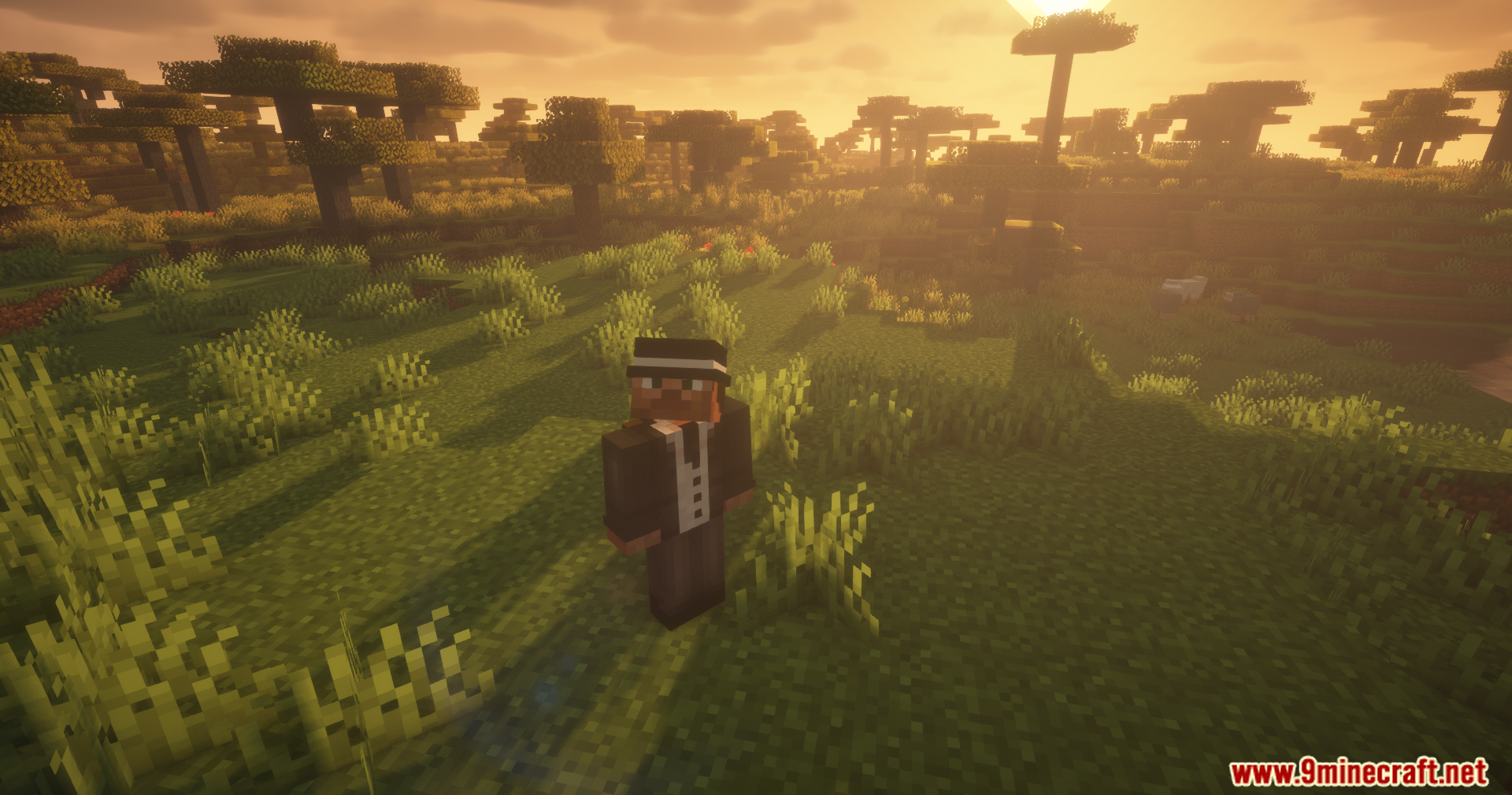

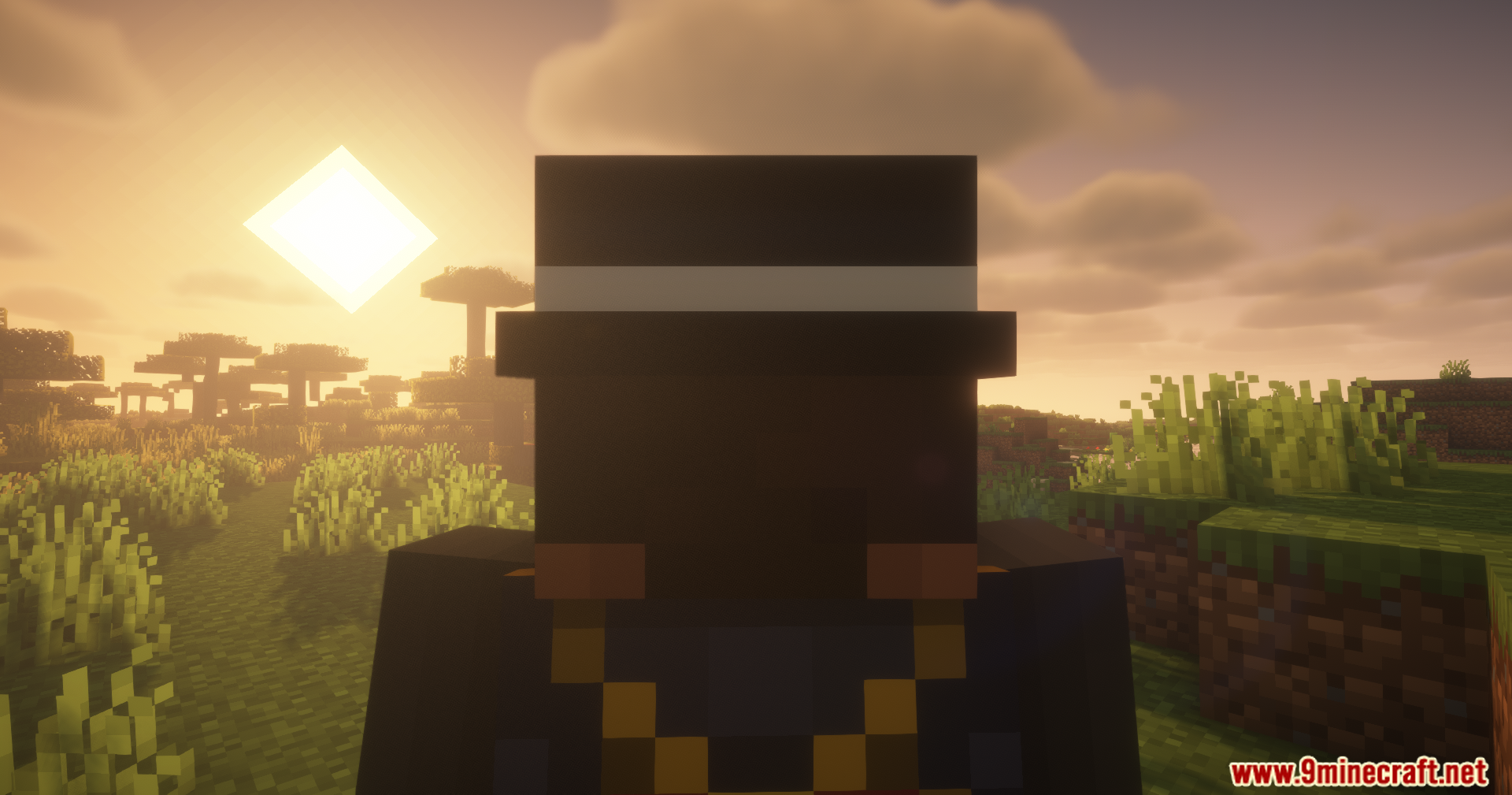
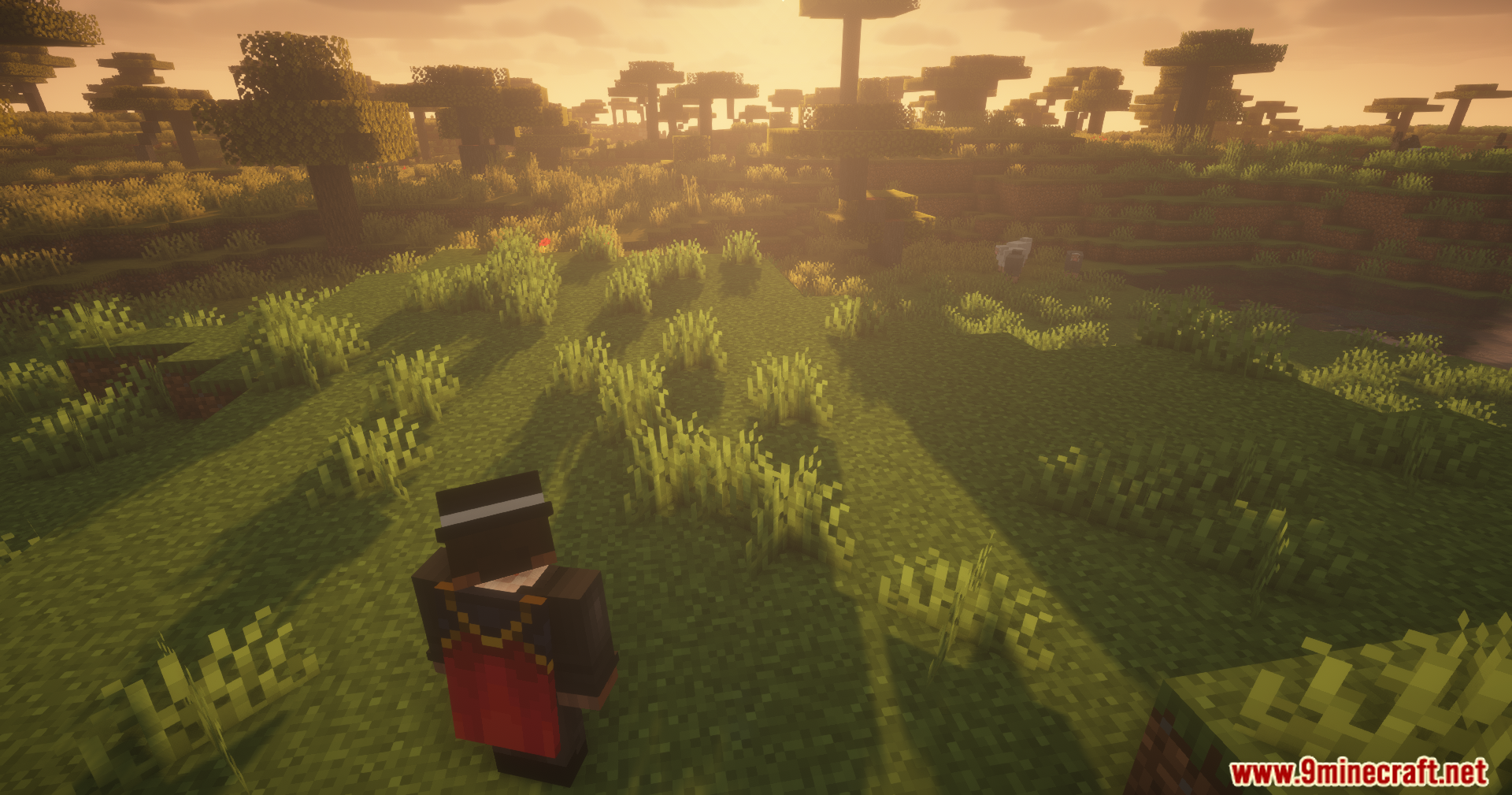
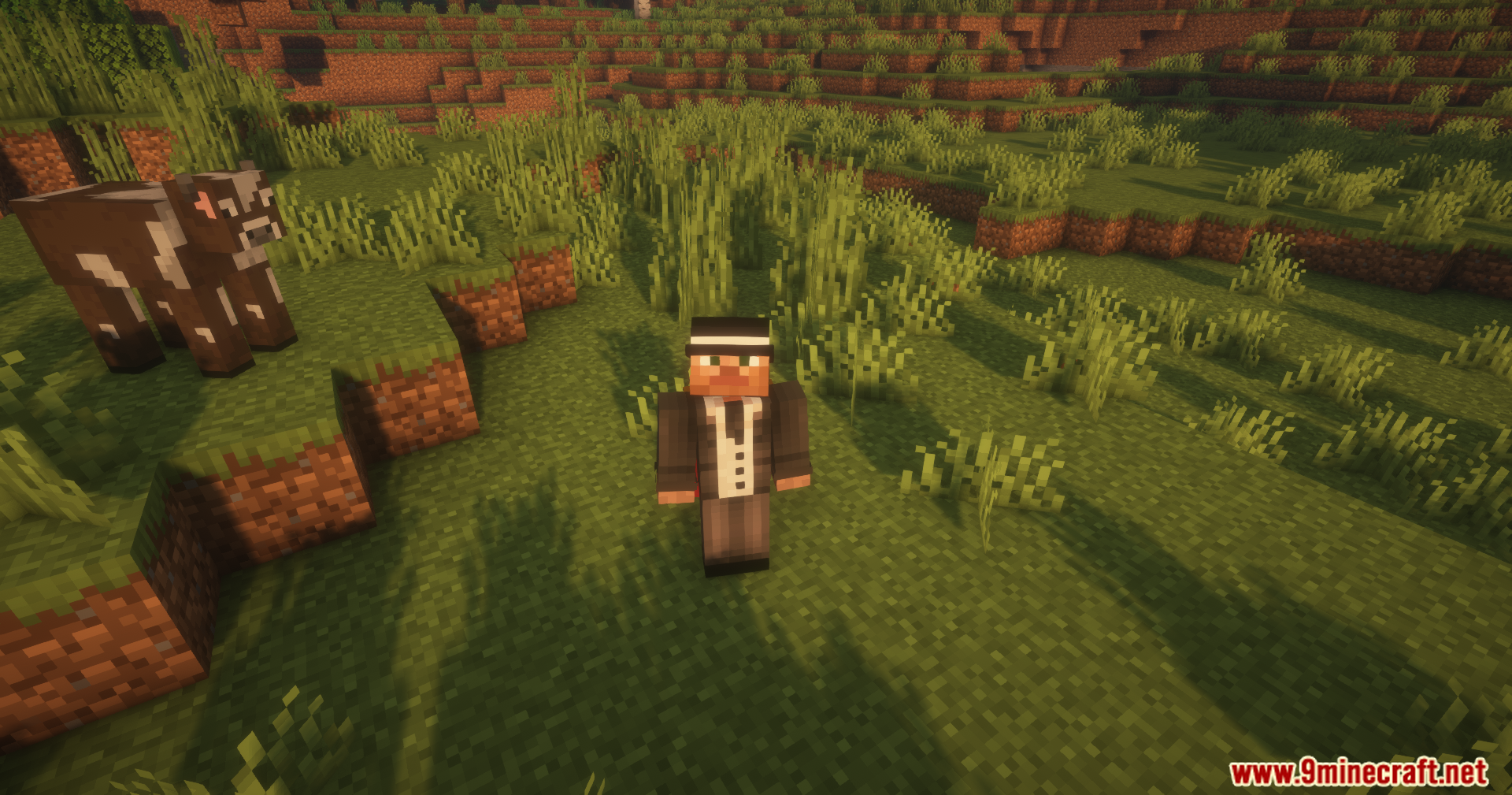
Countered’s Smooth F5 Mod smooths out the camera when you play in third-person view. This mod makes the camera follow your character naturally, giving your game a movie-like feel. Instead of stiff movements, your screen glides gently as you turn and run around the world.
Features:
- The camera follows your player with a gentle glide instead of locking stiffly to your body.
- Pressing the F5 key creates a soft transition between first-person and third-person views.
- You can open the config menu to adjust the camera settings to match your personal playstyle.
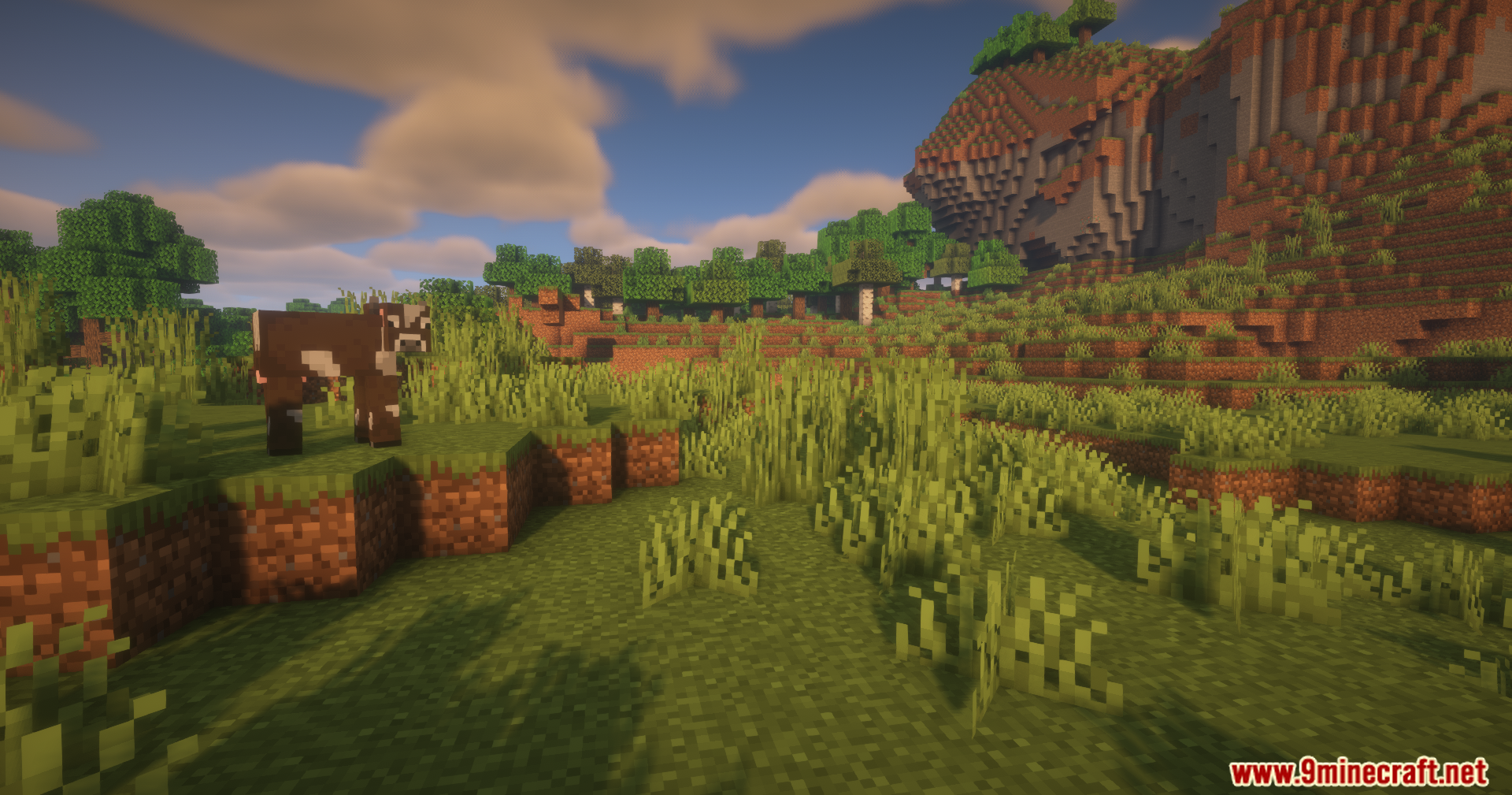
Screenshots:

Countered’s Smooth F5 Mod Download Links
Quick facts
- Edition: Minecraft Java
- File type: .jar
- Minecraft version listed: 1.20.1
- How to install: Install the matching mod loader (Forge, Fabric or NeoForge) for your Minecraft version. → Download the .jar. → Put it in the .minecraft/mods folder and launch that loader profile.
- Where to get it: In MC Java Mods, or directly above on this page.
Install steps are the general flow for this file type — How to install Minecraft Java mods & modpacks walks through it step by step.
Verified by MCModsHub
- Downloads as 89986.mcaddon
- Download size: 32 KB
- Download link checked 26 Sept 2026 — working
- Mirrored on our own servers — the download does not depend on the original host
These come from our own check of the pack file, not from the source page.