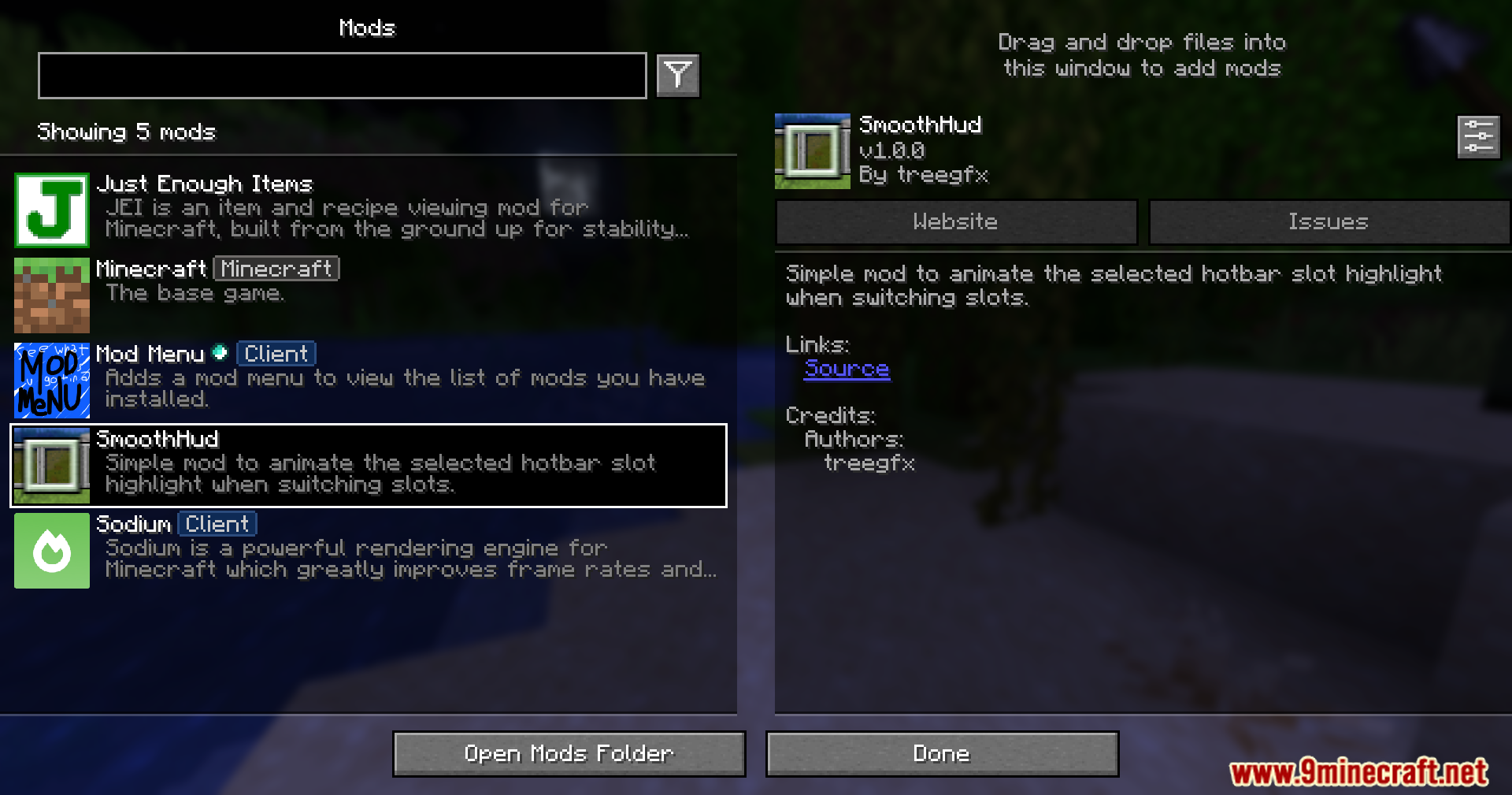
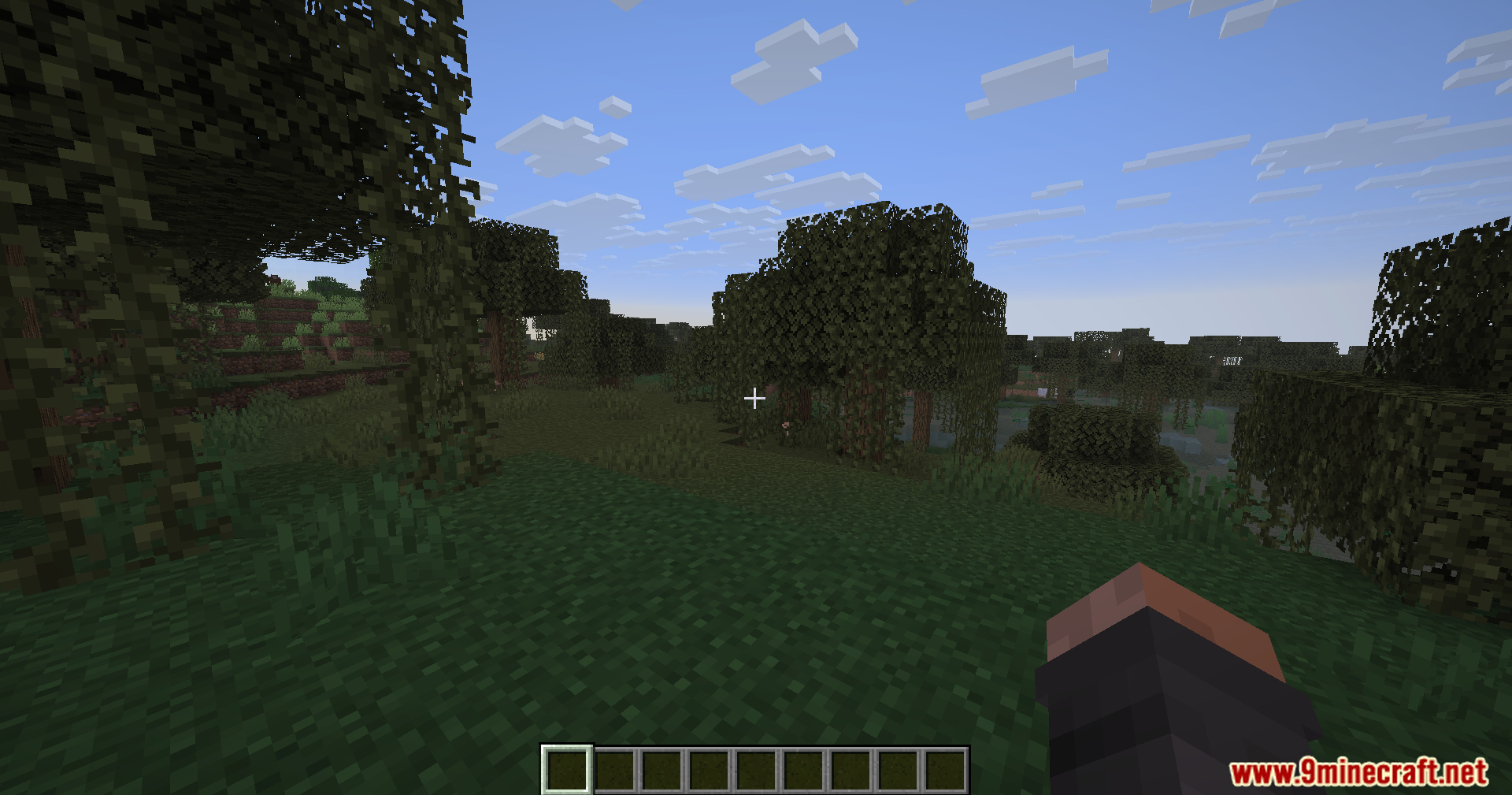
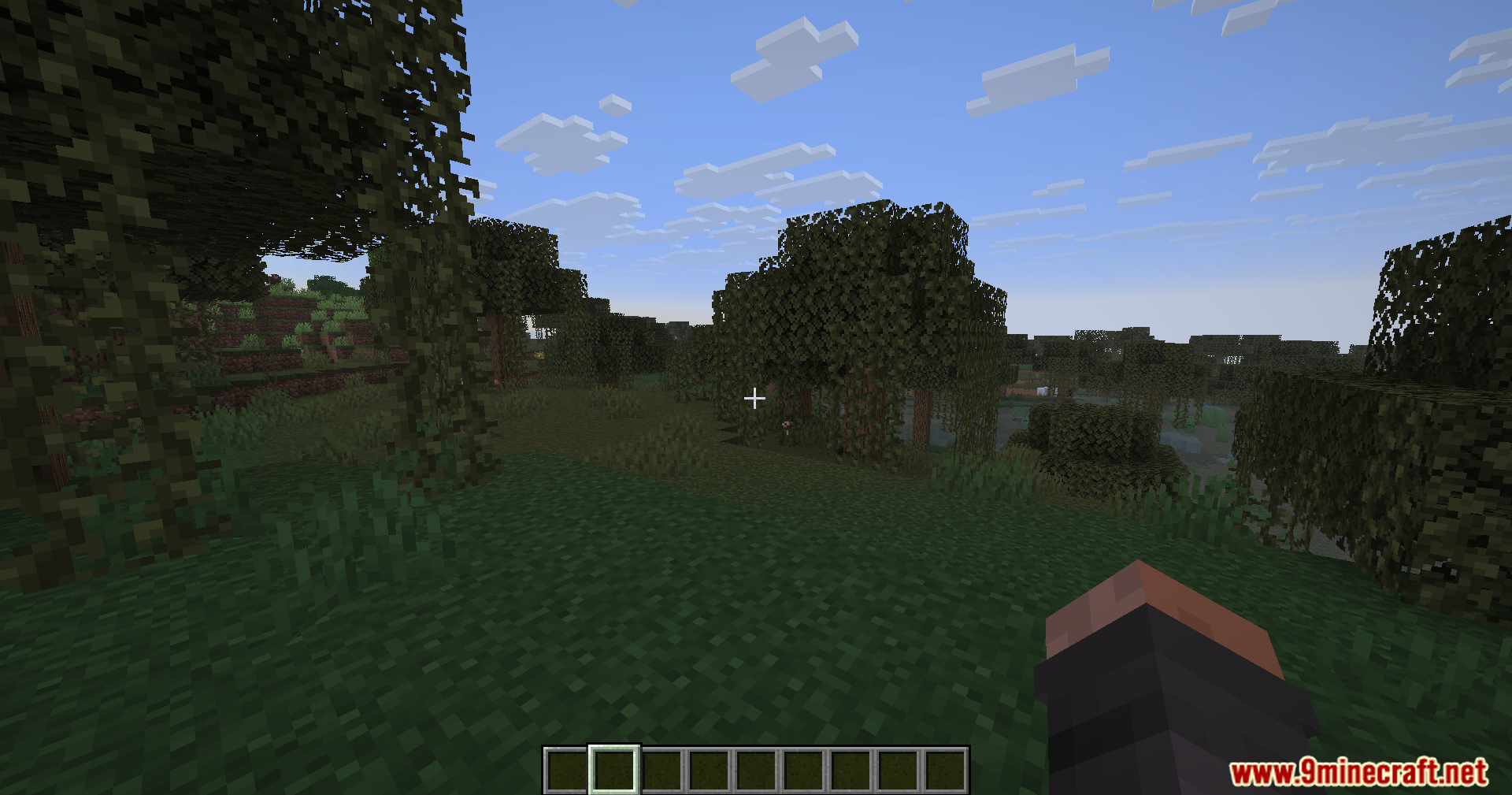
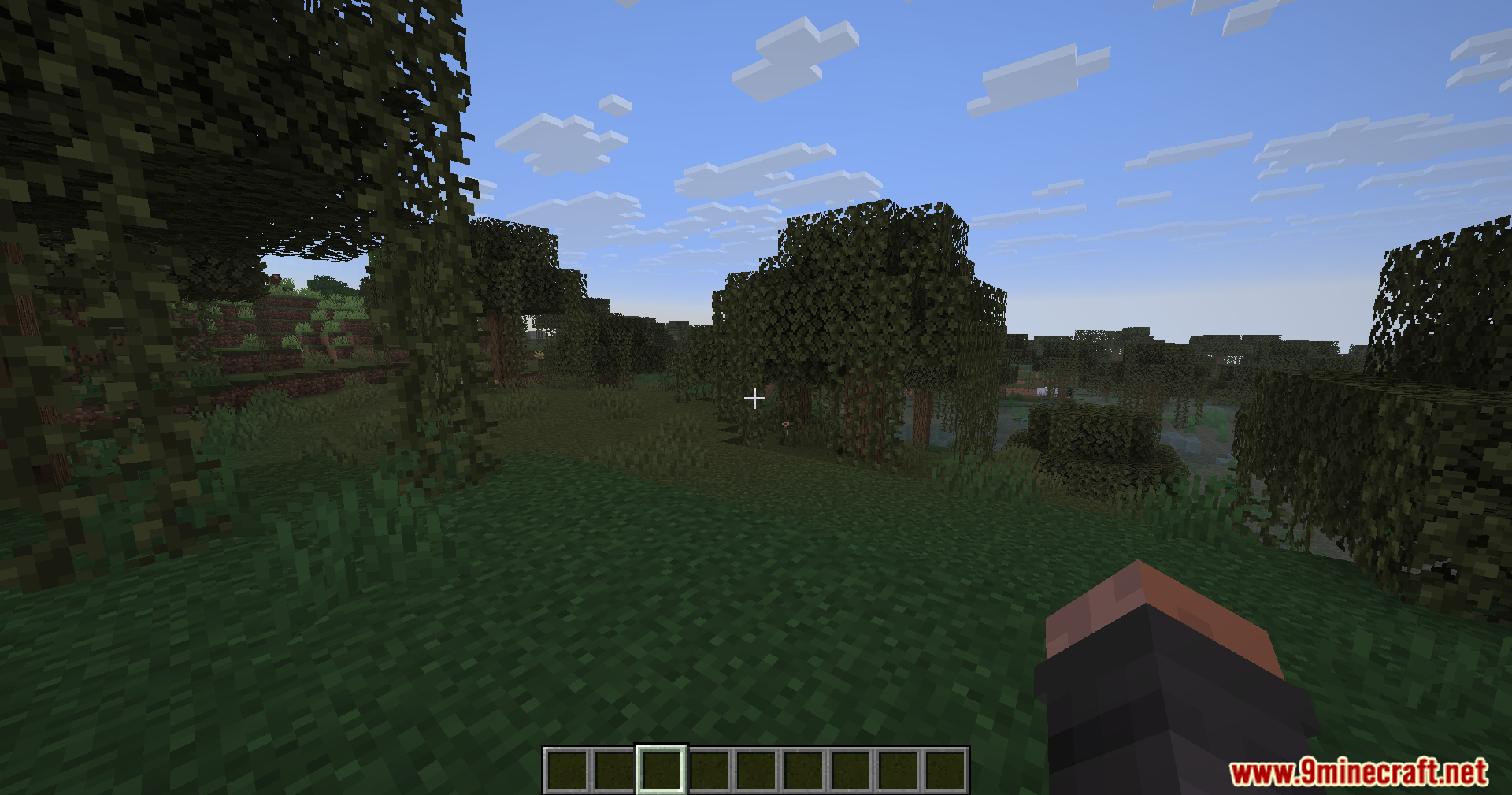
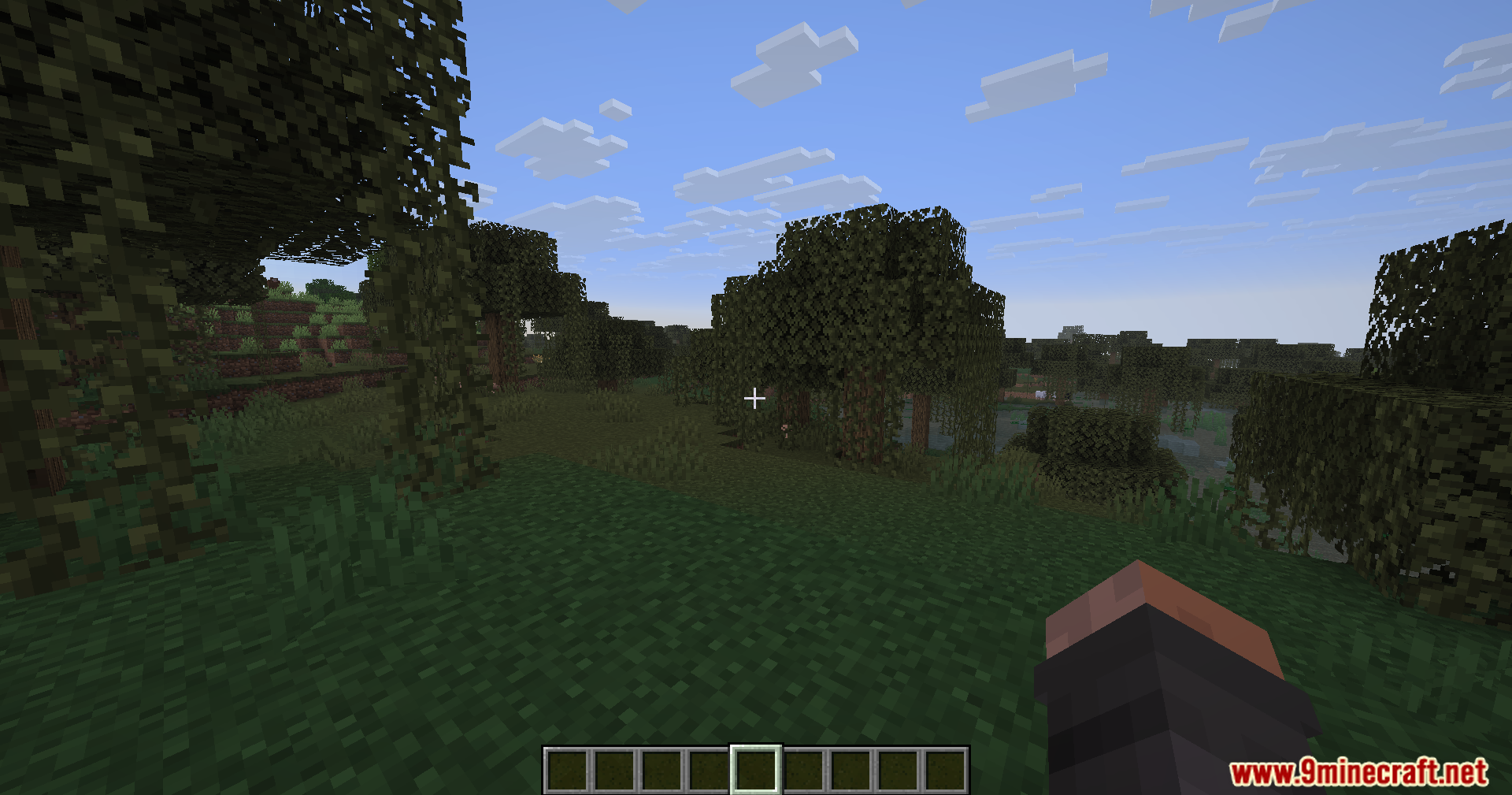
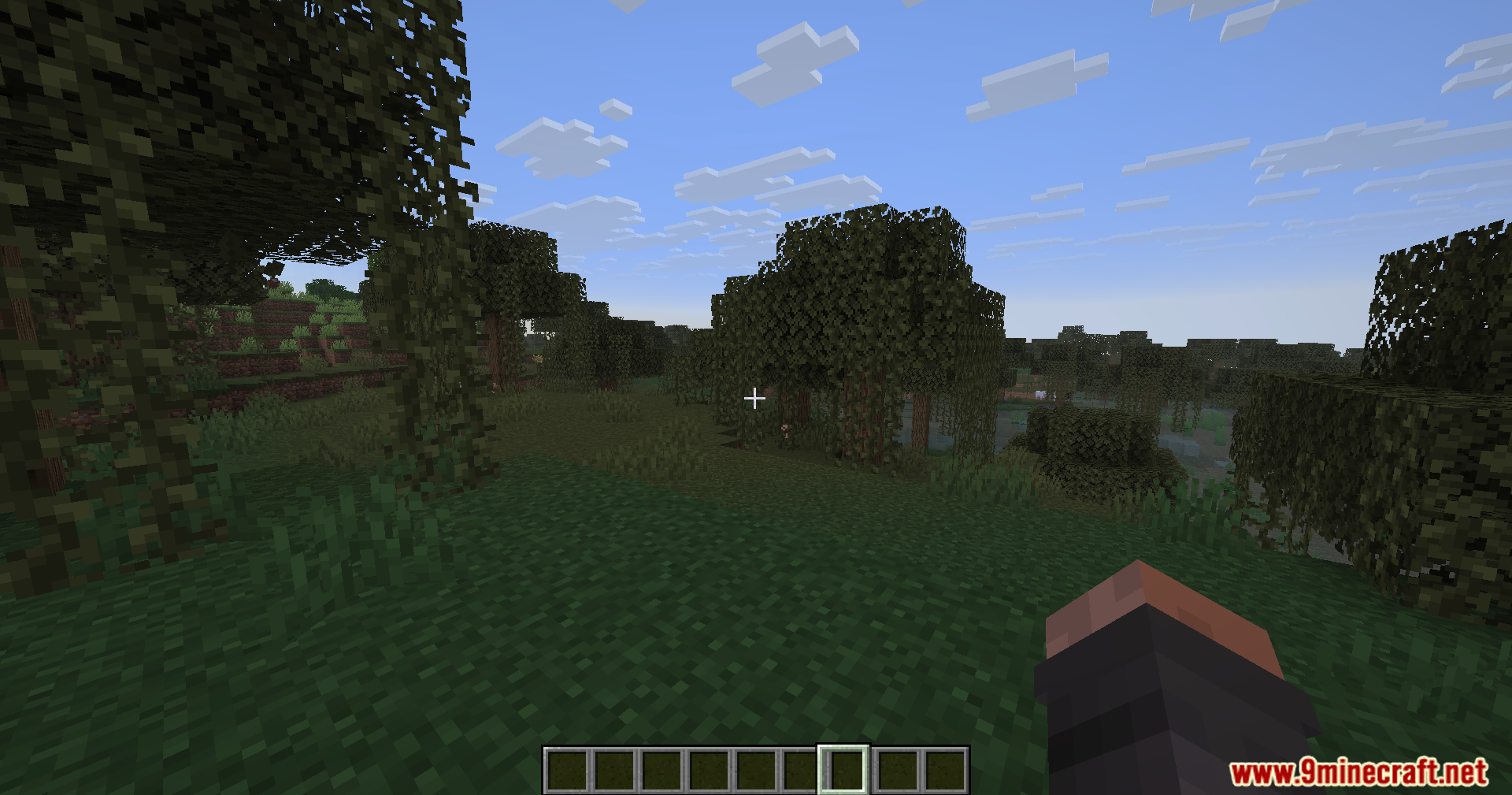
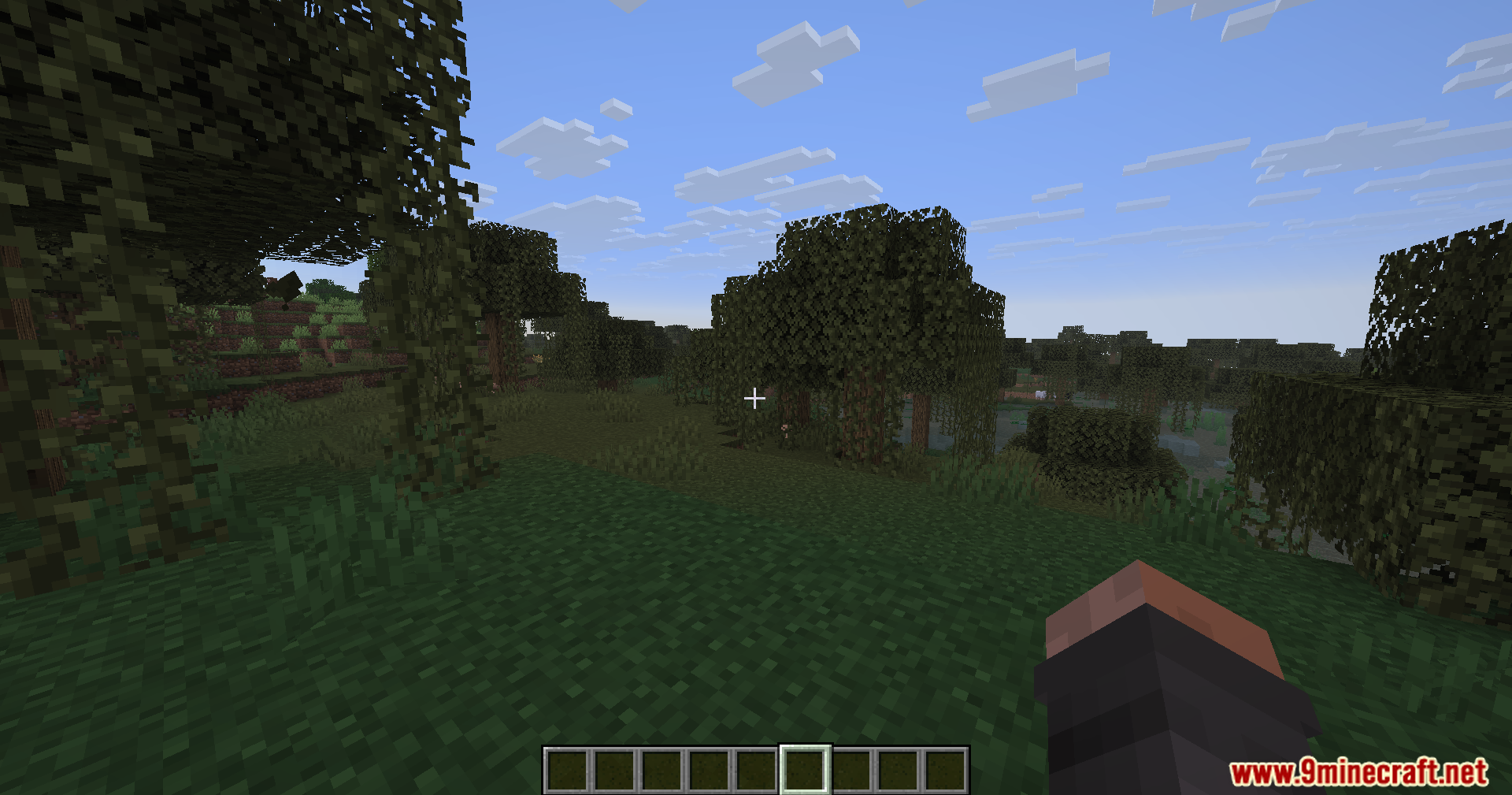
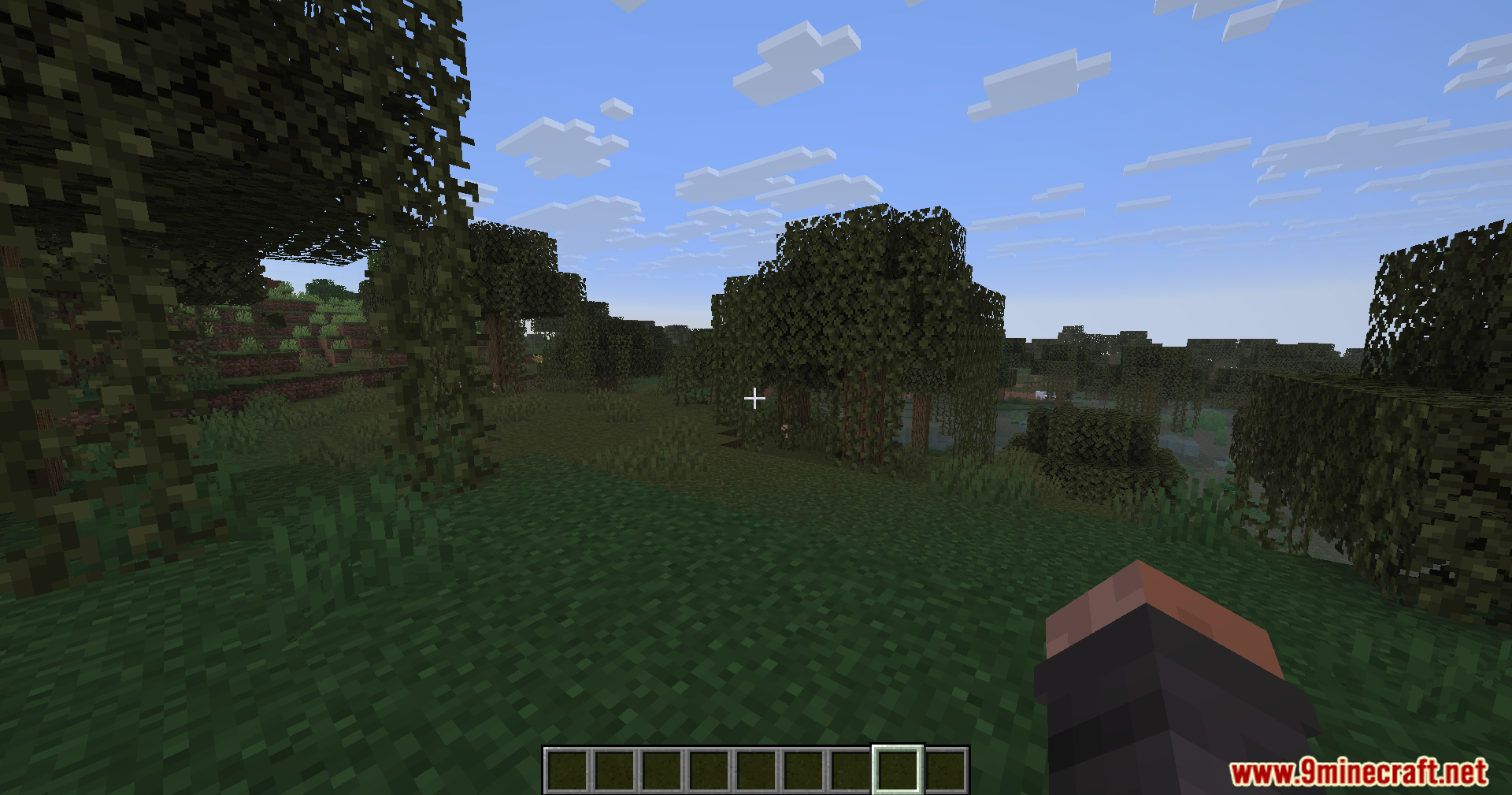
Smooth Hud Mod adds a simple sliding animation to your item hotbar. When you switch between your tools or blocks, the white selection box glides to the new slot instead of snapping there instantly. This small visual change makes picking items look much nicer during your daily gameplay.
Features:
- Adds a sliding animation to the white selection box on your item hotbar.
- Makes switching between blocks and tools look much cleaner on your screen.
- Includes a custom settings menu to change how the slide effect looks.
- Keeps your normal item switching speed exactly the same while updating the visuals.
How to Use:
- Use your mouse scroll wheel or press the number keys to switch items and watch the box slide.
- Open the mod settings menu in your game to adjust the animation options.
Screenshots:
Smooth Hud Mod Download Links
Quick facts
- Edition: Minecraft Java
- File type: .jar
- Minecraft version listed: 1.21.1
- How to install: Install the matching mod loader (Forge, Fabric or NeoForge) for your Minecraft version. → Download the .jar. → Put it in the .minecraft/mods folder and launch that loader profile.
- Where to get it: In MC Java Mods, or directly above on this page.
Install steps are the general flow for this file type — How to install Minecraft Java mods & modpacks walks through it step by step.
Verified by MCModsHub
- Downloads as 89989.mcaddon
- Download size: 55 KB
- Download link checked 24 Sept 2026 — working
- Mirrored on our own servers — the download does not depend on the original host
These come from our own check of the pack file, not from the source page.