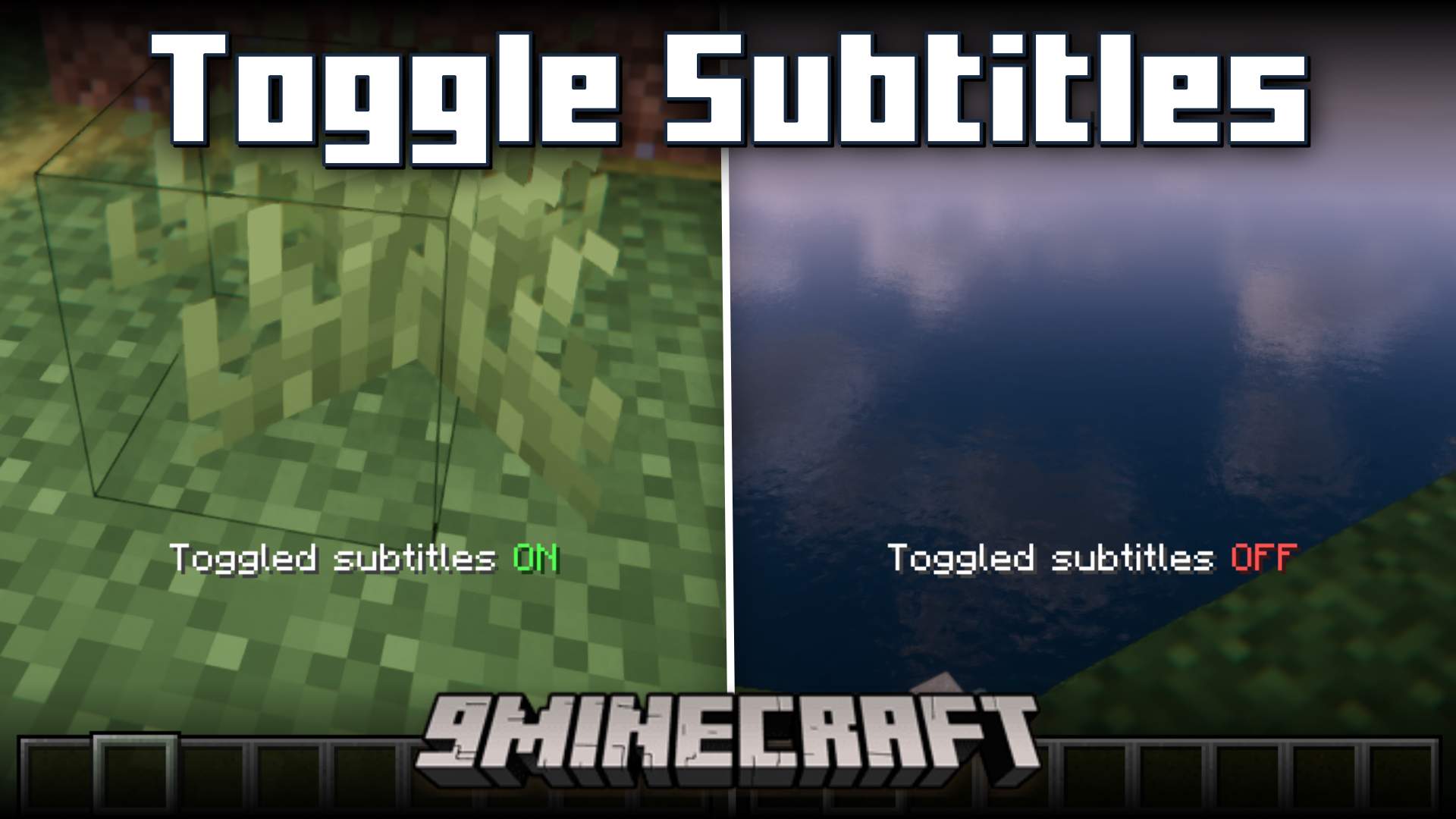
Toggle Subtitles Mod (26.2, 1.20.1) – Turn Subtitles ON/OFF Using Keybinds
Java mod listed for Minecraft 1.20. Downloads from the MC Java Mods app on Android.
⬇ Download
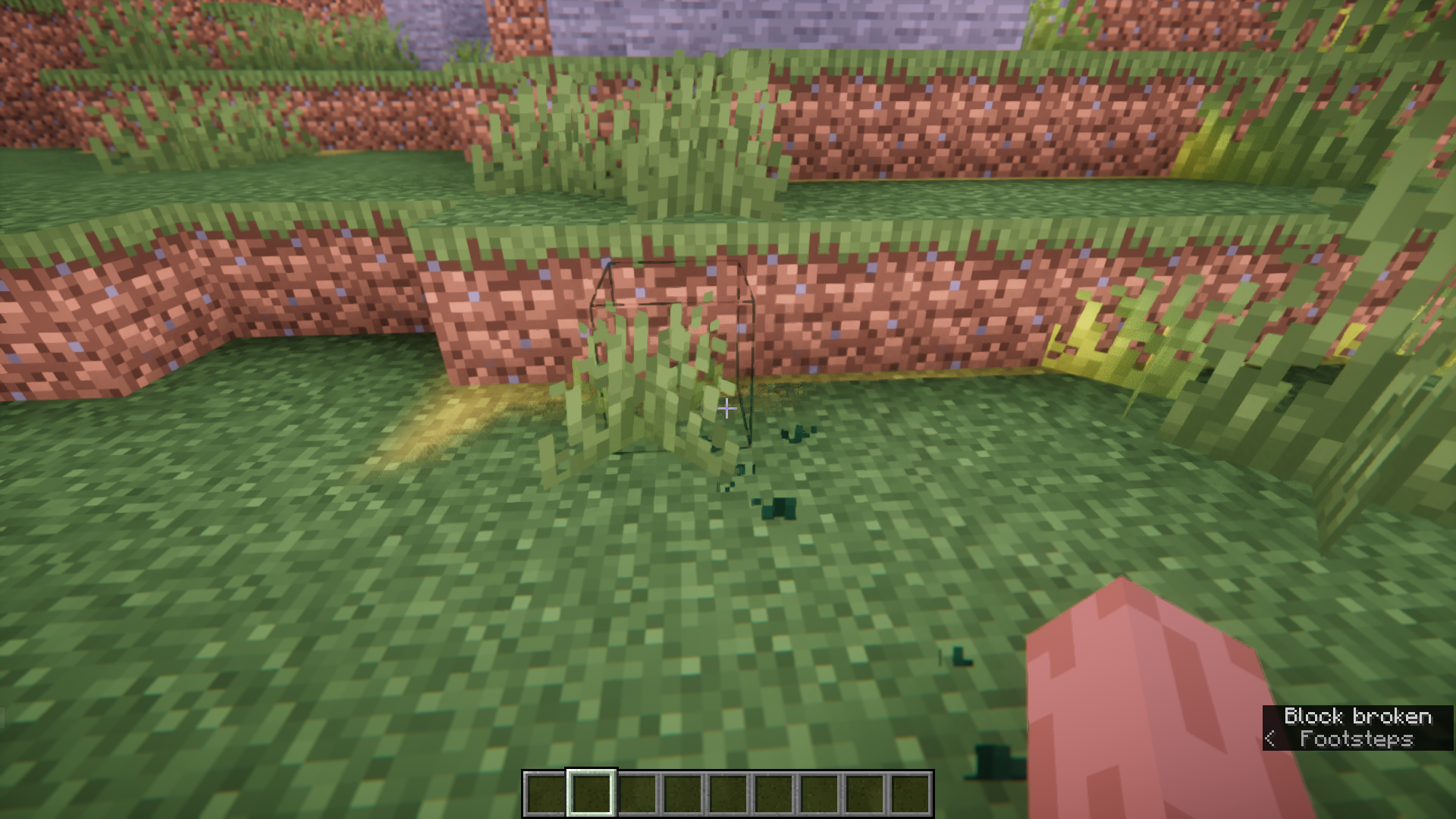
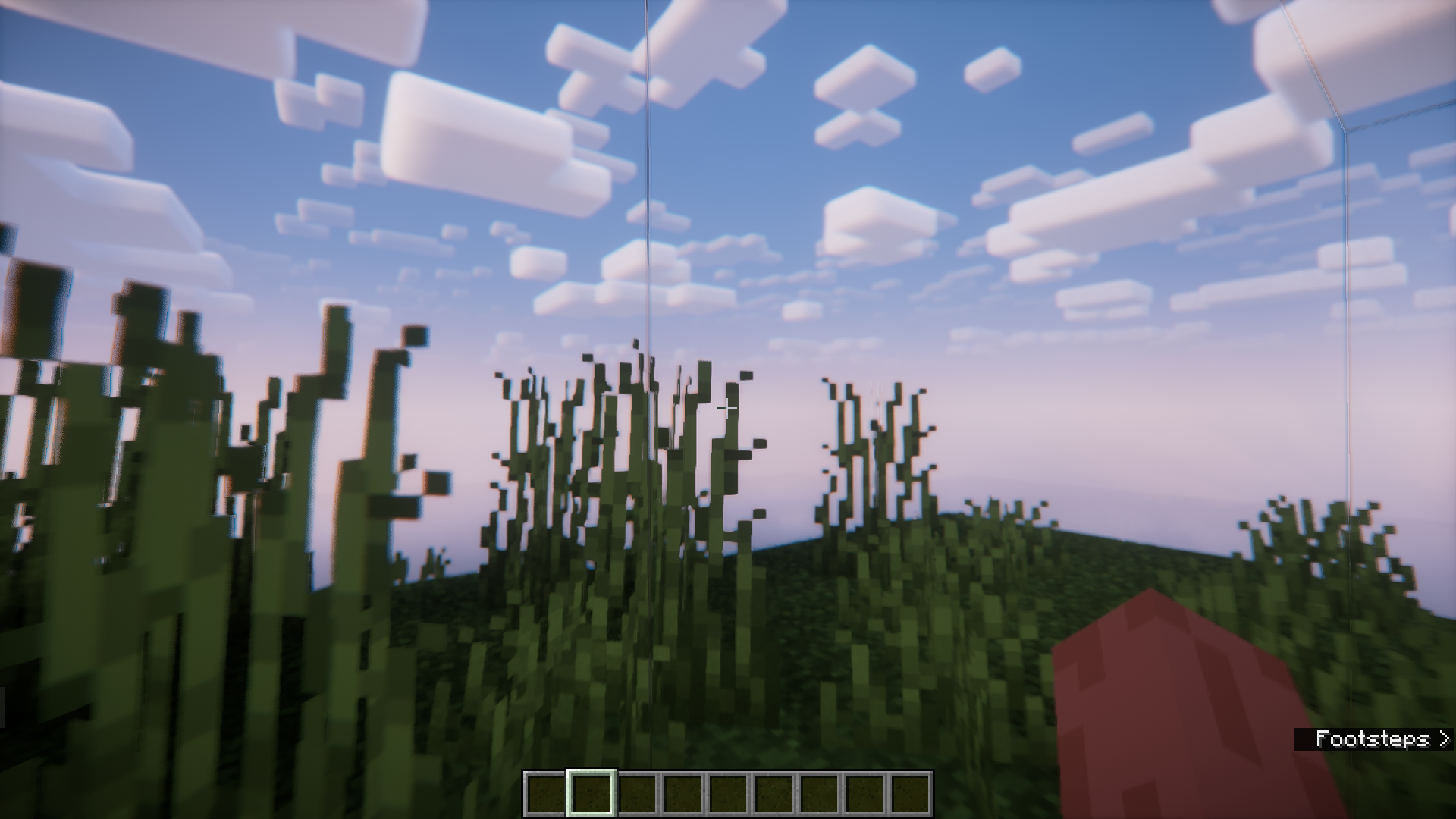
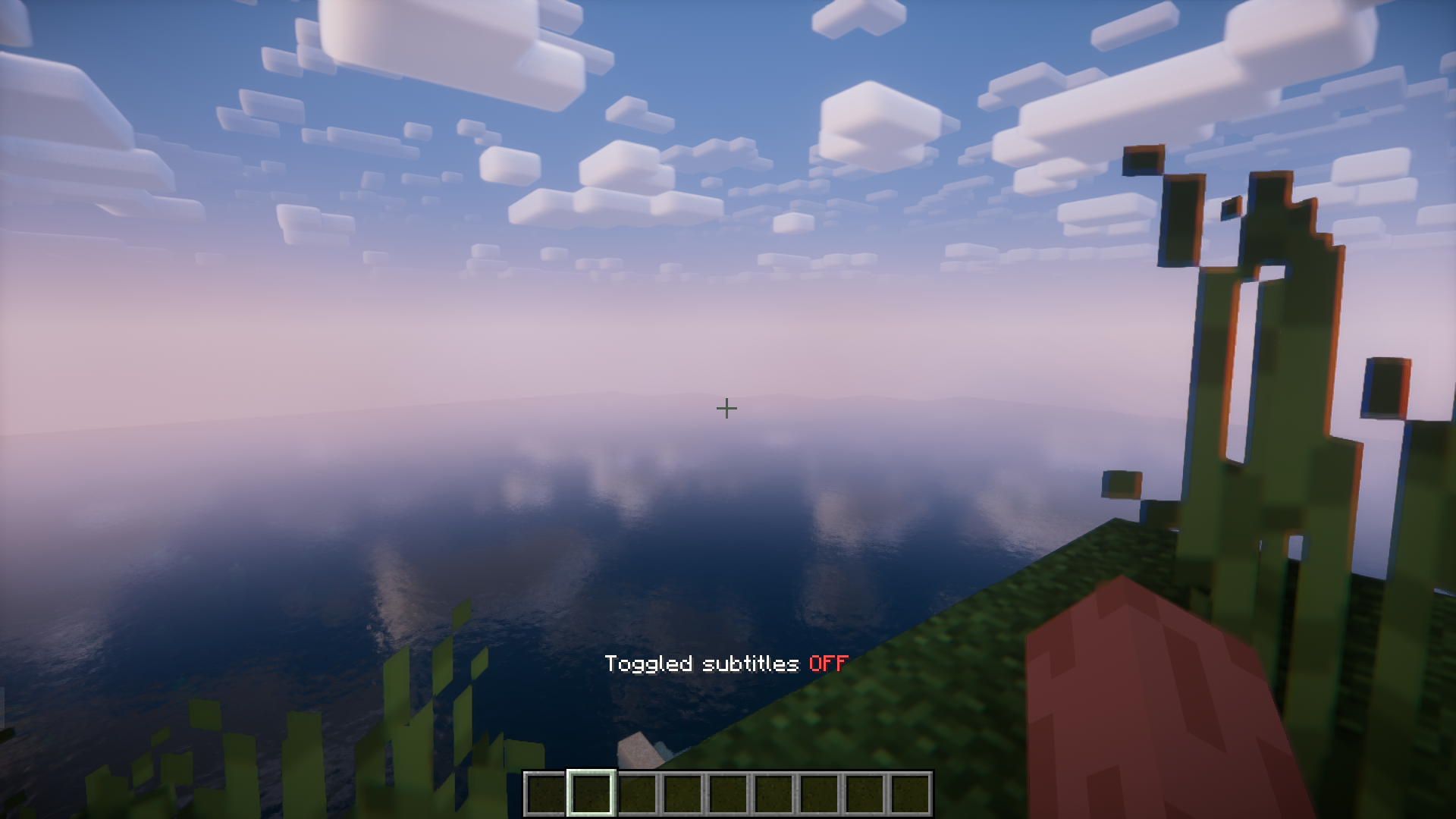
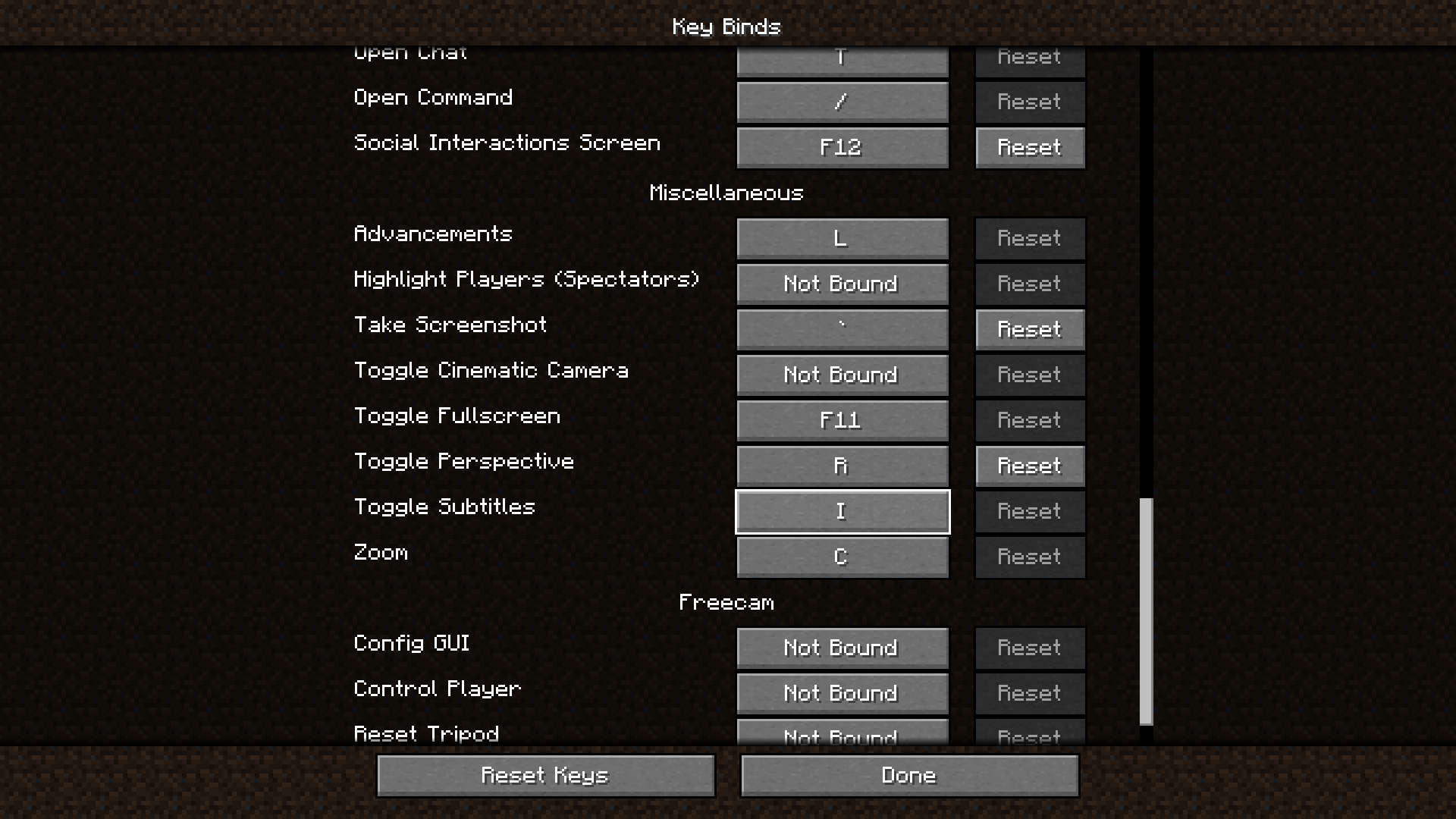
Subtitles in Minecraft help you understand more about your in-game surroundings more than what you see on your screen. They can be extremely useful when dealing with mobs like the warden, where sound plays a major role. But subtitles can also be annoying at times. They take up screen space and may ruin the beauty of your screenshots. Navigating to the game settings every time you need to turn subtitles ON/OFF can be an inconvenience. Toggle Subtitles Mod is here with the solution. This mod adds a keybind that you can press to toggle subtitles. The keybind is set to “i” by default, but it can be configured to your liking in the keybind settings.
Features:
- Adds a keybind to toggle subtitles ON/OFF.
- No need to navigate to the game settings anymore.
- The Keybind is “i” by default and can be configured.
Screenshots:
Toggle Subtitles Mod Download Links
- Edition: Minecraft Java
- File type: .jar
- Minecraft version listed: 1.20.1
- How to install: Install the matching mod loader (Forge, Fabric or NeoForge) for your Minecraft version. → Download the .jar. → Put it in the .minecraft/mods folder and launch that loader profile.
- Where to get it: In MC Java Mods, or directly above on this page.
Install steps are the general flow for this file type — How to install Minecraft Java mods & modpacks walks through it step by step.
- Downloads as 89990.mcaddon
- Download size: 31 KB
- Download link checked 22 Sept 2026 — working
- Mirrored on our own servers — the download does not depend on the original host
These come from our own check of the pack file, not from the source page.