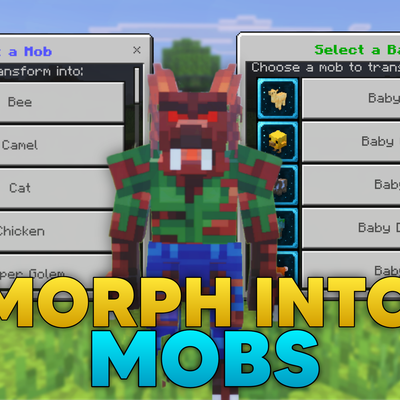
Morph Into Mobs
Bedrock add-on listed for Minecraft 1.21–26.x (behavior + resource pack). File opened and checked on 19 Oct 2026; installs from the MC Bedrock Mods app on Android.
⬇ Download on CurseForge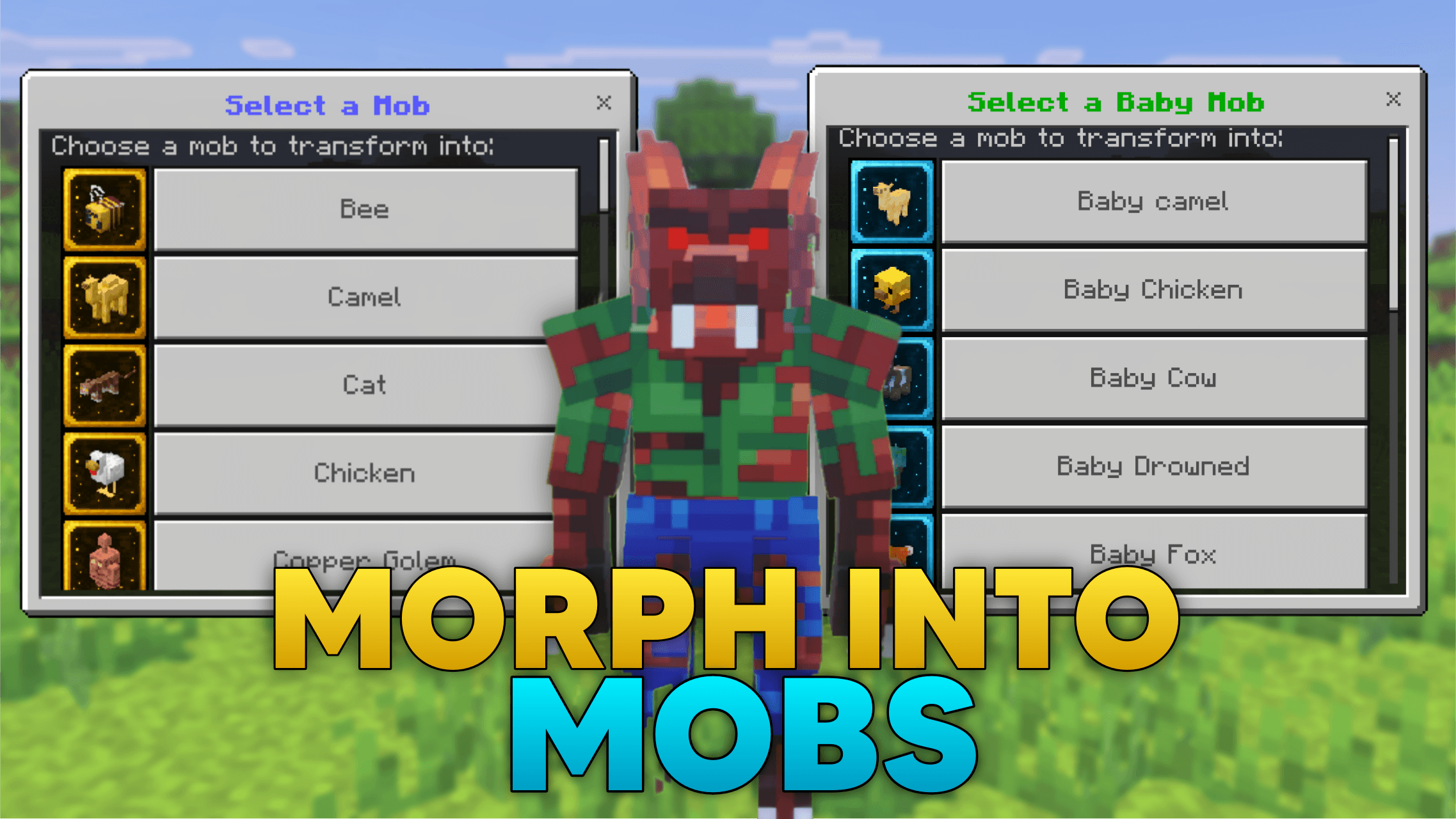
Want to become cute Baby Mobs or Custom Mobs in Minecraft PE?
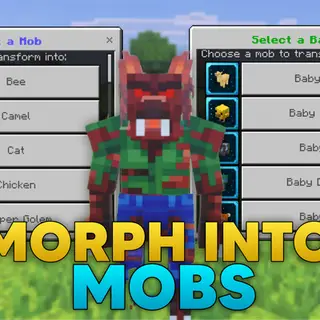
With Morph Into Mobs, you can transform into many different mobs and use their special abilities.
Features:
- Morph into many Latest vanilla Minecraft mobs.
- Become cute Baby Mobs from the latest Tiny Takeover update.
- Transform into Custom Mobs like Windigo, Werewolf, and T-Rex.
- Use special mob abilities.
How To Use:
1. Activate both the Resource Pack and Behavior Pack before entering your world.
2. Craft the Morph Menu item using the recipe shown in the screenshots.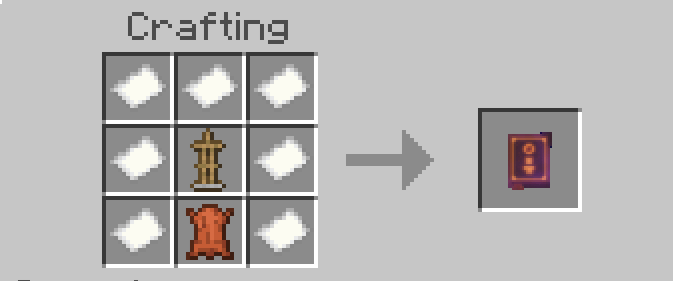
3. Use the item to open the Morph Menu.
4. Choose a Category: The addon includes multiple categories:
Mobs: Contains many latest vanilla Minecraft mobs that you can transform into.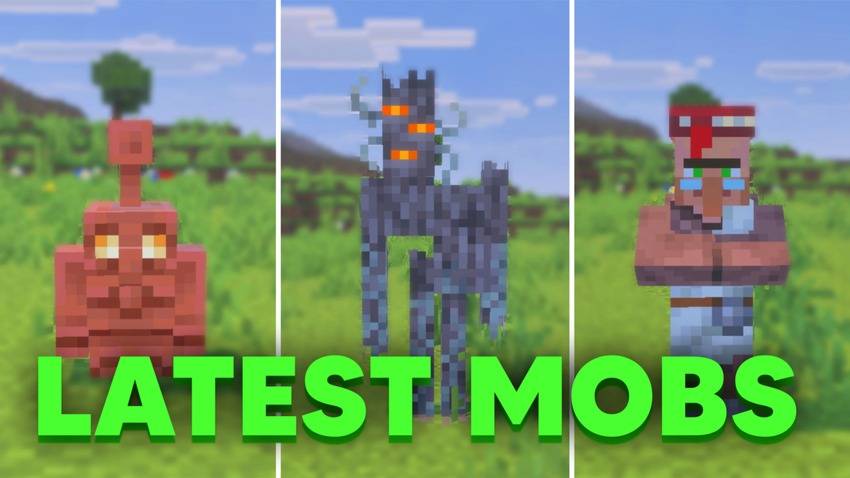
Baby Mobs: Contains cute baby versions of various mobs from recent Minecraft Tiny Takeover update.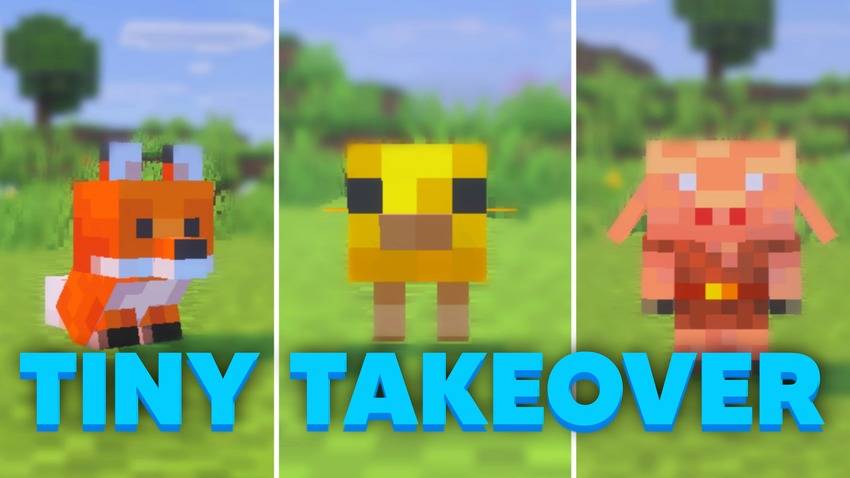
Custom Mobs: Contains custom Mobs.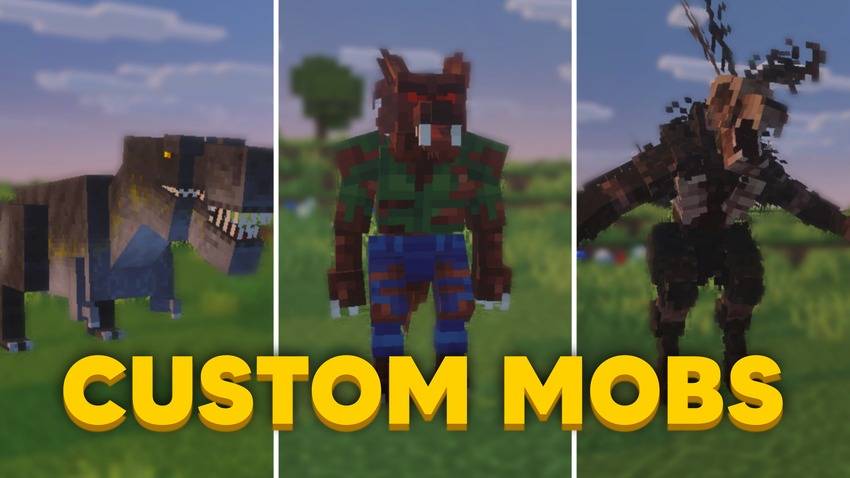
5. Morph Into a Mob: Simply press the morph button of the mob you want to become.
6. Special Abilities, Some mobs have unique abilities.
- Spider: Climb walls just like a real spider.
- Enderman: Teleport to nearby locations.
- Creeper: Create an explosion ability.
- Warden: Use the Darkness Ability, Nearby players will receive the Blindness effect.
More abilities will be added in future updates.
7. Camera Mode: If you want to change your camera view after morphing, use the Camera Item.
This allows you to switch between:
First Person
Third Person
Some mobs currently have First Person disabled because of visual glitches. It will be re-enabled once a proper fix is available.
8. Back To Player: Open the Morph Menu and press the Back To Player button at the bottom of the menu.
9. This addon is currently in Beta. Some features may be added, changed, or removed in future updates. You may also encounter bugs or visual glitches while using the addon.
Let me know in the comments which mobs and abilities you would like to see in future updates.
10. Watch this video for better understanding:
- Edition: Minecraft Bedrock
- File type: .mcpack or .mcaddon
- Minecraft versions listed: 26.0.02, 26.0, 26.3
- How to install: Download the .mcpack or .mcaddon file. → Open it — Minecraft imports it. → In your world: Behavior Packs → Available → Activate, then the same under Resource Packs.
- Where to get it: Opens on CurseForge — not every file is mirrored on our own servers.
Install steps are the general flow for this file type — How to install Minecraft Bedrock addons & mods walks through it step by step.
- Pack type: .mcaddon — behaviour and resource pack in one file
- Manifest requires Minecraft 1.21.40 or newer
- Complete pack — everything it depends on is inside the file
- Download size: 16.0 MB
- Download link checked 7 Oct 2026 — working
These come from our own check of the pack file, not from the source page.