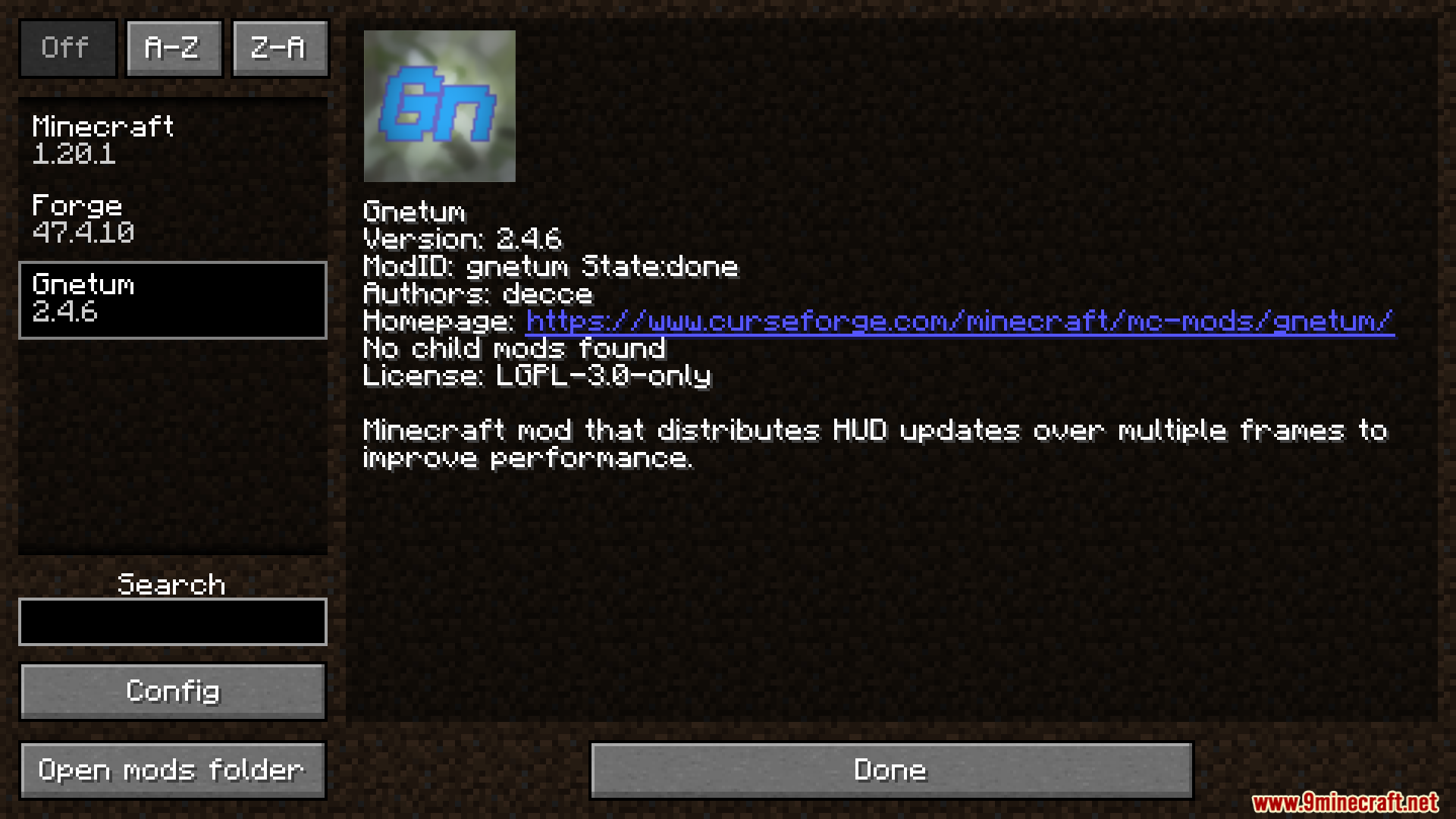
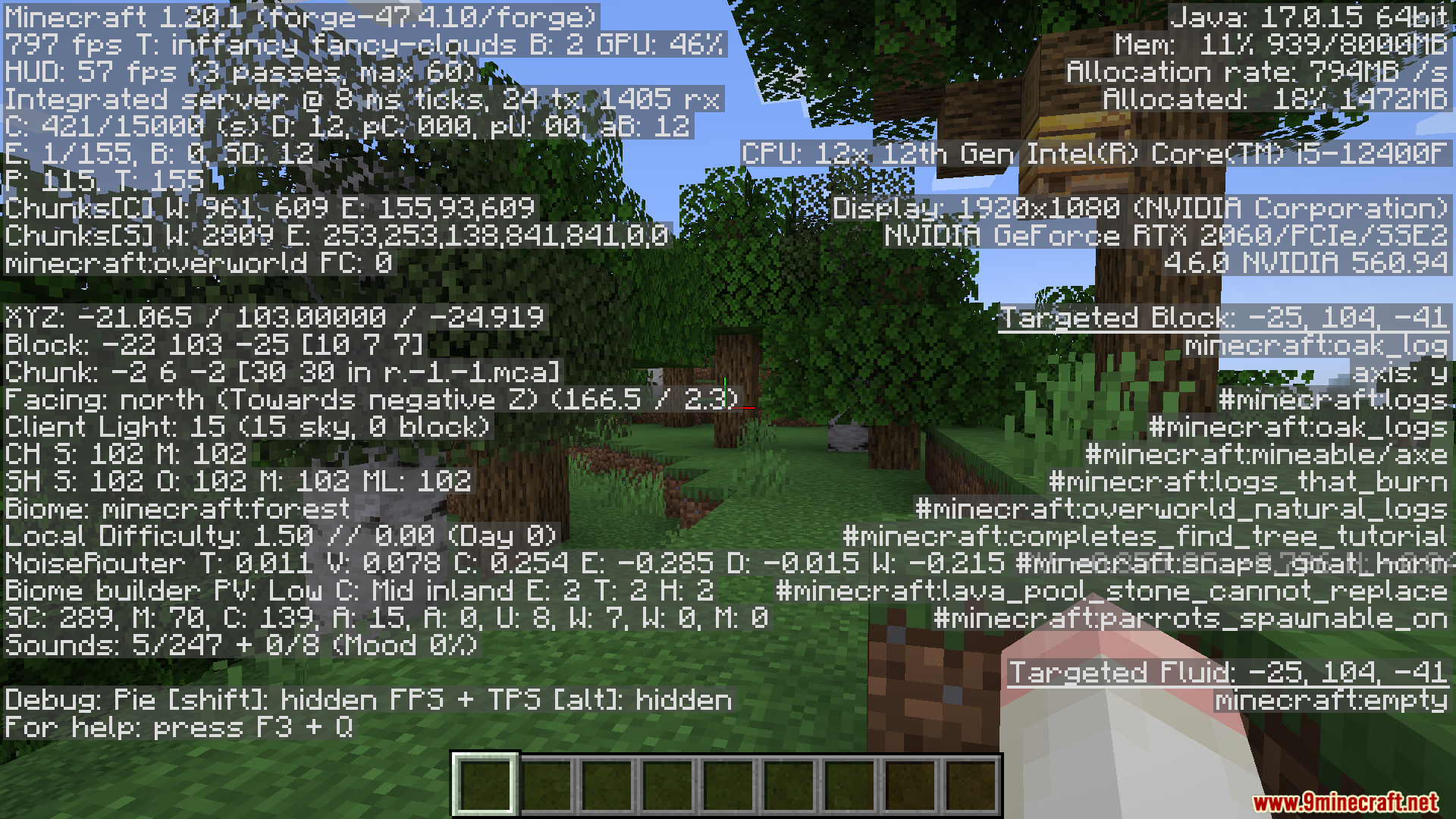
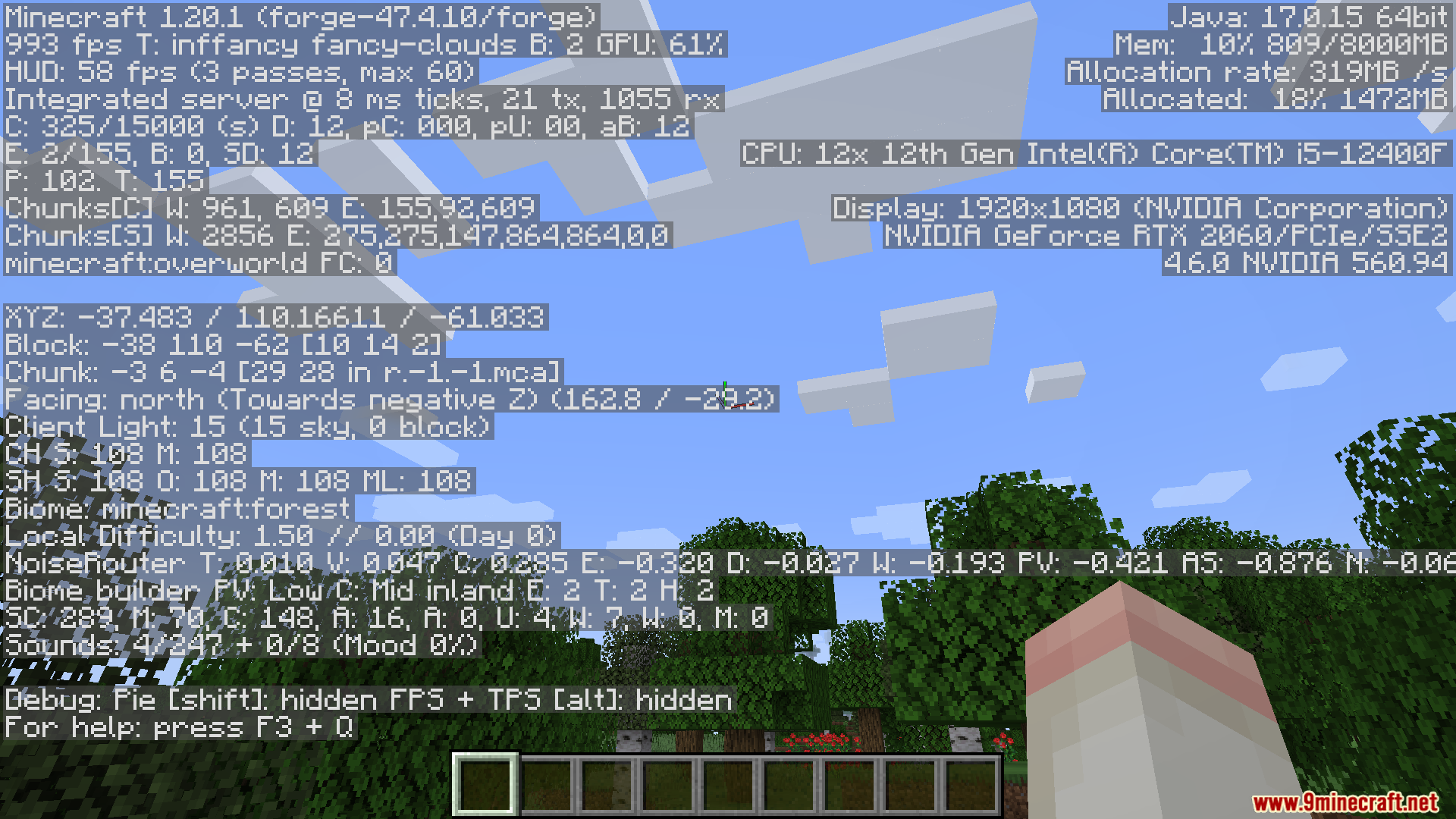
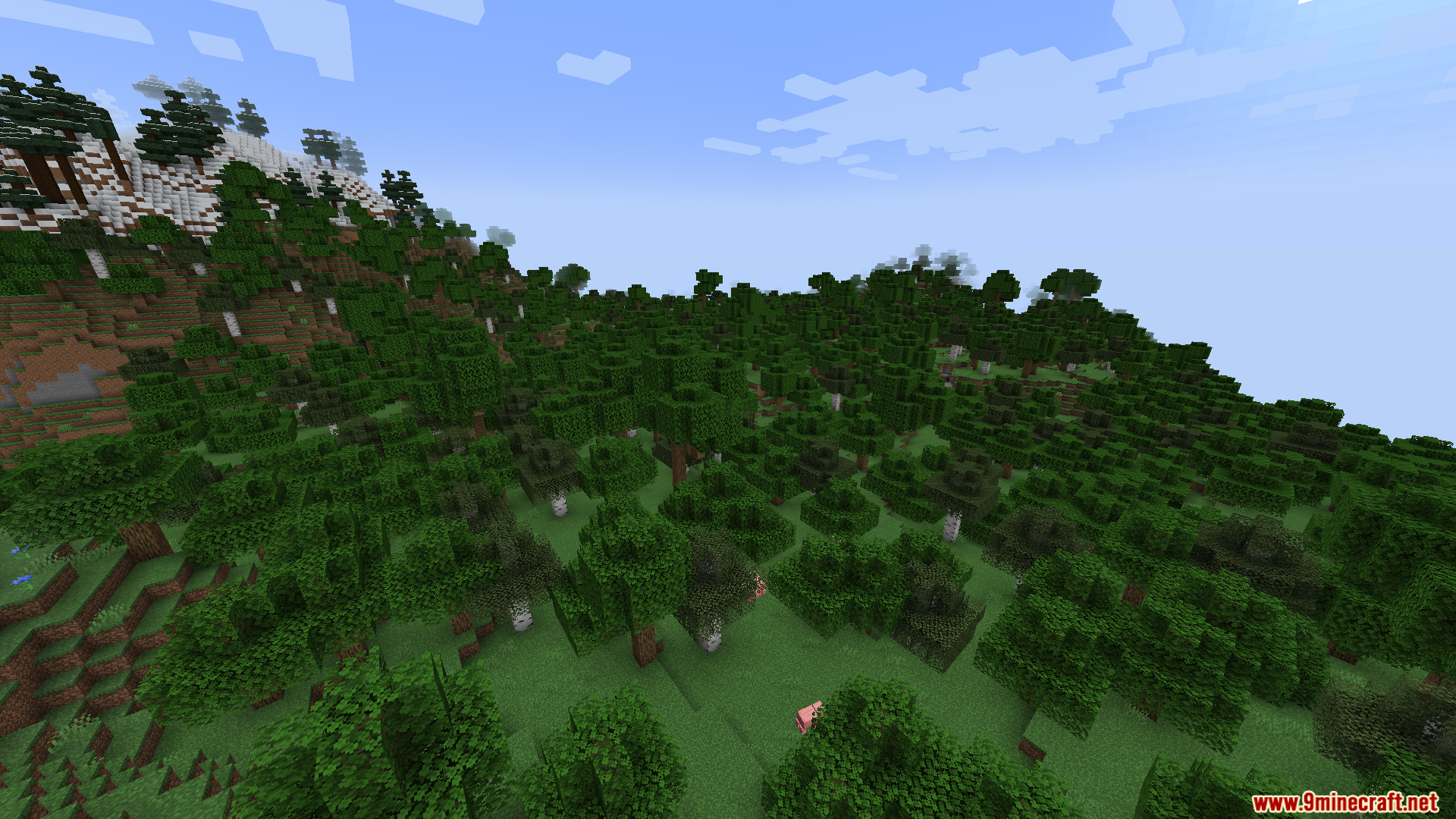
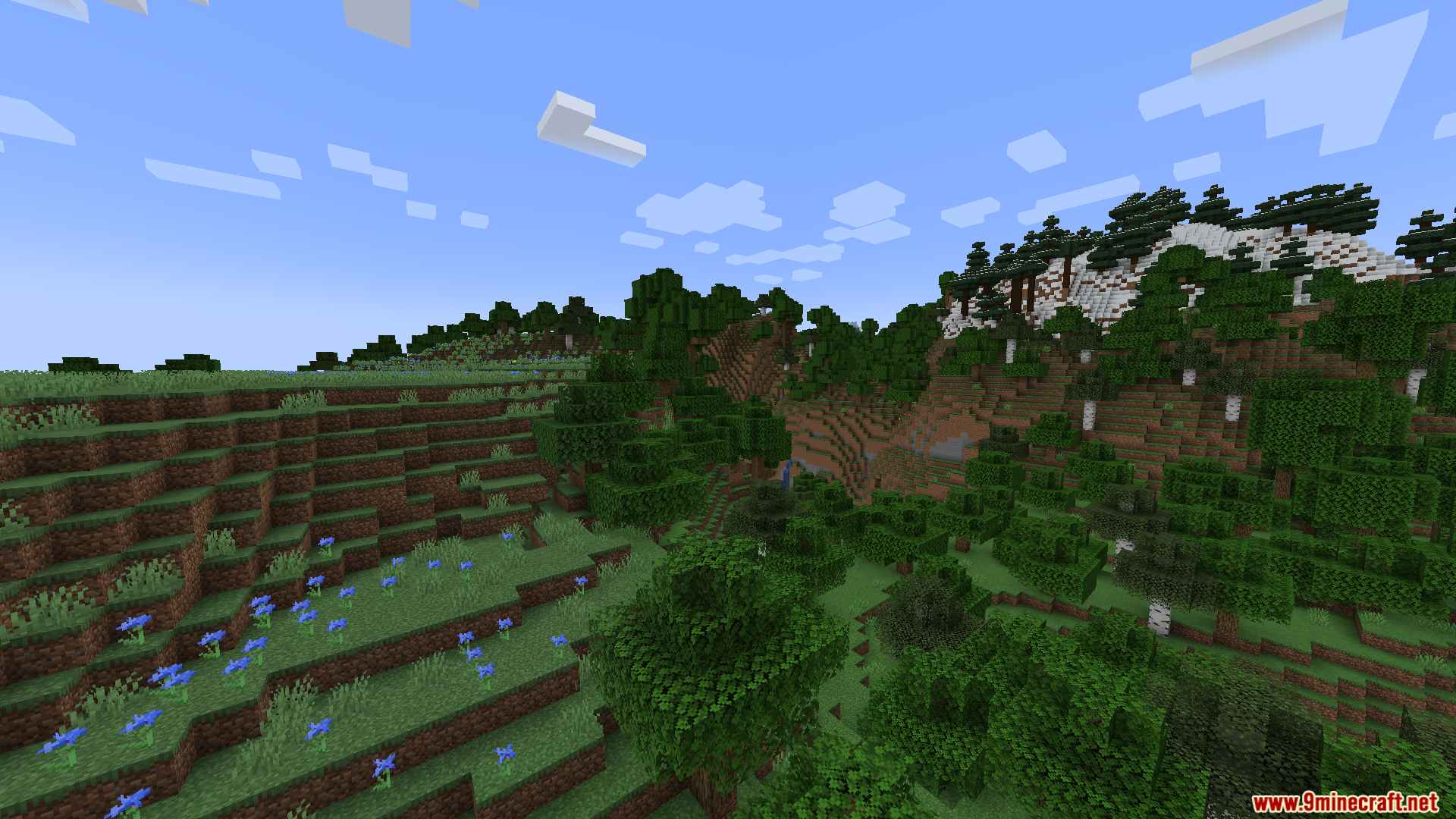
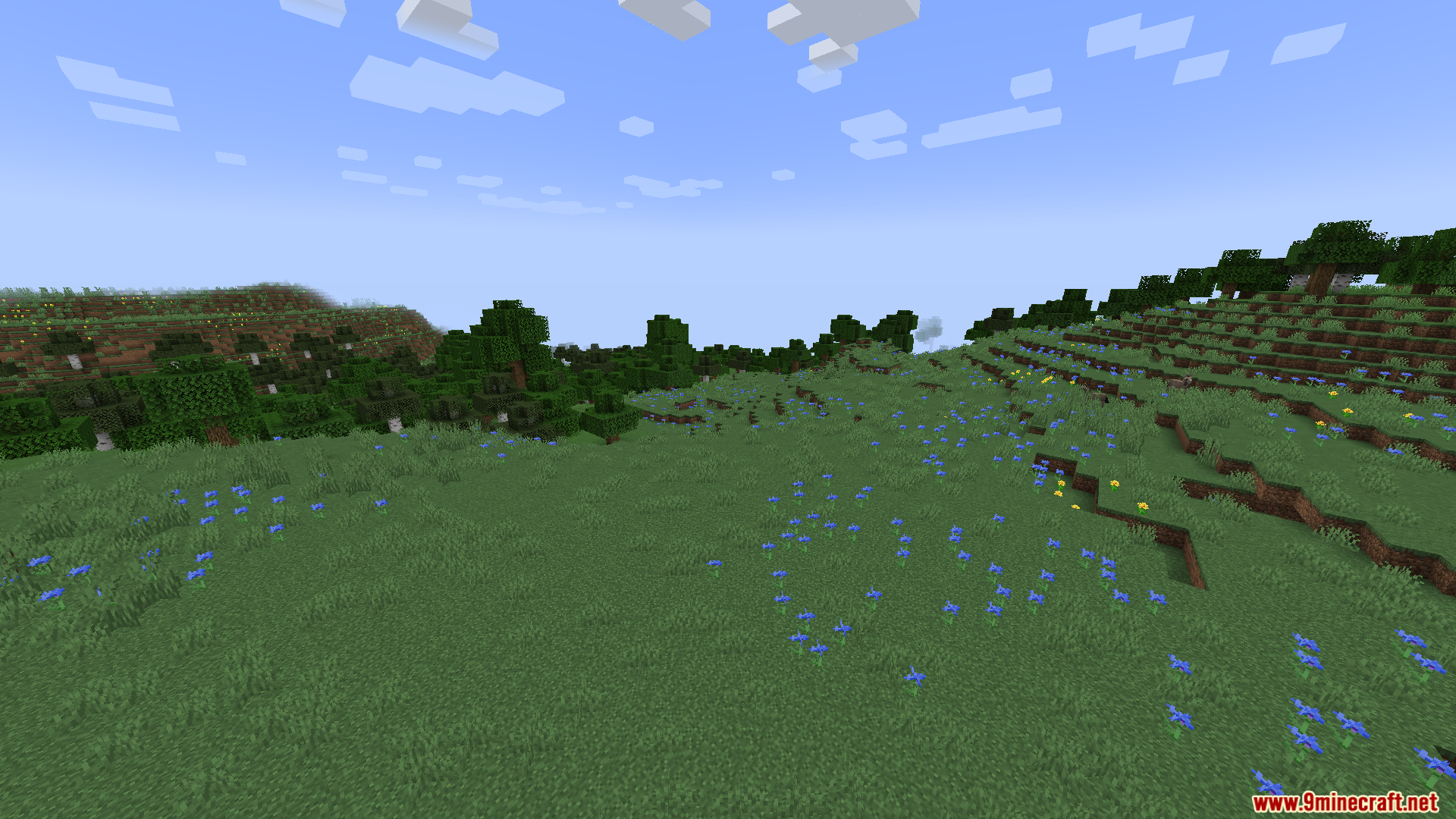
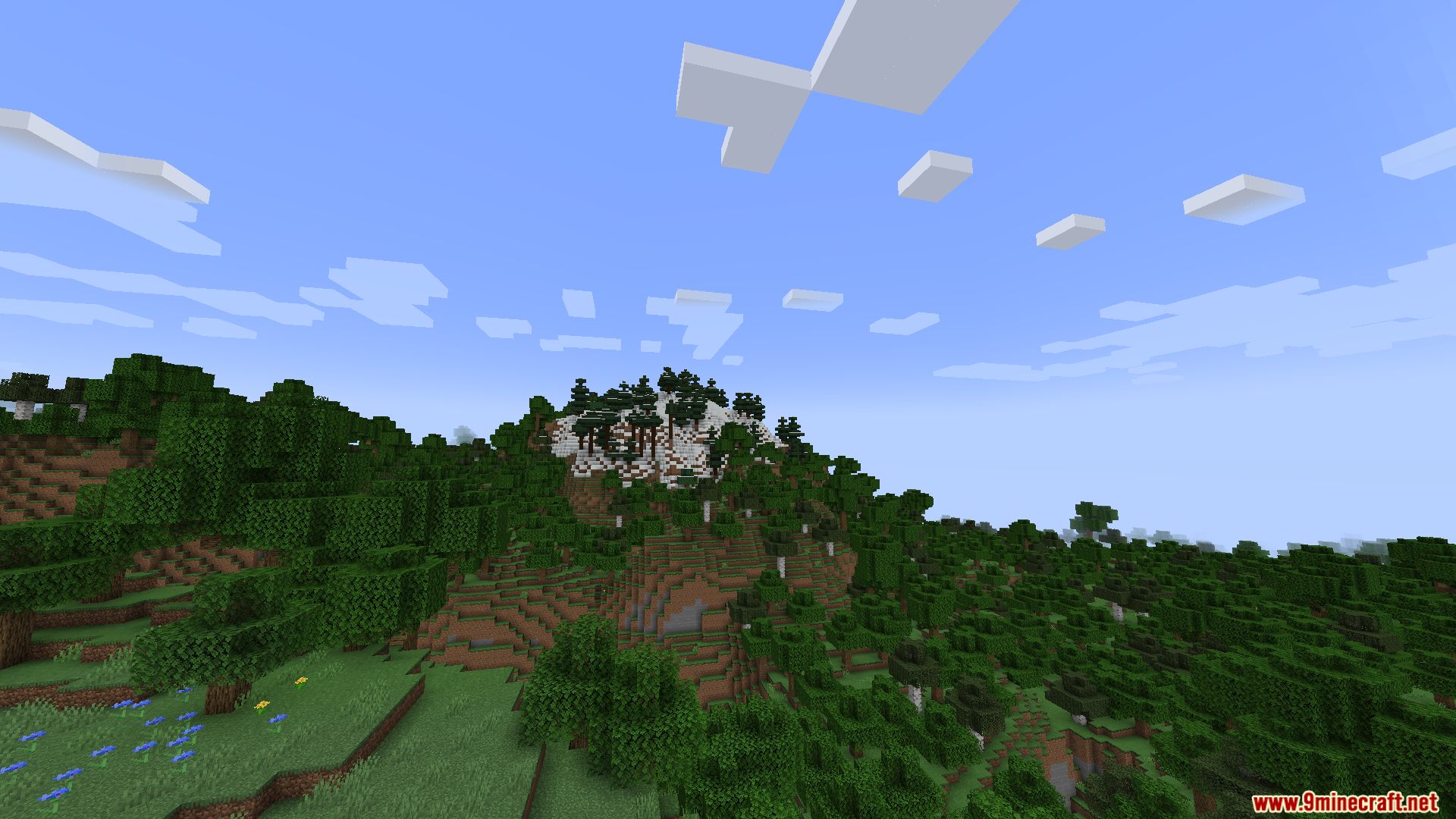
Gnetum Mod optimizes your game speed by changing how your health and item bars load. It splits the screen updates into smaller pieces across multiple frames so your computer does less work at once. This helps your game run faster and stops annoying lag spikes while you play.
Features:
- Splits the on-screen display updates into smaller passes to save computer power.
- Renders only one small piece of the display per frame instead of the whole thing at once.
- Increases both your average frames per second and your lowest frame drops.
- Adds a special framerate limiter just for the screen display elements.
- Lets you turn caching on or off for different parts of your screen.
Important Settings:
- If you play on older versions with OptiFine, you must turn off the Fast Render setting.
- If you use StellarCore, turn off its display caching feature so this mod can work.
How to Use:
- Open your game menu and go to the Video Screen settings.
- Find the new settings menu added by this mod.
- Change the number of passes the display uses to update.
- Set a maximum FPS limit just for your health and hotbar display.
- Turn caching on or off for specific screen elements.
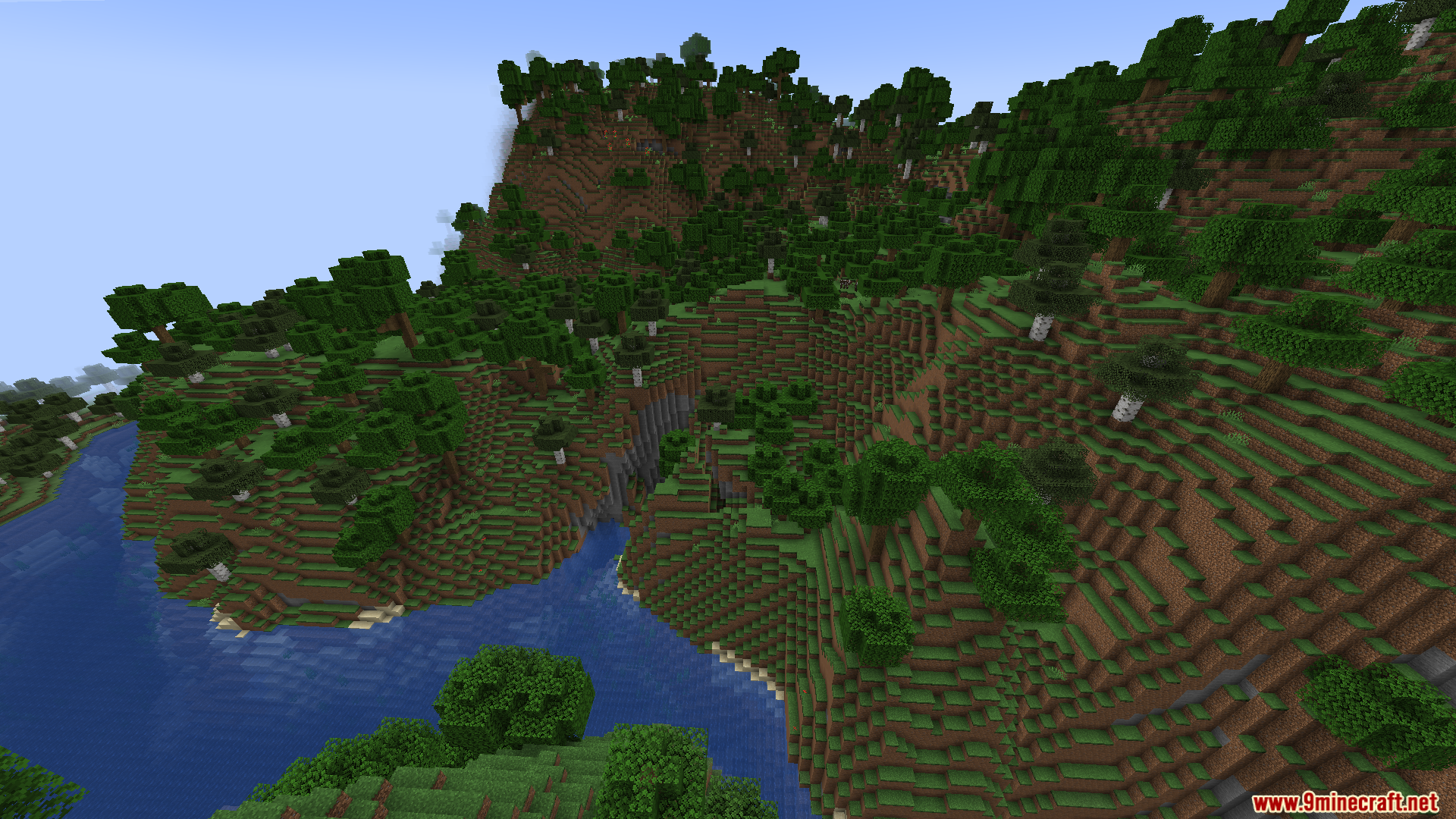
Screenshots:
Gnetum Mod Download Links
Quick facts
- Edition: Minecraft Java
- File type: .jar
- Minecraft version listed: 1.20.1
- How to install: Install the matching mod loader (Forge, Fabric or NeoForge) for your Minecraft version. → Download the .jar. → Put it in the .minecraft/mods folder and launch that loader profile.
- Where to get it: Opens on the file's original source — not every file is mirrored on our own servers.
Install steps are the general flow for this file type — How to install Minecraft Java mods & modpacks walks through it step by step.
Gnetum Mod (26.2, 1.20.1) – Play with Higher FPS and Zero Annoying Lag Spikes is a free Minecraft Java mod. Compatible with Minecraft 1.20.1. Download it and open it directly in the game.