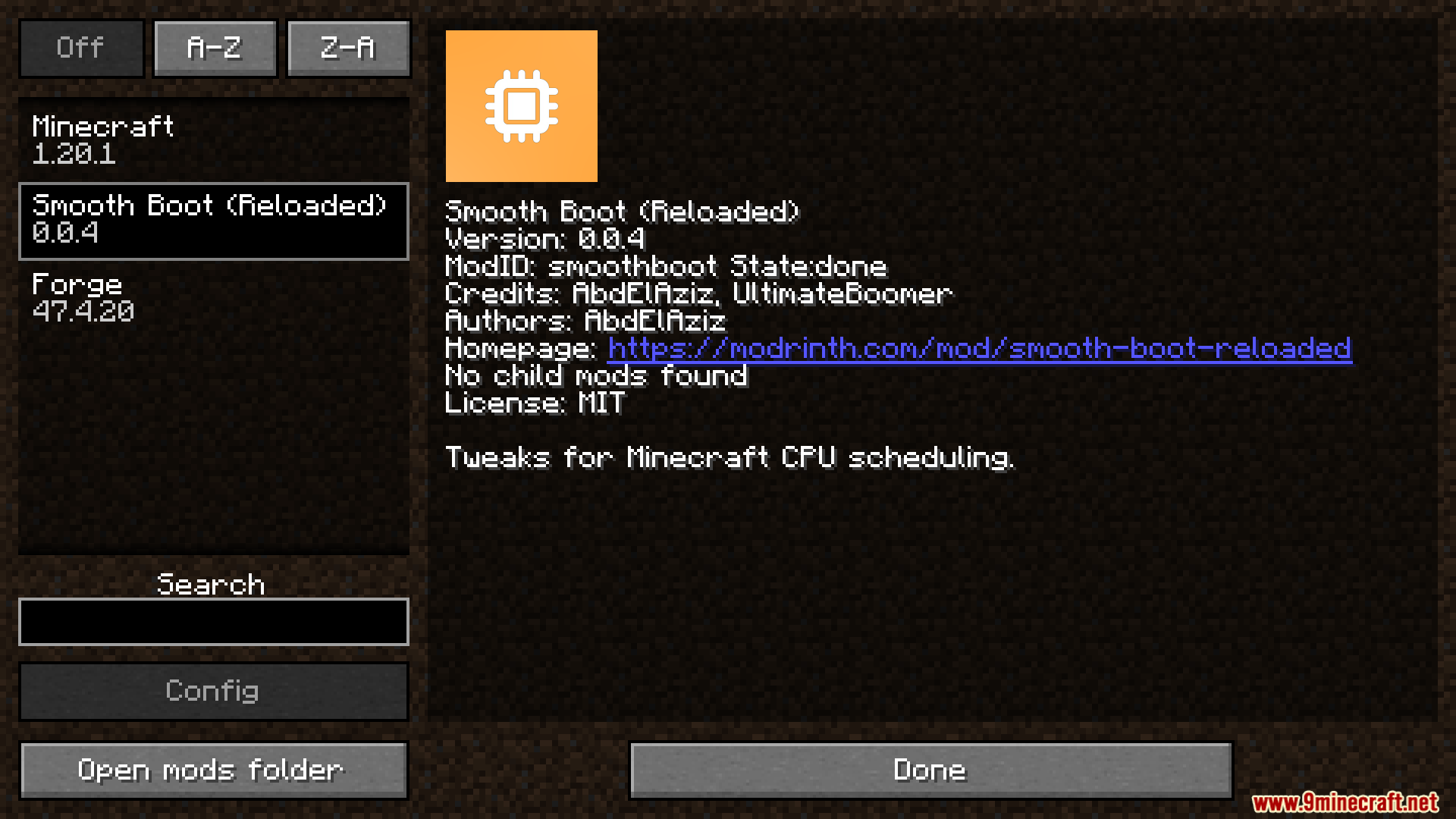
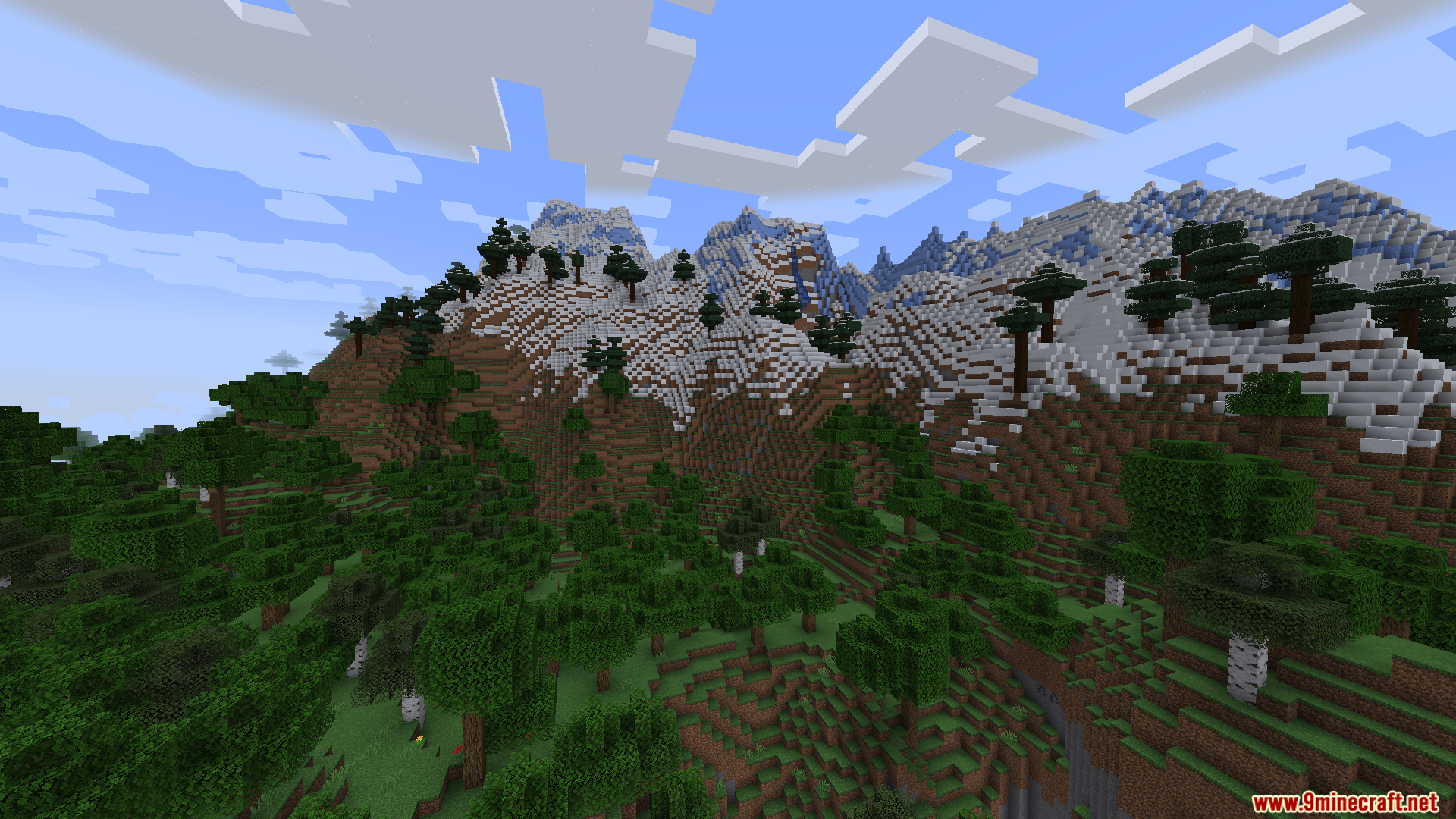
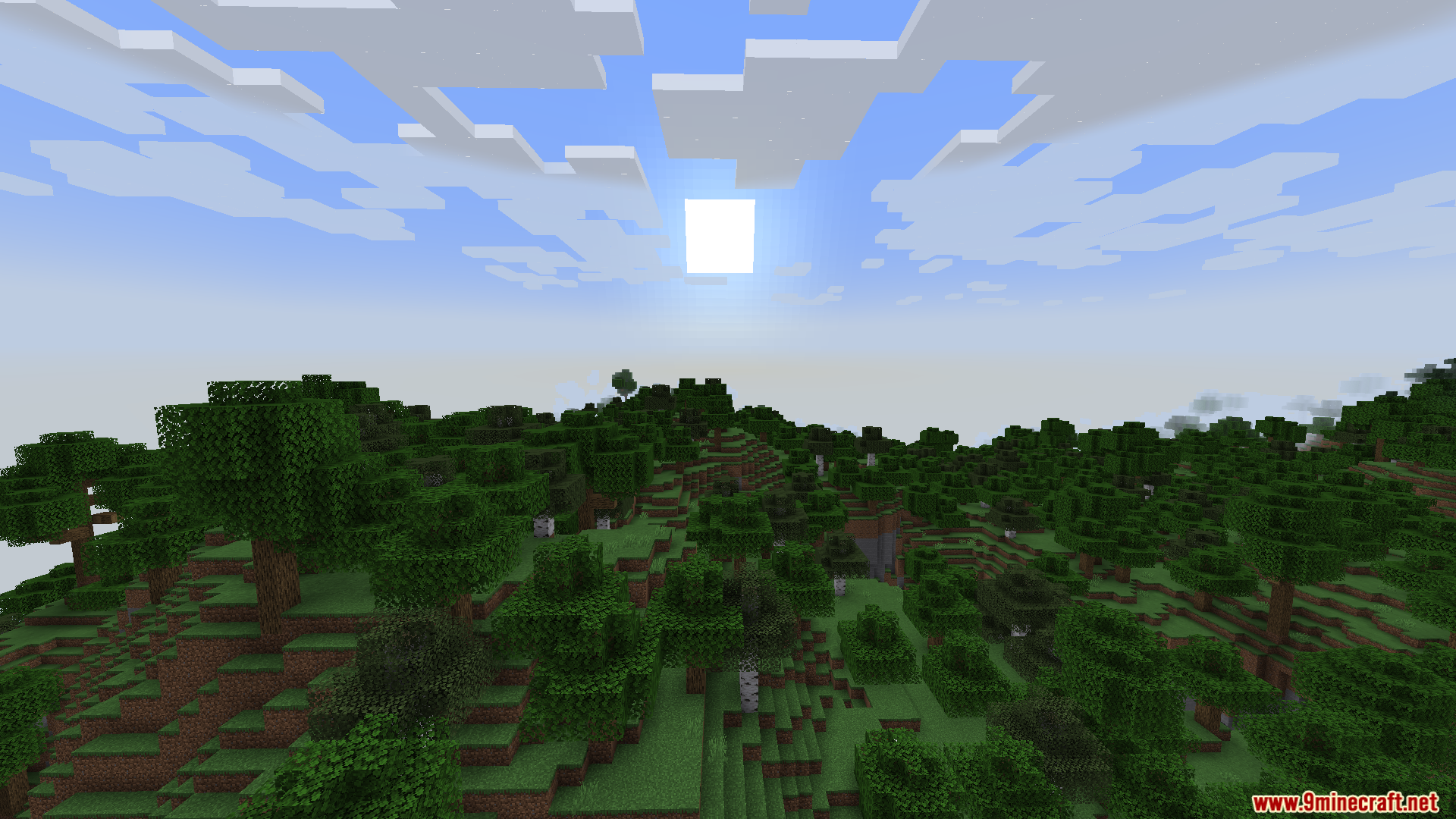
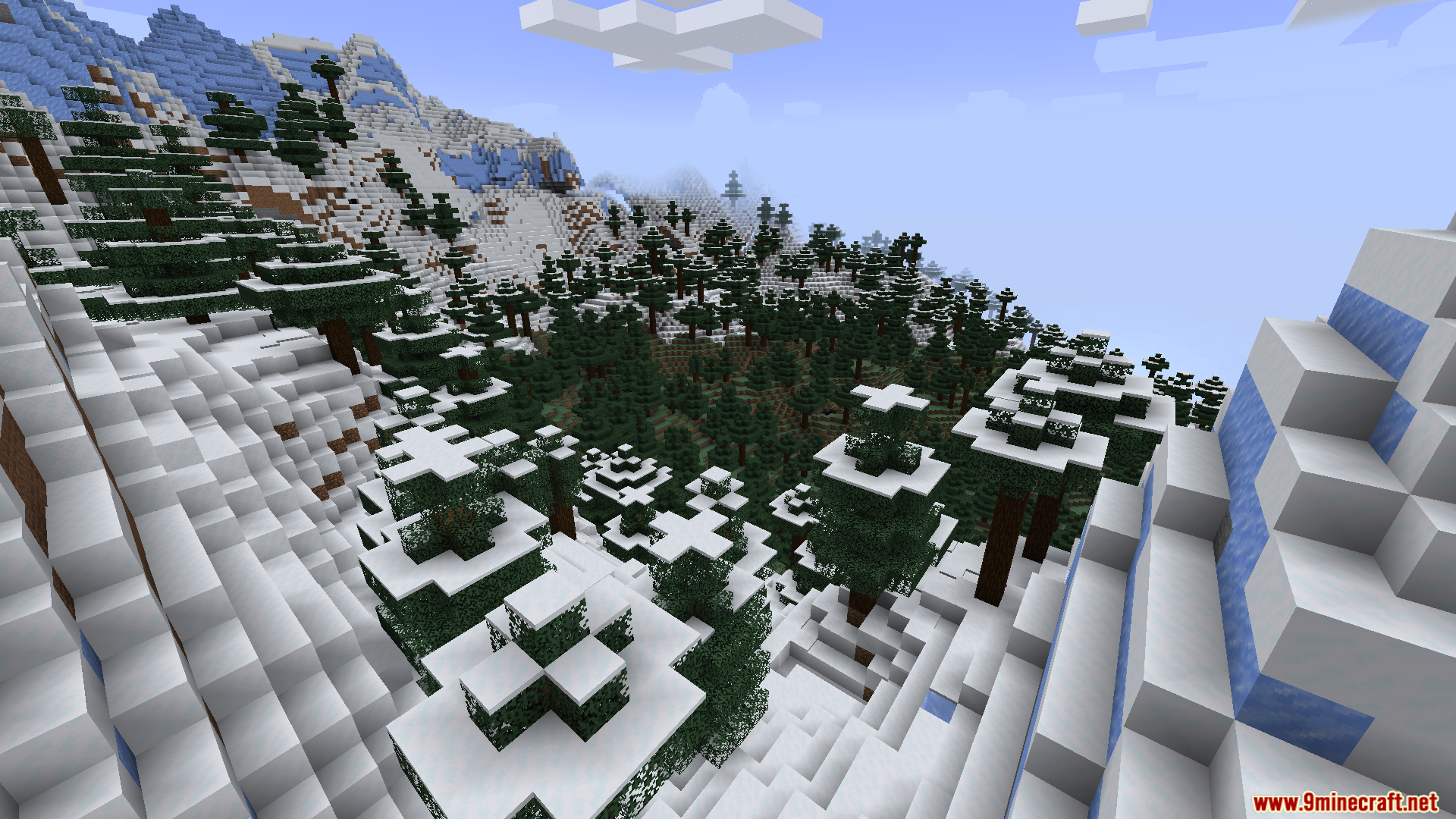
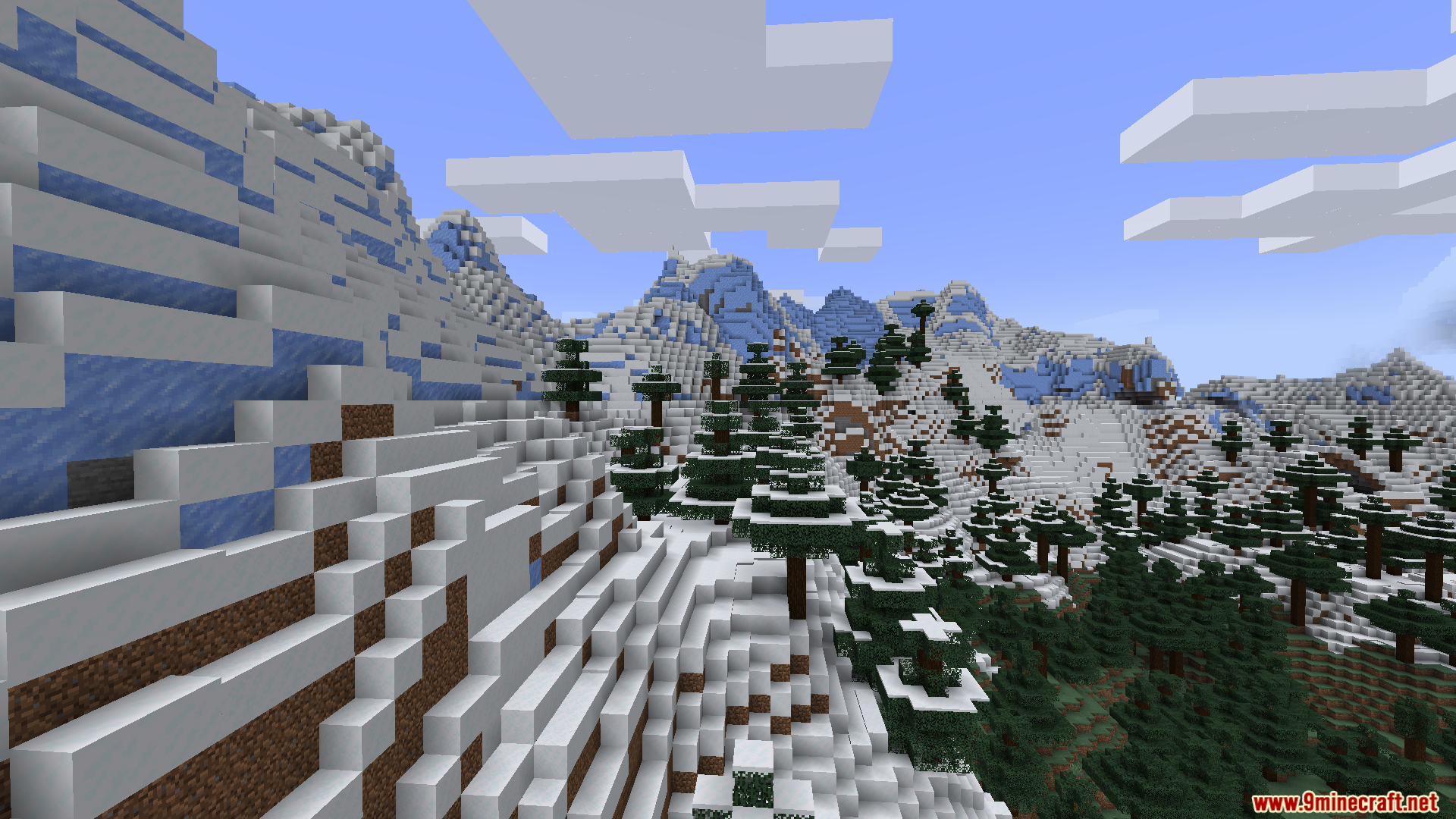
Smooth Boot Reloaded Mod brings the loading fixes from the original Smooth Boot to newer game versions. It stops the game from using all your computer’s power when you load the title screen. If you have an older computer, this mod fixes the annoying mouse stutter that happens when you open the game. It lets you do other things on your computer while the game loads in the background.
Features:
- Fixes Mouse Stutter: Stops your mouse cursor from freezing or lagging when the game opens.
- Better Multitasking: Lets you watch videos or use other programs easily while your game loads.
- Lowers the amount of computer power the game needs to reach the main menu.
- Changes how the game handles background tasks so it does not overload older processors.
- Helps the game start up a bit faster on computers with eight threads or fewer.
- Lets you change the exact number of threads the game uses for loading.
- Lets you set the priority level for the background tasks that run during startup.
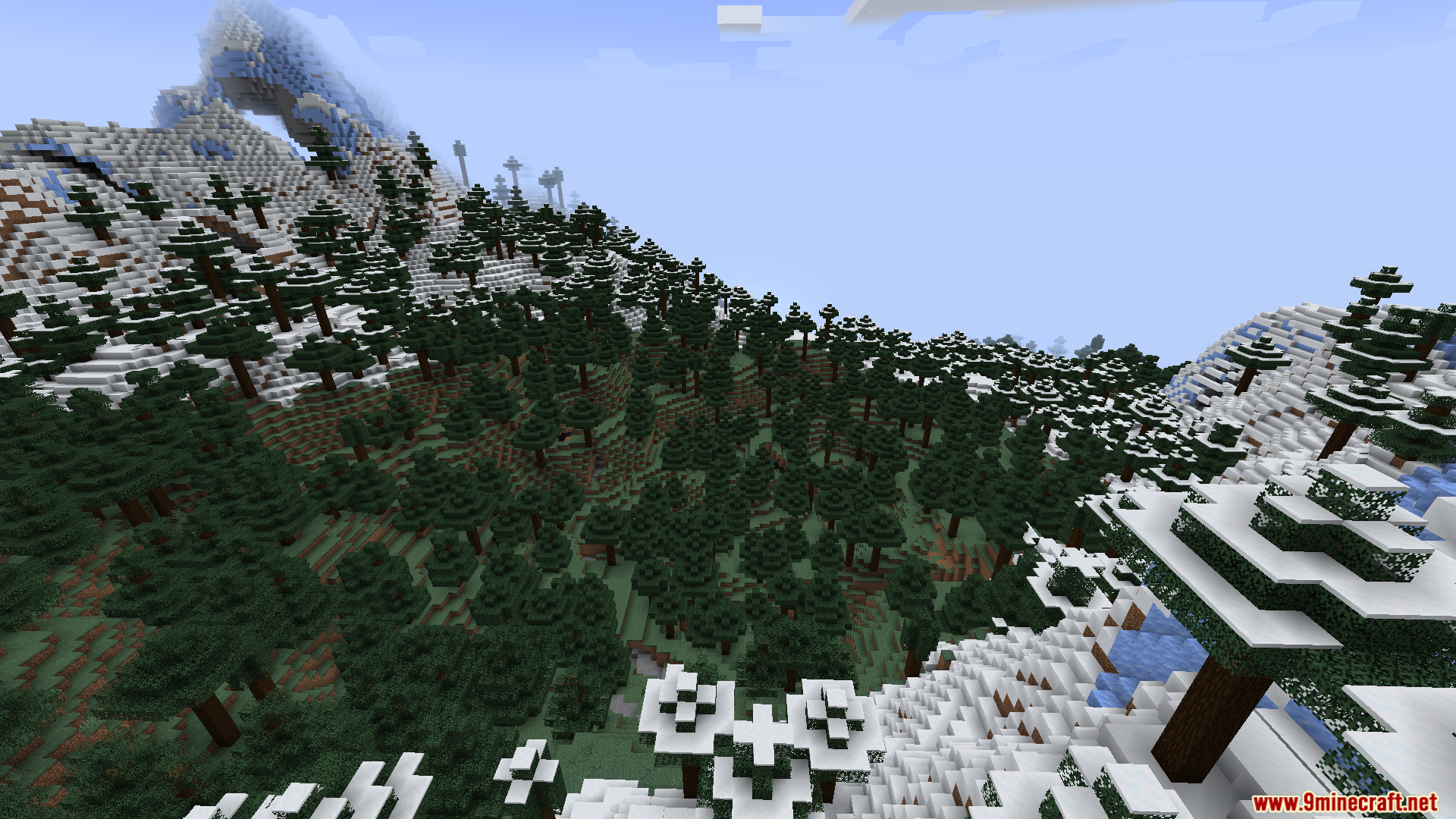
Screenshots:
Smooth Boot Reloaded Mod Download Links
Quick facts
- Edition: Minecraft Java
- File type: .jar
- Minecraft version listed: 1.20.1
- How to install: Install the matching mod loader (Forge, Fabric or NeoForge) for your Minecraft version. → Download the .jar. → Put it in the .minecraft/mods folder and launch that loader profile.
- Where to get it: In MC Java Mods, or directly above on this page.
Install steps are the general flow for this file type — How to install Minecraft Java mods & modpacks walks through it step by step.
Verified by MCModsHub
- Downloads as 90128.mcaddon
- Download size: 40 KB
- Download link checked 24 Sept 2026 — working
- Mirrored on our own servers — the download does not depend on the original host
These come from our own check of the pack file, not from the source page.