![HyperFPS Client [ v1.0 ]](https://pub-2ae937f770284535a96c3330f91236aa.r2.dev/img/curseforge/90156.png)
HyperFPS Client [ v1.0 ]
HyperFPS Client v1.0 is a Minecraft Bedrock 1.21+ resource pack that boosts FPS by removing particles, block-break animations, and visual clutter. It also…
⬇ Download on CurseForge![HyperFPS Client [ v1.0 ] — screenshot 1](https://pub-2ae937f770284535a96c3330f91236aa.r2.dev/img/curseforge/90156_s1022388.png)
HyperFPS Client v1.0
Ultra Performance Resource Pack for Minecraft Bedrock 1.21+
Created by BlockCraftAddons
Description:
HyperFPS Client is a lightweight, high-performance resource pack designed to maximize your FPS and improve gameplay clarity in Minecraft Bedrock Edition 1.21+. It removes unnecessary visual effects that drain your device's performance, while adding smart HUD elements that keep important information always visible on screen — all without requiring any experimental features.
Boost your FPS. See more. Die less.
HyperFPS Client eliminates performance-heavy visuals and adds a Direction Compass + Armor HUD — giving you a smoother, smarter Minecraft experience.
📸 Showcase:

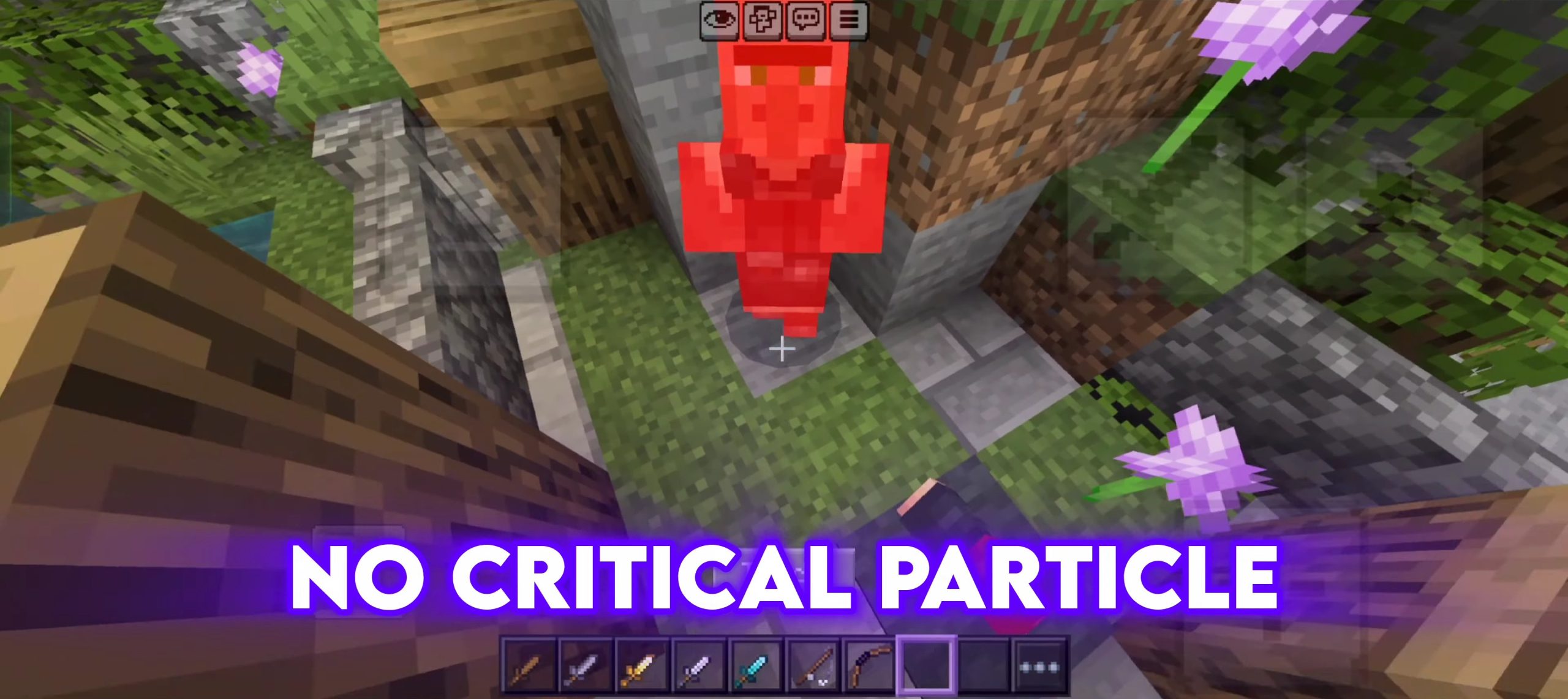
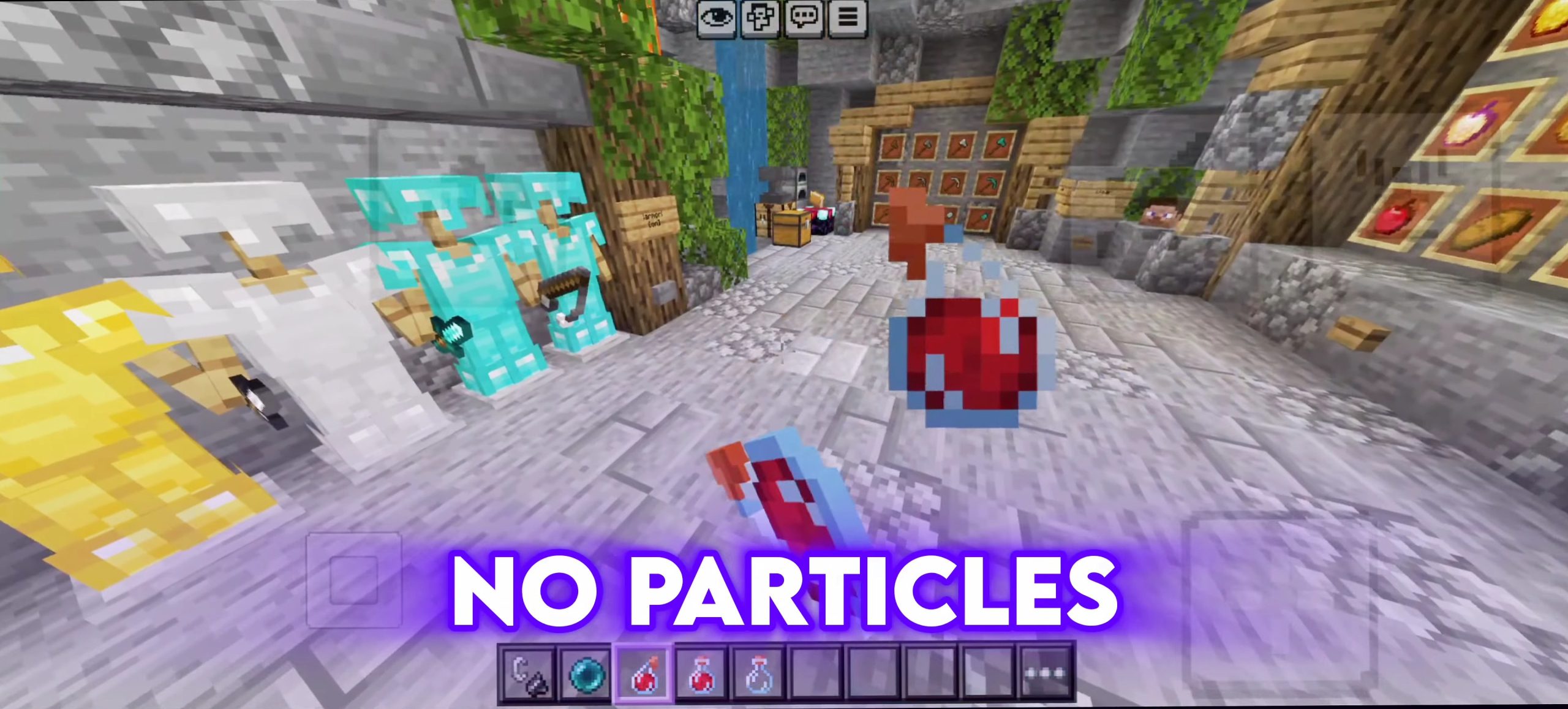
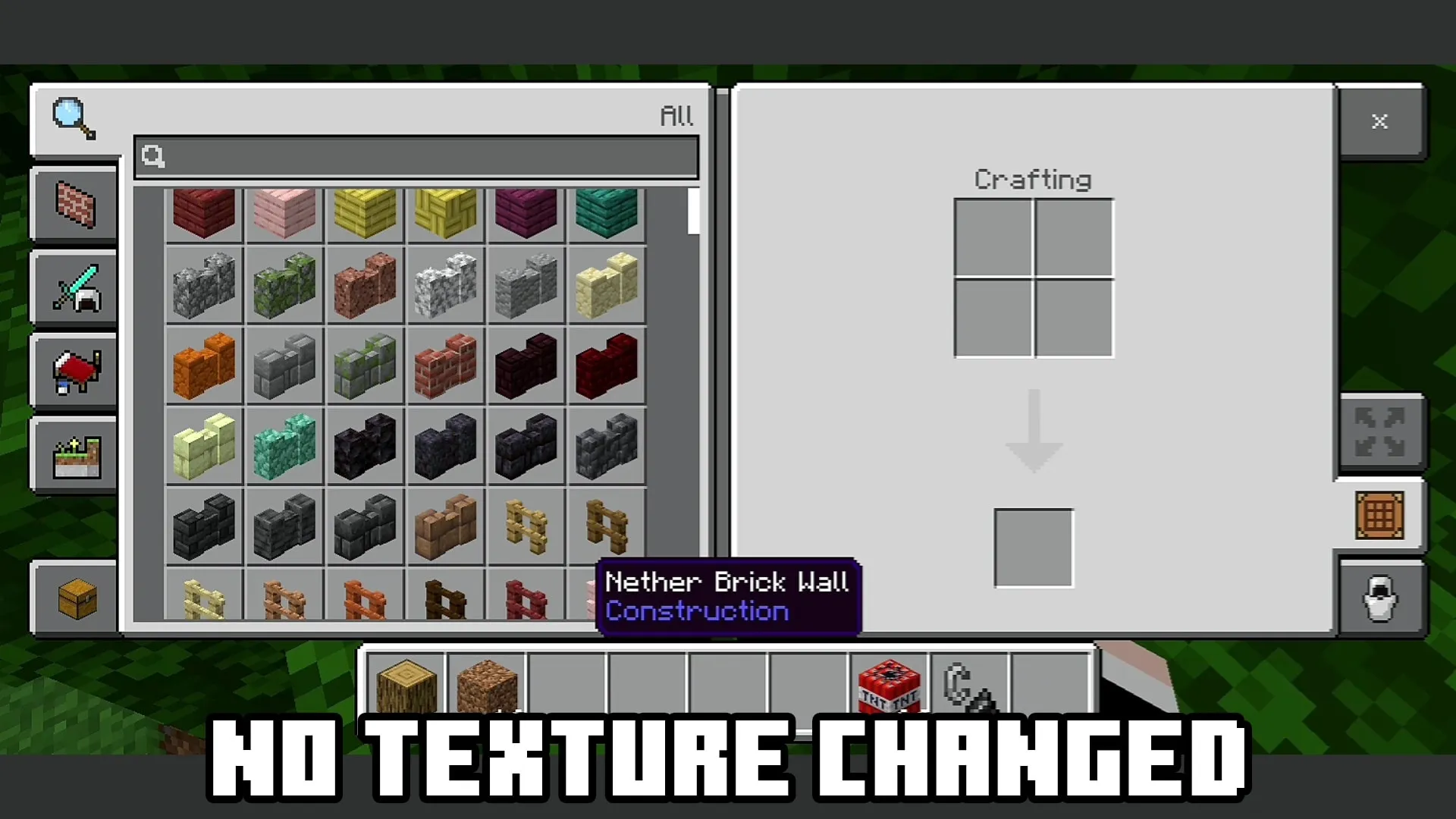
⚡ FPS Optimization Features:
- Particles Removed — All 150+ particle effects (explosions, rain splashes, campfire smoke, dragon breath, enchanting particles, and more) are eliminated to massively reduce rendering load.
- Block Break Animation Removed — The 10-stage block destruction overlay is replaced with invisible textures, removing an unnecessary graphical layer.
- Enchantment Glint Removed — The shimmering glint effect on enchanted items is disabled, reducing GPU strain.
- Pumpkin Blur Removed — Wearing a pumpkin on your head no longer shows the blur overlay, giving you full visibility.
- Weather Effects Removed — Rain and snow particle visuals are cleared out for a cleaner, faster rendering environment.
- End Portal Simplified — End portal colors are simplified to reduce visual complexity.
🧭 Direction Compass HUD:
A real-time directional indicator is displayed on your screen at all times during gameplay. As you rotate, the HUD dynamically switches between North, South, East, and West textures so you always know exactly which direction you're facing — no need to open your map.
🛡️ Armor Status HUD:
A live armor display sits in the bottom-right corner of your screen, showing the exact armor pieces you currently have equipped. It supports all armor types:
- Leather, Iron, Gold, Diamond, Netherite
- Chainmail, Turtle Shell, Elytra
All four slots (Helmet, Chestplate, Leggings, Boots) are tracked individually and update in real time as you swap gear.
🎨 Visual Improvements:
- Custom Main Menu Background — The default Minecraft main menu is replaced with a high-quality custom background giving the pack its own identity.
- Custom Potion Textures — All 35+ potion variants (regular, splash, and lingering) feature redesigned, clearly distinguishable textures for faster inventory reading.
- Cleaner Grass & Terrain Edges — Grass side, path, mycelium, and podzol textures are refined for sharper, cleaner block boundaries.
- Leather Armor Redesigned — All four leather armor pieces have been given a fresh look.
✅ Compatibility:
- Platform: Minecraft Bedrock Edition
- Minimum Version: 1.21.0
- Experimental Features Required: ❌ None
- Pack Type: Resource Pack only (no Behavior Pack needed)
- Works on: Survival, Creative, Multiplayer, Realms, Servers
📥 How to Install:
- Download the .mcpack file.
- Tap or double-click the file — Minecraft will open and import it automatically.
- Go to Settings → Global Resources (or apply it to a specific world under World Settings → Resource Packs).
- Activate HyperFPS Client and launch your game.
- Enjoy better FPS and smarter HUD — no extra steps needed!
Made with ❤️ by BlockCraftAddons
- Save it as HyperFPS Client [ v1.0 ].mcaddon before opening — it downloads as .mcpack, but it is a .mcaddon pack
- Manifest requires Minecraft 1.21.0 or newer
- Complete pack — everything it depends on is inside the file
- Download size: 1.7 MB
- Download link checked 26 Aug 2026 — working
These come from our own check of the pack file, not from the source page.