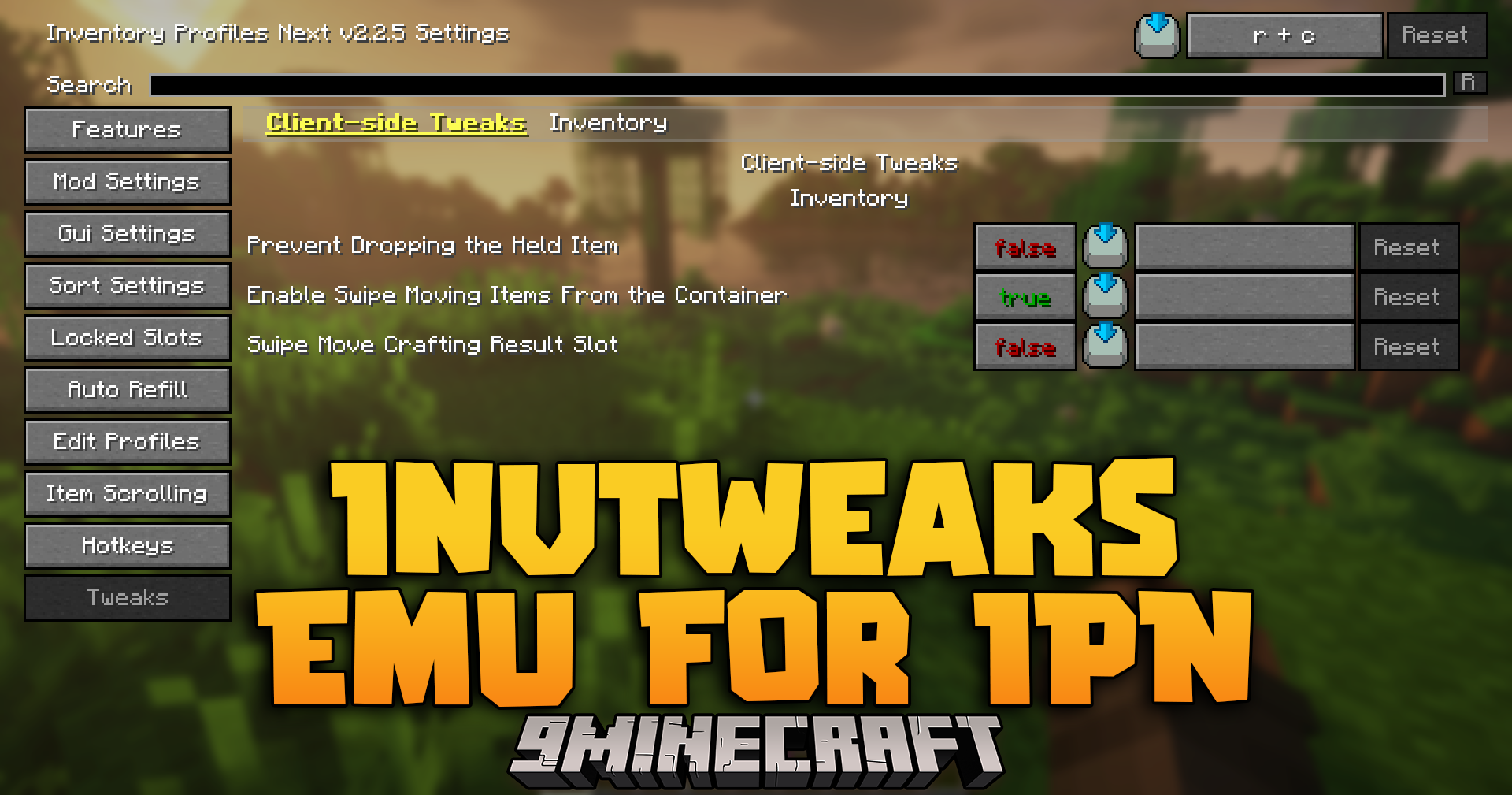
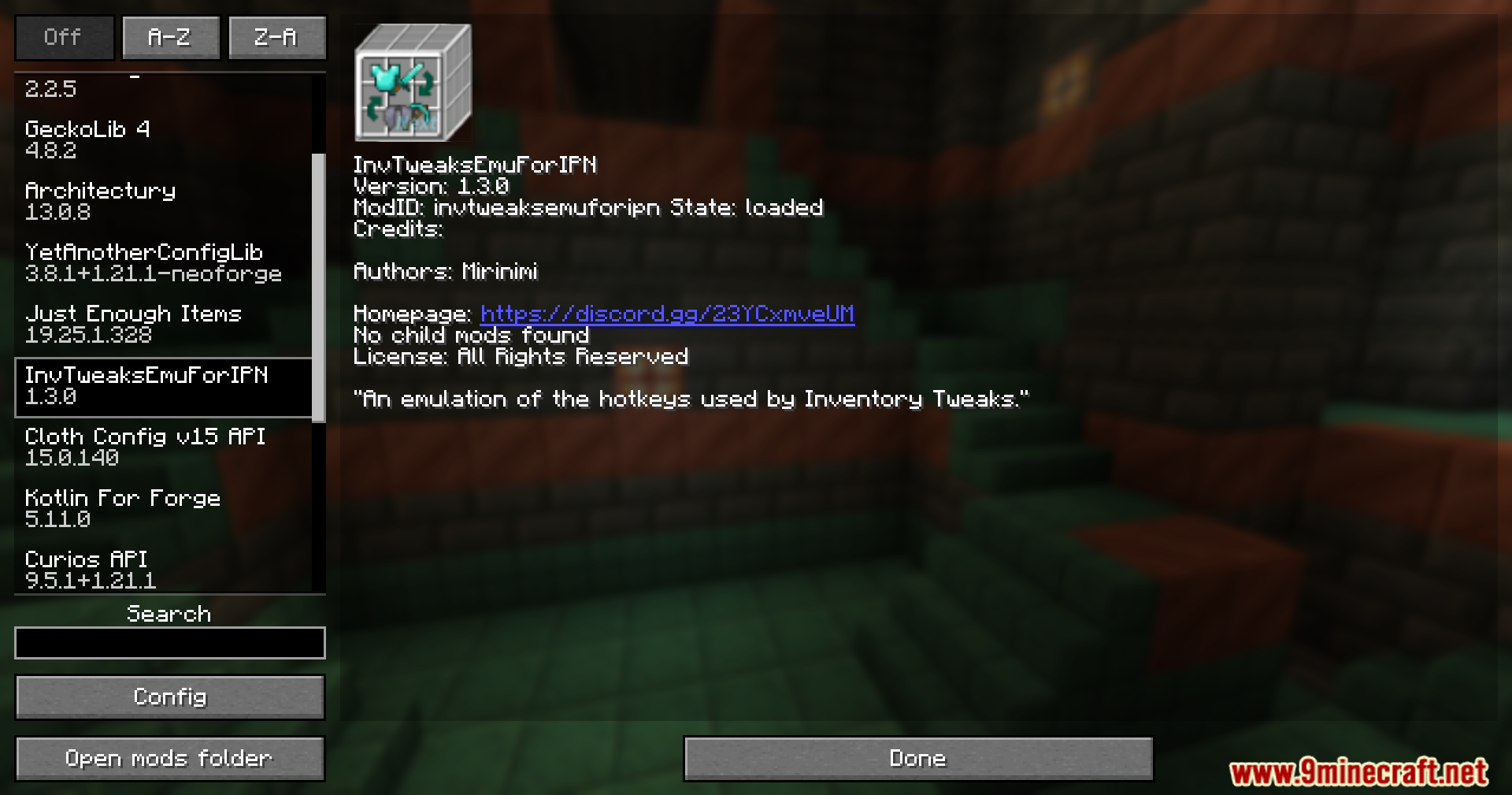
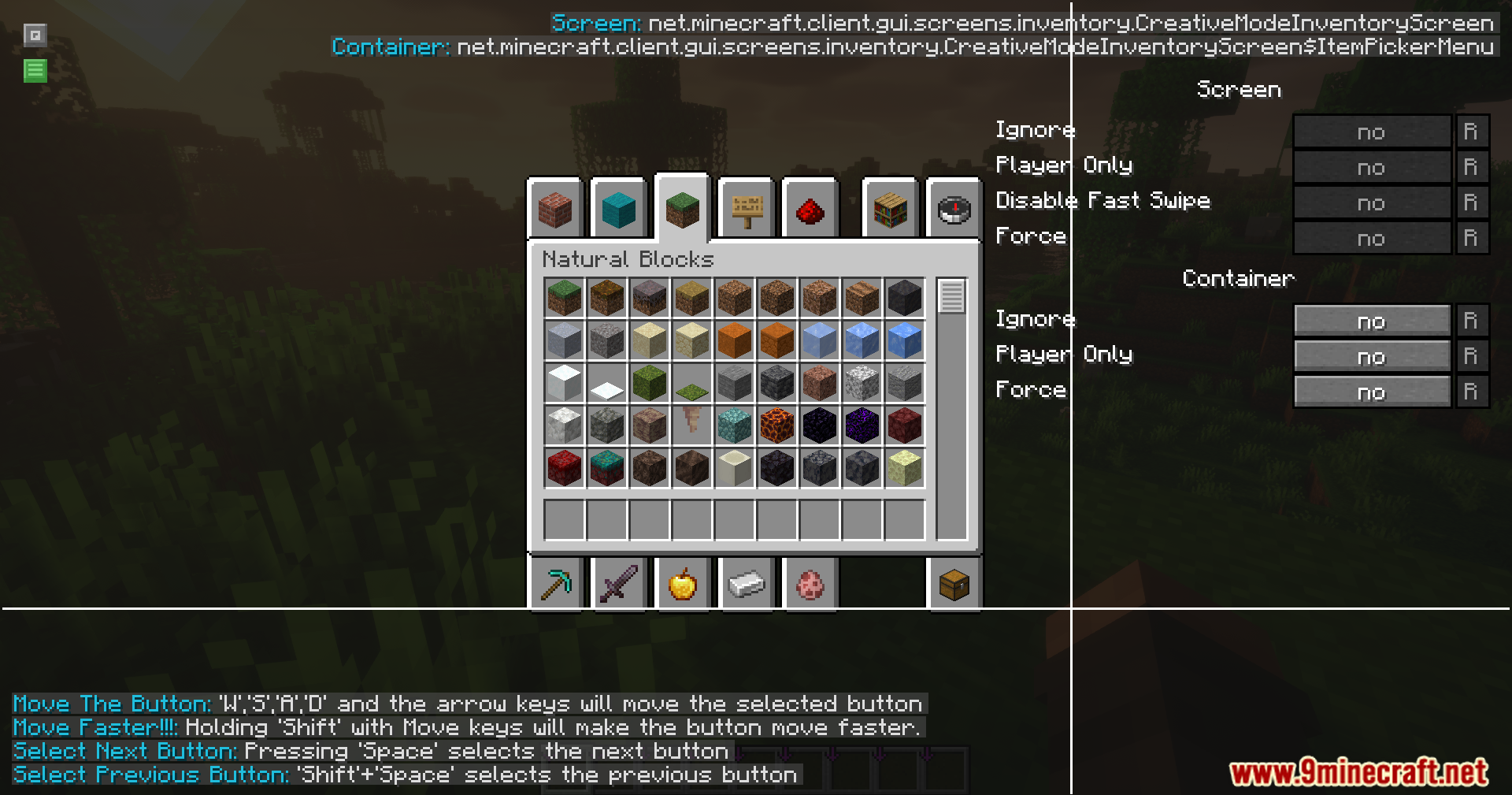
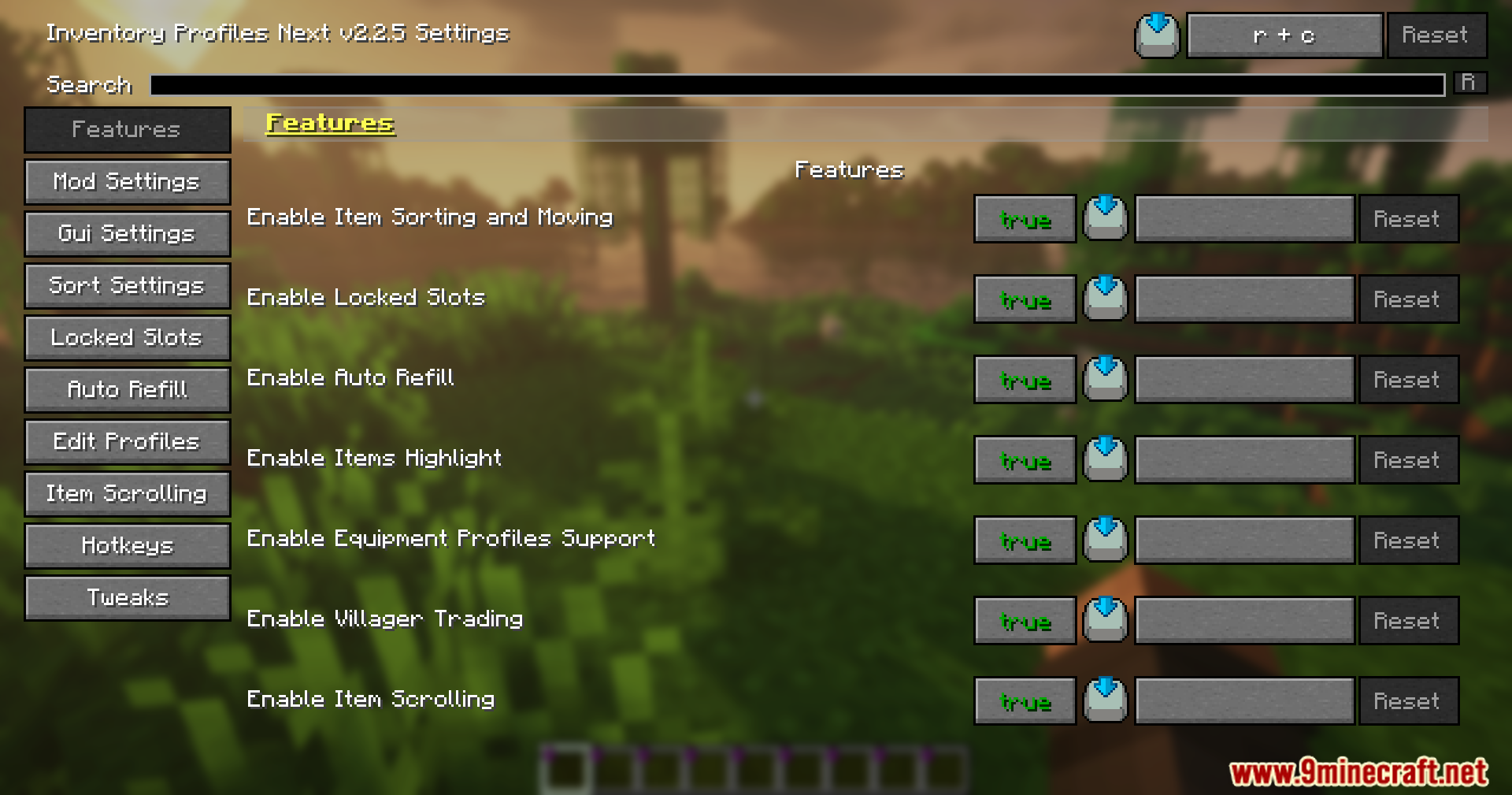
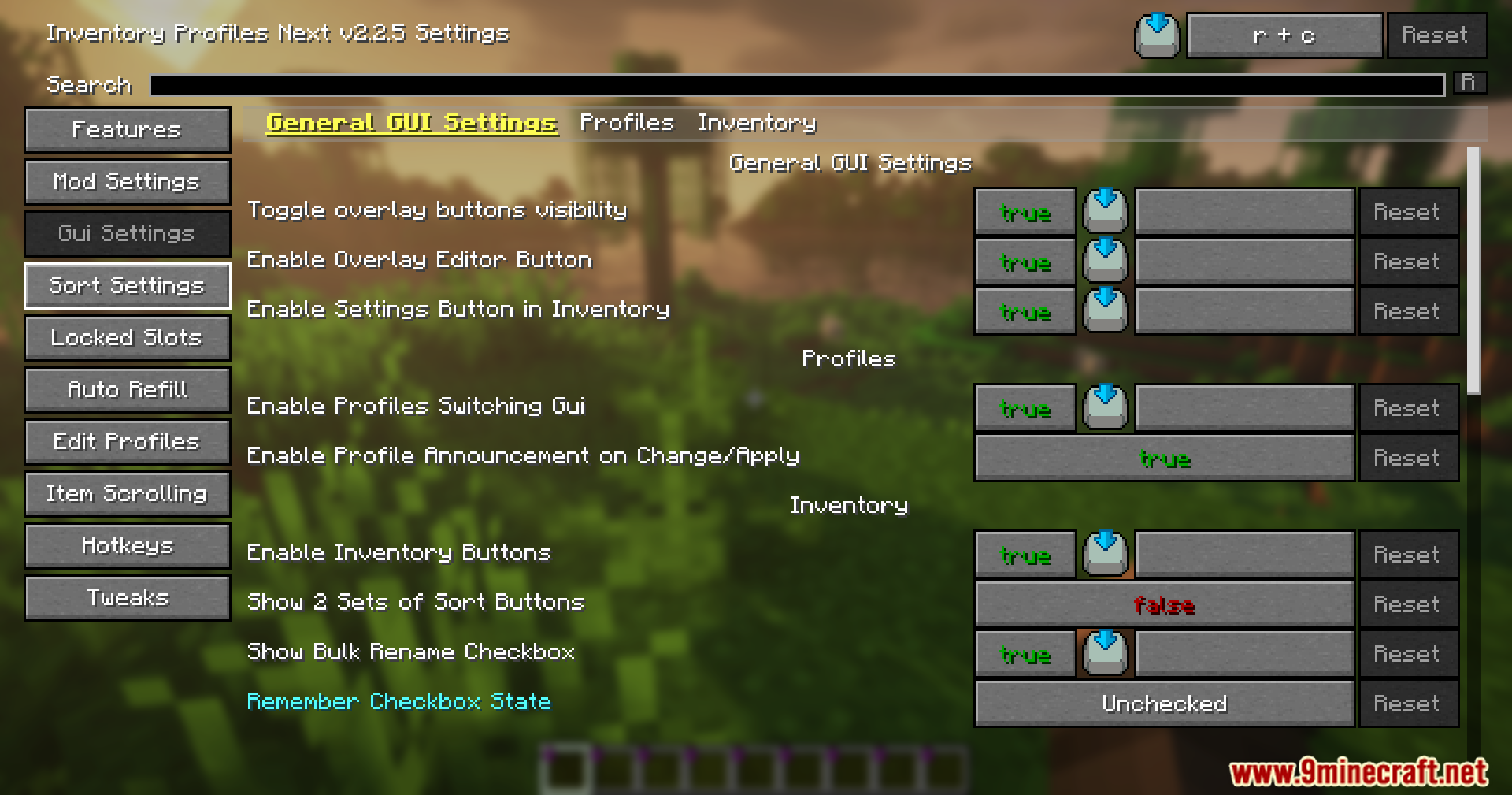
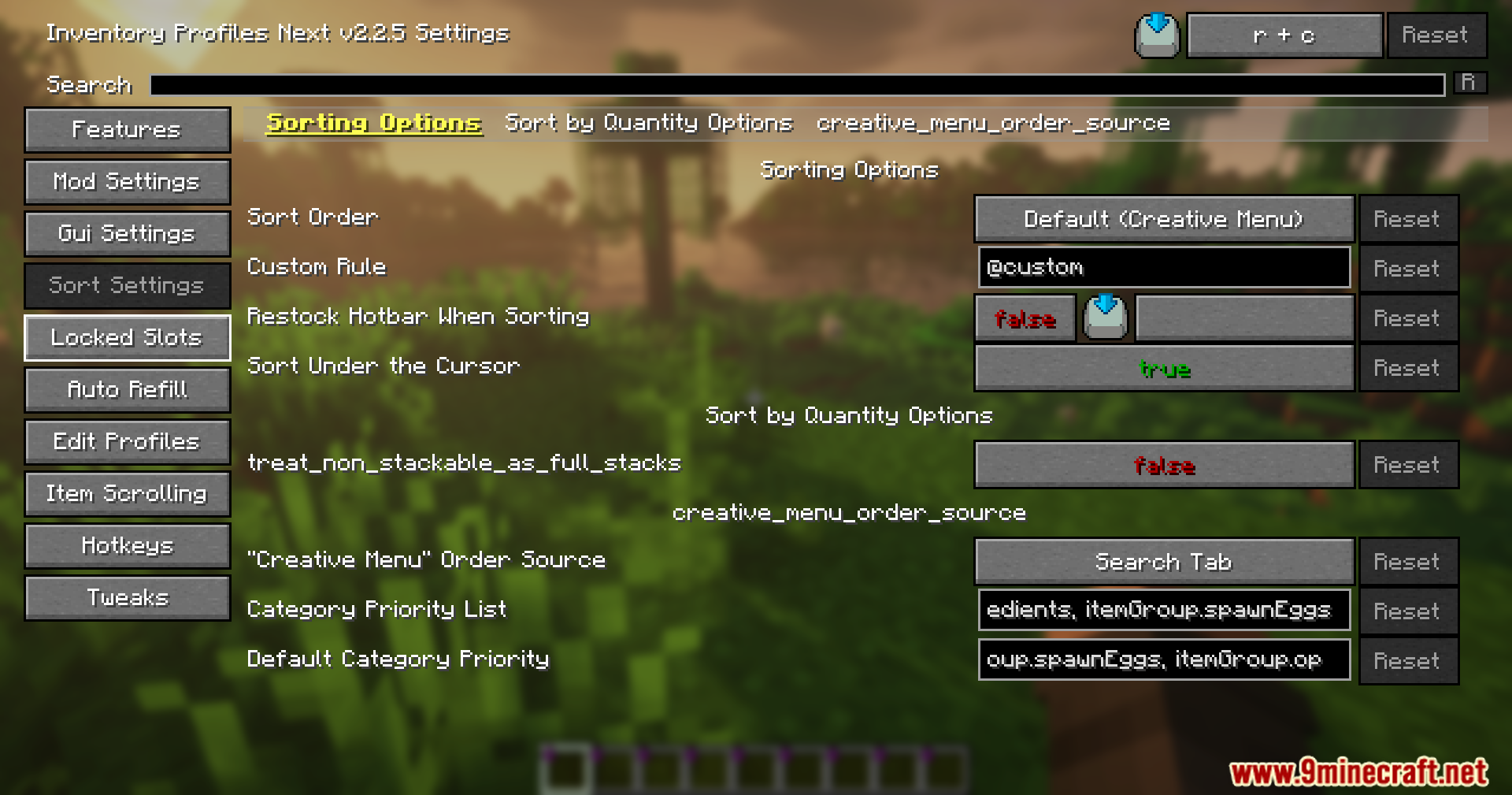
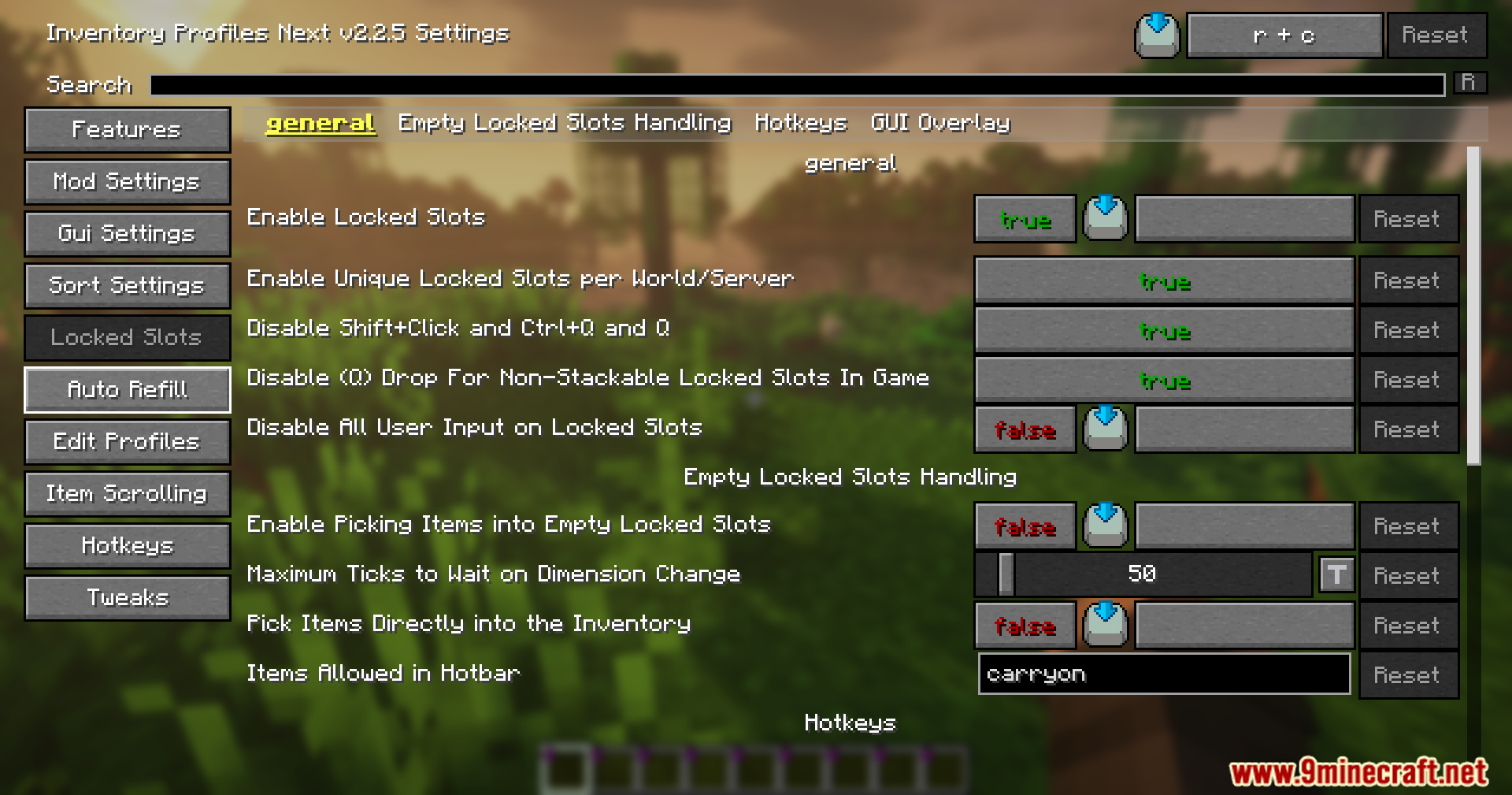
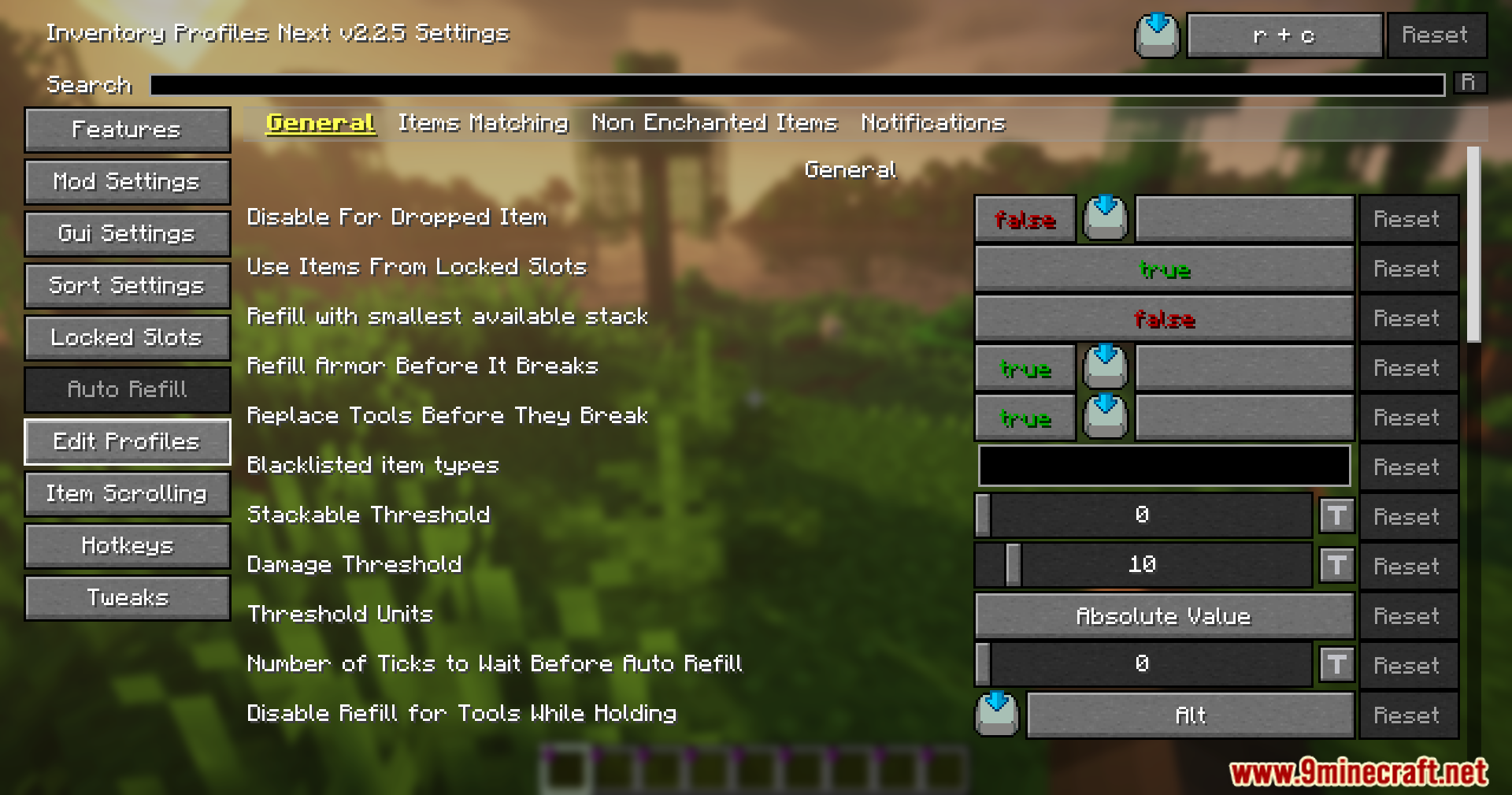
InvTweaks Emu for IPN Mod extends Inventory Profiles Next with classic keyboard and mouse shortcuts. It brings back the familiar item management controls from the old Inventory Tweaks mod so you can organize your chests quickly. This addon relies on the main sorting system to handle the heavy lifting while giving you the old-school controls.
Features:
- Emulates the classic keyboard and mouse shortcuts from the original Inventory Tweaks.
- Focuses entirely on item management and chest organization.
- Uses the main Inventory Profiles Next mod to handle all the actual sorting tasks in the background.
- Acts as an experimental system that runs alongside your current inventory setup.
Screenshots:
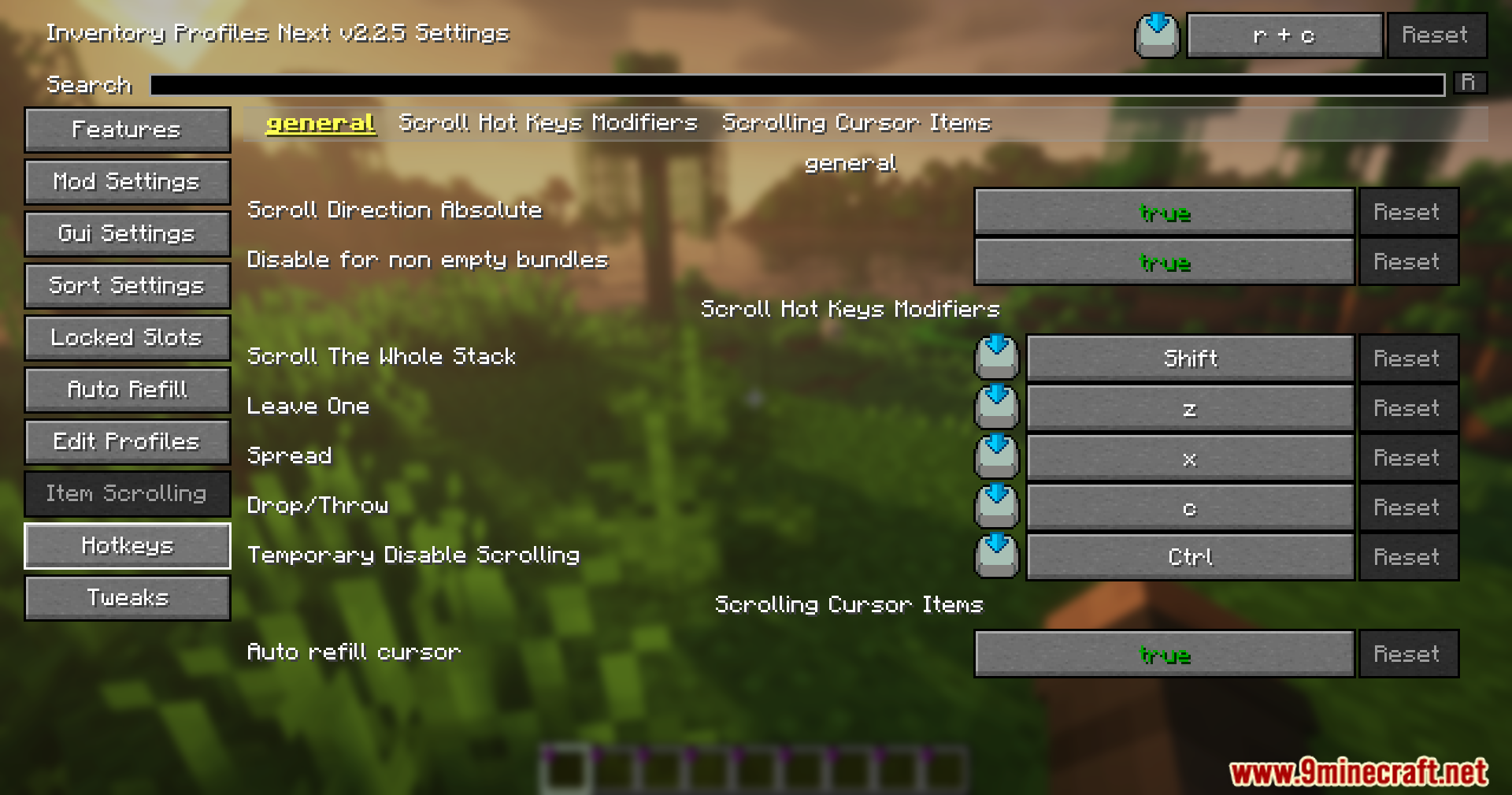
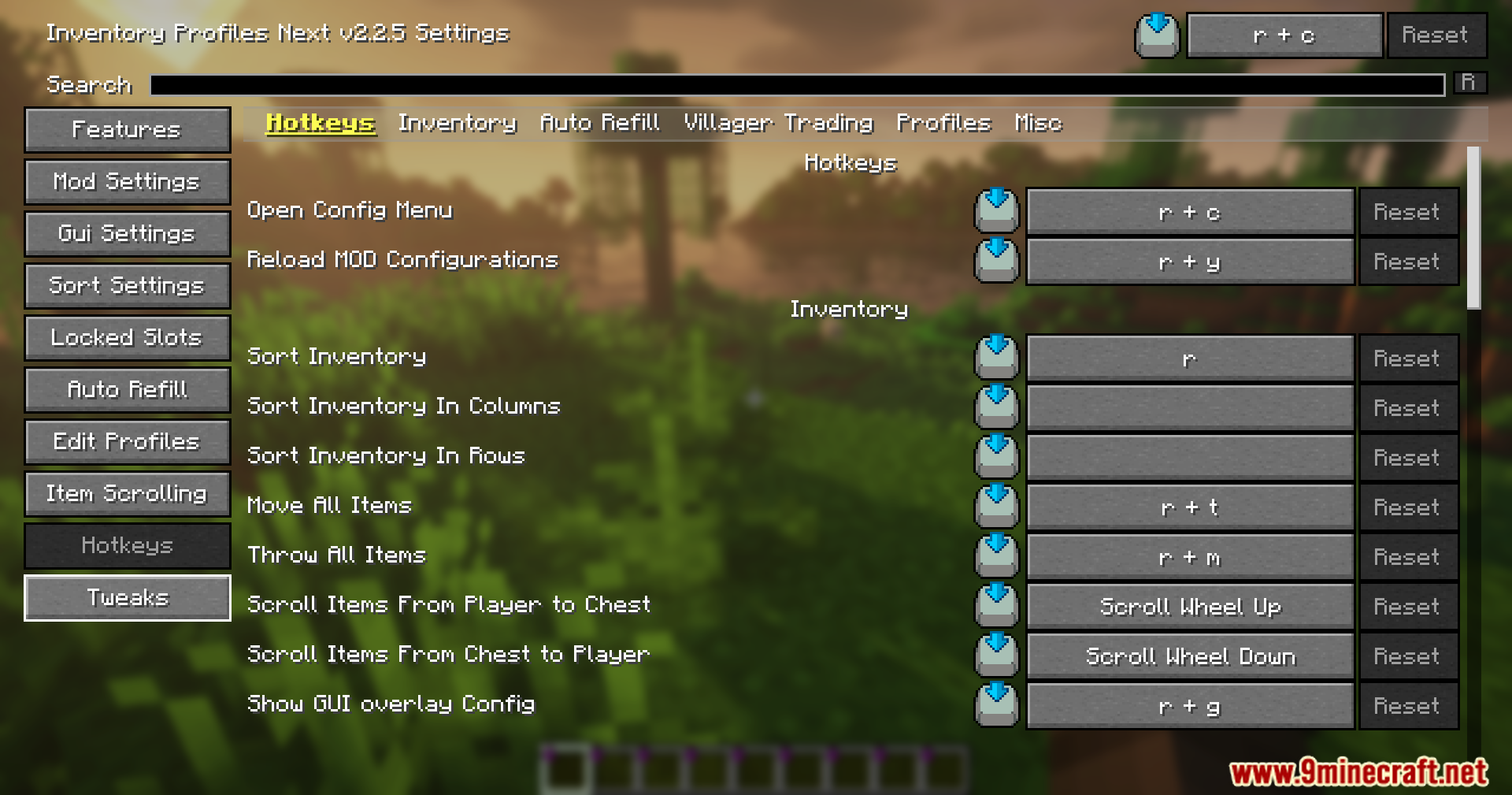
InvTweaks Emu for IPN Mod Download Links
Quick facts
- Edition: Minecraft Java
- File type: .jar
- Minecraft version listed: 1.20.1
- How to install: Install the matching mod loader (Forge, Fabric or NeoForge) for your Minecraft version. → Download the .jar. → Put it in the .minecraft/mods folder and launch that loader profile.
- Where to get it: In MC Java Mods, or directly above on this page.
Install steps are the general flow for this file type — How to install Minecraft Java mods & modpacks walks through it step by step.
Verified by MCModsHub
- Downloads as 90194.mcaddon
- Download size: 40 KB
- Download link checked 25 Sept 2026 — working
- Mirrored on our own servers — the download does not depend on the original host
These come from our own check of the pack file, not from the source page.