
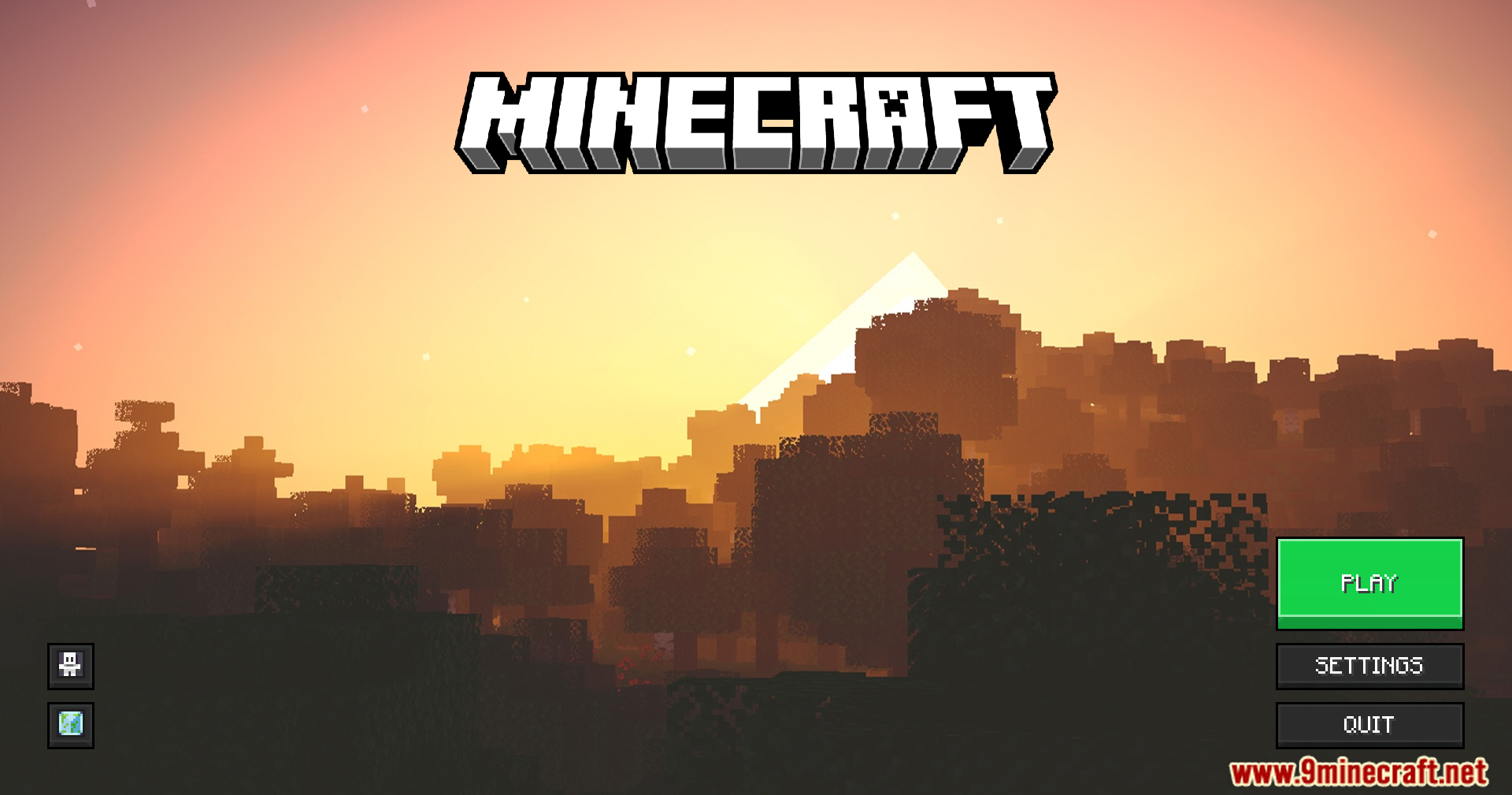
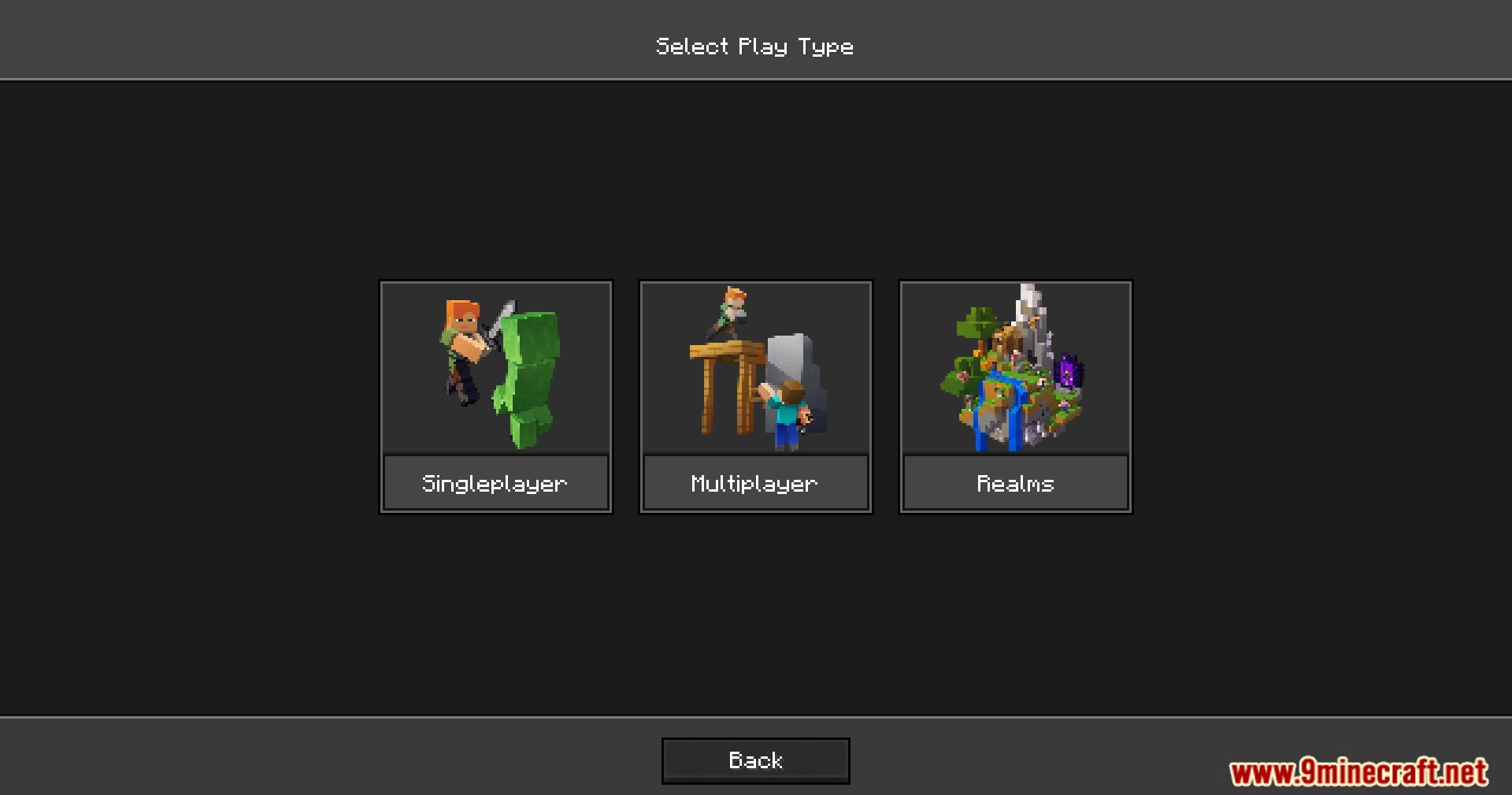
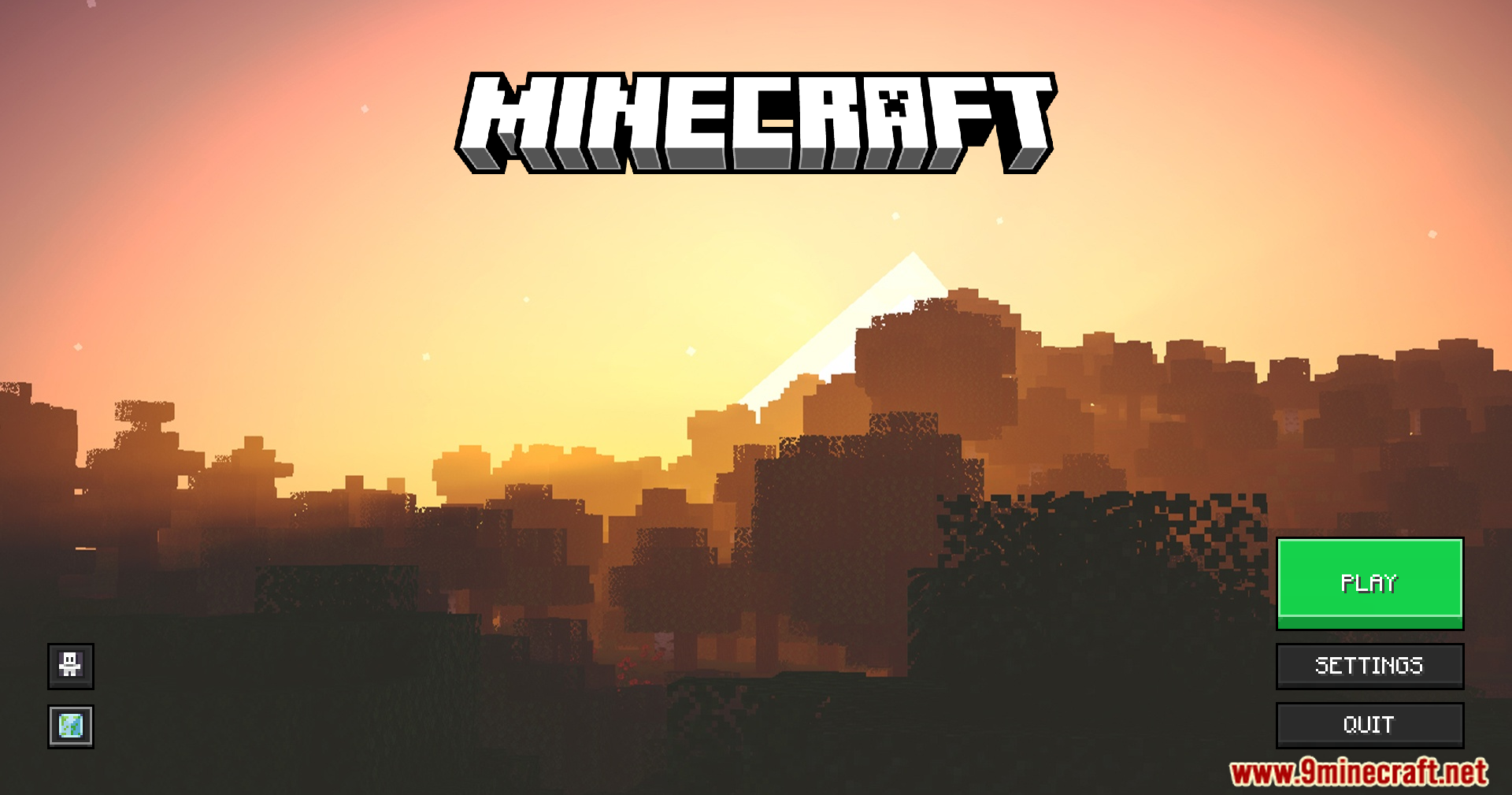
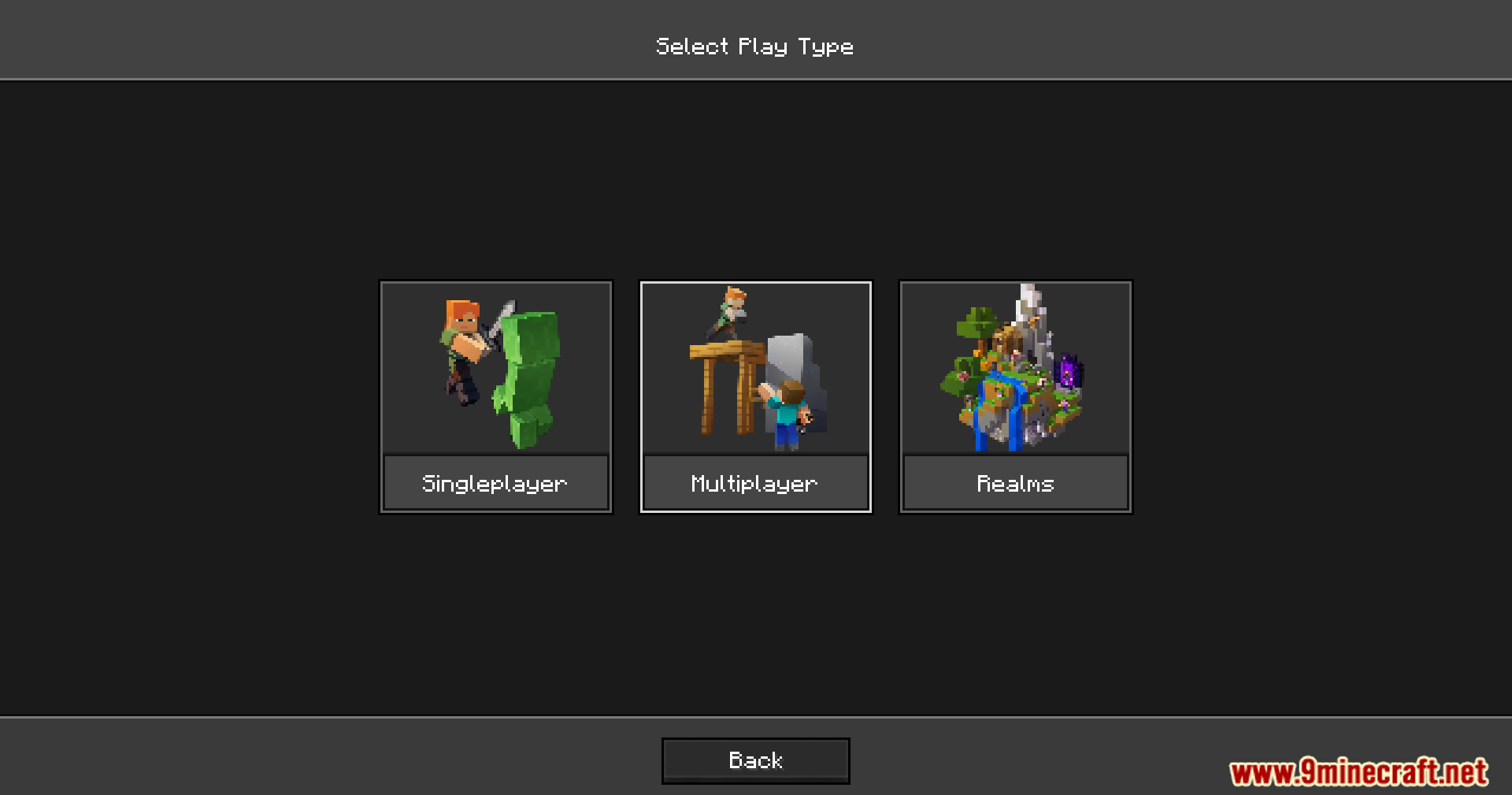
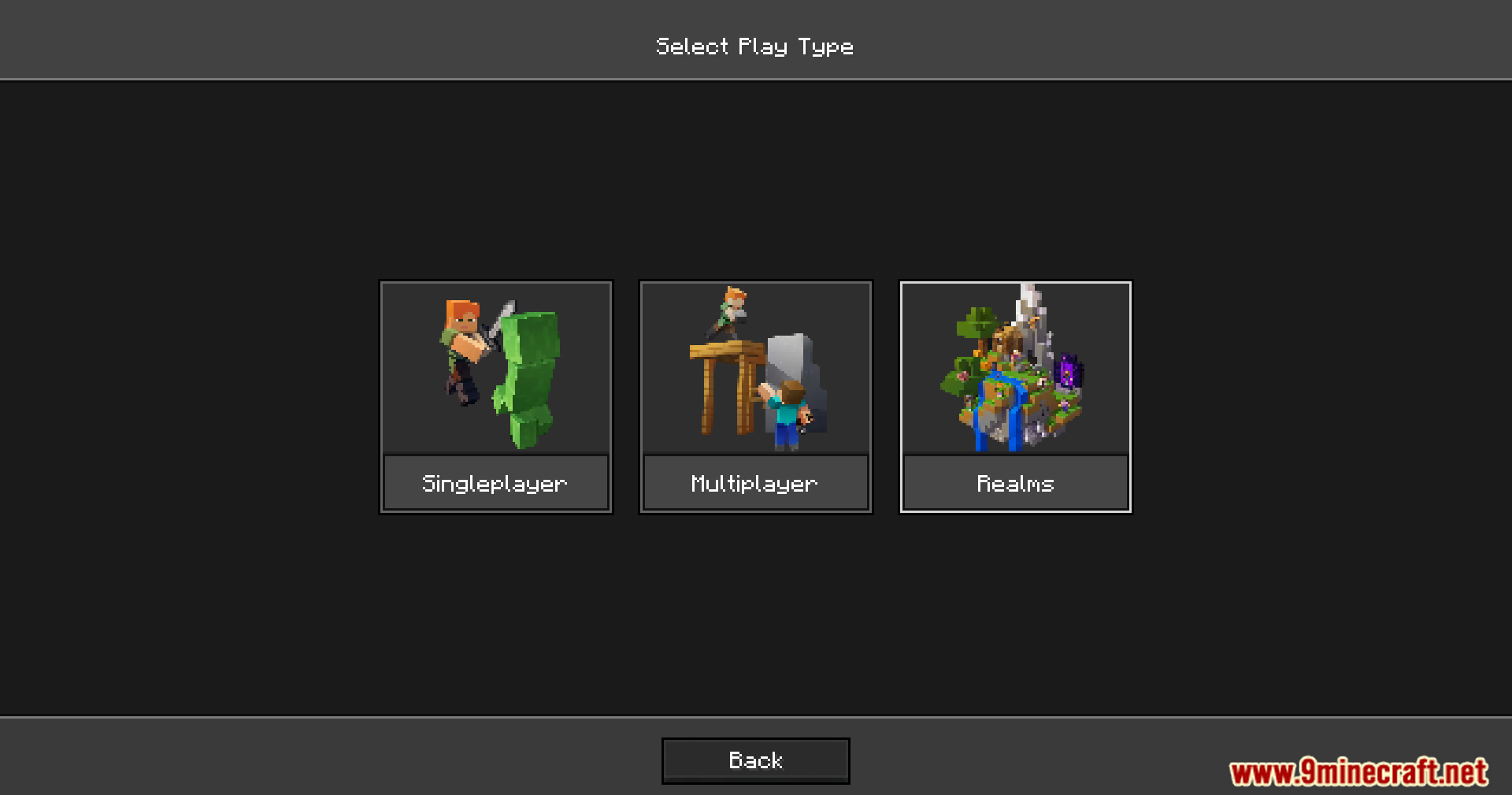
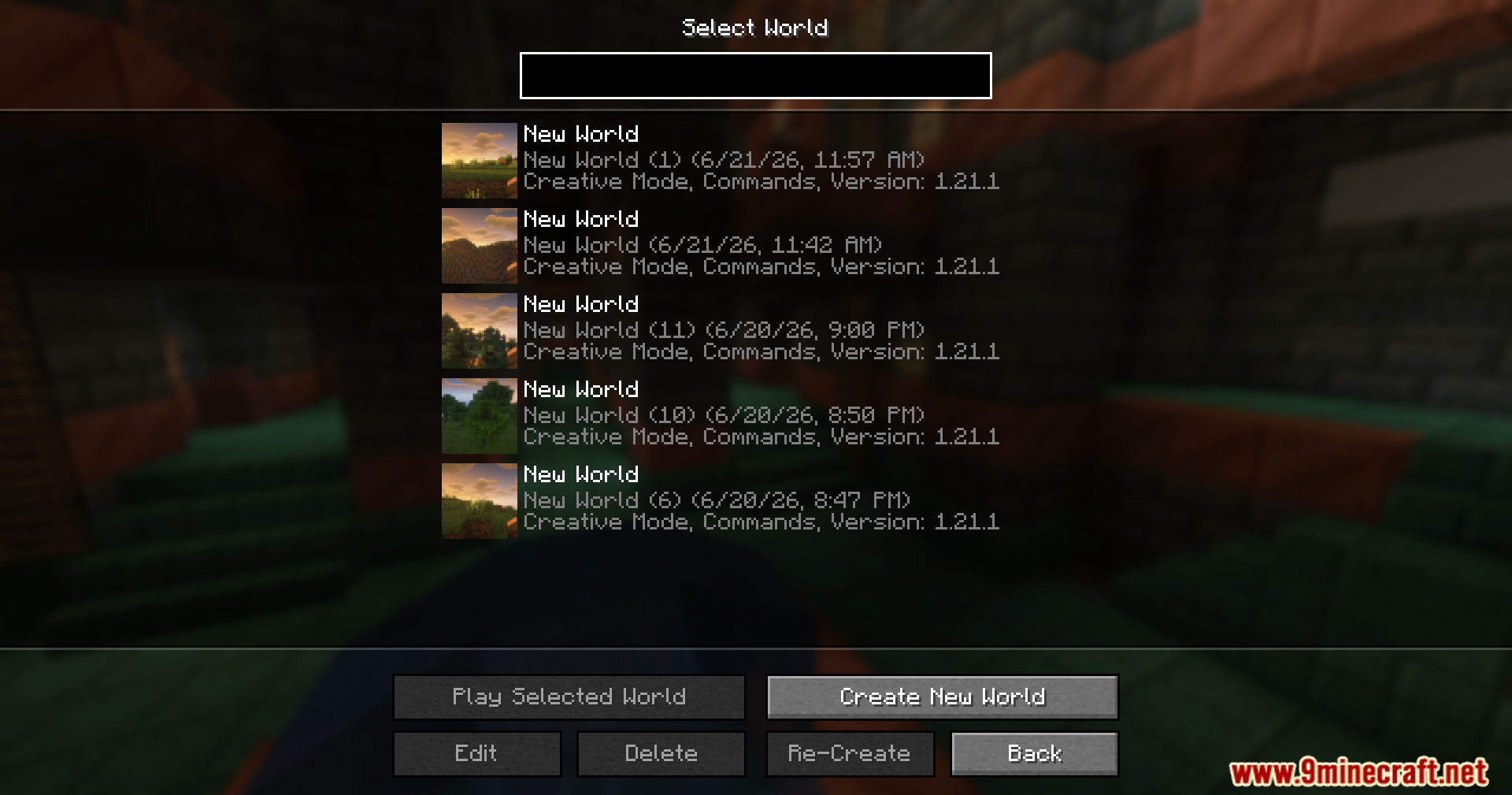
Sirius Ui Mod changes how your main game menus look and work. It adds a special engine that lets players control the layout of the title screen and world selection menus. You can use resource packs to move buttons around and change backgrounds without touching any Java code.
Features:
- Json UI Engine: Separates how the menu looks from how the game runs so you can edit it easily.
- Lets you build your own menu layouts using simple text files inside a resource pack.
- Updates the main title screen with a fresh visual style.
- Changes the world selection screen where you pick your save files.
- Keeps your custom menus centered and neat on any screen size.
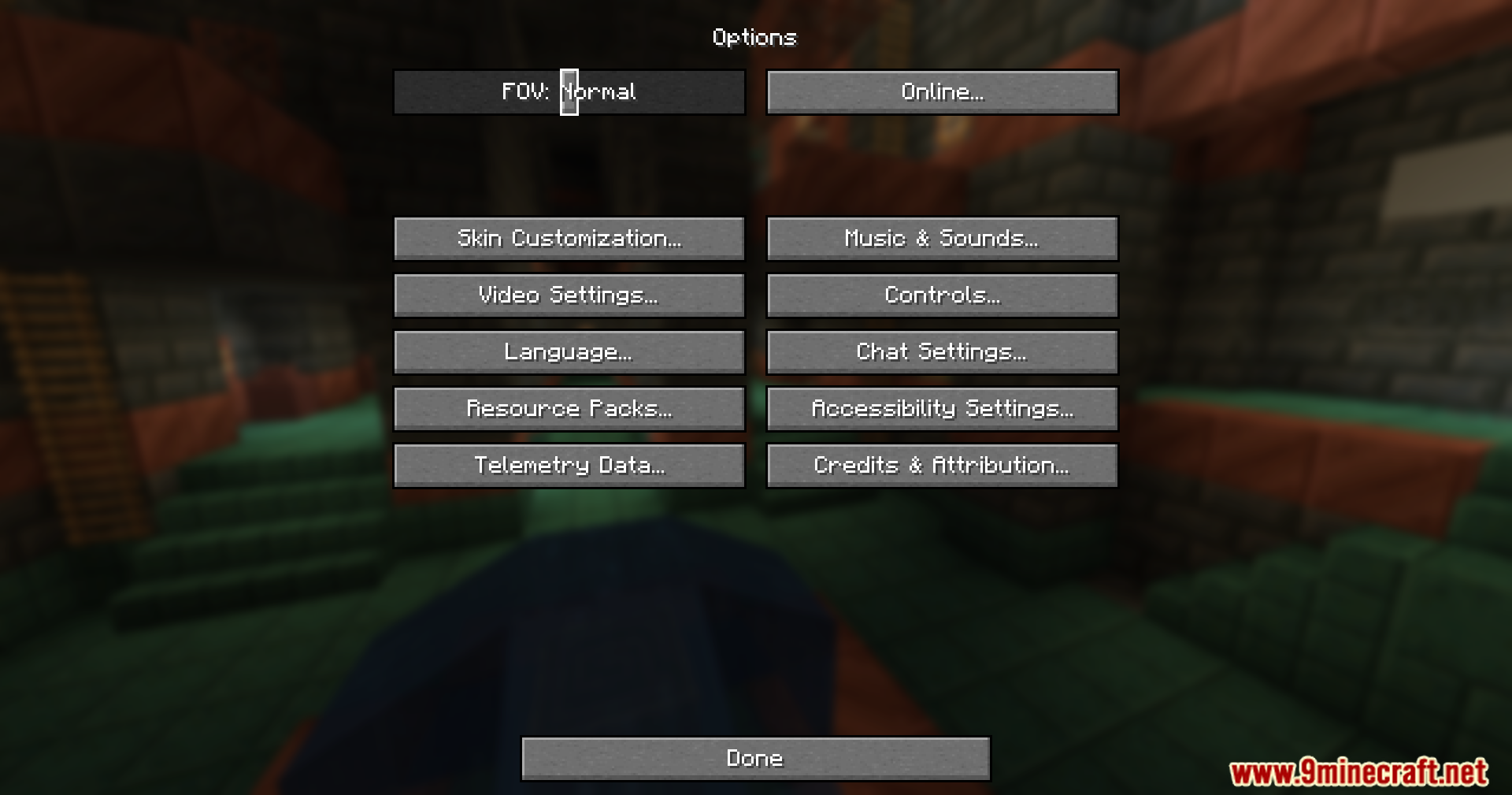
- Leaves the vanilla options menu exactly the same for now.
How to Use:
- Load the mod into your game.
- Create or download a resource pack made for this custom menu system.
- Turn on the resource pack in your game settings to apply the new layouts.
- Edit the JSON files in your resource pack if you want to move buttons or change textures.
Screenshots:
Sirius Ui Mod Download Links
Quick facts
- Edition: Minecraft Java
- File type: .jar
- Minecraft version listed: 1.20.1
- How to install: Install the matching mod loader (Forge, Fabric or NeoForge) for your Minecraft version. → Download the .jar. → Put it in the .minecraft/mods folder and launch that loader profile.
- Where to get it: In MC Java Mods, or directly above on this page.
Install steps are the general flow for this file type — How to install Minecraft Java mods & modpacks walks through it step by step.
Verified by MCModsHub
- Downloads as 90195.mcaddon
- Download size: 1.5 MB
- Download link checked 23 Sept 2026 — working
- Mirrored on our own servers — the download does not depend on the original host
These come from our own check of the pack file, not from the source page.