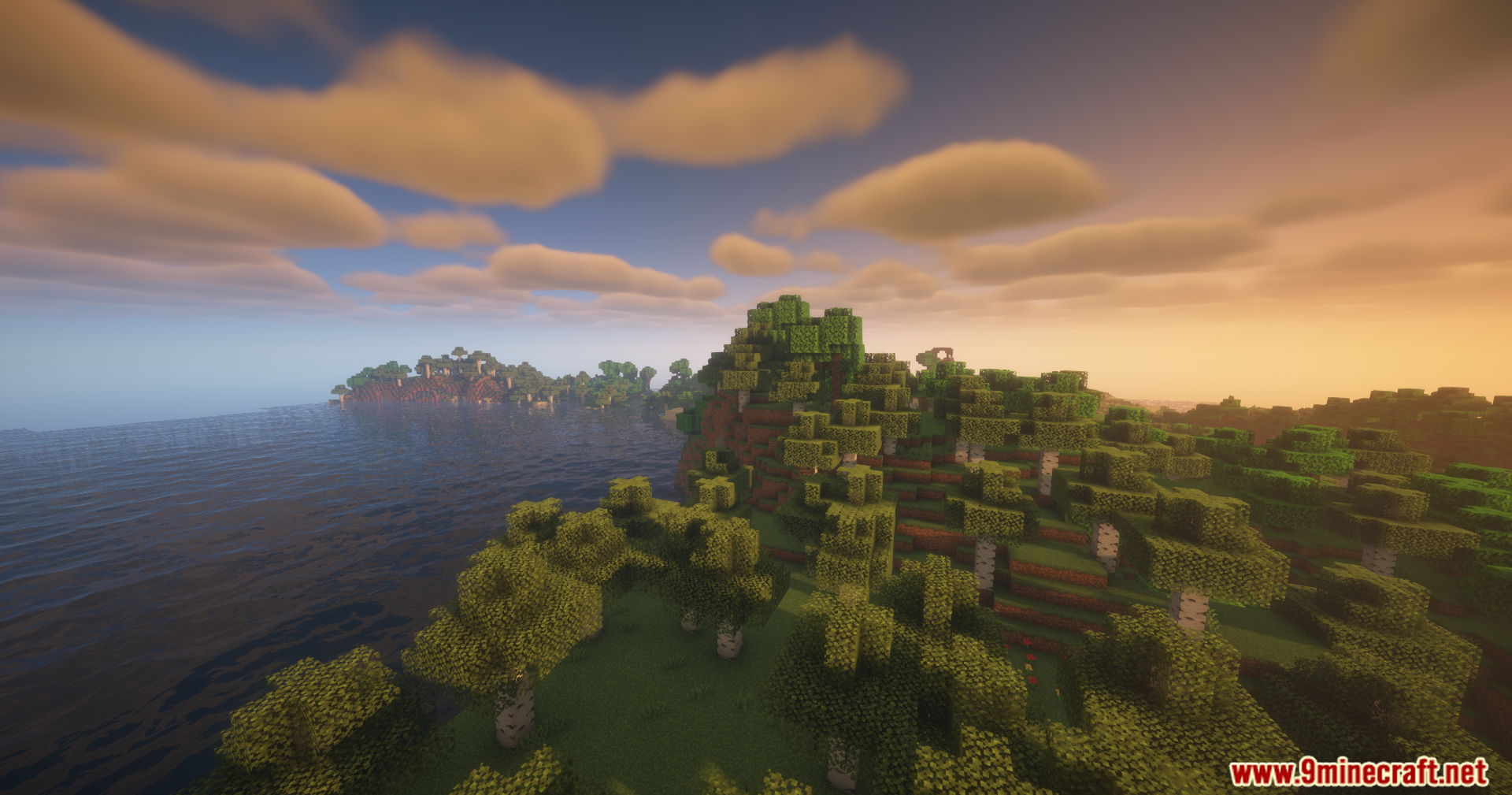
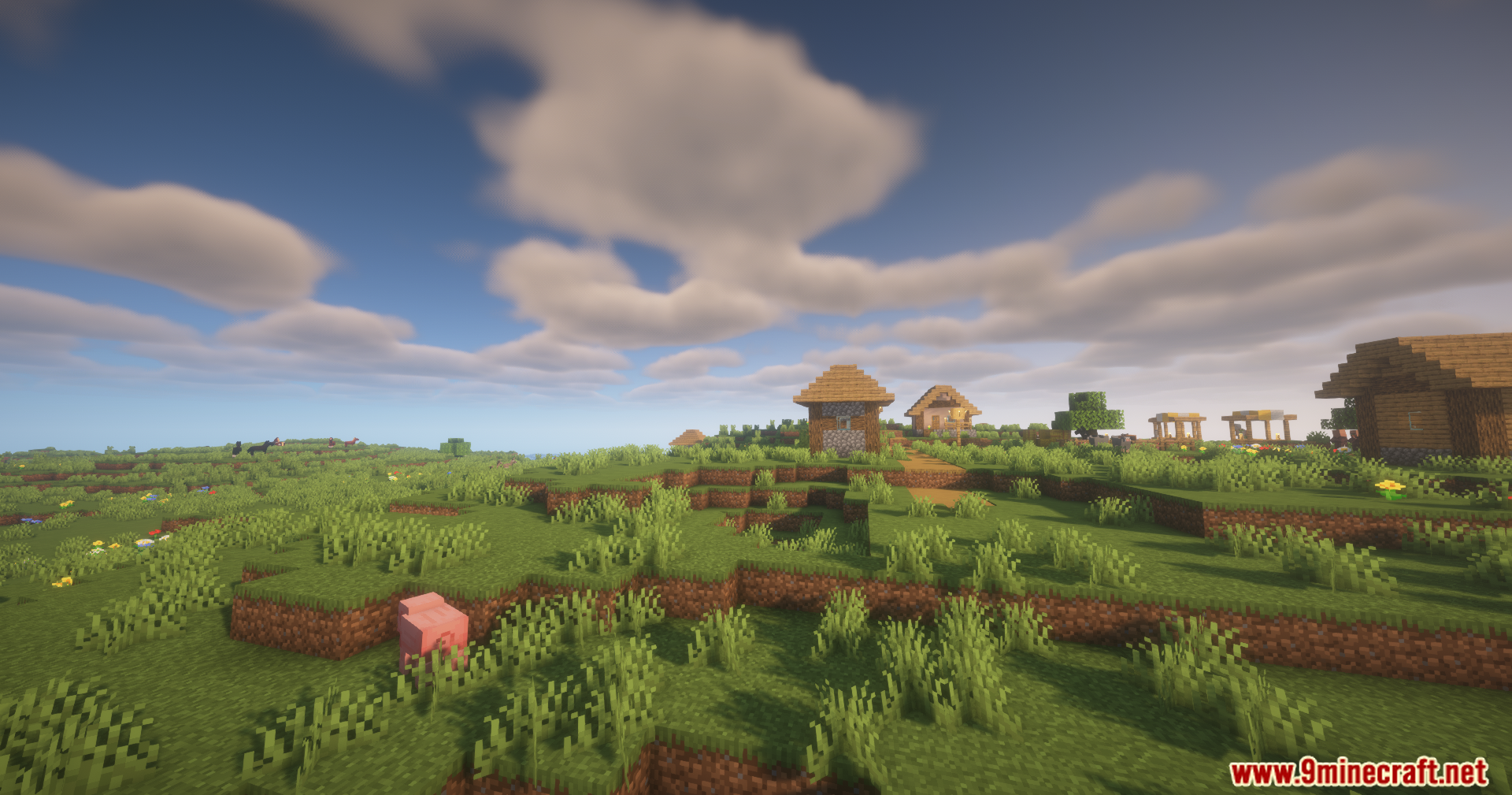
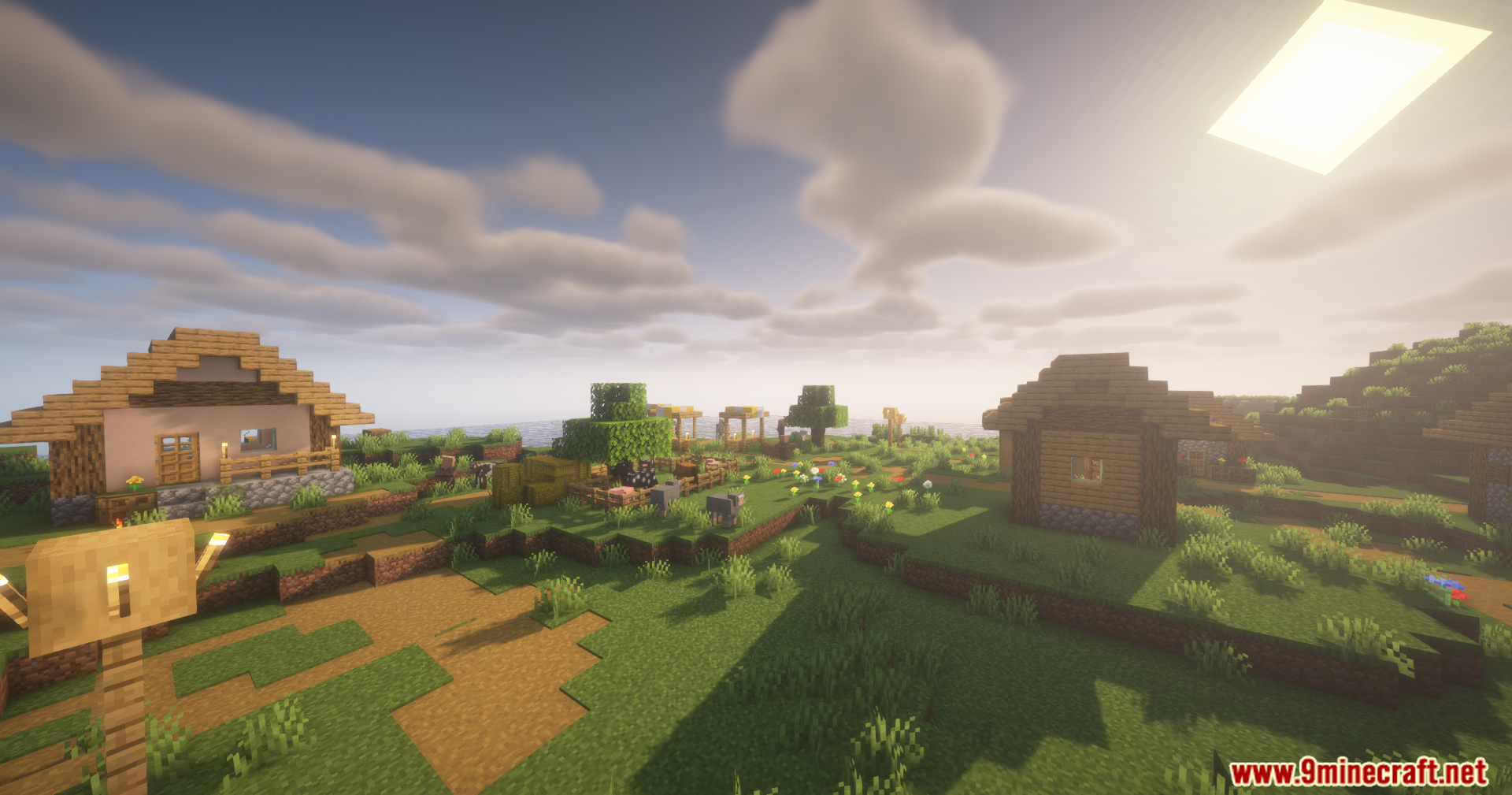
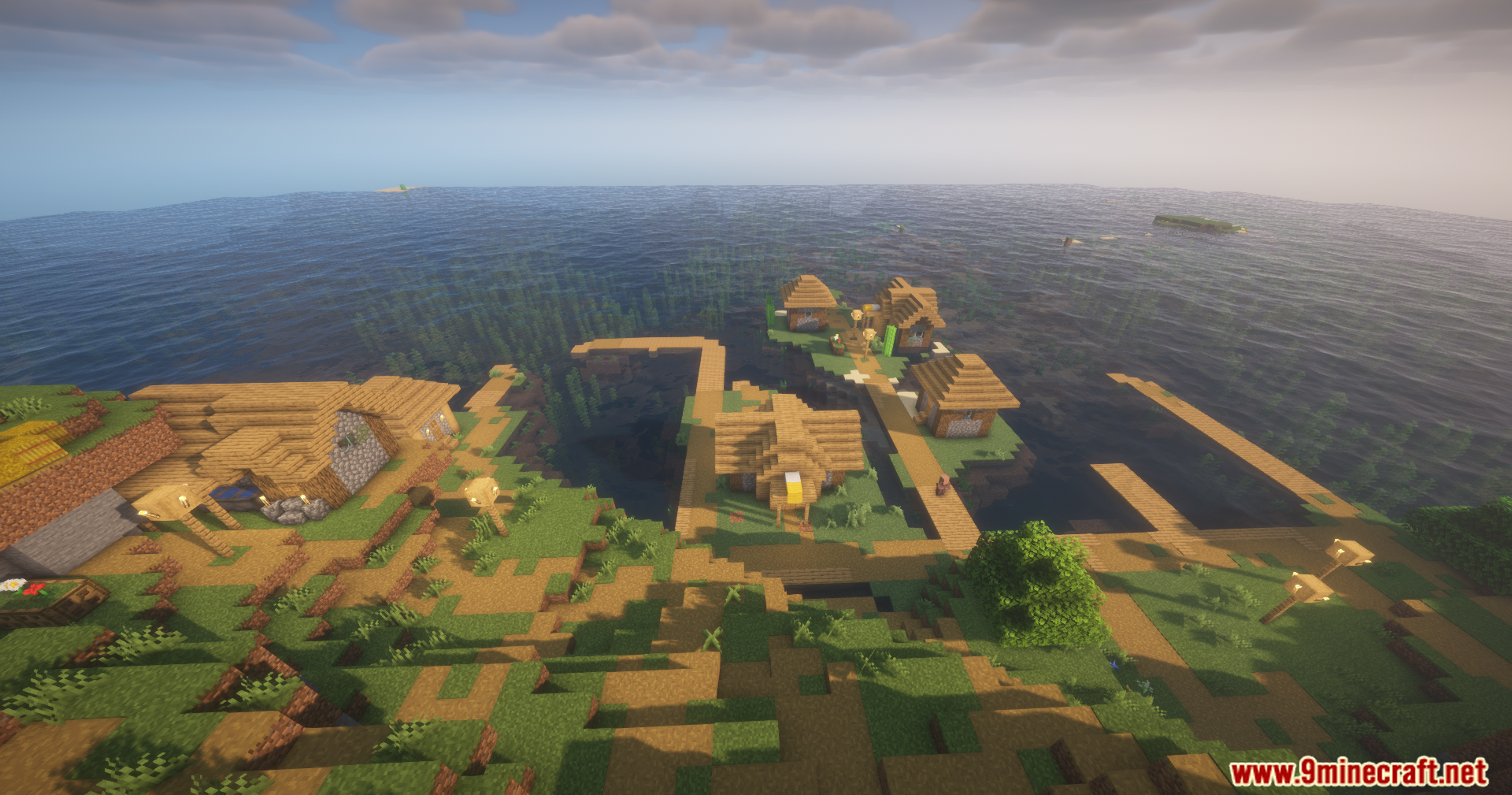

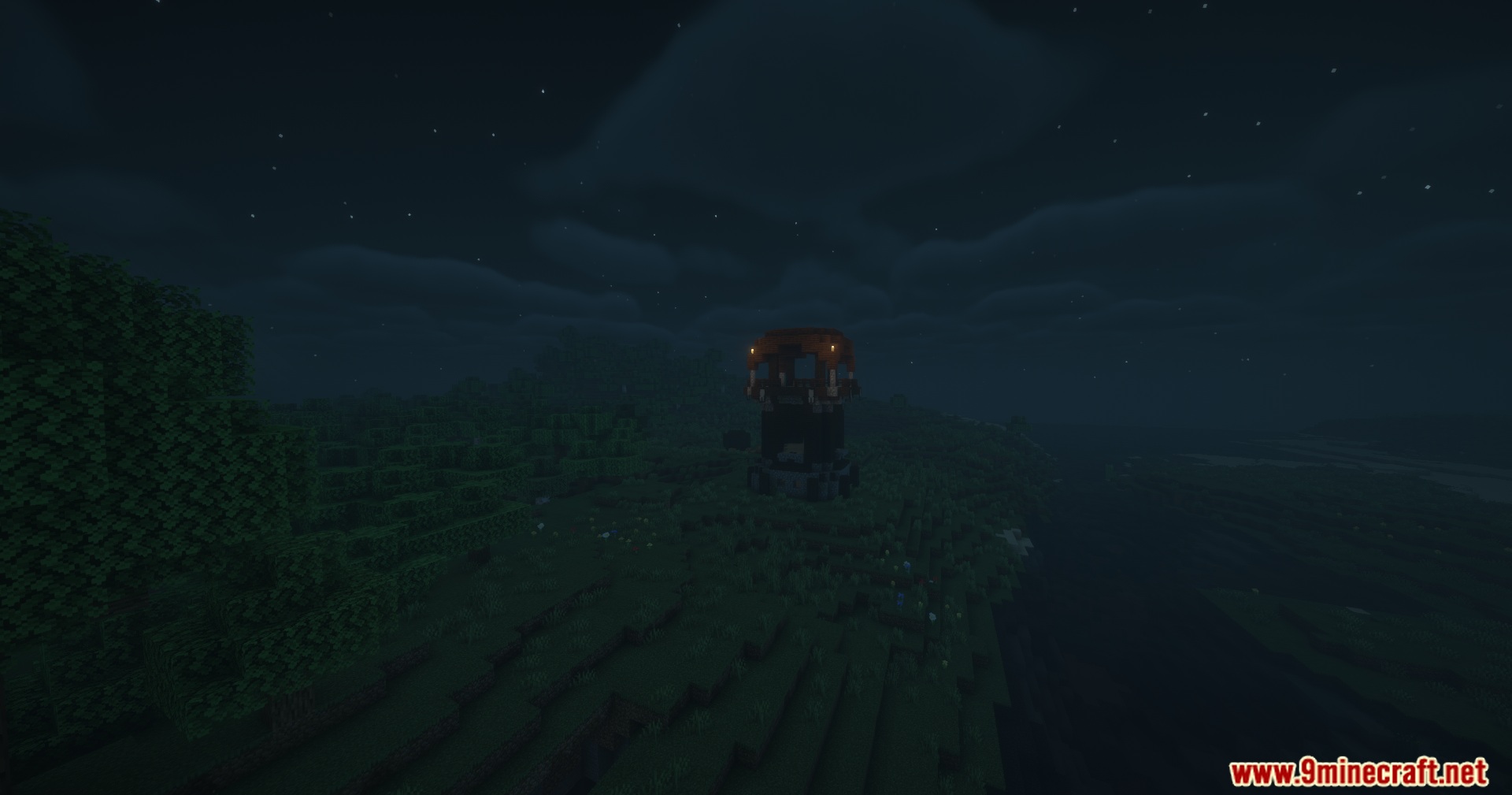
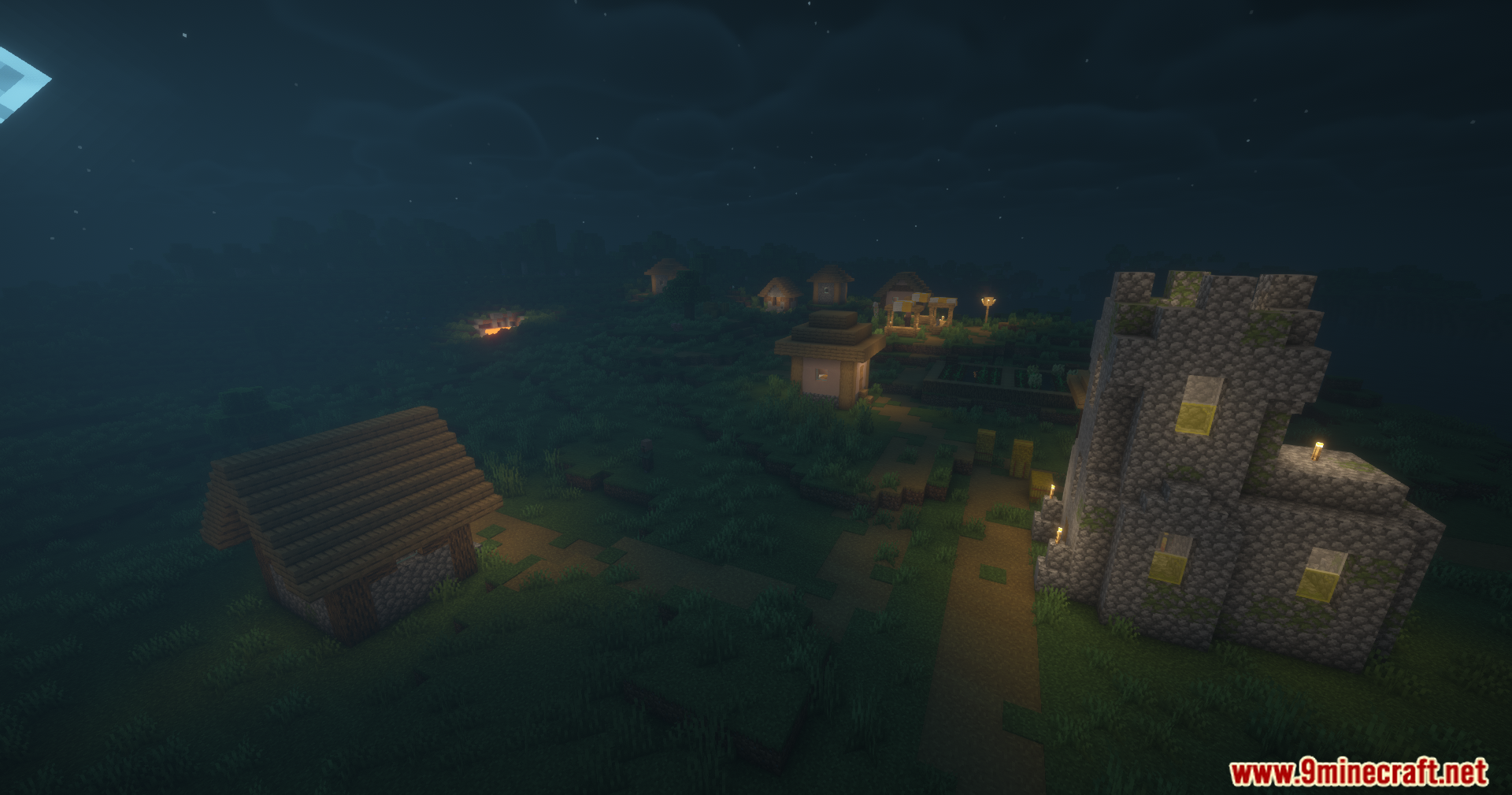
Disable Fog Mod lets you turn off the blurry fog that blocks your view in Minecraft. It gives you clear vision across the world by removing the haze that hides faraway chunks or dark areas. You can pick exactly which types of fog you want to keep and which ones to hide.
Features:
- Custom Fog Control: Lets you choose exactly which fog effects stay and which ones disappear.
- Removes terrain fog so you can see all the way to the edge of your render distance.
- Clears up the thick atmospheric fog in the Overworld sky and the Nether.
- Turns off the lava fog so you can spot ores and dangers while swimming in lava.
- Cleans up underwater vision by removing the murky water fog.
- Stops the whiteout effect when you get trapped inside powder snow blocks.
- Blocks the blurry fog caused by the blindness potion effect.
- Cancels out the darkness fog that happens when a Warden is nearby.
- Lets you set different rules for each dimension, including custom worlds added by other mods.
Configuration:
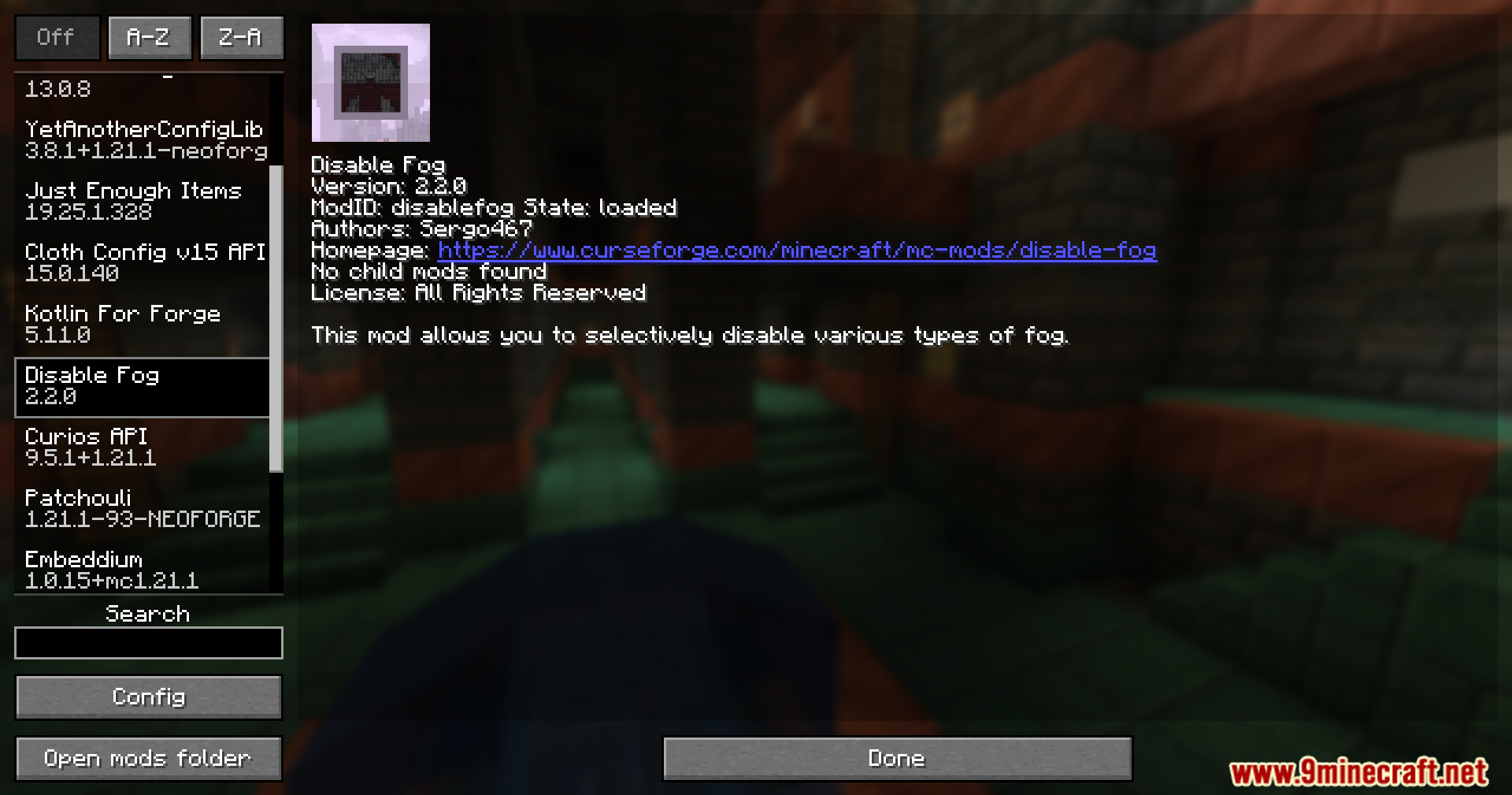
- Includes a built-in settings menu so you can change your fog rules right inside the game.
- Fabric and Quilt players need ModMenu to open the settings screen.
- Forge and NeoForge players can just click the Config button in the regular mods menu.
How to Use:
- Load into your world. The terrain and sky fog are already turned off by default.
- Open your mods menu and click the config button for this mod.
- Go through the list and turn individual fog types on or off based on what you want to see.
- Set up custom rules for specific dimensions if you want the Nether to look different from the Overworld.
Screenshots:
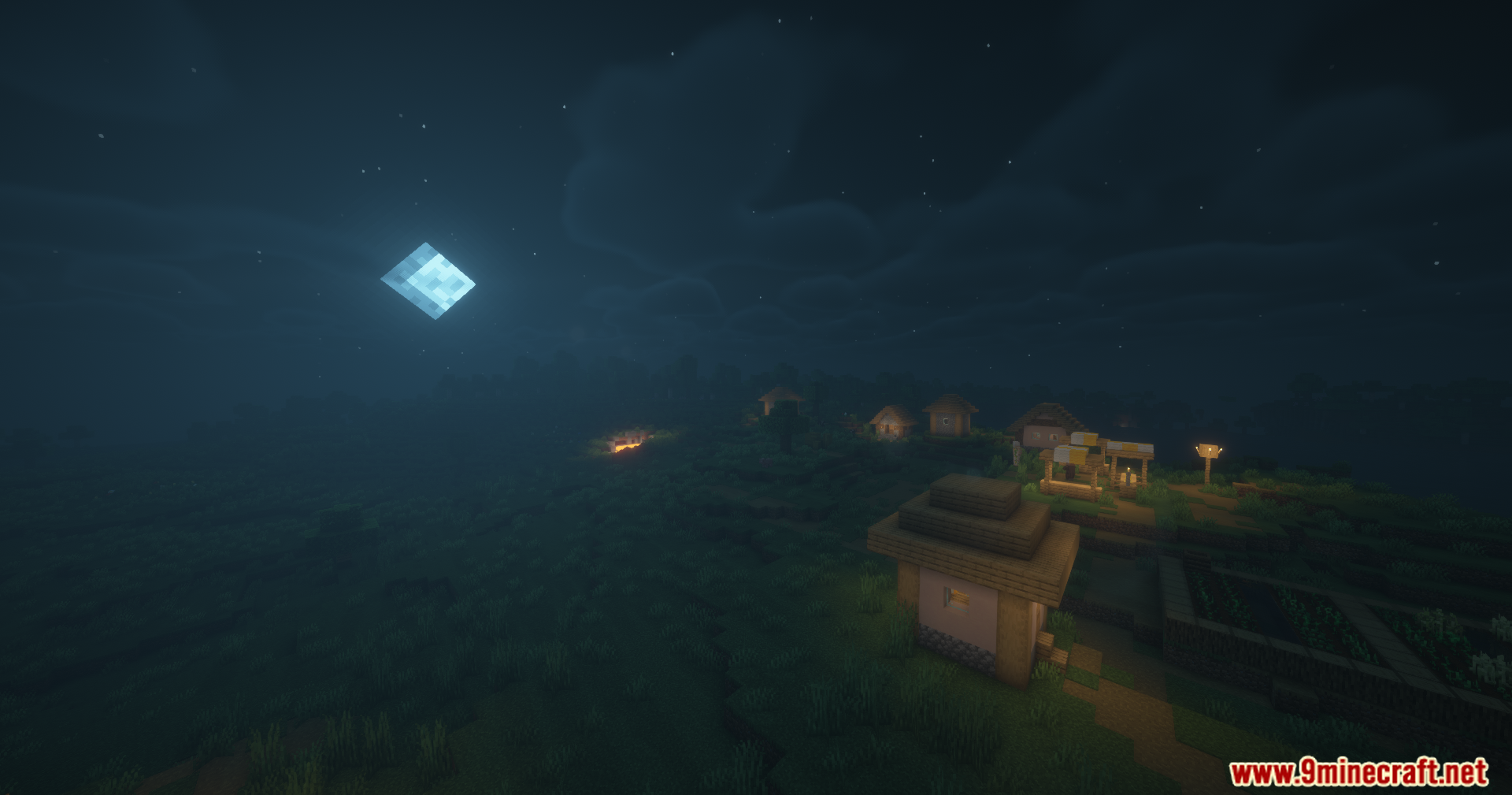
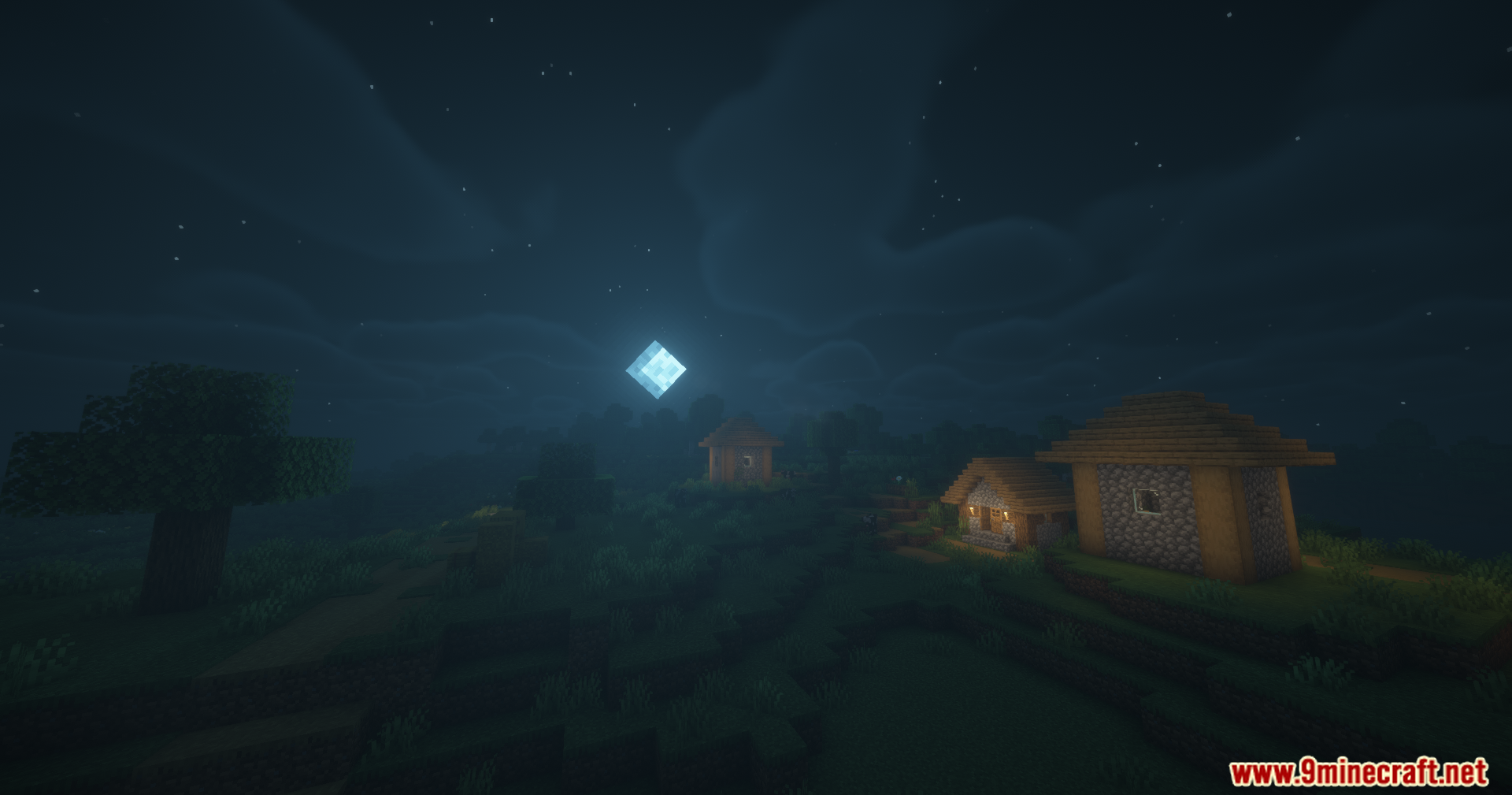
Disable Fog Mod Download Links
Quick facts
- Edition: Minecraft Java
- File type: .jar
- Minecraft version listed: 1.20.1
- How to install: Install the matching mod loader (Forge, Fabric or NeoForge) for your Minecraft version. → Download the .jar. → Put it in the .minecraft/mods folder and launch that loader profile.
- Where to get it: In MC Java Mods, or directly above on this page.
Install steps are the general flow for this file type — How to install Minecraft Java mods & modpacks walks through it step by step.
Verified by MCModsHub
- Downloads as 90197.mcaddon
- Download size: 130 KB
- Download link checked 26 Sept 2026 — working
- Mirrored on our own servers — the download does not depend on the original host
These come from our own check of the pack file, not from the source page.