ResourcepacksJava
Crops Plus Resource Pack (1.21.11, 1.20.1) – See When Your Crops Are Ready
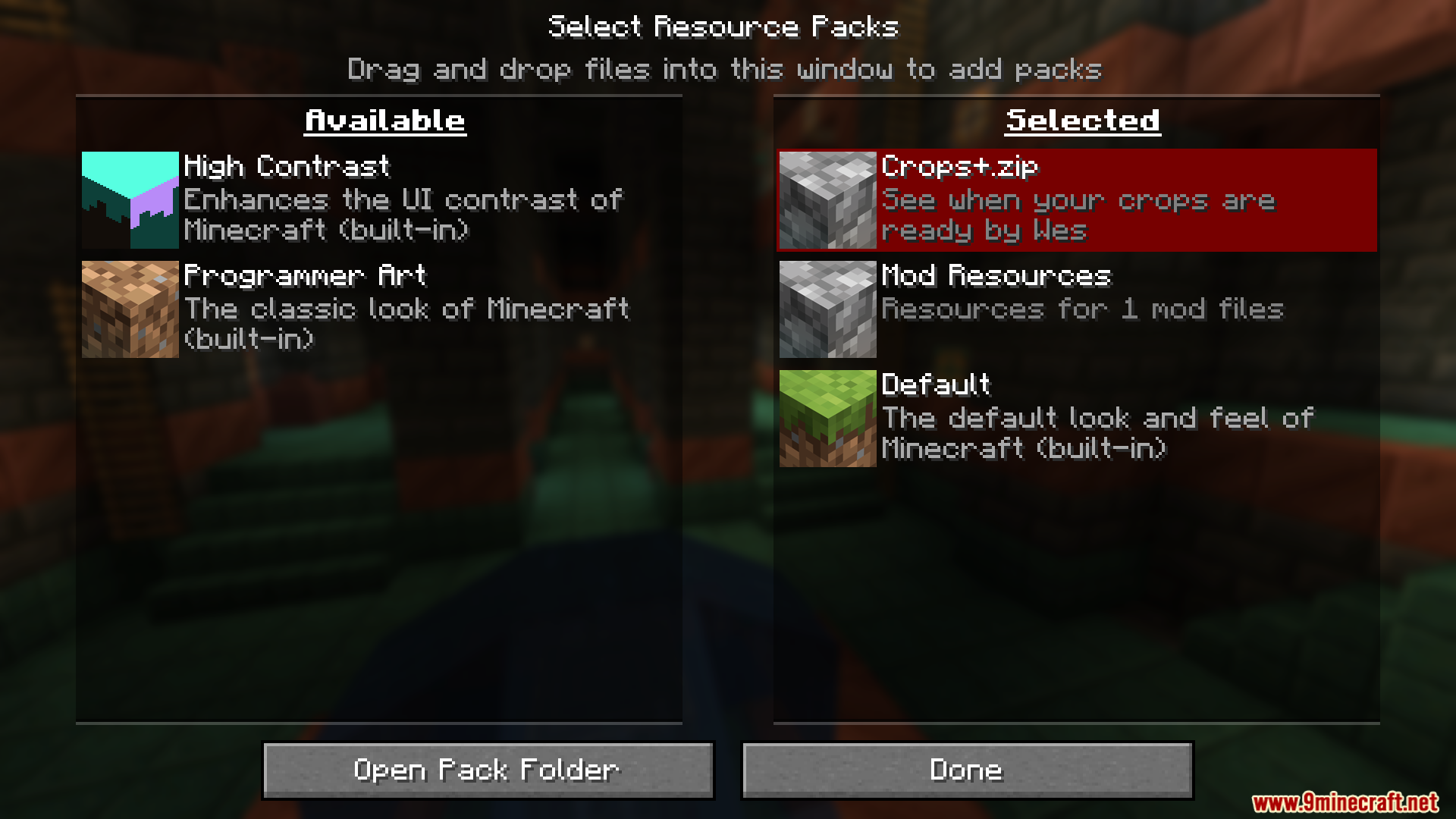
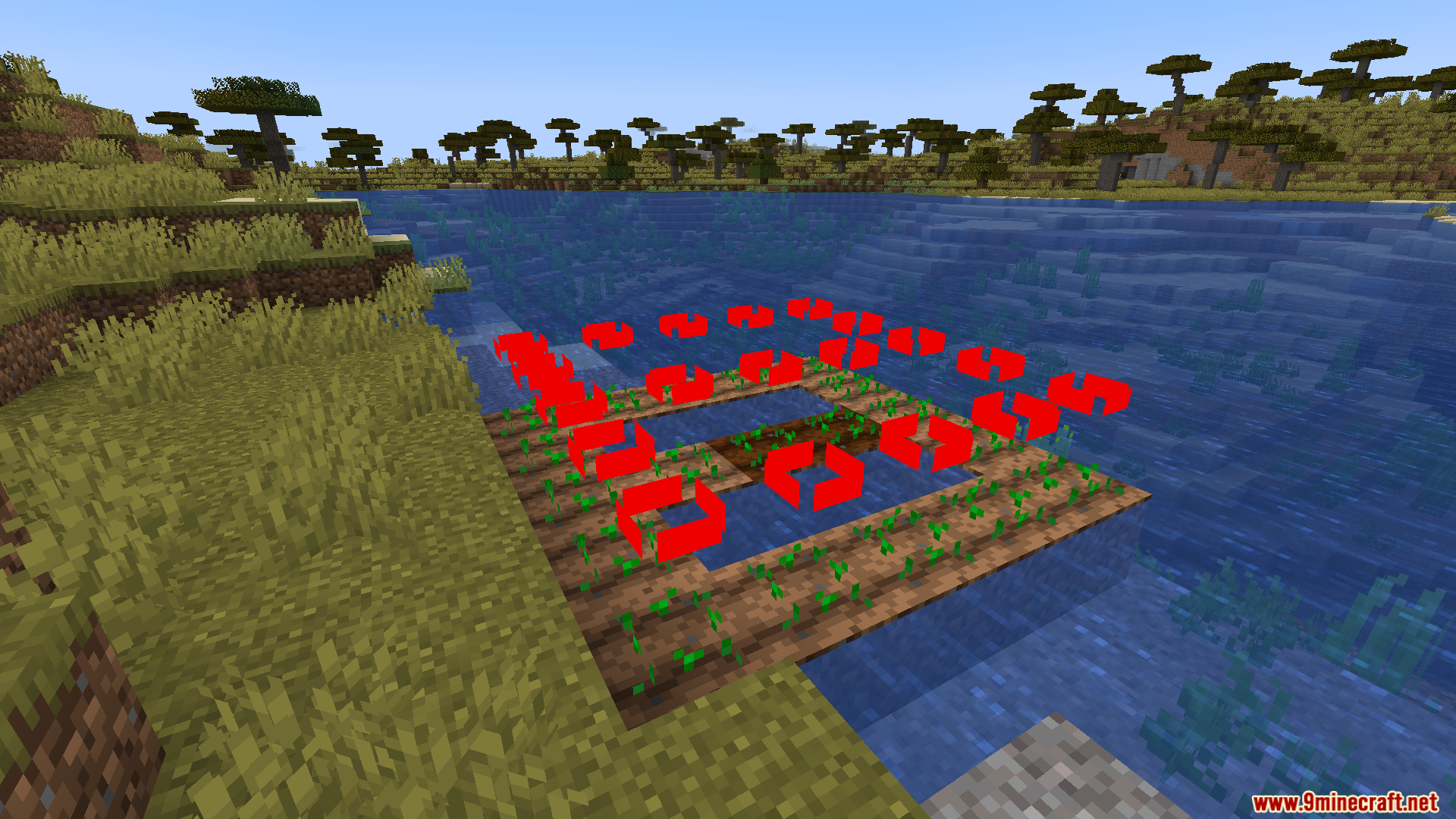
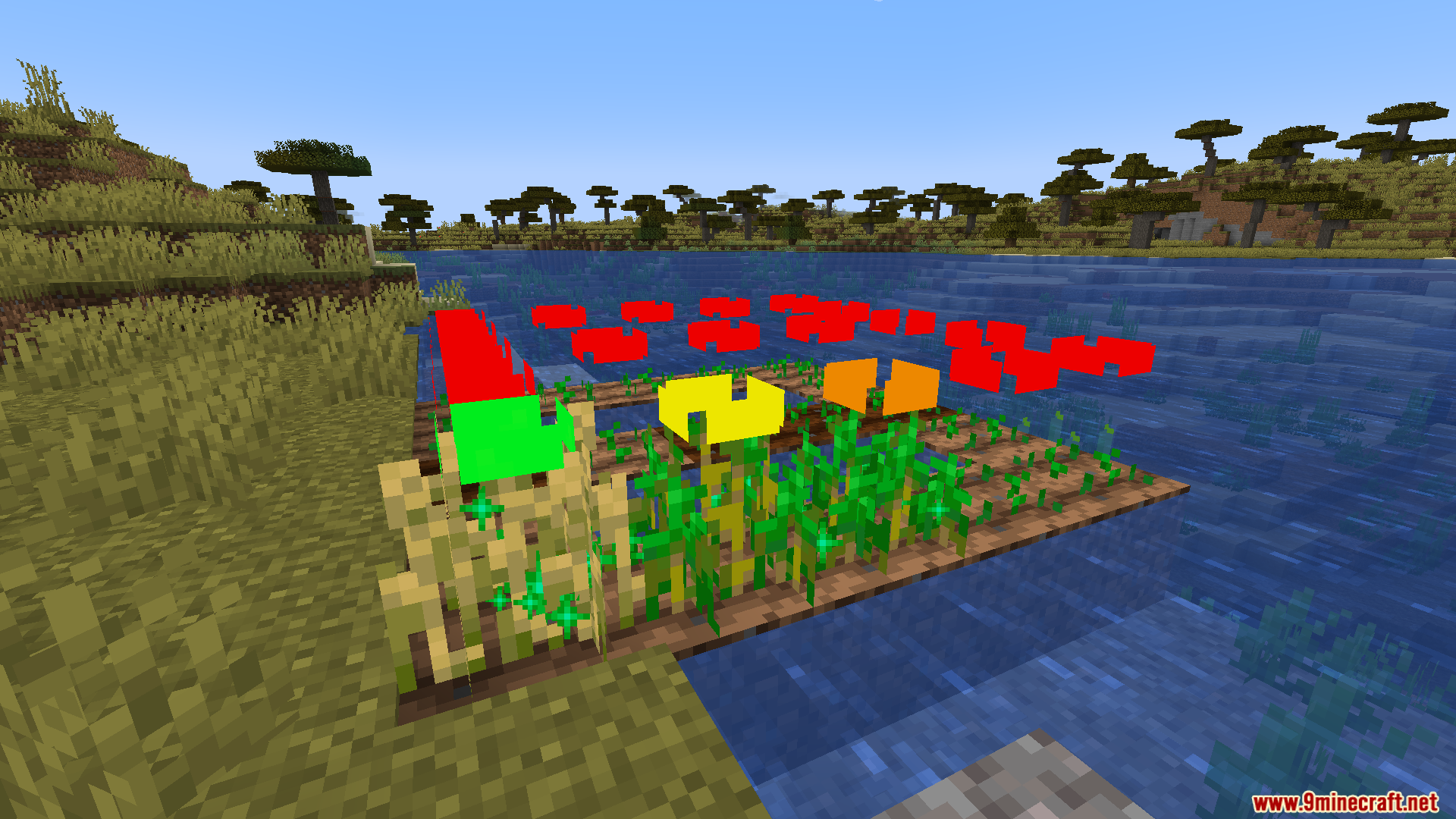
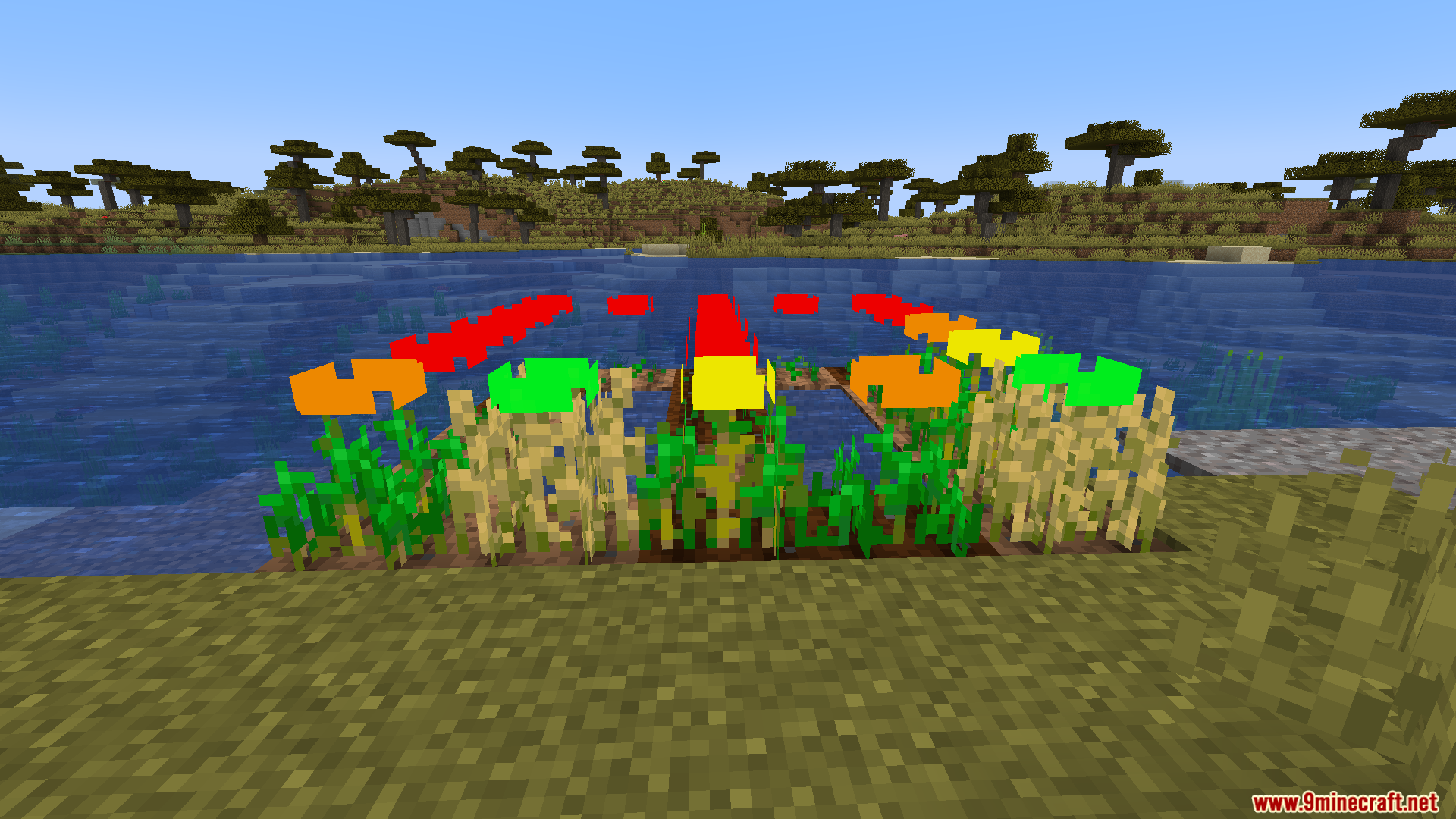
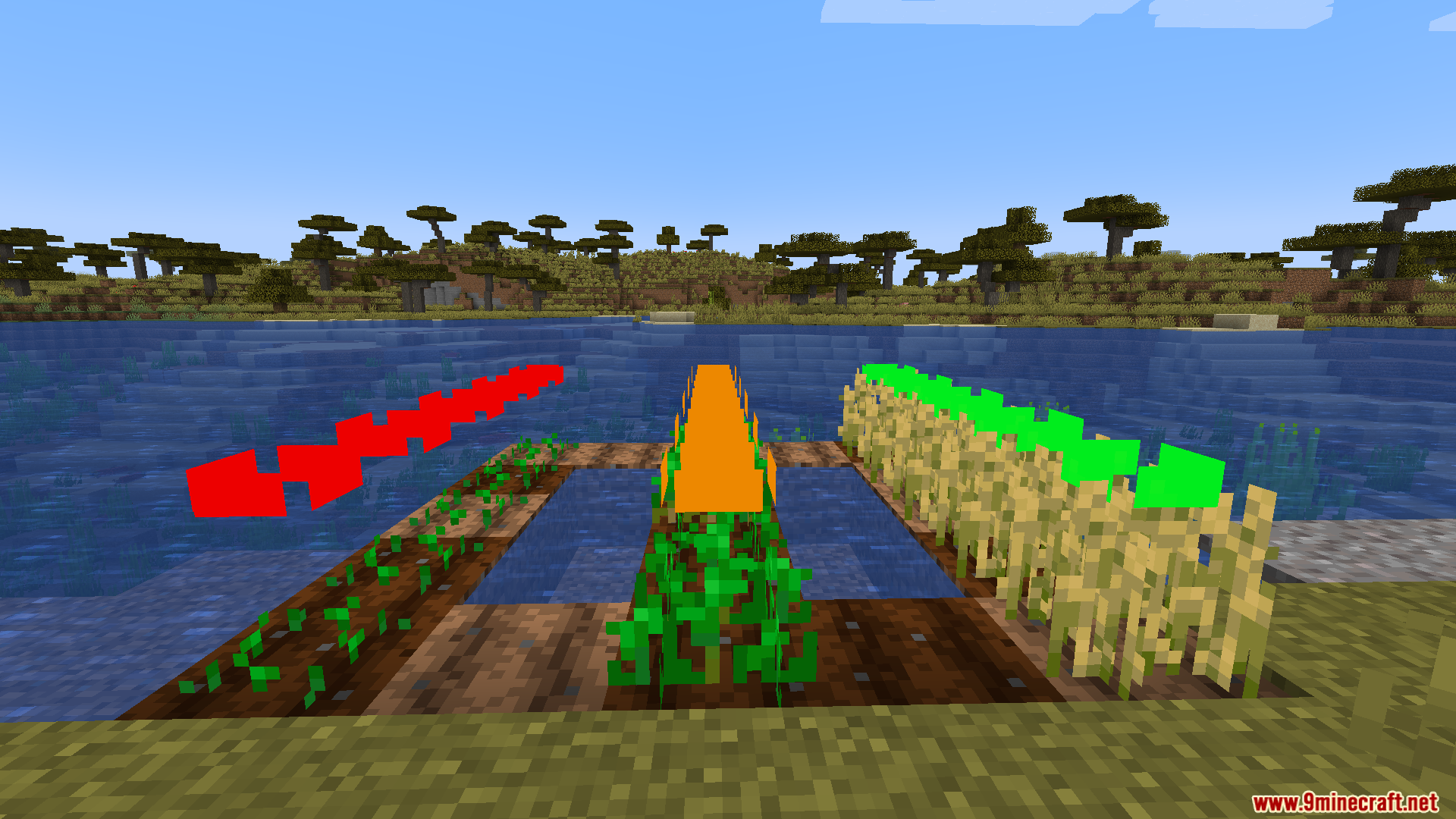
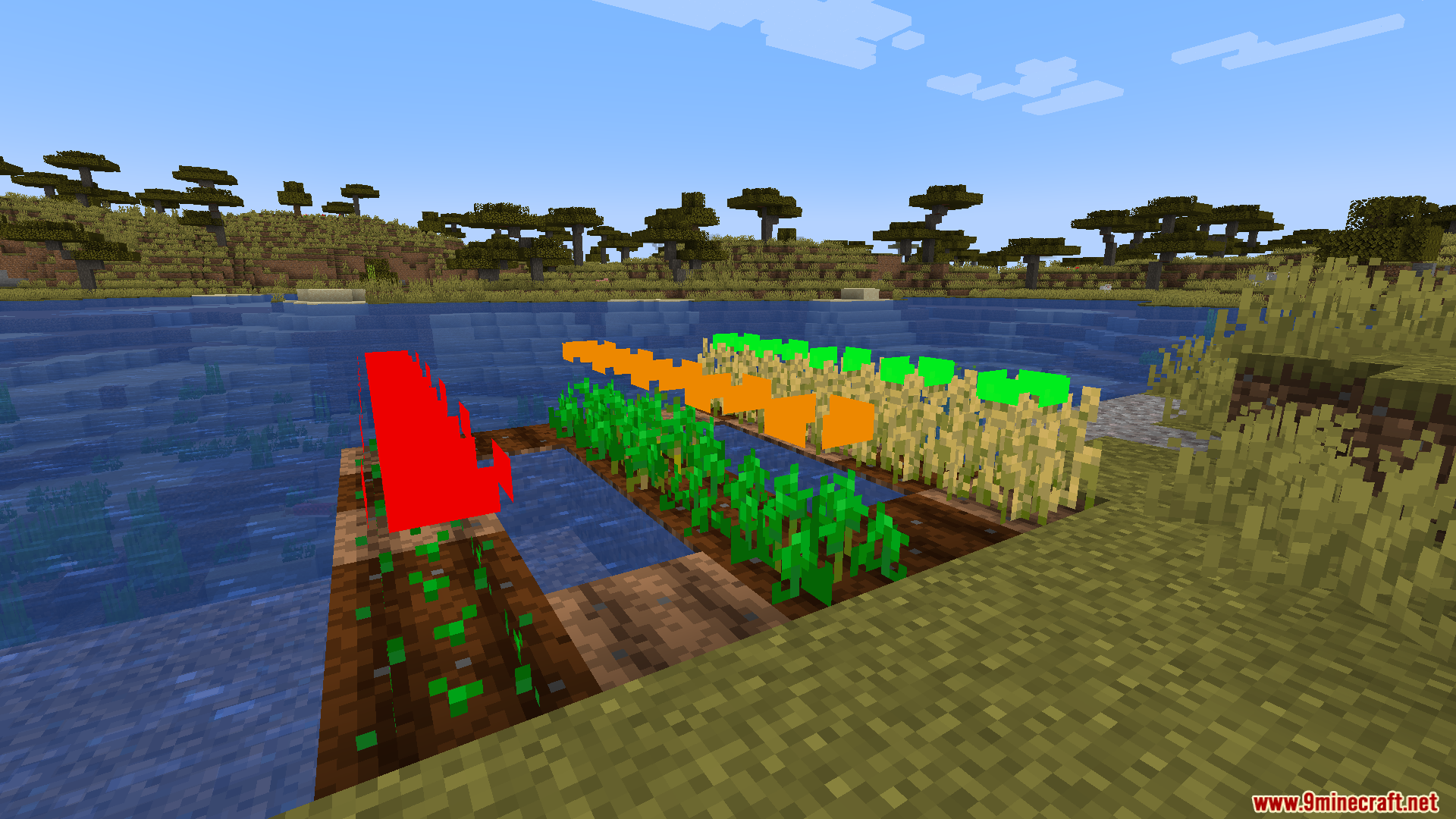
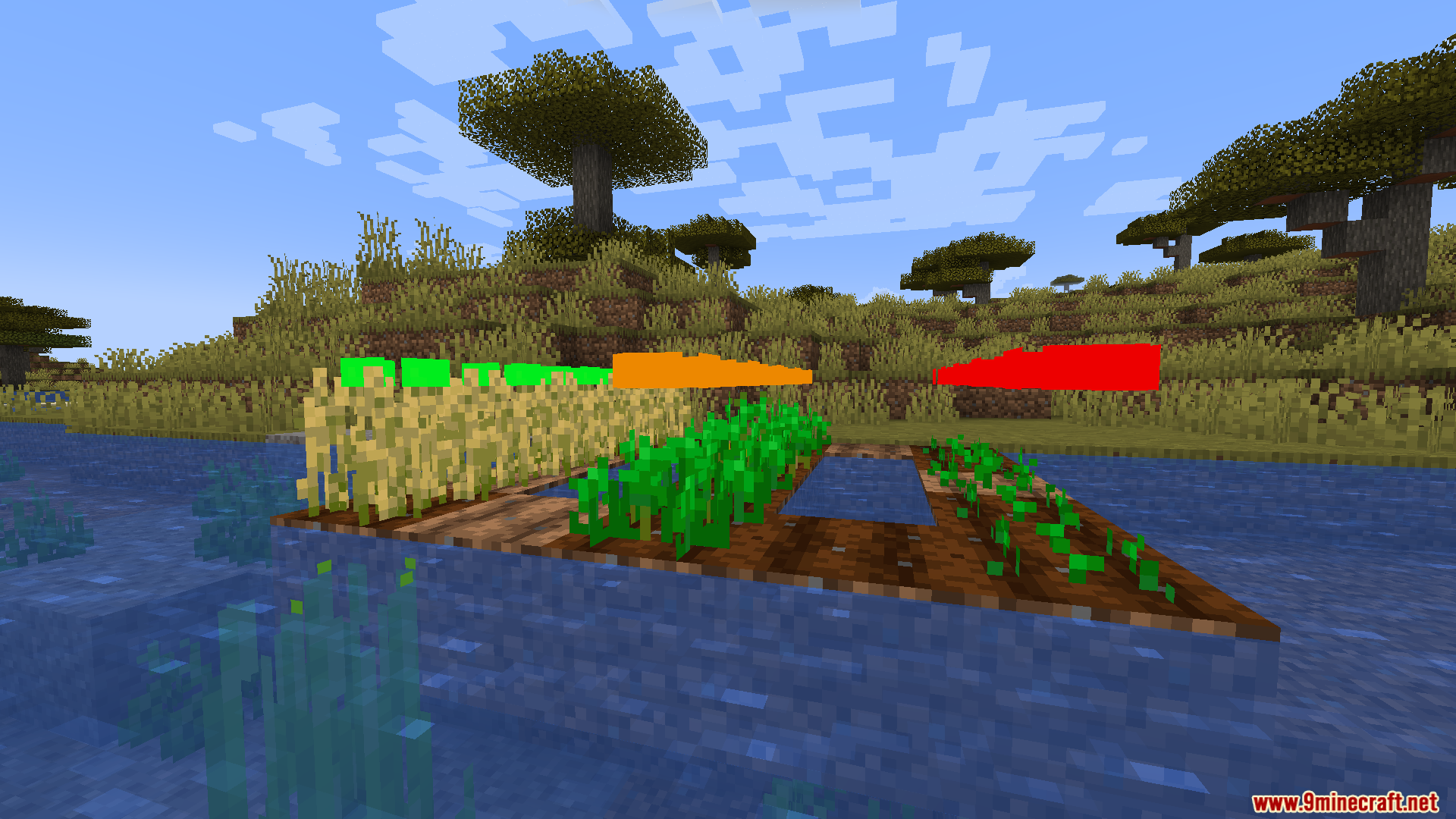
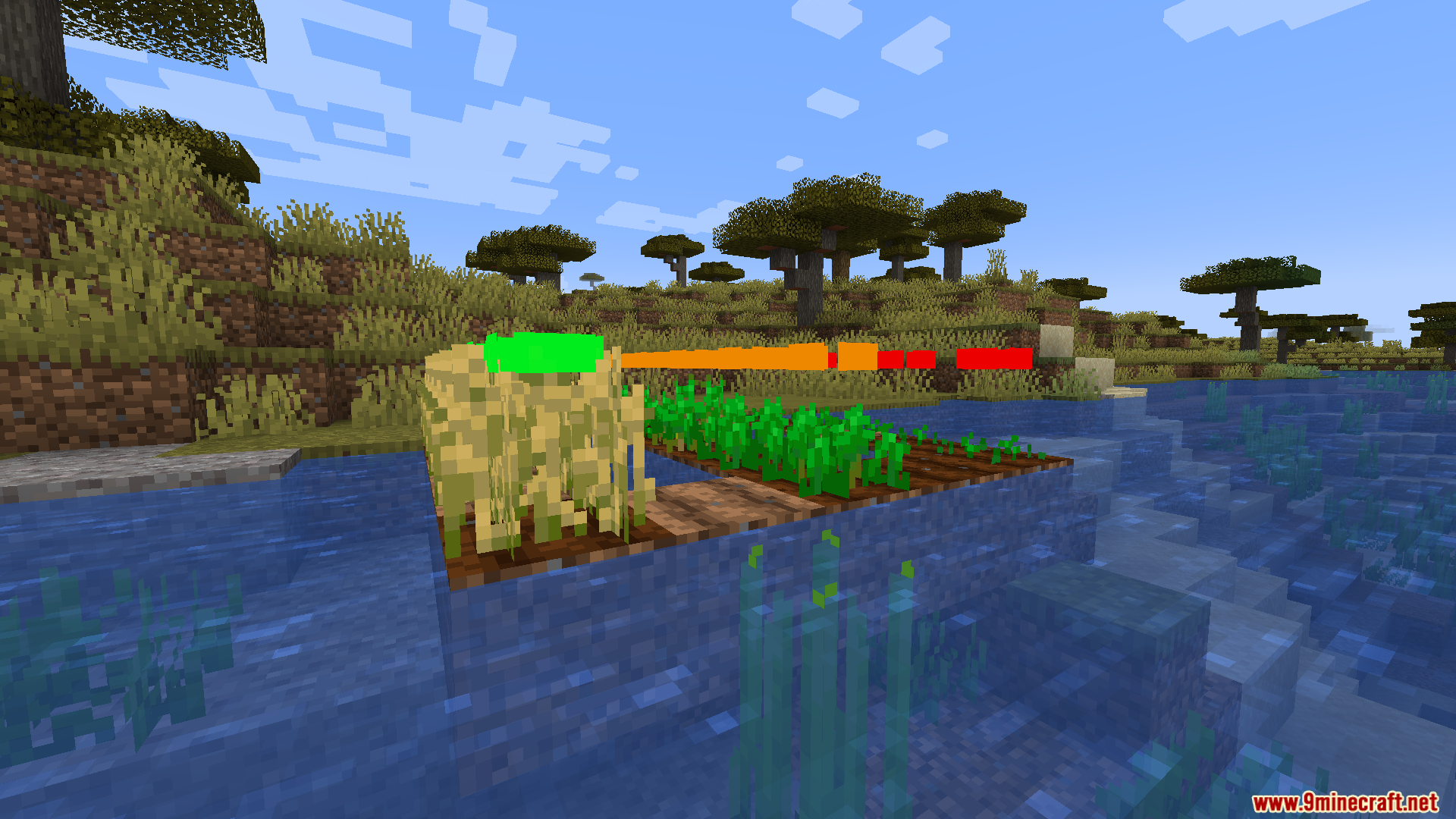
Crops Plus Resource Pack adds a simple visual helper to your farming worlds. This pack places a small, colored rectangle above your farm plants so you always know exactly when they are ready to harvest. It takes the guesswork out of farming by using a clear traffic-light system for plant growth. You no longer need to look closely at tiny pixel changes on wheat or carrots to figure out if they are done growing.
Features:
- Color Indicators: Places a small rectangle floating right above your planted seeds.
- Turns red when you first plant the seeds in the dirt.
- Changes to orange when the plant reaches the halfway point of its growth cycle.
- Switches to yellow when the food is almost ready to pick.
- Turns green to tell you the crop is fully grown and ready to eat.
- Helps players save time by letting them check their large farms from far away.
- Works great for beginners who do not know what fully grown Minecraft plants look like yet.
Screenshots:
Crops Plus Resource Pack Download Links
Quick facts
- Edition: Minecraft Java
- File type: .zip (resource pack)
- Minecraft versions listed: 1.21.11, 1.20.1
- How to install: Download the .zip resource pack — do not unzip it. → Put it in .minecraft/resourcepacks. → Enable it in Options → Resource Packs.
- Where to get it: In MC Java Mods, or directly above on this page.
Install steps are the general flow for this file type — How to install Minecraft Java resource packs walks through it step by step.
Verified by MCModsHub
- Downloads as 90283.mcpack
- Download size: 70 KB
- Download link checked 26 Jul 2026 — working
- Mirrored on our own servers — the download does not depend on the original host
These come from our own check of the pack file, not from the source page.