Shop & Sell Addon Ultimate
Bedrock add-on listed for Minecraft 26.x (behavior + resource pack). File opened and checked on 19 Sep 2026; installs from the MC Bedrock Mods app on Android.
RJShop is an economy addon for Minecraft Bedrock Edition featuring Shops, Auction House, 40+ enchantments, persistent data, and unlimited storage…
⬇ Download on CurseForgeThe author built this one for Minecraft 26.30. On other versions it may install and then do nothing.
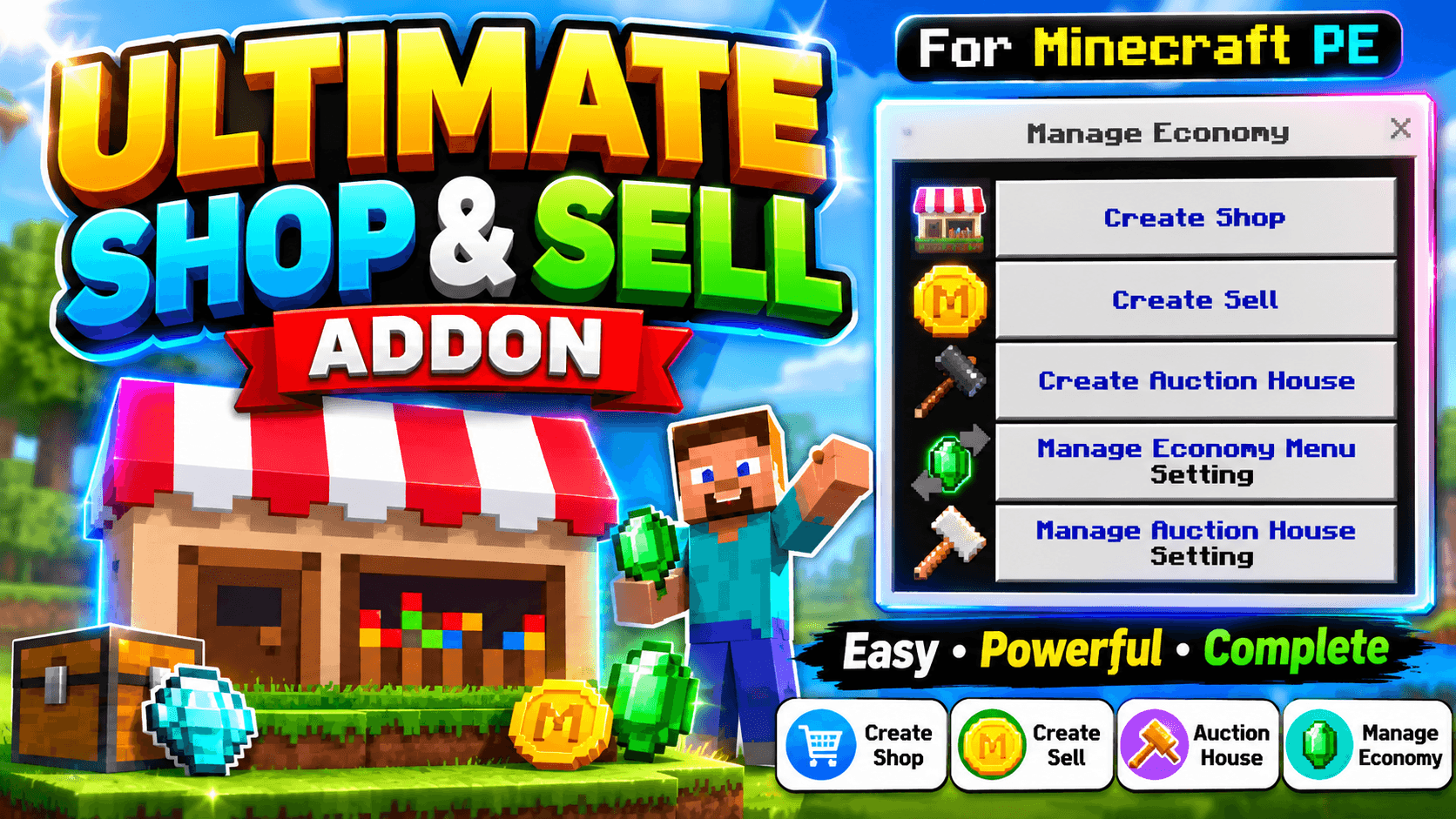
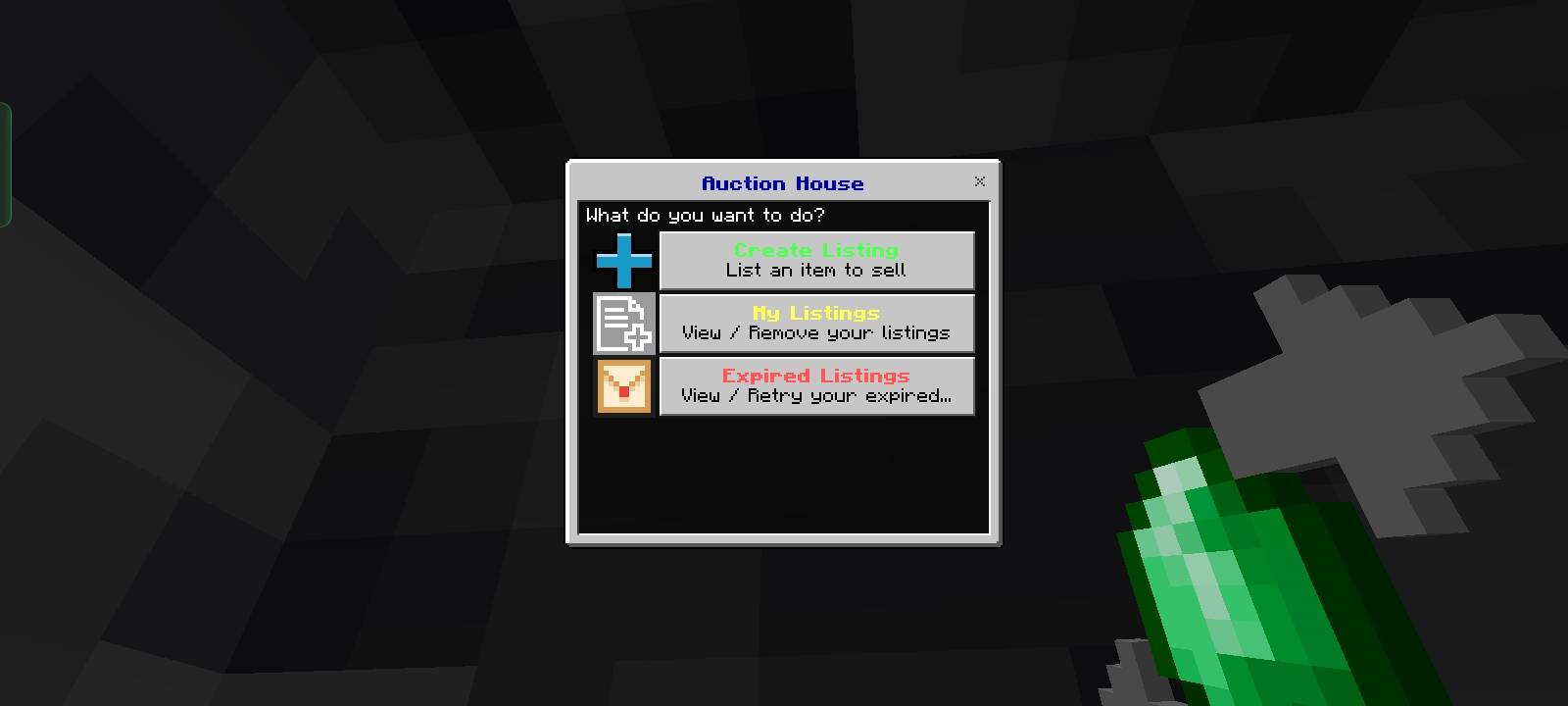
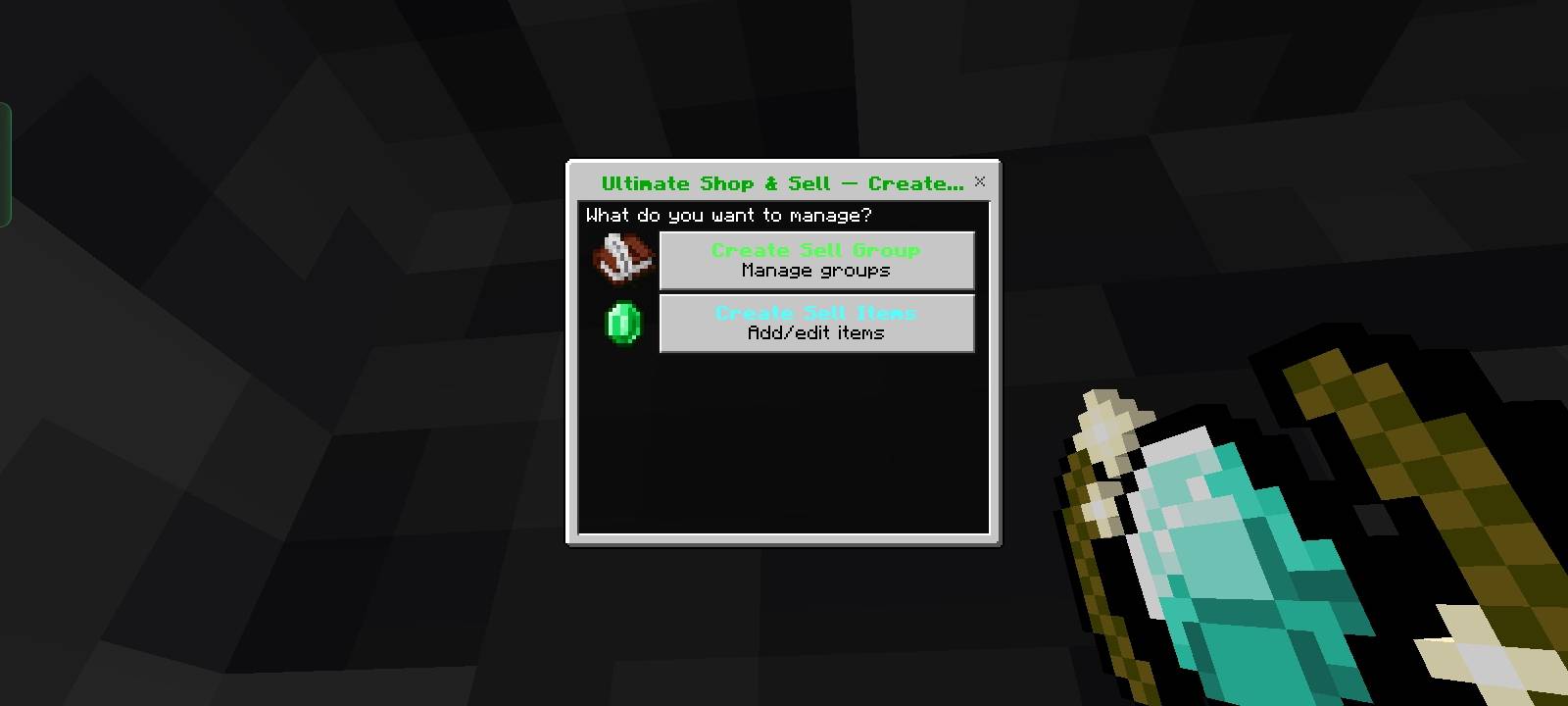
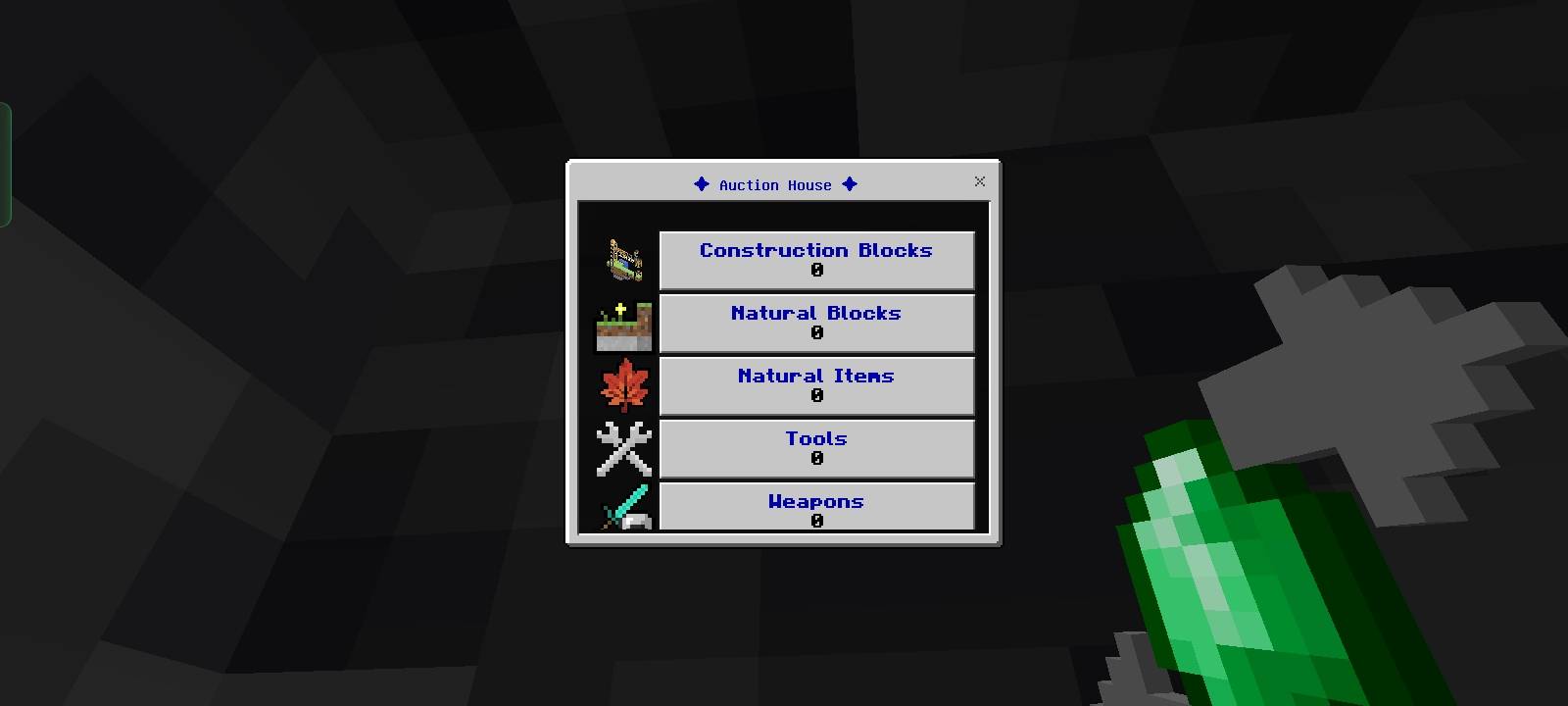
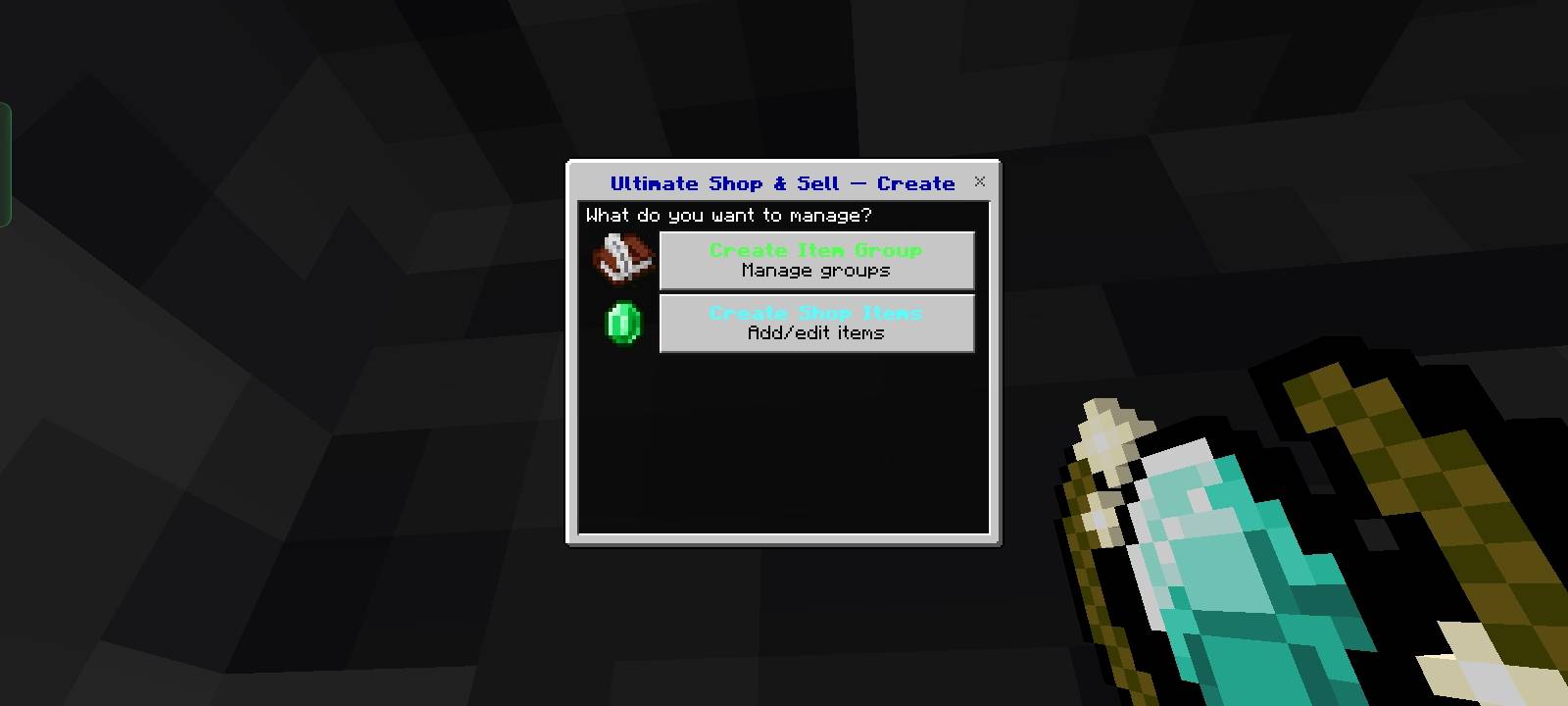
Ultimate Shop & Sell Addon
Pack V1.0.0
Minecraft support version. 1.26.30
## Short Description
Ultimate Shop & Sell addon with Auction House for your Minecraft Bedrock server. Buy, sell, and trade items with custom enchantments!
## Full Description
**Ultimate shop& sell** is a complete economy addon for Minecraft Bedrock Edition. Perfect for servers, realms, and survival worlds!
### ✨ Features:
- **Shop System** - Buy items from server shop
- **Sell System** - Sell items to server shop
- **Auction House** - Player-to-player trading marketplace
- **40+ Enchantments** - Sharpness, Protection, Fortune, and more
- **Custom Items** - Create economy-specific items
- **Unlimited Storage** - Database auto-expands as needed
### 🎮 Commands:
- `/rj:shop` - Open shop
- `/rj:sell` - Sell items
- `/rj:auctionhouse` - Browse player listings
- `/rj:createshop` - Setup shop (Operators)
- `/rj:createsell` - Setup sell shop (Operators)
- `/rj:createauctionhouse` - Manage listings
### 📦 Special Items:
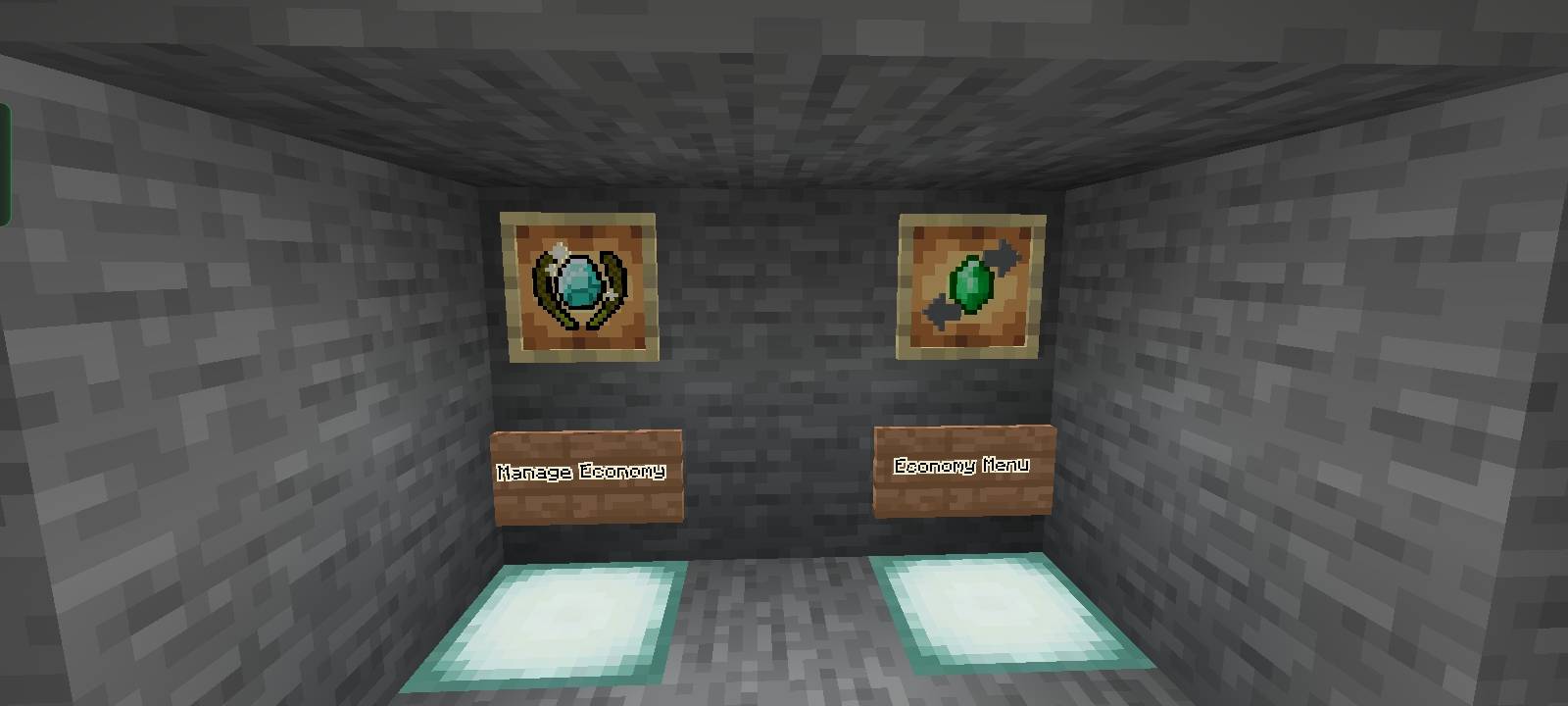
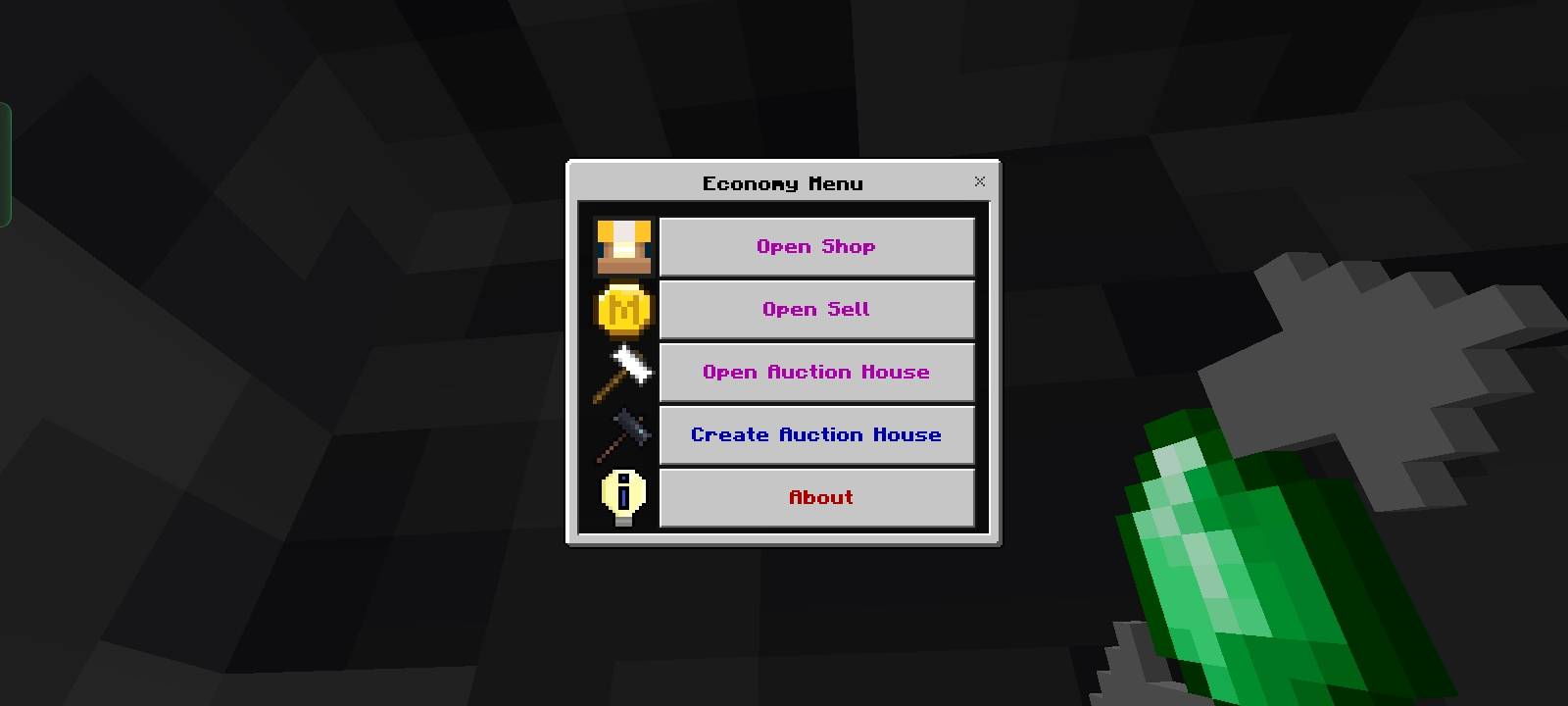
**Economy Menu** - Quick access button for all shop features
- Hotbar item for easy access
- Opens main economy interface
- Perfect for fast trading
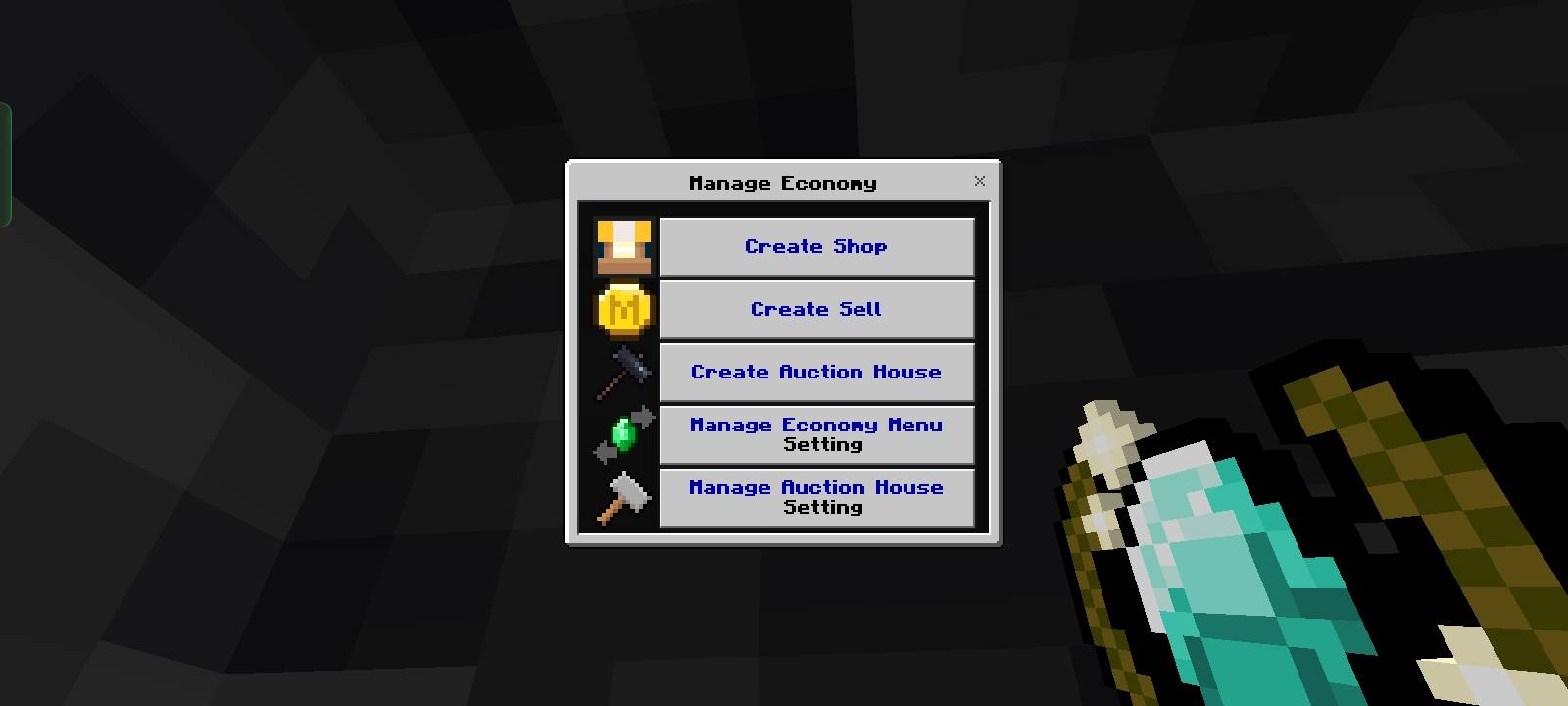
**Manage Economy** - Admin control panel
- Create/edit shop items
- Setup economy items
- Configure prices and groups
- Operators only
### 📋 Requirements:
- Minecraft Bedrock Edition 1.26.30+
- Command blocks enabled
- Script eval enabled
### 🛠️ How It Works:
Easy-to-use UI system. Just run commands and a menu opens. No complex setup needed!
Perfect for:
- Survival servers
- Realm economies
- Multiplayer worlds
- Custom game modes
### 📝 Notes:
- Works with all items including potions
- Automatic storage system
- No lag, optimized code
- Data persists on reload
Made By RJ Studio do not Republish without Credit
Discord : https://discord.gg/yzHGpdKCAD
- Edition: Minecraft Bedrock
- File type: .mcpack or .mcaddon
- Minecraft version listed: 26.30
- How to install: Download the .mcpack or .mcaddon file. → Open it — Minecraft imports it. → In your world: Behavior Packs → Available → Activate, then the same under Resource Packs.
- Where to get it: Opens on CurseForge — not every file is mirrored on our own servers.
Install steps are the general flow for this file type — How to install Minecraft Bedrock addons & mods walks through it step by step.
- Pack type: .mcaddon — behaviour and resource pack in one file
- Manifest requires Minecraft 1.26.30 or newer
- Complete pack — everything it depends on is inside the file
- Download size: 46 KB
- Download link checked 10 Oct 2026 — working
These come from our own check of the pack file, not from the source page.