
Auto-Plant Saplings
Bedrock add-on listed for Minecraft 26.x (behavior pack only). File opened and checked on 3 Oct 2026; installs from the MC Bedrock Mods app on Android.
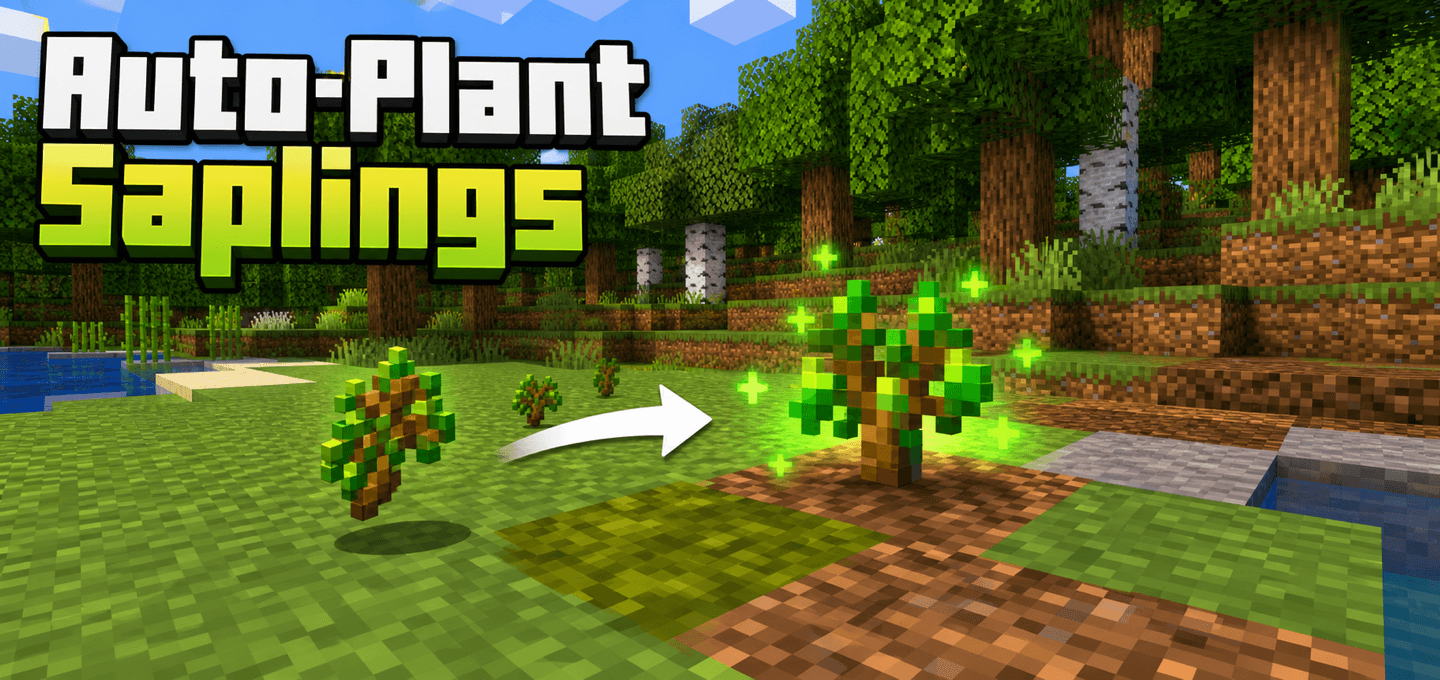
Dropped saplings and nether fungi automatically plant themselves after a short delay, making forest cleanup and replanting hands-free.
I don't know my version
About
Automatically replant dropped saplings and nether fungi before they despawn.
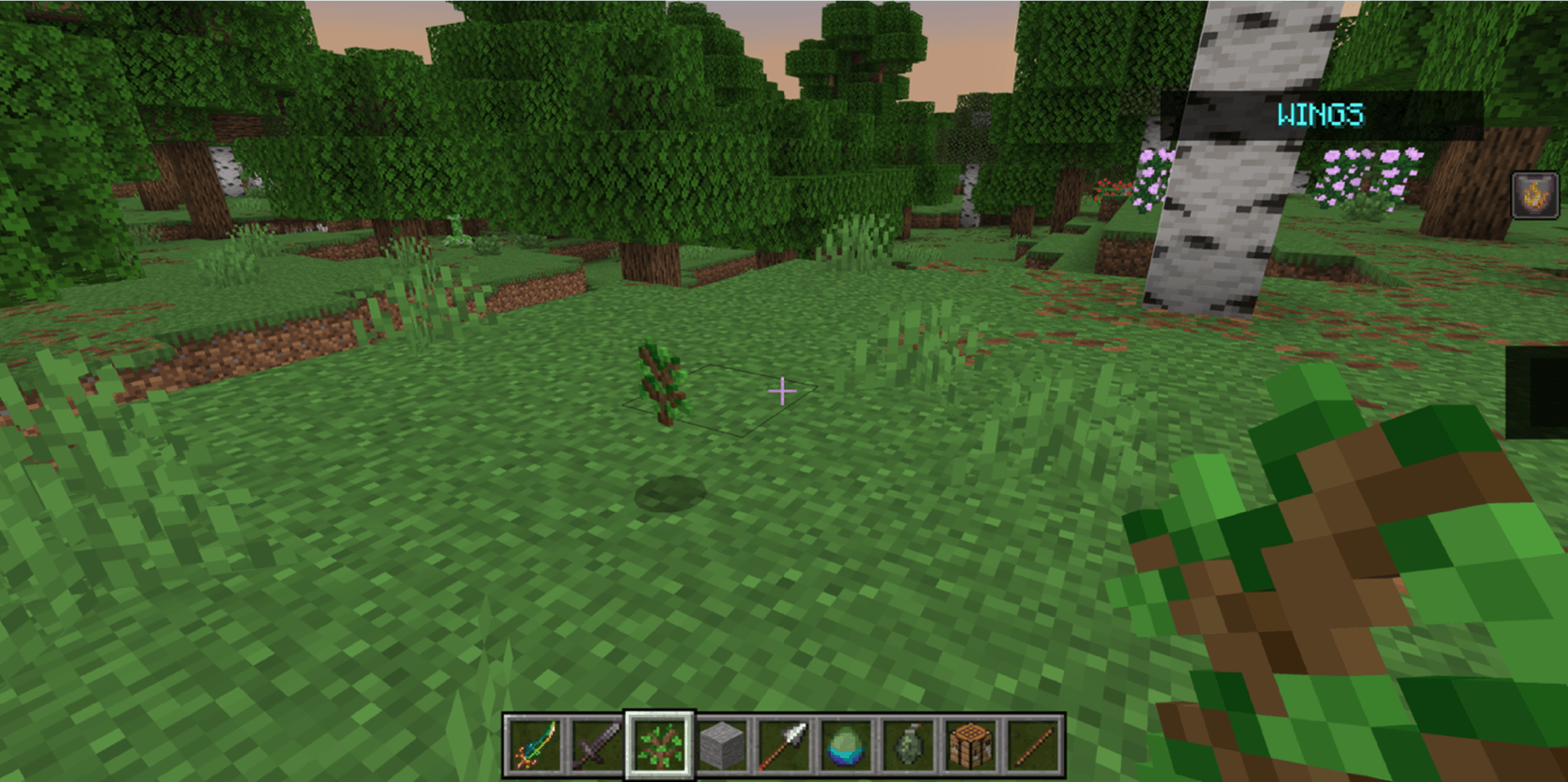
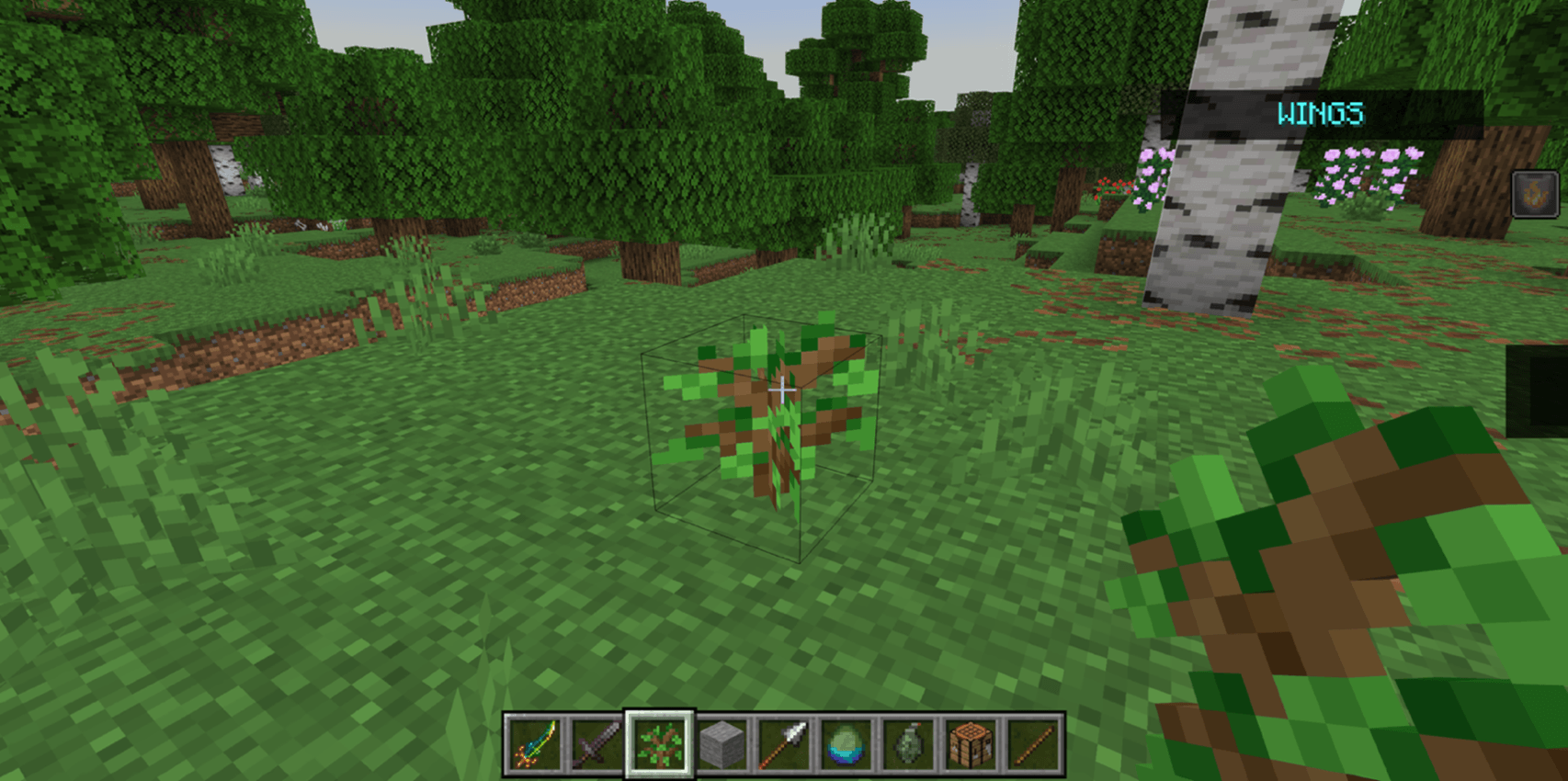
Auto-Plant Saplings is a lightweight, vanilla-friendly add-on for Minecraft Bedrock survival gameplay. When supported saplings or fungi are dropped on suitable ground and stop moving, they automatically plant themselves after a short delay.
It is built for tree farms, forest cleanup, and long survival sessions where dropped saplings should return to the ground instead of disappearing.
Features
- Automatically plants dropped vanilla tree saplings after they settle on valid ground
- Supports oak, spruce, birch, jungle, acacia, dark oak, cherry, pale oak, azalea, flowering azalea, and mangrove propagules
- Handles item stacks one sapling at a time instead of consuming the whole stack at once
- Supports mangrove propagules on mud, clay, and shallow water placement
- Optional crimson and warped fungus planting for Nether-style farms
- Adds grass placement sounds and green growth particles when planting succeeds
- New DDUI operator settings menu for enable/disable, planting delay, particles, sounds, and Nether fungi support
- Scans active player dimensions on an interval to stay lightweight for survival worlds
How to use
Import the .mcaddon file and activate the Auto-Plant Saplings Behavior Pack on your world. No experiments or Beta APIs are required.
Drop supported saplings on valid planting blocks such as dirt, grass, moss, clay, mud, podzol, or farmland. Once the item stops moving and the delay passes, one sapling plants itself. If the dropped item is a stack, the stack is reduced by one and the remaining items stay on the ground.
Operators can run /ap or /autoplant to open the settings panel:
- Enable/disable the add-on globally.
- Change the planting delay from 5 to 60 seconds (default: 20 seconds).
- Toggle sound effects and particle effects.
- Toggle Nether fungi support.
Settings apply to the entire world, save automatically, and remain after restarting. Existing world settings are preserved when updating.
Notes
The add-on checks settled items every 5 seconds and waits at least the configured delay before planting. It only plants items after they stop moving, so saplings falling, sliding, or floating in water will wait until they settle. It does not add custom blocks, items, textures, models, or recipes.
Requirements
- Minecraft Bedrock Edition 26.50 or newer
- No experiments or Beta APIs required
- No additional behavior pack dependency required

- Edition: Minecraft Bedrock
- File type: .mcpack or .mcaddon
- Minecraft versions listed: 26.50, 26.0.02, 26.0
- How to install: Download the .mcpack or .mcaddon file. → Open it — Minecraft imports it. → In your world: Behavior Packs → Available → Activate, then the same under Resource Packs.
- Where to get it: Opens on CurseForge — not every file is mirrored on our own servers.
Install steps are the general flow for this file type — How to install Minecraft Bedrock addons & mods walks through it step by step.
- Pack type: .mcaddon — behaviour and resource pack in one file
- Manifest requires Minecraft 1.26.0 or newer
- Complete pack — everything it depends on is inside the file
- Download size: 61 KB
- Download link checked 10 Oct 2026 — working
These come from our own check of the pack file, not from the source page.