ShadersJava
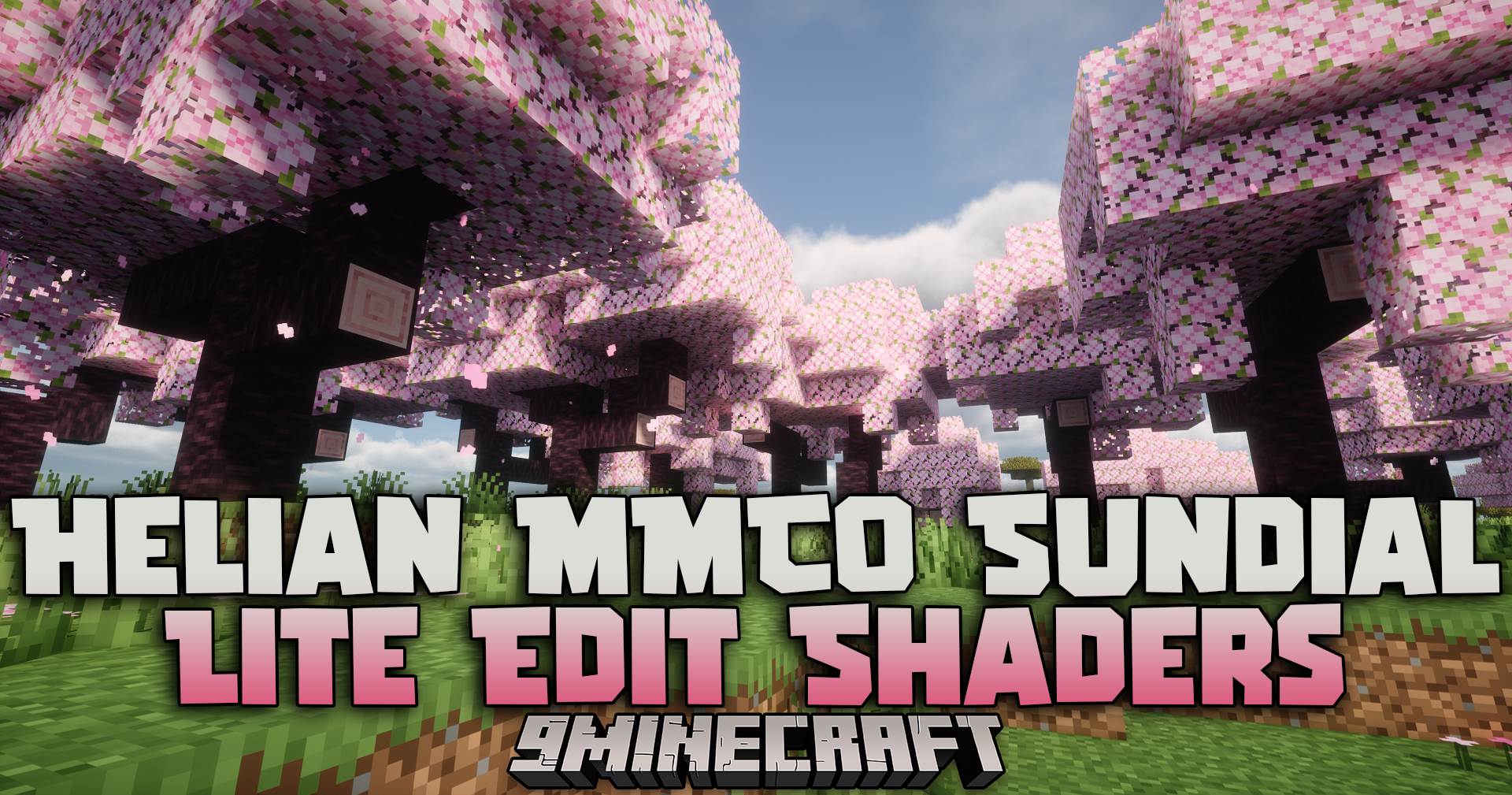
Helian MMCO Sundial Lite Edit Shaders (26.3, 1.20.1) – Customizable Color
Java shader pack listed for Minecraft 1.20. Downloads from the MC Java Mods app on Android.
⬇ Download


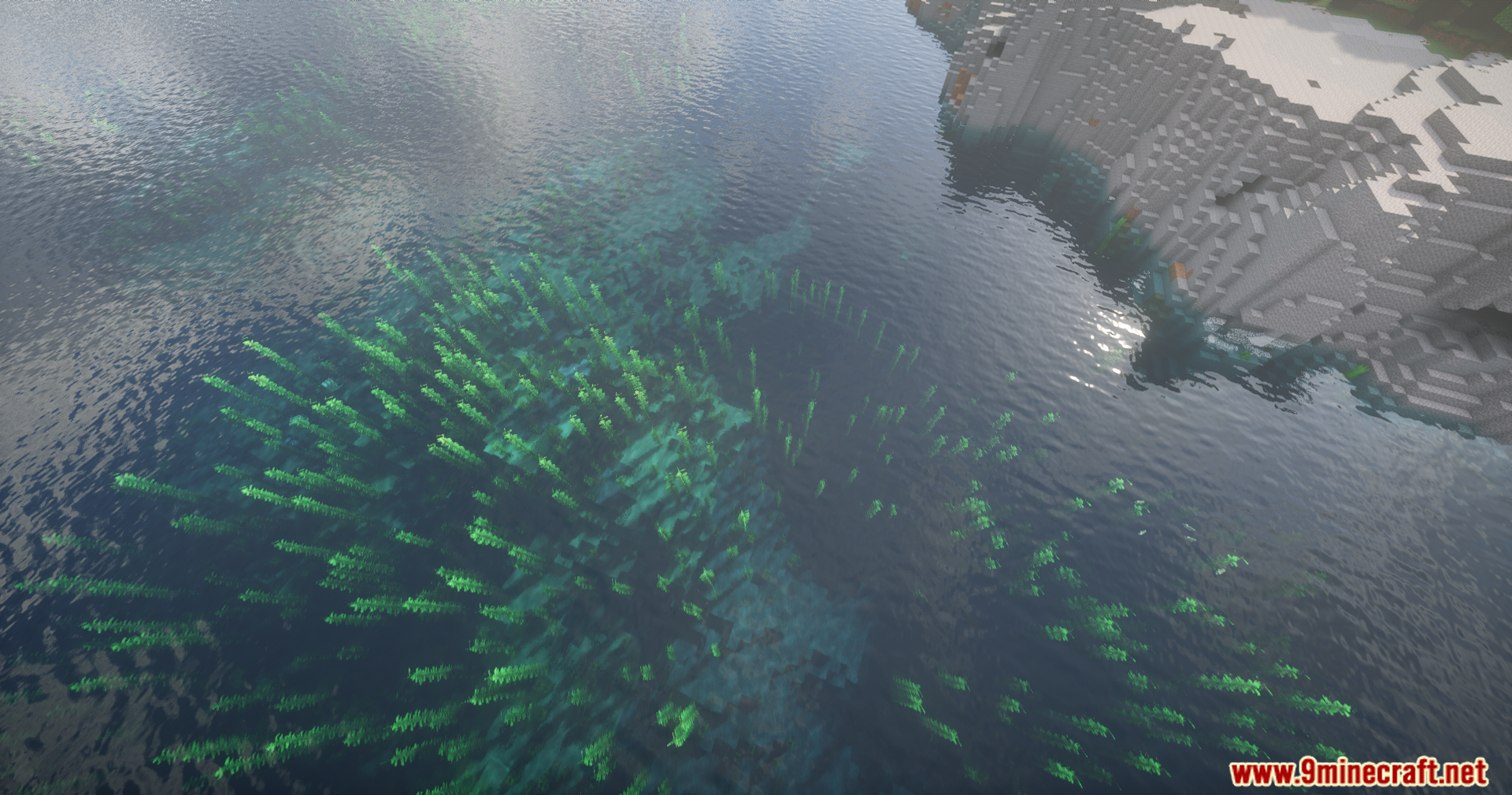
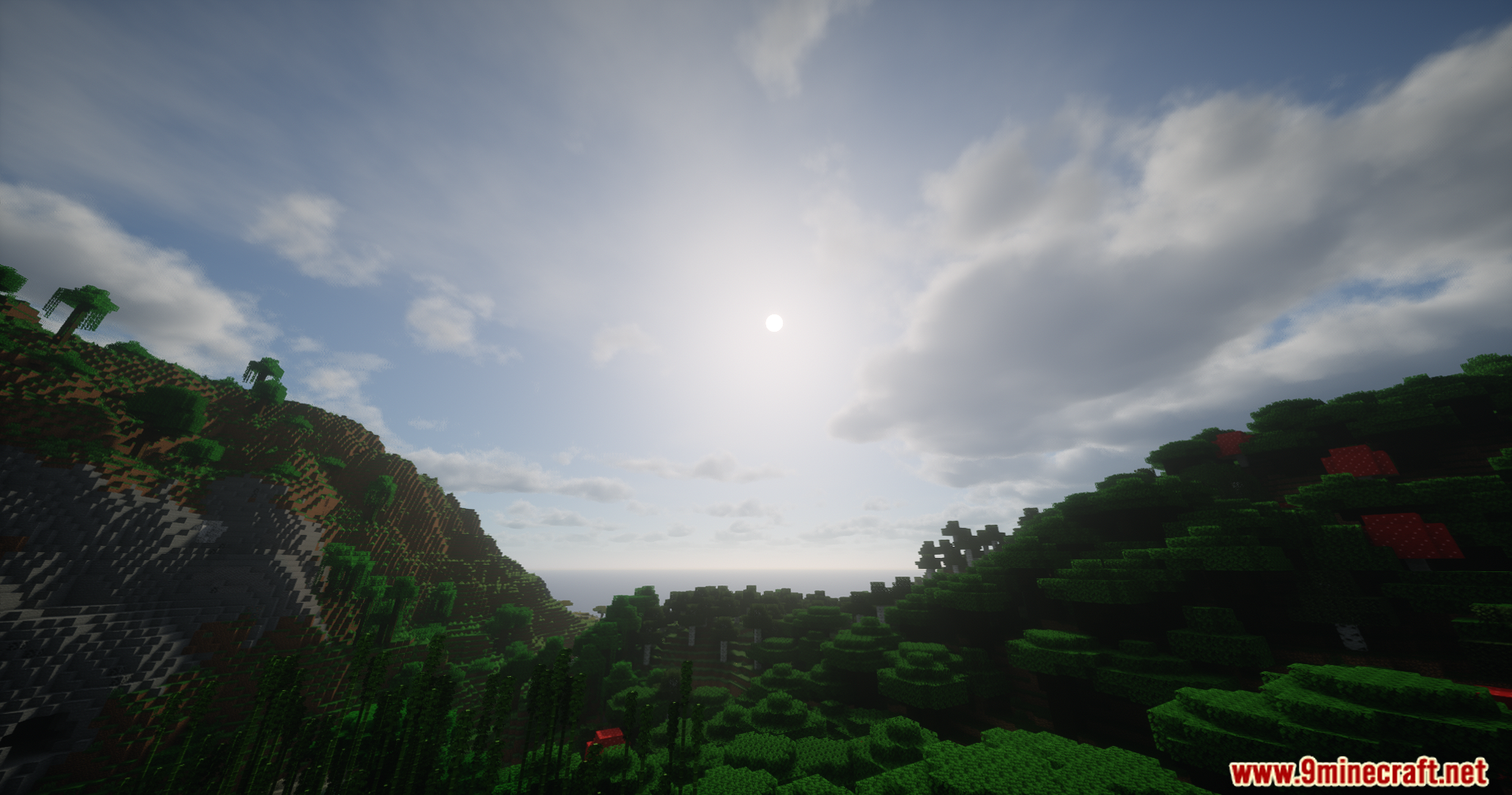
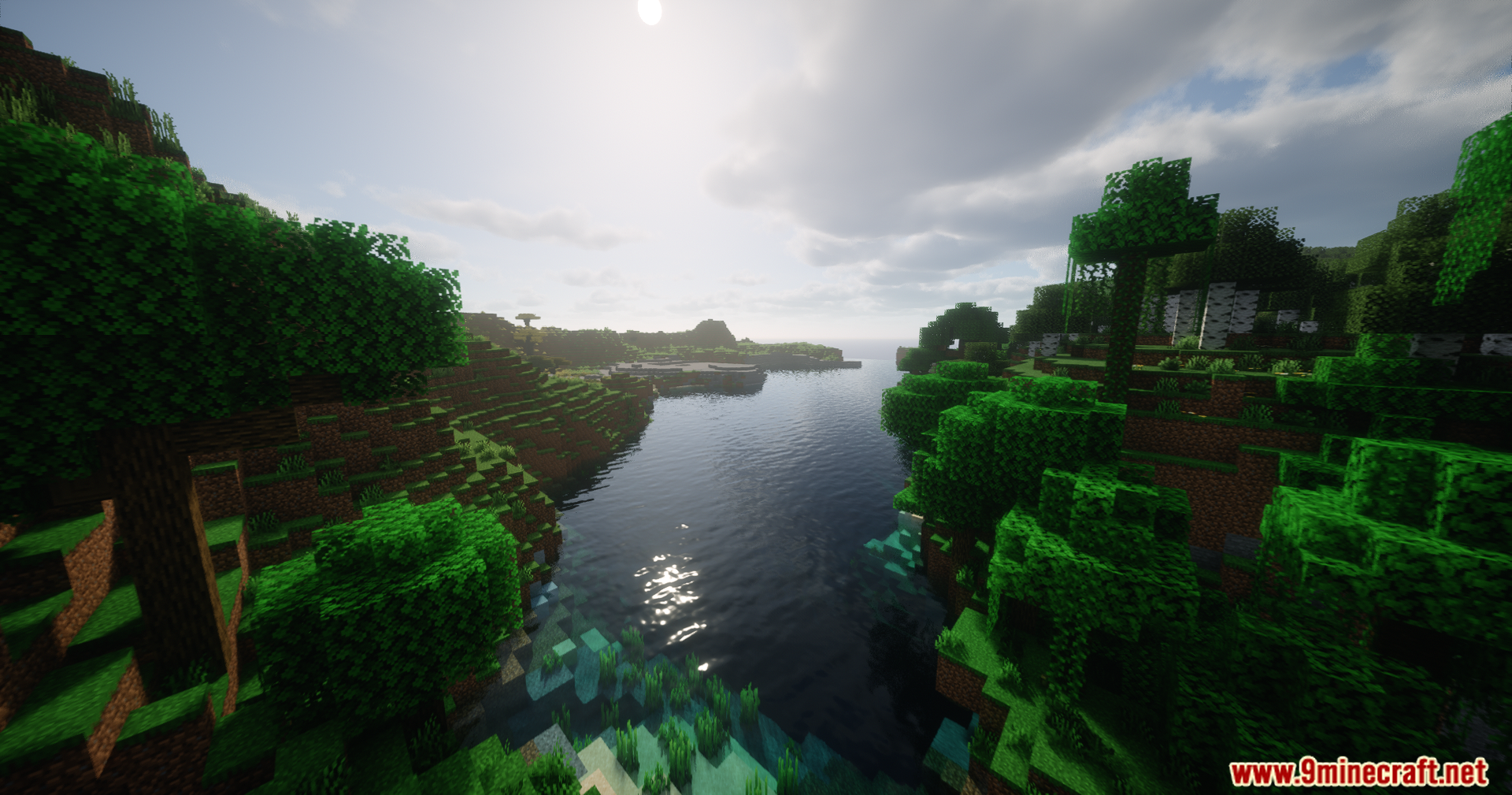
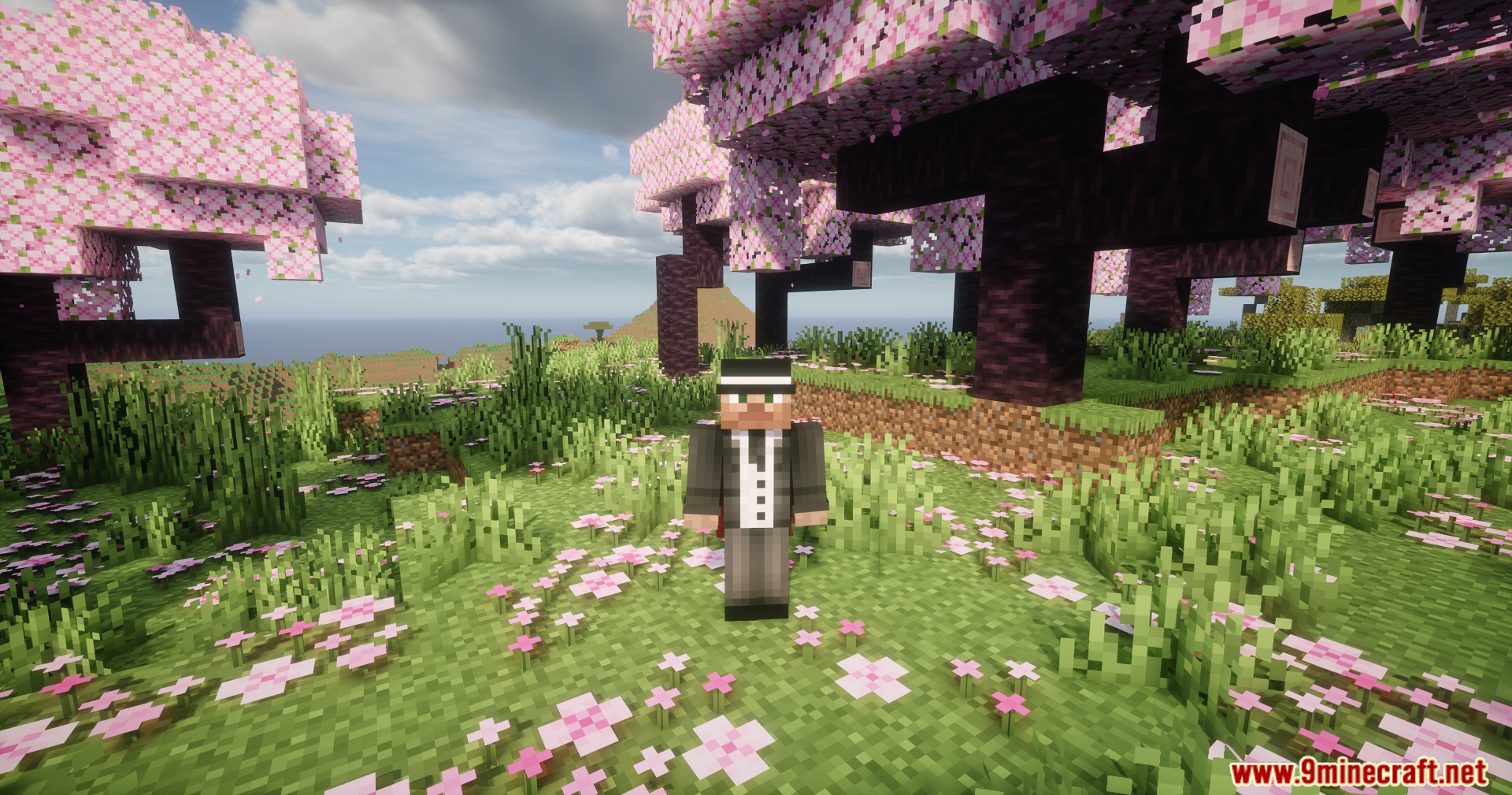
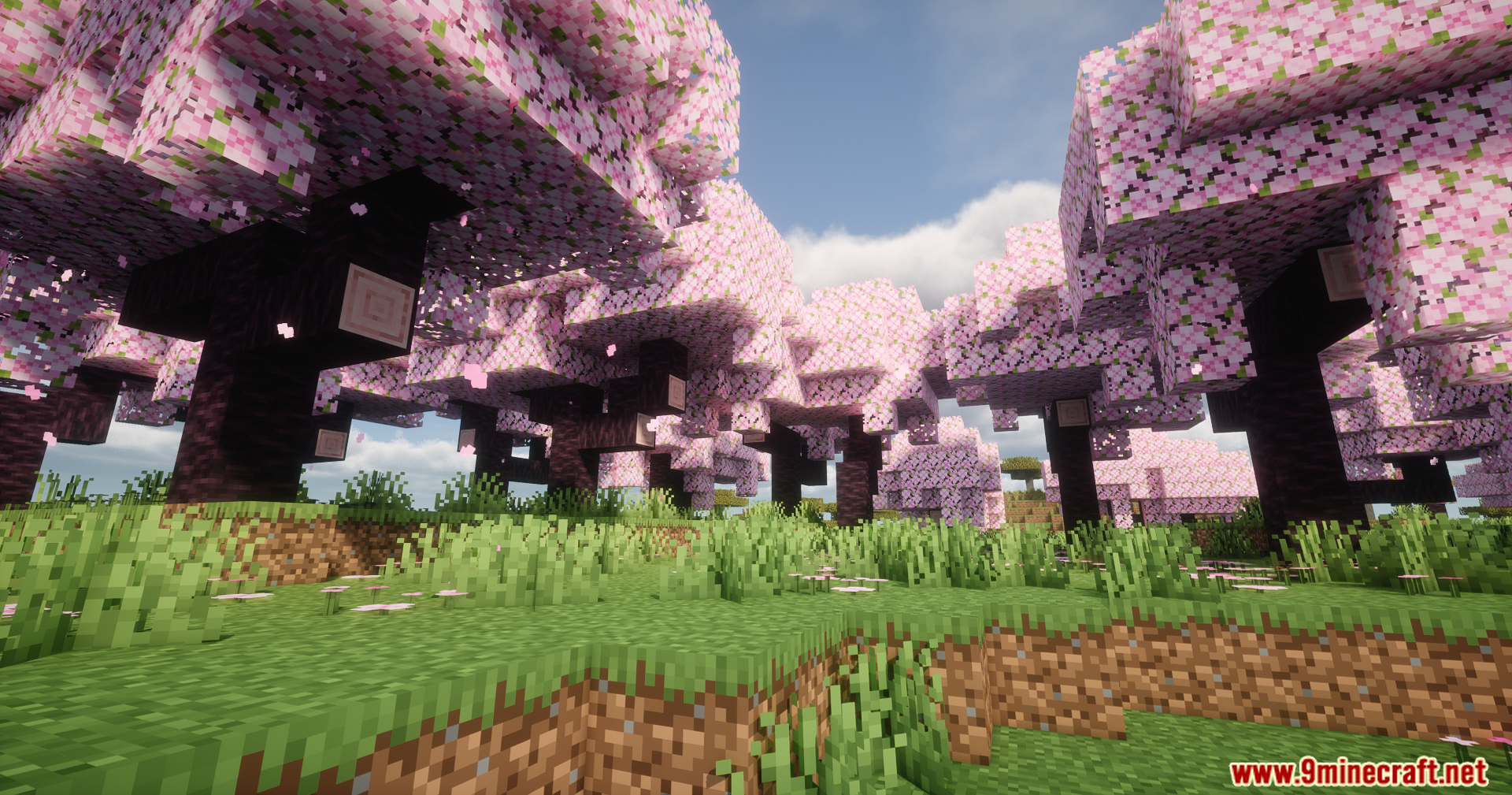
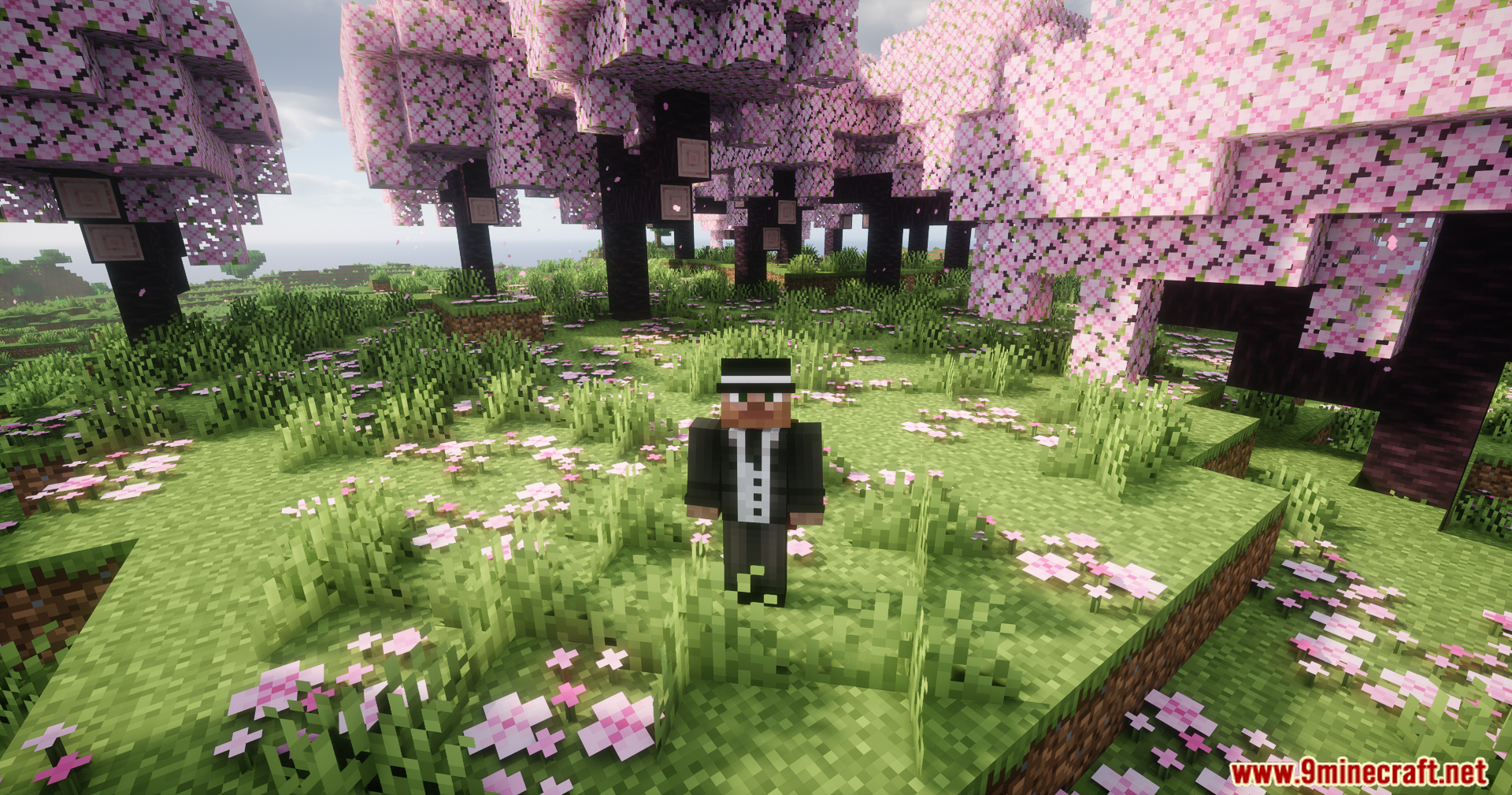
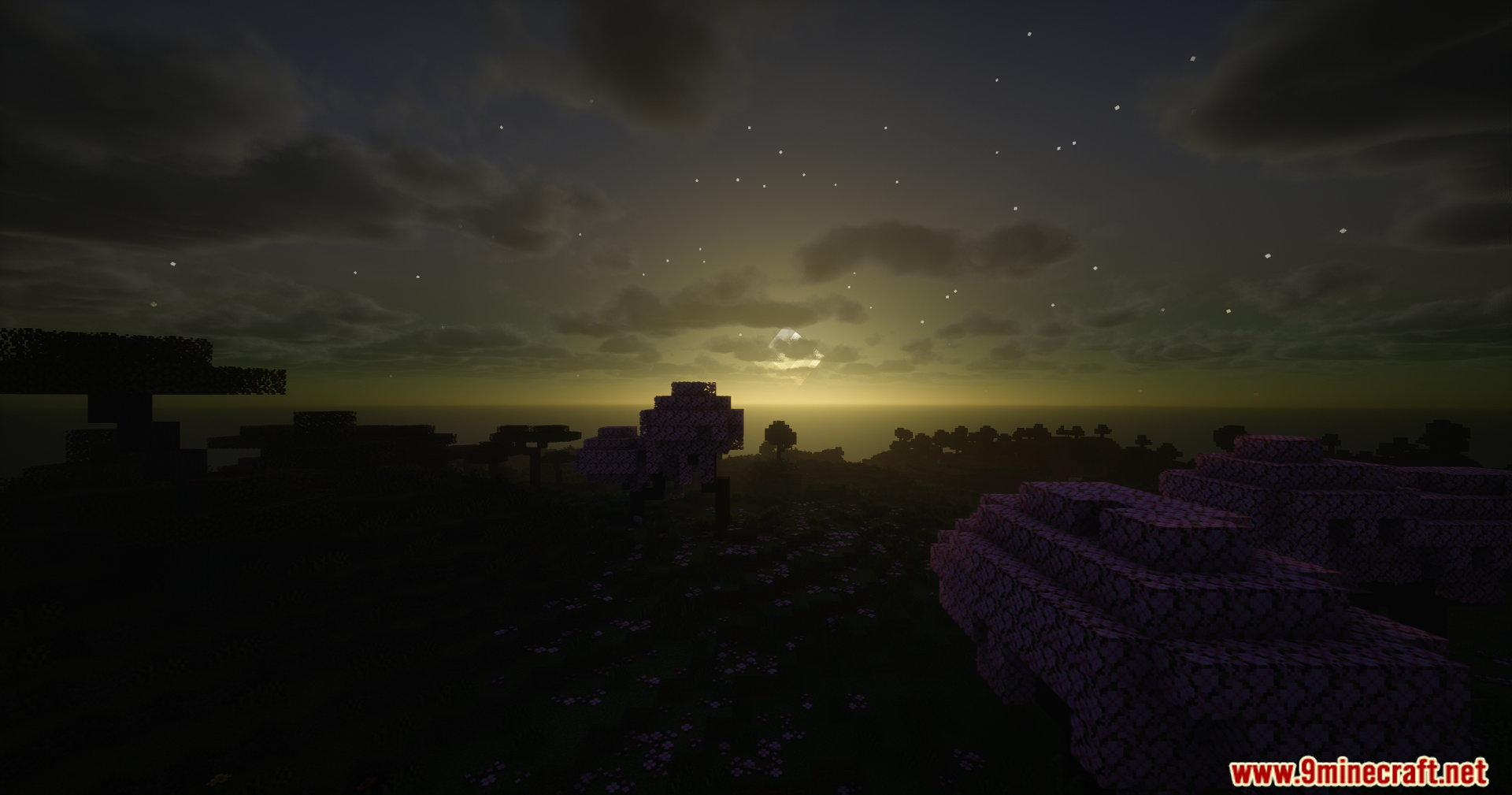
Helian MMCO Sundial Lite Edit Shaders paints the original Sundial Lite pack with new customization tools. It adds more color adjustment options for the base shader. You can change how the lighting and colors look in your game using these extra settings. It runs on older versions of Optifine and newer setups using Iris.
Features:
- Color Control: Adds extra settings so you can change the colors in the game.
- Builds on the original Sundial Lite base to keep the simple style.
- Works on older game versions if you use Optifine released after December 2019.
- Runs on the Iris mod, with the newest Iris version recommended for fewer bugs.
Screenshots:

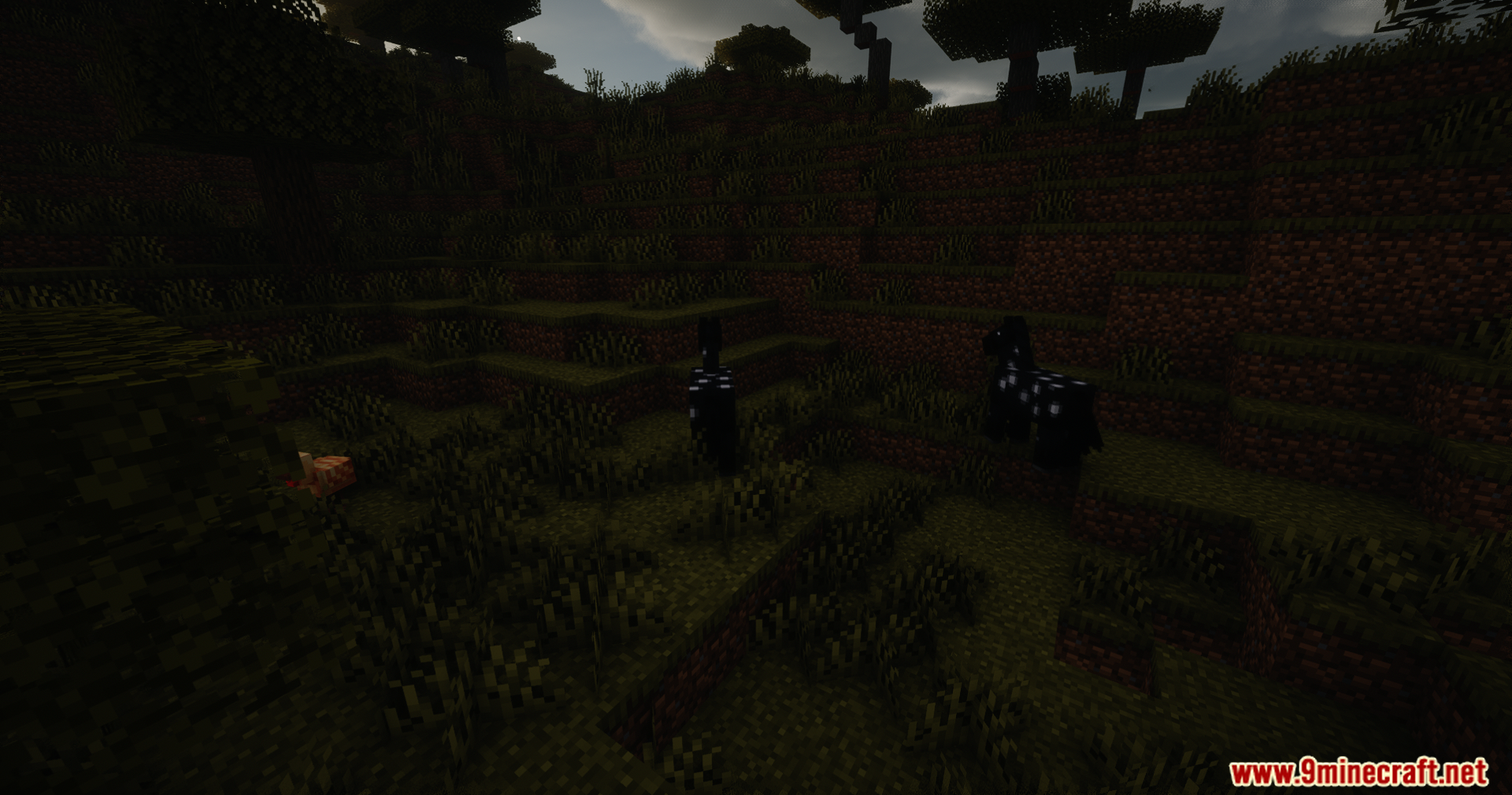
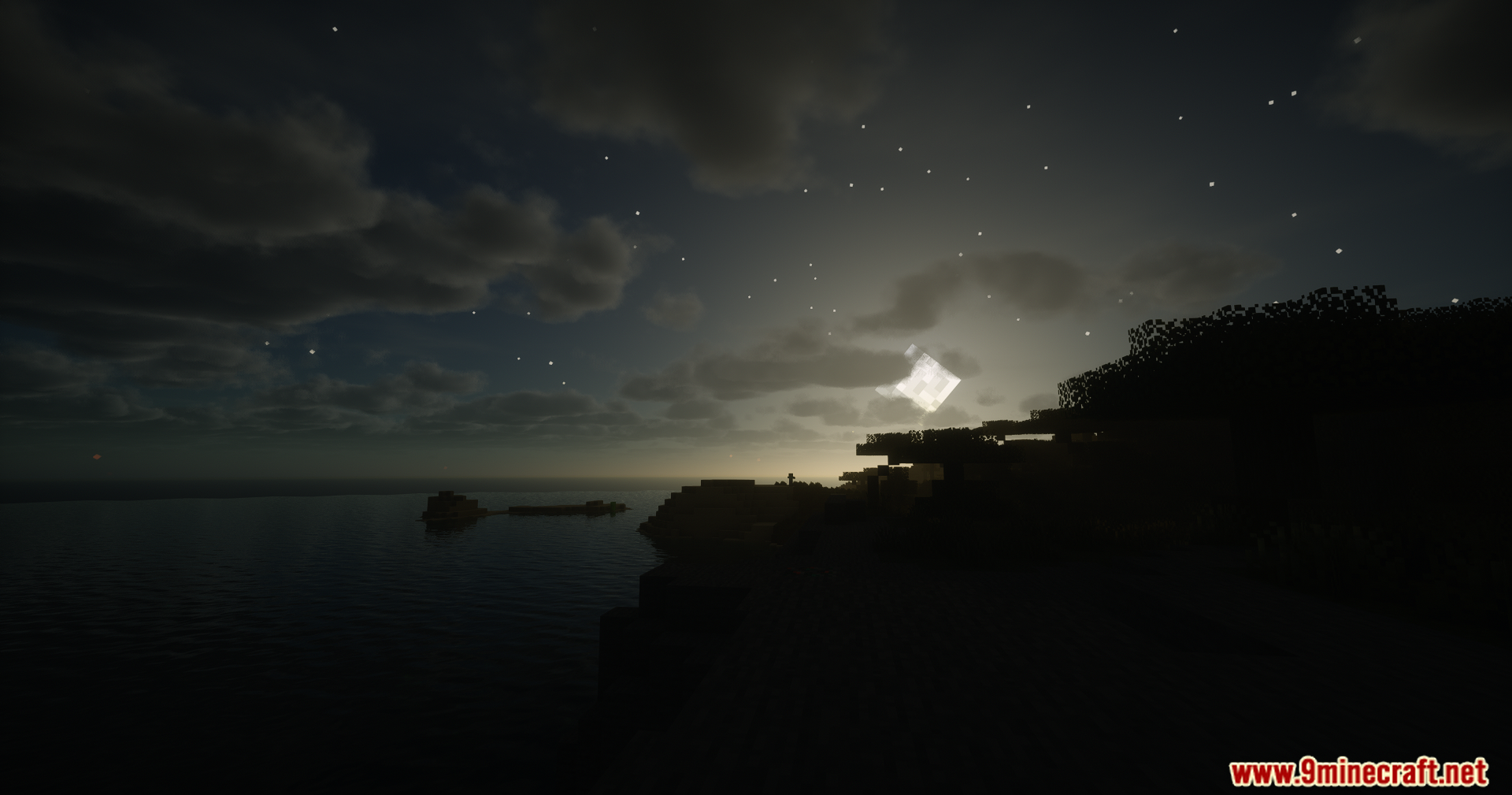


Helian MMCO Sundial Lite Edit Shaders Download Links
Quick facts
- Edition: Minecraft Java
- File type: .zip (resource pack)
- Minecraft version listed: 1.20.1
- How to install: Download the .zip resource pack — do not unzip it. → Put it in .minecraft/resourcepacks. → Enable it in Options → Resource Packs.
- Where to get it: In MC Java Mods, or directly above on this page.
Install steps are the general flow for this file type — see the MC Java Mods guides for the full walkthrough.
Helian MMCO Sundial Lite Edit Shaders (26.3, 1.20.1) – Customizable Color is a free Minecraft Java shader. Compatible with Minecraft 1.20.1. Download it and open it directly in the game.