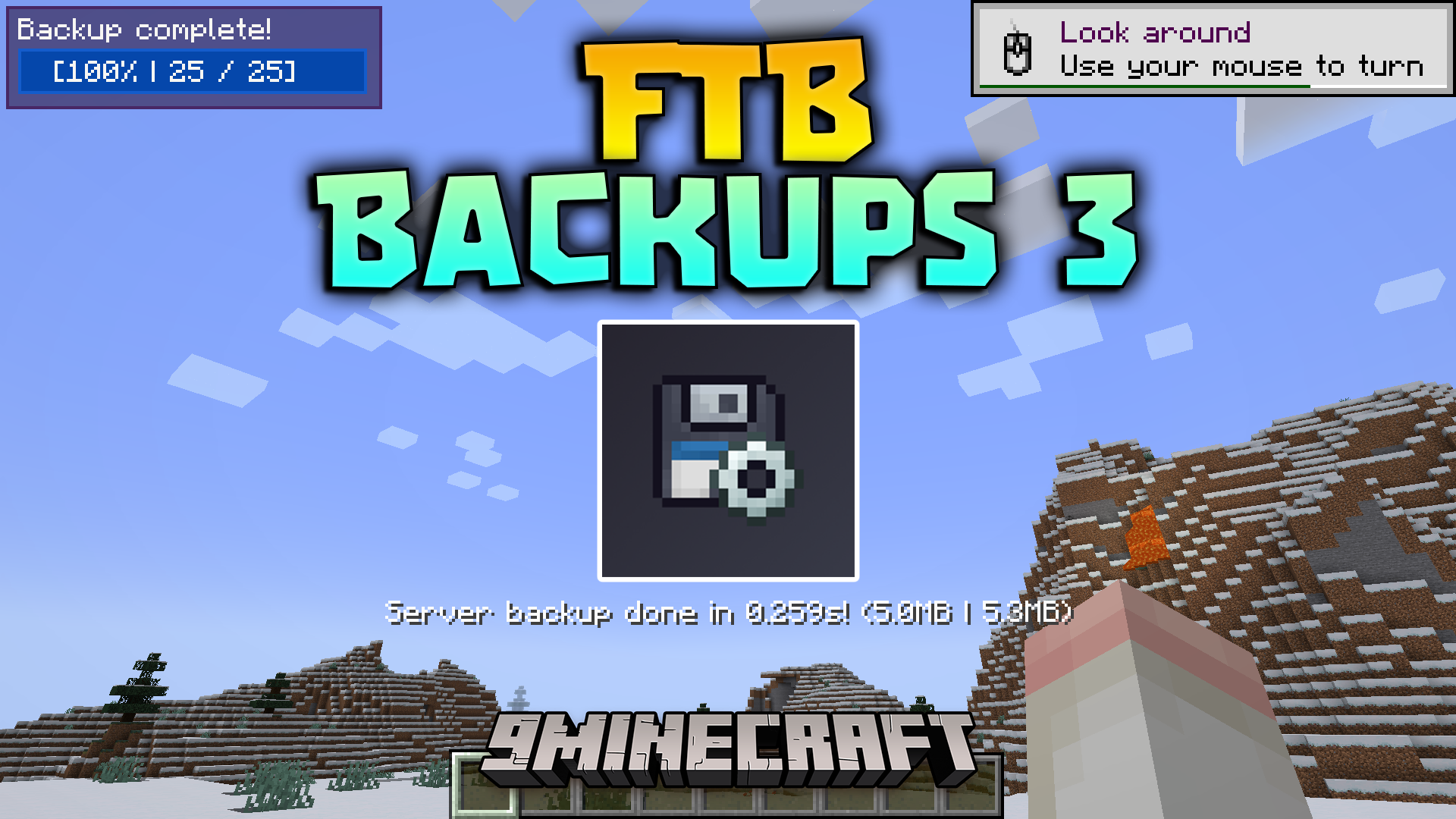
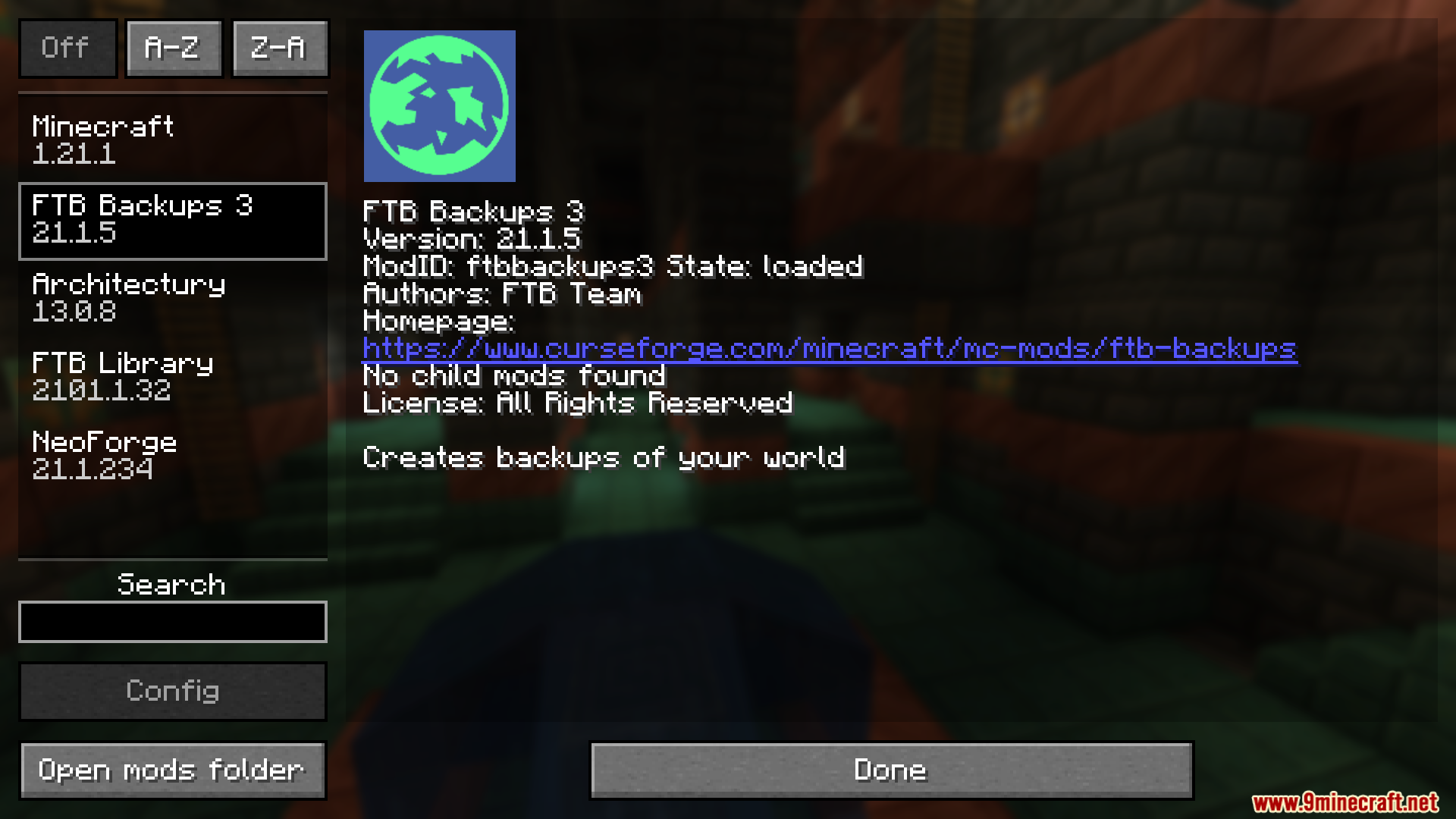
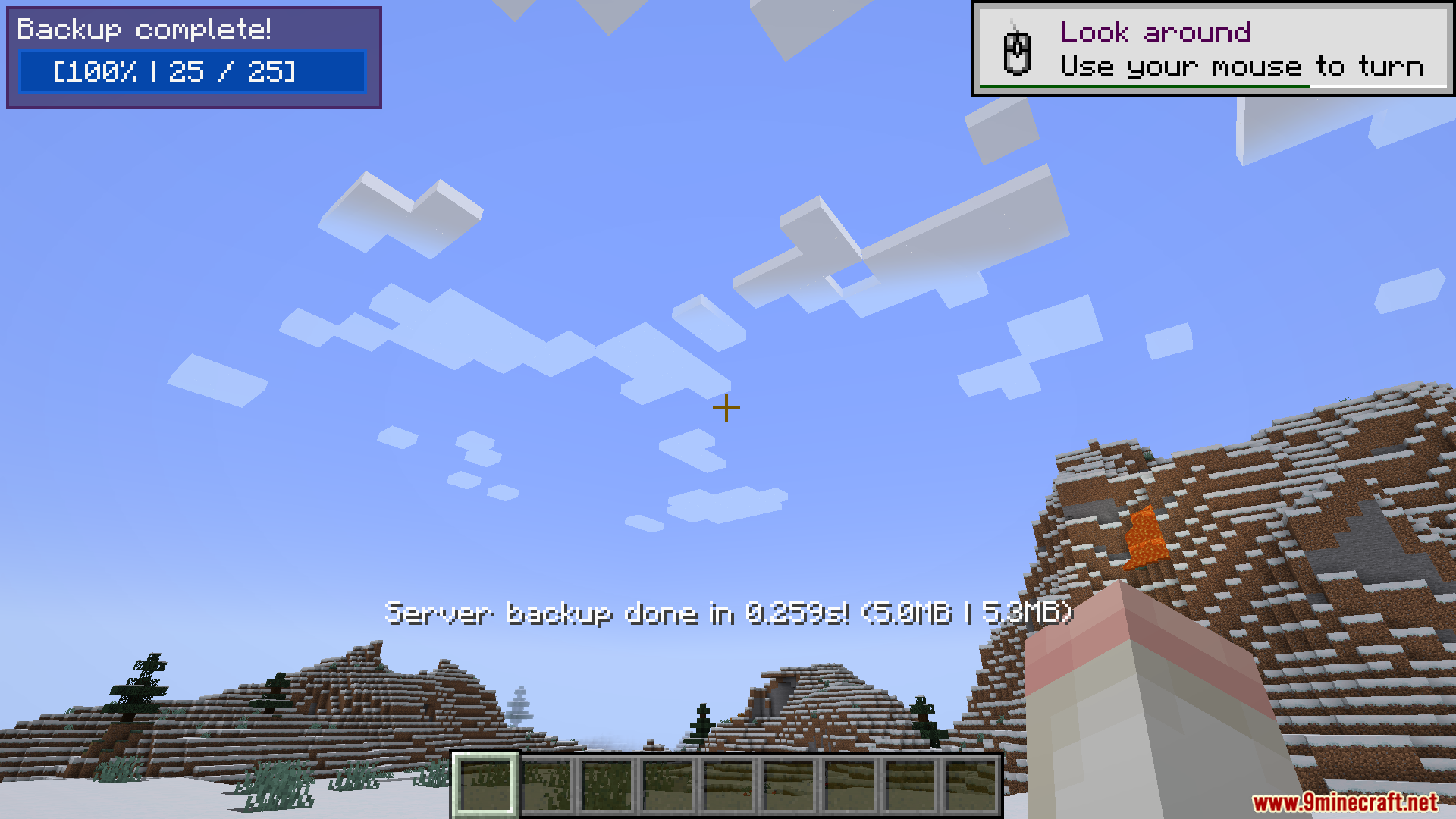
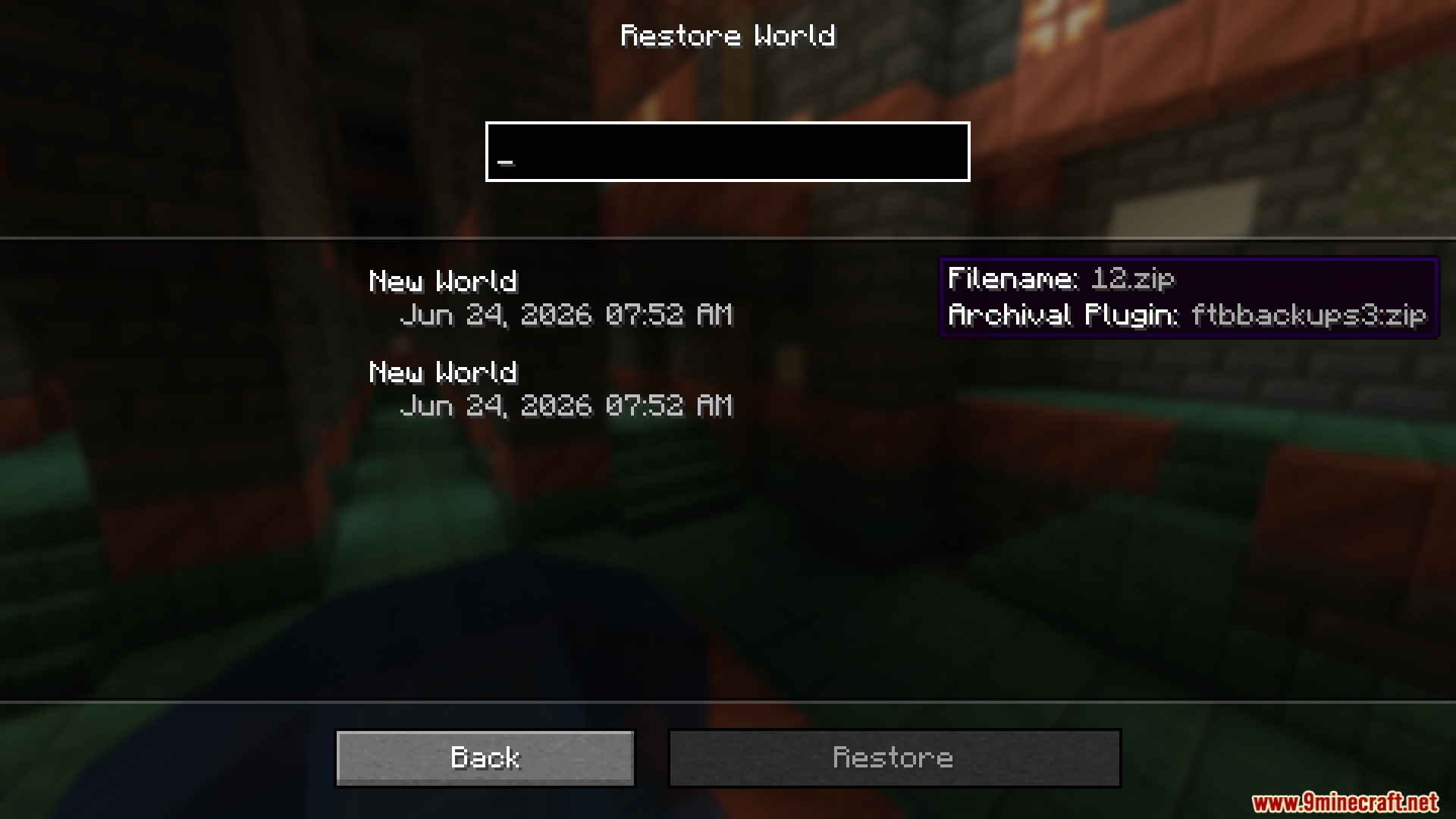
FTB Backups 3 Mod protects your Minecraft worlds by saving copies of them automatically. It gives you a simple way to keep your hard work safe from crashes, broken blocks, or accidental mistakes. You can set up a timer so the game saves your progress on its own while you play. If something goes wrong, you can quickly load an older version of your world right from inside the game menu.
Features:
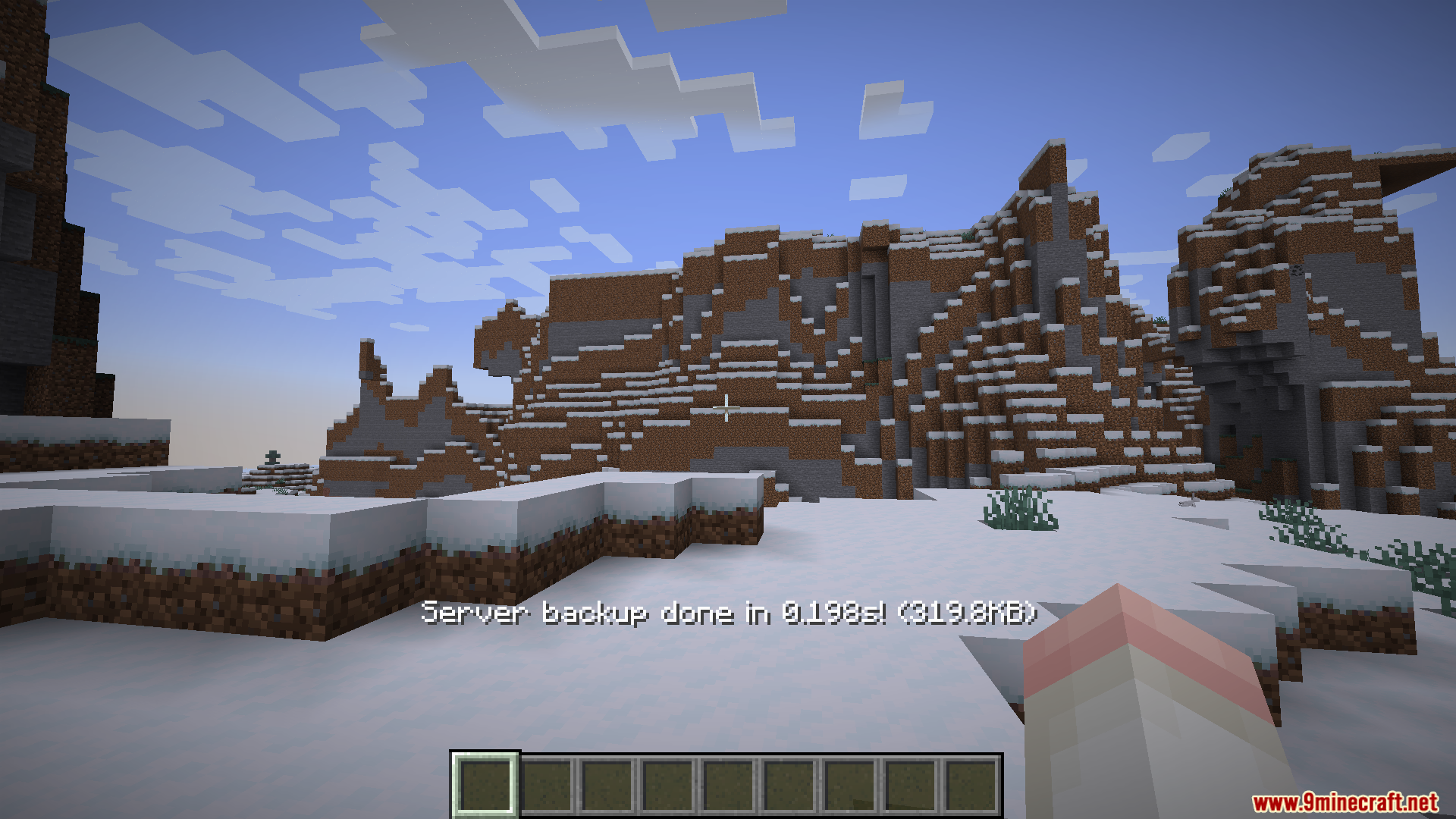
- Shows a progress bar on your screen so you know exactly when a backup is happening.
- Lets you choose who sees the progress message, such as all players, only admins, or nobody at all.
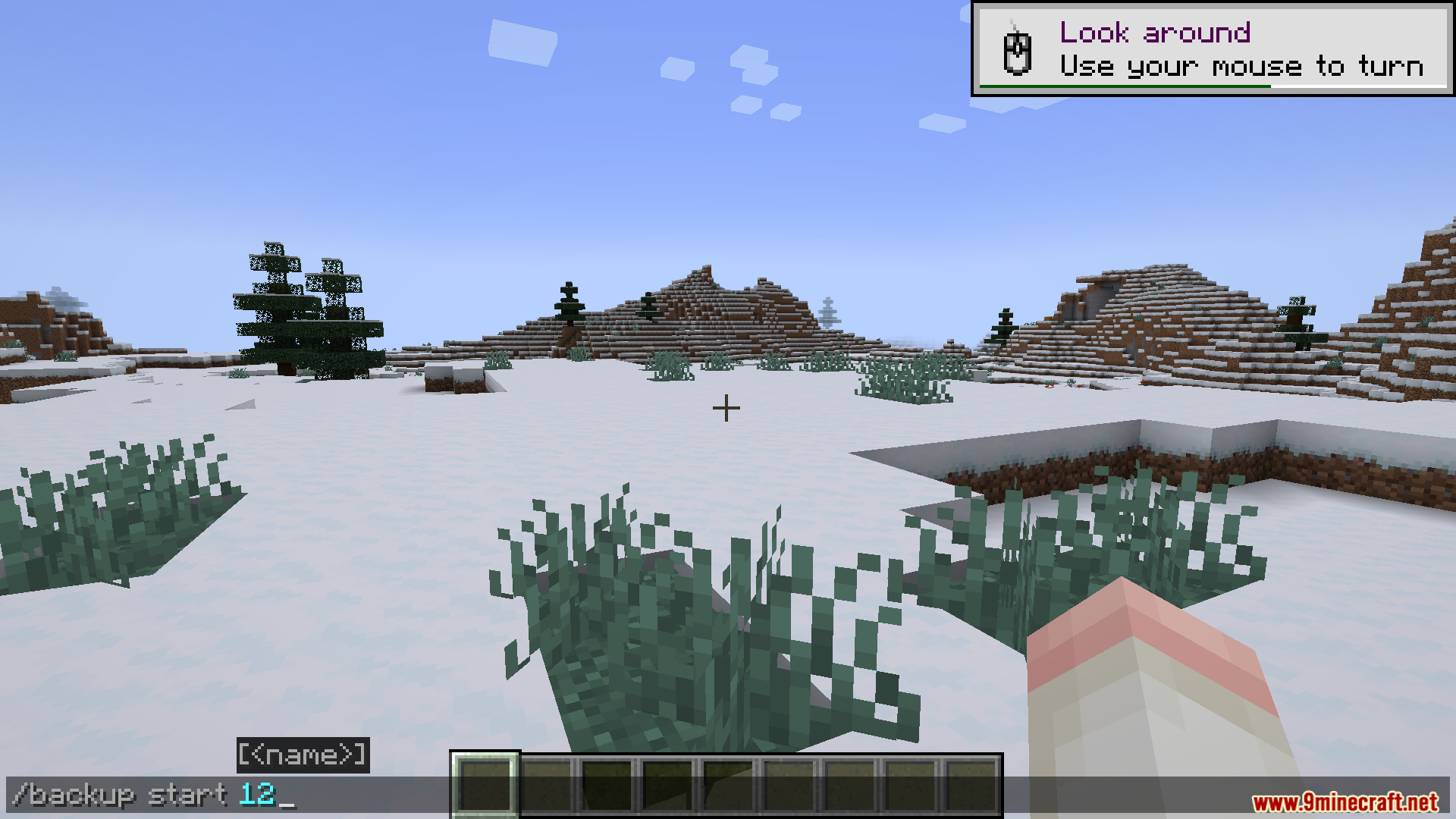
- Allows you to start a save manually at any time by typing a simple command in the chat.
- Gives you easy time settings to pick exactly how often the game should save your world.
- Lets singleplayer users delete old saves or load previous ones without ever closing the game.
- Saves all your world files neatly into a standard ZIP folder by default.
How to Use:
- Change the time settings to tell the game how often it should save automatically.
- Type the backup command in the chat if you want to force a save right away before doing something dangerous.
- Watch the progress text on your screen to know when the save is completely finished.
- Open the backup menu while playing singleplayer to load an older save or delete ones you no longer need.
Screenshots:
FTB Backups 3 Mod Download Links
Quick facts
- Edition: Minecraft Java
- File type: .jar
- Minecraft version listed: 1.21.1
- How to install: Install the matching mod loader (Forge, Fabric or NeoForge) for your Minecraft version. → Download the .jar. → Put it in the .minecraft/mods folder and launch that loader profile.
- Where to get it: In MC Java Mods, or directly above on this page.
Install steps are the general flow for this file type — How to install Minecraft Java mods & modpacks walks through it step by step.
Verified by MCModsHub
- Downloads as 90417.mcaddon
- Download size: 89 KB
- Download link checked 25 Sept 2026 — working
- Mirrored on our own servers — the download does not depend on the original host
These come from our own check of the pack file, not from the source page.