ModsJava
Create Aeronautics Mod (1.21.1) – Build and Fly Custom Mechanical Airplanes
Java mod listed for Minecraft 1.21. File opened and checked on 7 Oct 2026; downloads from the MC Java Mods app on Android.
⬇ Download
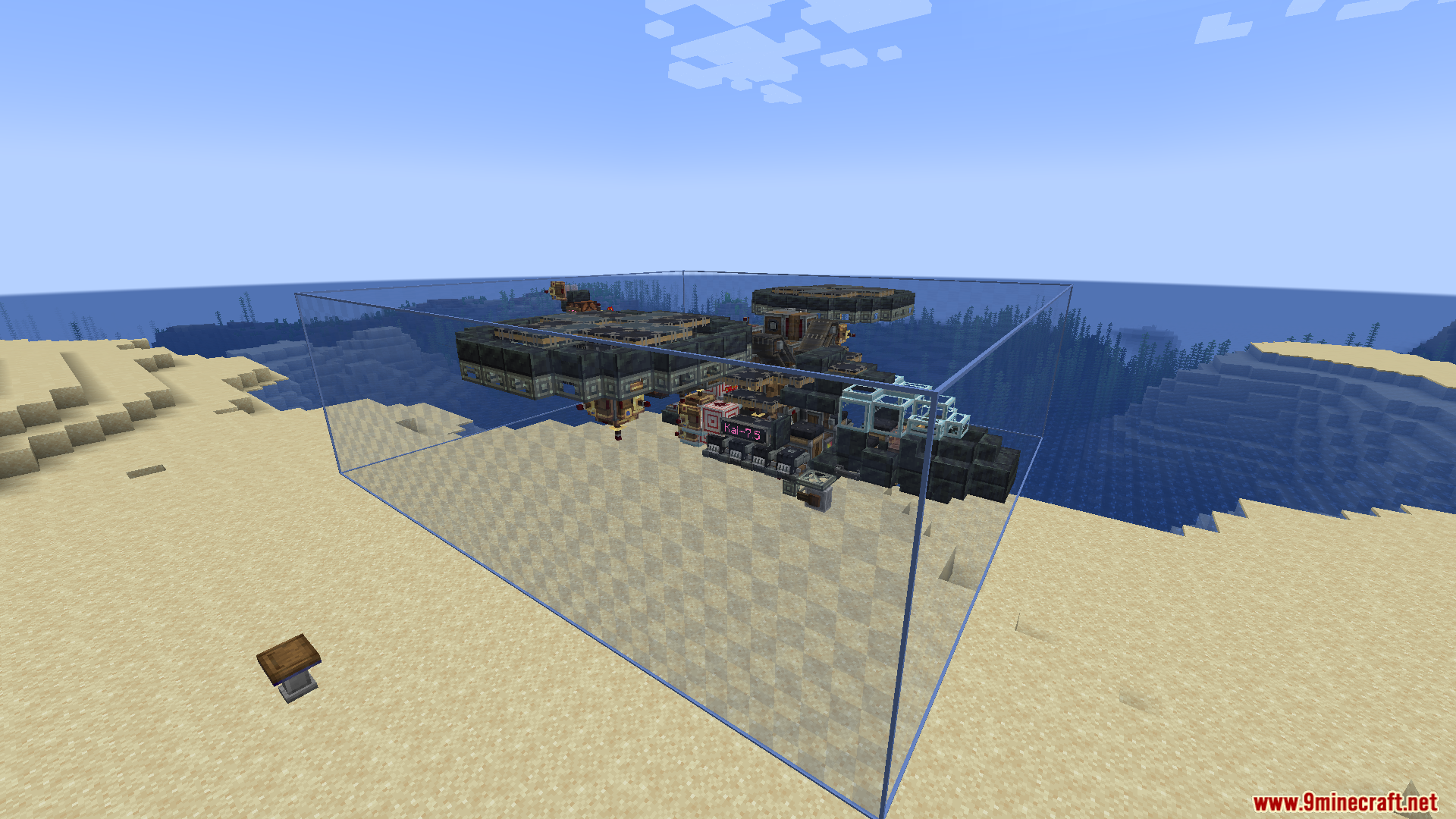

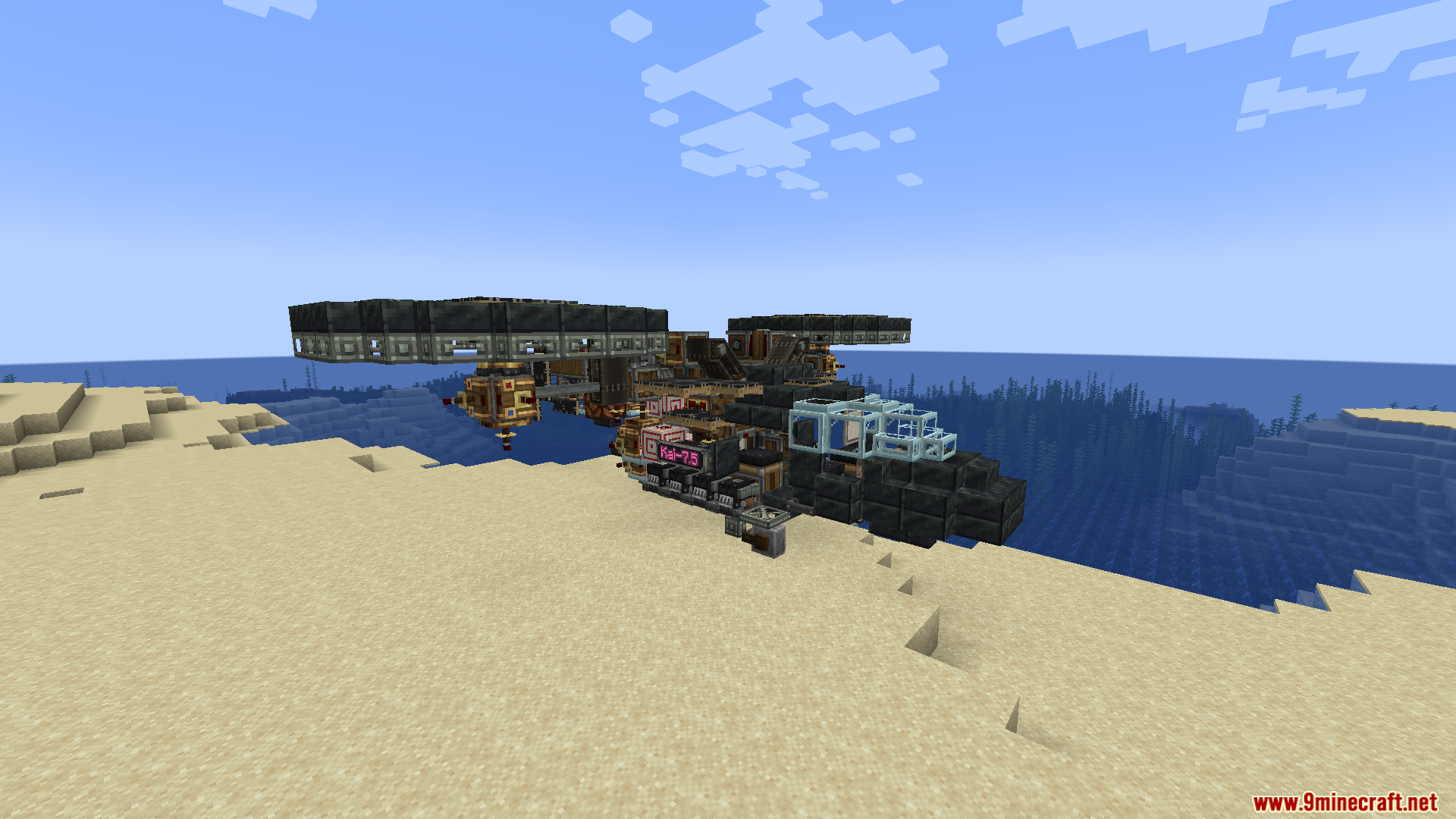
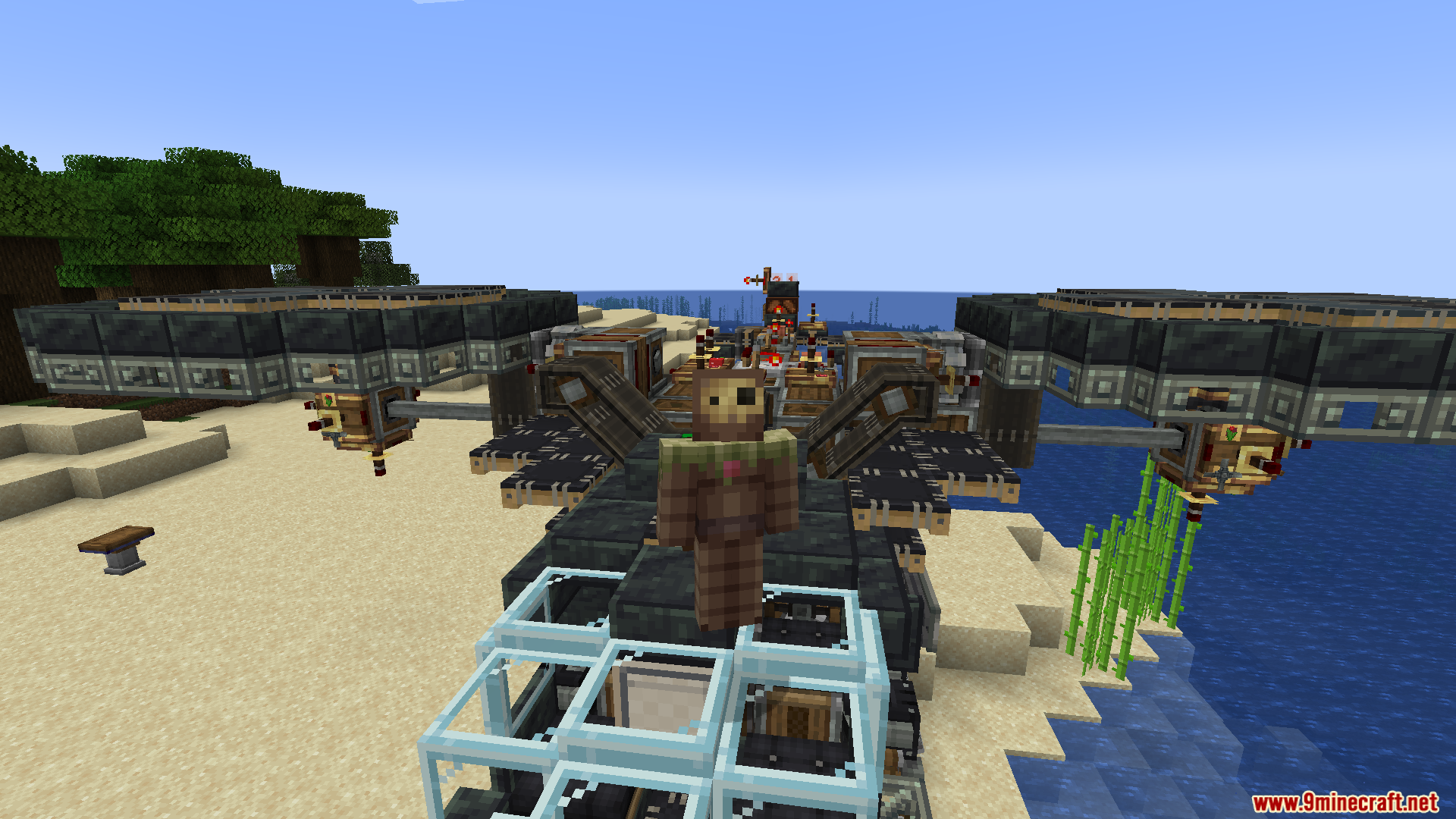
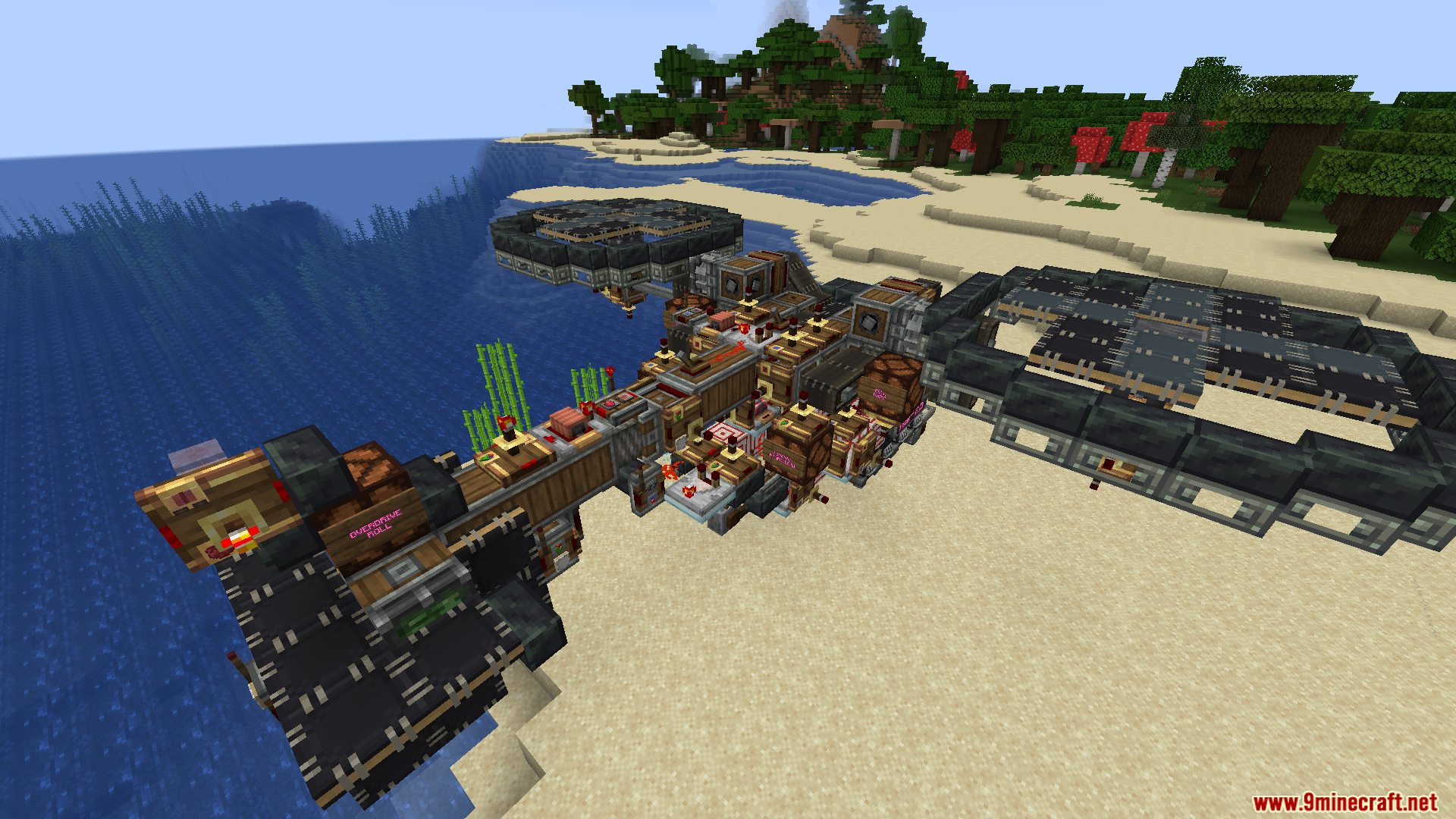
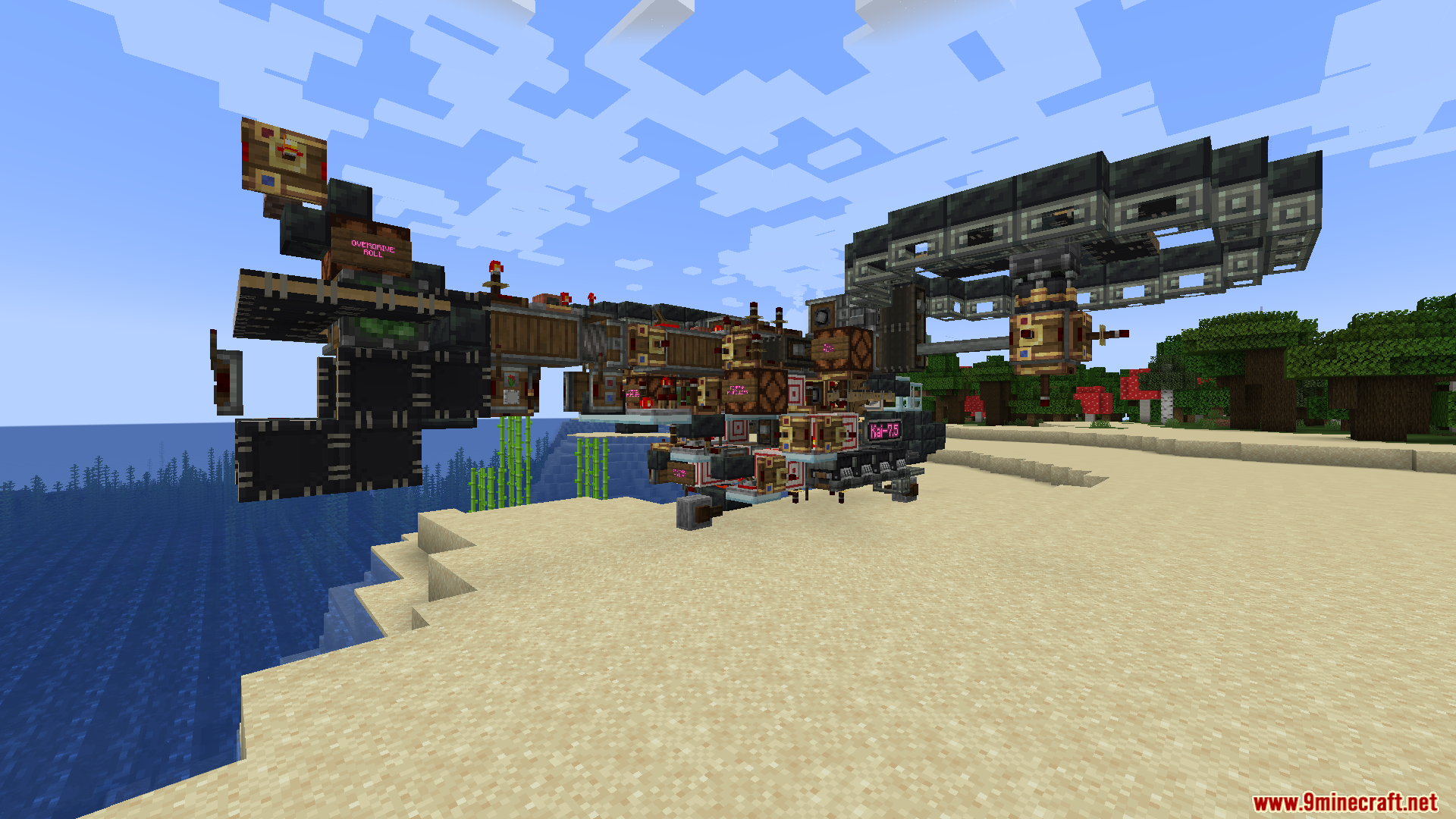
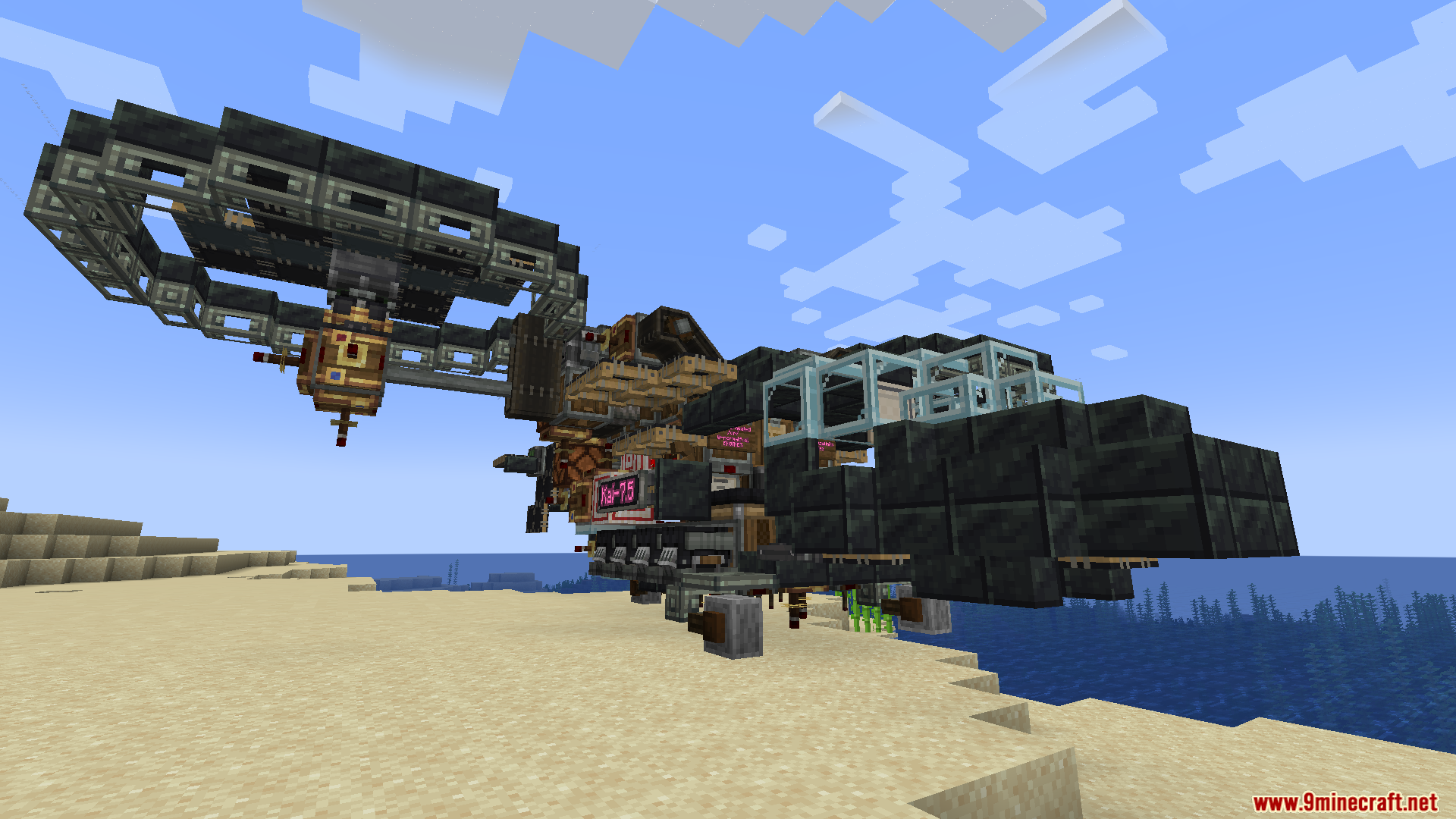
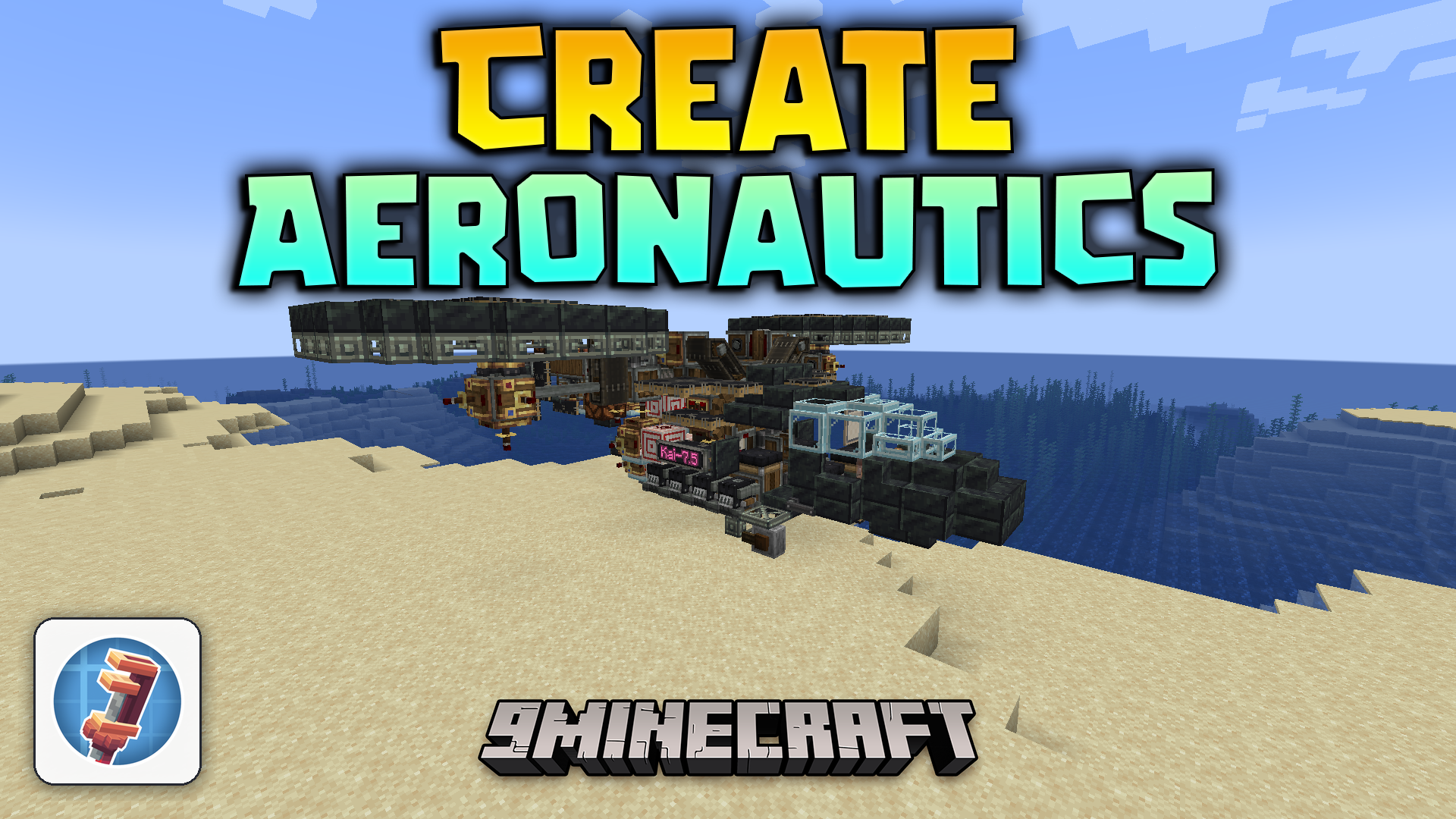
Create Aeronautics Mod expands the Create mod with working physics and vehicle parts. It lets you turn your mechanical builds into moving machines like airplanes, hot air balloons, and cars. You get new blocks and tools to assemble your creations and drive them around the world.
Features:
- Simulated Physics: Adds special tools and redstone parts to assemble and control your moving machines.
- Aeronautics: Gives you hot air balloons, spinning propellers, and magic floating rocks to build flying machines.
- Offroad Parts: Includes different types of wheels so you can build cars, trucks, and land rovers.
- Lets you build custom airplanes and drones that actually fly through the sky.
- Players can design their own vehicles block by block instead of using pre-made cars.
- Turns static buildings and contraptions into moving objects that follow real physics.
Screenshots:
Create Aeronautics Mod Download Links
Quick facts
- Edition: Minecraft Java
- File type: .jar
- Minecraft version listed: 1.21.1
- How to install: Install the matching mod loader (Forge, Fabric or NeoForge) for your Minecraft version. → Download the .jar. → Put it in the .minecraft/mods folder and launch that loader profile.
- Where to get it: In MC Java Mods, or directly above on this page.
Install steps are the general flow for this file type — How to install Minecraft Java mods & modpacks walks through it step by step.
File checked by MCModsHub
- Downloads as 90418.mcaddon
- Download size: 31.6 MB
- Download link checked 26 Sept 2026 — working
- Mirrored on our own servers — the download does not depend on the original host
These come from our own check of the pack file, not from the source page.