Home›Java›Modpacks›Re-Console Modpack (26.2, 1.20.1) – Bring Classic Console Menus and Controllers to Minecraft
ModpacksJava
Re-Console Modpack (26.2, 1.20.1) – Bring Classic Console Menus and Controllers to Minecraft
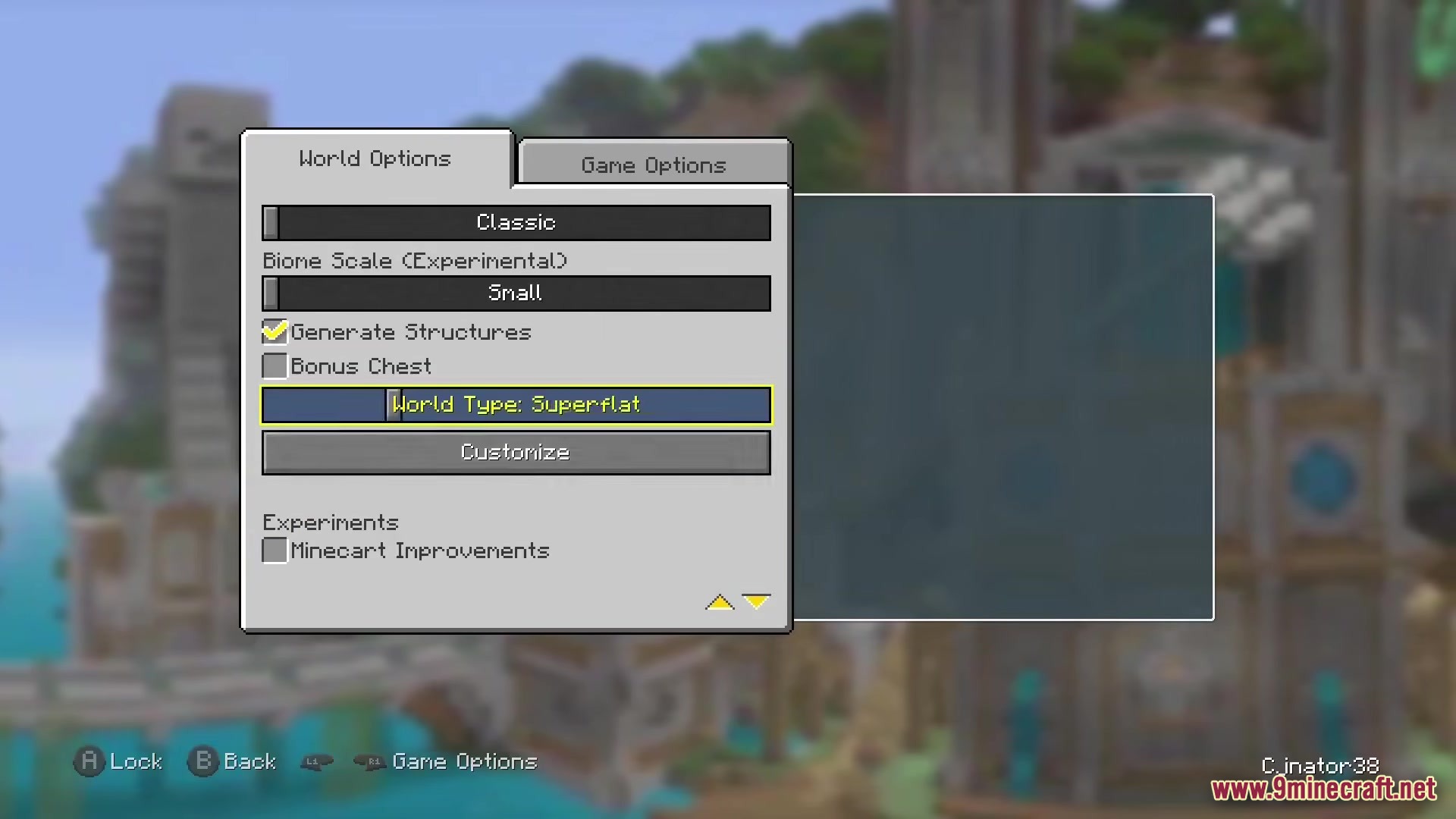
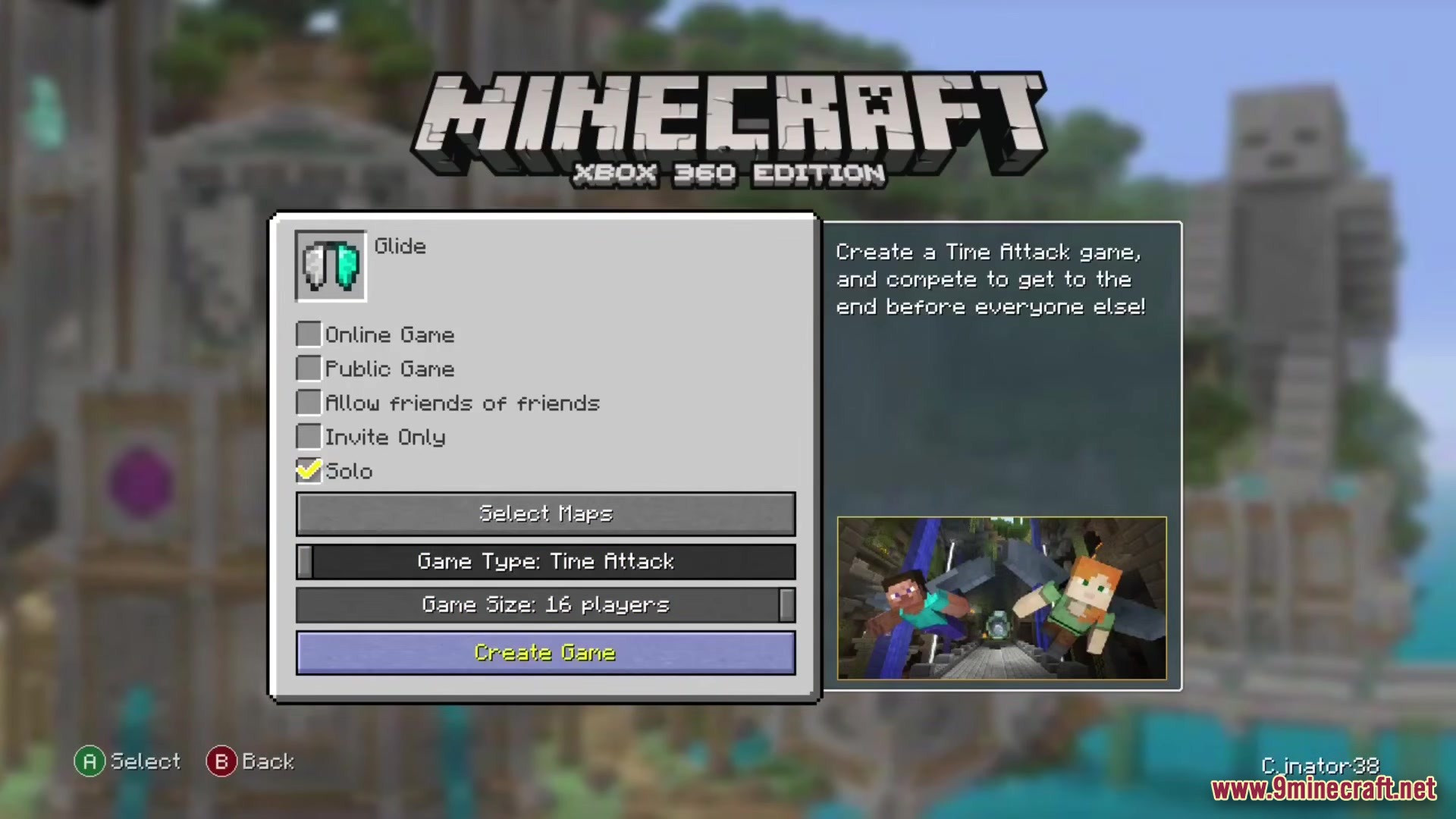
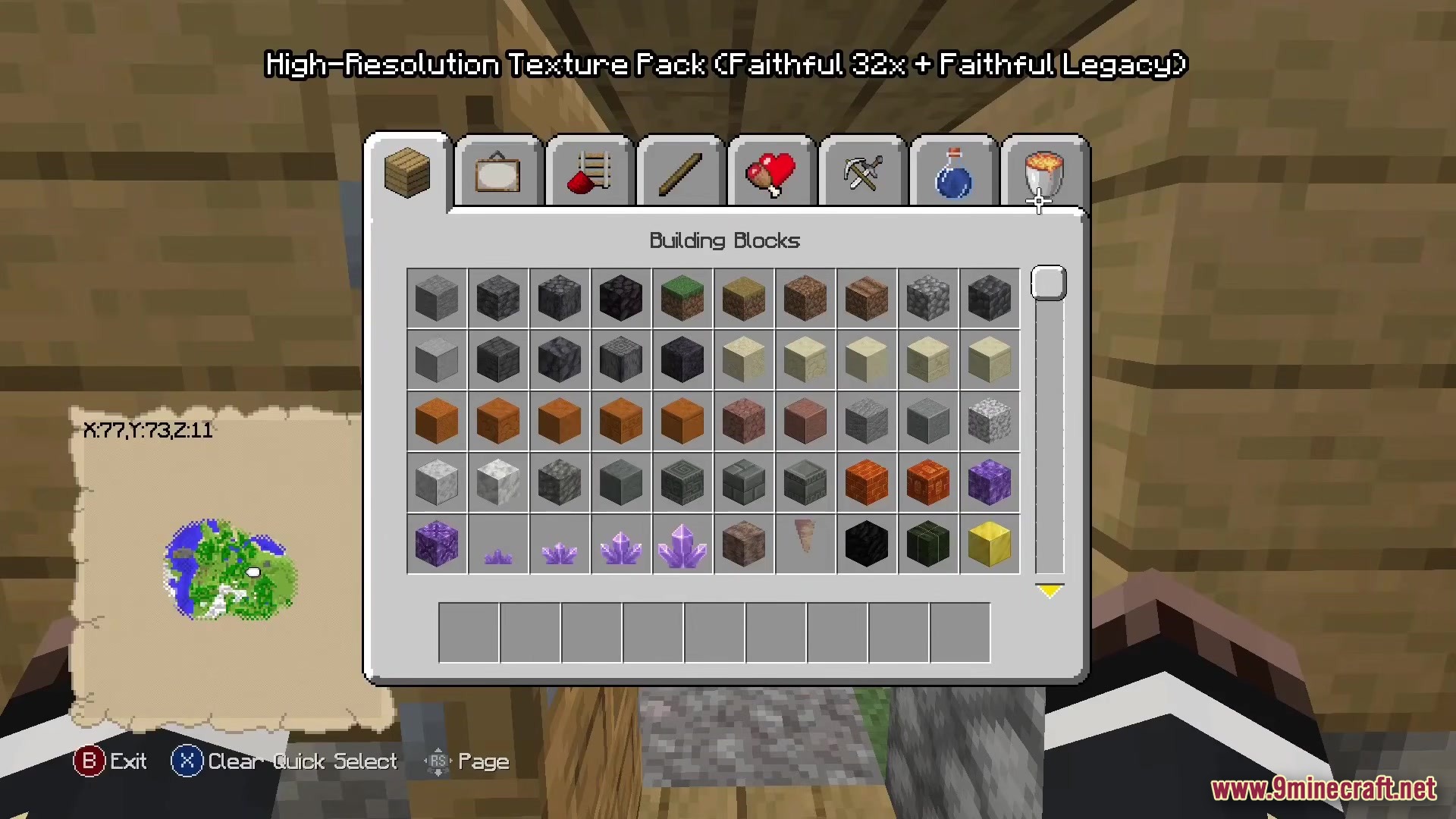
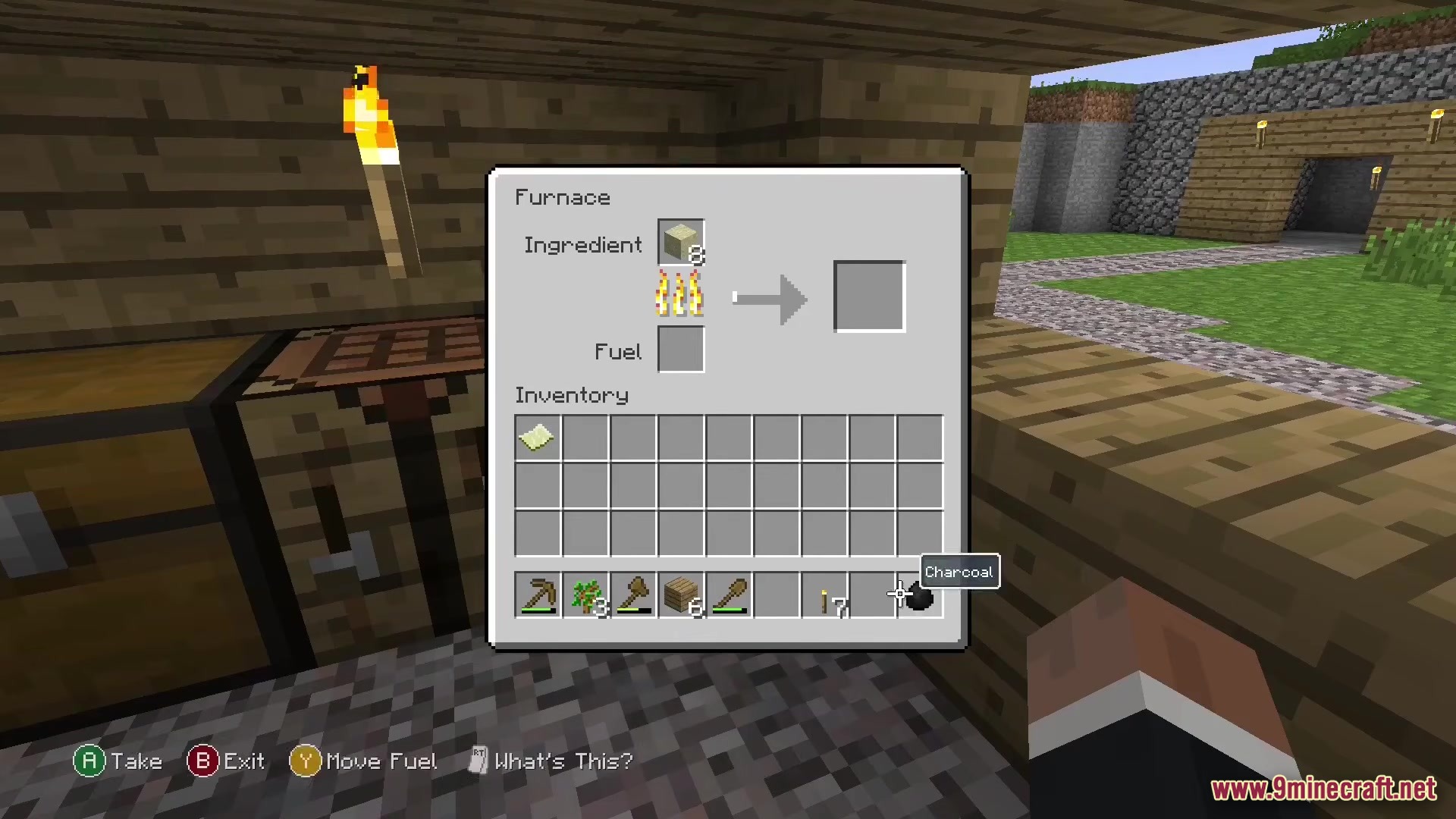
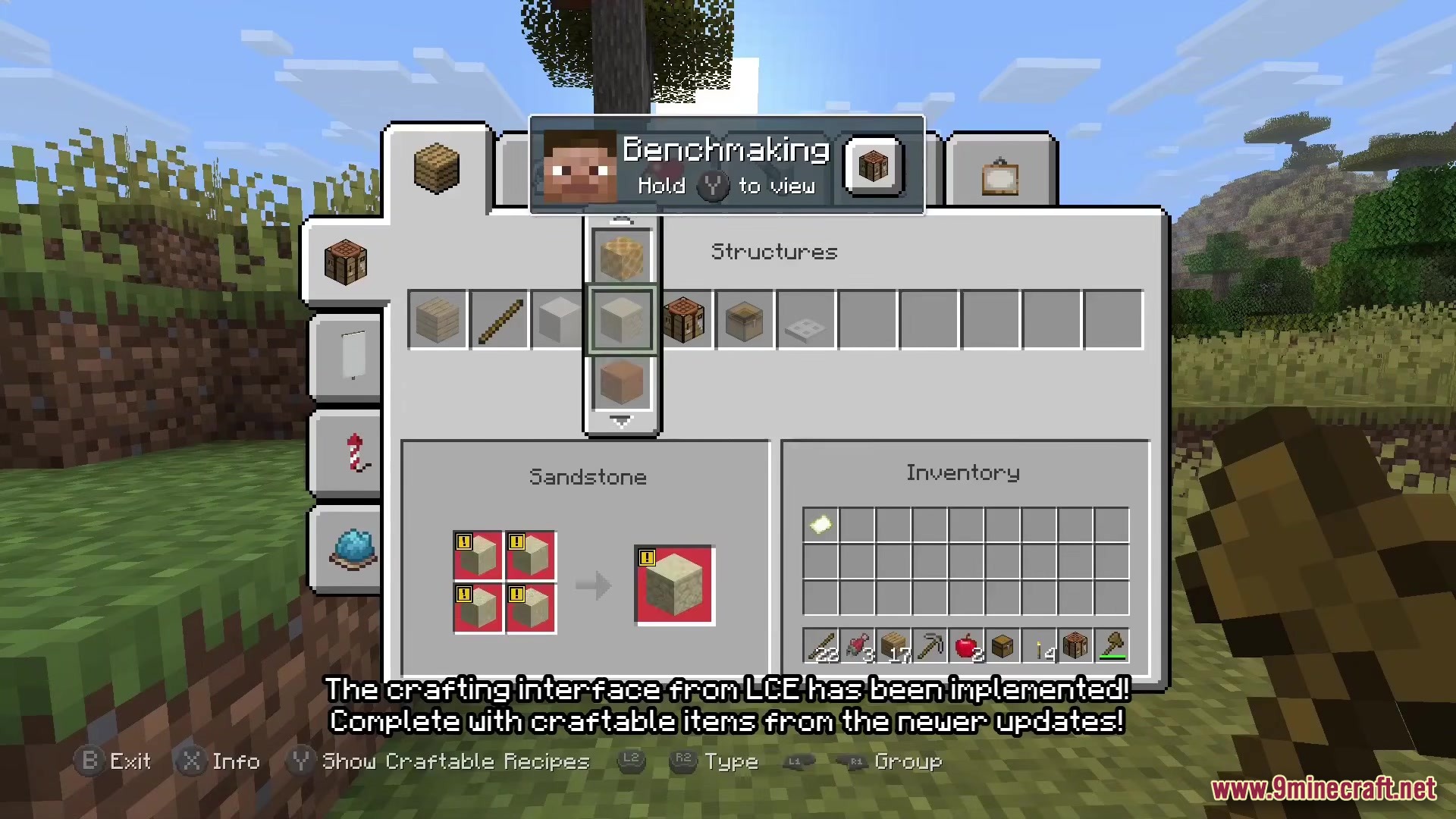
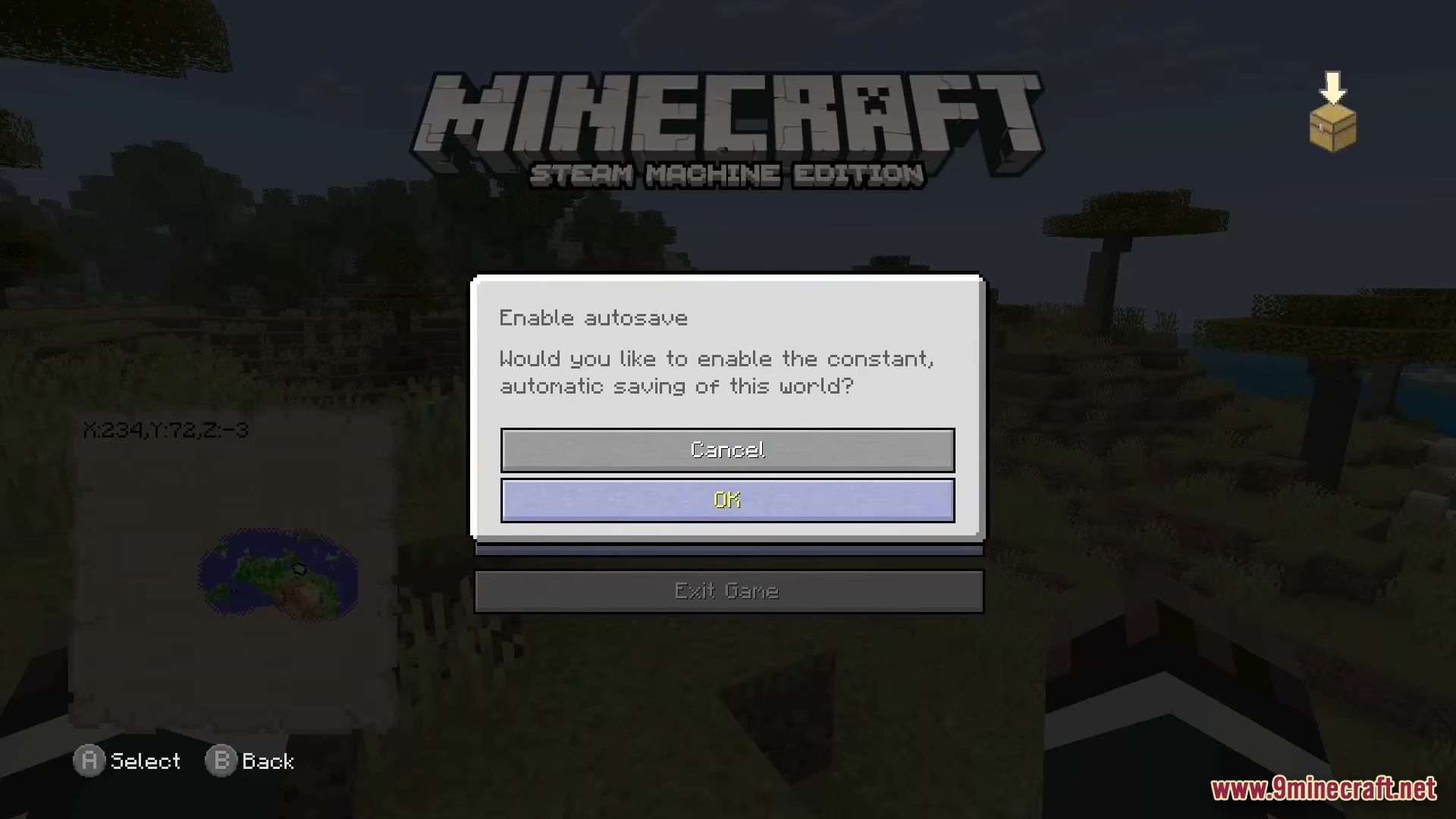
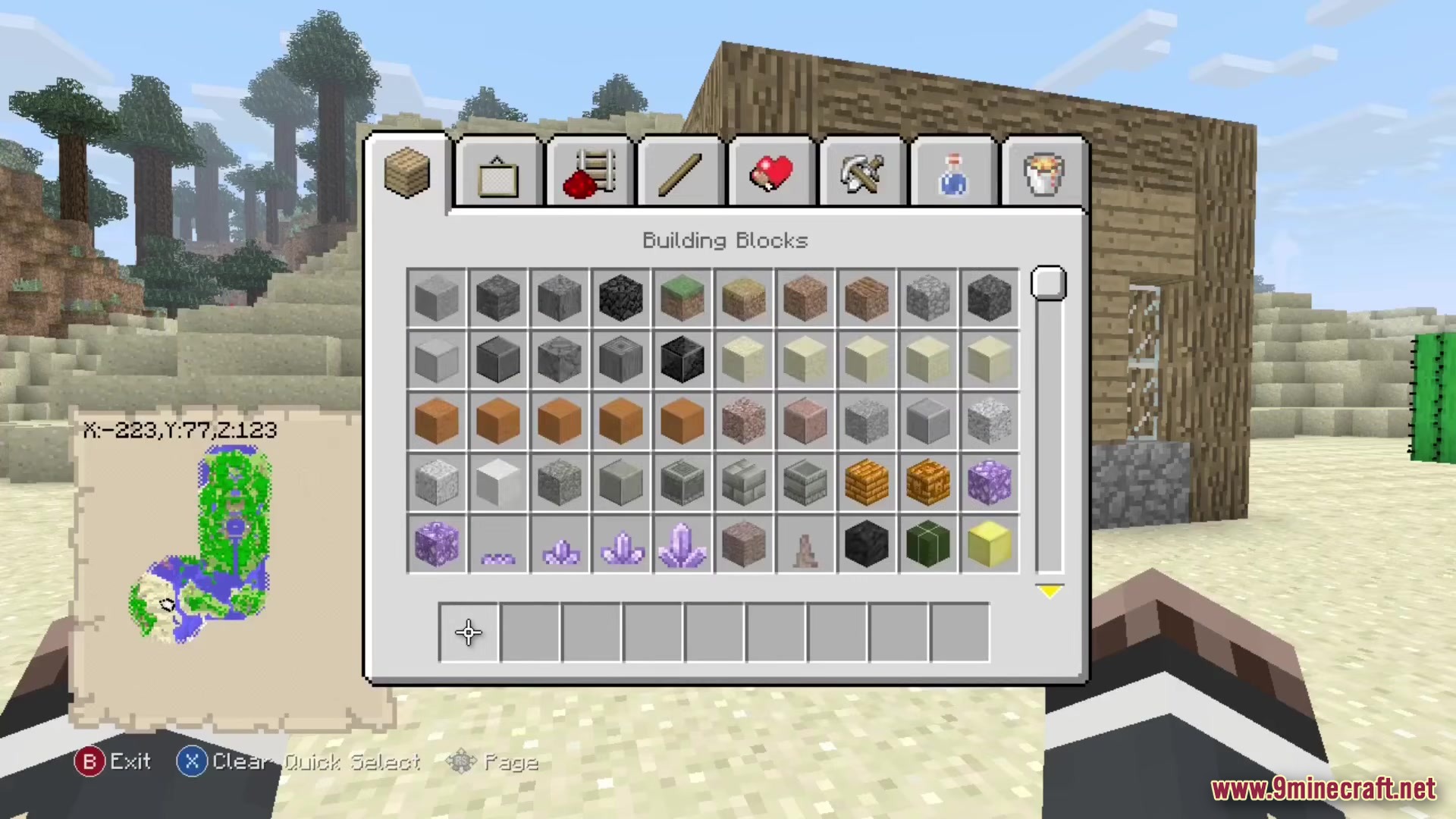
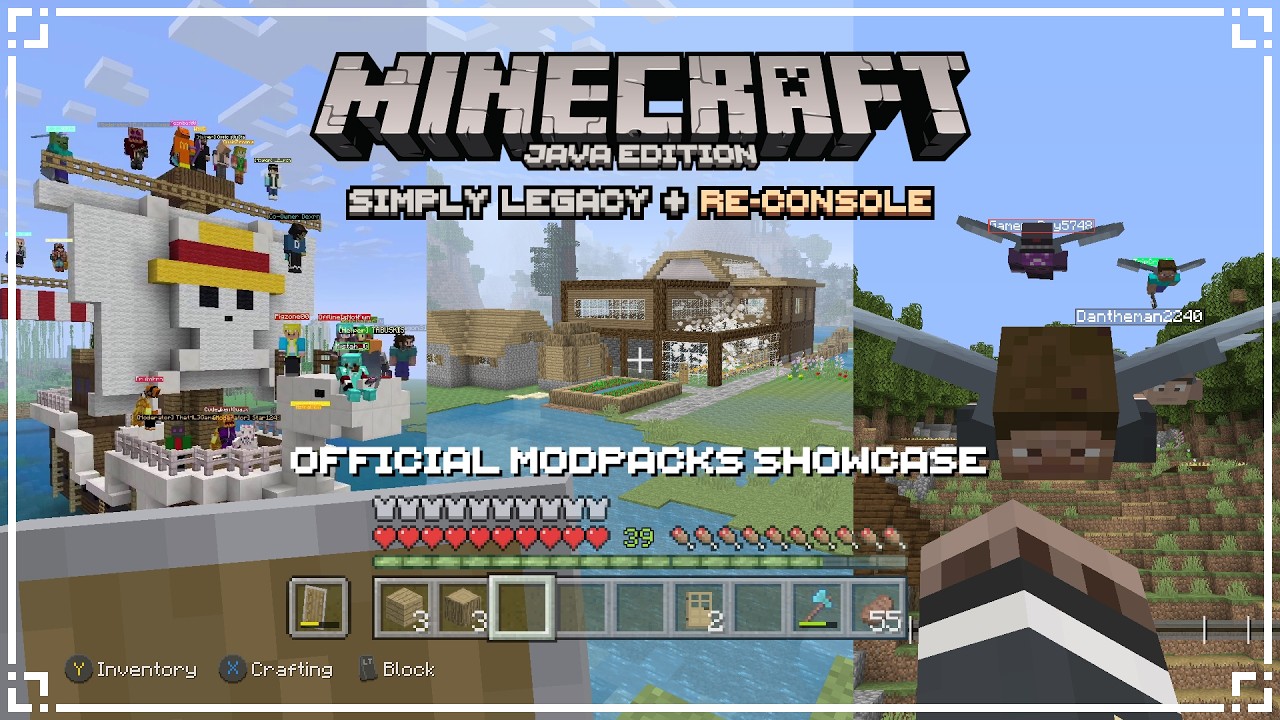
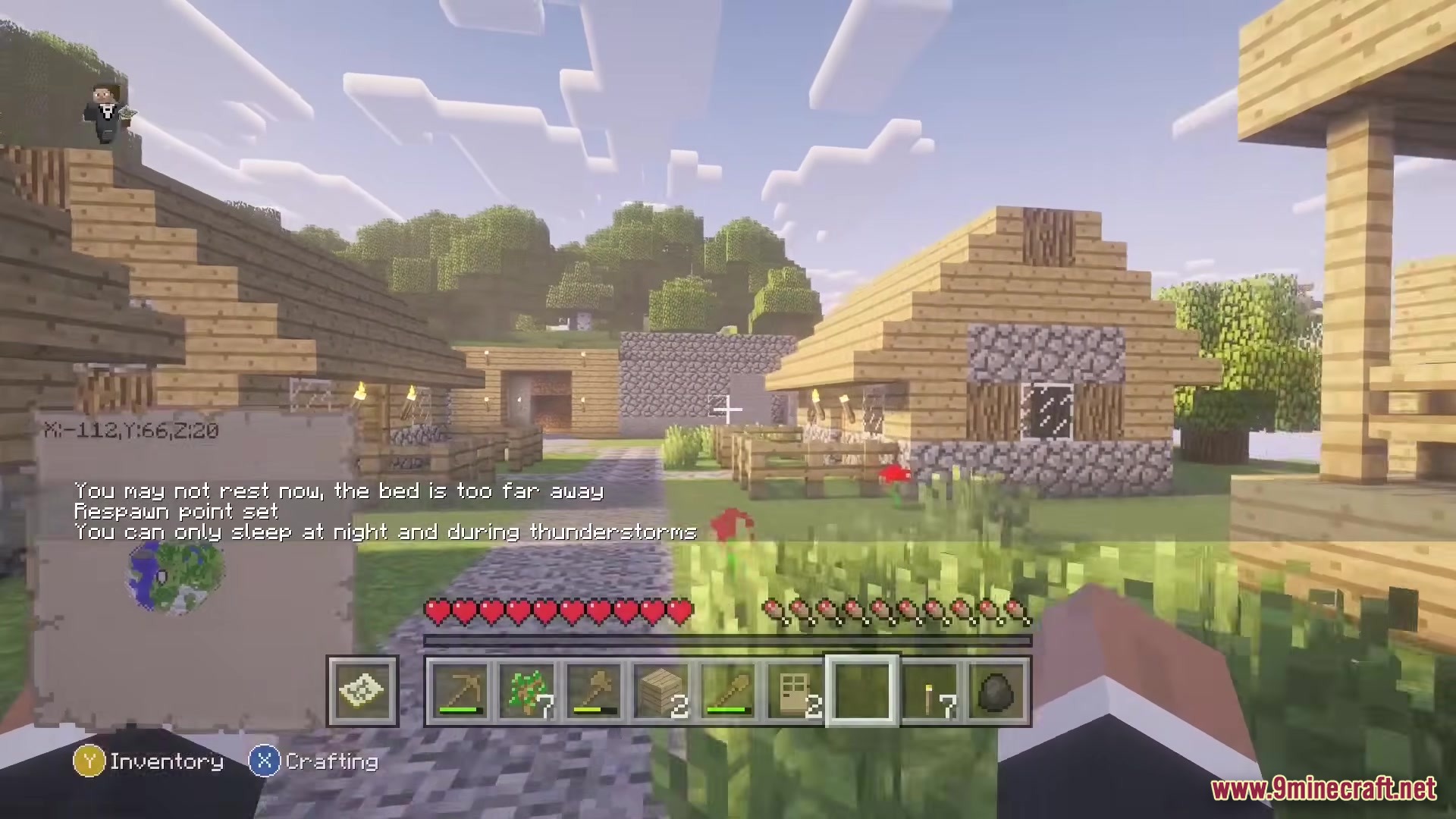
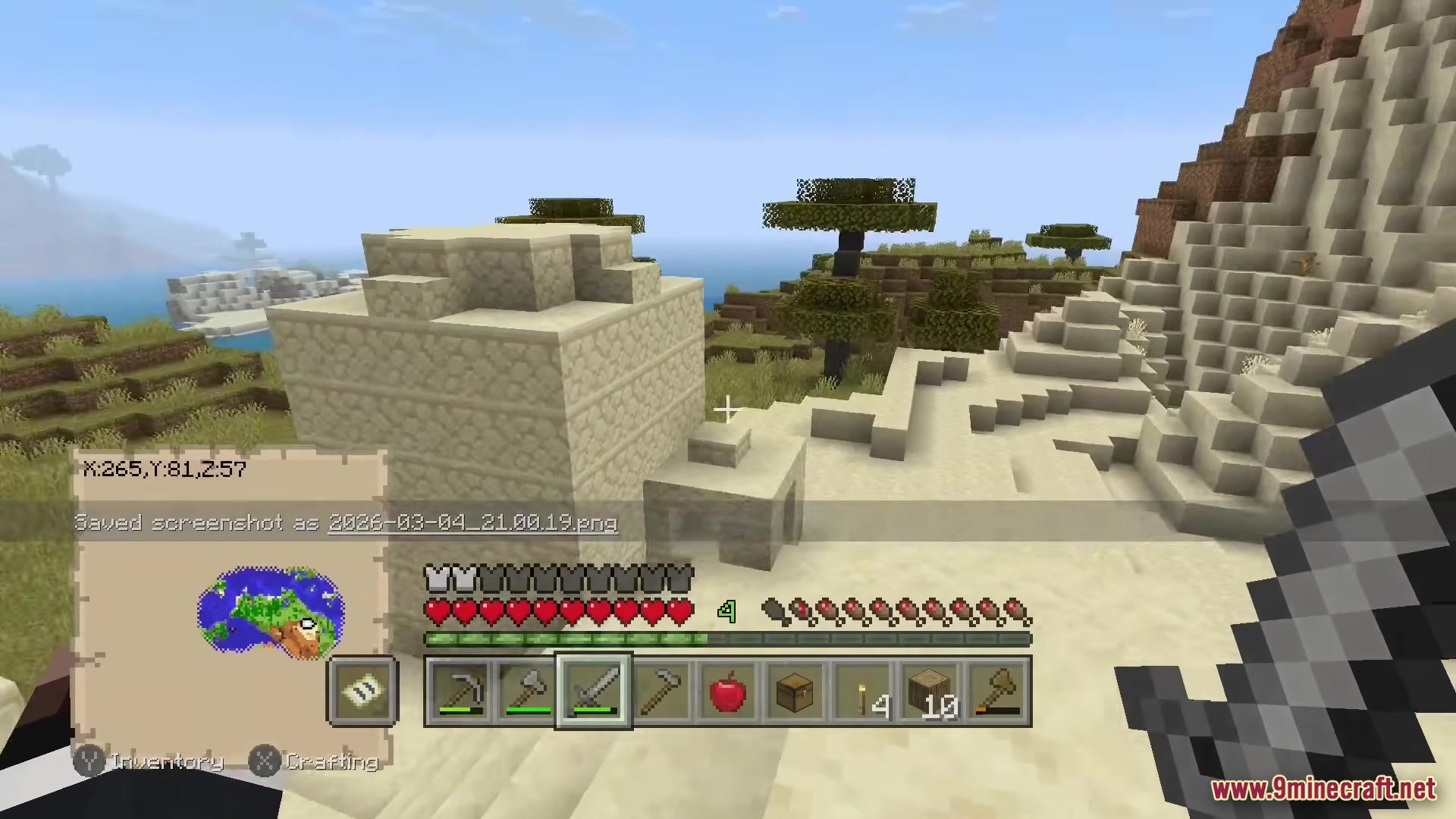
Re-Console Modpack brings the classic console style back to modern Minecraft. It adds the old menus, crafting screens, and controller support you remember from older consoles. You get to play with the classic textures while keeping all the new blocks and items from recent game updates. The pack also includes fun mini-games like Glide and lets you play in limited worlds.
Features:
- Classic Menus: Changes the crafting screen, settings, and inventory to look exactly like the old console games.
- Controller Ready: Lets you plug in a controller and play right away without needing extra setup.
- Adds classic mini-games like Glide and Fistfight for you to play with friends.
- Brings back mash-up worlds and skin packs from the older console days.
- Includes limited world sizes if you want a smaller map to explore.
- Gives you better graphics options like moving lights, zooming, and nice-looking grass.
- Packs in shaders to make your world look bright and colorful.
- Lets you build faster with bedrock-style bridging where you place blocks in front of you.
- Allows you to host worlds easily so your friends can join you online.
How to Play:
- Connect your favorite controller before you start the game.
- Open the world creation menu to choose between normal maps or classic limited worlds.
- Use the shoulder buttons on your controller to move through the new crafting tabs.
- Select the mini-games option from the main menu to jump into a round of Glide.
Screenshots:
Re-Console Modpack Download Links
Quick facts
- Edition: Minecraft Java
- File type: .jar
- Minecraft version listed: 1.20.1
- How to install: Install the matching mod loader (Forge, Fabric or NeoForge) for your Minecraft version. → Download the .jar. → Put it in the .minecraft/mods folder and launch that loader profile.
- Where to get it: Opens on the file's original source — not every file is mirrored on our own servers.
Install steps are the general flow for this file type — How to install Minecraft Java mods & modpacks walks through it step by step.
Re-Console Modpack (26.2, 1.20.1) – Bring Classic Console Menus and Controllers to Minecraft is a free Minecraft Java modpack. Compatible with Minecraft 1.20.1. Download it and open it directly in the game.