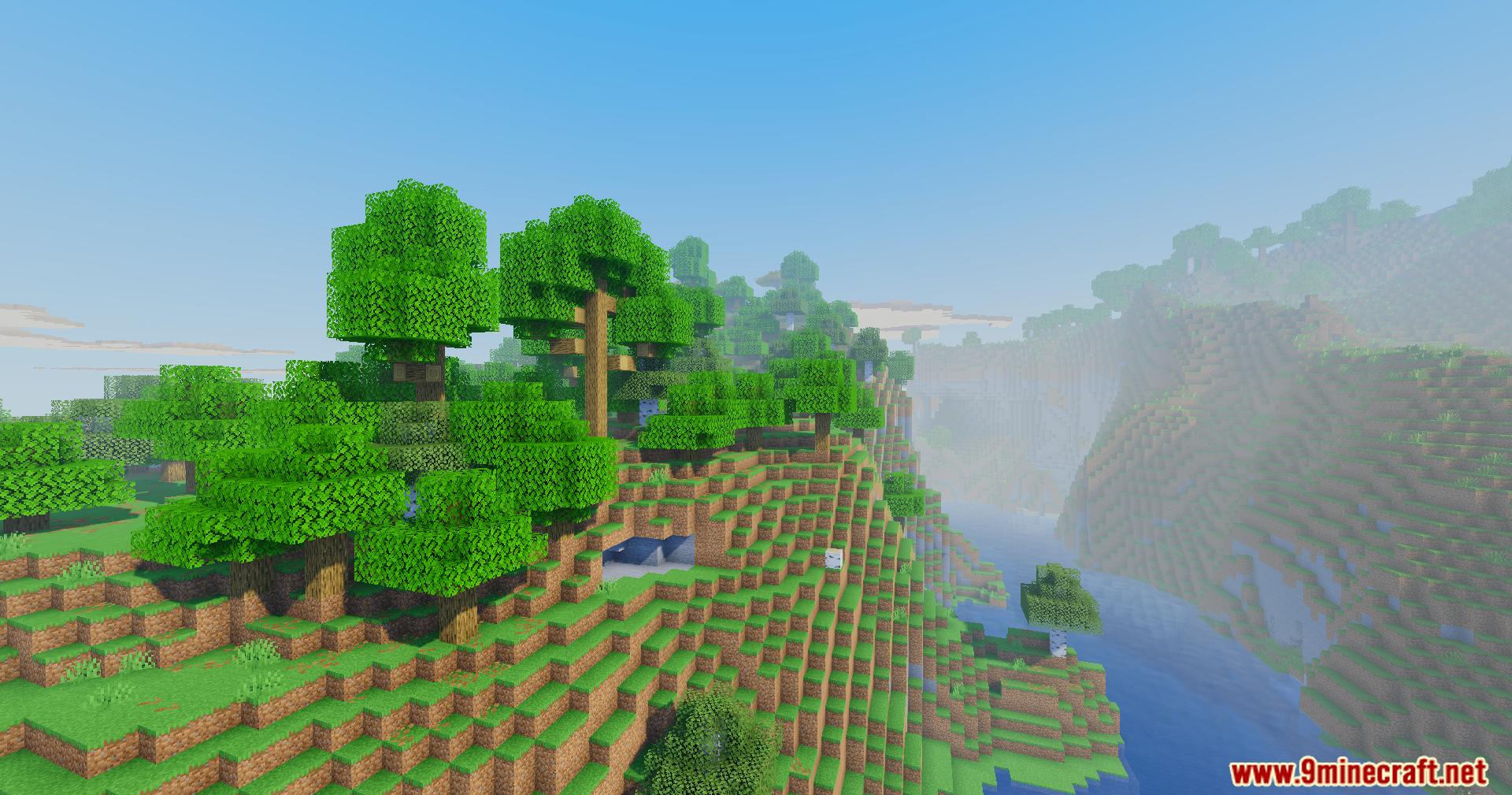
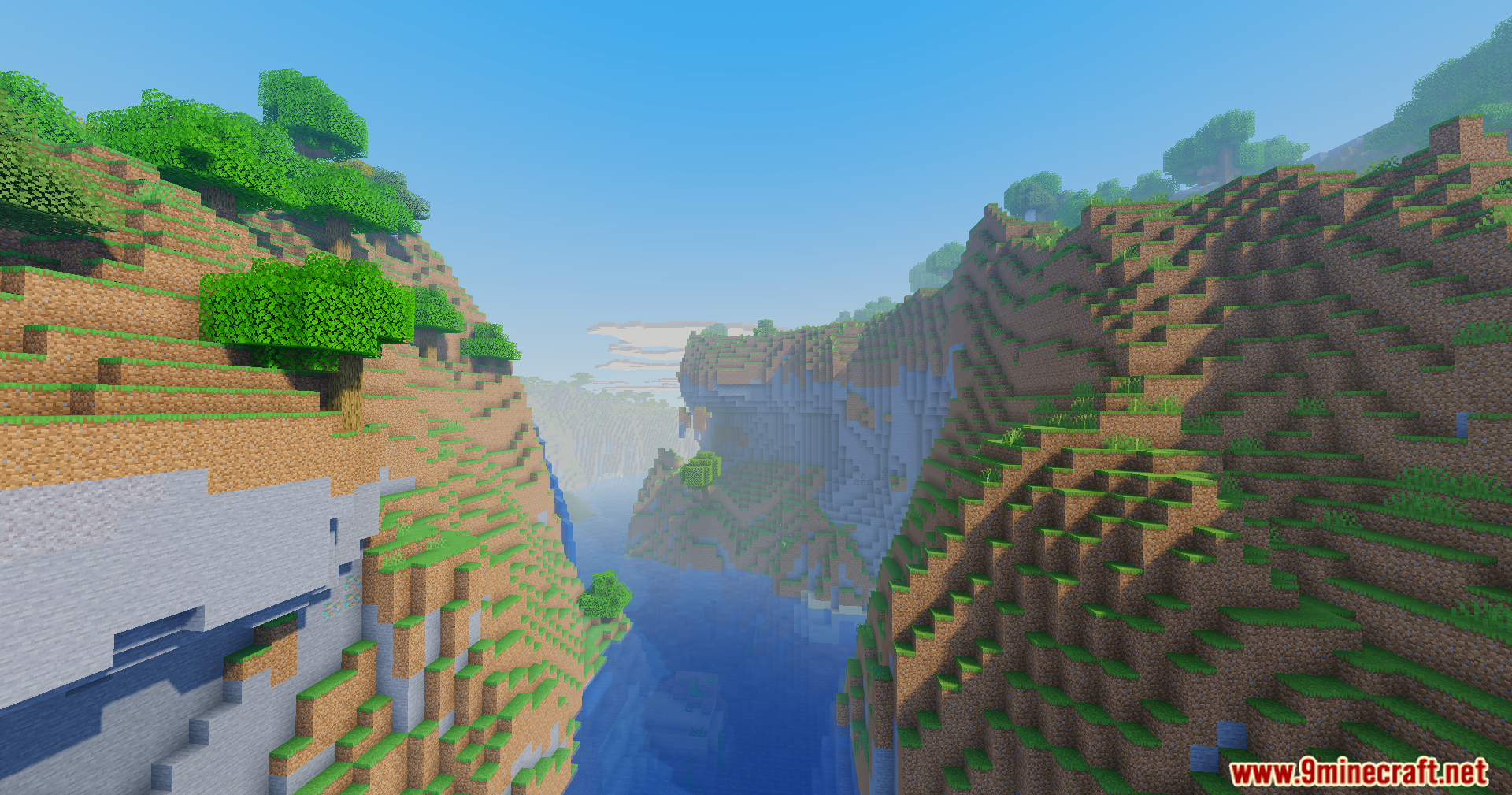
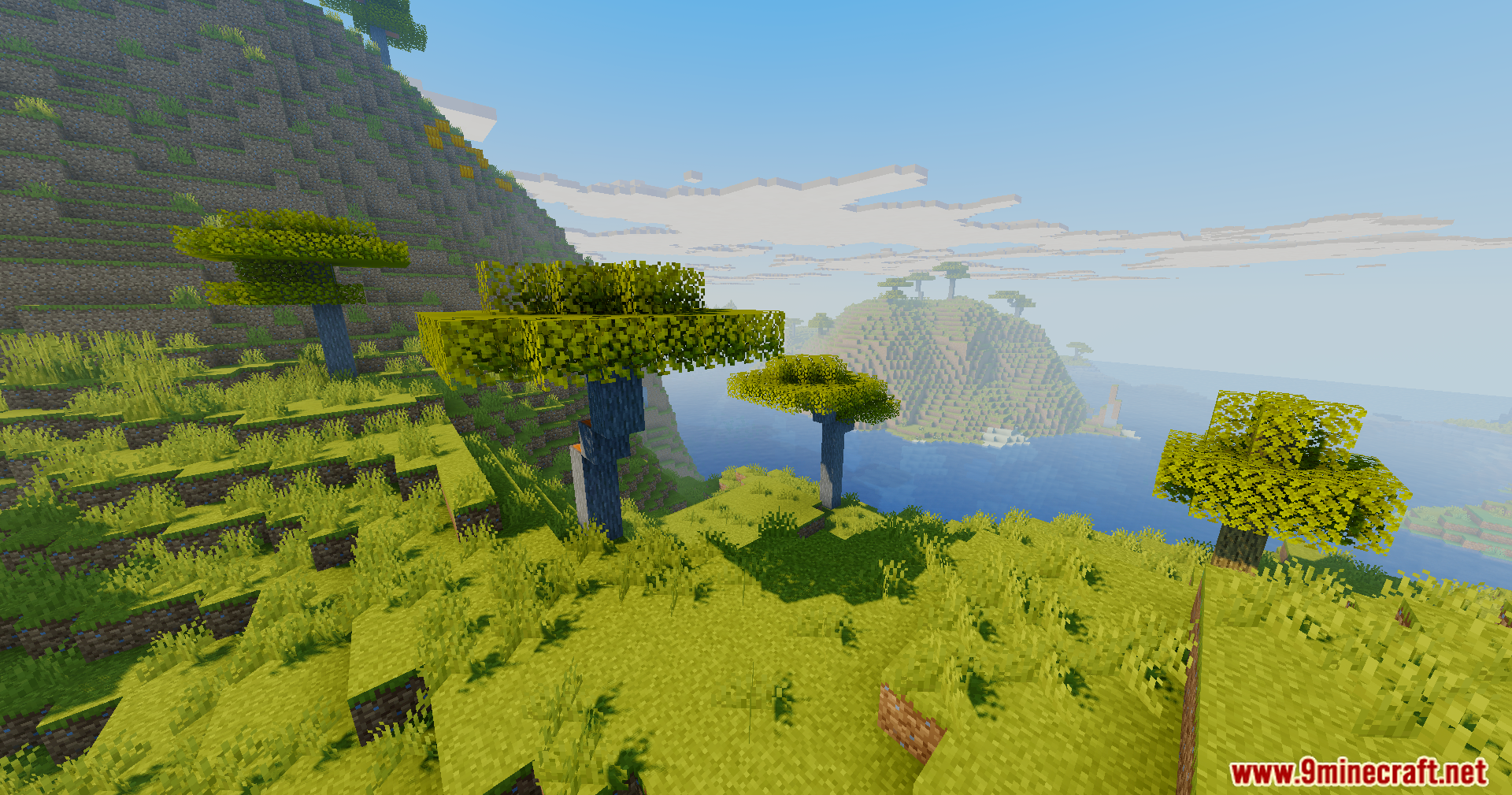
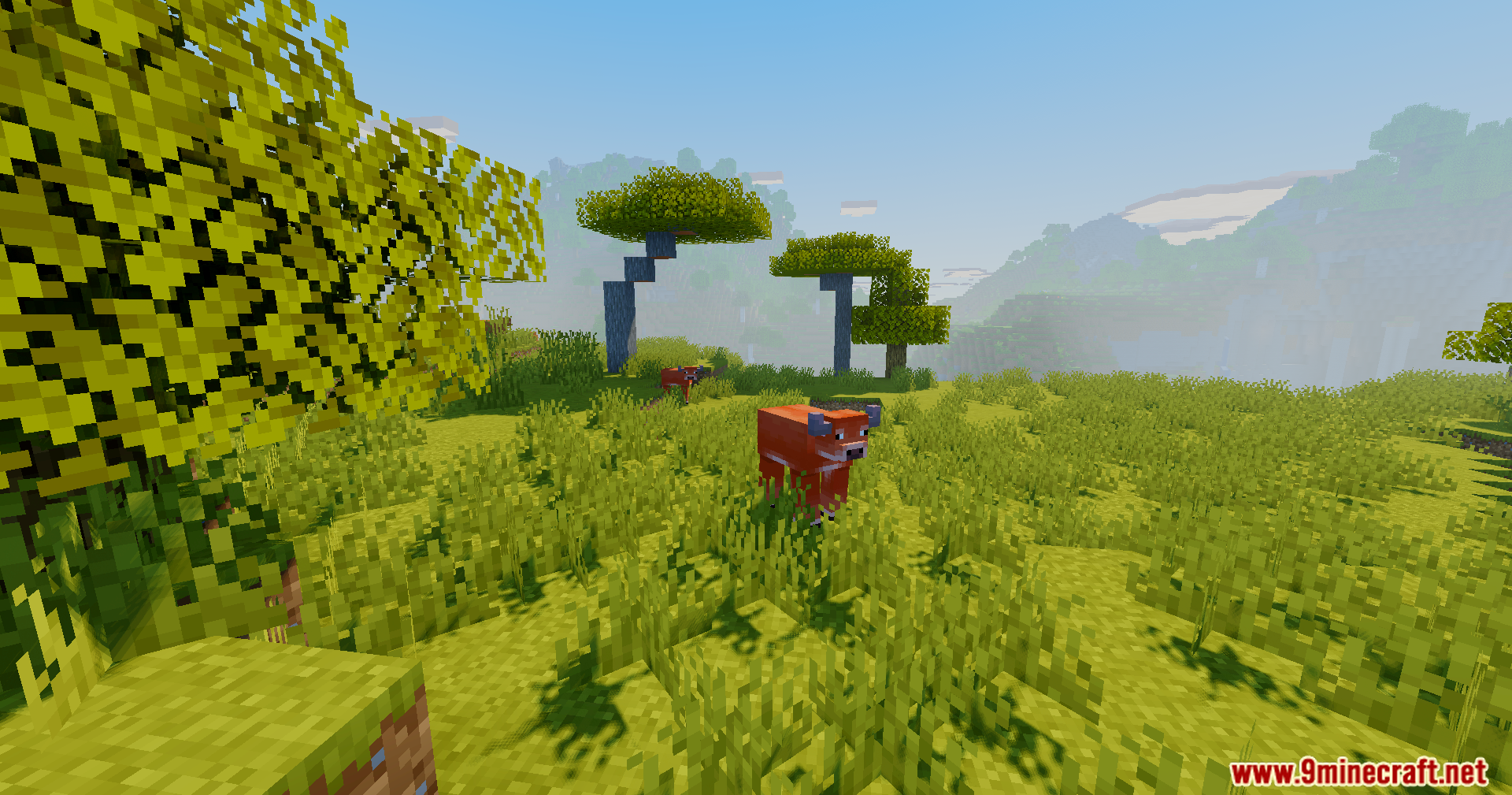
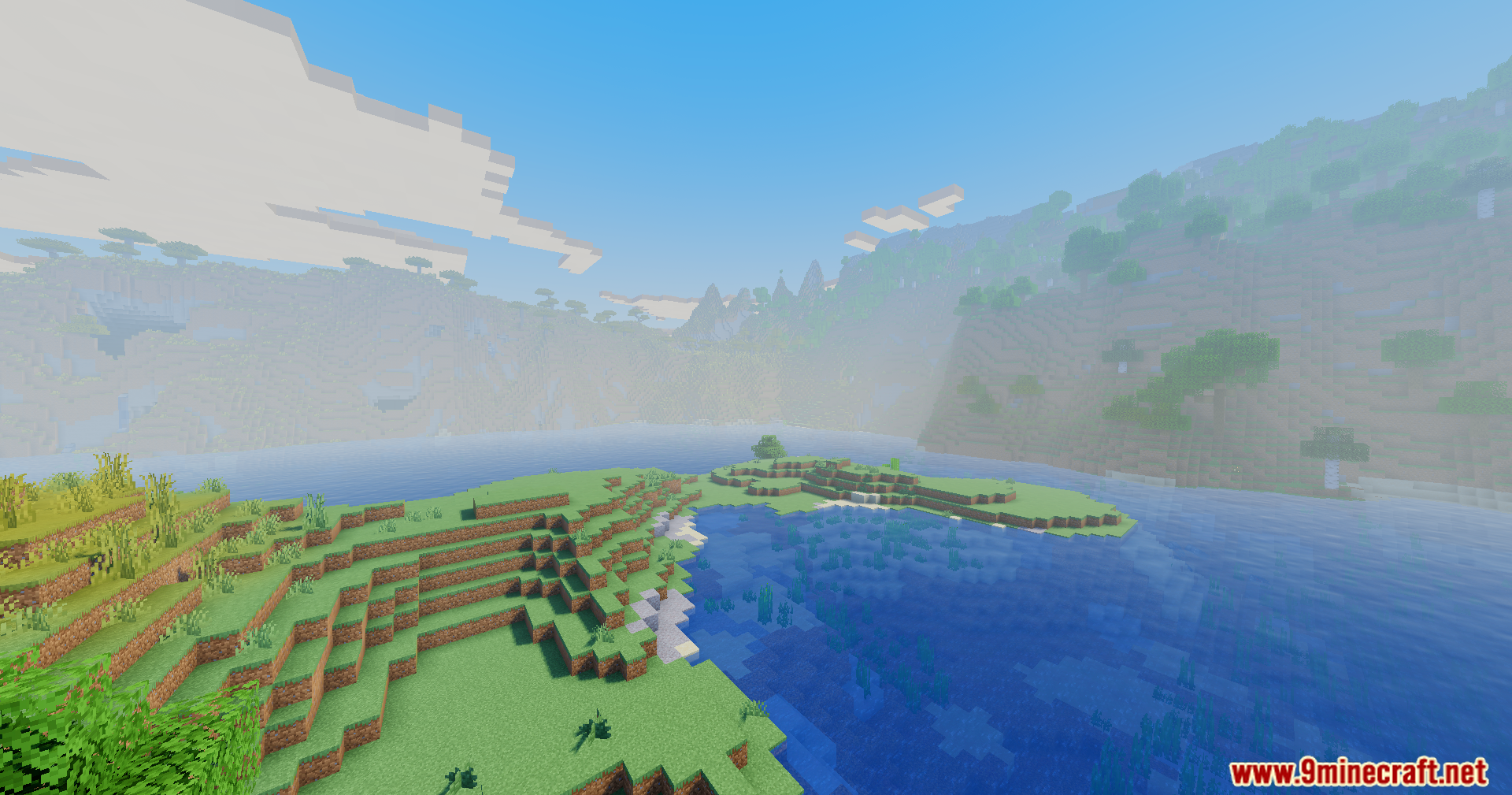
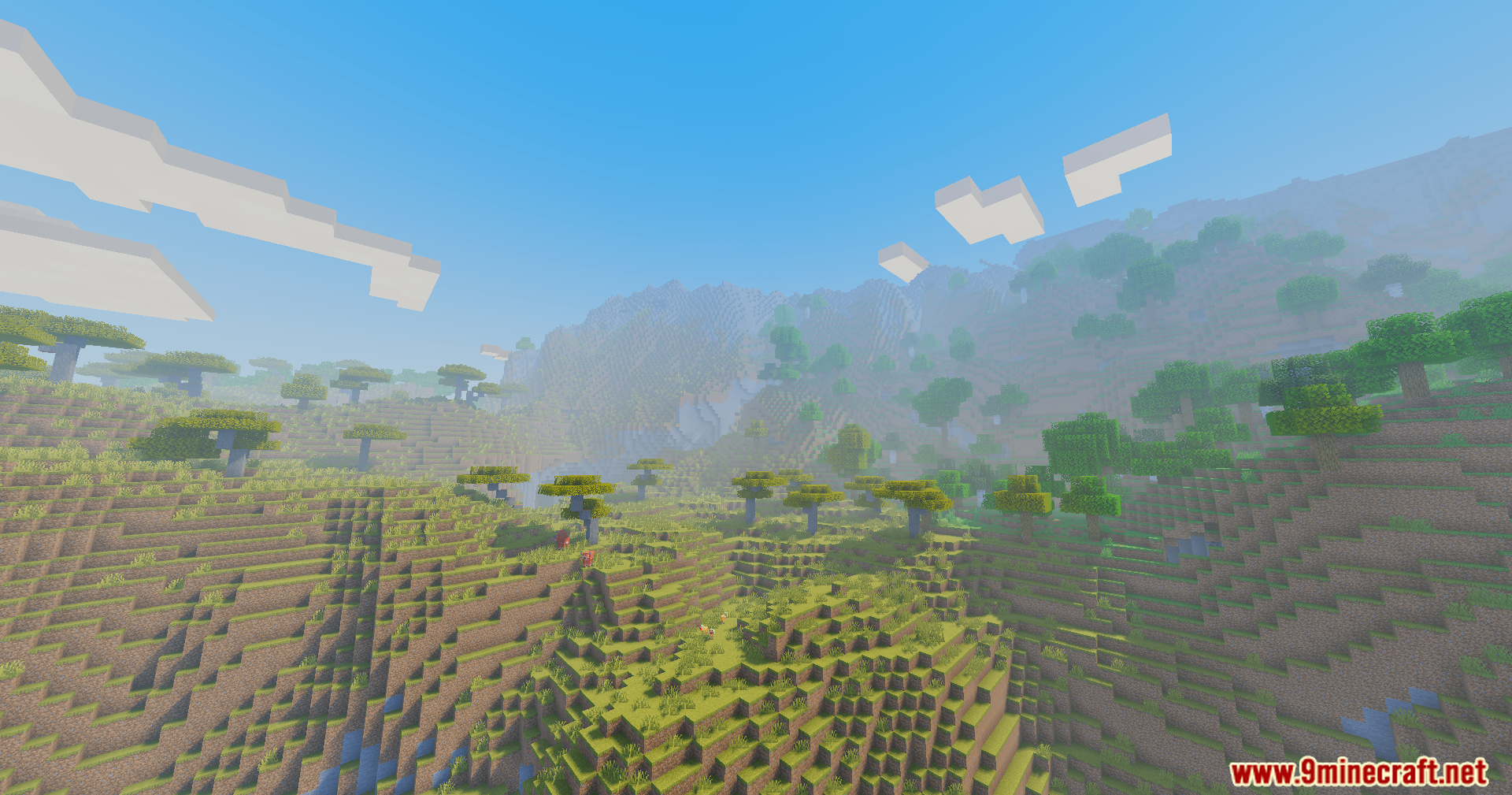
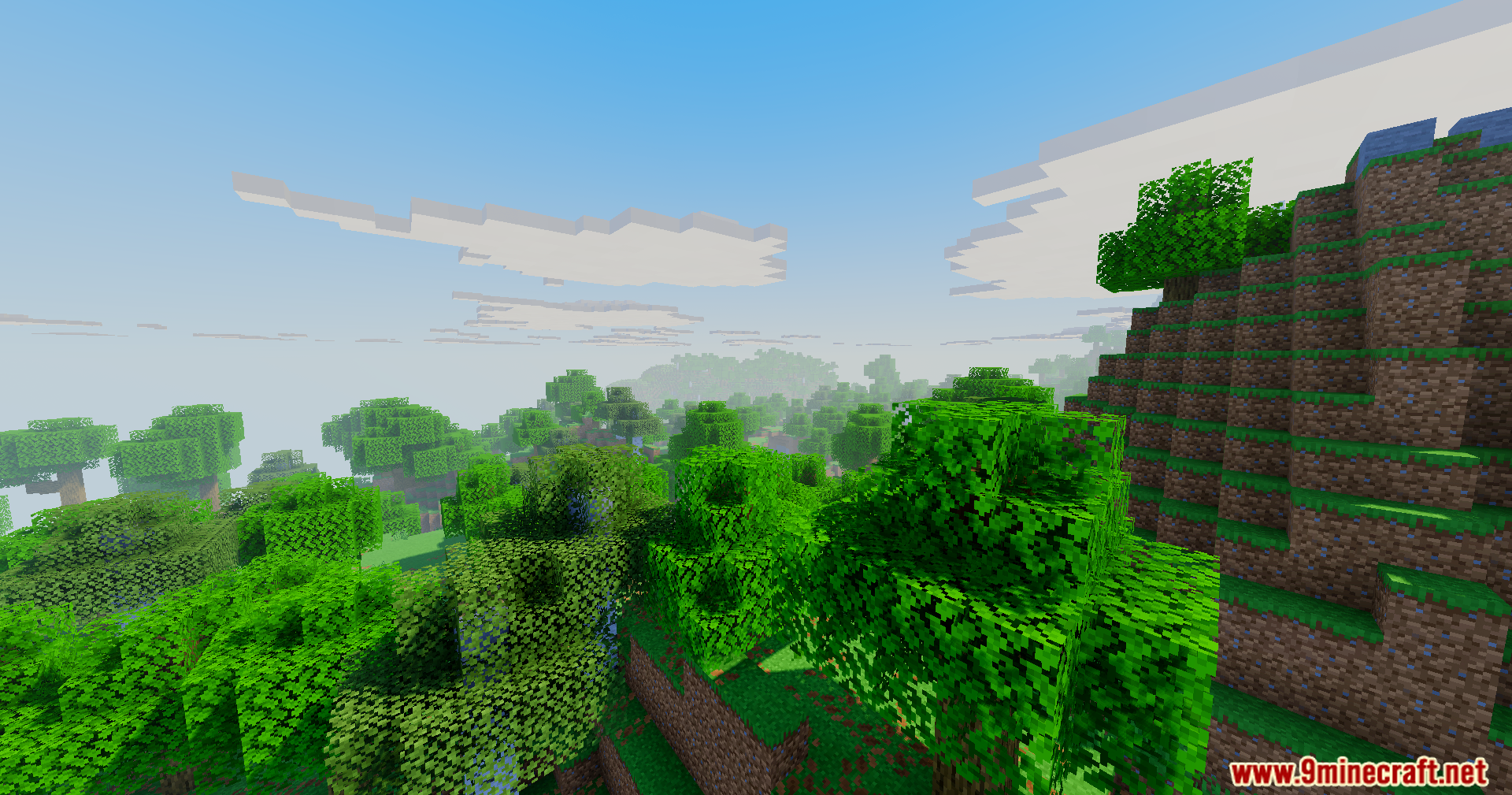
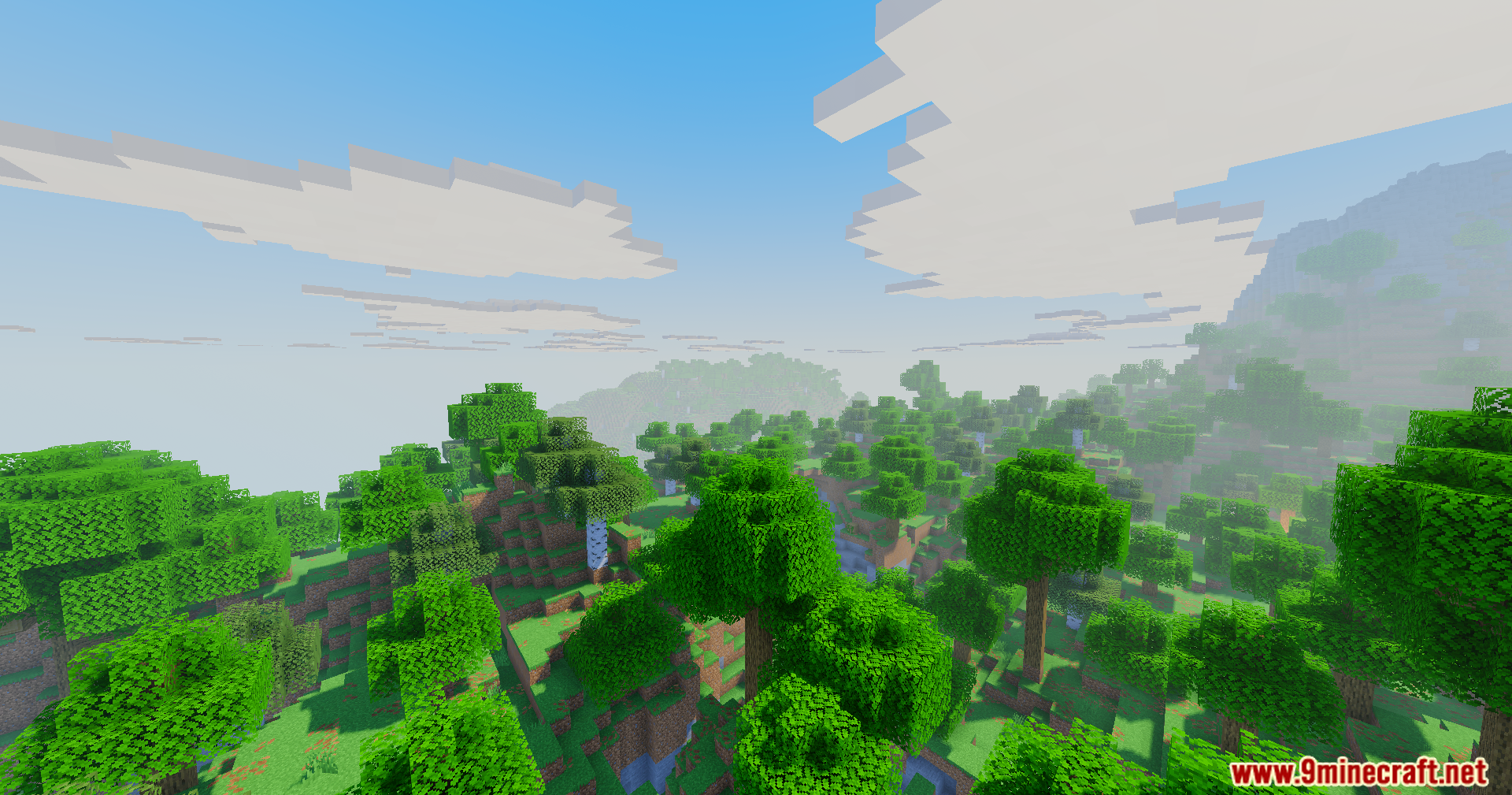
Vanilla Remake Shaders Mod brightens up your world while keeping the classic blocky look. This mod uses a special color system to make colors pop without washing out the bright spots. It keeps the original square style of the game but adds pretty light rays and better clouds. You get a fresh, clean look that still feels like normal Minecraft.
Features:
- Better Colors: Uses a filmic tonemap to make the world look bright and natural.
- Stops bright spots from looking washed out or too white.
- Adds glowing light rays that shine down through the sky.
- Keeps the classic square shape for the sun and the moon.
- Changes the clouds to look blocky but much nicer than the default ones.
- Runs smoothly because it is built to be clean and optimized.
Screenshots:
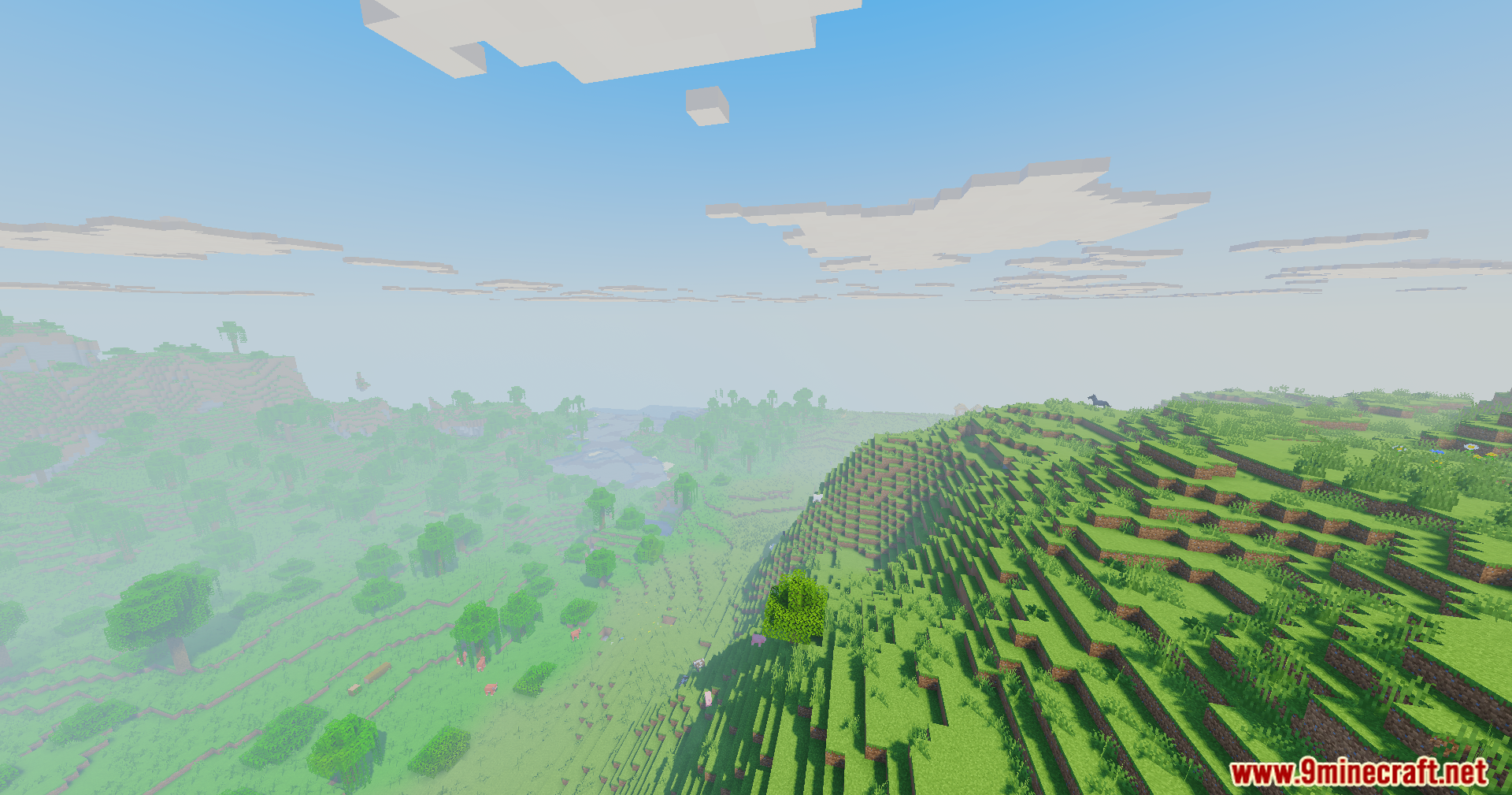
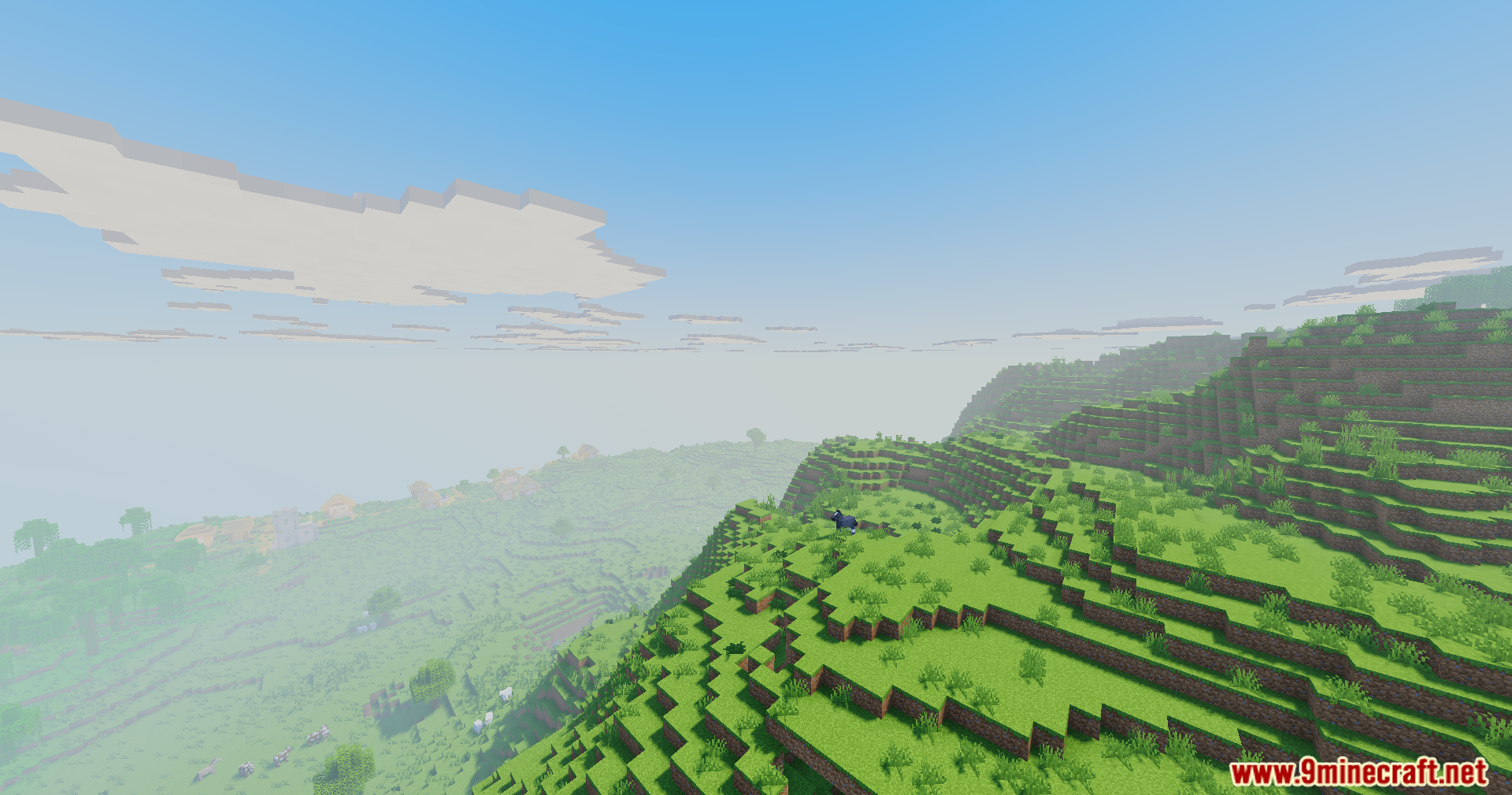
Vanilla Remake Shaders Mod Download Links
Quick facts
- Edition: Minecraft Java
- File type: .jar
- Minecraft version listed: 1.20.1
- How to install: Install the matching mod loader (Forge, Fabric or NeoForge) for your Minecraft version. → Download the .jar. → Put it in the .minecraft/mods folder and launch that loader profile.
- Where to get it: In MC Java Mods, or directly above on this page.
Install steps are the general flow for this file type — How to install Minecraft Java mods & modpacks walks through it step by step.
Verified by MCModsHub
- Downloads as 90533.mcaddon
- Download size: 41 KB
- Download link checked 27 Jul 2026 — working
- Mirrored on our own servers — the download does not depend on the original host
These come from our own check of the pack file, not from the source page.