Home›Bedrock›Addons›Auto Enchant Addon (26.x, 1.21) – Automatically Apply Enchantments To Weapons And Tools
AddonsBedrock
Auto Enchant Addon (26.x, 1.21) – Automatically Apply Enchantments To Weapons And Tools
Bedrock add-on listed for Minecraft 1.21 (behavior pack only). File opened and checked on 24 Sep 2026; installs from the MC Bedrock Mods app on Android.
Auto Enchant Addon lets you automatically apply enchantments to your tools and weapons. It adds a fast way to upgrade items without manual work. This addon allows you to keep earning achievements while saving time.
Features:
Applies enchantments to your items automatically.
Keeps your world achievements active and safe.
Lets you control maximum enchantment levels easily.
Runs smoothly without removing any game items.
Works perfectly on modern Bedrock game versions.
Configuration:
You can access settings to toggle the system on or off. It lets you set allowed enchantments and maximum levels. You can also whitelist or blacklist specific items.
Screenshots:
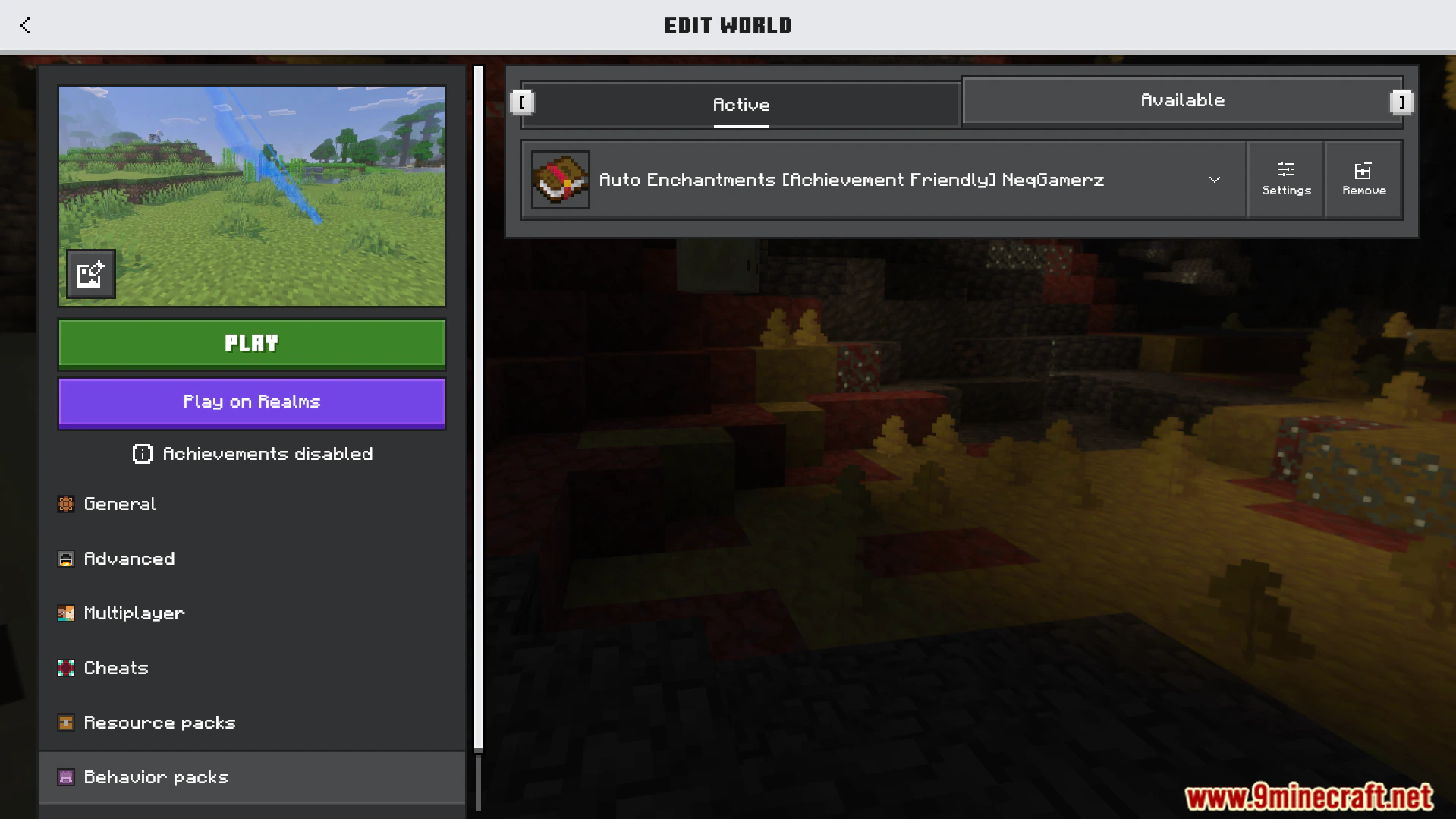
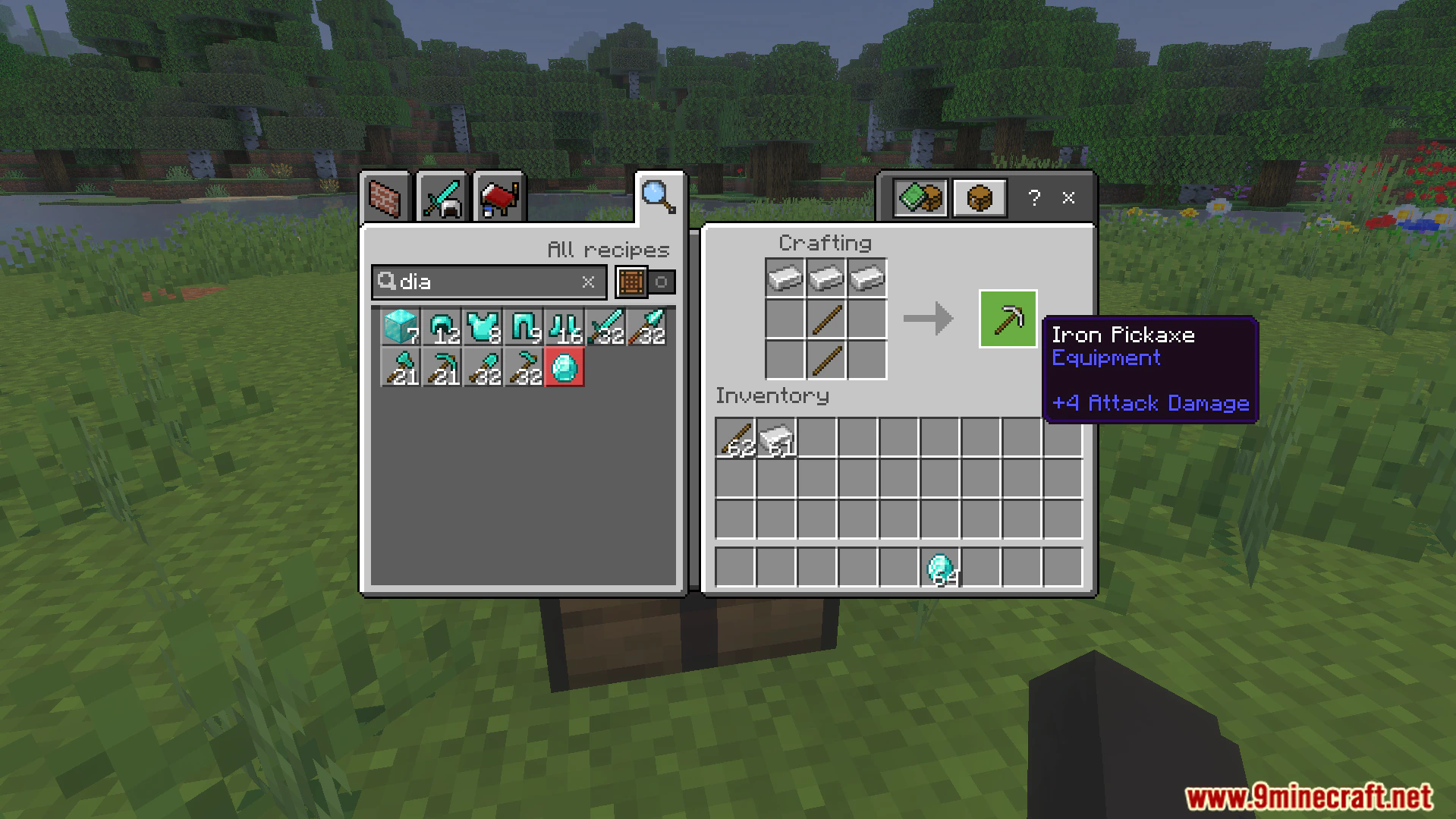
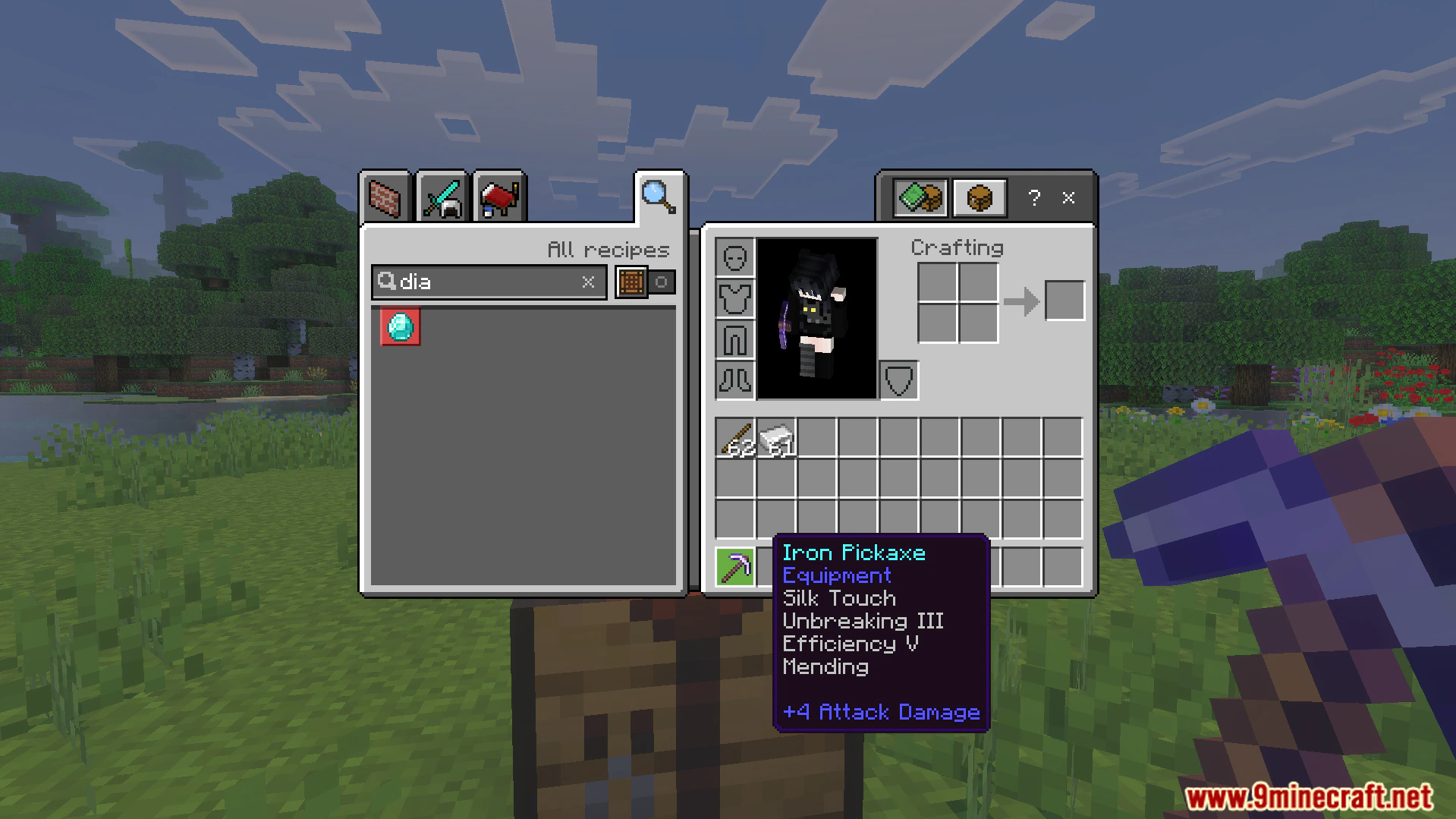
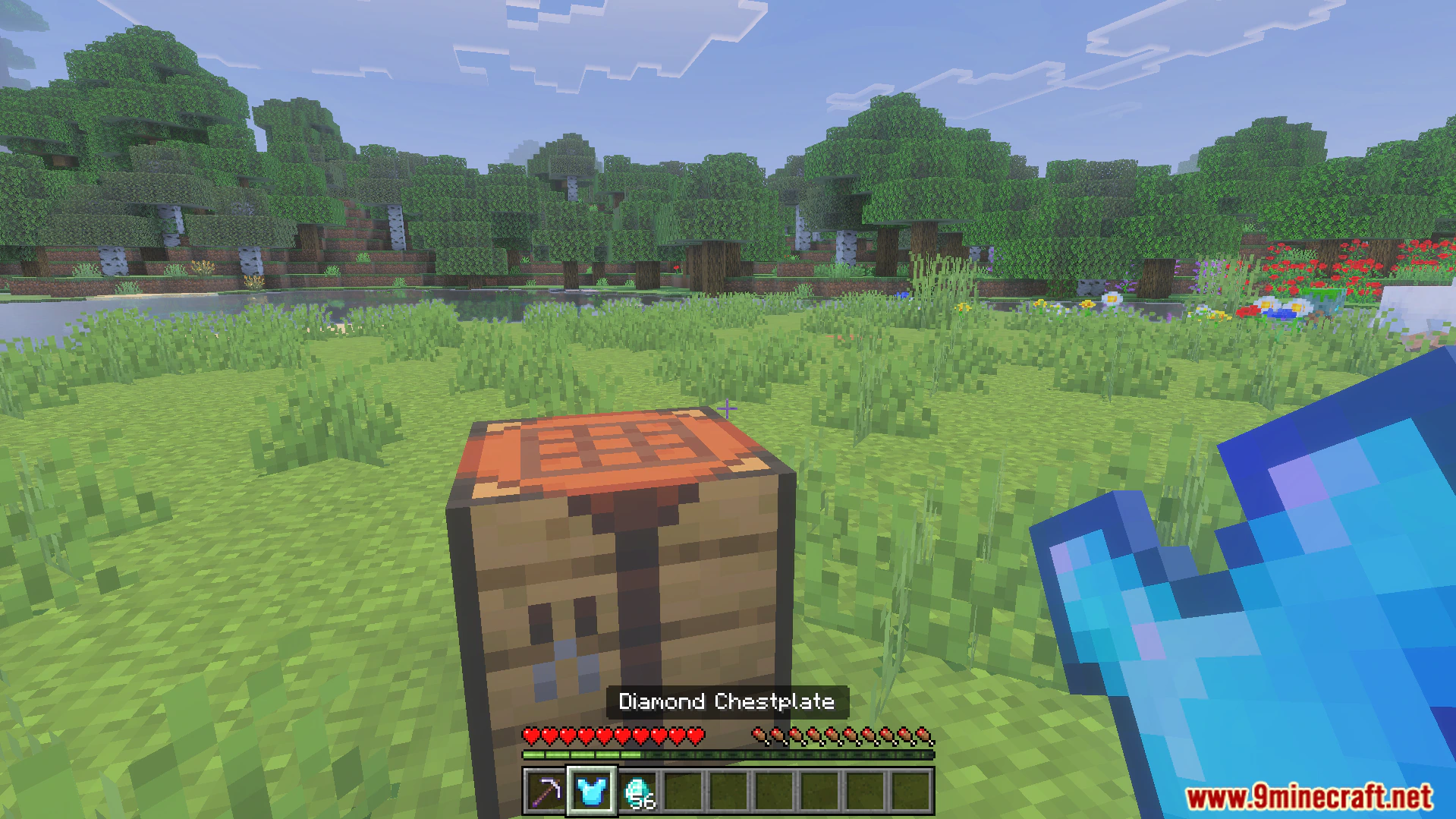
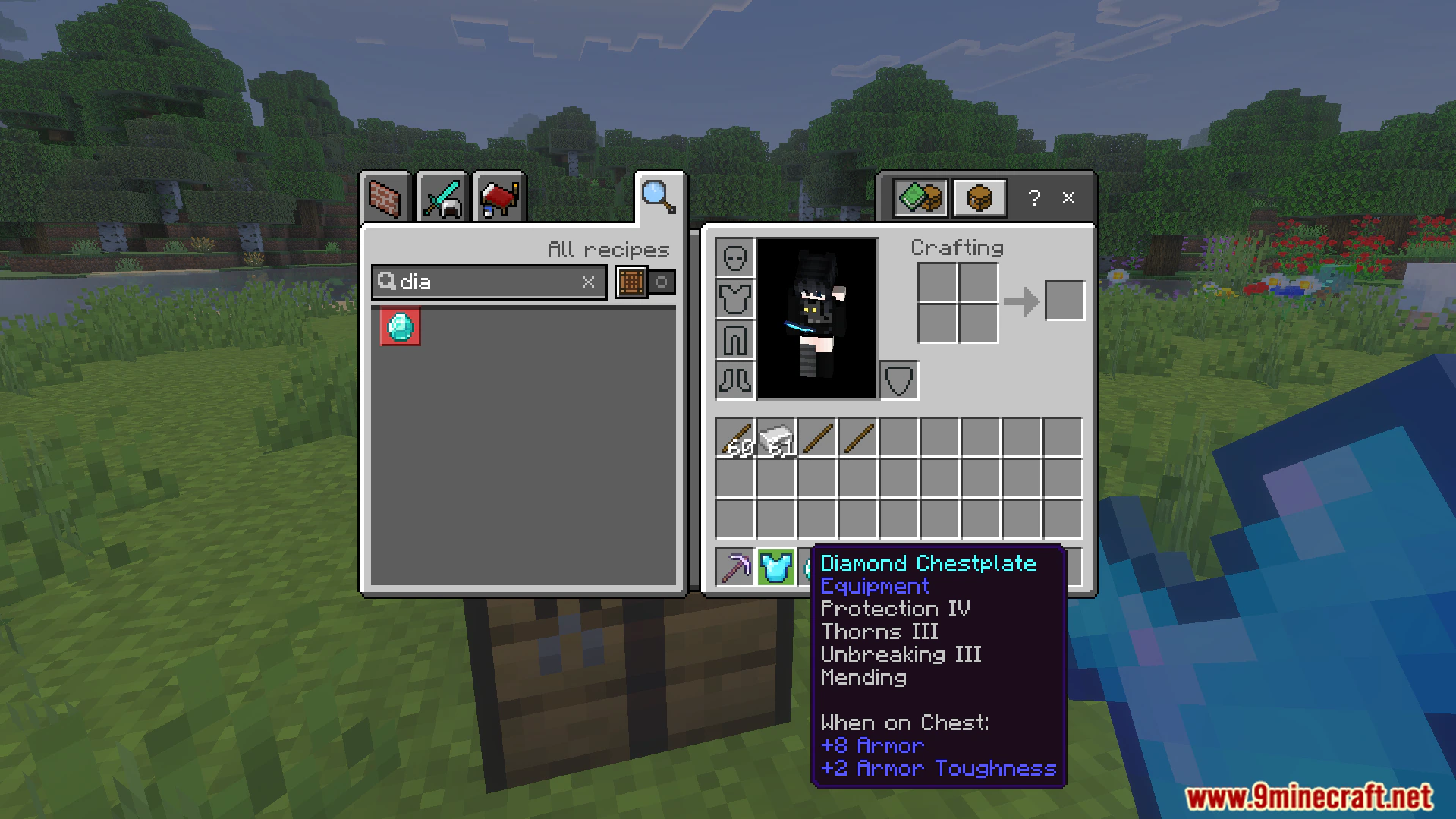
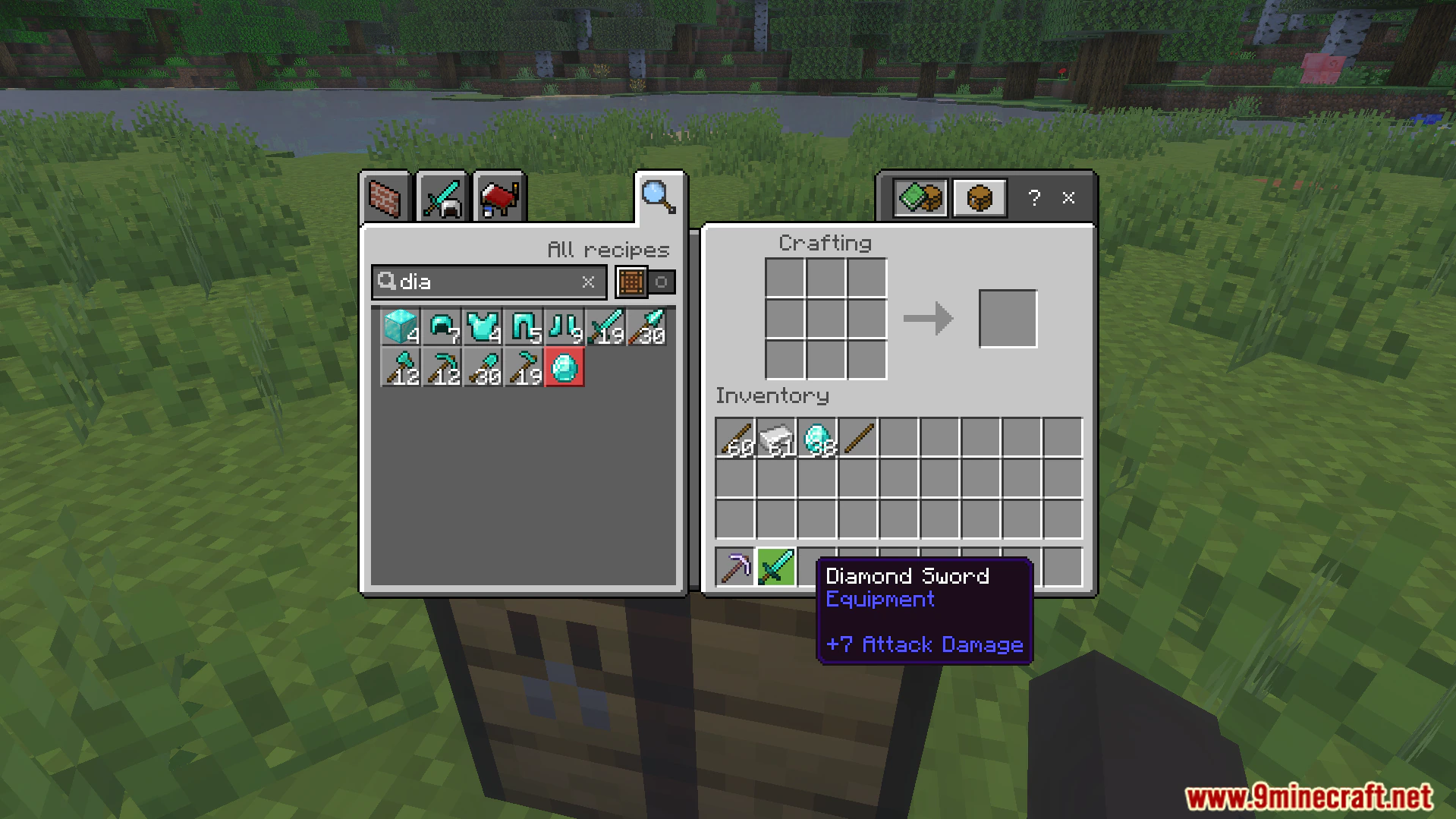
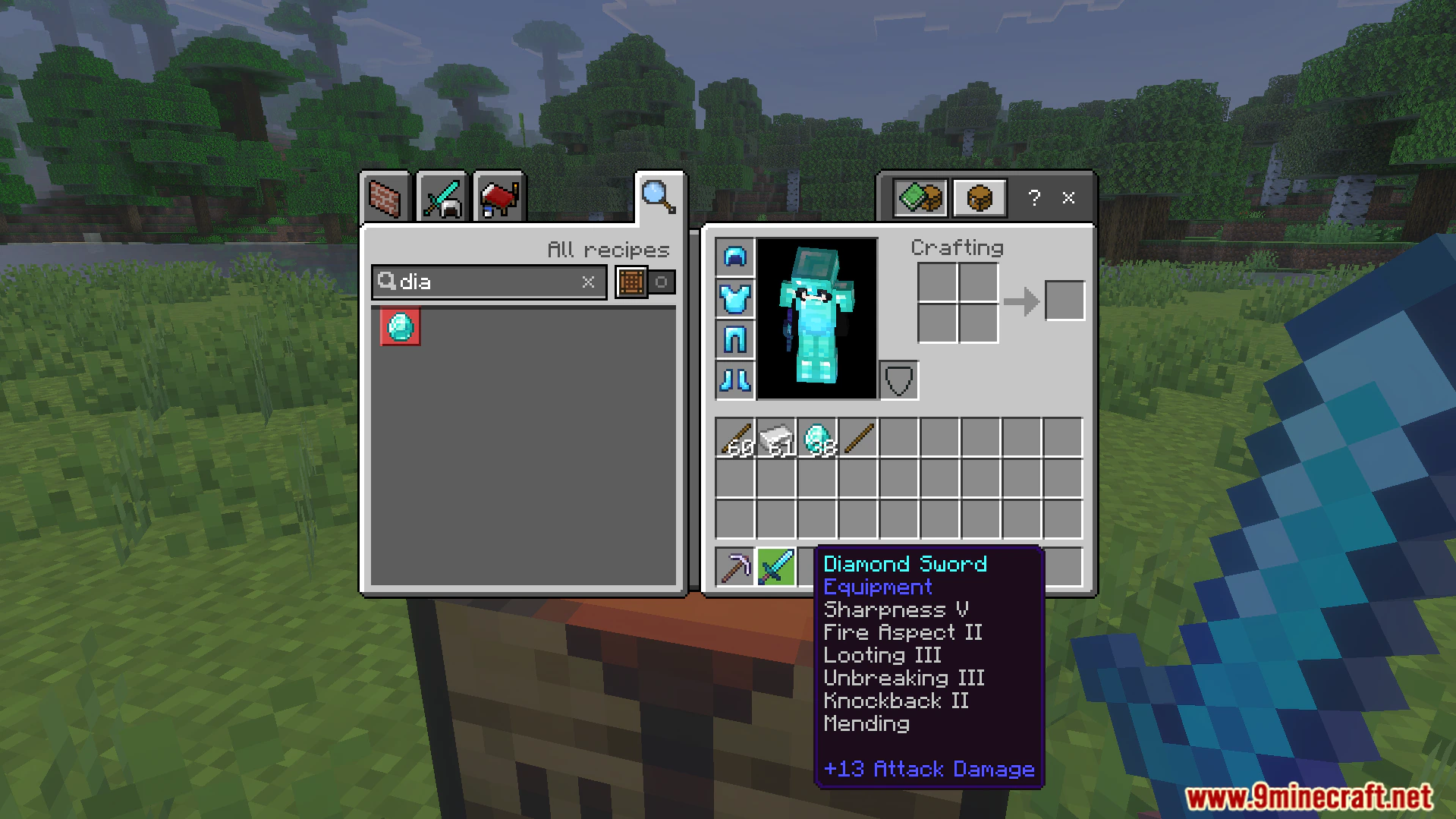
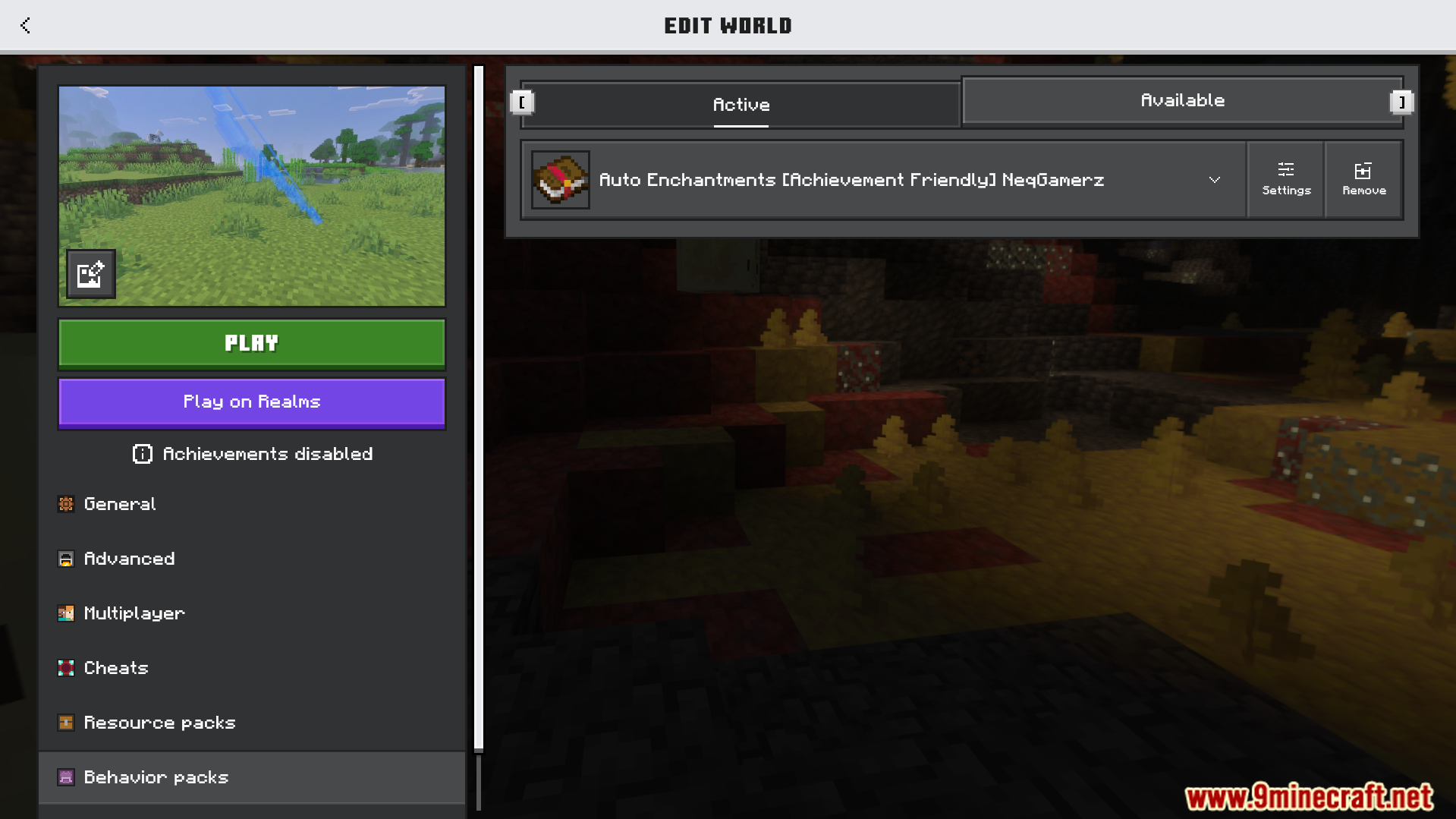
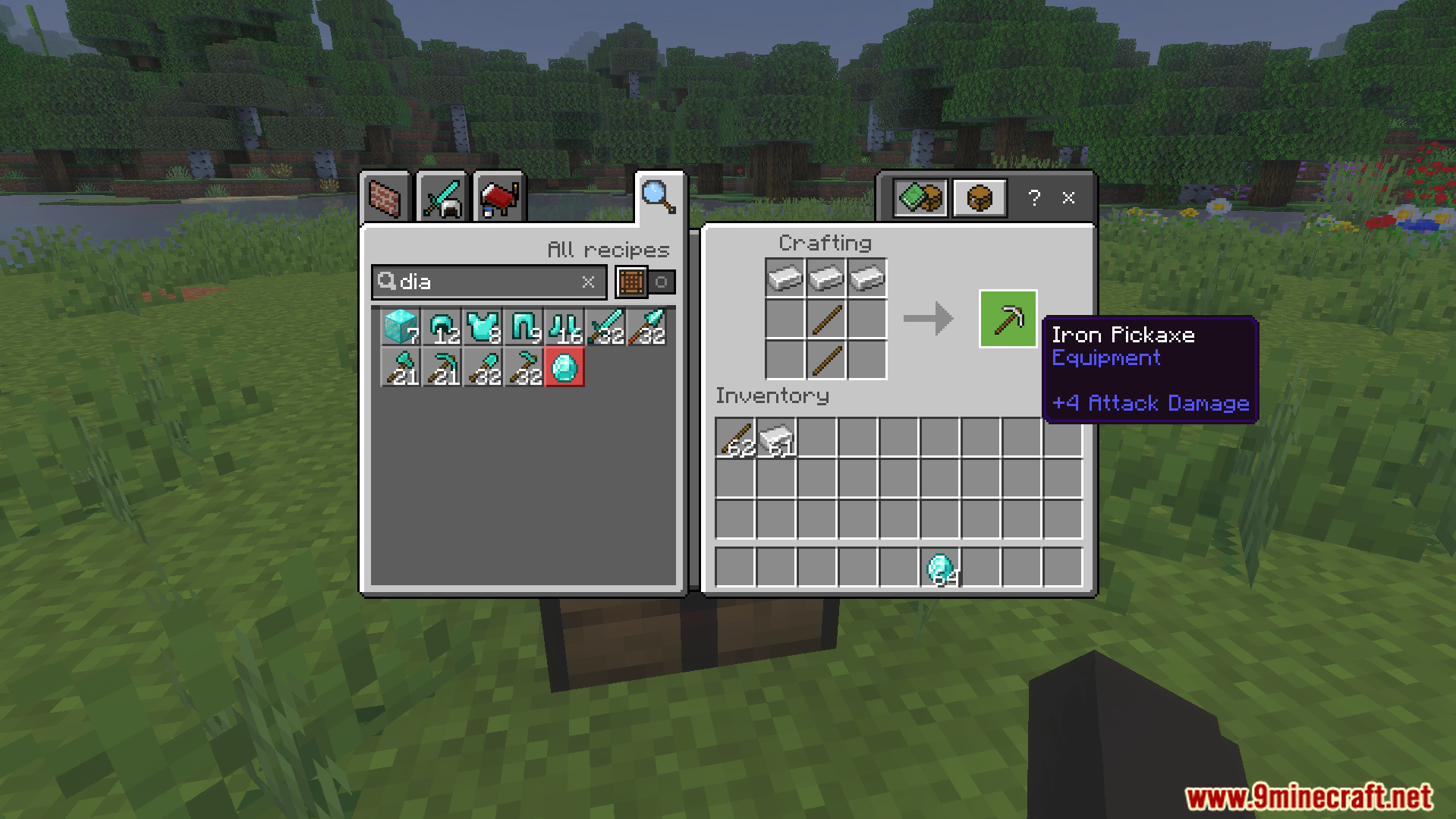
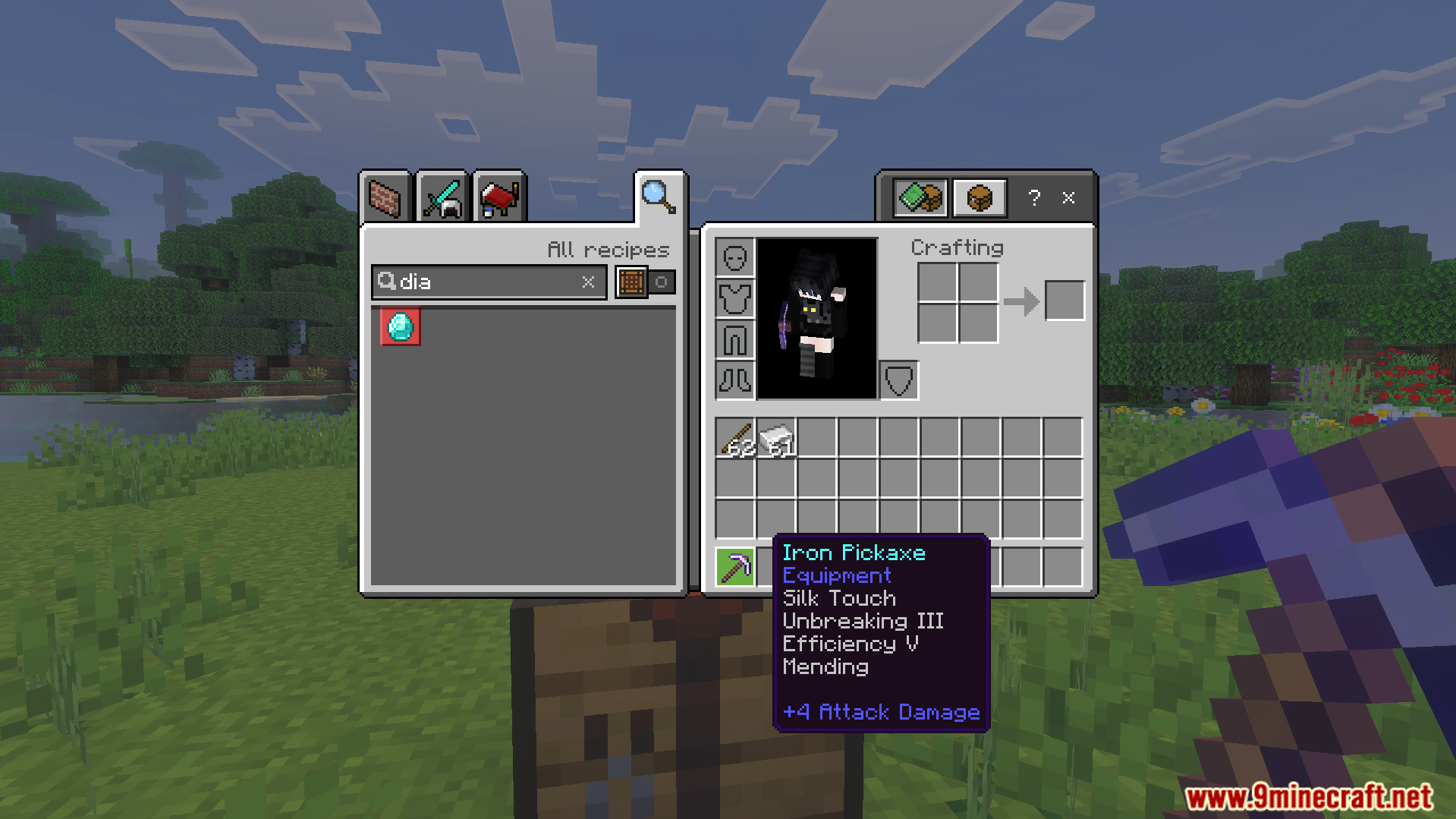
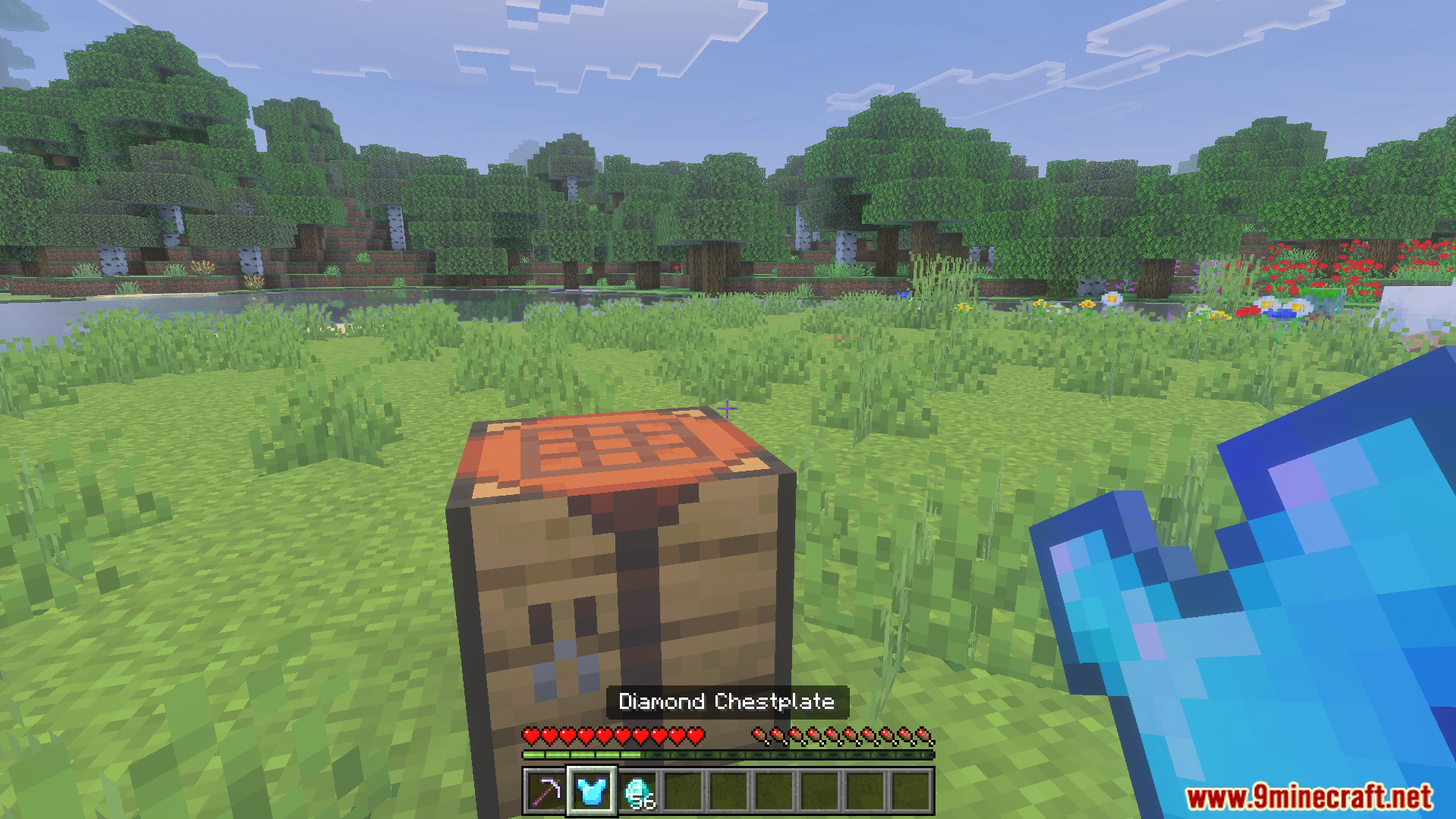
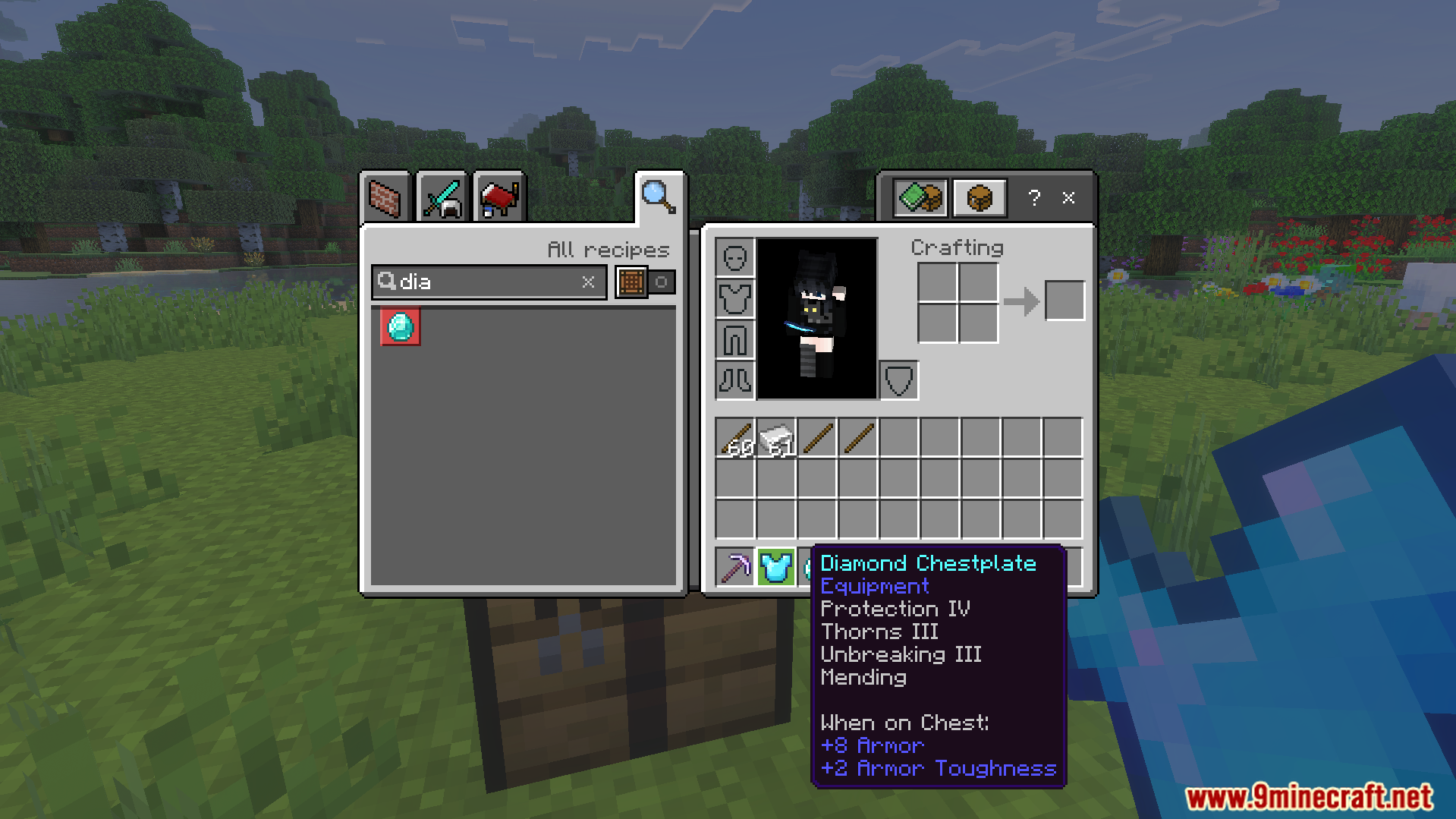
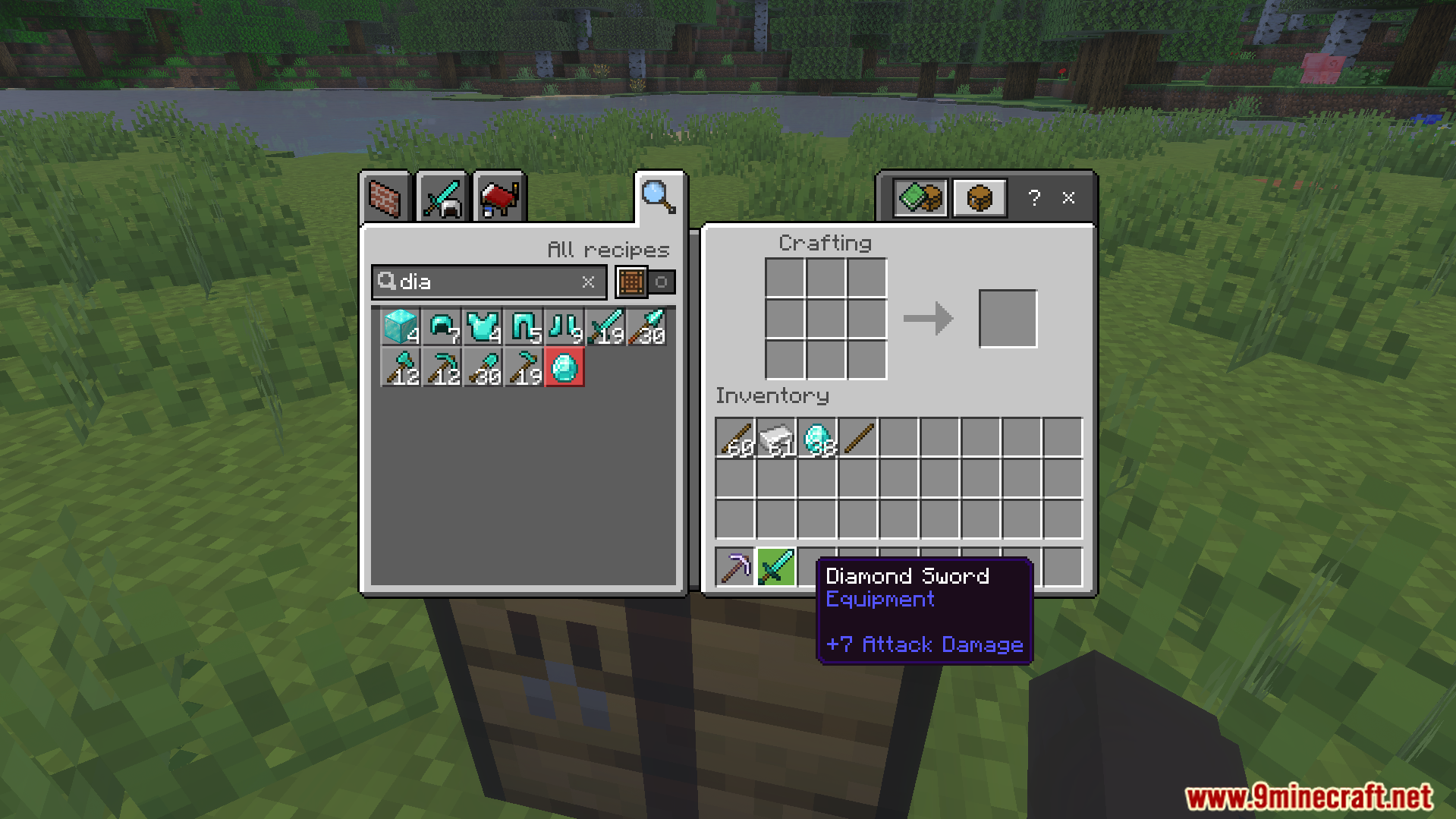
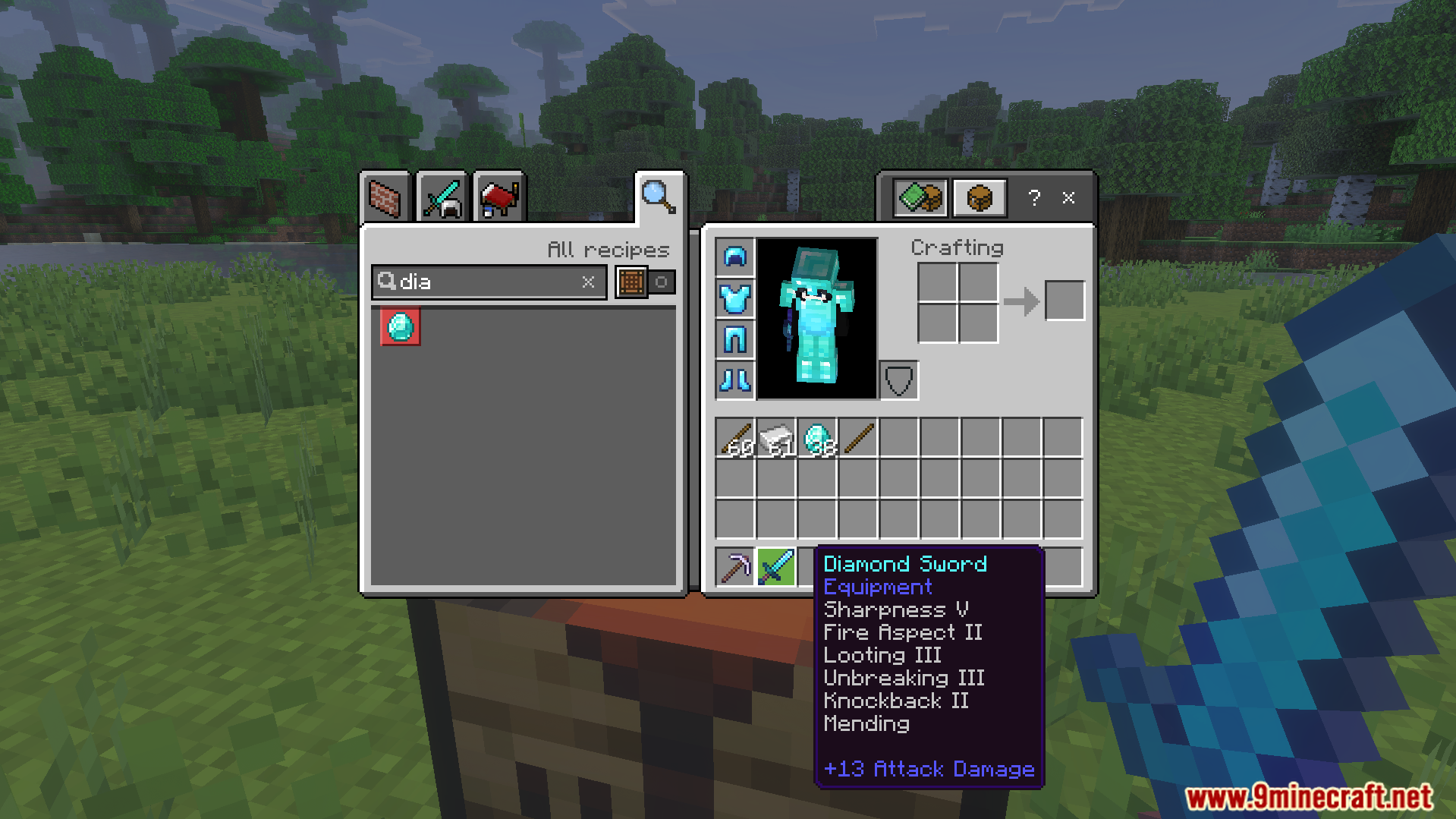
Minecraft world settings menu showing the Auto Enchantments behavior pack enabledCrafting an iron pickaxe while having many enchanted diamond items in inventoryInventory UI showing an iron pickaxe with enchantments from Auto Enchant AddonPlayer holding an enchanted tool while standing near a crafting table outdoorsMinecraft player holding a diamond chestplate in front of a crafting tableOpen inventory showing a diamond chestplate with various enchantments from Auto Enchant AddonThe Auto Enchant Addon interface showing a diamond sword before applying any enchantmentsInventory screen displaying a diamond sword with multiple high level enchantments already applied
Auto Enchant Addon Download Links
Quick facts
Edition: Minecraft Bedrock
File type: .mcpack or .mcaddon
Minecraft version listed: 1.21
How to install: Download the .mcpack or .mcaddon file. → Open it — Minecraft imports it. → In your world: Behavior Packs → Available → Activate, then the same under Resource Packs.
Where to get it: In MCModsHub, or directly above on this page.