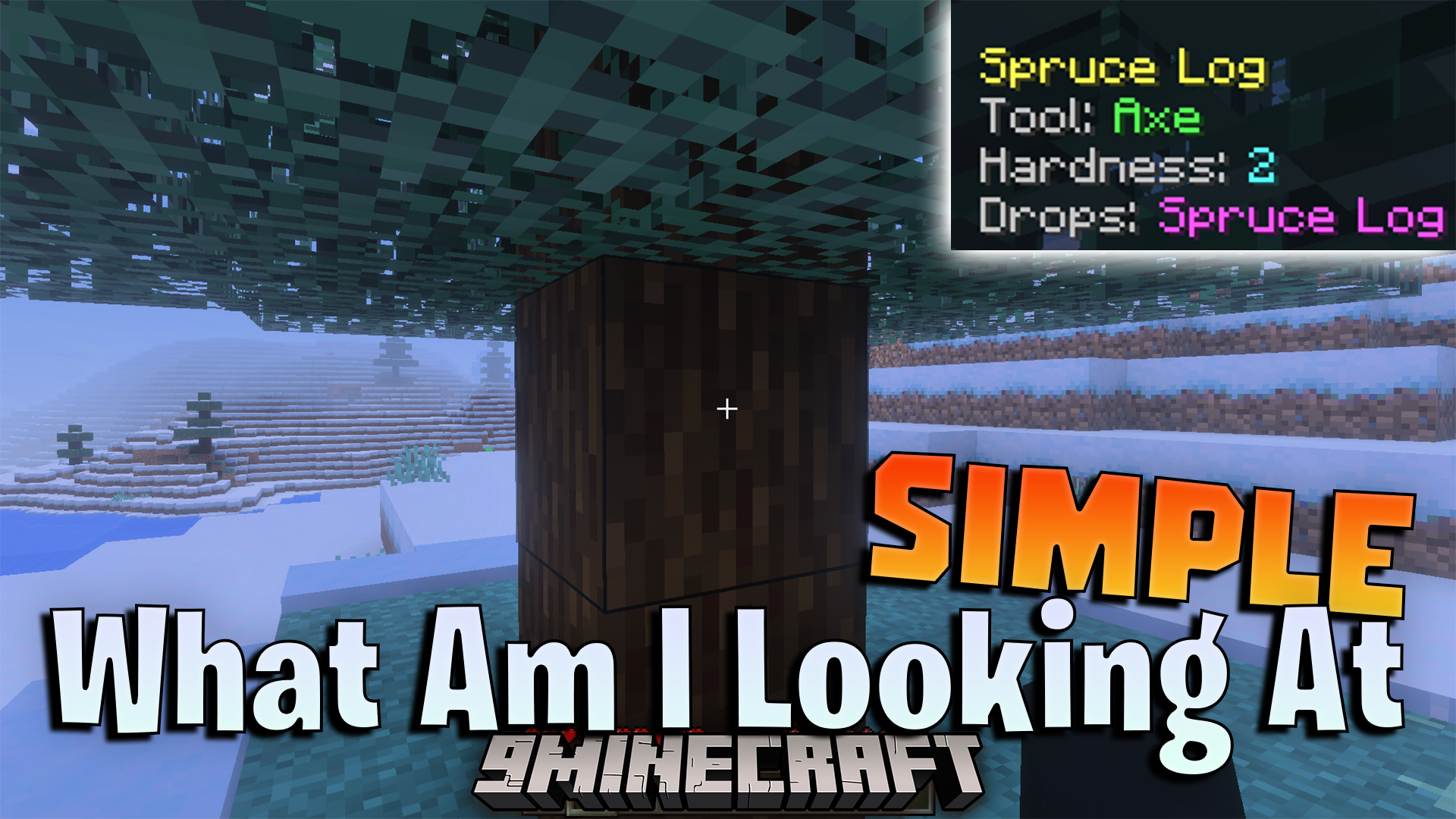
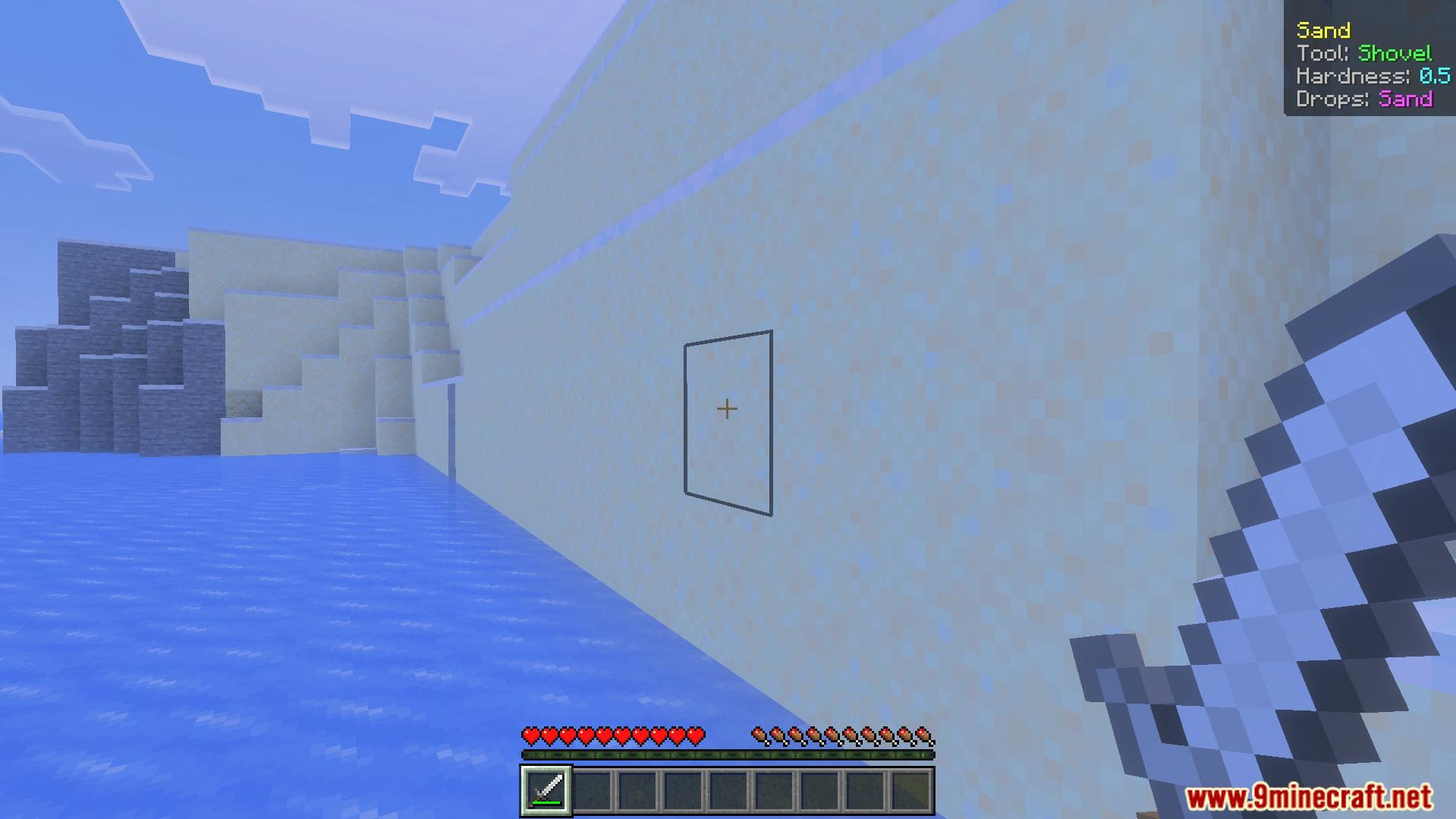
Simple What Am I Looking At Addon adds a clean screen display to show details about the blocks and creatures you see. It lets you view important game facts without filling up your screen. This tool allows players to quickly check if an animal is ready to be tamed.
Features:
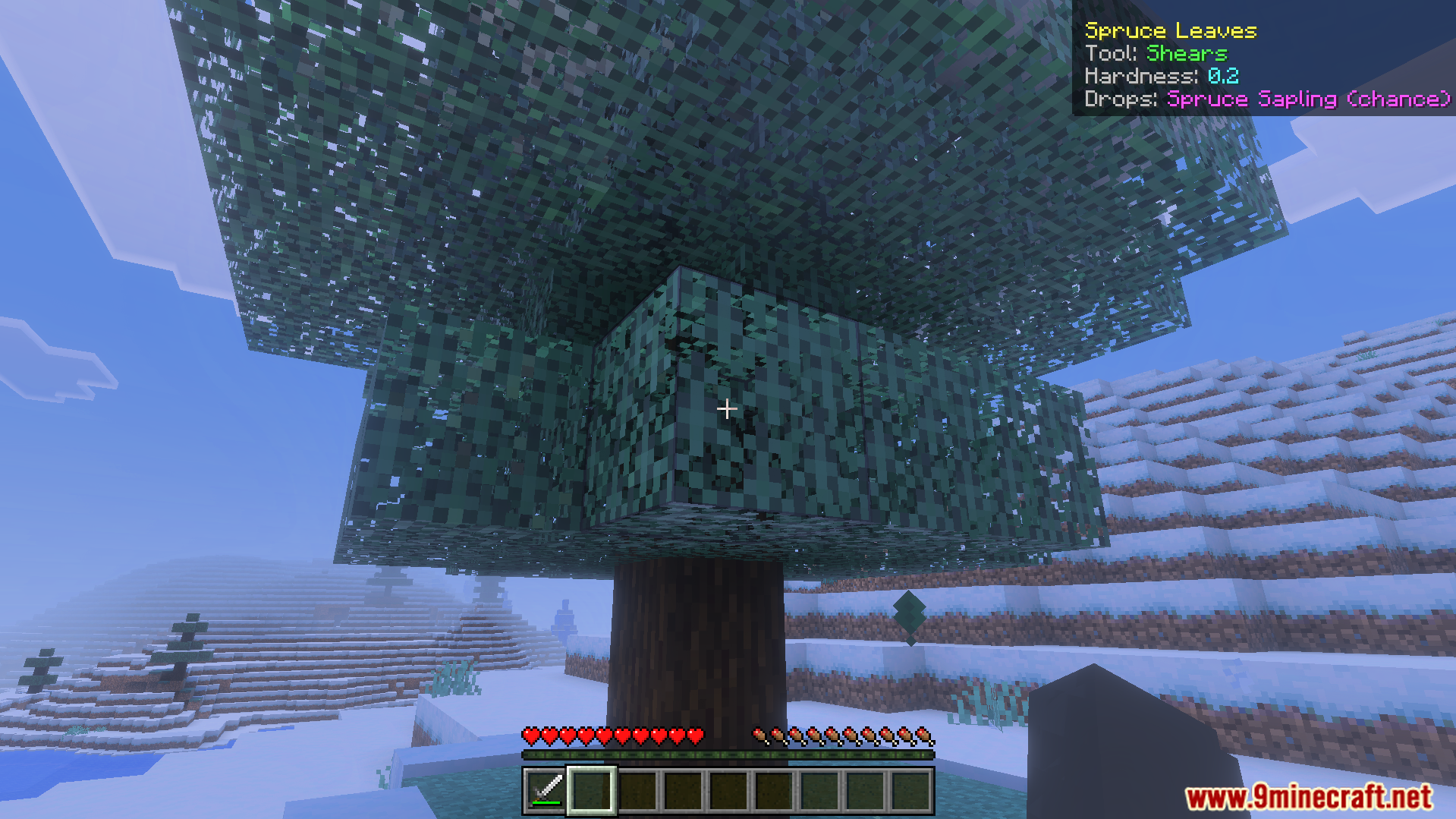
Shows details for blocks you look at.
Displays simple item information on your screen.
Tells you if a mob is tameable.
Keeps your game screen clean and clear.
Works fast as a small and light tool.
Screenshots:
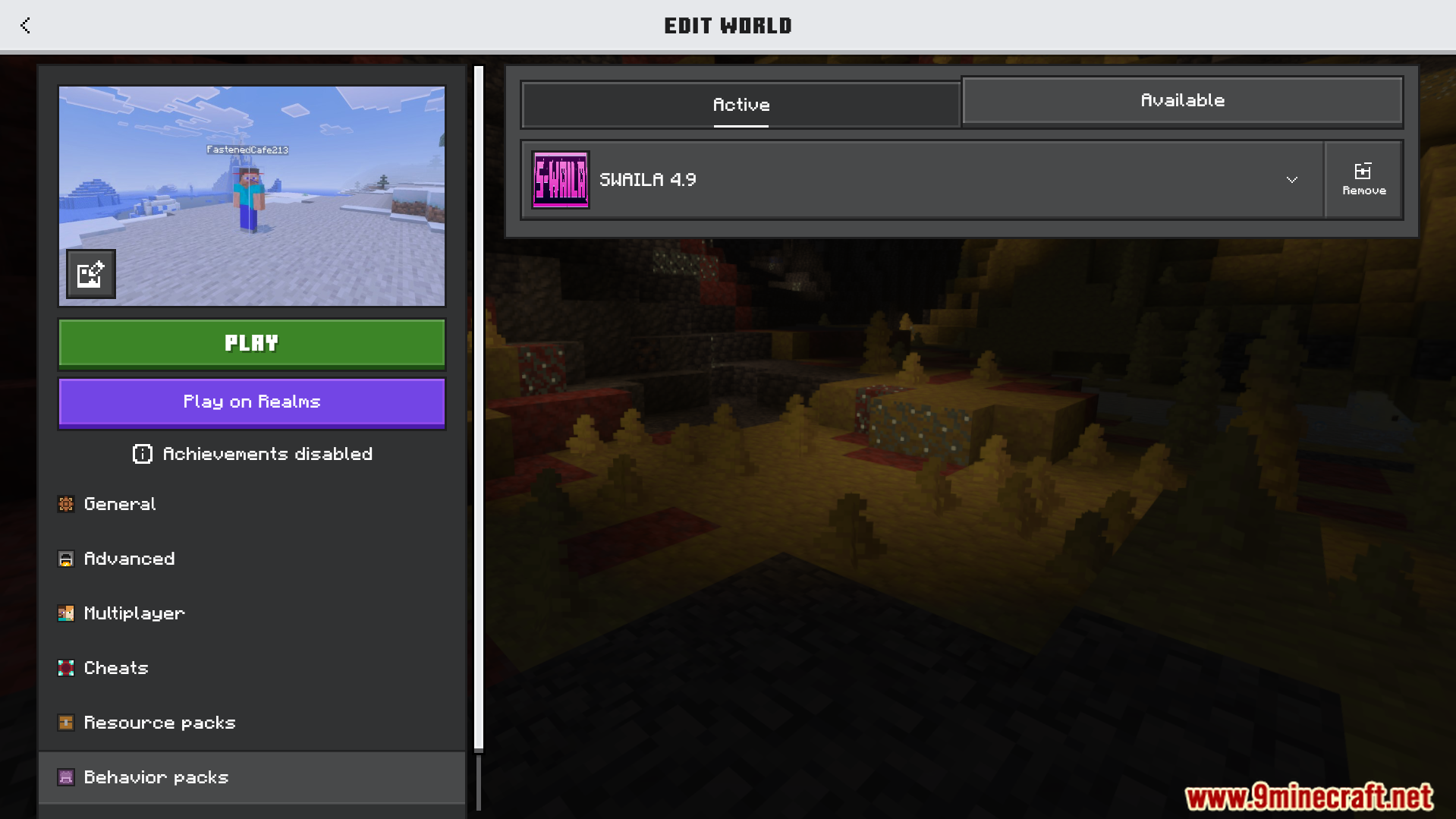
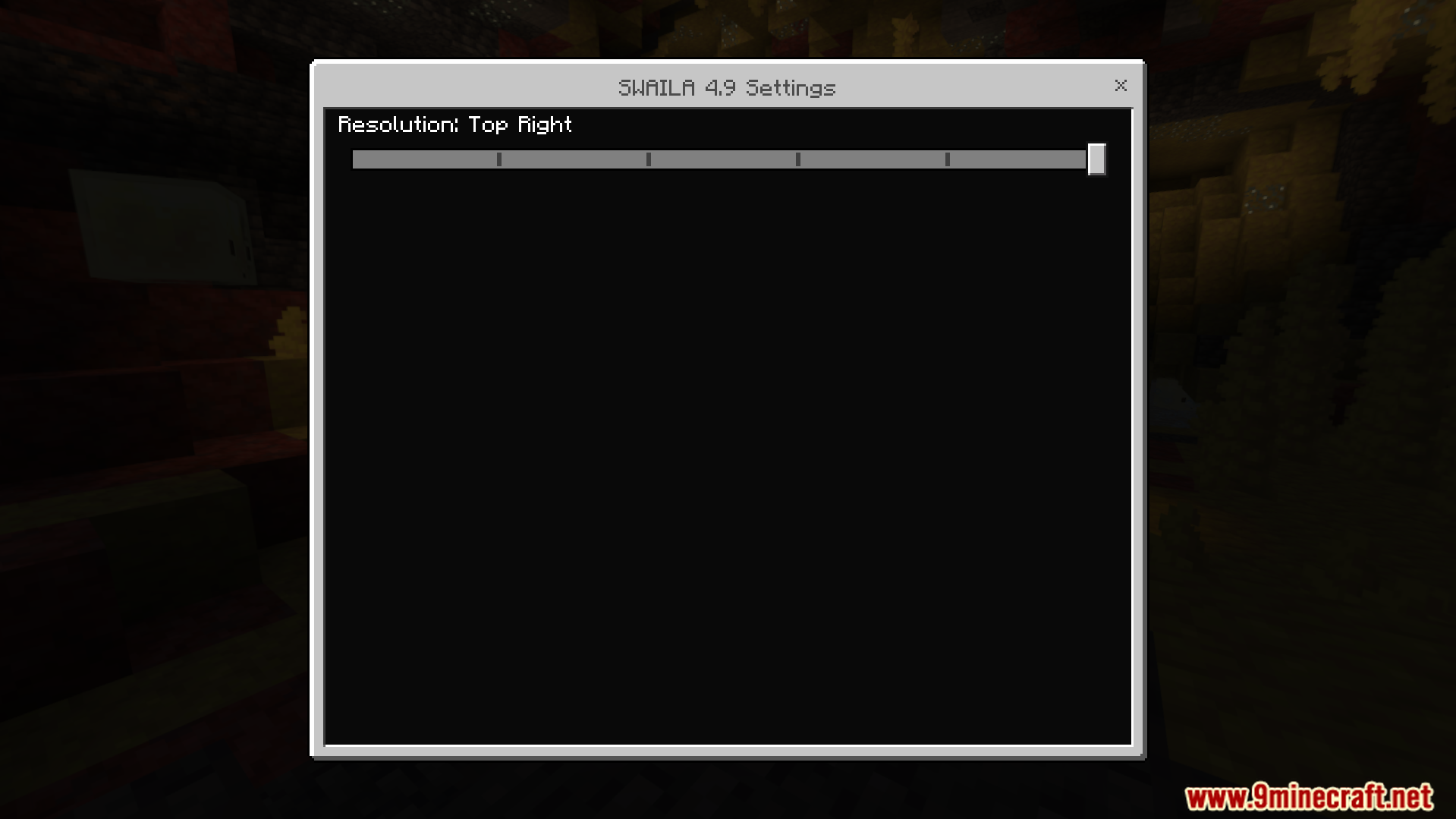
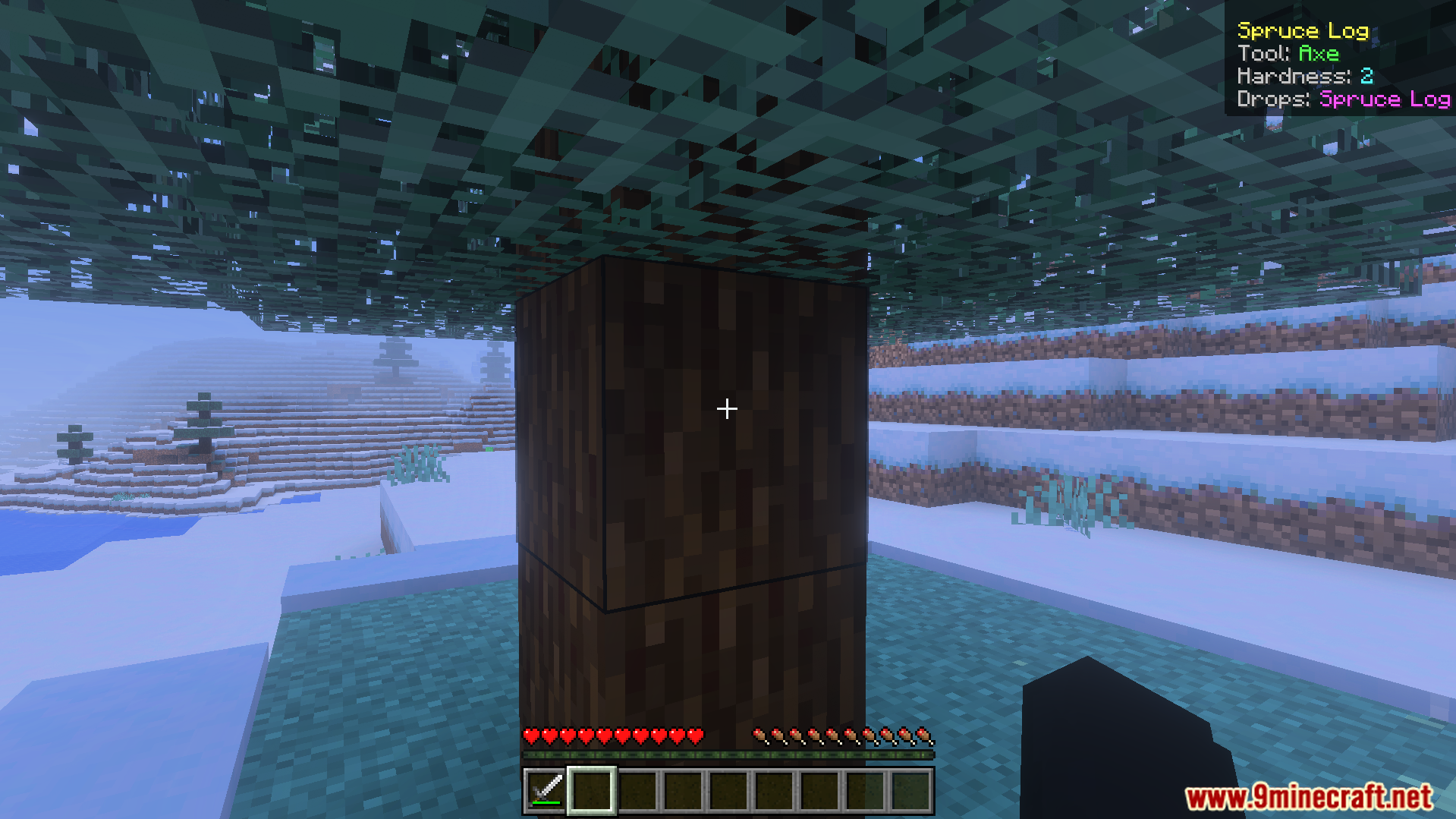
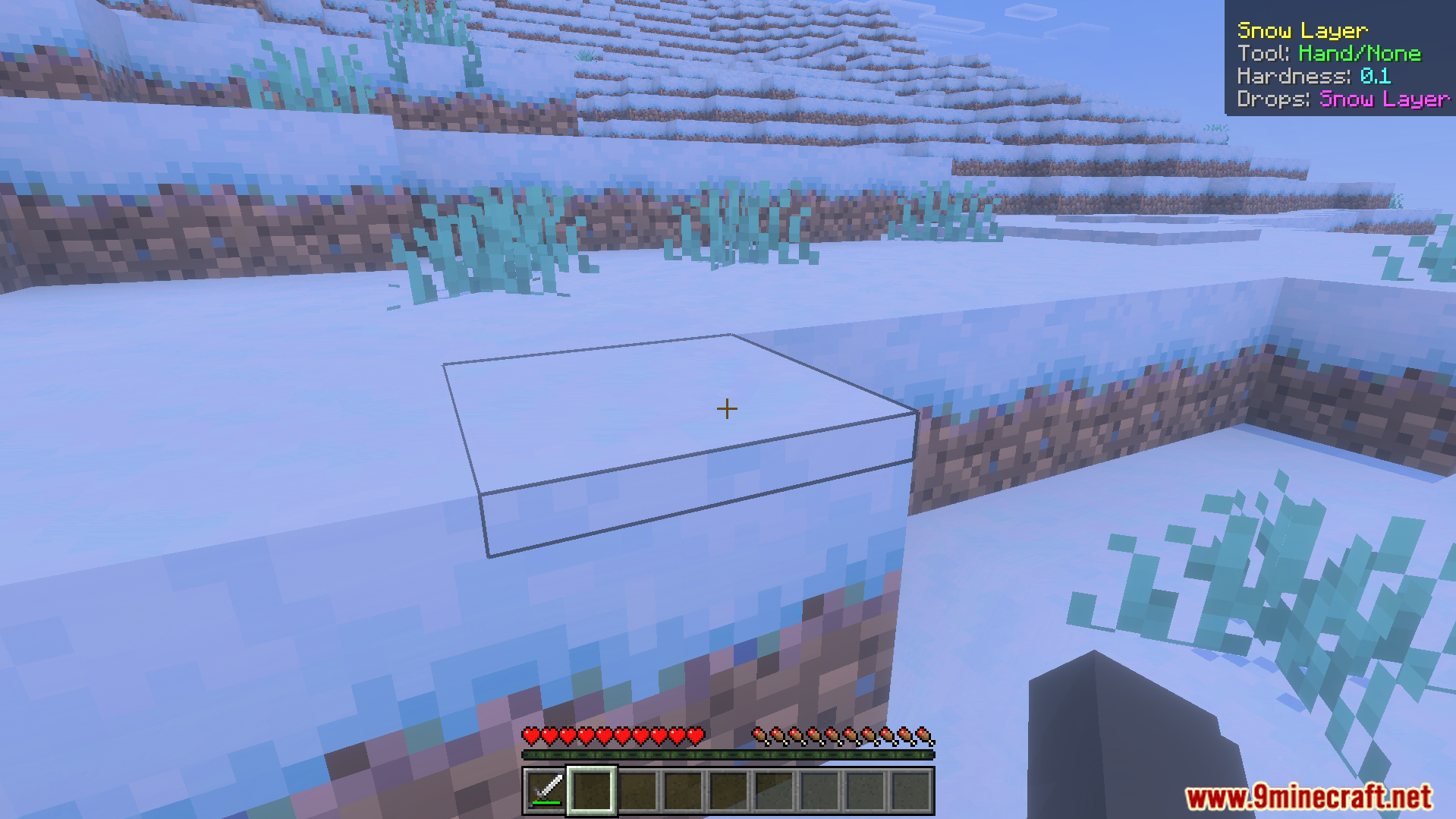
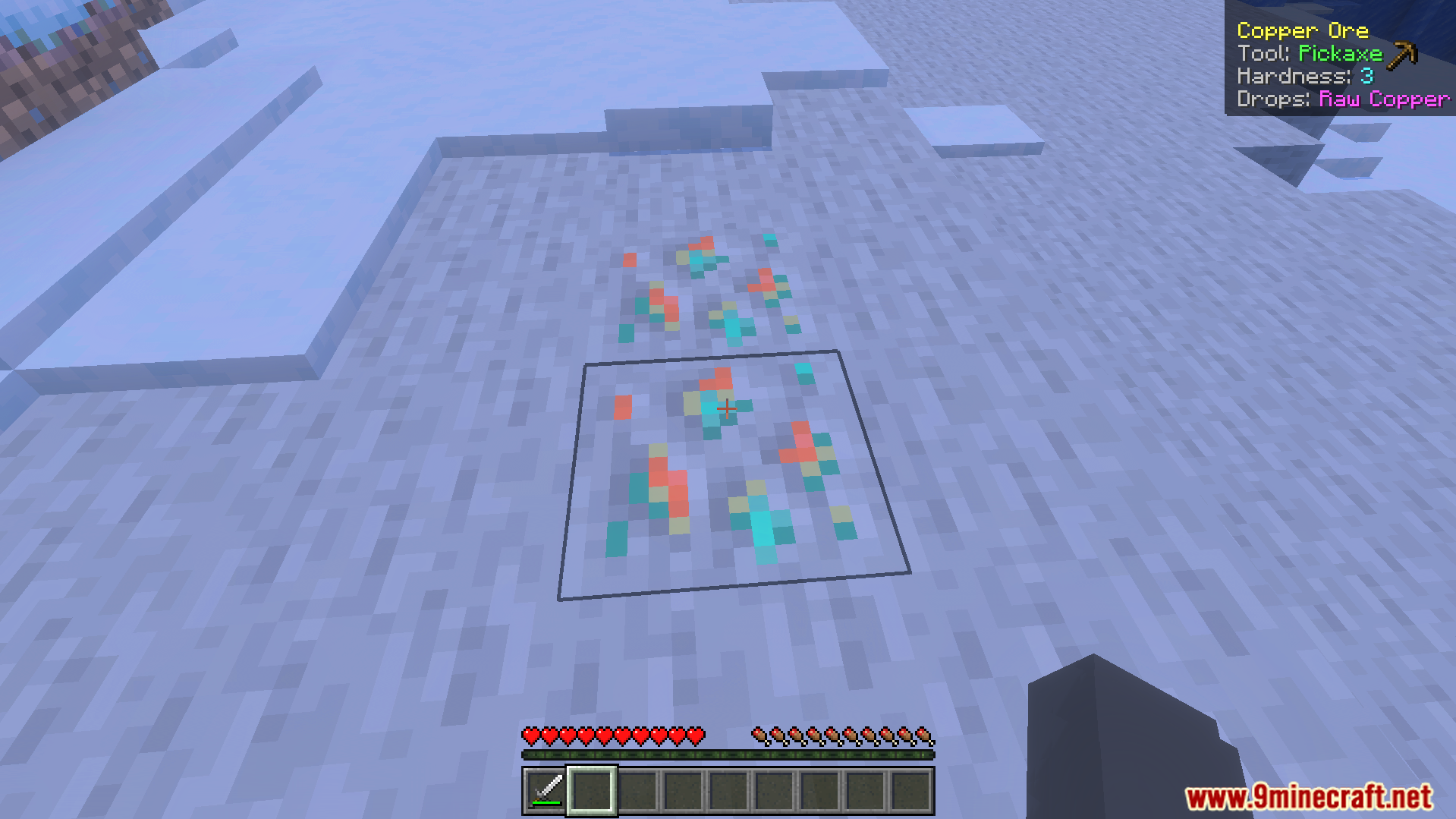
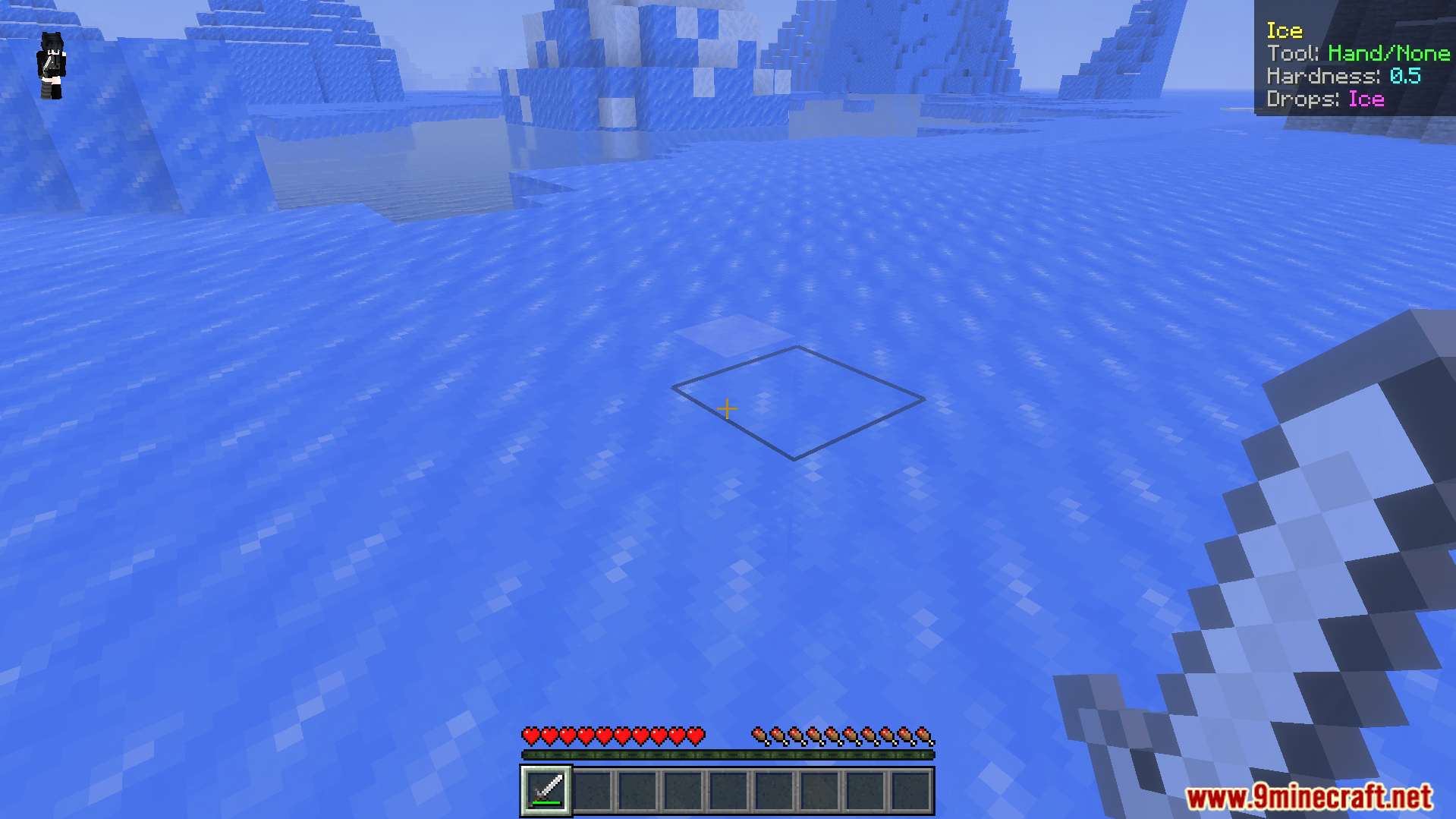
Minecraft world edit menu showing the SWAILA behavior pack is currently activeThe addon settings window with a slider to change the display resolutionSimple What Am I Looking At Addon showing block details for spruce leavesAddon interface displaying hardness and tool information for a spruce logSimple What Am I Looking At Addon displaying information for a snow layerAddon interface showing tool requirements and hardness for a copper ore blockSimple What Am I Looking At Addon showing ice block details on screenScreen display showing sand block hardness and required tool for mining in Minecraft
Simple What Am I Looking At Addon Download Links
Verified by MCModsHub
Pack type: .mcaddon — behaviour and resource pack in one file
Manifest requires Minecraft 1.21.80 or newer
Complete pack — everything it depends on is inside the file
Download link checked 22 Jul 2026 — working
Mirrored on our own servers — the download does not depend on the original host
These come from our own check of the pack file, not from the source page.