
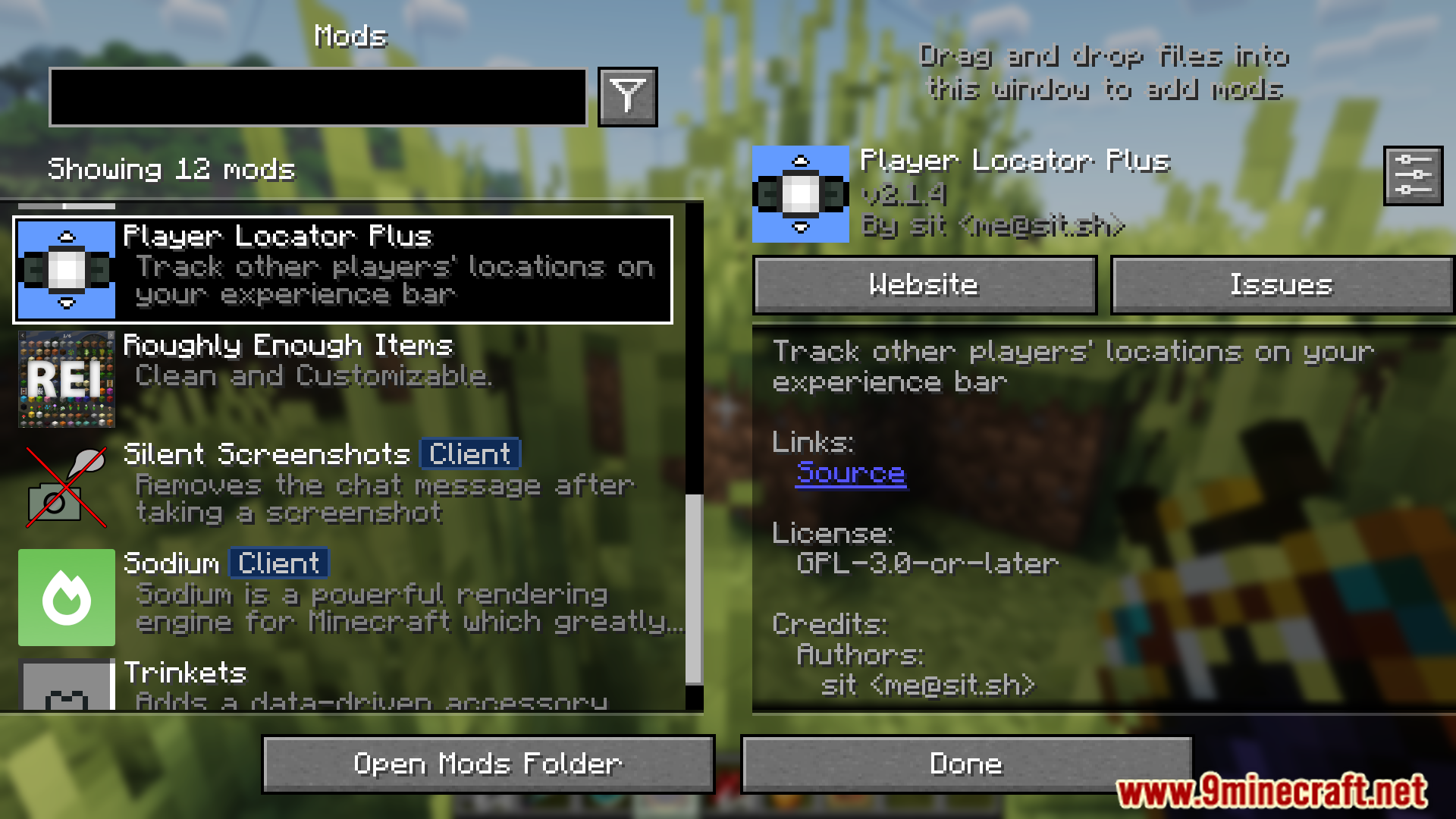
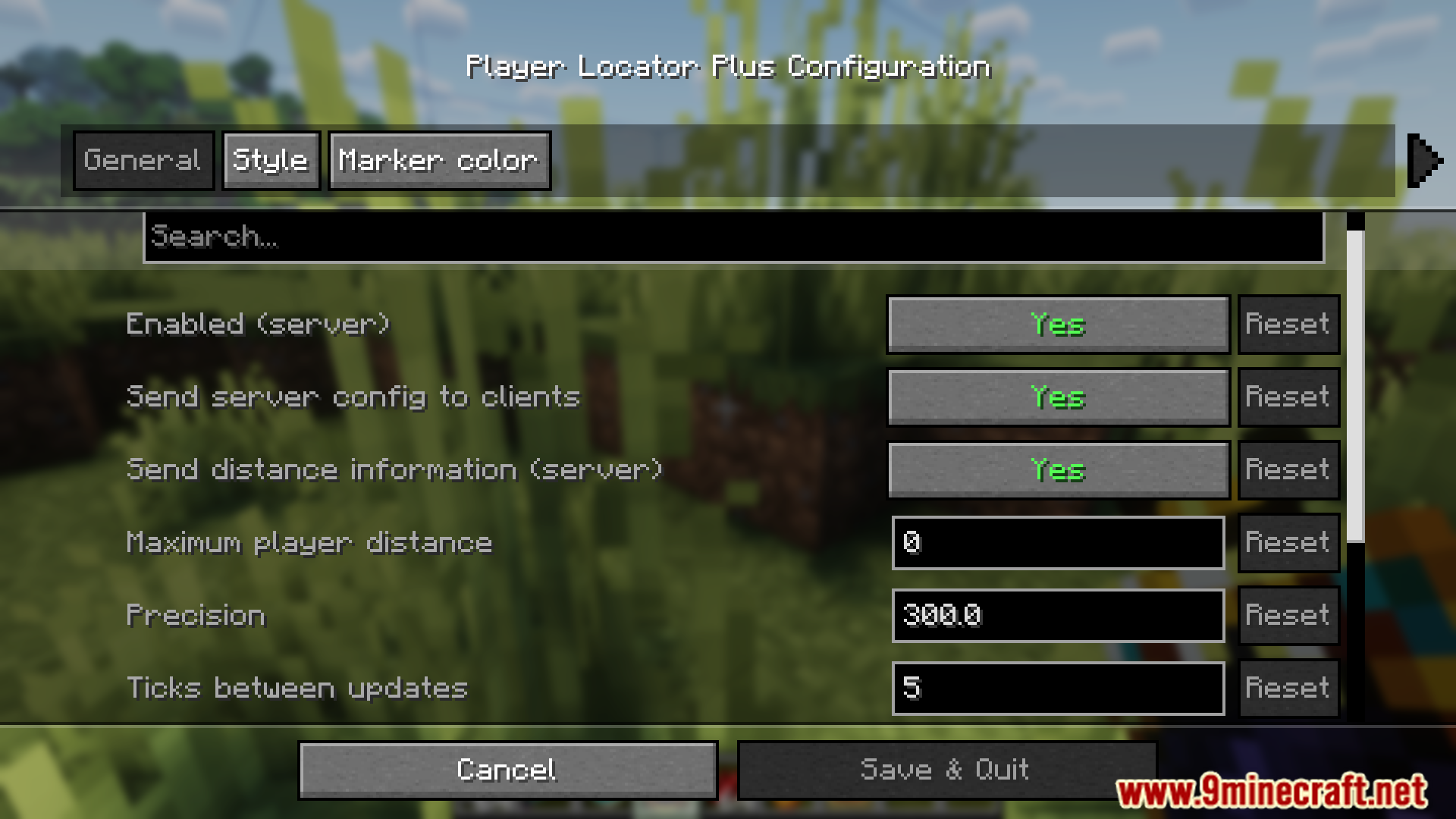
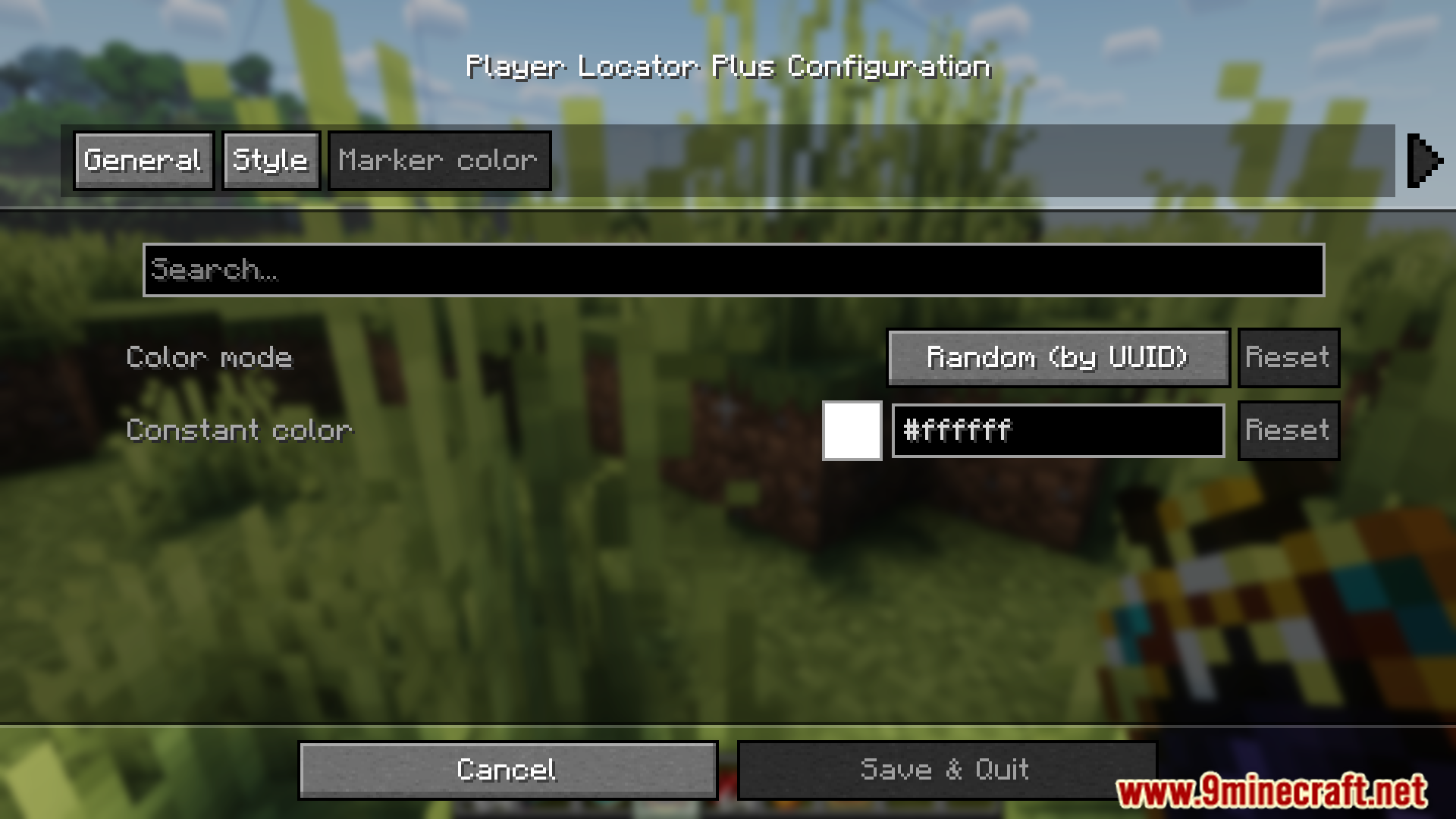

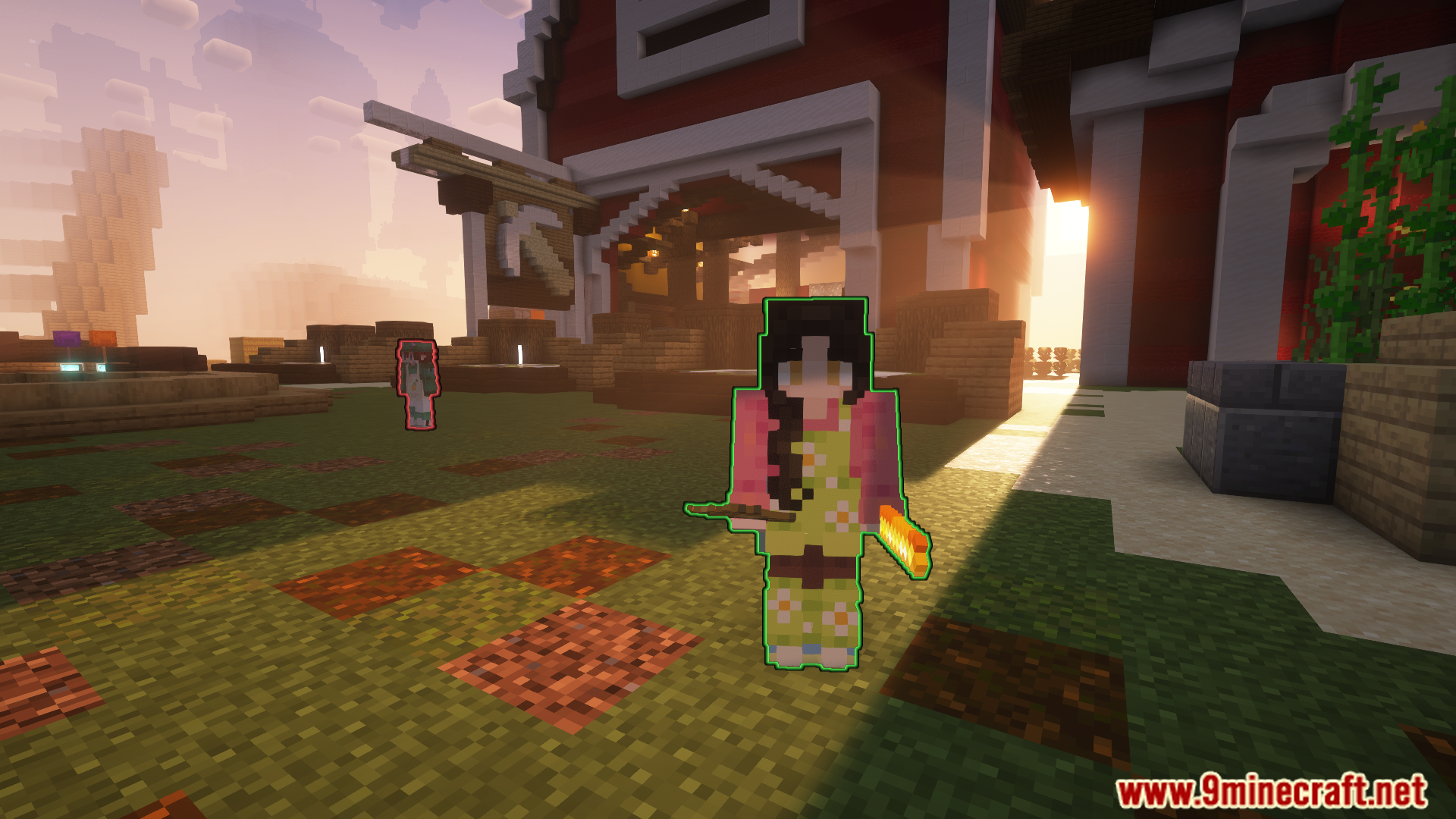
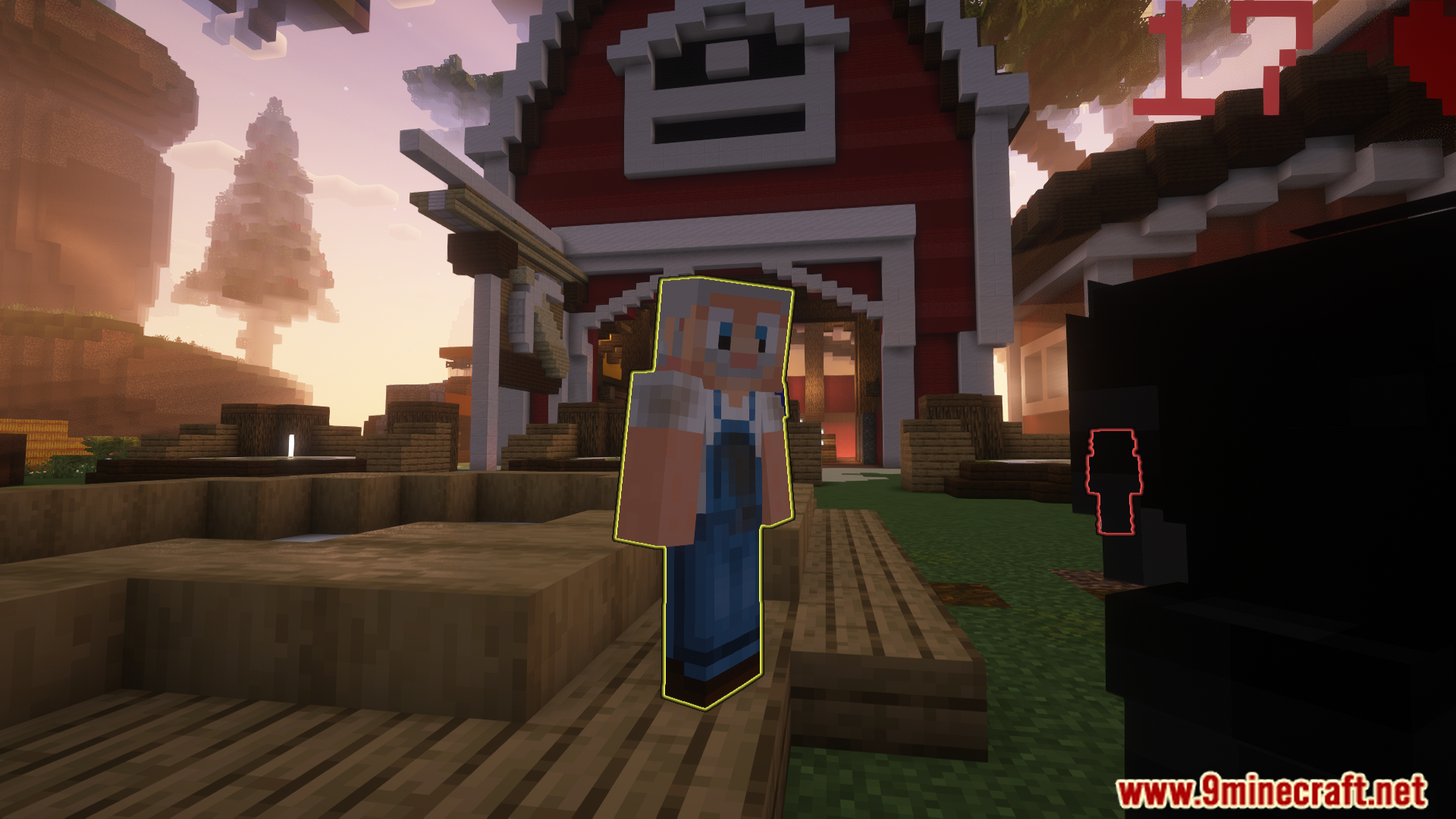
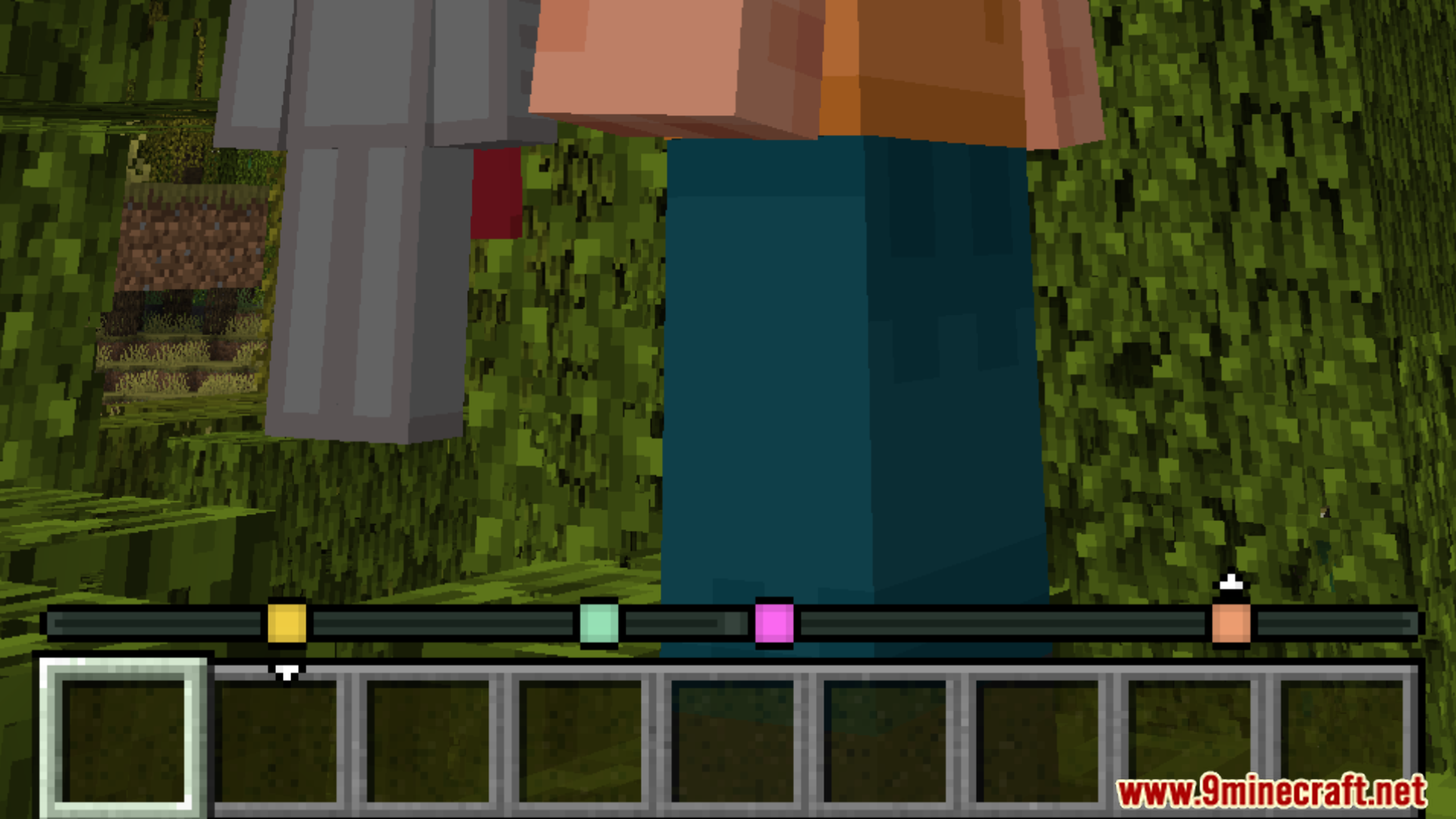
Player Locator Plus Mod shows you where other players are by adding markers to your experience bar. It works like a compass, guiding you to your friends. Each player gets a unique color, so you can easily tell who is who. When a player gets very far away, their marker on the bar will start to fade.
Features:
- See the locations of other players directly on your experience bar.
- Each player’s marker has a random color by default, making them easy to identify.
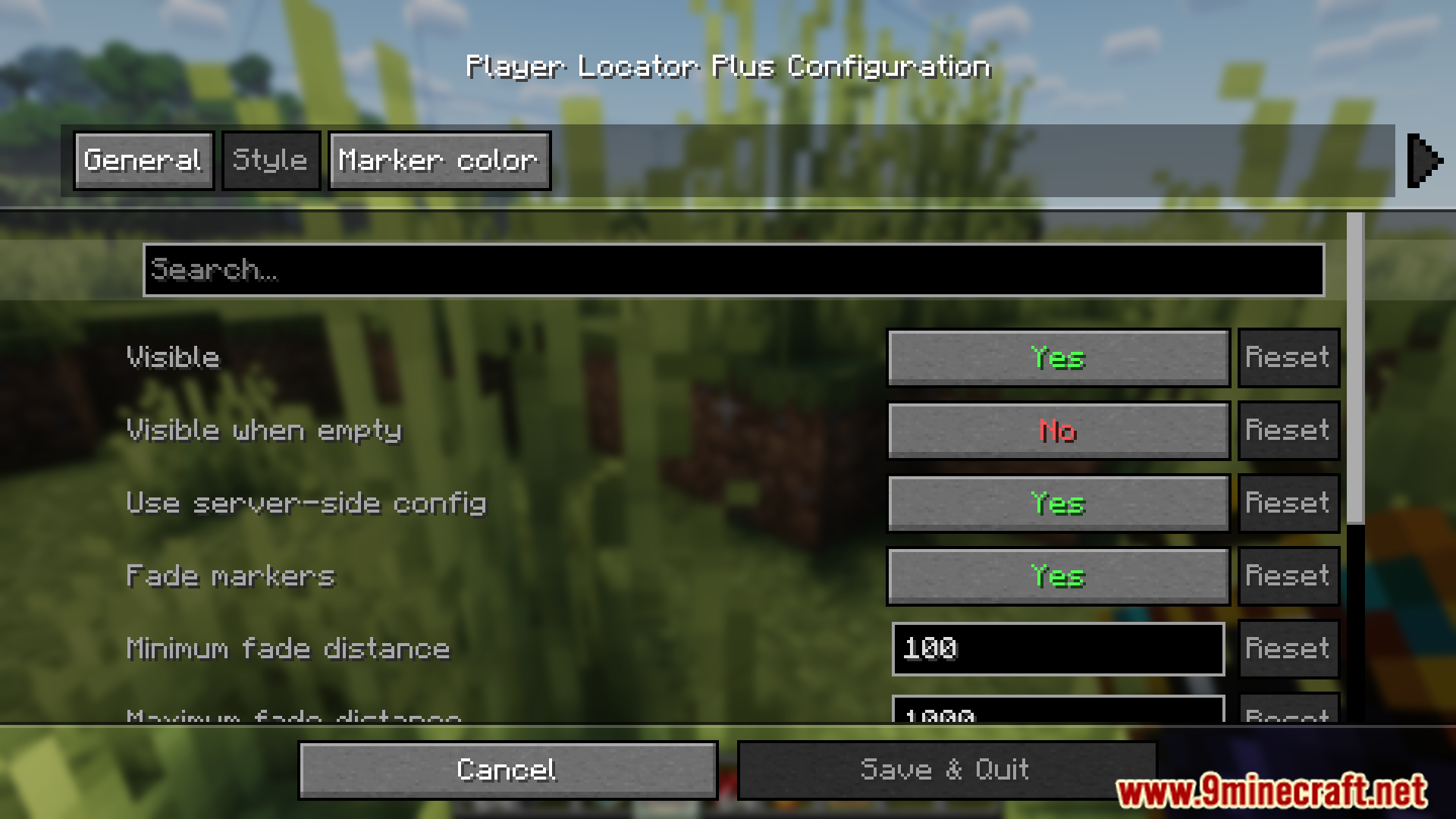
- Markers for distant players fade out, showing how far away they are.
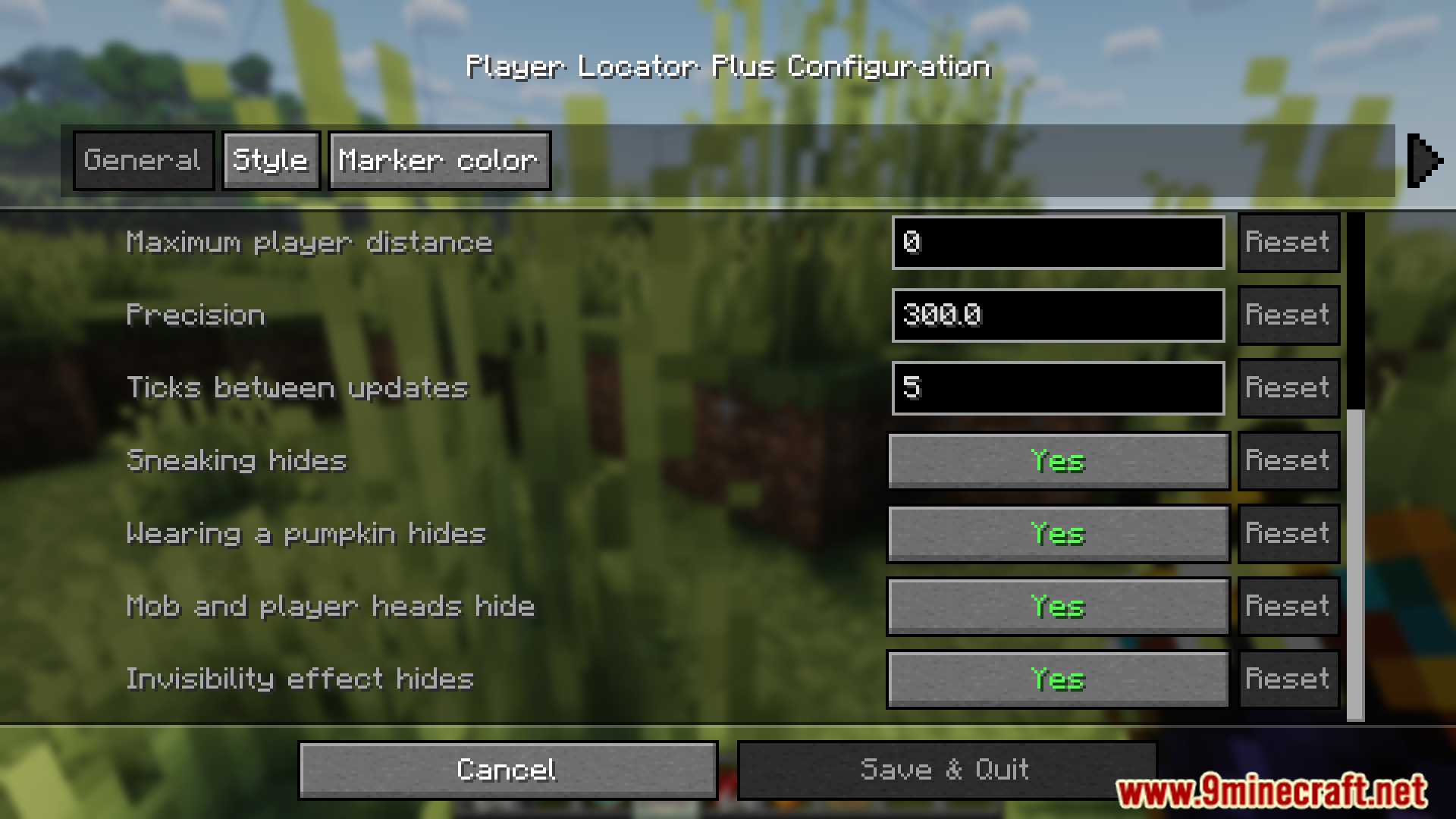
- Hide yourself from the locator by crouching, wearing a carved pumpkin, or using an invisibility potion.
- Wearing certain mob or player heads can also hide you from being tracked.
- See small arrows above or below a marker to know if a player is higher or lower than you.
- Press the Tab key to see player heads and names on the locator bar for more detail.
Commands:
If the server is set to custom color mode, you can use the following command to choose your own marker color:
/plp color
Screenshots:

Player Locator Plus Mod Download Links
Quick facts
- Edition: Minecraft Java
- File type: .jar
- Minecraft version listed: 1.20.1
- How to install: Install the matching mod loader (Forge, Fabric or NeoForge) for your Minecraft version. → Download the .jar. → Put it in the .minecraft/mods folder and launch that loader profile.
- Where to get it: In MC Java Mods, or directly above on this page.
Install steps are the general flow for this file type — How to install Minecraft Java mods & modpacks walks through it step by step.
Verified by MCModsHub
- Downloads as 90580.mcaddon
- Download size: 3.0 MB
- Download link checked 26 Sept 2026 — working
- Mirrored on our own servers — the download does not depend on the original host
These come from our own check of the pack file, not from the source page.